
Set any of your computer's power options to automatically trigger when specific requirements are met using this lightweight but powerful application. #Shutdown timer #Shutdown tool #Lock Workstation #Shutdown #Restart #LogOff


Software that can schedule automatic shutdown sequences for the computer system are much needed by those who leave their home without turning off their computer because the antivirus couldn't finish scanning in time, or other similar situations.
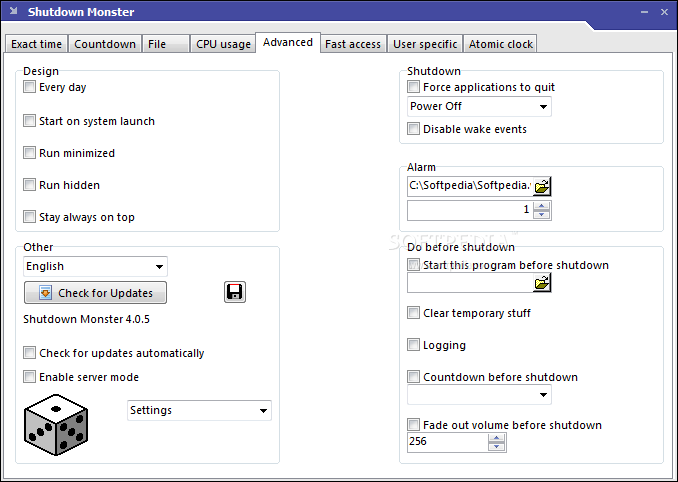
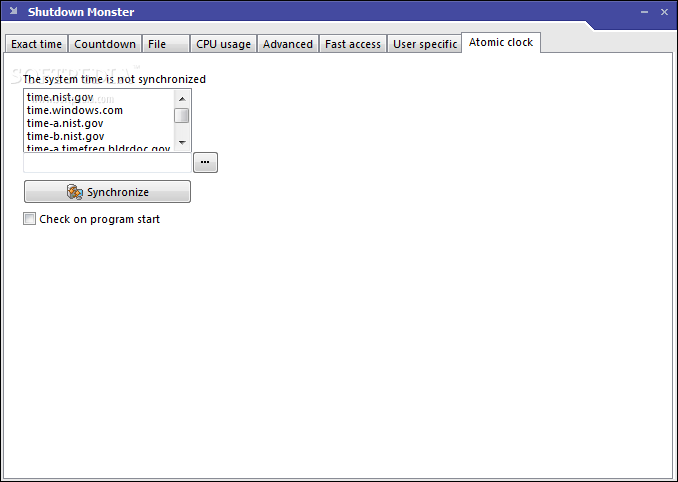
Shutdown Monster is a small utility that can be of service when you find yourself in such cases. The installation process is a breeze and needs your assistance as far as a few ‘Next’ buttons go. The interface is ultra-simple and holds a few tabs that offer access to all of the program’s features.
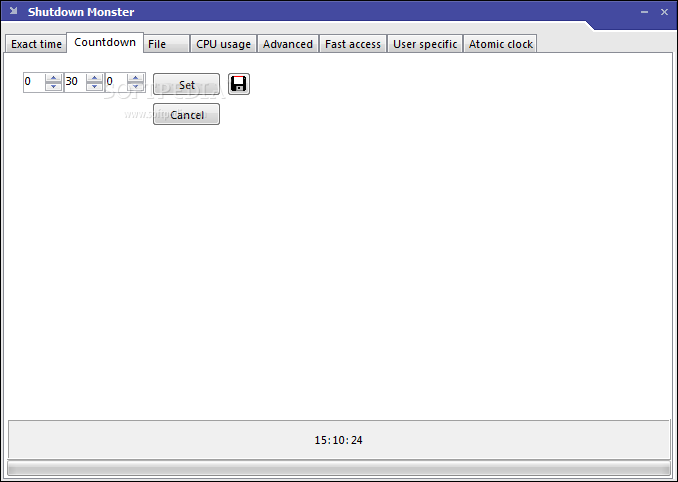
The first tab displays a calendar, allowing you to choose the exact date and time when you want the computer to shut down. The countdown sequence is available in the second tab and shows the remaining time in hours, minutes, and seconds (the current time is displayed below).
You also have the option of an automatic shutdown that will initiate after a certain file disappears (for example, when Windows takes a long time to delete a large file). Shutdown Monster can be set to check the status every given number of minutes.
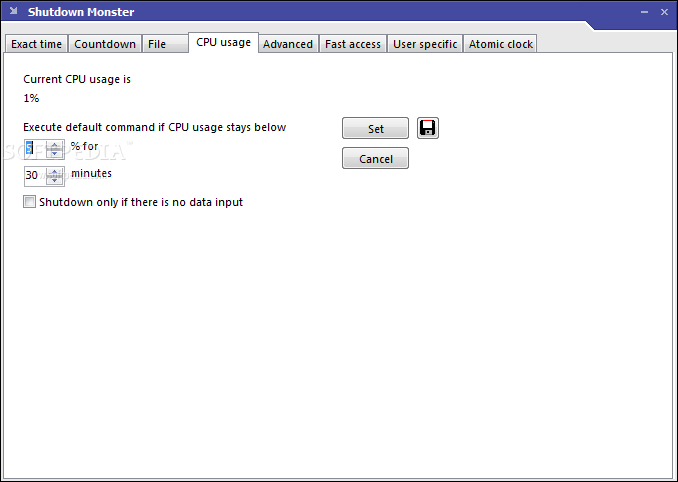
Auto shutdown can be triggered if the CPU usage stays below a certain percentage for a predefined number of minutes (or shutdown only if there is no data input).
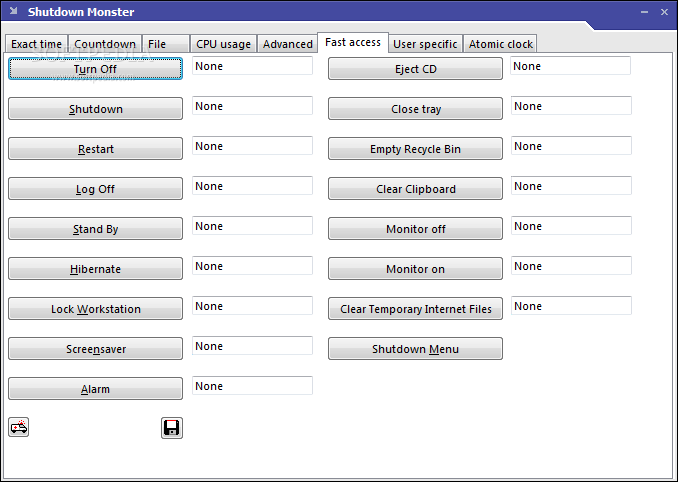
In the Fast Access tab, you can assign specific actions to hotkeys (e.g. turn off, shutdown, restart, launch screensaver, eject CD, empty Recycle Bin, monitor off/on, etc).
Shutdown Monster is a very efficient shutdown scheduler. Its extensive set of features, combined with simplicity and ease of use make it one of the top choices in its category. It can be used by anyone, regardless of experience and provides help in various situation when you just can't wait for a task to finish in order to close your computer.
Download Hubs
Shutdown Monster is part of these download collections: Reboot Scheduler
Shutdown Monster 4.0.5.2
add to watchlist add to download basket send us an update REPORT- runs on:
- Windows All
- file size:
- 1.1 MB
- filename:
- shutx_4052.exe

- main category:
- System
- developer:
- visit homepage
4k Video Downloader

7-Zip

Microsoft Teams

Zoom Client

Bitdefender Antivirus Free

Windows Sandbox Launcher

Context Menu Manager

IrfanView

ShareX

calibre

- IrfanView
- ShareX
- calibre
- 4k Video Downloader
- 7-Zip
- Microsoft Teams
- Zoom Client
- Bitdefender Antivirus Free
- Windows Sandbox Launcher
- Context Menu Manager