
A great application launcher. #Launch Program #Start Application #Application Launcher #Launch #Launcher #Start

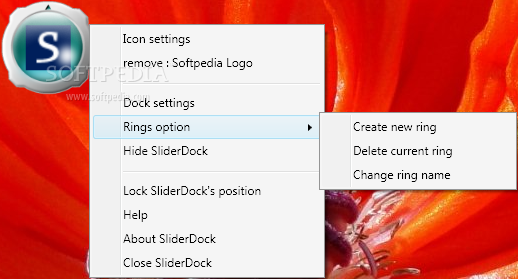
SliderDock is a freeware Windows application launcher that creates fully configurable rings on your desktop to easily launch a program.
Although it may take a while to set up the tool and the apps included in the so-called rings, SliderDock can significantly improve your workflow, letting you choose an executable file on the go.
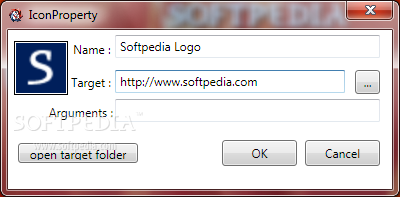
In order to make the configuration process a breeze, drag and drop support is also available, so it’s enough to drag and drop an icon to add it to a ring.
What’s more, the desktop rings can be controlled with the mouse wheel and thus select an app to launch, while also providing multiple effects to enhance the whole process.
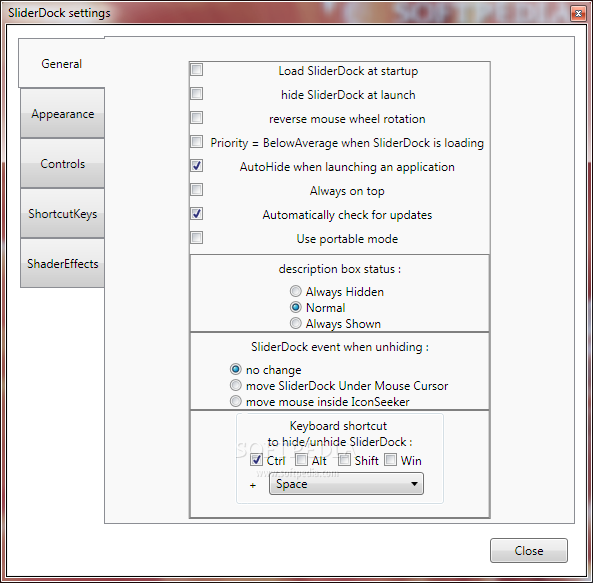
You can create multiple rings and choose the one you wish to access either with a keyboard shortcut or by right-clicking the Tray icon, but more settings are available in the options screen.
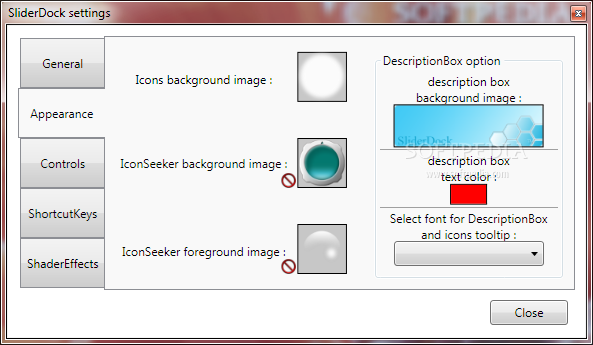
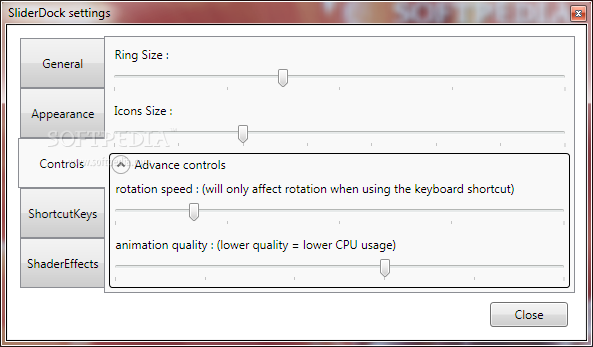
Besides the fact that you can customize the appearance of the app, SliderDock also lets you tweak the ring and icon size, with more advanced controls, such as rotation speed and animation quality, also available.
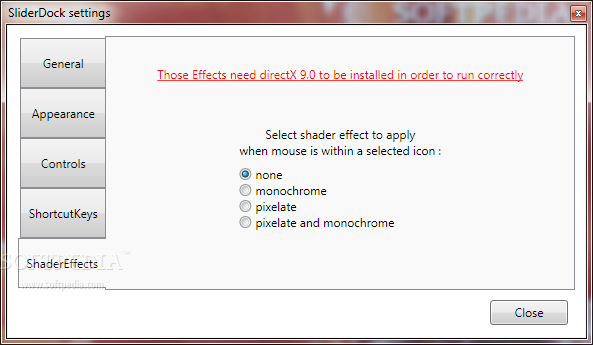
There are several hotkeys are your disposal, including those to rotate the rings or simply jump from one ring to another. Plus, several effects can be selected through a dedicated menu, so make sure you have a look in there too.
SliderDock works fine on all Windows versions, but it could slow down the computer a little bit in case some effects are being used. In fact, the app even warns the user that CPU performance may be affected in sometimes, so in case you notice major slowdowns, check the settings screen for a fix.
SliderDock is an interesting app launcher that deserves a chance, not only because it’s free, but also thanks to the fact that it provides so many customization options. More interface tweaking settings would come in handy though.
What's new in SliderDock 1.22:
- fix drag and drop not accepted on some computers.
- fix mouse wheel activate shortcut when shortcut key is none.
- get startIn path when dropping an exe file
- added icon information display on the description box
SliderDock 1.22
add to watchlist add to download basket send us an update REPORT- runs on:
-
Windows 7 32/64 bit
Windows Vista 32/64 bit
Windows XP - file size:
- 5 MB
- filename:
- sliderdock_setup.exe

- main category:
- System
- developer:
- visit homepage
calibre

Microsoft Teams

ShareX

Context Menu Manager

7-Zip

4k Video Downloader

Zoom Client

Bitdefender Antivirus Free

Windows Sandbox Launcher

IrfanView

- Bitdefender Antivirus Free
- Windows Sandbox Launcher
- IrfanView
- calibre
- Microsoft Teams
- ShareX
- Context Menu Manager
- 7-Zip
- 4k Video Downloader
- Zoom Client