Search Perform an advanced search query SOFTPEDIA
 
SOFTPEDIA
Updated one minute ago
HomeSubmit a program for being reviewedAdvertise on our websiteGet help on surfing our websitesSend us your feedbackGet information about our XML/RSS backend and how to use itBrowse the news archiveVisit our discussion forumVizitati forumul in limba romana


Program Finder NormalFreeware onlyShareware only

Microsoft Virtual PC 2007 SP1 6.0.192.0 / 1.0 Report spyware 

Click to download Microsoft Virtual PC
View more Microsoft Virtual PC screenshots (8)
 Downloads: 84,210
Rating: Very Good (4.0/5) | Rated by: 215 user(s)
Add to download basket     Send us update information
 Developer: Microsoft Corp. | More programs by this producer
 License: Freeware  
 Size / OS: 31.7 MB, Windows XP/2003/Vista/XP X64
 Last Updated: May 16th, 2008, 06:57 GMT
 Category: C: \ System \ OS Enhancements
 Read user reviews (2) Add a review Refer to friend Subscribe
    Download Microsoft Virtual PC

Microsoft Virtual PC description
Allows you to run multiple PC-based operating systems simultaneously on one workstation

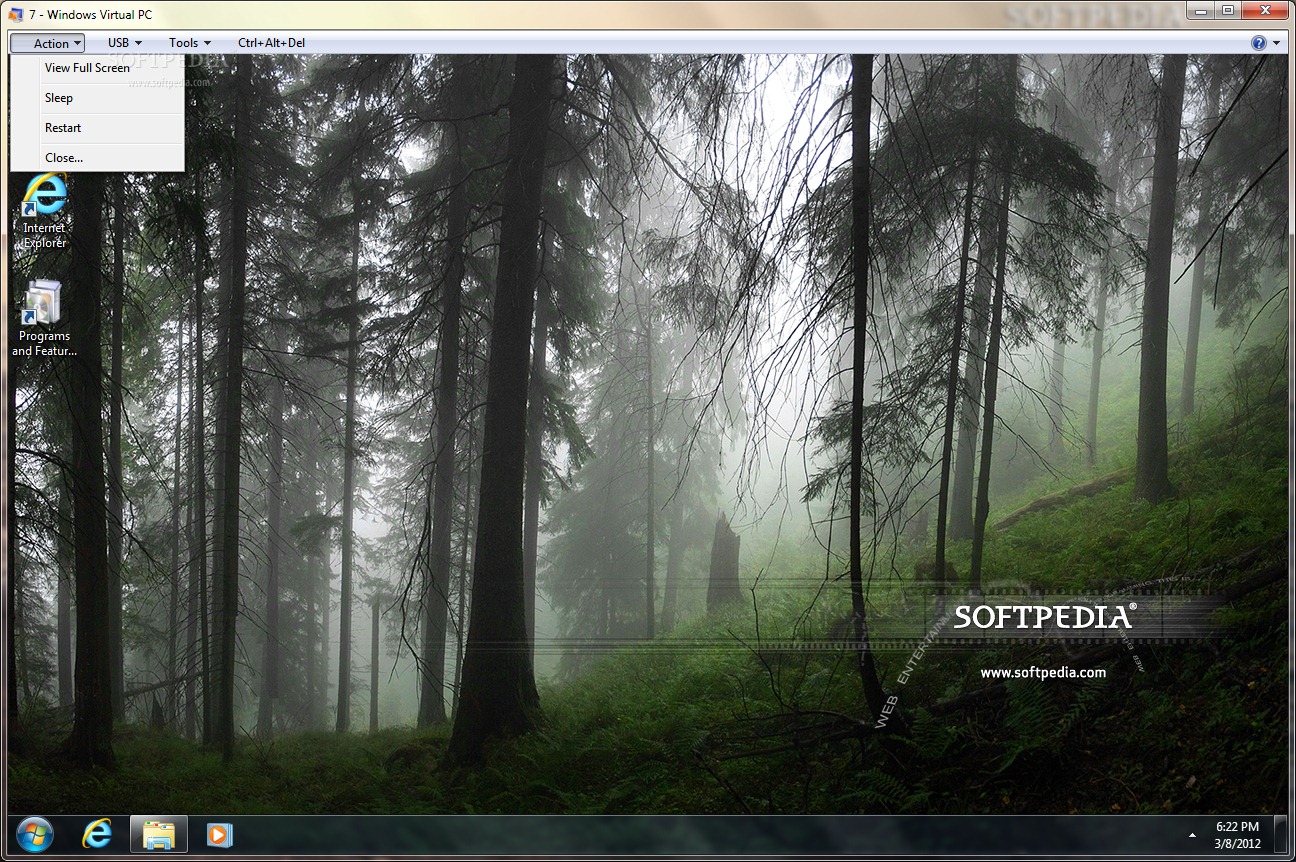
Microsoft Virtual PC 2007 can be used to run multiple OSs simultaneously within the same personal computer. Switch between virtual machines with the click of a button. Use virtual machines to run legacy applications, provide support, train users, and enhance quality assurance.

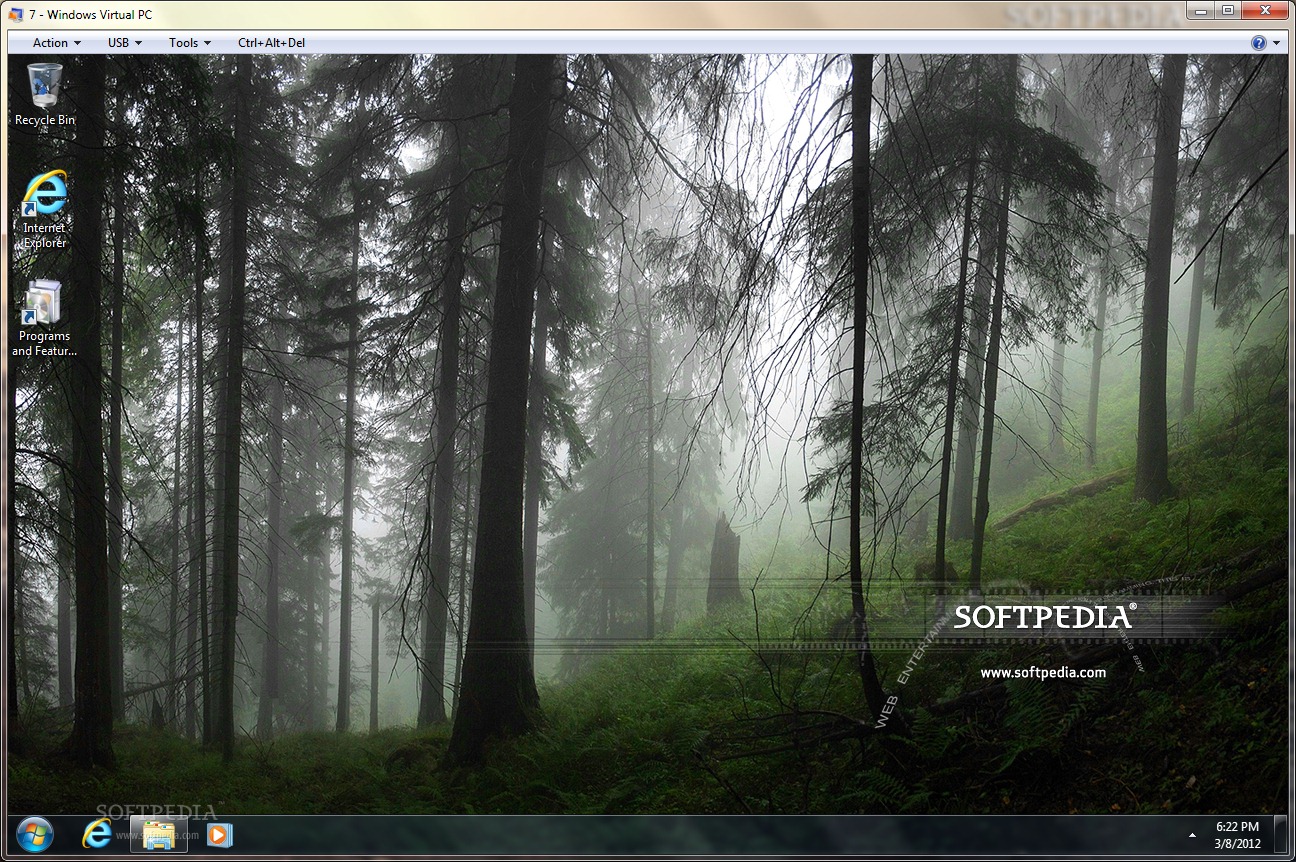
Virtual PC lets you create separate virtual machines on your Windows desktop, each of which virtualizes the hardware of a complete physical computer. Use virtual machines to run operating systems such as MS-DOS, Windows, and OS/2.

You can run multiple operating systems at once on a single physical computer and switch between them as easily as switching applications—instantly, with a mouse click. Virtual PC is perfect for any scenario in which you need to support multiple operating systems, whether you use it for tech support, legacy application support, training, or just for consolidating physical computers.

Here are some key features of "Microsoft Virtual PC":

Configurability
· After installing Virtual PC, you can configure it
to suit your requirements. Virtual PC has a number of settings that control how the product interacts with the physical computer, allocates resources, and so on.

Easy installation
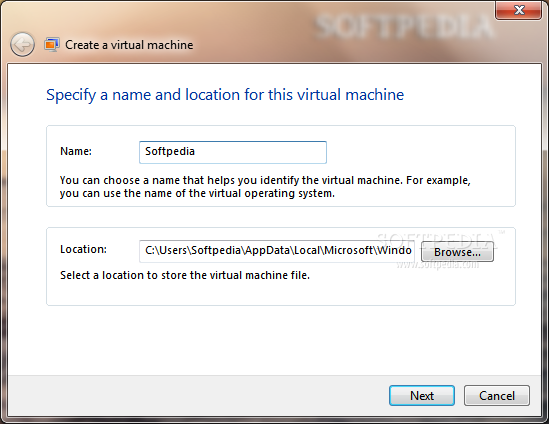
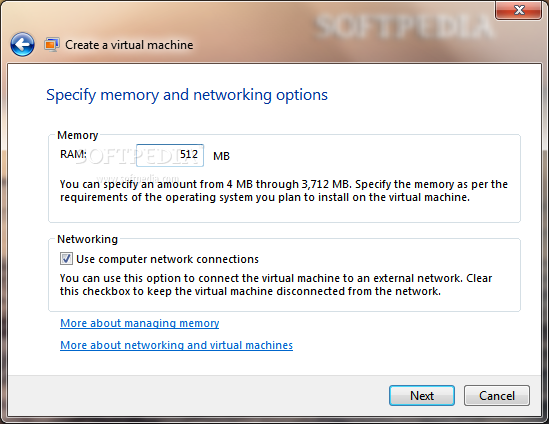
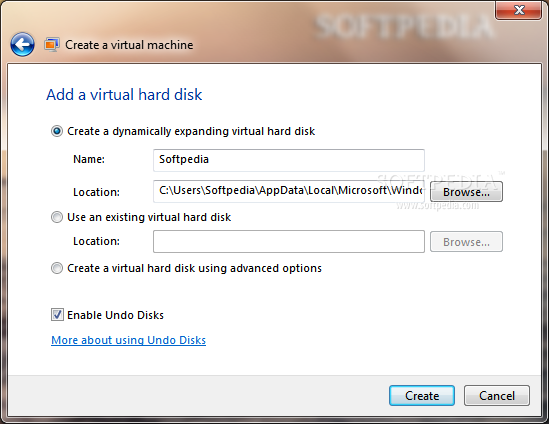
· Virtual PC is simple to install. Any administrator can run the Virtual PC guided setup program, and installation doesn’t require a reboot. The first time Virtual PC starts, it guides you through the process of creating the first virtual machine.

Standardization
· Configure and test upgrades and installations on virtual machines, and then you can deploy throughout your company a standard configuration that avoids problems caused by minor differences between hardware platforms.

Convenience
· Users switch between operating systems as easily as they switch between applications. They simply click the window containing the virtual machine. They can pause individual virtual machines so they stop using CPU cycles on the physical computer. They can also save virtual machines to disk and restore them at a later time. The restoration process normally takes a few seconds—much faster than restarting the guest operating system.

Host integration
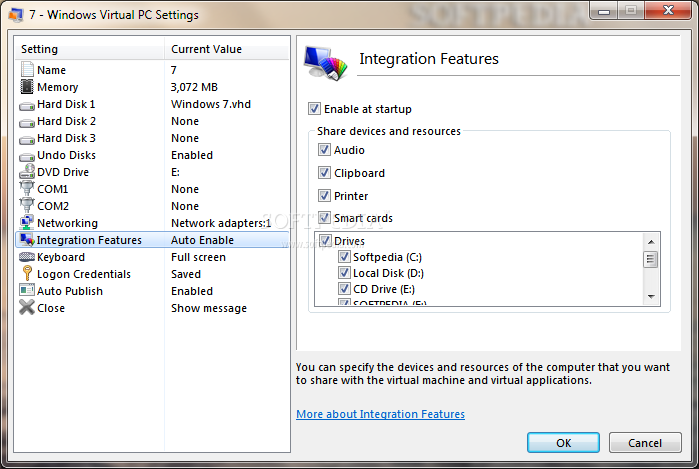
· Users can copy, paste, drag, and drop between guest and host. Virtual PC provides additions that you install in a guest operating system to enable this functionality.


Requirements:

· An x86-based or an x64-based computer with a 400 MHz or faster (1 GHz recommended) processor with L2 cache. Virtual PC supports the use of AMD Athlon/Duron, Intel Celeron, Intel Pentium II, Intel Pentium III, Intel Pentium 4, Intel Core Duo, and Intel Core2 Duo processors. You can run Virtual PC on a multi-processor computer, but it utilizes one processor only.
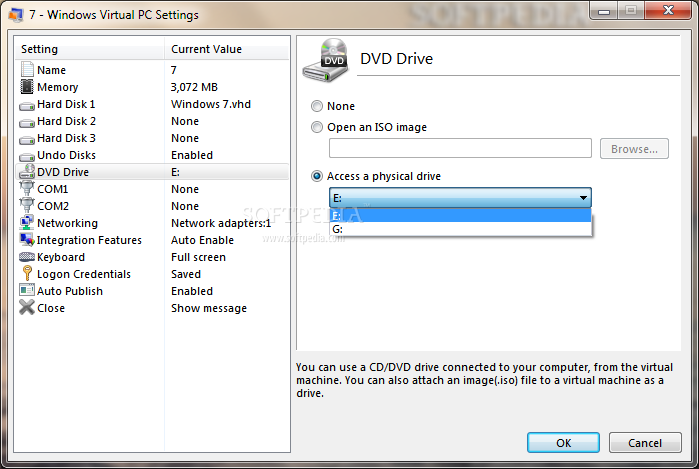
· CD-ROM or DVD drive
· Super VGA (800 x 600) or higher resolution monitor recommended
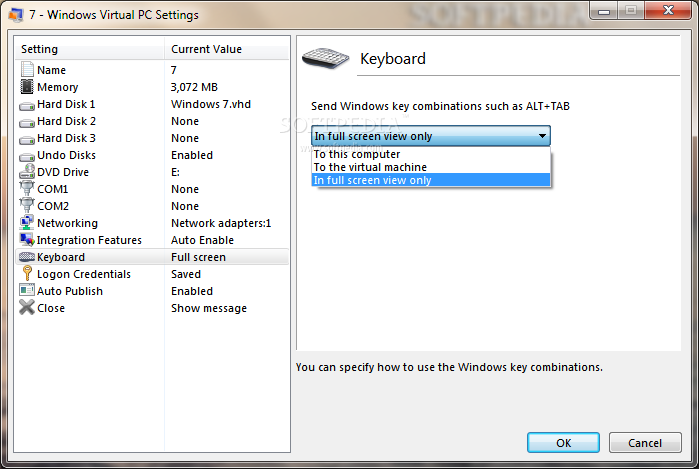
· Keyboard and Microsoft mouse or compatible pointing device
· For host disk space and memory, refer to the following table to determine the minimum required by the host operating system. This disk space is only a starting point in determining how much disk space you will need.


What's New in This Release:

· Support for Windows Vista as a host
· Support for Windows Vista as a guest
· Support for Windows Vista 64-bit as a host
· Improved performance compared to Virtual PC 2004... [ read full changelog ]


Softpedia guarantees that Microsoft Virtual PC 2007 SP1 6.0.192.0 / 1.0 is 100% CLEAN, which means it does not contain any form of malware, including but not limited to: spyware, viruses, trojans and backdoors.

This software product was tested thoroughly and was found absolutely clean, therefore it can be installed with no concern by any computer user.

However, it should be noted that this product will be retested periodically and the award may be withdrawn, so you should check back on this page from time to time. (click here for more information)


Related downloads IT News Popular downloads New additions   Latest reviews  
VMware Workstation 6.5 Build 99530 Beta / 6.0.4.93057
Allows multiple operating systems to run on the same computer
Microsoft Virtual Machine 5.00.3810
Enables Java programs to run on Windows platforms
VirtualBox 1.6.4
A powerful virtualization software
VMware Player 2.0.4.93057
Free software that enables PC users to easily run any virtual machine
VMware Server 2.0 Build 101586 RC1 / 1.0.5.80187
Enables companies to partition a physical server into multiple virtual machines
Parallels Workstation 2.2.2222
The easiest to use, most cost effective desktop virtualization solution available today
MakeVM 1.6.5
Use this application to create/edit Virtual Machine to play with VMWare Player.
Dreamer 1.5
Dreamer is an expandable virtual studio, that discards the need to have expensive hardware to create multitrack music.
Gentee 3.3.3
Gentee is a friendly full-scale and free programming language
Ewe Virtual Machine 1.49
A virtual machine launcher and manager

go to top Use the following code to link to this page:


Welcome!
Hello, Guest

Login if you have a Softpedia.com account.

Otherwise, register for one.

Main categories:
  • Antivirus
  • Compression tools
  • CD/DVD Tools
  • Office tools
  • Programming
  • Authoring tools
  • File managers
  • Desktop Enhancements
  • Internet
  • Network Tools
  • IPOD TOOLS
  • Mobile Phone Tools
  • Multimedia
  • Tweak
  • System
  • Security
  • Others
  • Science / CAD
  • UNIX
  • Windows Widgets
  • PORTABLE SOFTWARE

  • Week's best:
  • Maxthon 2.1.3.2418 F...
  • FFDShow MPEG-4 Video...
  • FileZilla 3.1.1 RC1 ...
  • Winamp 5 Full 5.541 ...
  • TopSpyAdware Remover
  • GX::Transcoder 5.0.2...
  • AIM 6.8.12.4
  • VirtualBox 1.6.4
  • EF Commander 6.62
  • Camfrog Video Chat 5...
  • xpy 0.10.8
  • Total Commander 7.04
  • Driver Genius Profes...
  • NVIDIA BIOS Editor (...
  • CCleaner 2.10.618
  • Adobe Photoshop Ligh...
  • K-Lite Mega Codec Pa...
  • DVDFab Platinum 5.0....
  • Adobe Media Player 1...
  • Registry Mechanic 8....
  • BitSpirit 3.3.2.272
  • AnyDVD 6.4.5.9 Beta ...
  • Firefox 3.1 Alpha 1 ...
  • AutoCAD 2009
  • Norton AntiVirus 200...
  • Norton Internet Secu...
  • The Bat! Professiona...
  • WinRAR 3.80 Beta 4 /...
  • GMail Drive shell ex...
  • DAEMON Tools Lite 4....
  • © 2001 - 2008 Softpedia. All rights reserved.
    Softpedia™ and Softpedia™ logo are registered trademarks of SoftNews NET SRL.
    Copyright Information | Privacy Policy | Terms of Use | Contact Softpedia | Update your software | Archive