
Resourceful and user-friendly virtualization manager for migrating the physical environment to a virtual one and the other way around, featuring support for practical drive operations too. #Migrate OS #Virtualize Disk #Migrate Partition #Virtualize #Virtualization #Migrate

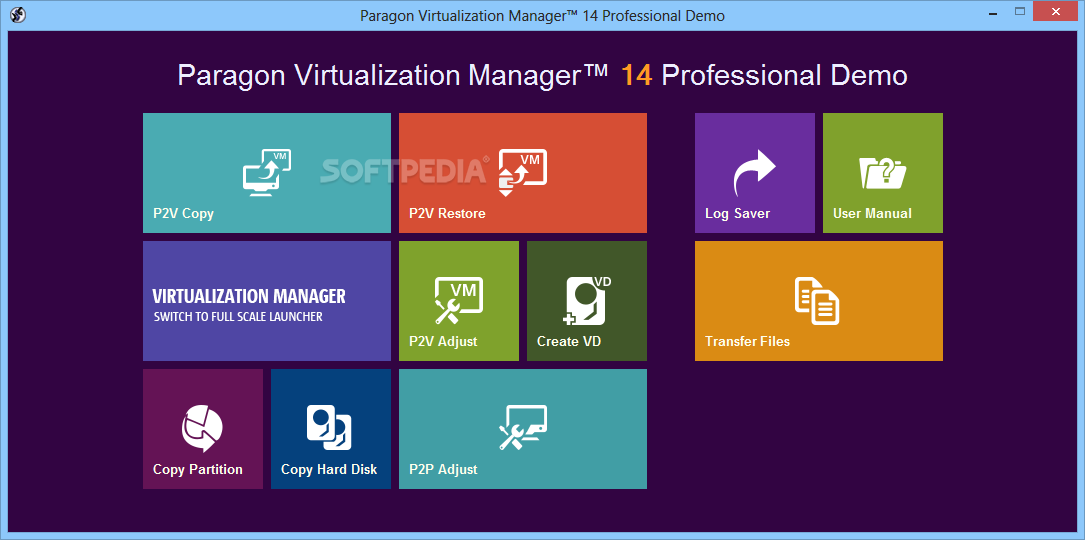
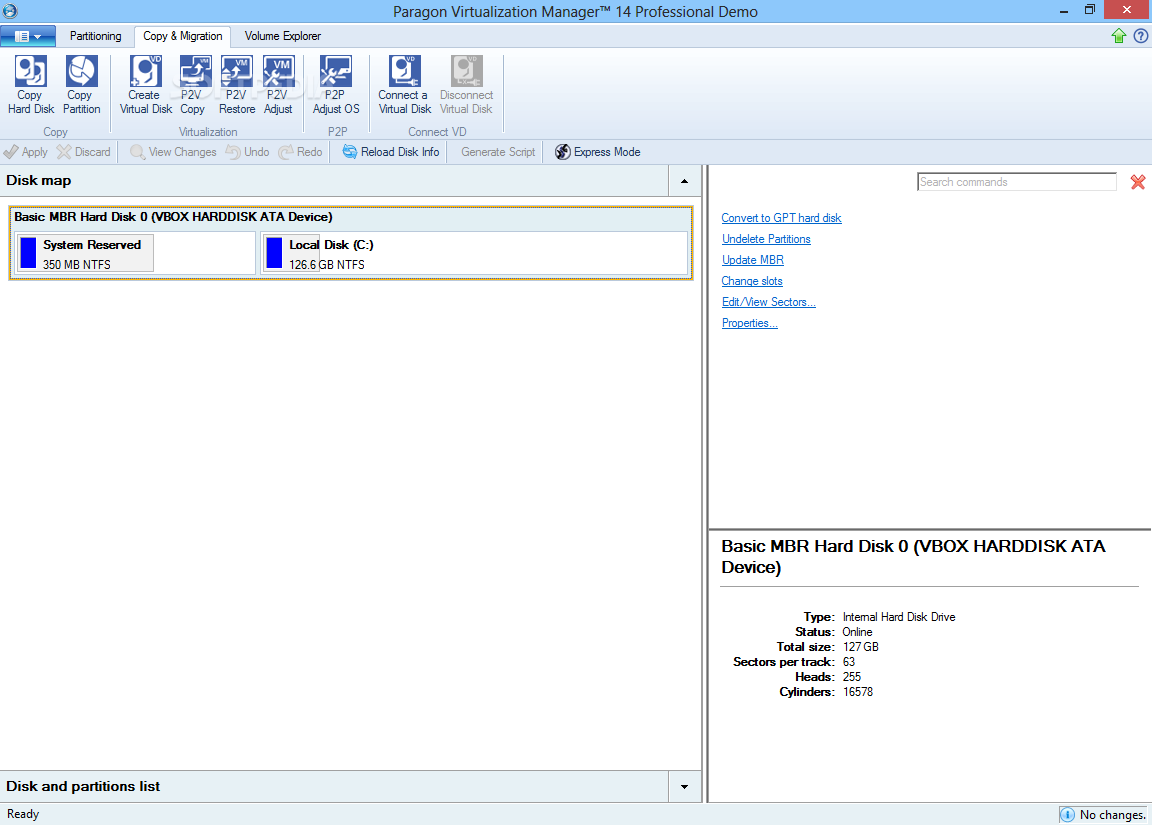
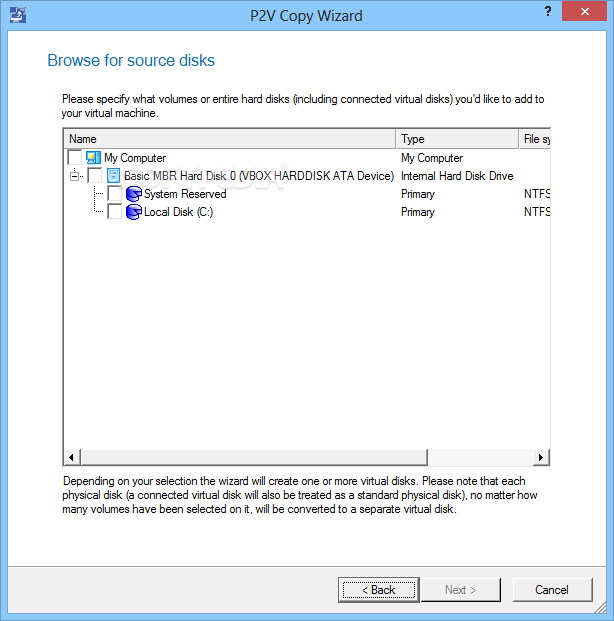
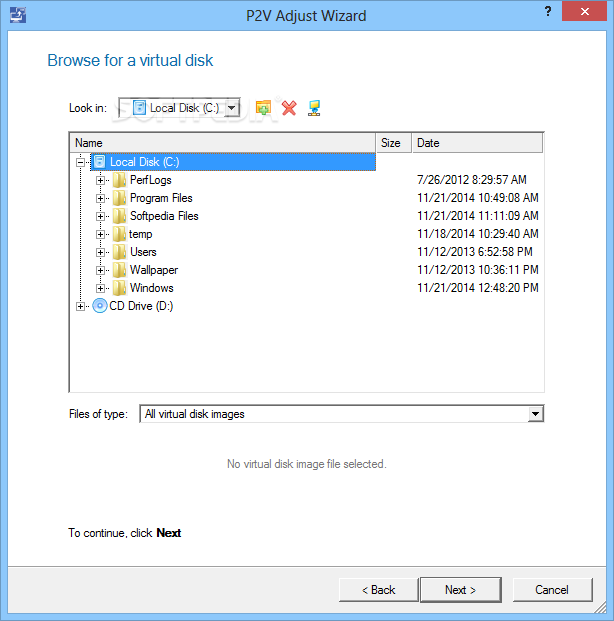
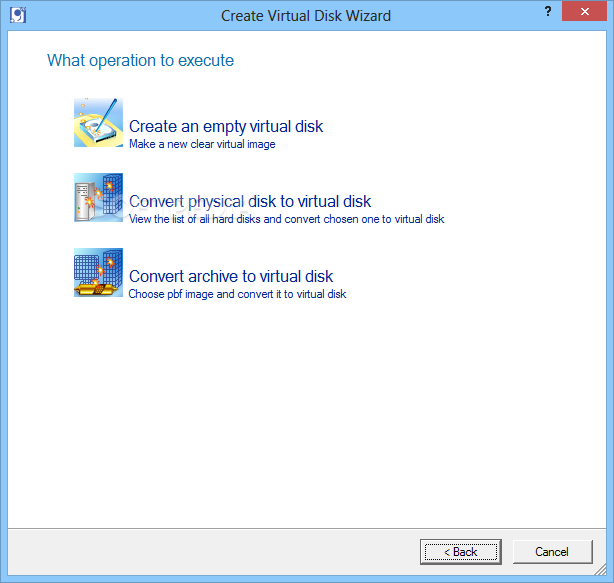
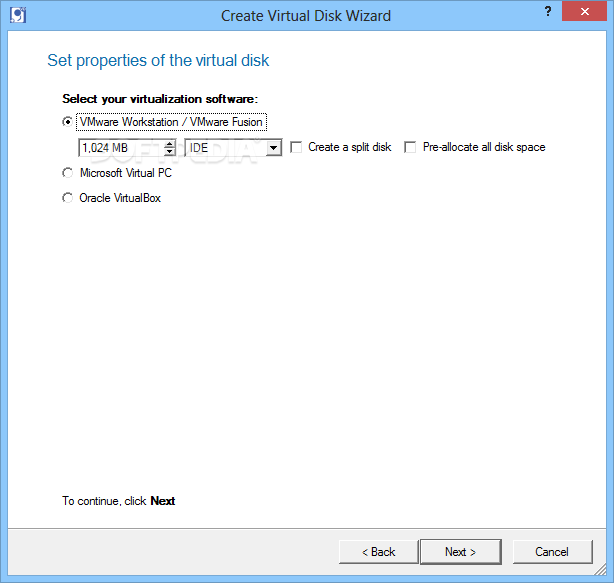
Designed for serious PC users who frequently work with multiple virtual disks, Paragon Virtualization Manager Professional is a comprehensive software program that can migrate a Windows-based system to a virtual environment, and vice versa.
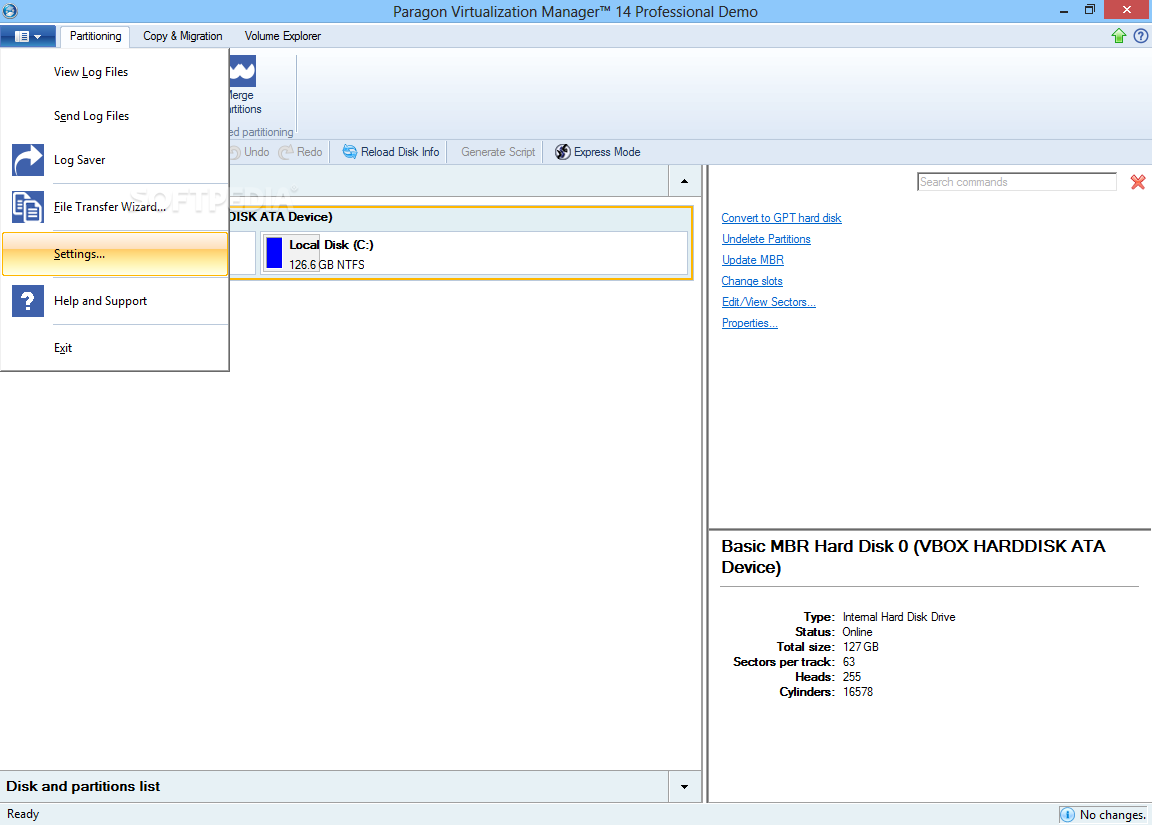
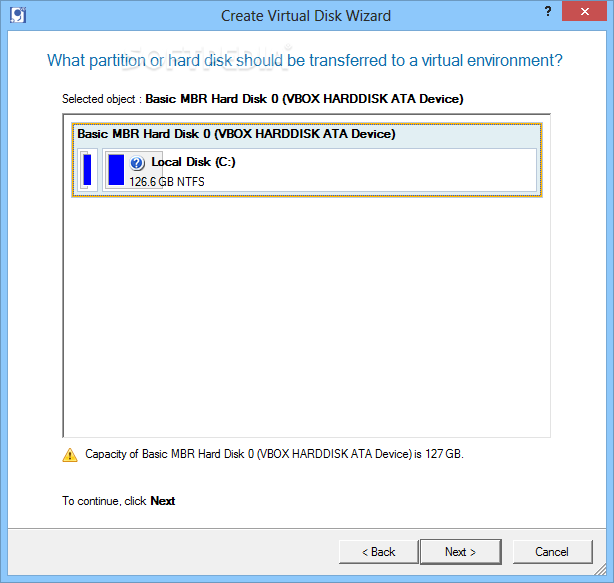
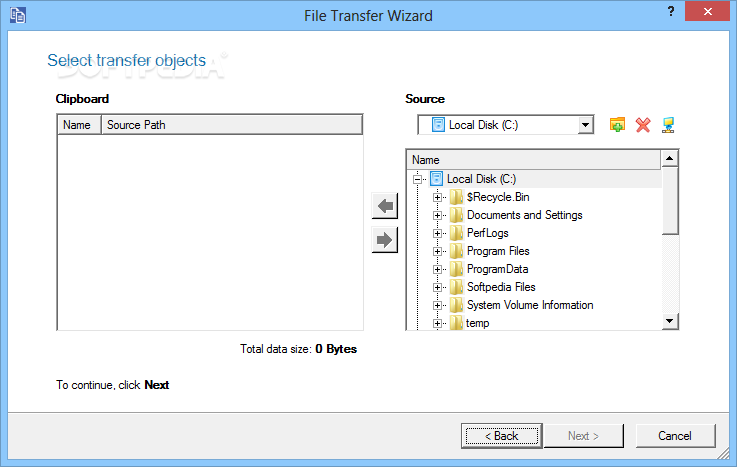
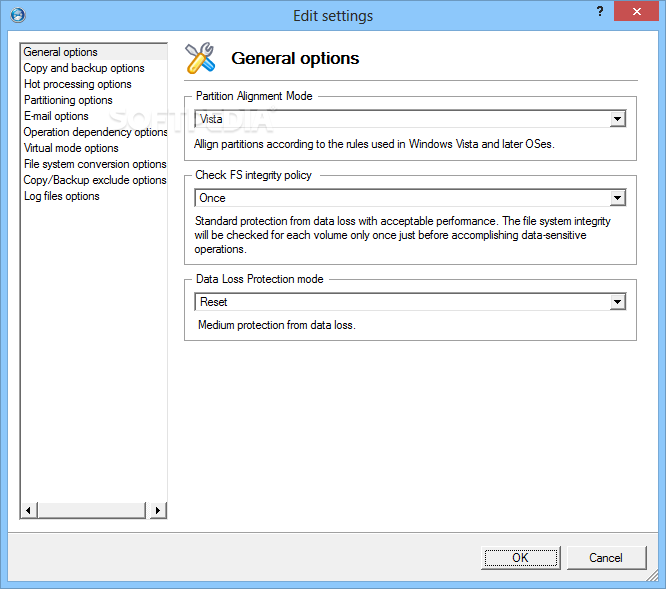
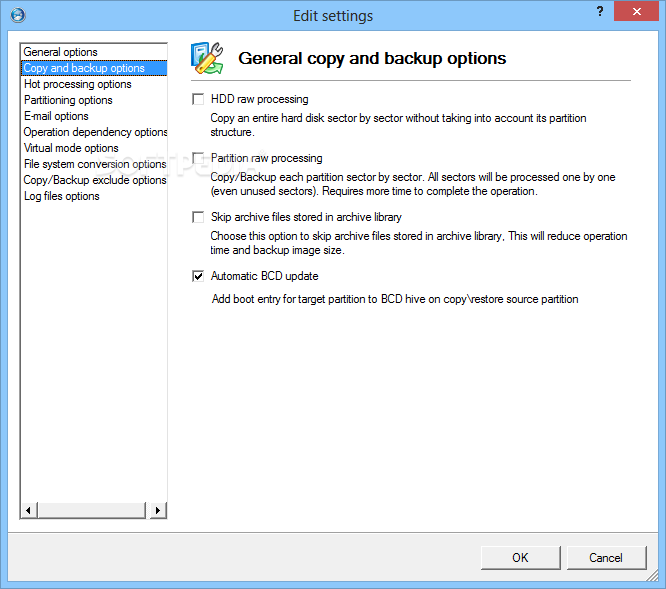
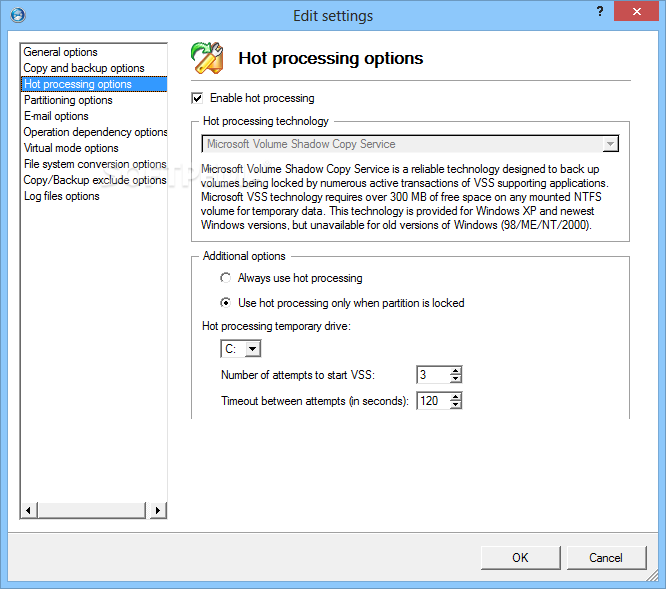
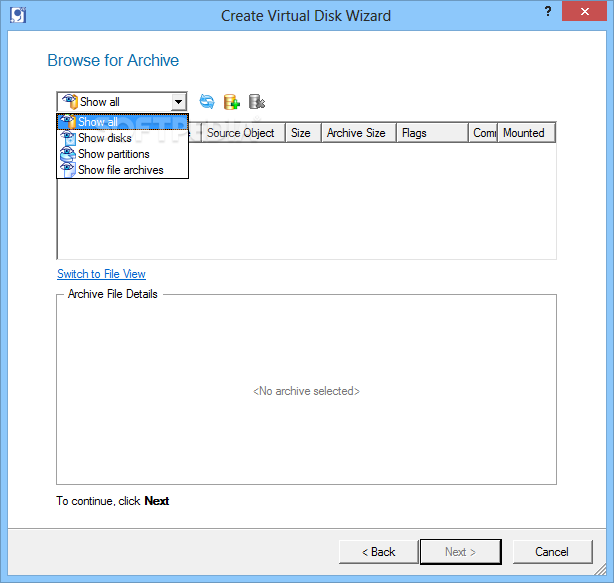
As complicated as it may sound like, the tool is actually decently user-friendly. It comprises a well-structured interface with hints and descriptions shown for each component, offering to conduct tasks in easy-to-follow wizards. However, users can switch to the advanced interface mode to unwrap all options.
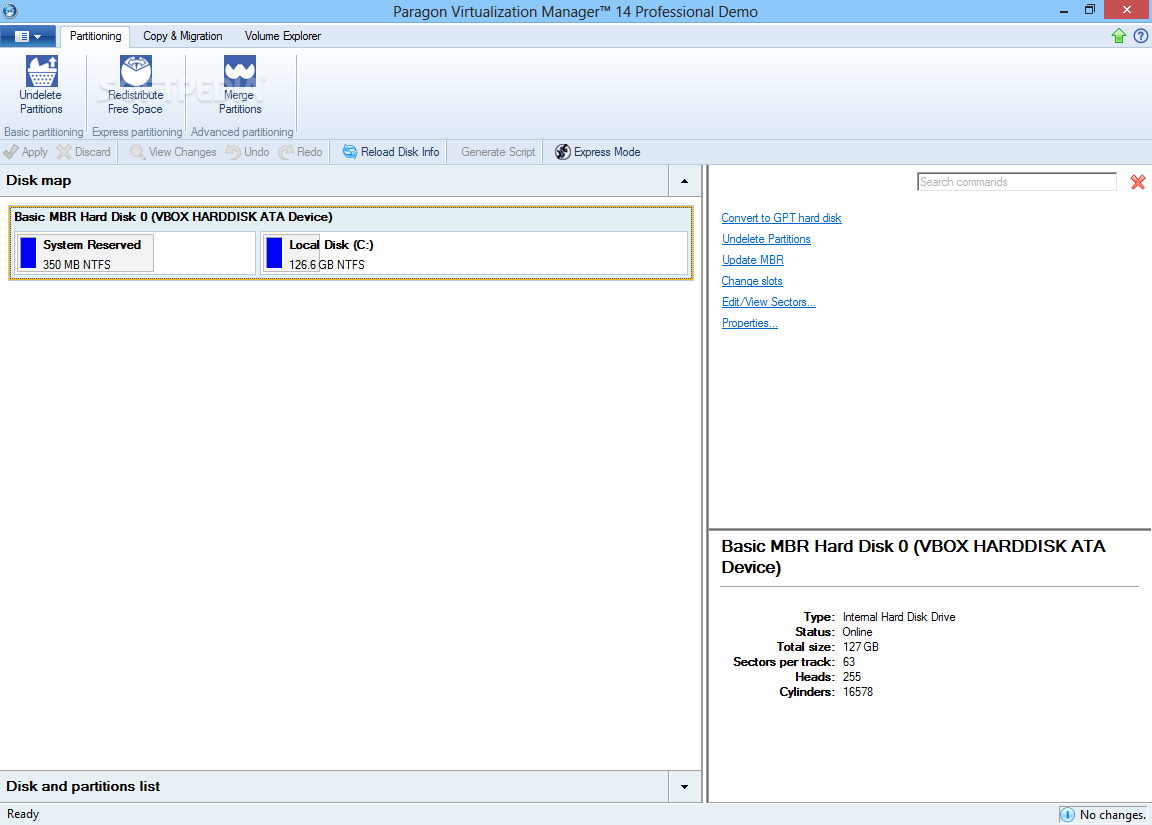
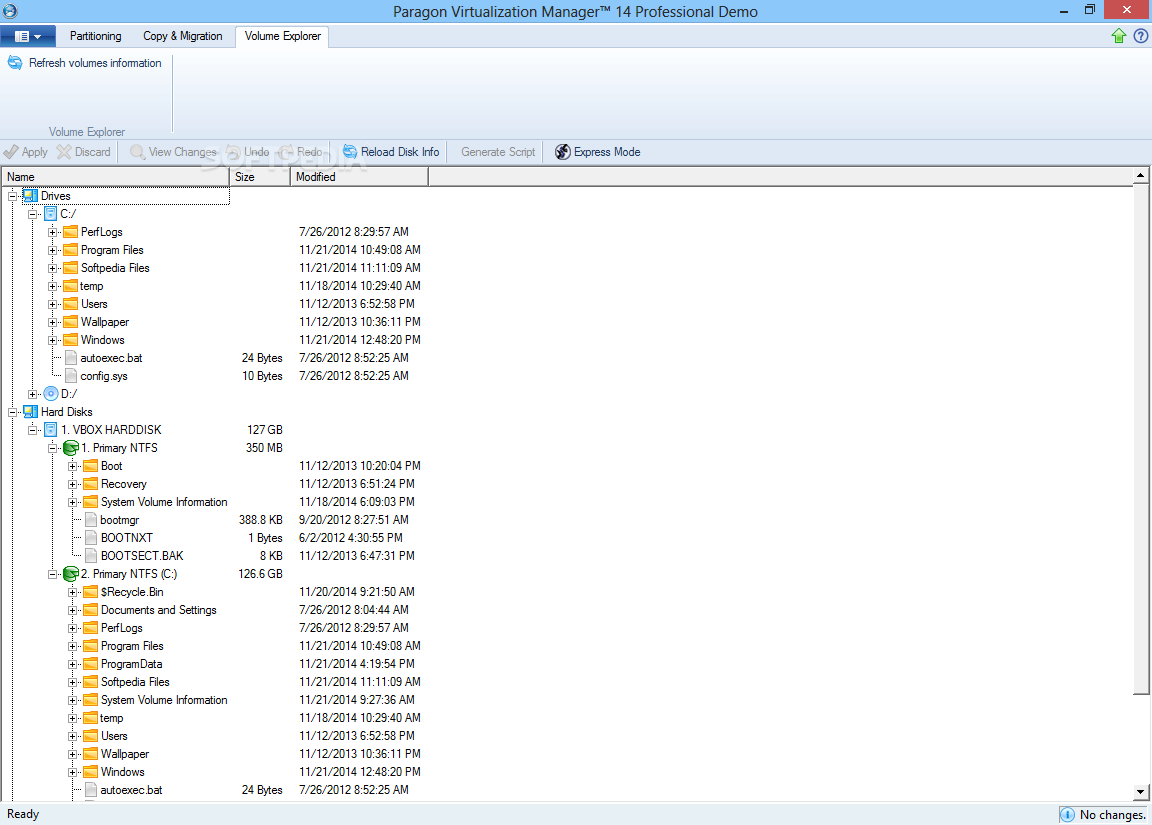
It is possible to examine disk details such as the file system, volume and partition size, used and free space, along with the label of each drive, including those which are inactive or hidden.
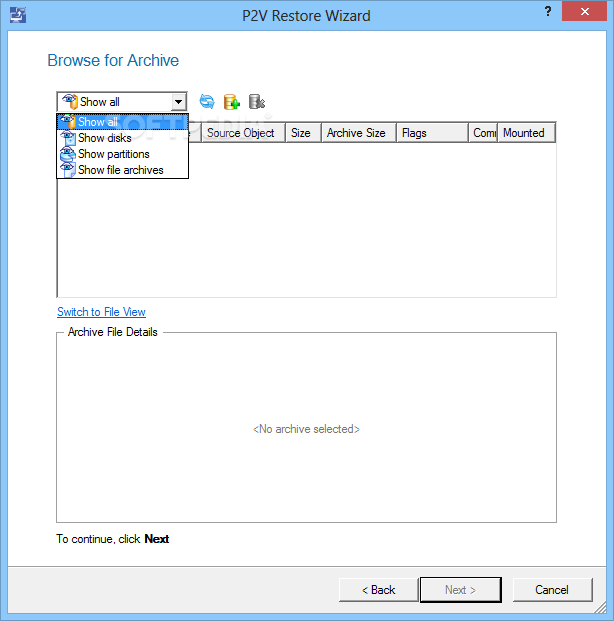
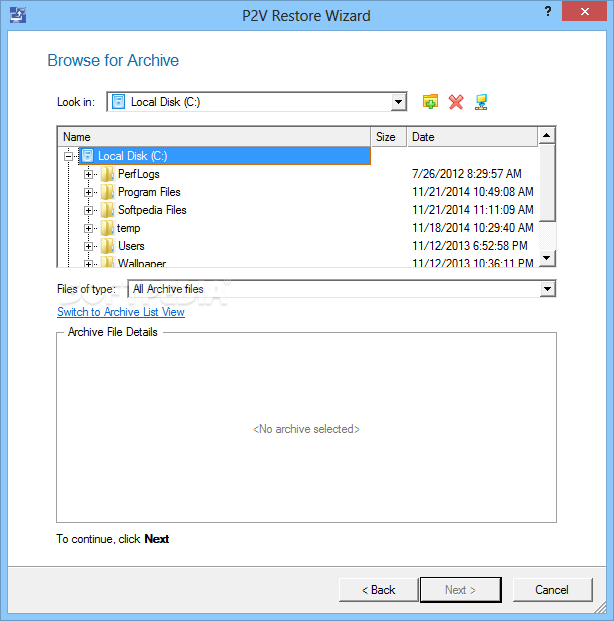
Apart from migrating one virtual environment to another, it is possible to transfer data between the physical and virtual environment. However, Paragon Virtualization Manager Professional's functionality does not extend here.
Users can format, delete, move, resize or hide selected partitions, change their drive letters, set them as active or logical, modify the cluster size, serial number, partition ID and SID, downgrade the NTFS version, run a surface test, check the file system integrity, as well as view the hexadecimal code of drives and edit their sectors.
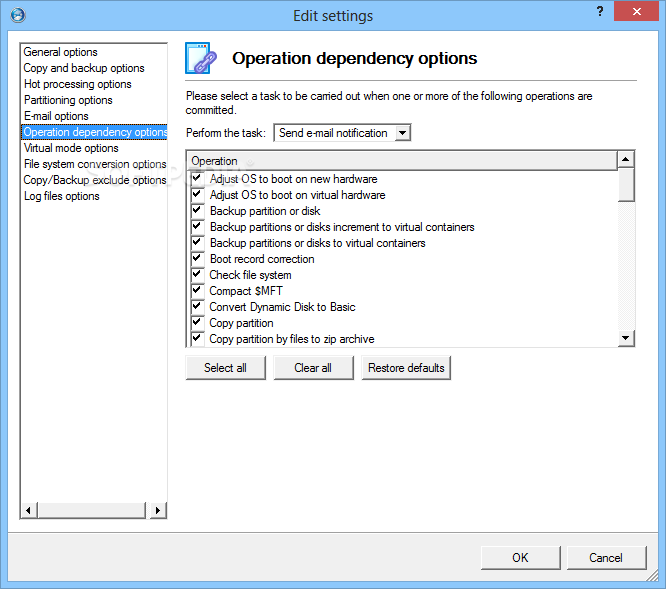
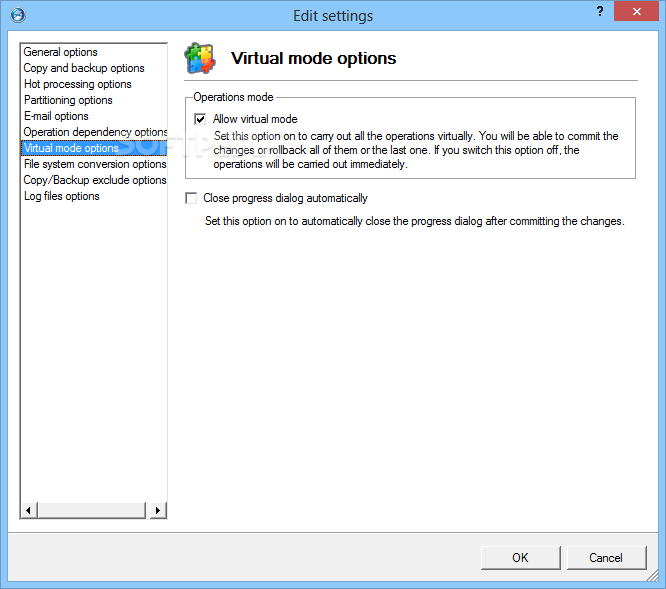
An important factor worth taking into account is that actions are not immediately put into motion, but added to a pending queue instead. Users can review all actions before committing them, and undo anything if they change their mind. This is also useful for carrying out multiple tasks that take a long while to complete, since the workstation can be left unattended.
The tool did not hang, crash or pop up error messages in our tests. It uses a significant amount of memory during a job, but this is normal when taking into account its complexity. In a nutshell, Paragon Virtualization Manager Professional is filled with handy features for migrating a physical environment to a virtual one and the other way around, but also for other drive operations.
Paragon Virtualization Manager Professional 14 12.0.0.49974
add to watchlist add to download basket send us an update REPORT- runs on:
-
Windows 10 32/64 bit
Windows 8 32/64 bit
Windows 7 32/64 bit
Windows Vista 32/64 bit
Windows XP 32/64 bit - file size:
- 50.2 MB
- filename:
- paragon_vm95.exe
- main category:
- System
- developer:
- visit homepage
7-Zip

ShareX

Zoom Client

IrfanView

Windows Sandbox Launcher

Microsoft Teams

calibre

4k Video Downloader

Context Menu Manager

Bitdefender Antivirus Free

- 4k Video Downloader
- Context Menu Manager
- Bitdefender Antivirus Free
- 7-Zip
- ShareX
- Zoom Client
- IrfanView
- Windows Sandbox Launcher
- Microsoft Teams
- calibre