Search Perform an advanced search query SOFTPEDIA
 
SOFTPEDIA
Updated one minute ago
HomeSubmit a program for being reviewedAdvertise on our websiteGet help on surfing our websitesSend us your feedbackGet information about our XML/RSS backend and how to use itBrowse the news archiveVisit our discussion forumVizitati forumul in limba romana


Program Finder NormalFreeware onlyShareware only

Take Command 9.02 Build 151 Report spyware 

Click to download Take Command
View more Take Command screenshots (3)
 Downloads: 2,630
Rating: Good (3.8/5) | Rated by: 41 user(s)
Add to download basket     Send us update information
 Developer: JP Software | More programs by this producer
 License: Trial , 74.95 $ to buy 
 Size / OS: 6.26 MB, Windows 2K/XP/2003/Vista
 Last Updated: June 2nd, 2008, 09:13 GMT
 Category: C: \ System \ OS Enhancements
 Read user reviews (0) Add a review Refer to friend Subscribe
    Download Take Command

Take Command description
A powerful Windows GUI command interpreter

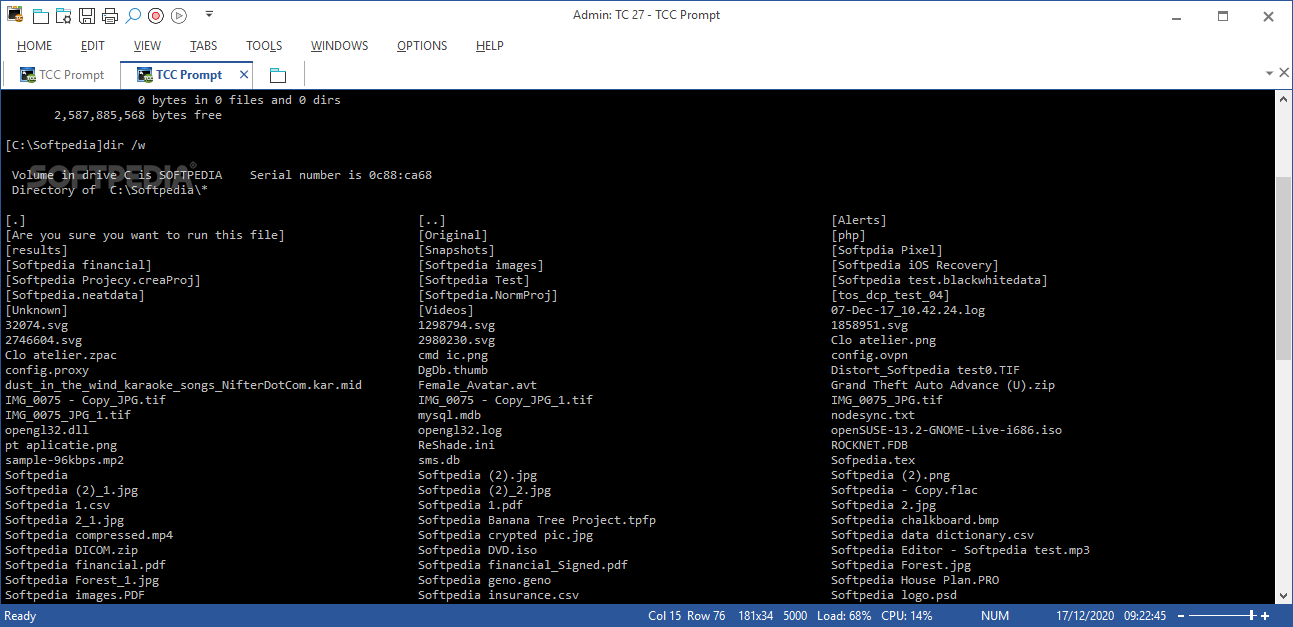
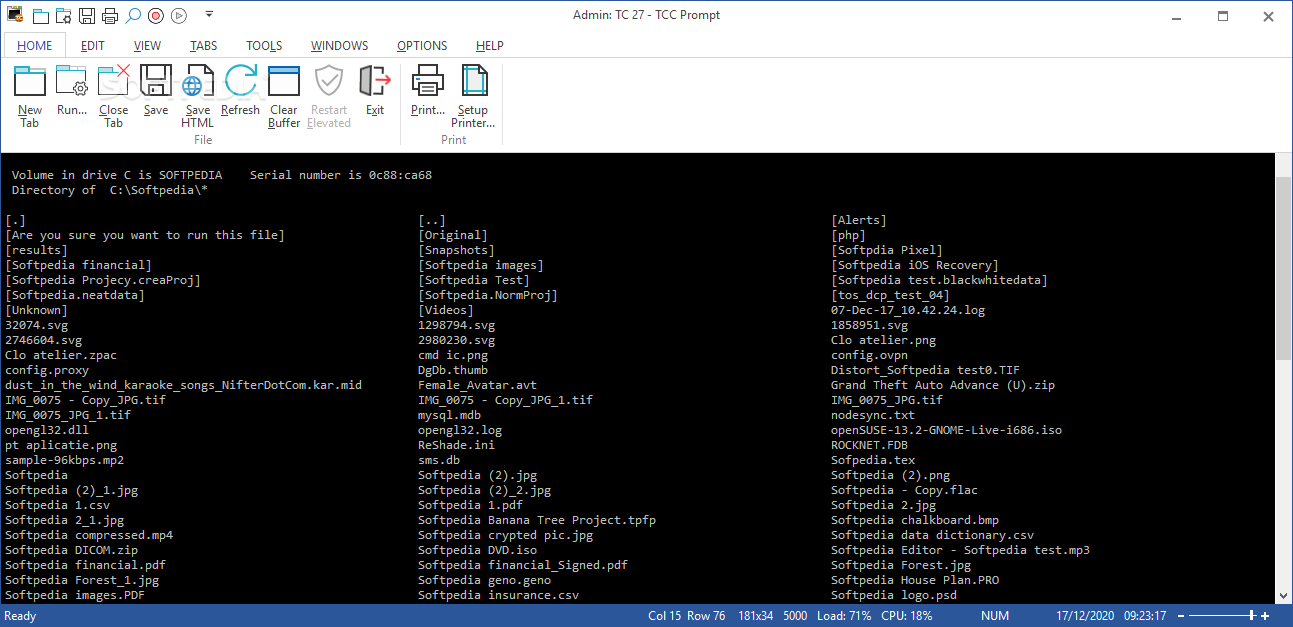
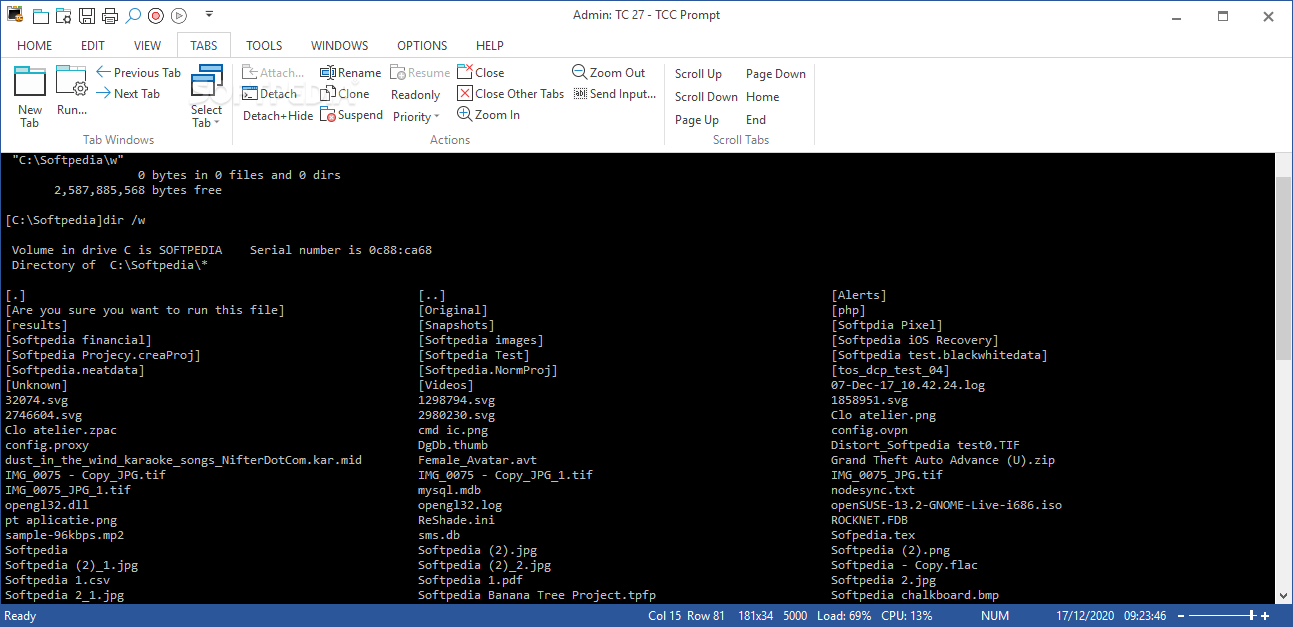
Take Command is an useful command line tool that gives you a new approach to working in Windows, bringing users the power of the command line and the ease of use of the Windows interface.

Take Command supports existing CMD.EXE commands and batch files, and adds thousands of new features, giving you more power and flexibility than you ever imagined.

Take Command adds features such as extensive context-sensitive online help, aliases for commonly used commands, a powerful command line editor, history recall, filename completion (even across a network), popup command and directory history windows, and extended directory searches that can take you to any directory on your system by entering only part of its name.

Take Command expands the Windows file handling commands, giving you the ability to copy, move, delete, or list multiple files with a single command, and adding FTP and HTTP support (including SSL).

You can select or exclude files from any command by their date, time, size, and extended wildcards for extraordinary flexibility.

Batch file users will be amazed at the power and speed Take Command adds to Windows batch files, with an array of new batch commands and a powerful batch debugger with single stepping, breakpoints, syntax coloring, popup variable windows, and editing.

The extended batch language in Take Command includes subroutines, DO statements, IF THEN ELSE statements, SWITCH statements, error handling, more than 120 internal commands and over
200 internal variables.

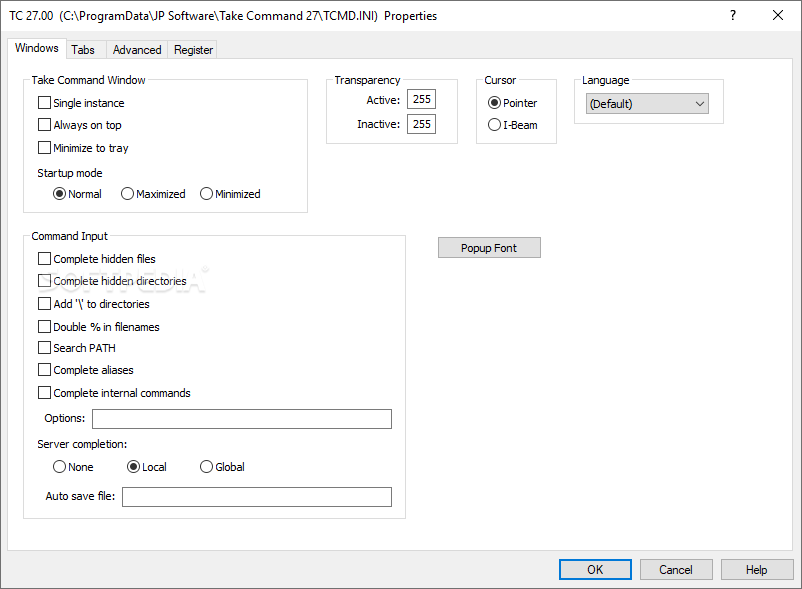
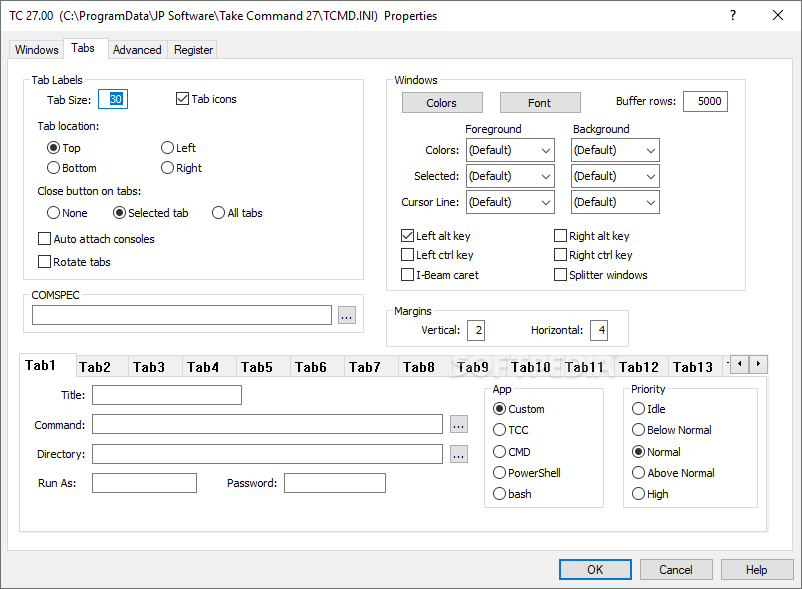
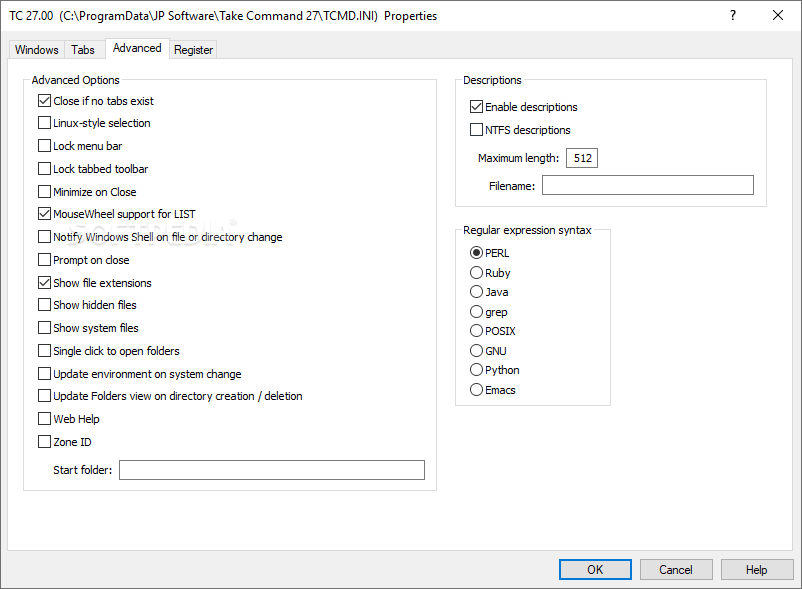
And if you don't like the default behavior, Take Command allows you to adjust its configuration either through interactive dialogs or on the command line.

Here are some key features of "Take Command":

Command Line Features
· Modify and re-execute previous commands with a powerful command line editor.
· Copy, delete, move, and rename groups of files and directories, not just individual ones.
· Extended directory searches allow you to change to a directory anywhere on your system by entering only part of its name.
· Quickly locate files or text within files anywhere on your system.
· Built-in file viewer includes scrolling, search, and print capabilities.
· Select or exclude files by date, time, size, and/or extended wildcards for extraordinary flexibility in file management.
· Redefine commands, create new commands and functions for your regular tasks, even assign frequently used commands to a single keystroke.
· Direct access to FTP, TFTP and HTTP (including SSL) directories and files in all file-handling commands.
· Complete configuration adjustment, either through interactive dialogs or on the command line.
· File descriptions up to 511 characters long provide information that can't fit in a filename.

Batch File Features
· Batch debugger with singlestepping, breakpoints, syntax coloring, bookmarks, popup variable windows, variable watch windows, and editing.
· An improved batch language adds subroutines, IF/THEN/ELSE logic, DO loops, SWITCH statements, error and exception handling, and more than 130 internal commands, while retaining compatibility with batch files written for CMD.
· More than 130 built-in variables include system configuration, device status, network drive detection, and free memory and disk space.
· More than 200 variable functions assist with manipulation and display of strings, characters, numbers, date and time, file names, etc.

Windows Features
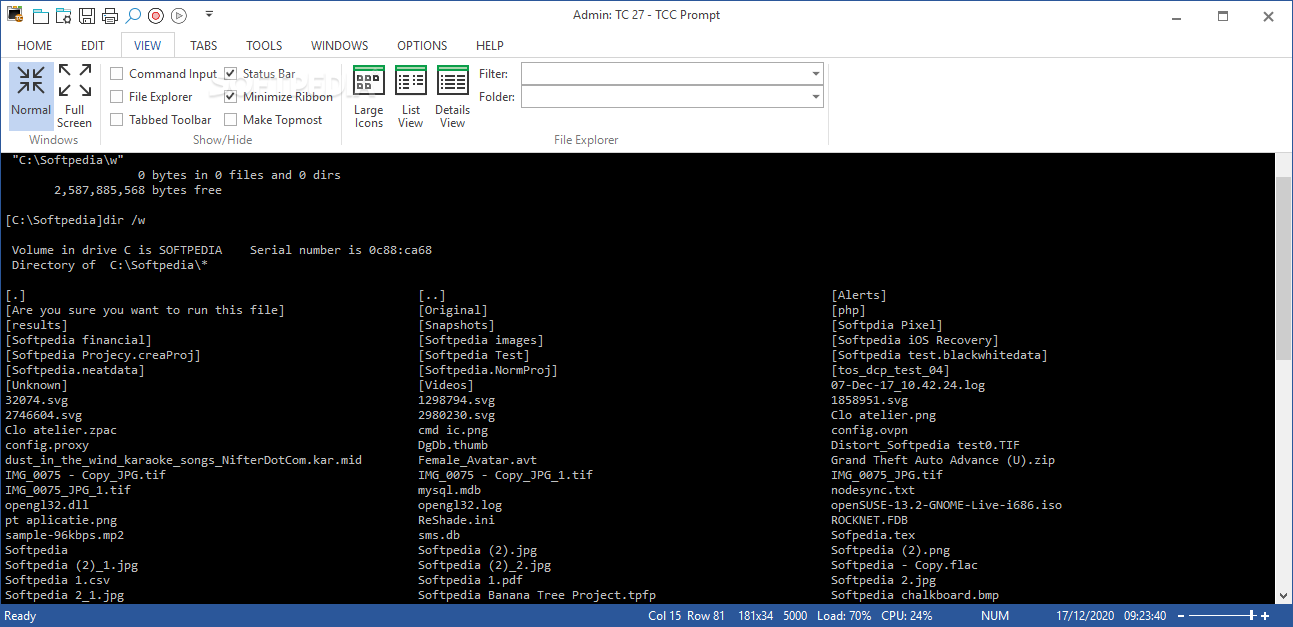
· Start graphical and character-mode applications with ease - even run most console programs in the Take Command window.
· Built-in screen scrollback buffer lets you review or print output from past commands at any time.
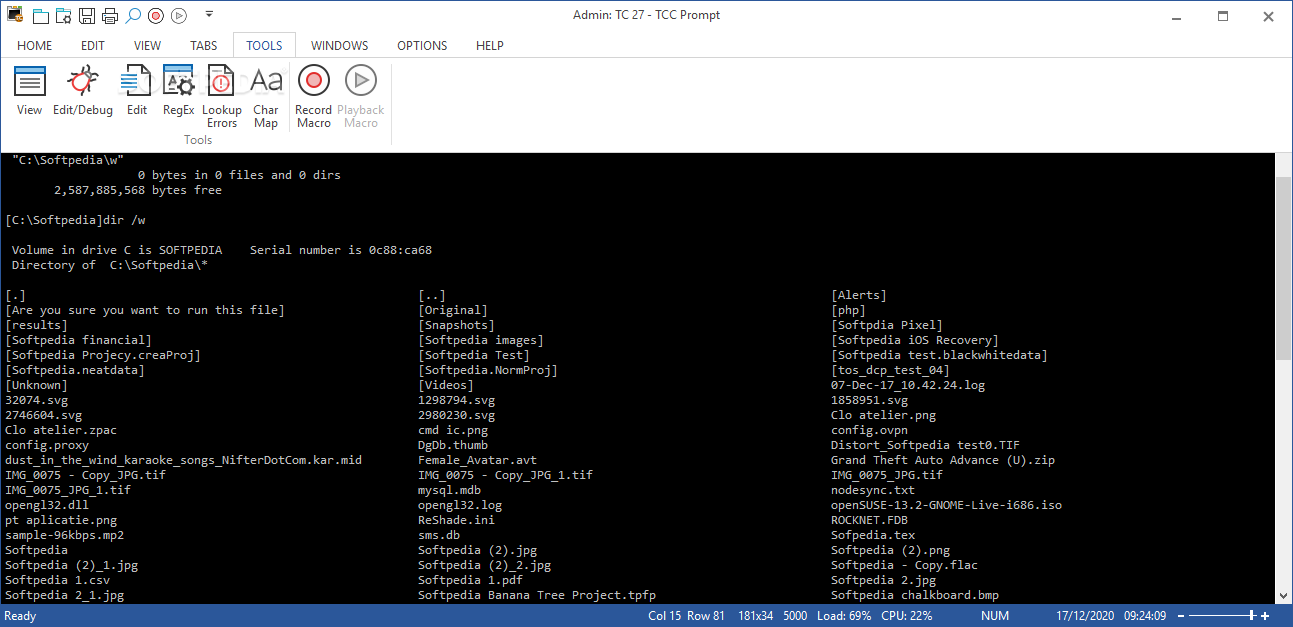
· Customizable toolbar gives you quick access to frequently used commands and applications.
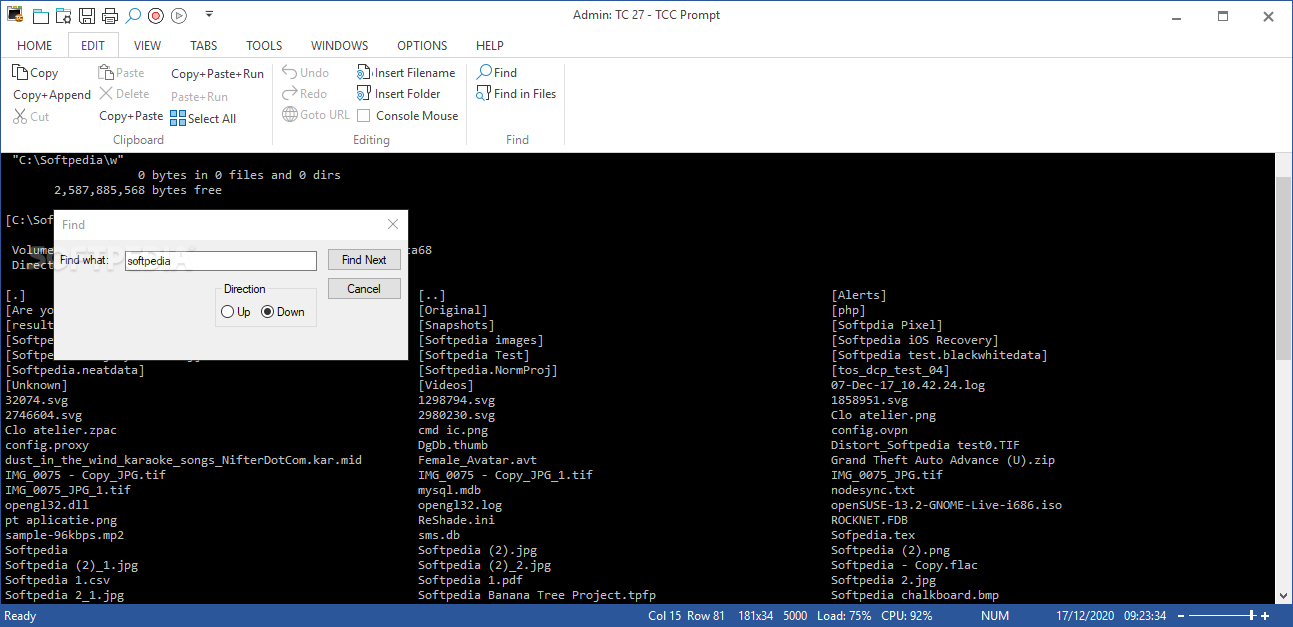
· Find File dialog lets you search quickly for files or text, anywhere on your system - or search from the command line with the new FFIND command.
· Dialogs, accessible from the Options and Utilities menus, for editing environment variables, aliases, file descriptions, and startup parameters.
· New commands such as ACTIVATE, MSGBOX, and QUERYBOX that allow you to use GUI features and control GUI applications from your batch files.


Requirements:

· Minimum of 128Mb of RAM and 10Mb of free disk space.


Limitations:

· 30 days trial


What's New in This Release:

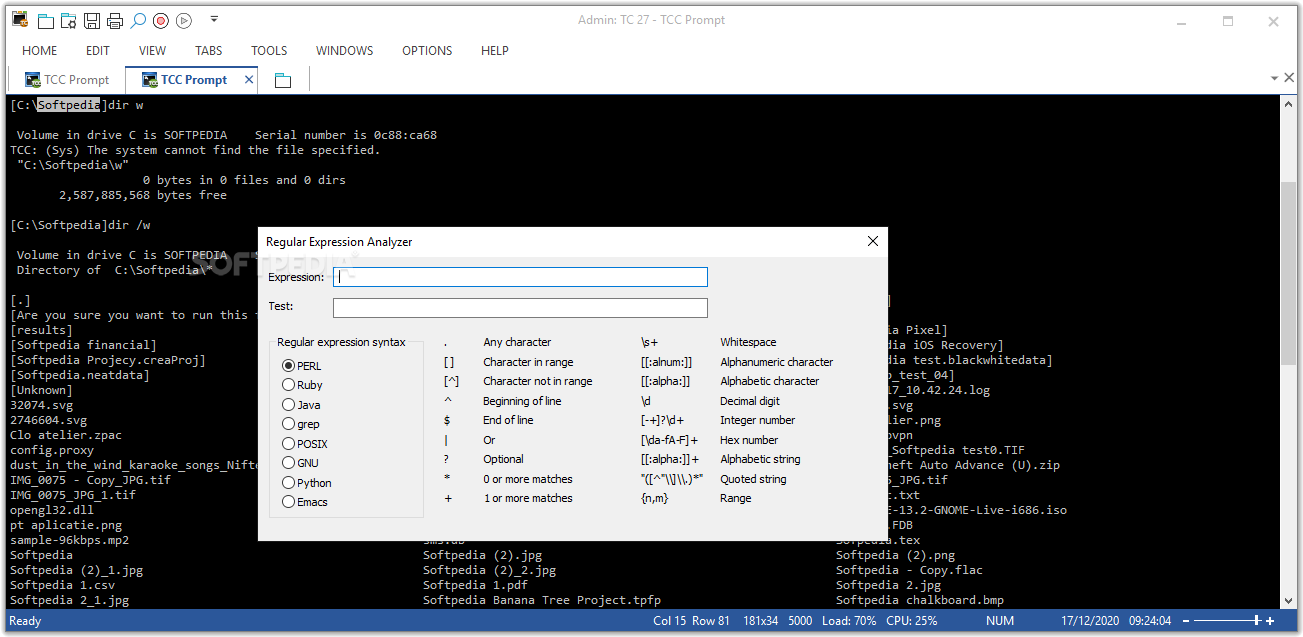
· Over 200 new features, including Active Scripting support, plugin and batch debugger enhancements, WMI support, regular expressions in filenames, and more than 20 new internal variables and variable functions, and Windows Vista support... [ read full changelog ]


Softpedia guarantees that Take Command 9.02 Build 151 is 100% CLEAN, which means it does not contain any form of malware, including but not limited to: spyware, viruses, trojans and backdoors.

This software product was tested thoroughly and was found absolutely clean, therefore it can be installed with no concern by any computer user.

However, it should be noted that this product will be retested periodically and the award may be withdrawn, so you should check back on this page from time to time. (click here for more information)


Related downloads IT News Popular downloads New additions   Latest reviews  
Sleep 1.0
Sleep - a tool for delaying in a batch file
Batch File Compiler 4.0
Batch File Compiler turns your batch files into executables
Easy Batch Builder 2.1
Easy Batch Builder is an application that provides a simple and easy way of creating DOS batch files.
FreeScan Cleaner 1.0
FreeScan Cleaner is a simple batch file that can be used to remove the file's and folders that McAfee's "FreeScan" leaves behind
GO! Script 2.0.0.9
GO! Script lets you create your own Batch Files
ActiveScan Cleaner 1.0
It will remove the files and folders that are left behind by Panda's ActiveScan.
Batchrun 4.1
Batchrun will let you create batch files using a graphical interface
MsgBox 1.0.0
Enhance your .bat files with windows like message boxes
FreeBatch 1.0.1
this program helps you to create Batch files in 4 easy steps.
Batch Replace Online 1.0
Batch files content search and replace scripts for your website on server side

go to top Use the following code to link to this page:


Welcome!
Hello, Guest

Login if you have a Softpedia.com account.

Otherwise, register for one.

Main categories:
  • Antivirus
  • Compression tools
  • CD/DVD Tools
  • Office tools
  • Programming
  • Authoring tools
  • File managers
  • Desktop Enhancements
  • Internet
  • Network Tools
  • IPOD TOOLS
  • Mobile Phone Tools
  • Multimedia
  • Tweak
  • System
  • Security
  • Others
  • Science / CAD
  • UNIX
  • Windows Widgets
  • PORTABLE SOFTWARE

  • Week's best:
  • Windows Defender Lat...
  • Firefox 3.0.1 / 2.0....
  • AutoCAD 2009
  • Norton AntiVirus 200...
  • Norton Internet Secu...
  • The Bat! Professiona...
  • WinRAR 3.80 Beta 3 /...
  • GMail Drive shell ex...
  • DAEMON Tools Lite 4....
  • UBCD4WIN 3.2.0
  • Adobe Reader 9.0.0 /...
  • Total Commander Ulti...
  • System Mechanic 8.0....
  • Adobe Acrobat Profes...
  • iPhone PC Suite 1.0....
  • Portable Firefox 3.0...
  • MPlayer for Windows ...
  • Vista Codec Package ...
  • Windows Live Messeng...
  • WinBubble 1.73
  • Kaspersky Anti-Virus...
  • Malware Removal Tool...
  • Royale Noir Theme fo...
  • IBM Lotus Symphony 1...
  • Adobe Dreamweaver 10...
  • Adobe Fireworks 10.0...
  • BitDefender Total Se...
  • McAfee Total Protect...
  • Ad-Aware 2008 7.1.0....
  • Adobe Flash Player 1...
  • Daniusoft Media Conv...
  • © 2001 - 2008 Softpedia. All rights reserved.
    Softpedia™ and Softpedia™ logo are registered trademarks of SoftNews NET SRL.
    Copyright Information | Privacy Policy | Terms of Use | Contact Softpedia | Update your software | Archive