
Monitor every device connected to your computer via USB ports and remove them quickly and without risking data corruption or loss. #Remove usb device #Eject usb device #Usb disk ejector #Eject #Ejector #Remove

When it comes to safely remove a hardware device synched to a computer, there are two types of people — those who do not care even in the slightest about such practice, and those who vicariously wait for the PC to give them the green light before removing a drive.
Starting from the premise that the "Safely Remove Hardware" icon is not as present with the newest iterations of Windows, a tool like USB Disk Ejector could fulfill that role better. This application can also help with force-ejecting drives that refuse to desynchronize.
Because it is compiled into a portable pack, USB Disk Ejector will spare one the installation process. Unpacking the archive and launching the executable is all you must do to start operating the app.
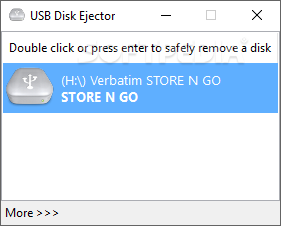
A compact pane with all detected drives pops up at launch. Double-clicking or pressing Enter on a selected entry will cause it to disconnect. This procedure ensures data integrity on the said device, ending the connection, after all, undergoing processes were completed.
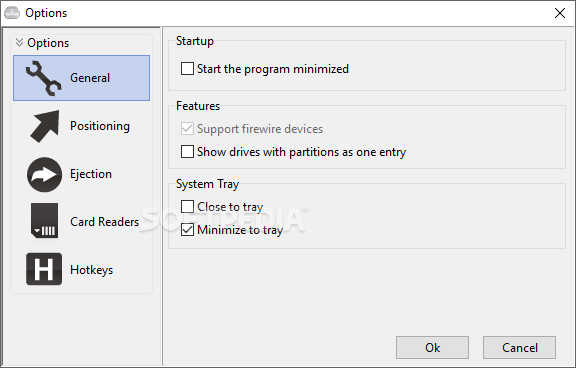
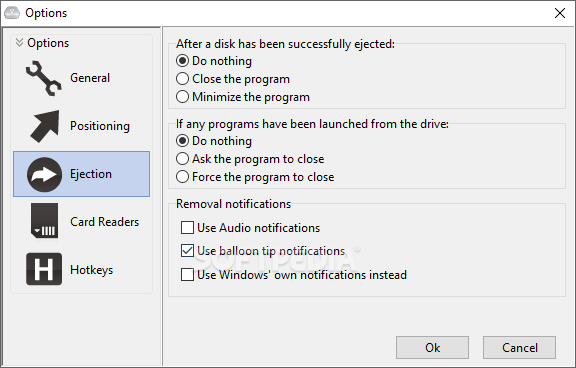
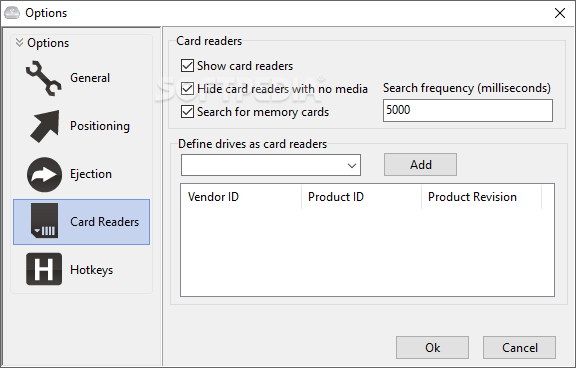
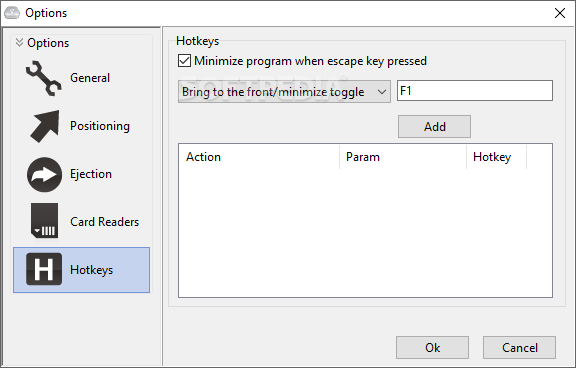
While the UI has no other functionality apart from removing drives, plenty of options hide under the More>>> button. For example, you can change the UI startup rules or system tray behavior.
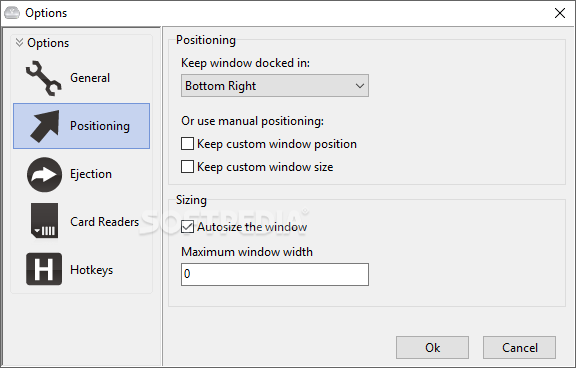
Docking the dashboard to a fixed point on the screen is also doable, as well as resizing it. However, the most interesting feature appears to be the card reader section. Surprisingly, the app can detect memory cards as drives, which is very neat, especially if you own an external card reading device.
USB Disk Ejector is a small tool designed to prevent data corruption on external devices by wrapping up the processes that may still be running after a transfer. Forcefully removing stuck drives is another ability handy in certain situations, making the app an all-around solution for disconnecting all types of drives.
What's new in USB Disk Ejector 1.3.0.6:
- This version adds a /CFGDIR switch to let you specify a different location for the cfg file that stores all the settings.
USB Disk Ejector 1.3.0.6
add to watchlist add to download basket send us an update REPORT- runs on:
-
Windows 11
Windows 10 32/64 bit
Windows 8 32/64 bit
Windows 7 32/64 bit
Windows Vista 32/64 bit
Windows XP 32/64 bit - file size:
- 1.6 MB
- filename:
- USBDiskEjector1.3.0.6.zip
- main category:
- System
- developer:
- visit homepage
4k Video Downloader

Microsoft Teams

Zoom Client

7-Zip

calibre

Windows Sandbox Launcher

Context Menu Manager

ShareX

IrfanView

Bitdefender Antivirus Free

- ShareX
- IrfanView
- Bitdefender Antivirus Free
- 4k Video Downloader
- Microsoft Teams
- Zoom Client
- 7-Zip
- calibre
- Windows Sandbox Launcher
- Context Menu Manager