
Run multiple operating systems on the same computer without affecting the system's stability using this popular virtualization software. #Virtual machine #Server-class application #Live snapshot #Virtual #Machine #Windows

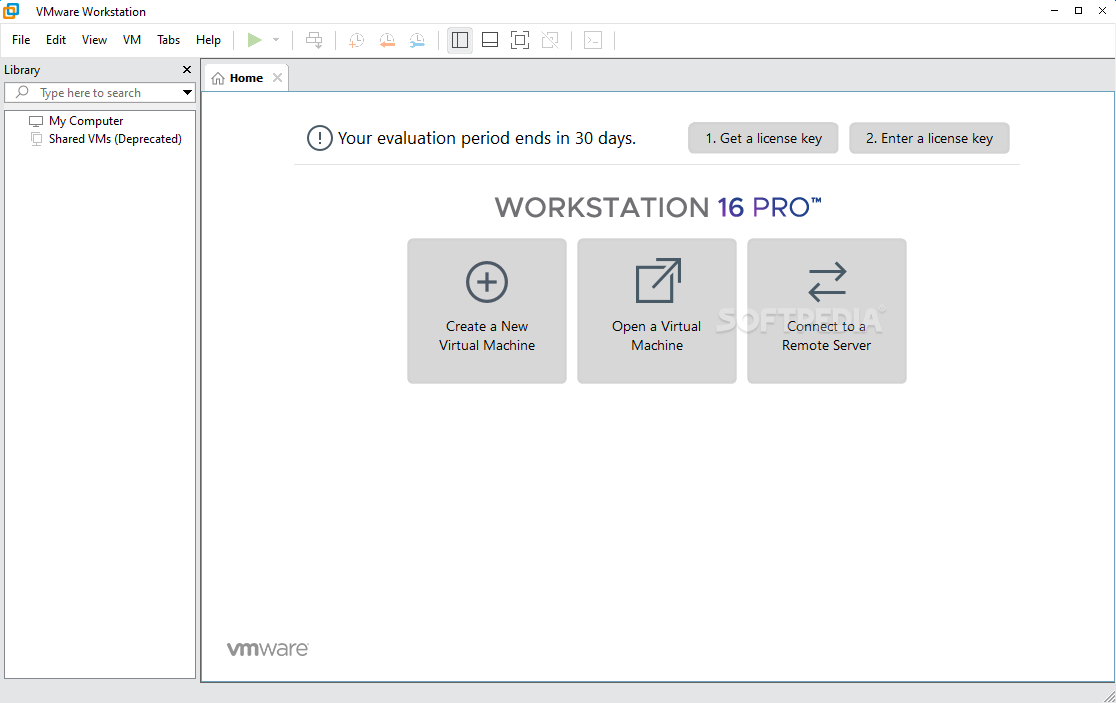
VMware Workstation is a desktop virtualization solution that provides power users, system administrators and developers with the necessary capabilities to run and test multiple operating systems on the same computer.
To put it more simple, VMware Workstation enables you to run multiple virtual machines on your PC, allowing for extensive testing and development of complex networked server-class applications.
Through its robust and powerful engine, it makes it easier for developers to introduce virtual infrastructure to a company and increase productivity.
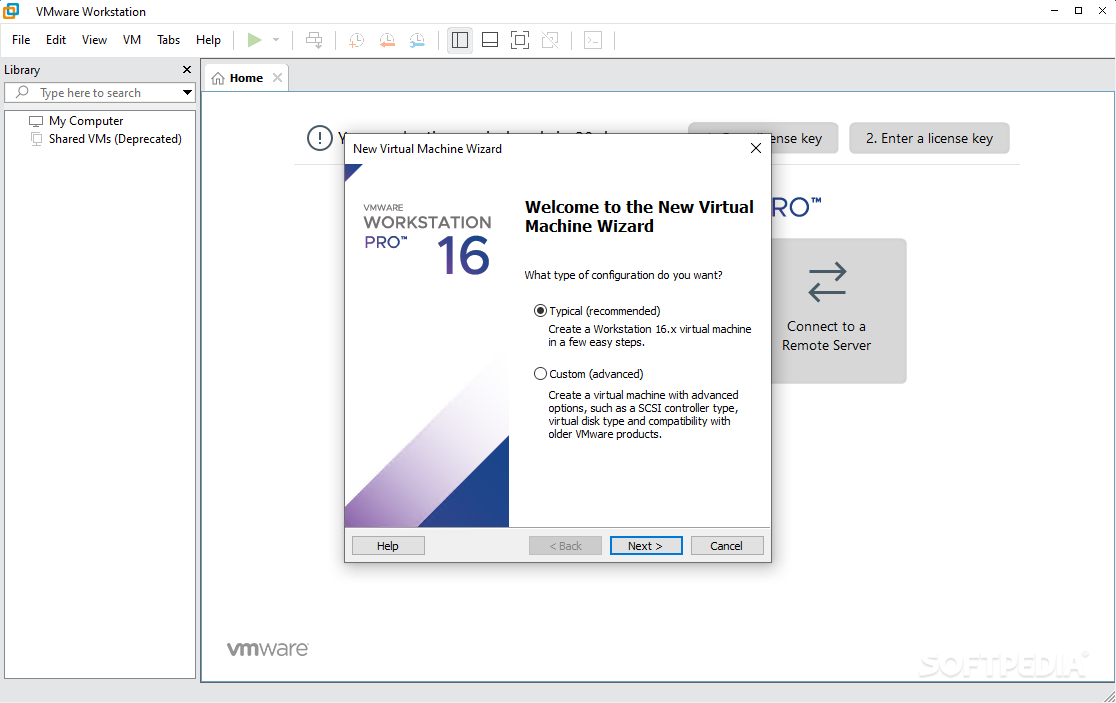
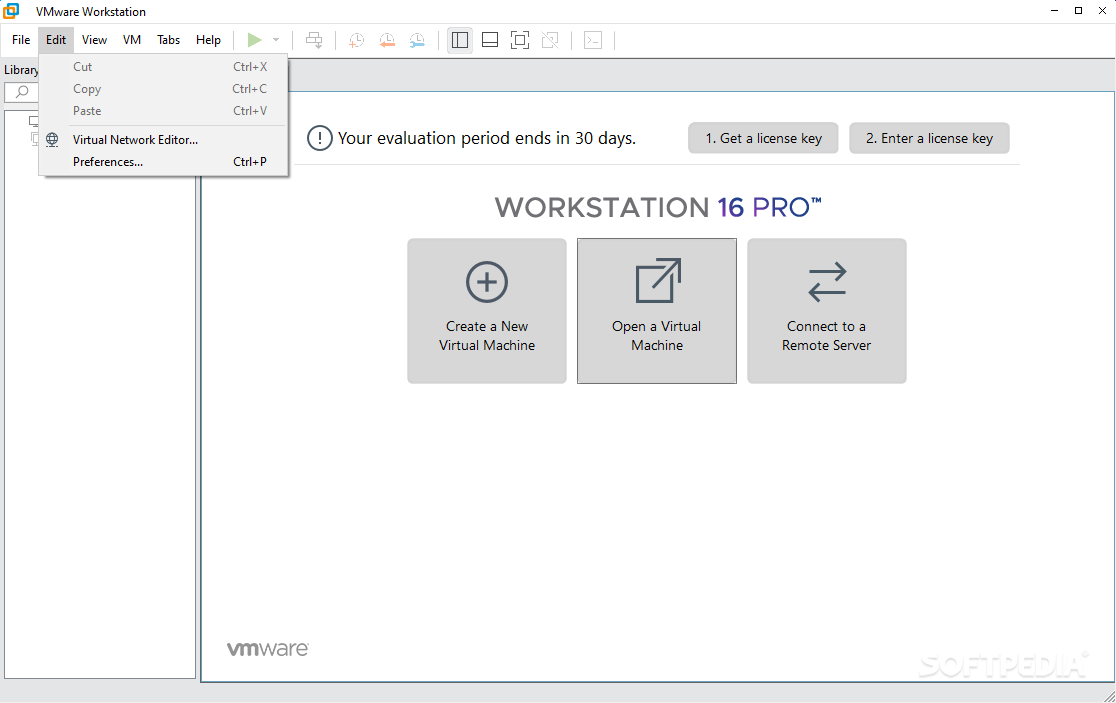
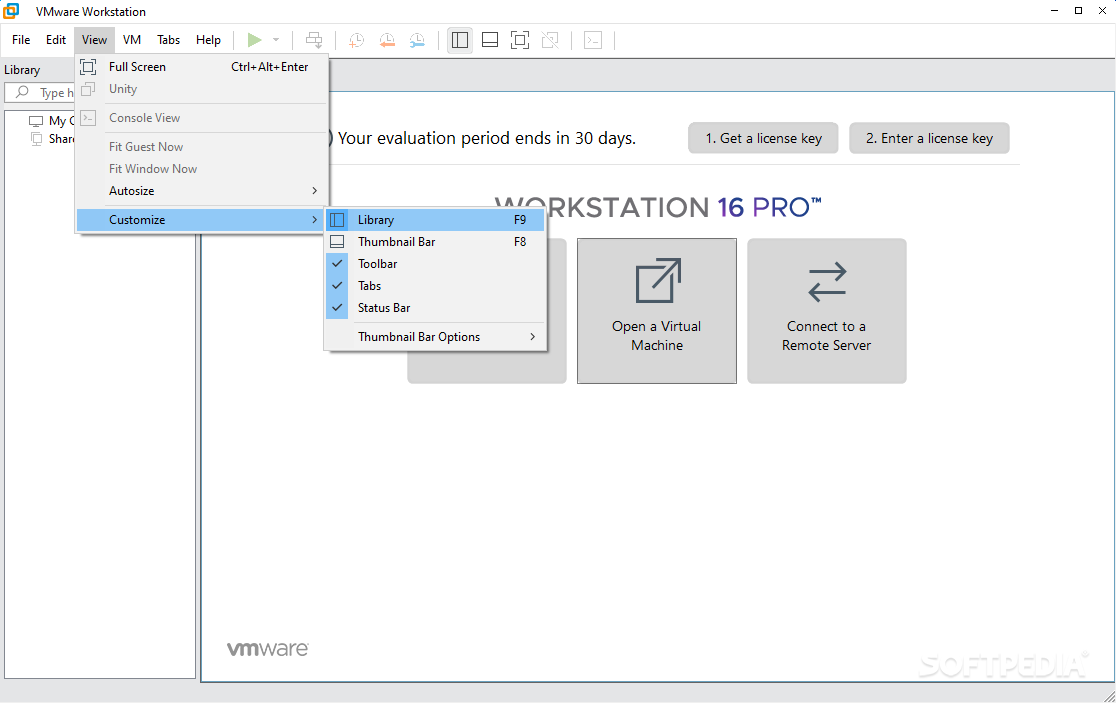
The installation process is very simple, and it requires you to either choose a typical or custom mode (recommended for advanced users). The program’s interface has a simple, yet organized look, featuring a Home panel that includes shortcuts to the most important utilities it brings along.
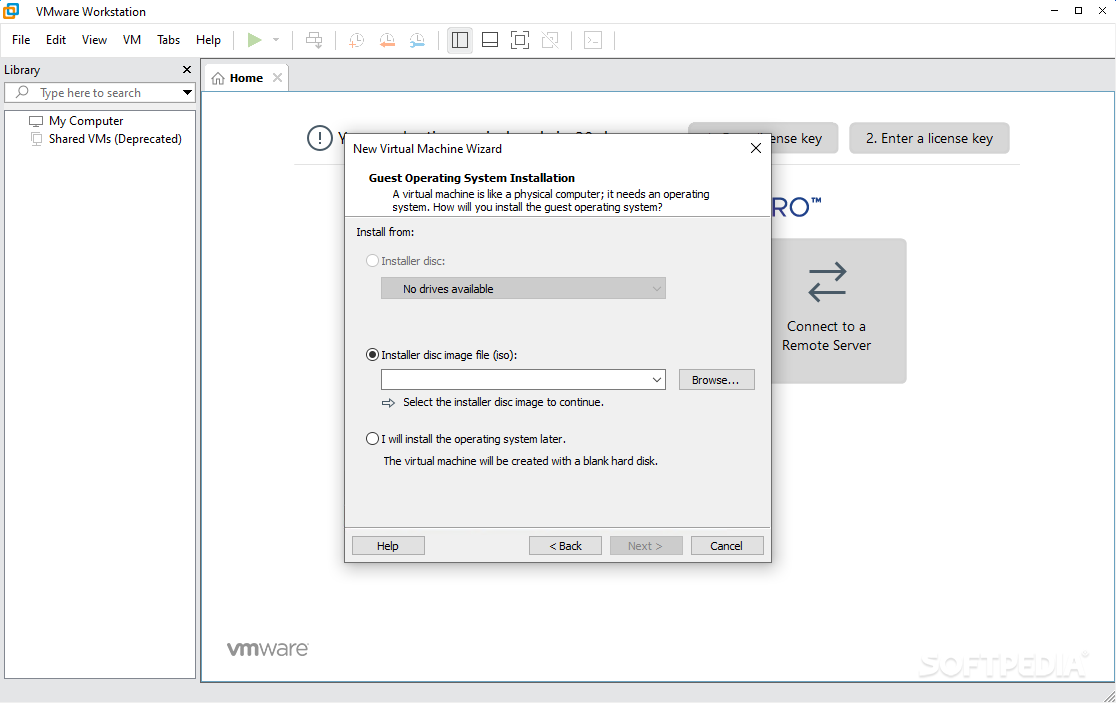
Plus, it offers support for a multi-tabbed layout, so you can allow multiple virtual machines to be opened at once. Taking into consideration the amount of settings that it bundles, the layout is fairly intuitive and rookies may use a built-in wizard for creating a new virtual machine.
With VMware Workstation you can basically perform actions between virtual machines, such as cut, copy and paste text, images or email attachments (especially useful in Unity mode), while the drag-and-drop feature is available to move files, text or images between virtual machines (e.g. file managers, zip file managers).
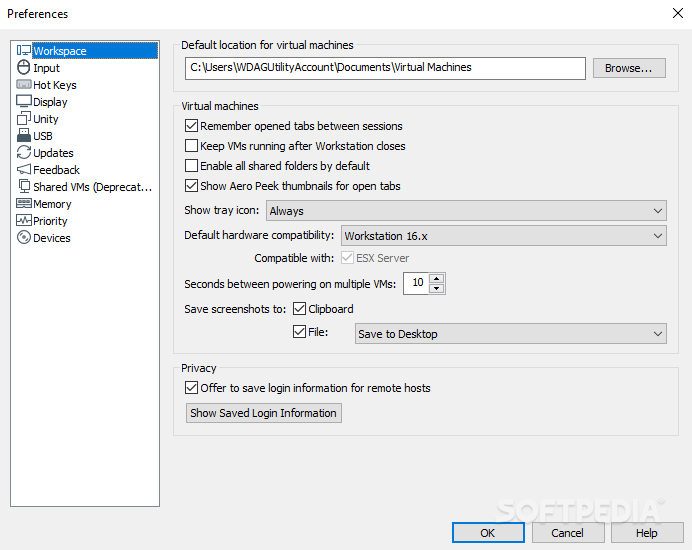
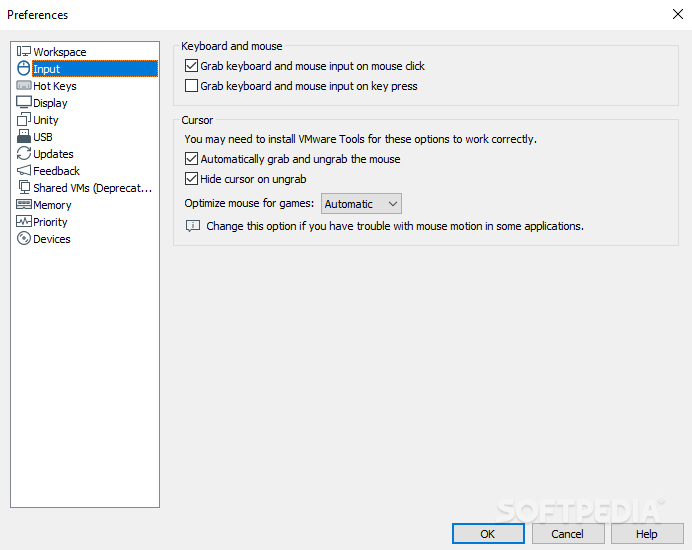
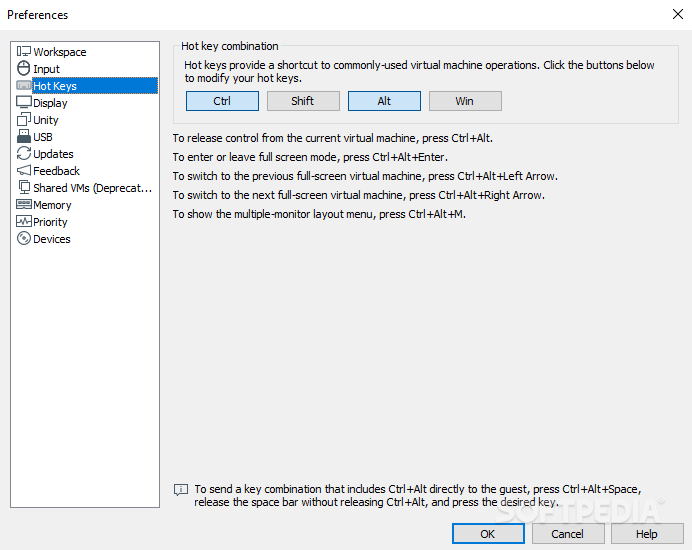
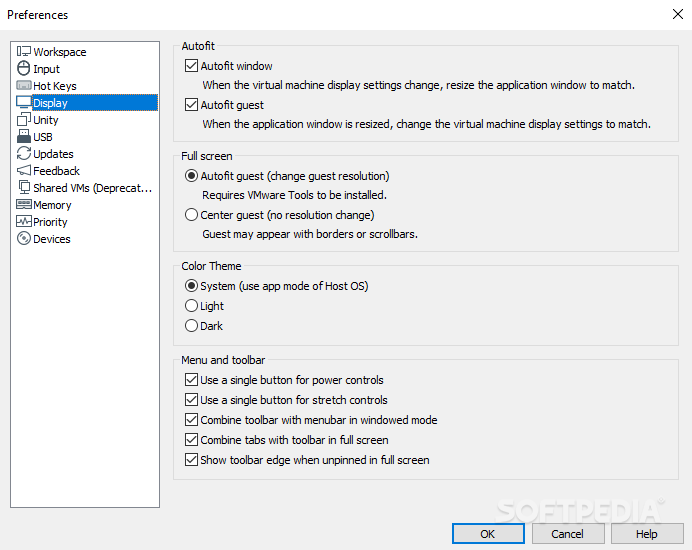
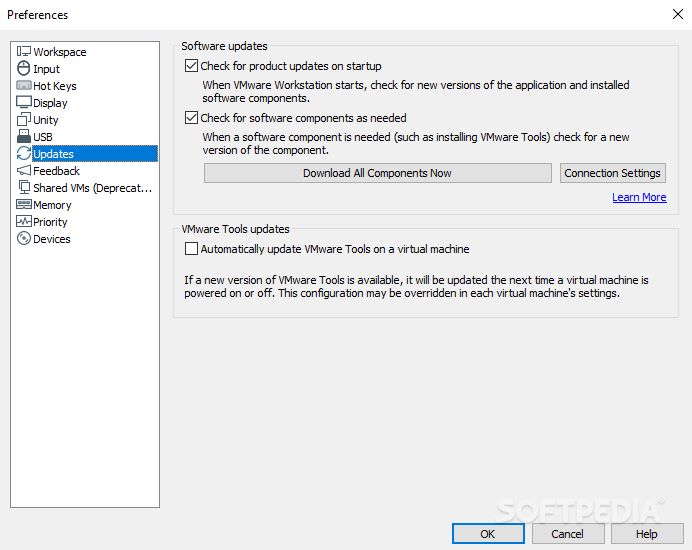
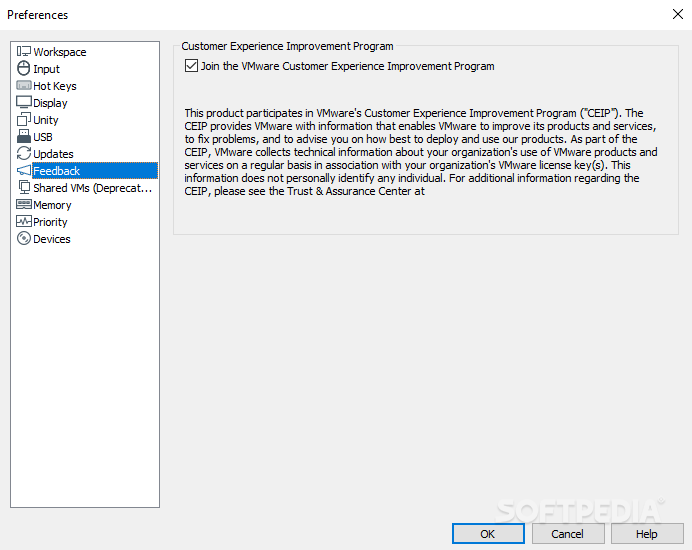
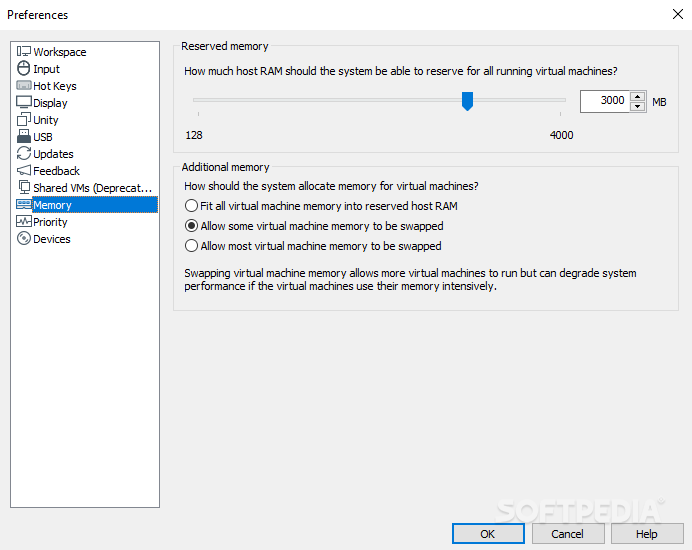
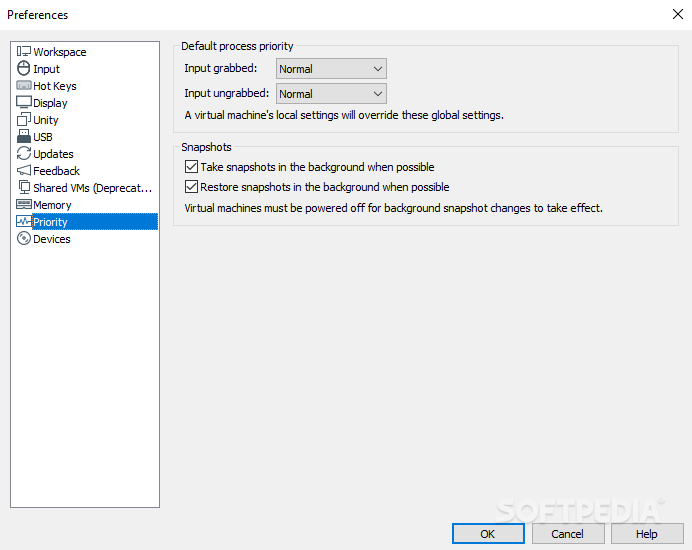
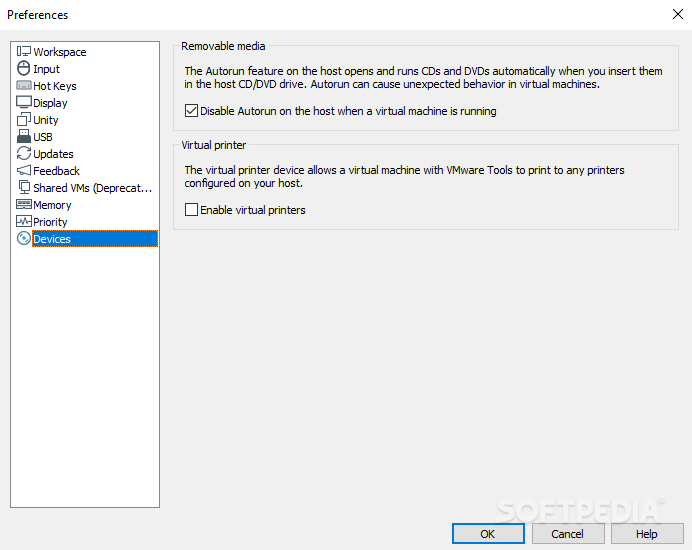
Other features include taking a snapshot to maintain virtual machine states, changing workstation preference settings, installing and updating various tools, configuring virtual machine option/hardware settings, using a virtual network editor, using removable devices and printers, setting up shared folders, and running the support script.
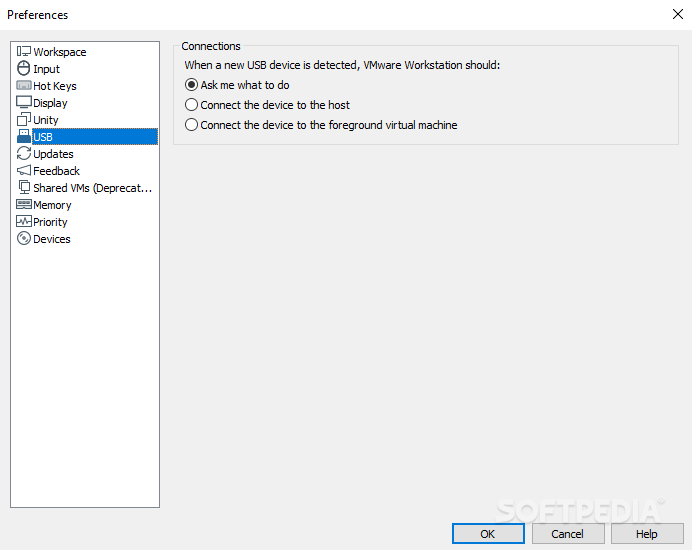
You can bridge to existing host network adapters, CDs or DVDs, hard disk drives and USB devices. Plus, you can test live CDs without first recording them on discs or restarting the computer system.
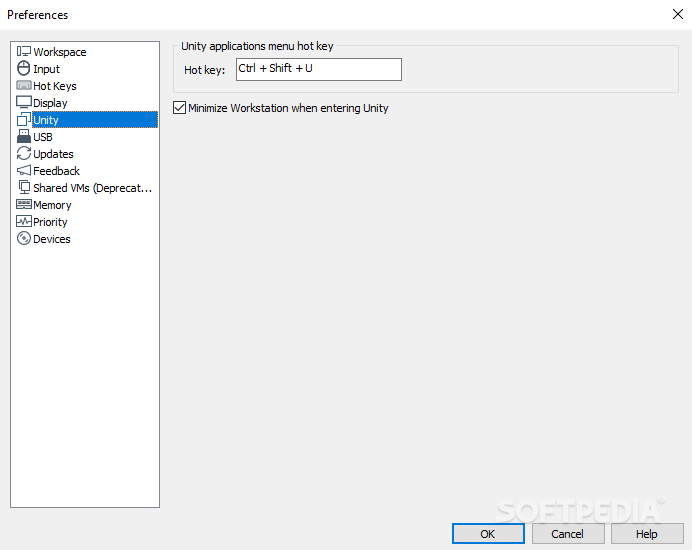
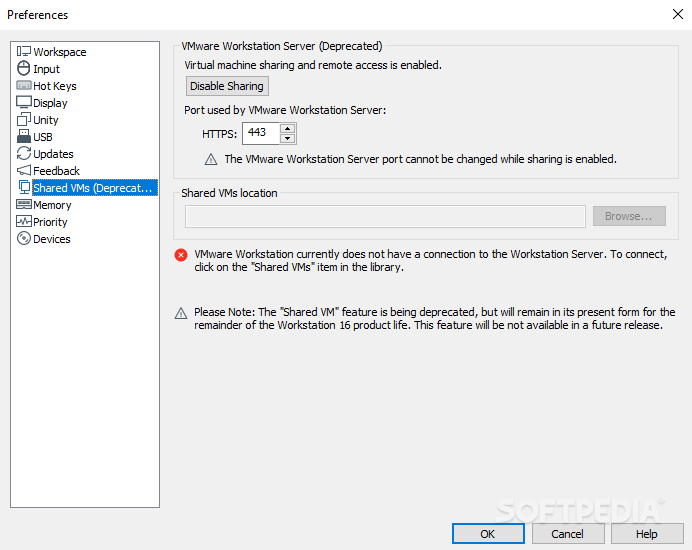
VMware Workstation lets you shut down, suspend, restart, power off or reset the guest (resetting means reinstalling the OS), share folders with the guest (while the VM can be password-protected), activate the Unity mode, which enables apps installed on the virtual machine to run directly on the host, edit privileges for the shared VMs, as well as make use of remote connections.
VMware Workstation is a fast and practical tool that you should experiment with in case you need a virtualization utility. Workload significantly decreases, thanks to this innovative software.
What's new in VMware Workstation Pro 17.5.1 Build 23298084:
- This release resolves CVE-2024-22251. For more information on this vulnerability and its impact on VMware products, see VMSA-2024-0005
VMware Workstation Pro 17.5.1 Build 23298084
 Softpedia Editor's Pick
add to watchlist
add to download basket
send us an update
REPORT
Softpedia Editor's Pick
add to watchlist
add to download basket
send us an update
REPORT
- runs on:
-
Windows 11
Windows Server 2022
Windows Server 2019
Windows Server 2016
Windows 10 64 bit
Windows Server 2012
Windows 8 64 bit - file size:
- 572 MB
- filename:
- VMware-workstation-full-17.5.1-23298084.exe
- main category:
- System
- developer:
- visit homepage
Microsoft Teams

Windows Sandbox Launcher

Context Menu Manager

calibre

Zoom Client

Bitdefender Antivirus Free

IrfanView

ShareX

7-Zip

4k Video Downloader

- ShareX
- 7-Zip
- 4k Video Downloader
- Microsoft Teams
- Windows Sandbox Launcher
- Context Menu Manager
- calibre
- Zoom Client
- Bitdefender Antivirus Free
- IrfanView