
A virtual desktop manager that features a 3D-cube effect for helping you work with multiple desktops and switch between them for more productivity. #3D cube #Desktop manager #Virtual desktop #Manager #Desktop #Rotation

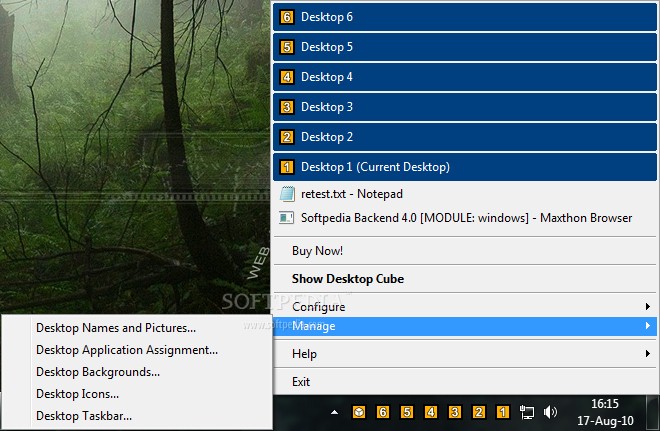
If you believe productivity is an issue and you’re still looking into ways to deal with it, you should probably try one of those apps that let you work on multiple desktops at the same time.
DeskSpace is probably the best choice in this particular category, as it provides up to six desktops that can be easily controlled using a few keyboard shortcuts.
DeskSpace was built for multiple purposes, amongst which the most important ones are to offer you an effortless way to expand your desktop space and to avoid and eliminate desktop clutter.
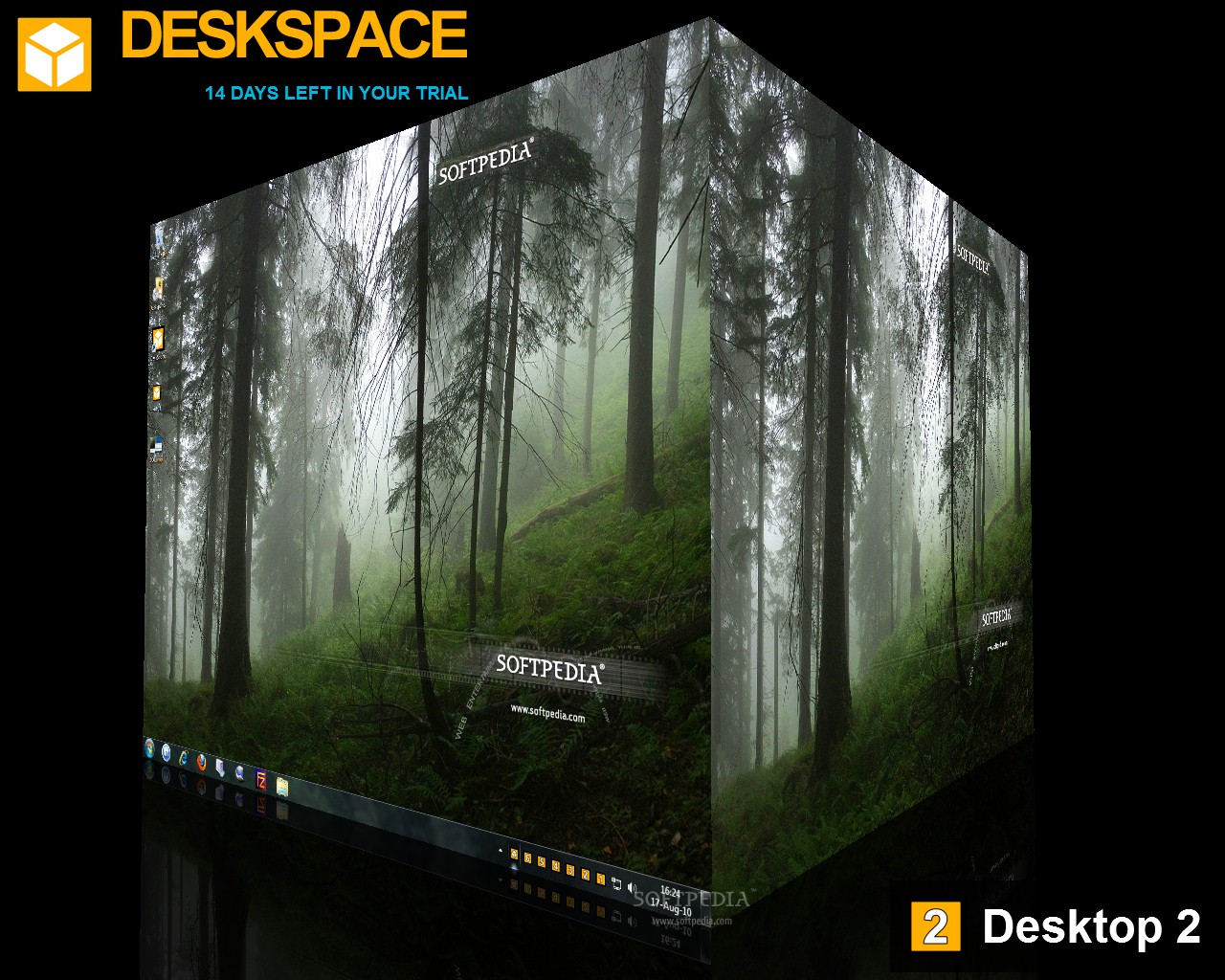
With this tool, you can work with multiple desktops and switch between them for more productivity. It does so by letting you navigate a desktop cube, whose faces are practically the six desktops you are currently handling.
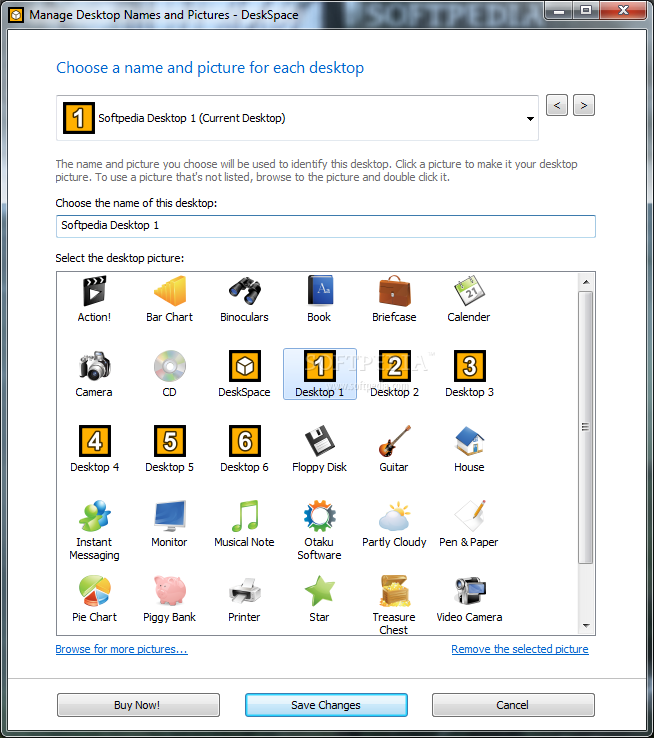
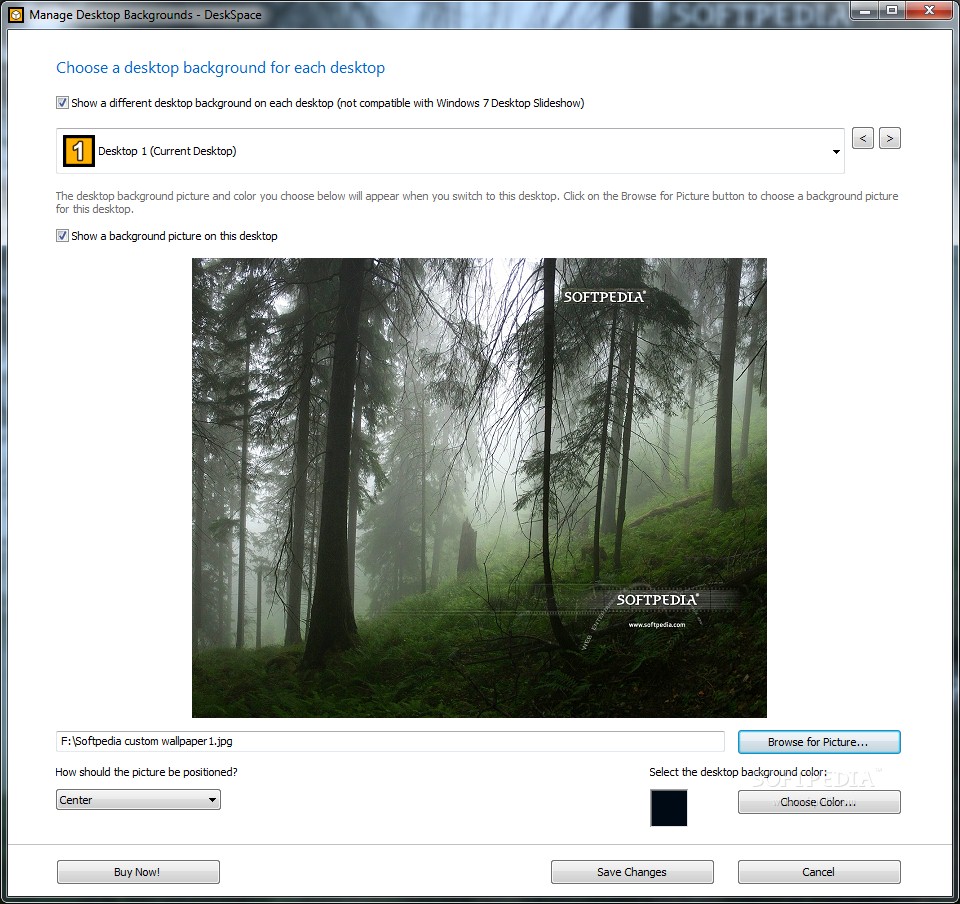
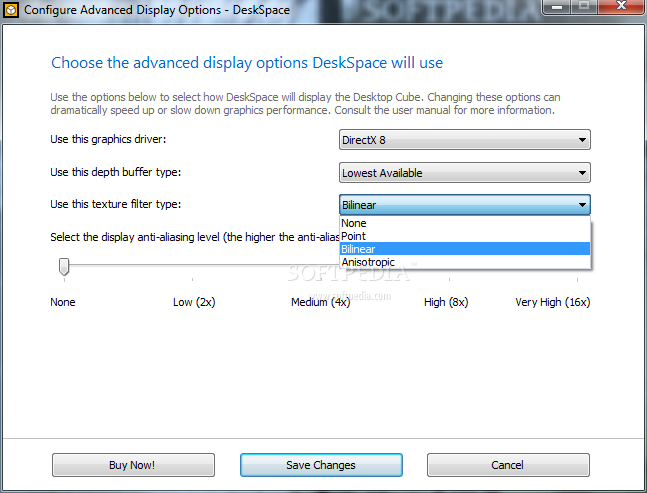
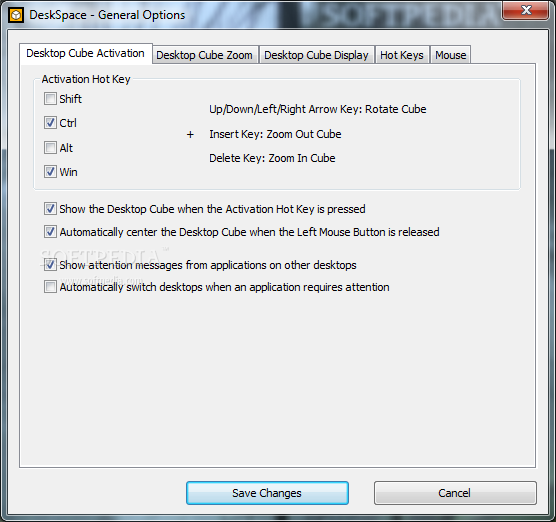
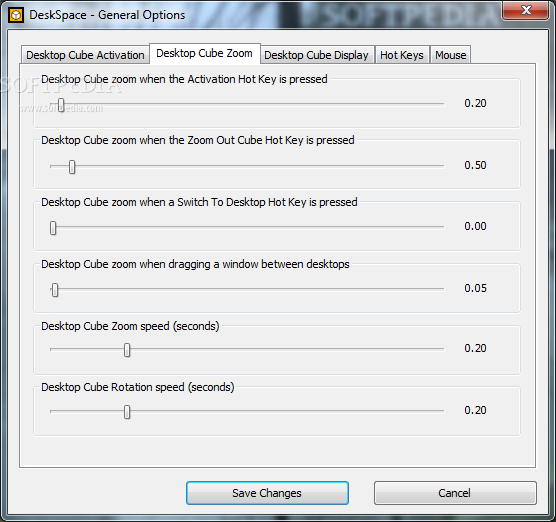
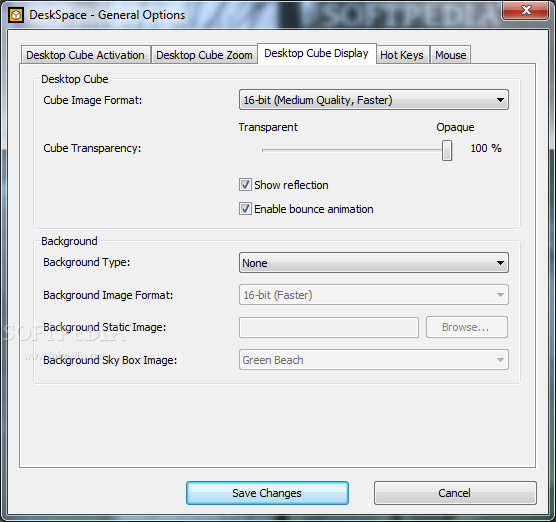
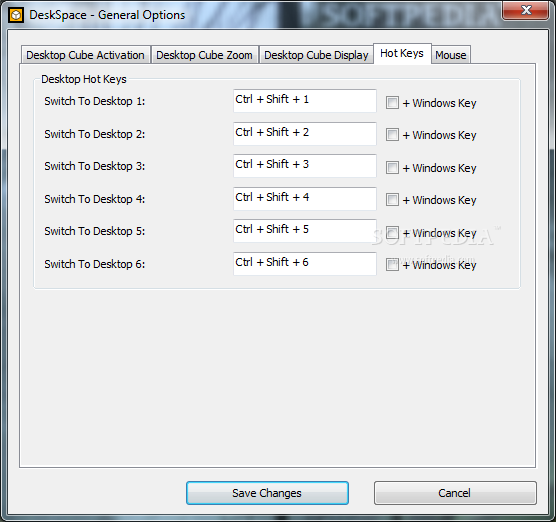
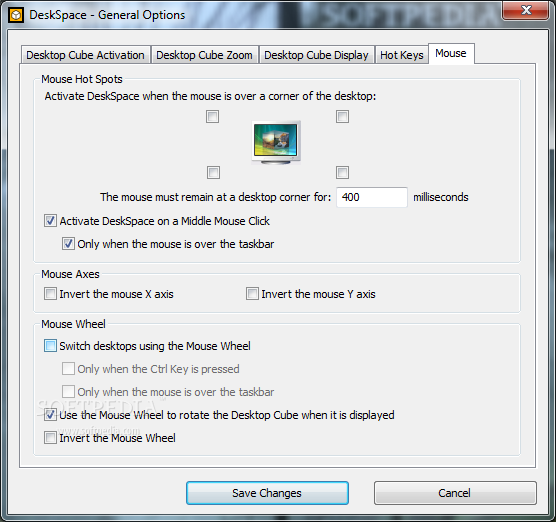
There is no interface to the program, managing it can only be done from the system tray menu, but this does not bring major inconveniences. From here, you can change the way the application works, including wallpapers and names for each of the virtual desktops, keyboard shortcuts and icons.
The system tray menu also allows you to manage the window dragging and window compatibility settings and to tweak the system tray icons and menu behavior.
The thing we liked the most is definitely how quick the application actually works. Switching between two desktops takes less than a second, despite the visual effects that you see every time this process takes place. We must admit that we had no idea that the 3D effects we’ve seen on Linux distributions gifted with Compiz are also possible on a Windows machine.
To sum up, DeskSpace is a great way to organize your desktop efficiently, thus gaining more space for your windows and icons. Switching between the desktops is a stunning visual experience achieved in 3D.
Download Hubs
DeskSpace is part of these download collections: Virtual Desktop Managers
What's new in DeskSpace 1.5.8.14:
- Feature - Minor performance improvements.
- Bug Fix - Fixed a bug that caused DeskSpace to crash when selecting a desktop background on some Windows XP systems.
- Bug Fix - Fixed a bug that caused command line windows that launch child processes to disappear while switching between desktops.
- Bug Fix - Fixed a bug that caused Explorer to crash.
DeskSpace 1.5.8.14
 Softpedia Editor's Pick
add to watchlist
add to download basket
send us an update
REPORT
Softpedia Editor's Pick
add to watchlist
add to download basket
send us an update
REPORT
- runs on:
-
Windows 8 32/64 bit
Windows 7 32/64 bit
Windows Vista 32/64 bit
Windows XP 32/64 bit - file size:
- 13.5 MB
- filename:
- DeskSpaceTrialSetup.exe
- main category:
- System
- developer:
- visit homepage
Bitdefender Antivirus Free

Windows Sandbox Launcher

Zoom Client

4k Video Downloader

7-Zip

calibre

ShareX

IrfanView

Context Menu Manager

Microsoft Teams

- IrfanView
- Context Menu Manager
- Microsoft Teams
- Bitdefender Antivirus Free
- Windows Sandbox Launcher
- Zoom Client
- 4k Video Downloader
- 7-Zip
- calibre
- ShareX