
Streamlined Windows diagnostics, benchmarking and hardware monitoring software application with support for reports and email notifications. #System Diagnostics #System Benchmark #Hardware Inventory #Diagnostics #Benchmark #EVEREST

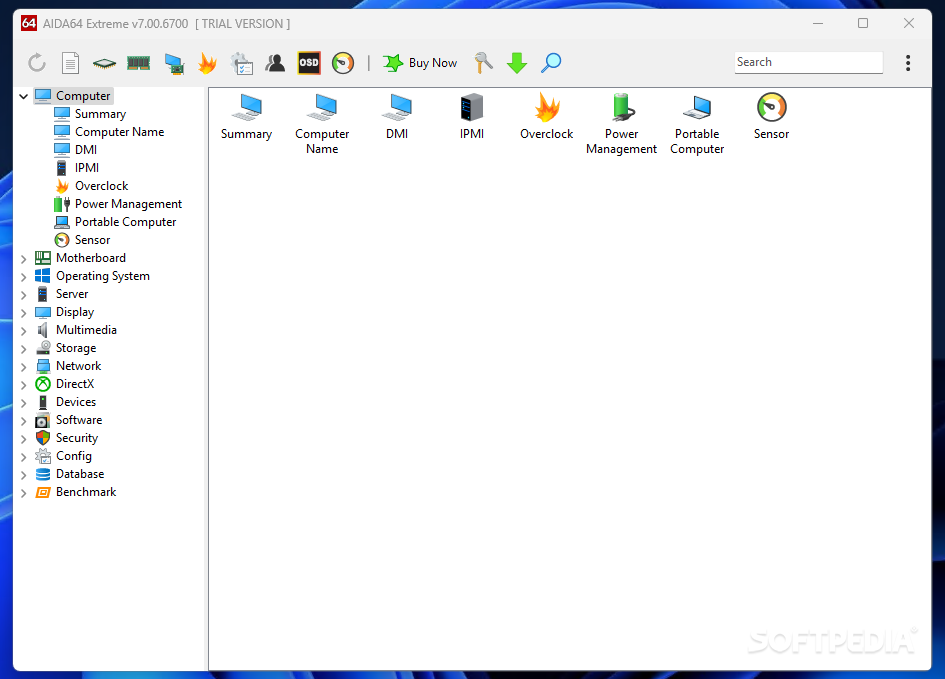
AIDA64 Extreme is one of those applications that you want to have around when there’s an issue with a PC and you need to find the cause. It delivers a comprehensive system diagnostics utility that not only retrieves detailed information about the hardware and software configuration of a computer, but it also allows you to diagnose issues and run benchmarks.
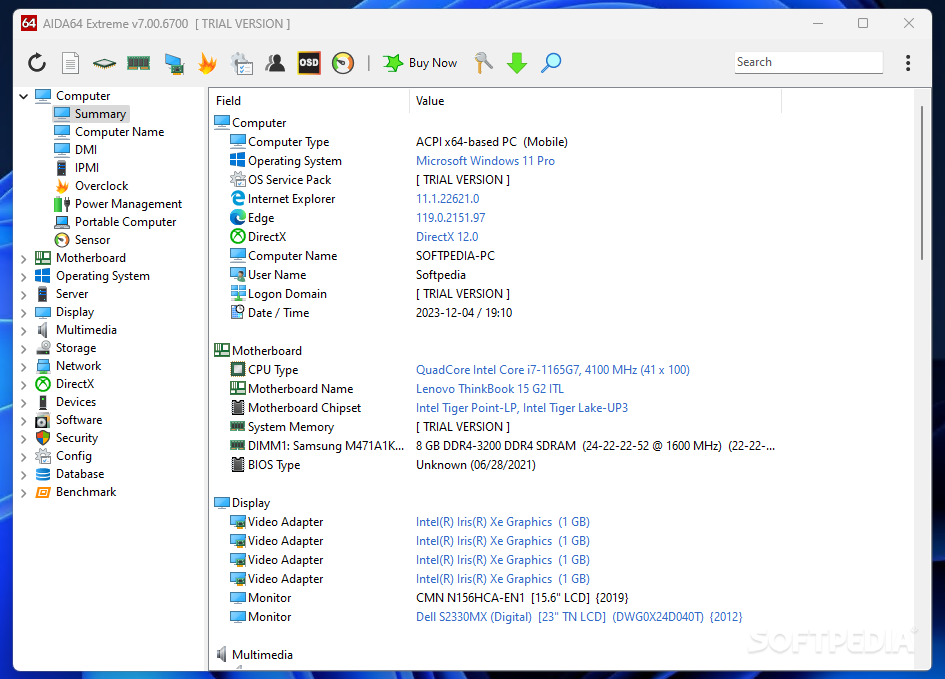
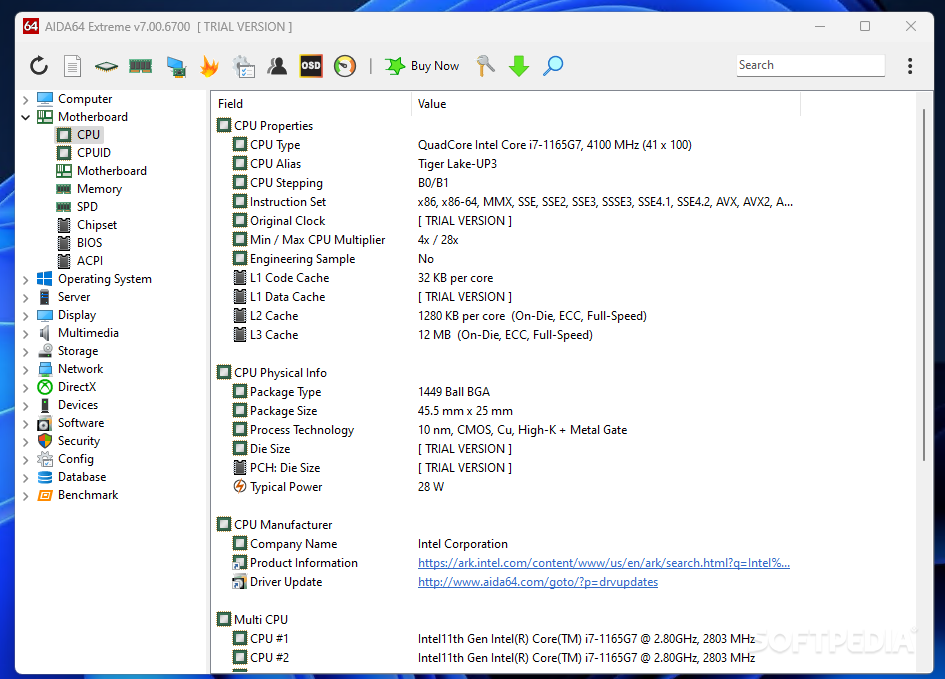
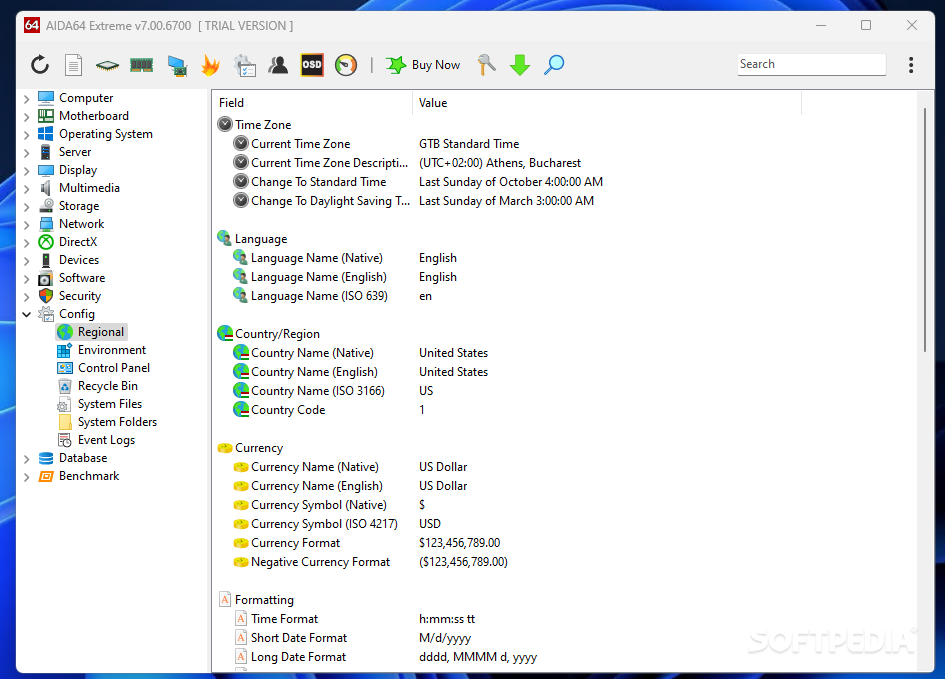
First of all, AIDA64 Extreme can be used to get an extensive report about the components of the local system. You get to explore all the hardware and software components of the local PC and get details regarding the computer type, the operating system and the installed applications.
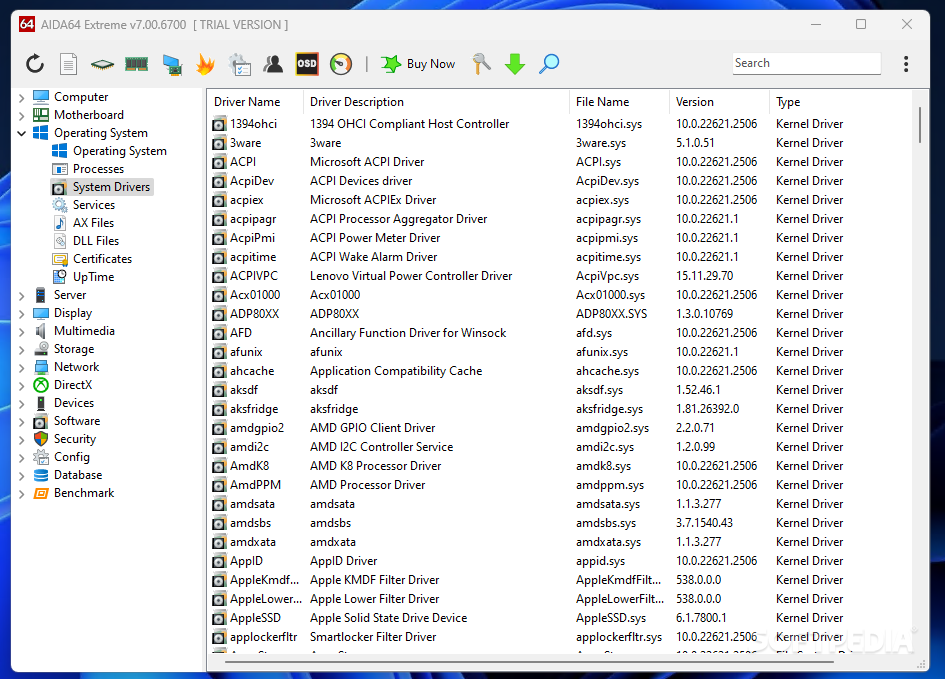
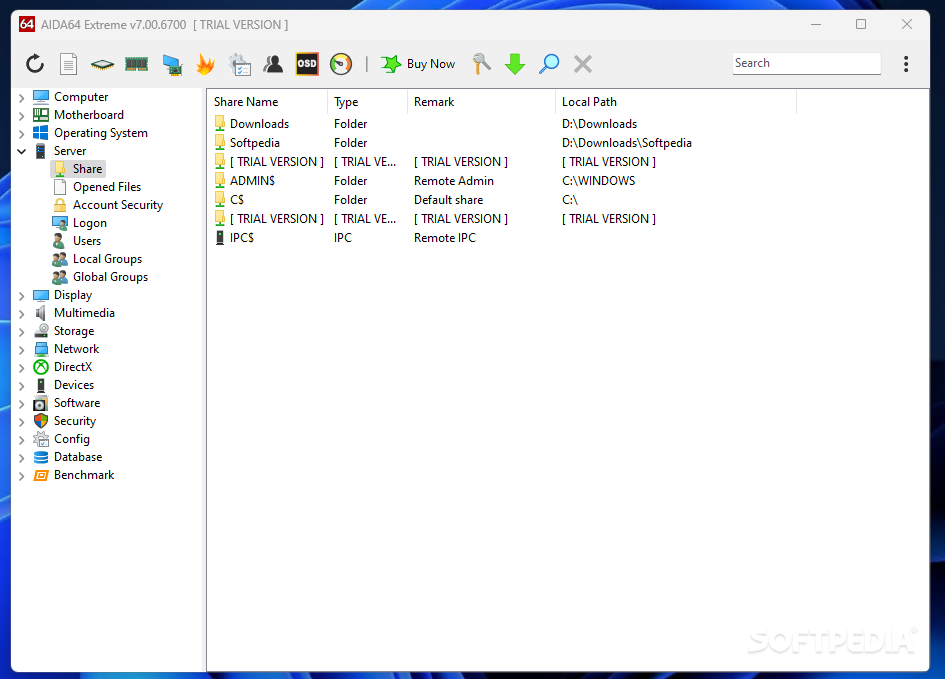
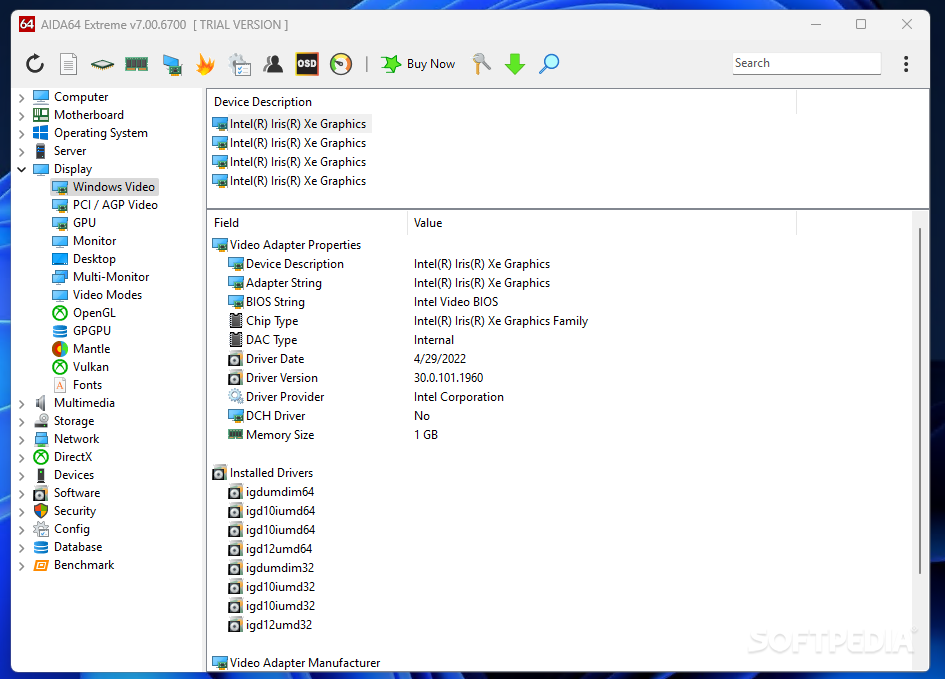
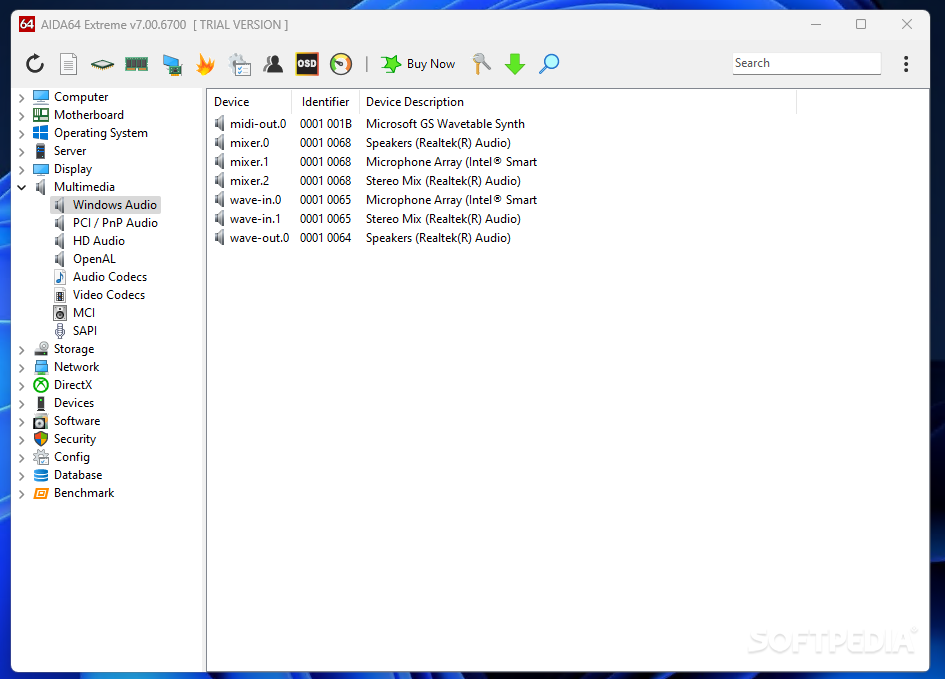
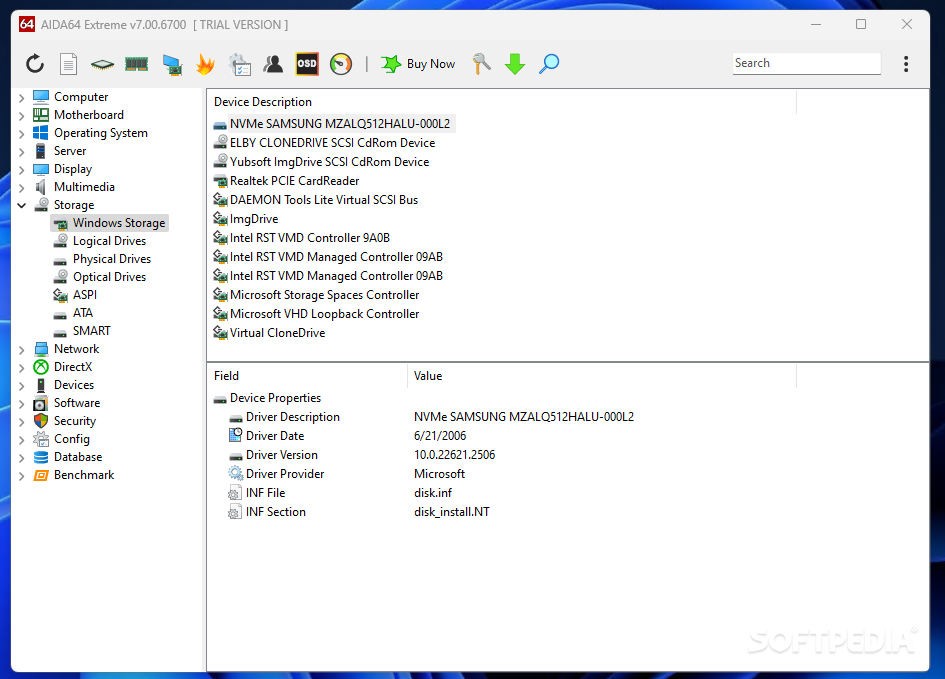
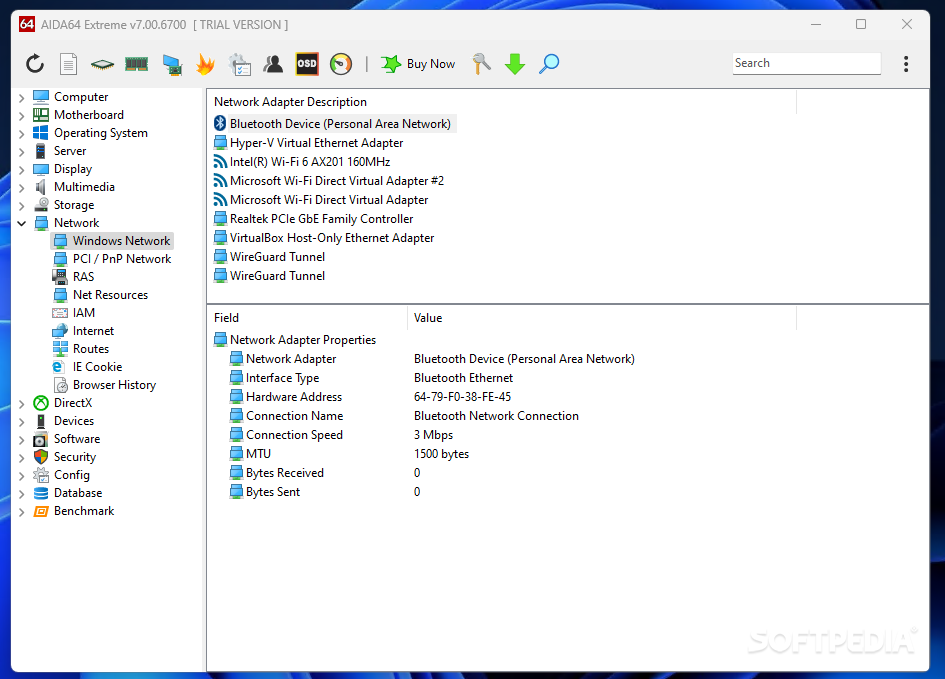
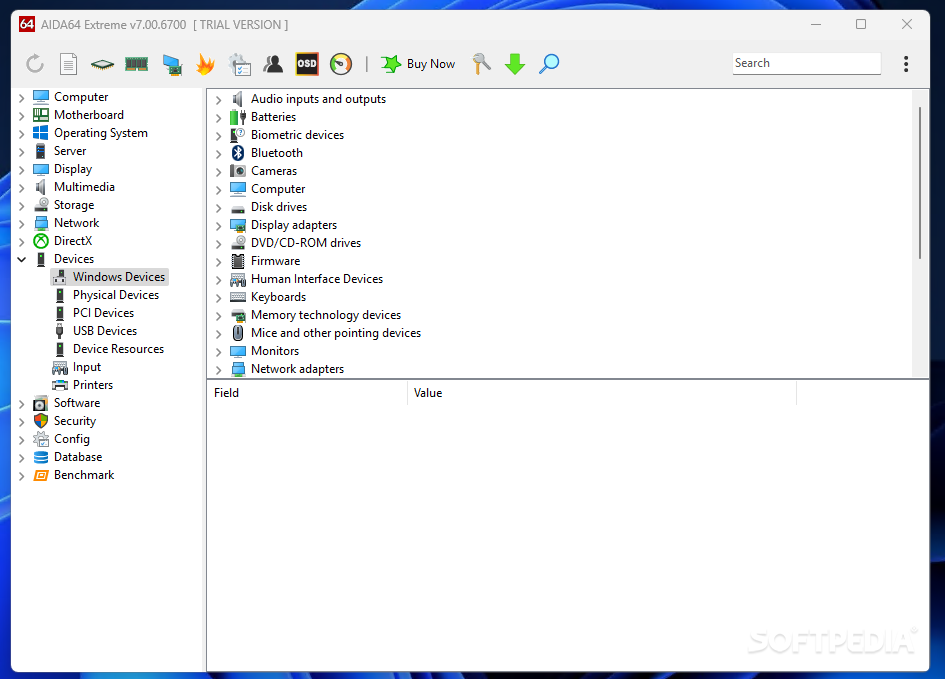
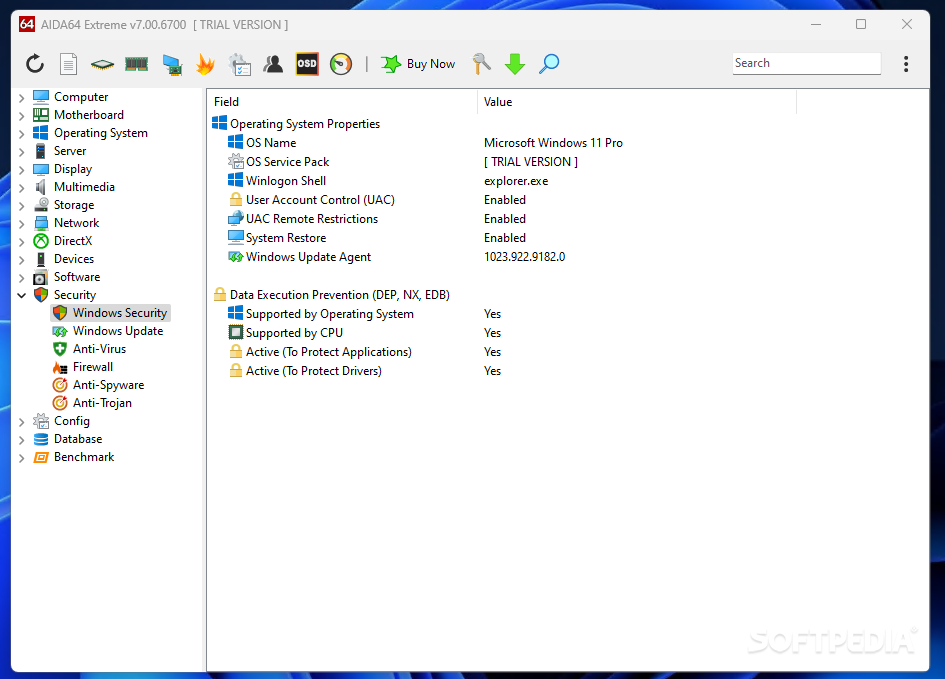
Information such as the hardware configuration (motherboard, display, storage, partitions, input devices and peripherals) are one-click away in AIDA64 Extreme. Moreover, detailed info can be obtained when it comes to the operating system (e.g. processes, system drivers, DLL files), multimedia-related issues (e.g. audio and video codecs) or the network configuration (e.g. routes, IE cookies). In other words, AIDA64 Extreme runs a thorough analysis of each component of the PC.
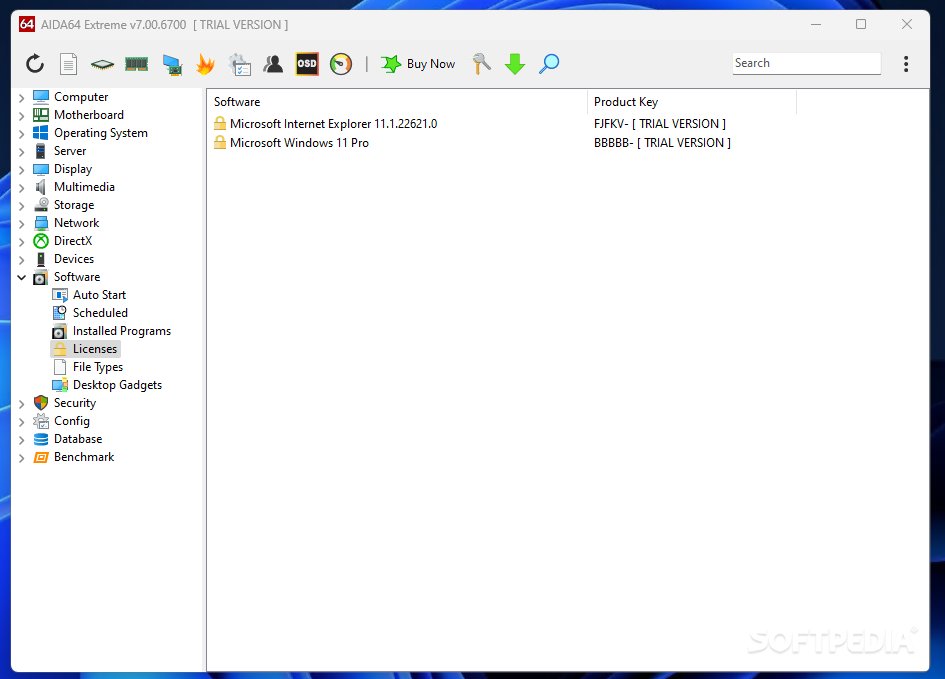
DirectX, installed software (e.g. scheduled tasks, autostart apps), security-related issues (e.g. firewall configuration, antivirus protection) are also available in AIDA64 Extreme.
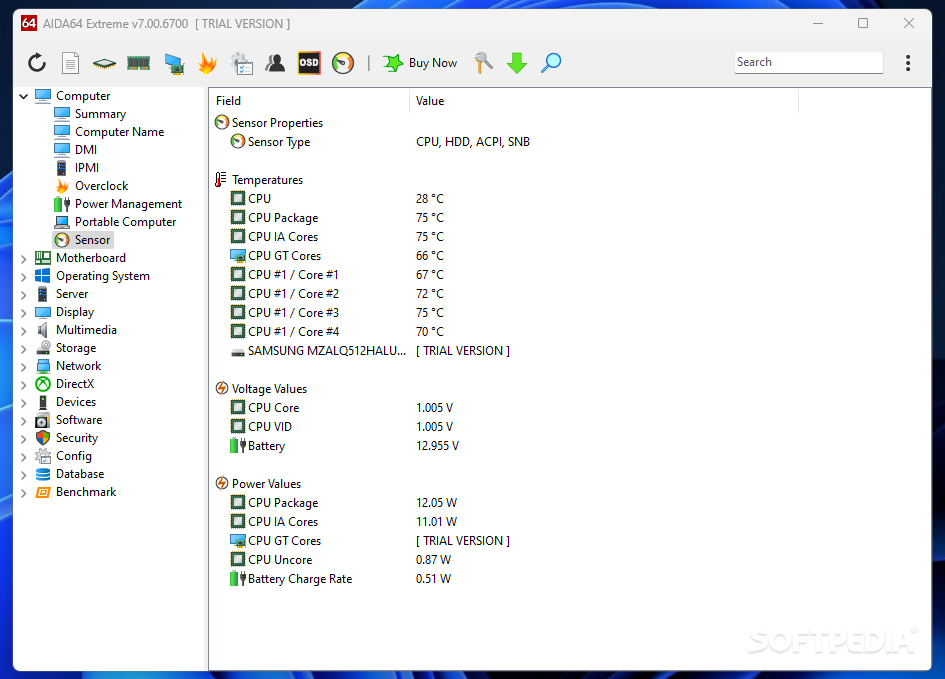
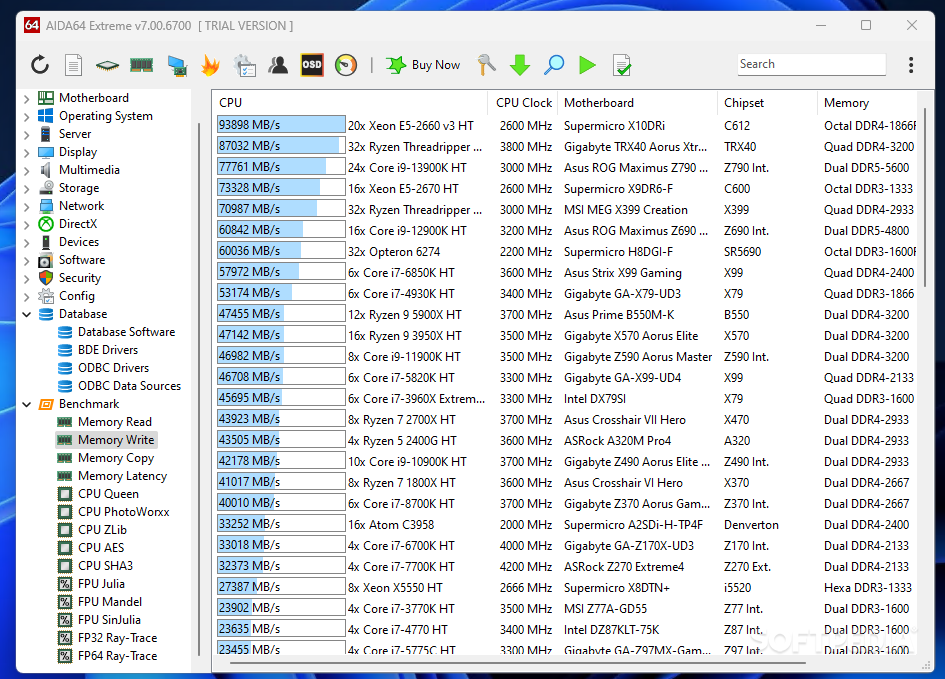
AIDA64 Extreme also acts as a system diagnose tool, providing details about the memory and CPU usage, but that is not all. It comes with benchmarking tools that allow you to put your system to a test and evaluate its performance.
You get to run benchmarks for testing the memory, the processor and the FPU to evaluate the capabilities of the system’s memory. There is memory read, write, copy and latency tests, along with complex benchmarks for the cache, CPU and the FPU.
It is worth noting that AIDA64 Extreme comes with an integrated report wizard that allows you to export computer-related information and save it locally or forward it via email.
Reports can include system summary only, hardware or software-related pages, benchmark pages or a custom selection you make. Please keep in mind that the more information you include in the report, the larger its size.
Considered one of the industry-leading reporting and diagnostics tools, AIDA64 Extreme gathers extensive system information in a single place, while also providing options for diagnosing and evaluating a computer’s performance. While it could also prove useful for the regular user who needs to get an insight into the computer’s configuration, its capabilities go beyond that, which makes it more suitable for the tech-savvy user.
While the Extreme edition provides more than enough for the regular user, keep in mind that there are also more feature-rich editions of AIDA64, with added network auditing and remote access features: AIDA64 Engineer, AIDA64 Business Edition and AIDA64 Network Audit.
Download Hubs
AIDA64 Extreme is part of these download collections: System Information Viewers, Benchmark CPU, GPU Managers, Hardware Inventory
What's new in AIDA64 Extreme 7.20.6802:
- Dark Mode with 3 dark themes
- Gskill WigiDash LCD support
- Icelandic localization
- NZXT Kraken 2023 and Kraken Elite sensor support
AIDA64 Extreme 7.20.6802
 Softpedia Editor's Pick
add to watchlist
add to download basket
send us an update
REPORT
Softpedia Editor's Pick
add to watchlist
add to download basket
send us an update
REPORT
- portable version
- This is the portable version of the application. An installable version is also available: AIDA64 Extreme
- runs on:
-
Windows 11
Windows 10 64 bit - file size:
- 65.7 MB
- filename:
- aida64extreme720.exe
- main category:
- System
- developer:
- visit homepage
Microsoft Teams

4k Video Downloader

ShareX

IrfanView

Zoom Client

7-Zip

Context Menu Manager

Bitdefender Antivirus Free

calibre

Windows Sandbox Launcher

- Bitdefender Antivirus Free
- calibre
- Windows Sandbox Launcher
- Microsoft Teams
- 4k Video Downloader
- ShareX
- IrfanView
- Zoom Client
- 7-Zip
- Context Menu Manager