
An easy to use application that allows you to check the functionality status of your Intel processor and view its technical parameters. #Processor Benchmark #CPU Diagnostics #Intel Diagnostics #Diagnostics #Intel #Benchmark

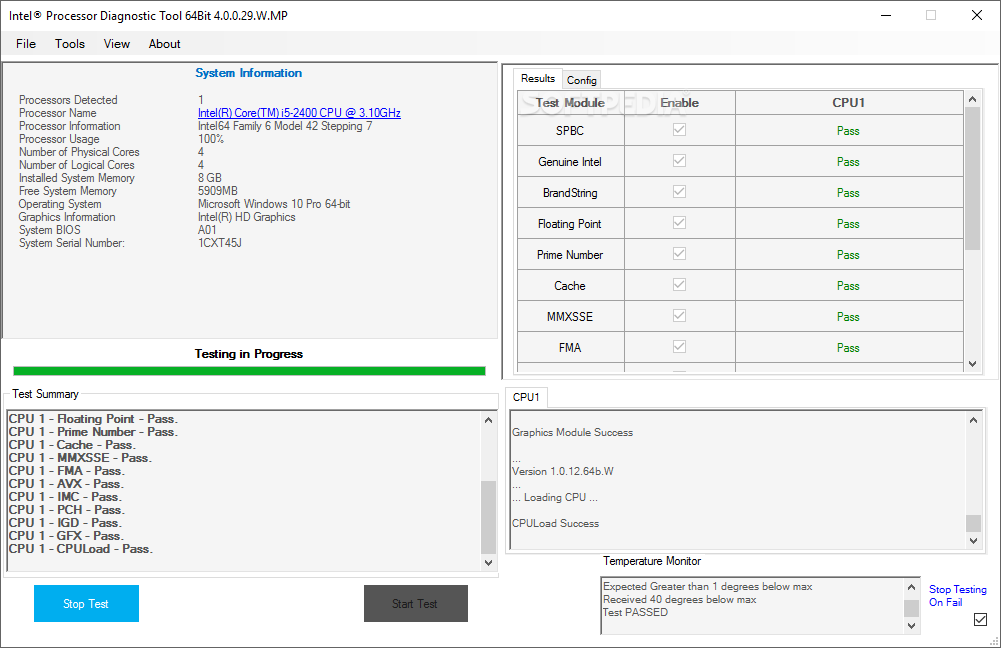
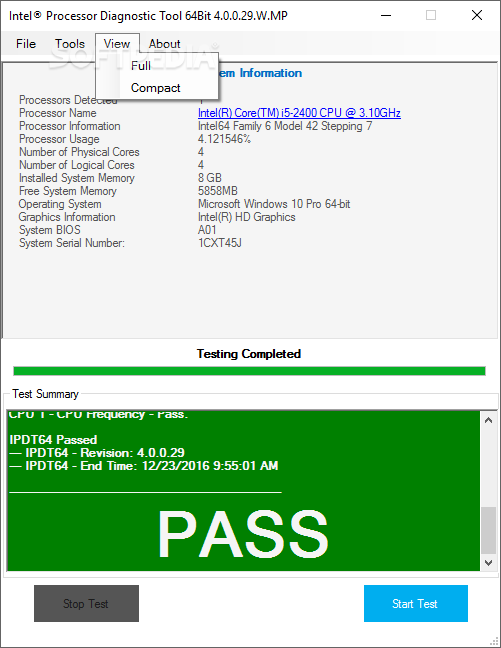
Intel Processor Diagnostic Tool is a simple-to-use program with a name that pretty much explains its functionality - it is capable of performing several benchmarks on your computer, in order to test the features of your Intel processor.
Upon initialization Intel Processor Diagnostic Tool automatically starts the scanning procedure. During this time it is highly recommended you stop your regular activity on the workstation, in order to prevent any unwanted errors and report glitches.
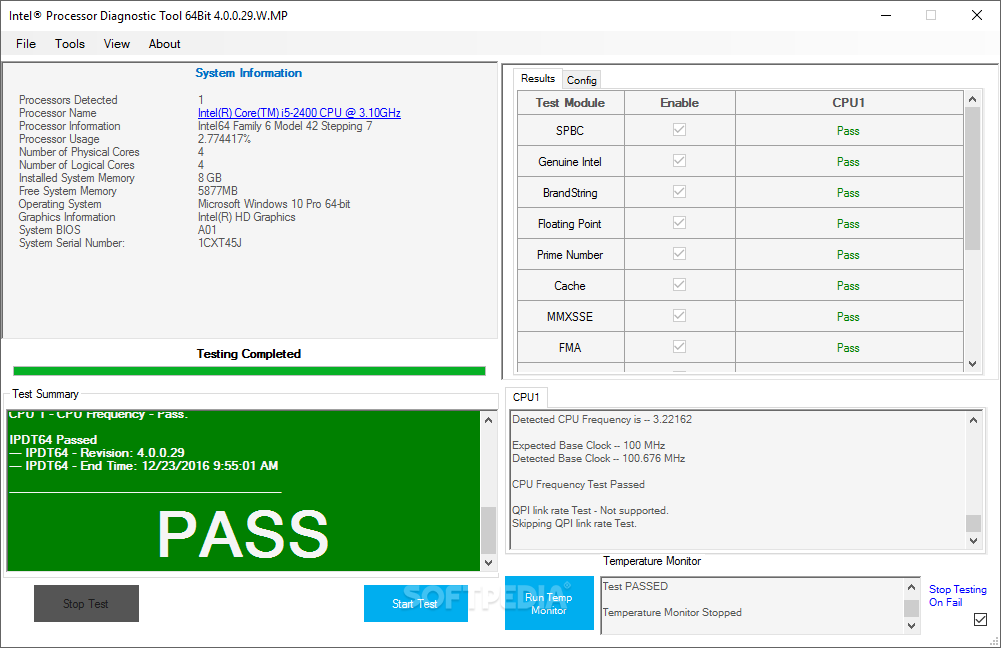
The resulted page shows plenty of information related to the Intel processor, such as the test start and end time, temperature test, detected brand string, CPU frequency, base clock, floating point test, cache size, MMX and SSE capabilities check, memory size and USB devices.
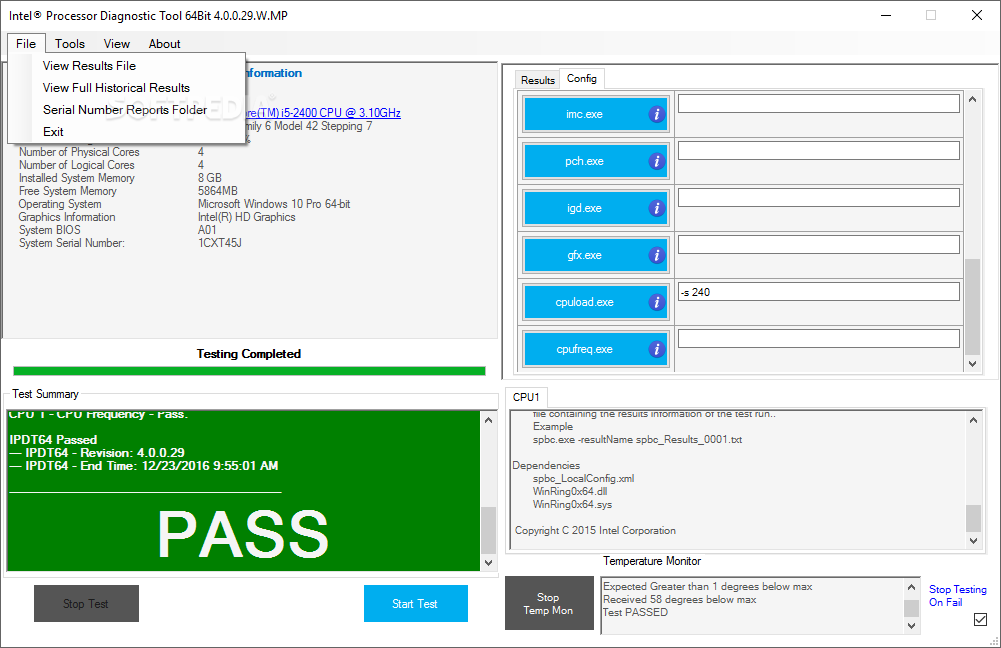
All these details are automatically recorded to a plain text document (TXT format), hence you can print it for further evaluation, or create an HTML report to keep the records in the computer and compare them with future benchmark results.
Intel Processor Diagnostic Tool is light on the system resources, so it doesn't burden the overall performance. It may take a while to carry out a scan job, depending on the features of your workstation. However, no error dialogs have been shown in our tests, and the app did not hang or crash. In conclusion, Intel Processor Diagnostic Tool delivers a quick solution when it comes to running tests on your Intel processor.
What's new in Intel Processor Diagnostic Tool 4.1.9.41:
- Update of all diagnostic modules for feature functionality and/or bug fixes.
- Add run-time block for specific third-party processor manufacturers.
Intel Processor Diagnostic Tool 4.1.9.41
add to watchlist add to download basket send us an update REPORT- PRICE: Free
- runs on:
-
Windows Server 2019
Windows Server 2016
Windows 10 32/64 bit
Windows Server 2012
Windows 2008 R2
Windows 8 32/64 bit
Windows 7 32/64 bit - file size:
- 6.8 MB
- filename:
- IPDT_Installer_4.1.9.41_32bit.msi
- main category:
- System
- developer:
- visit homepage
Zoom Client

Windows Sandbox Launcher

7-Zip

Microsoft Teams

Bitdefender Antivirus Free

Context Menu Manager

4k Video Downloader

ShareX

IrfanView

calibre

- ShareX
- IrfanView
- calibre
- Zoom Client
- Windows Sandbox Launcher
- 7-Zip
- Microsoft Teams
- Bitdefender Antivirus Free
- Context Menu Manager
- 4k Video Downloader