
Made to monitor the CPU clock and temperature, HDD temp and battery charge/discharge rate, compatible with Windows XP and older systems. #System monitor #Read temperature #CPU clock #Monitor #Temperature #Laptop

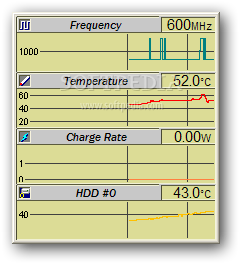
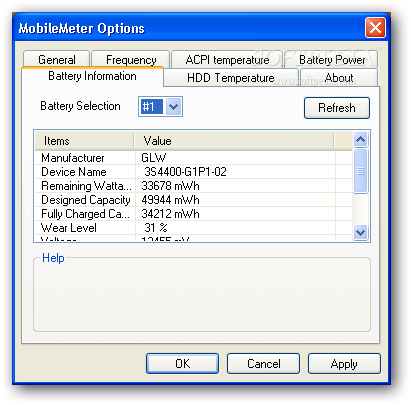
MobileMeter is a very old software application designed to display live sensor readings for notebooks when it comes to the CPU clock and temperature, battery lifespan, and HDD temp.
Apart from the battery, its features also work for desktops. However, it seems that the tool has been abandoned a while back, so it has not been made compatible with newer operating systems. Those still running Windows XP, 2000 or Server 2003 may give it a go.
There is no setup pack involved, which makes MobileMeter portable. It means that you can save it to a pen drive or other removable storage unit and run it on any PC easily and without any other installers. Plus, it does modify Windows registry settings or create extra files on the disk, leaving it clean after removal.
At startup, MobileMeter creates an icon in the taskbar notifications area for quick access. Its interface is based on a small graph that keeps track of the processor frequency, CPU and HDD temperature, along with battery charge rate.
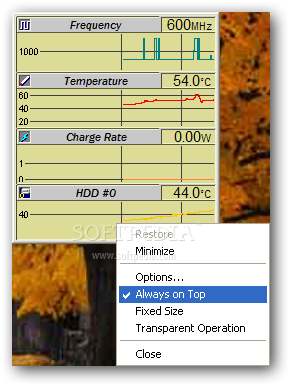
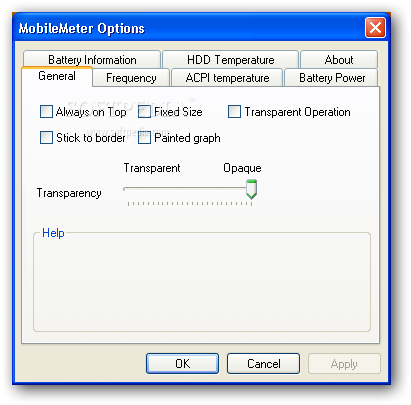
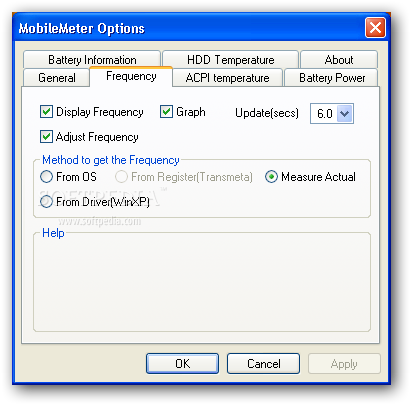
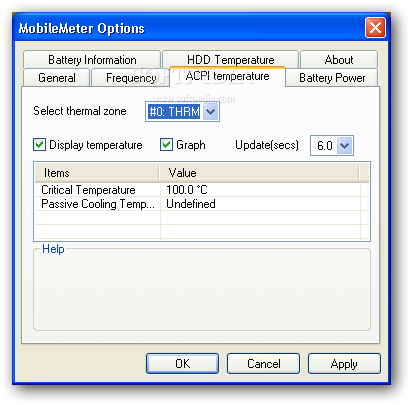
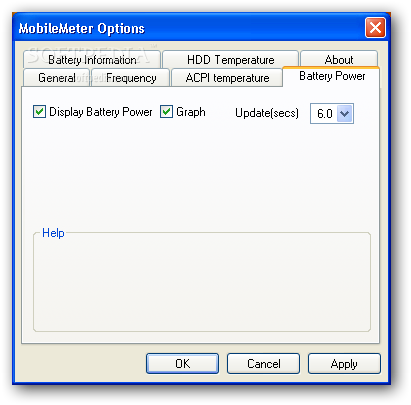
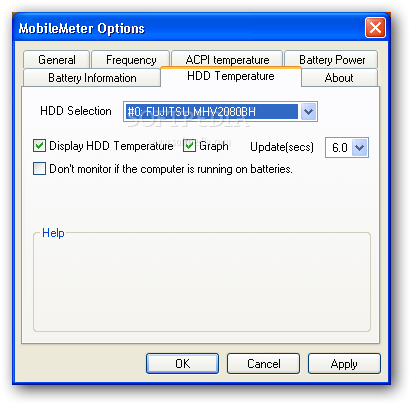
It is possible to minimize the window to the tray, make it stay on top of other frames, change its size or fix it, adjust its opacity, as well as to make it clickthrough when working with other applications. The frequency may be adjusted or removed from the graph, while the update refresh rate can be altered. Likewise, you can disable the battery power, HDD and ACPI temp readings or set an update frequency for each component.
MobileMeter has minimal impact on computer performance, since it runs on low CPU and memory. However, it is a very old application and may not work well on some computer systems. Plus, you should keep in mind that it is not supported by Windows Vista and upward, so you should probably look for another monitoring tool to be on the safe side.
MobileMeter 0.3.1.0
add to watchlist add to download basket send us an update REPORT- runs on:
-
Windows 2003
Windows XP
Windows 2K - file size:
- 41 KB
- filename:
- mm0310.zip
- main category:
- System
- developer:
- visit homepage
Context Menu Manager

Windows Sandbox Launcher

Bitdefender Antivirus Free

ShareX

7-Zip

4k Video Downloader

Microsoft Teams

Zoom Client

calibre

IrfanView

- Zoom Client
- calibre
- IrfanView
- Context Menu Manager
- Windows Sandbox Launcher
- Bitdefender Antivirus Free
- ShareX
- 7-Zip
- 4k Video Downloader
- Microsoft Teams