
A reliable and easy to use application that displays extensive information about your operating system, peripherals, error logs and BIOS. #System audit #Hardware report #Audit report #Audit #Hardware #Configuration


WinAudit is a tiny tool that allows you to view useful information about your computer system. This kind of software comes in handy if you are thinking about upgrading your hardware, for instance.
WinAudit doesn't require any installation, so your Windows registry keys do not change. You can also store the program on an external device and run it from there.
The user interface of the program is simple to navigate through and actually a little more attractive than other similar products we have tested.
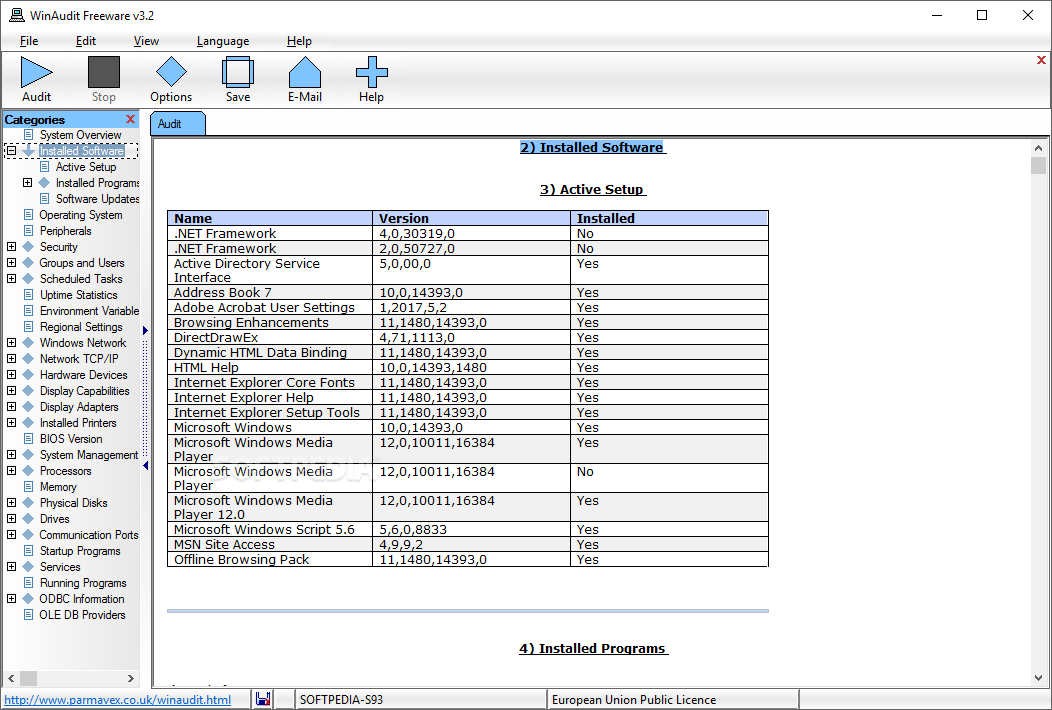
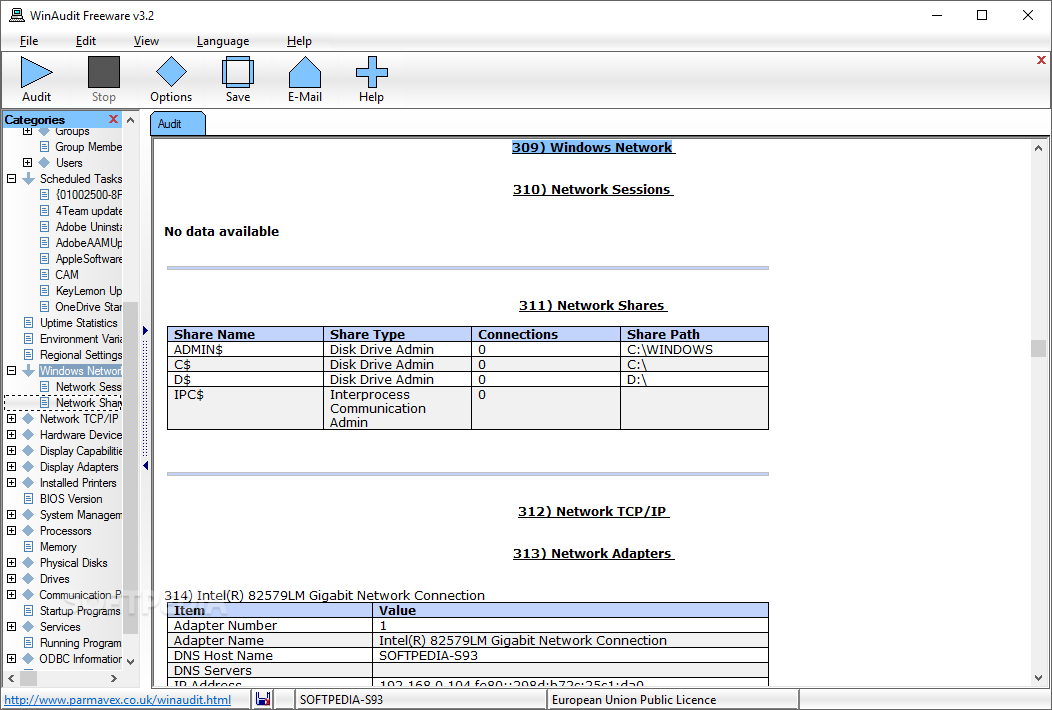
Once you initiate it, WinAudit will automatically list the software and hardware environment detailed information. You can view details about installed programs (including software updates), the operating system and connected peripherals.
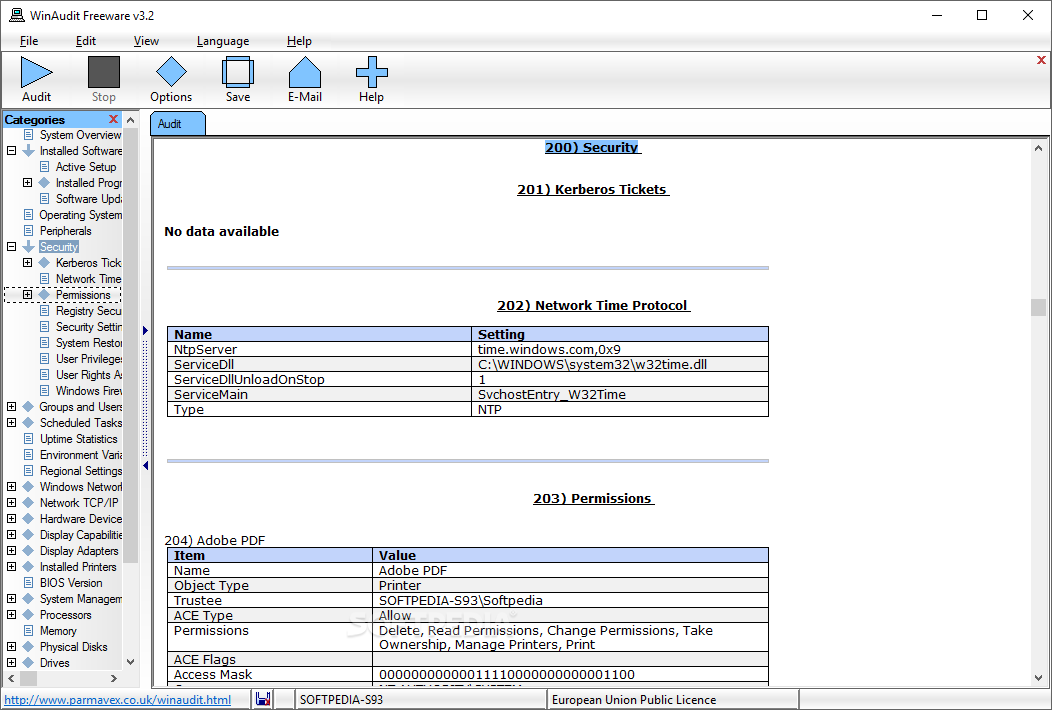
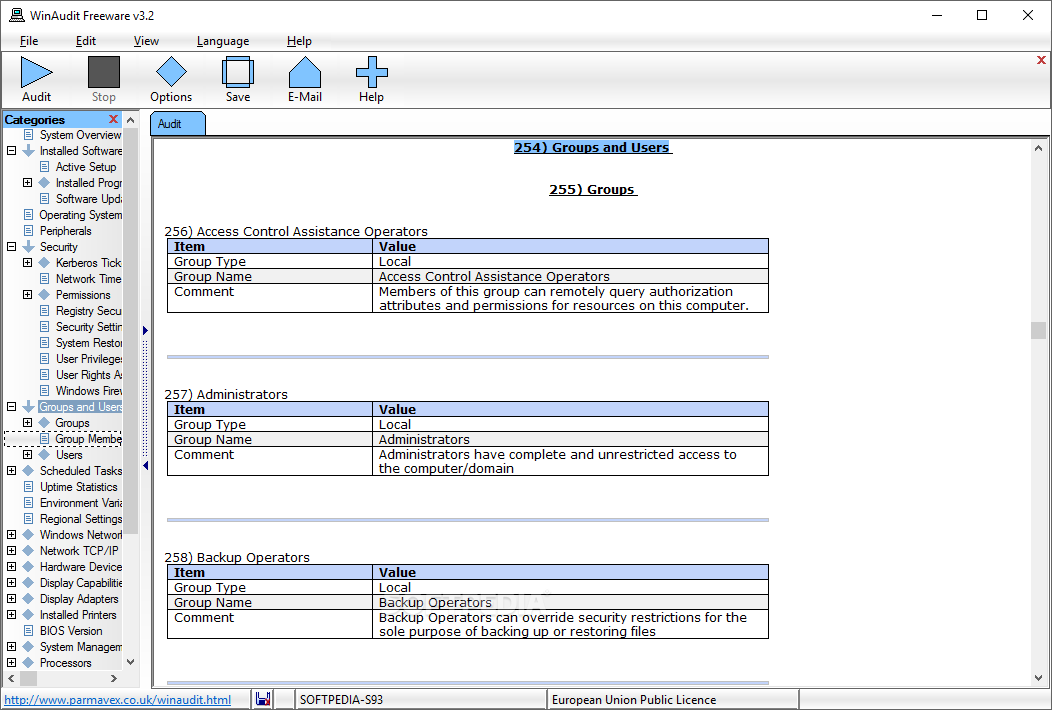
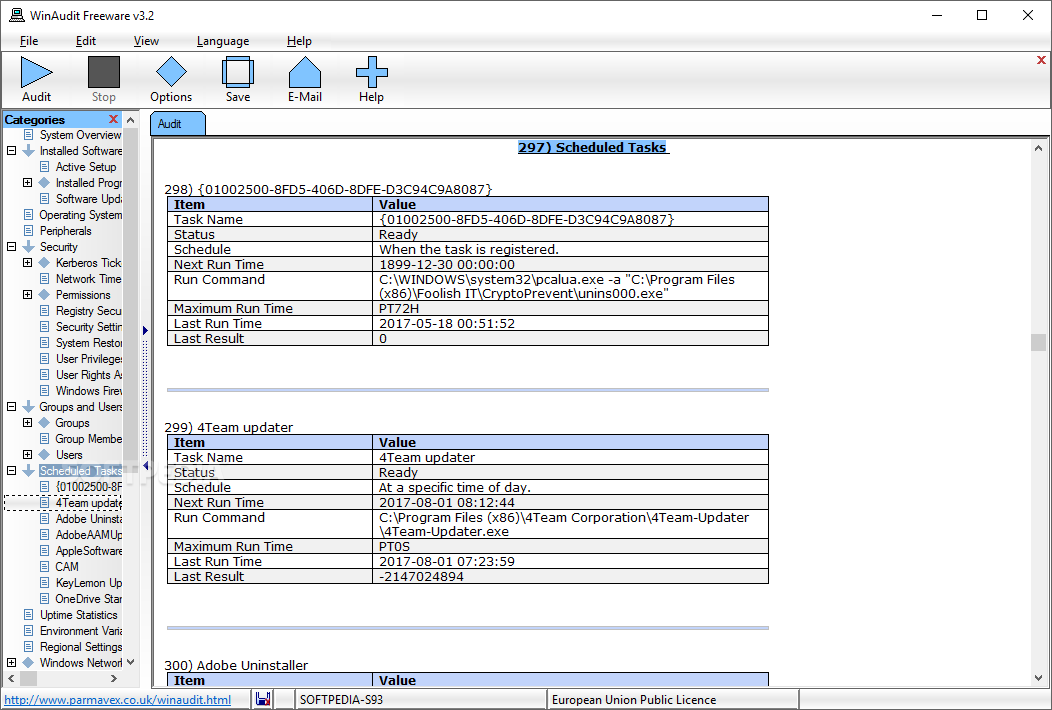
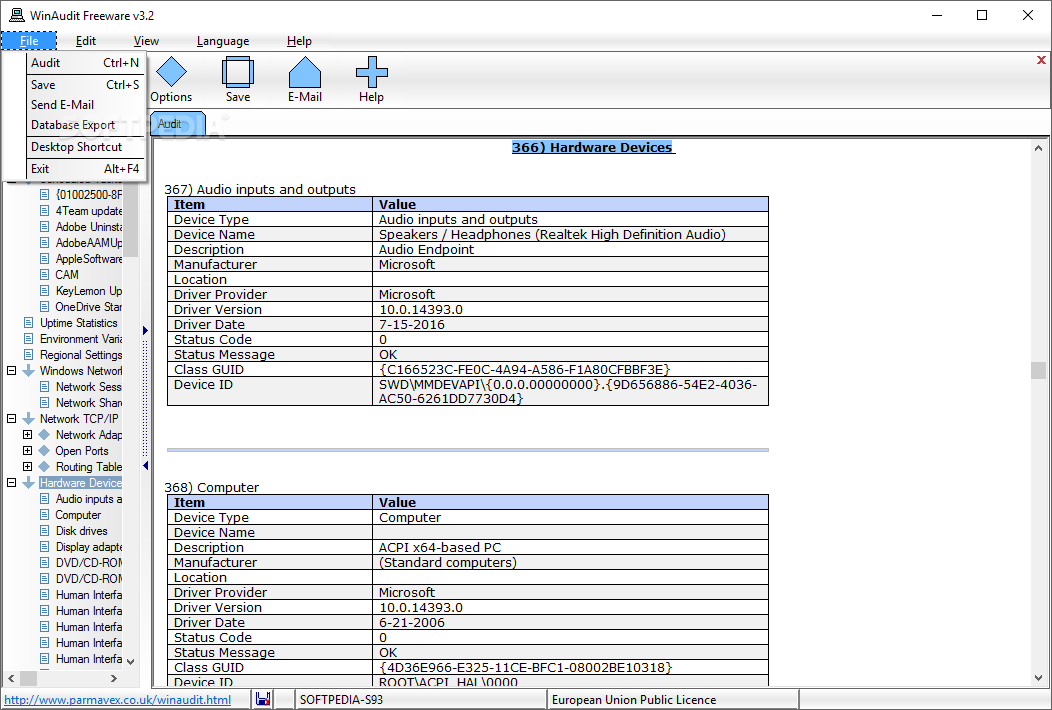
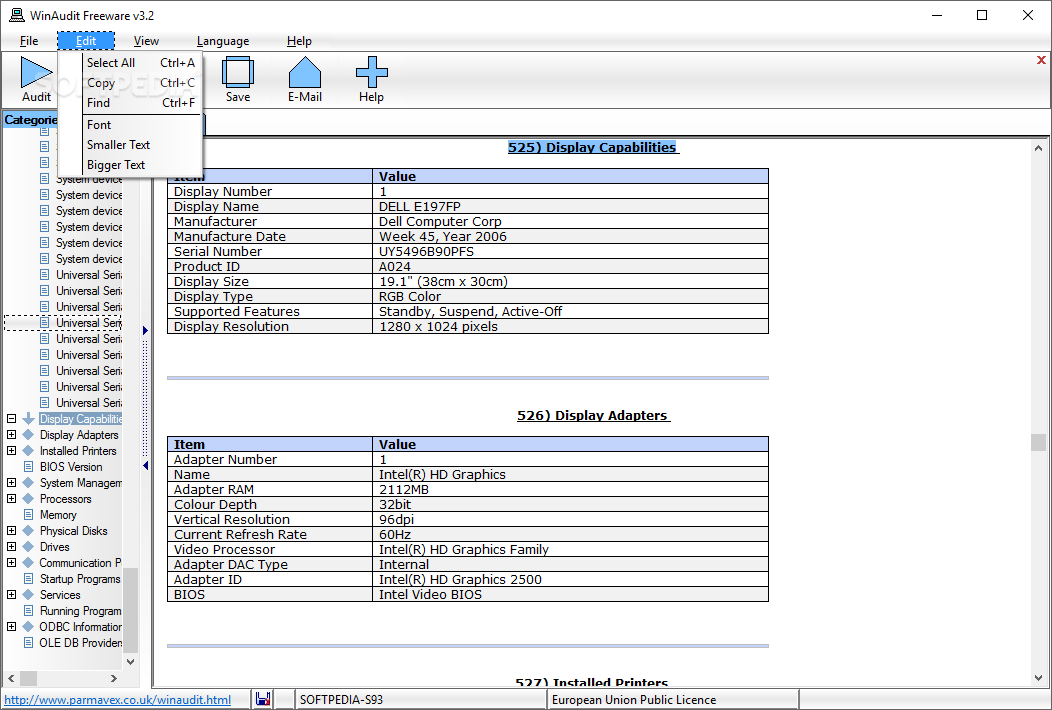
You can view security data (e.g. Internet software, share permissions, system restore, Windows Firewall), groups and users, scheduled tasks, uptime statistics, error logs, Windows network, hardware devices and displays.
Data is displayed about the BIOS version, system management, processors, memory, physical disks, drives, communication ports, startup programs, running programs.
If you click each category, WinAudit automatically opens its description page in the help file. You can also search text, change the font and text size, as well as select preferred language.
Besides the fact that you can save information in several formats (including PDF, HTML and TXT), you can also save only the upper memory, CPUID, GUID, disk, display or software details, or send a log file via email.
The program uses a low amount of system resources and comes with a well-drawn help file so it earns a spot on the list of recommendations.
WinAudit Freeware 3.4.3
 Softpedia Editor's Pick
add to watchlist
add to download basket
send us an update
REPORT
Softpedia Editor's Pick
add to watchlist
add to download basket
send us an update
REPORT
- PRICE: Free
- runs on:
- Windows All
- file size:
- 656 KB
- filename:
- WinAudit-3.4.3.zip

- main category:
- System
- developer:
- visit homepage
Context Menu Manager

Microsoft Teams

Windows Sandbox Launcher

IrfanView

Zoom Client

calibre

Bitdefender Antivirus Free

ShareX

7-Zip

4k Video Downloader

- ShareX
- 7-Zip
- 4k Video Downloader
- Context Menu Manager
- Microsoft Teams
- Windows Sandbox Launcher
- IrfanView
- Zoom Client
- calibre
- Bitdefender Antivirus Free