
Scan different copies of registry items into a browsable database in order to identify new, deleted, or changed keys, scan the registry of a remote computer, and undo/redo registry changes #Registry Monitor #Compare registry #Registry scan #Registry #Scan #Compare

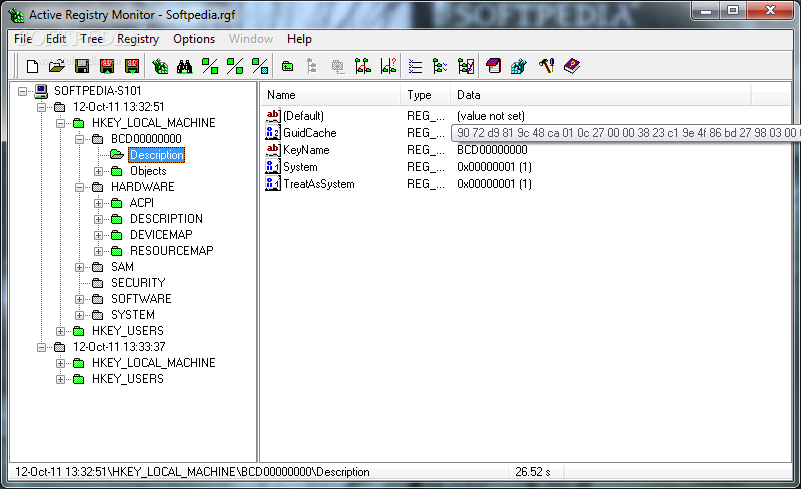
Active Registry Monitor is a lightweight software application developed specifically for helping you analyze the changes made to your Windows registry. The tool is able to scan registry data on remote computers and compare different copies of the registry.
The layout cannot be descried as highly intuitive. However, it sports a well-organized suite of features, and you may also access a help manual in case you have extra questions about the configuration options. Tooltips about the function of each dedicated parameter are revealed each time your hover your mouse cursor over a specific option.
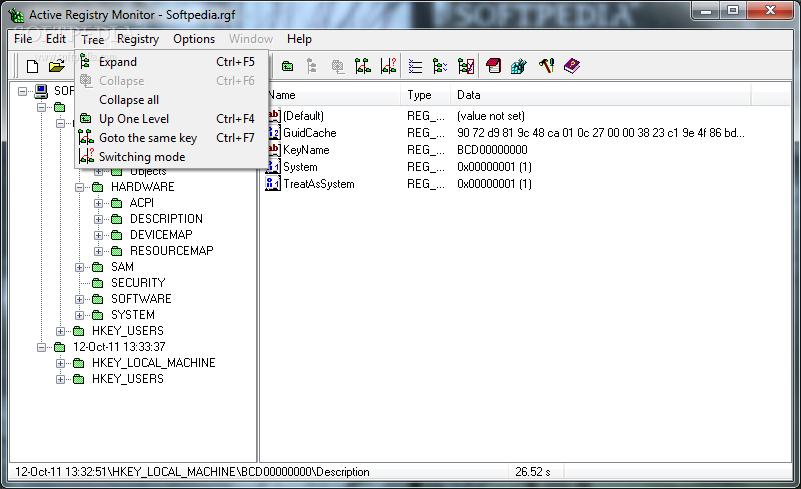
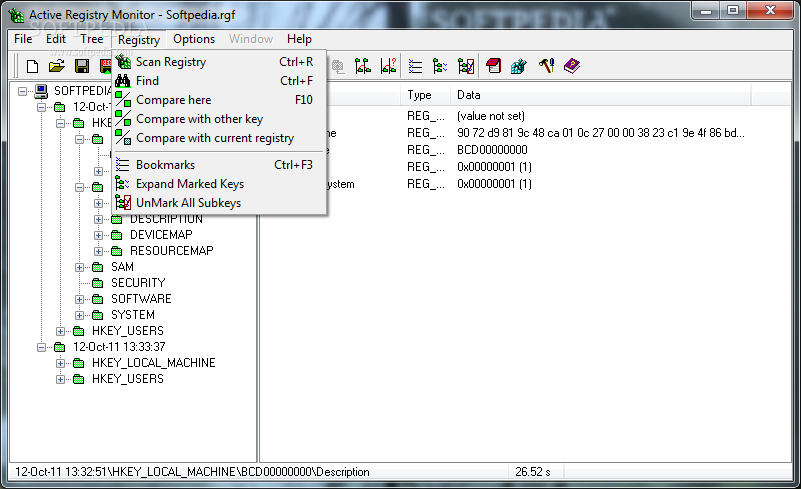
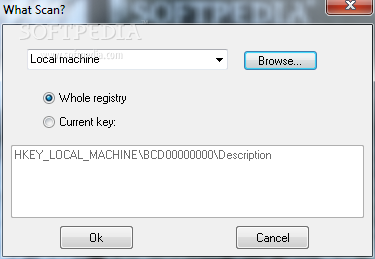
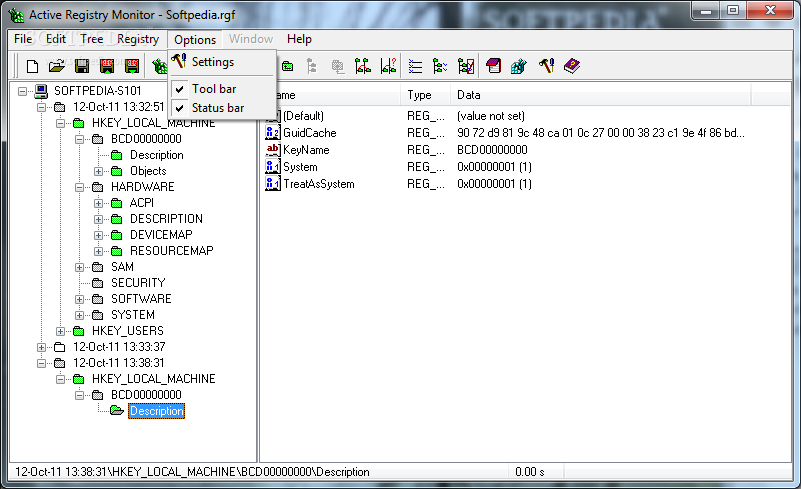
Active Registry Monitor offers support for an Explorer-like layout for helping you browse throughout the content of the scanned registry keys. You are offered the freedom to scan the current local machine, a network PC, or user-defined key.
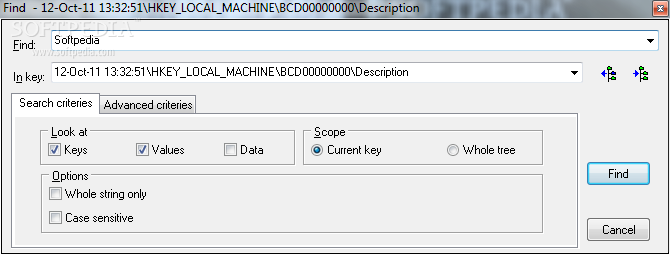
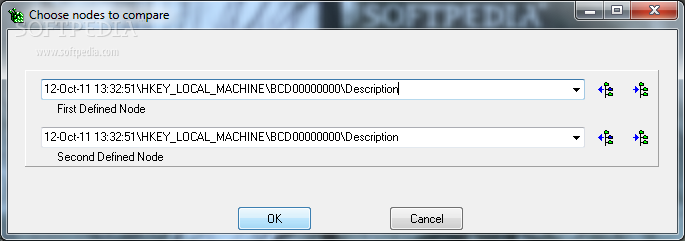
The application gives you the possibility to copy the path of the current registry key to the clipboard, view its properties, compare two custom keys, and perform searches using filters (e.g. keys, values, data, type, modified date).
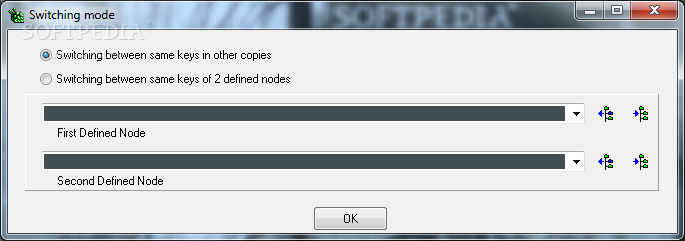
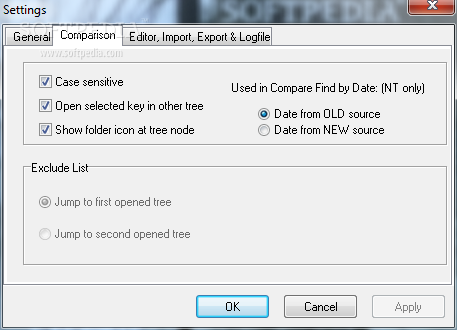
Plus, you may compare two full copies of the registry in order to get details about the new, deleted, or changed keys, exclude any keys from the comparison results, and generate undo/redo files so you can quickly roll back the changes.
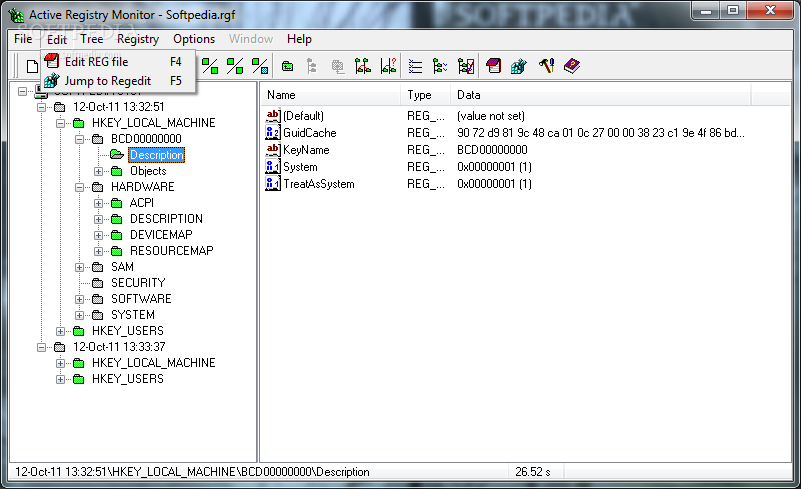
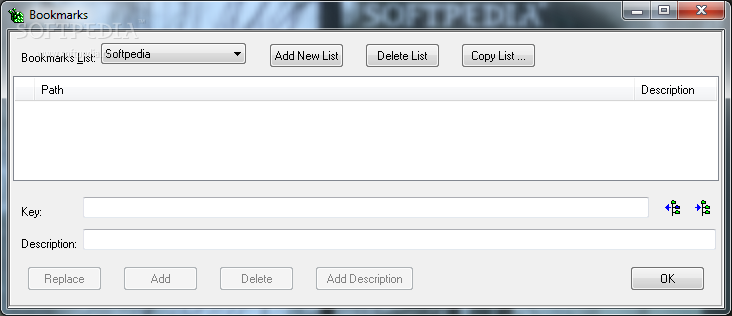
Other notable configuration settings worth being mentioned enable you to create bookmarks, jump to the current registry value in Windows registry, make use of preset hotkeys for faster actions, as well as import/export data from/to REG file format.
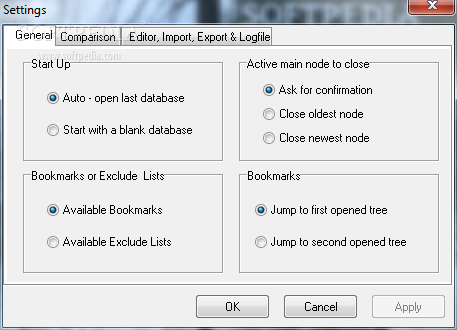
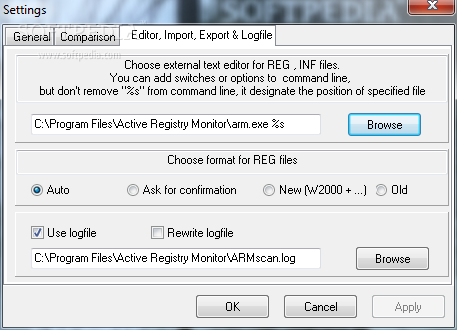
What’s more, Active Registry Monitor allows you to automatically open the last registry data or start with a blank session, set up an external text editor for REG and INF files so you can alter them on the fly, and save log files to a file on the disk.
Tests have shown that Active Registry Monitor needs extra time in order to finish the scan process. However, the time needed to complete the task pretty much depends on the size of your registry. It eats up from a moderate up to a high amount of CPU and memory resources so the overall performance of the computer may be affected.
Active Registry Monitor comes packed with useful options for helping you keep an eye on Windows registry modifications. It is suitable especially for professional users.
What's new in Active Registry Monitor 1.38:
- Bug fixed: error in processing values with names longer than 255 symbols.
Active Registry Monitor 1.38
add to watchlist add to download basket send us an update REPORT- runs on:
- Windows All
- file size:
- 1 MB
- filename:
- arm.zip

- main category:
- System
- developer:
- visit homepage
7-Zip

calibre

Zoom Client

IrfanView

ShareX

Bitdefender Antivirus Free

Windows Sandbox Launcher

Context Menu Manager

4k Video Downloader

Microsoft Teams

- Context Menu Manager
- 4k Video Downloader
- Microsoft Teams
- 7-Zip
- calibre
- Zoom Client
- IrfanView
- ShareX
- Bitdefender Antivirus Free
- Windows Sandbox Launcher
