
Scan for outdated drivers, download the latest versions and reinstall them, thus keeping your computer up-to-date and in top shape. #Driver update #Backup driver #Driver download #Driver #Install #Backup
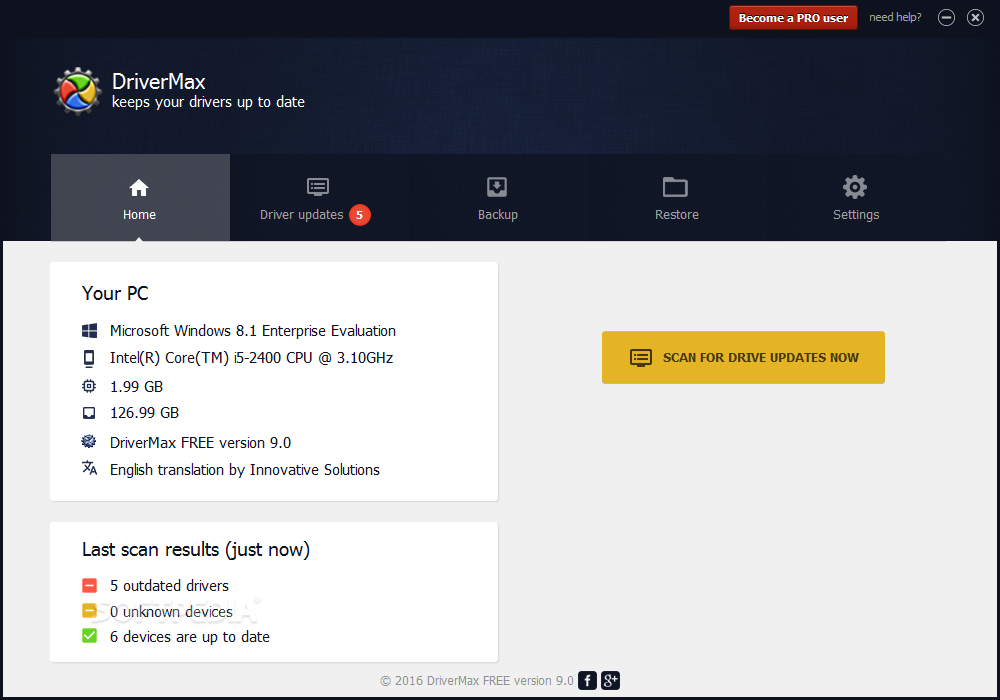
In order for you to be able to use your computer at full potential, drivers must be kept up to date. These enhance compatibility with various applications and games, considerably reducing risk of errors. You can manually look up drivers over the Internet, however the process gets time-consuming, seeing how there is an abundance of devices, each with its own driver. Luckily, applications such as DriverMax let you automate this process.
The application features a pretty modern and visually appealing design that poses no accommodation problems whatsoever. Its user interface is cleverly structured, with functions categorized for easy access.
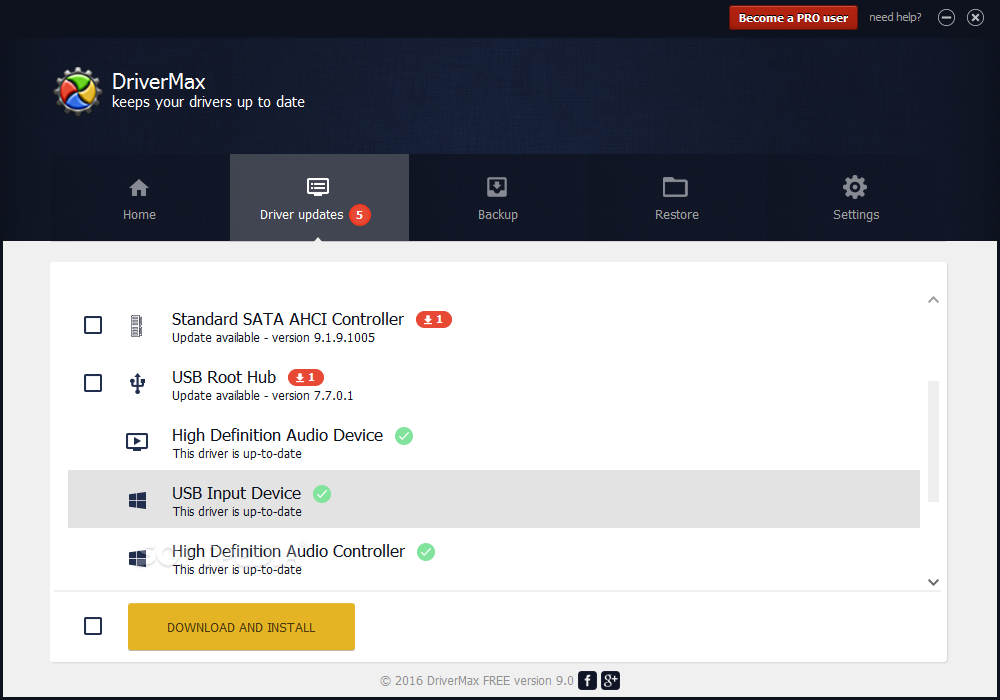
You computer is automatically scanned for missing or outdated drivers right from the start, with info displayed regarding the targeted device. With a simple click, you can put the download process in motion, the overall process being displayed in a progress slider, as well as the number of drivers currently being downloaded.
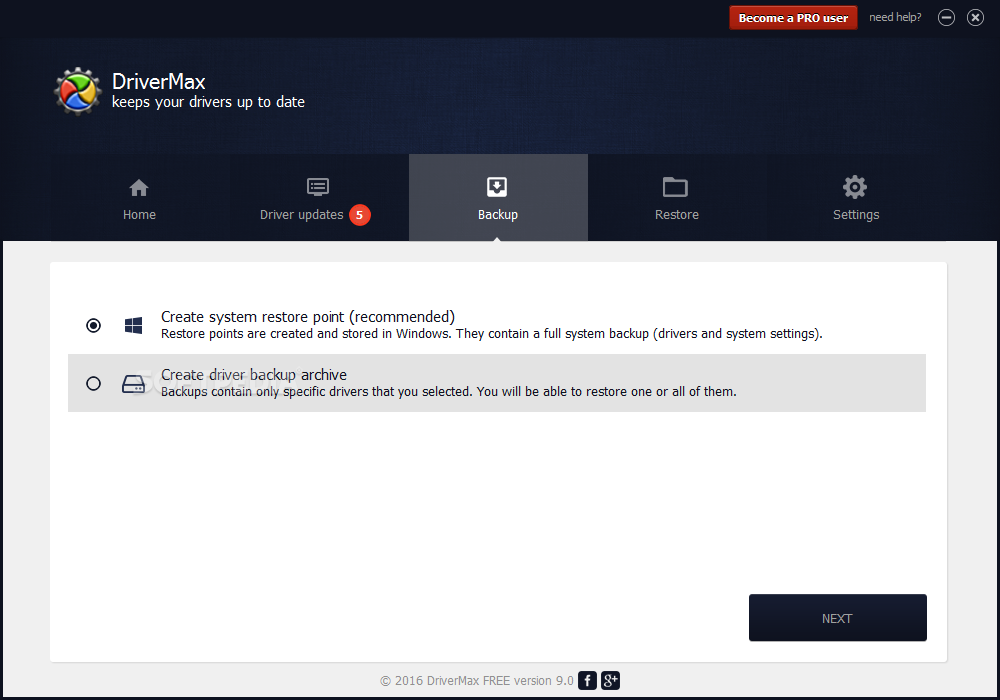
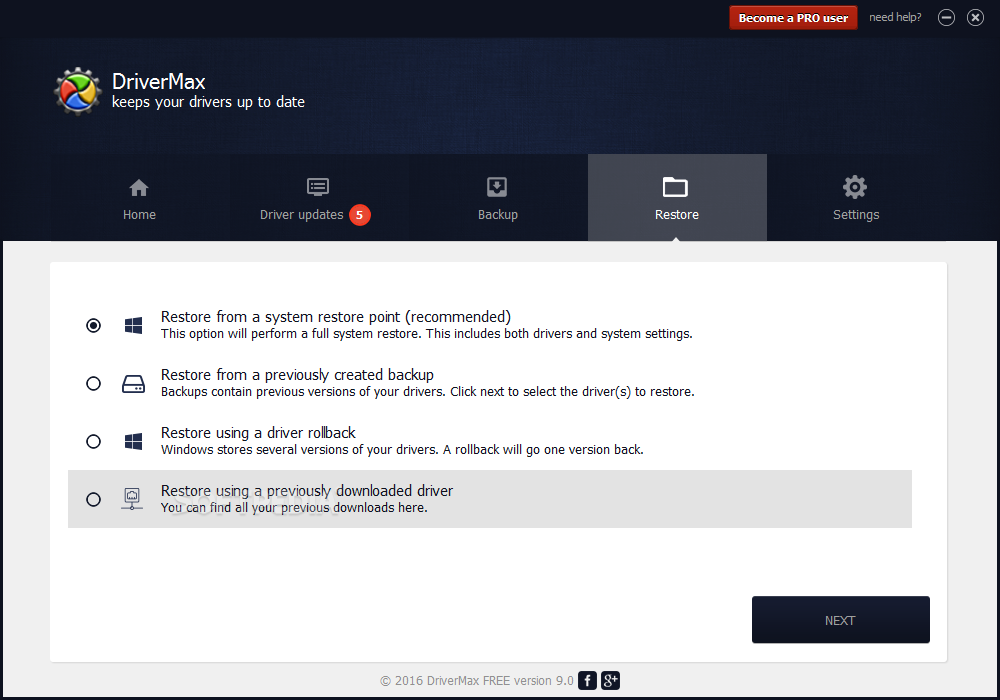
Issues can always occur, either because a faulty driver or malicious software, damaging your system due to system changes made by a driver. However, the application also gives you the possibility to create a backup for your drivers, just in case something unexpected occurs.
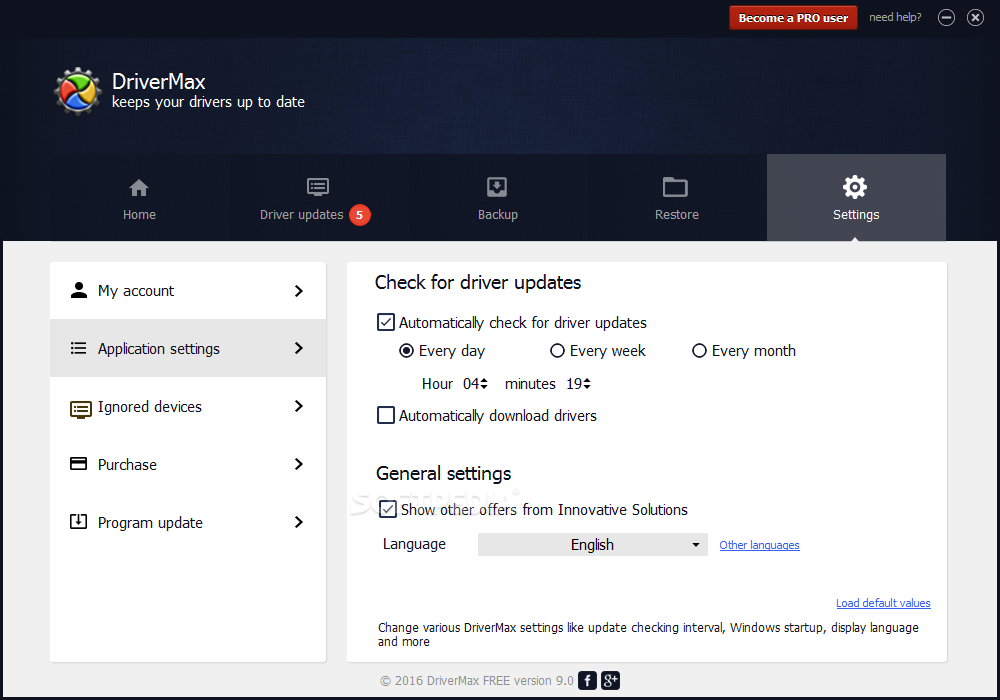
For even more security, the application lets you schedule driver updates. You can have the computer scanned at given date and time intervals, so it always stays up to date.
If you're looking to upgrade your system with new devices, the application comes in handy with an integrated feature. Accessing the “Popular hardware” tab puts a great amount of info at your disposal regarding latest hardware for Windows, popular video cards, processors, as well as laptop comparison.
Regardless of the category you choose, your default web browser is brought up to display statistics, such as overall score, reliability and popularity, to get an idea on what others prefer, or how good the product.
Taking everything into consideration, we can say that DriverMax is a reliable choice when it comes to keeping your system fully functional and up to date. It saves you a great amount of time by automatically searching the web and installing drivers, so you don't have to. Consider installing it after a fresh Windows setup and keeping it around.
Download Hubs
DriverMax is part of these download collections: Drivers Manager
DriverMax 16.11
 Softpedia Editor's Pick
add to watchlist
add to download basket
send us an update
REPORT
Softpedia Editor's Pick
add to watchlist
add to download basket
send us an update
REPORT
- runs on:
-
Windows 11
Windows Server 2022
Windows Server 2019
Windows Server 2016
Windows 10 32/64 bit
Windows Server 2012 R2
Windows Server 2012
Windows 2008 R2
Windows 2008 32/64 bit
Windows 8 32/64 bit
Windows 7 32/64 bit
Windows Vista 32/64 bit
Windows XP 32/64 bit - file size:
- 7 MB
- main category:
- System
- developer:
- visit homepage
7-Zip

Context Menu Manager

calibre

Microsoft Teams

ShareX

Windows Sandbox Launcher

Zoom Client

4k Video Downloader

Bitdefender Antivirus Free

IrfanView

- 4k Video Downloader
- Bitdefender Antivirus Free
- IrfanView
- 7-Zip
- Context Menu Manager
- calibre
- Microsoft Teams
- ShareX
- Windows Sandbox Launcher
- Zoom Client