
A set of powerful command line utilities designed for managing both local and remote systems, running processes, users, and passwords. #Manage local system #Manage remote system #Command prompt #Ping #Administer #Remote

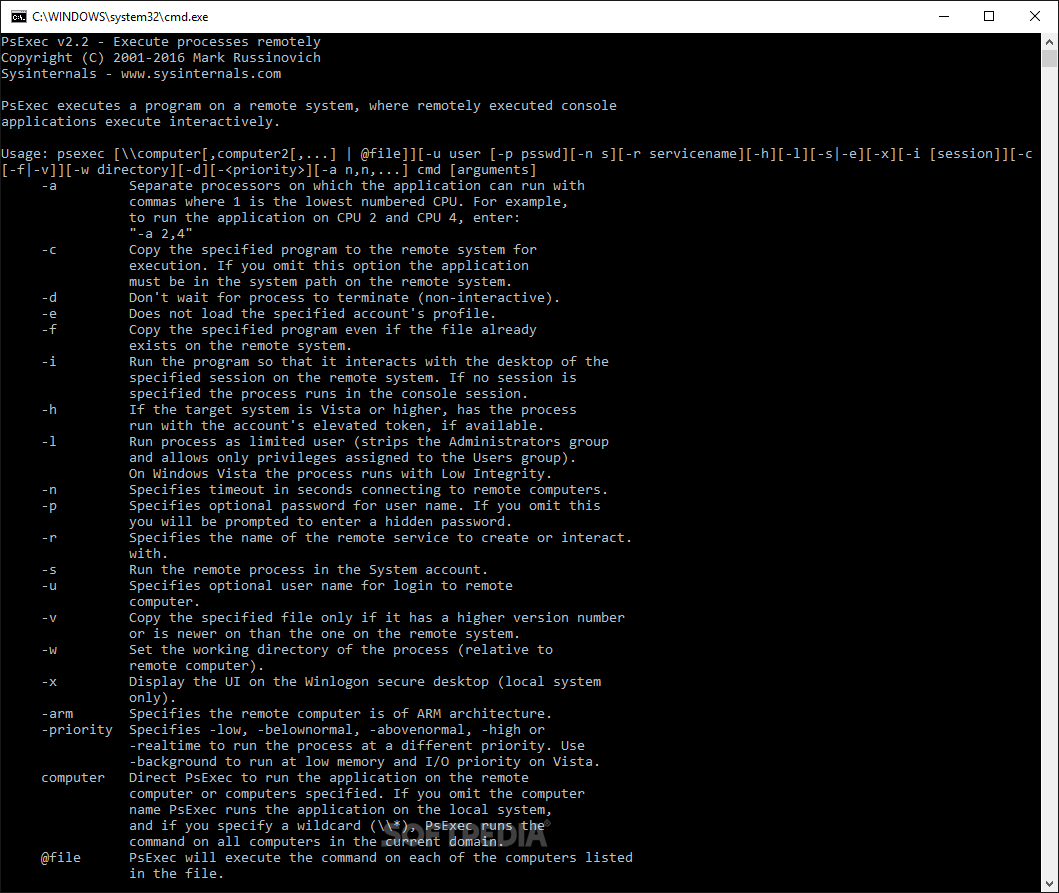
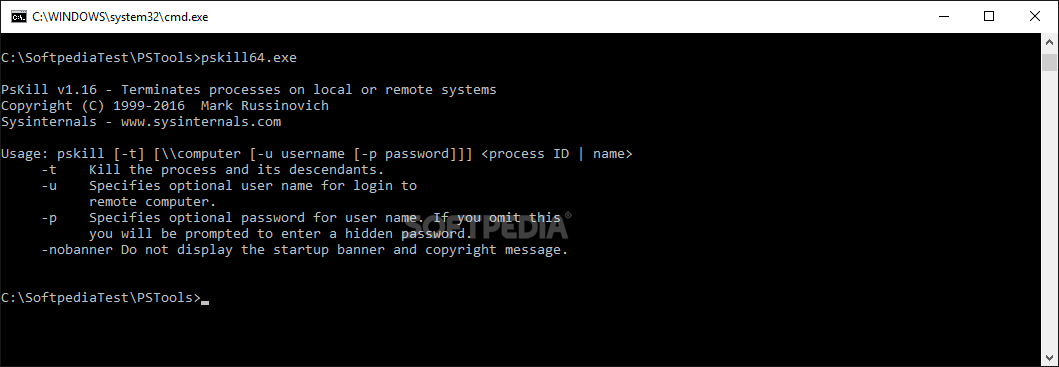
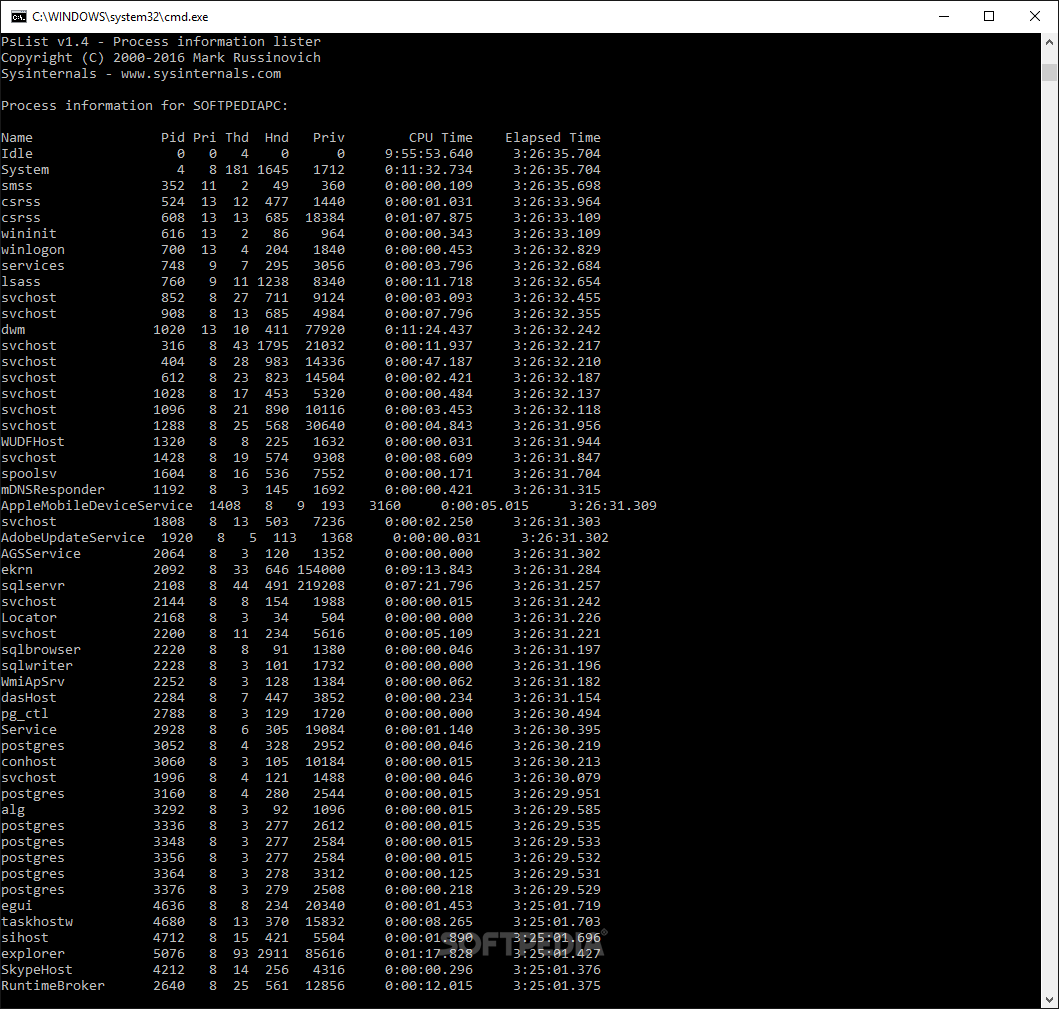
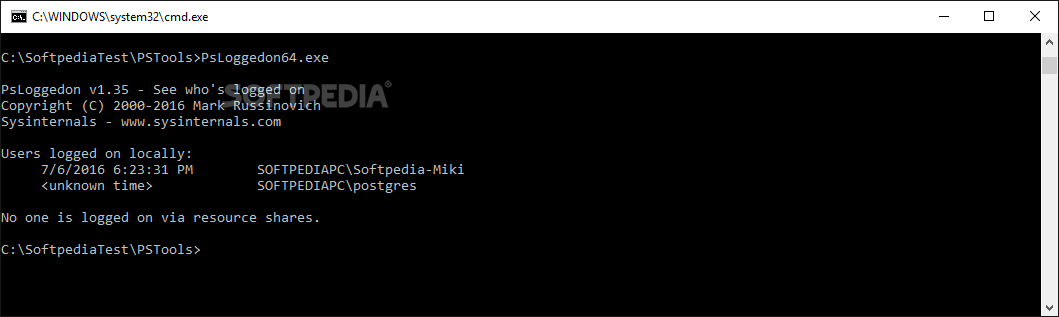
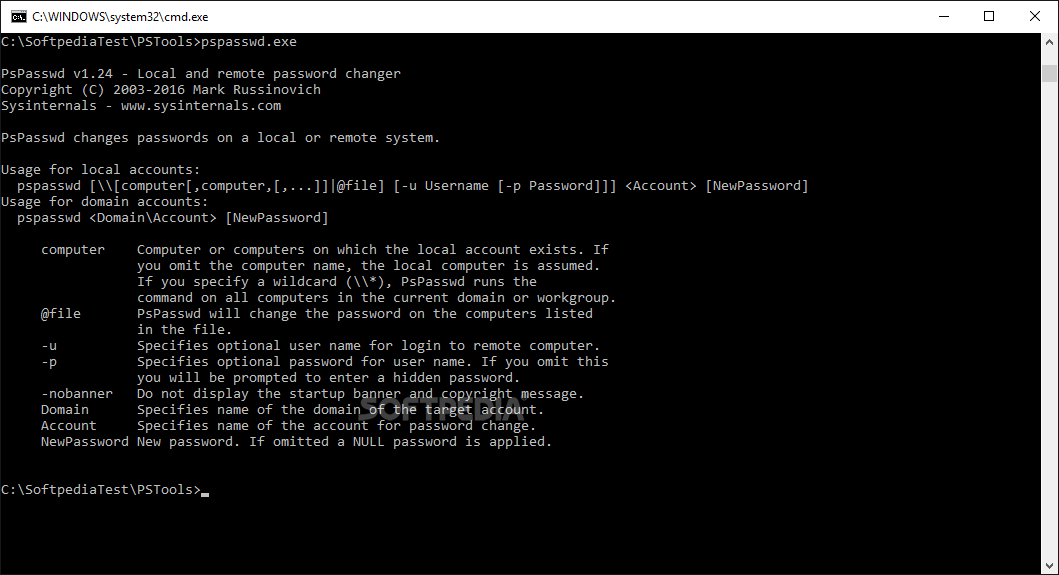
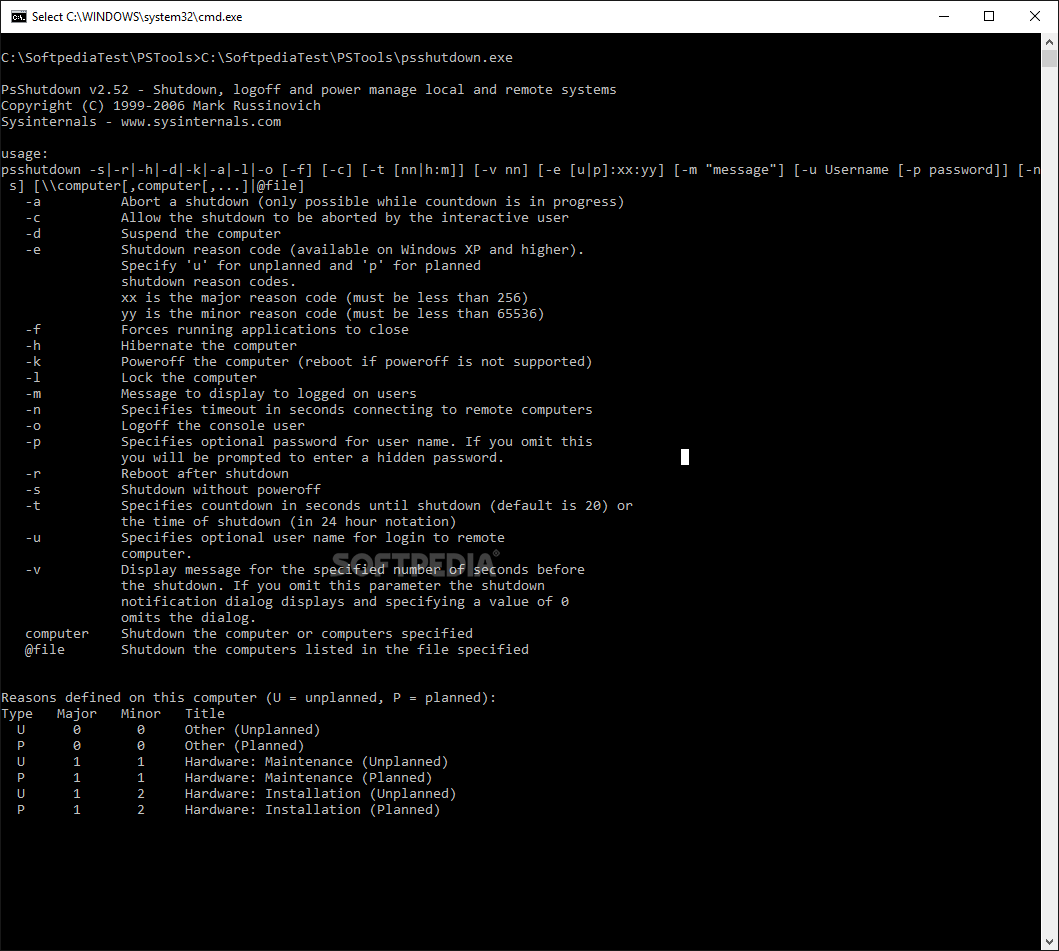
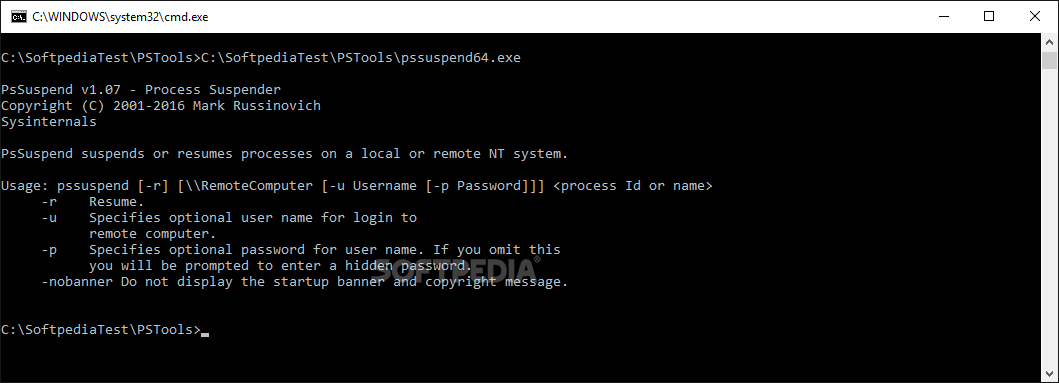
PsTools is a set of command line tools that enables you to perform a wide variety of administrative tasks locally and remotely. If you are a system admin that needs to quickly grab information about processes or stop a service, for instance, then this set might be what you need.
Perhaps one of the most powerful tools in the set, PsExec enables you to login remote computers and run any administrative command. Not only does it allow you to take full control of the remote computer and use it to perform a series of tasks, but it also does not require a prior installation of a client on the remote computers.
The program can come in handy in a wide variety of situations, such as checking the system status while running a script or find out whether the computers are vulnerable and can be accessed by unauthorized personnel.
PsFile is a similar tool that allows you to view and close files remotely. However, the difference is that you need to know the files' names in order to execute the commands.
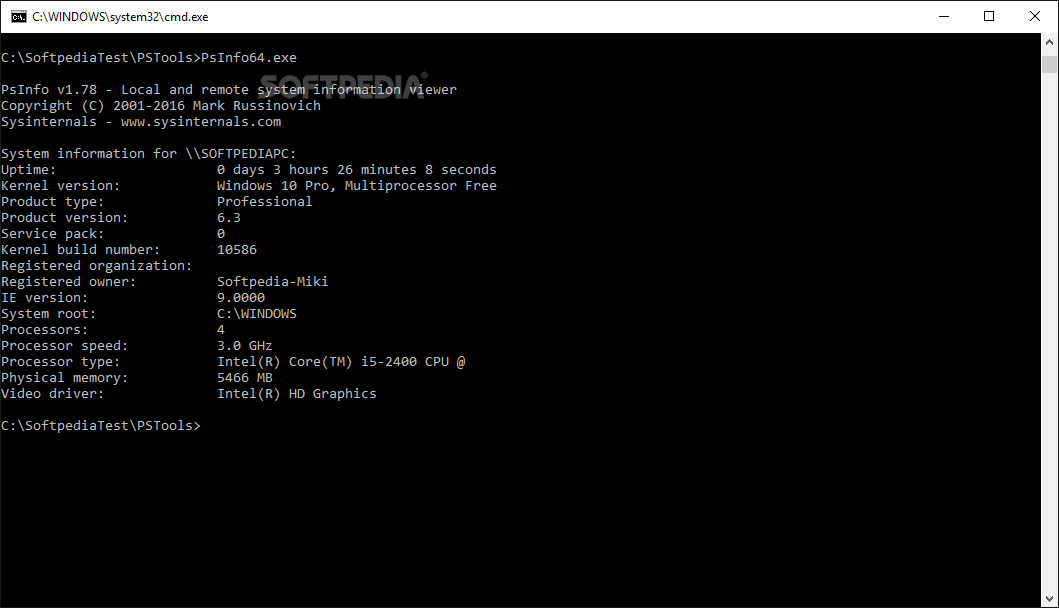
A further set of helpful utilities you can find in the kit are those that allow you to grab various information about the system. PsInfo is a tool that displays detailed information about the software installed, including the installation date, expiration date for shareware, memory size or kernel builds.
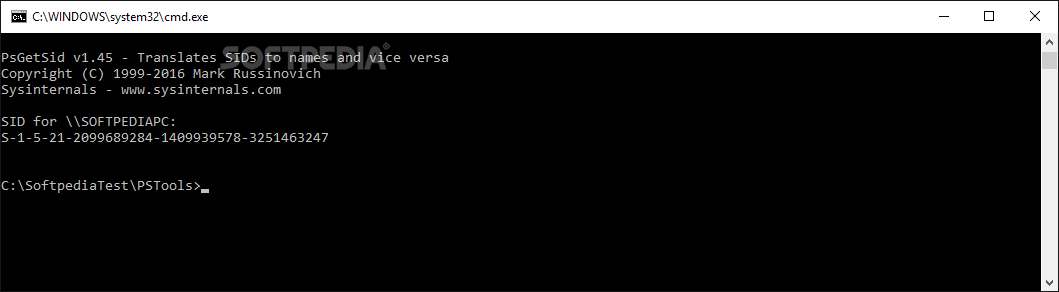
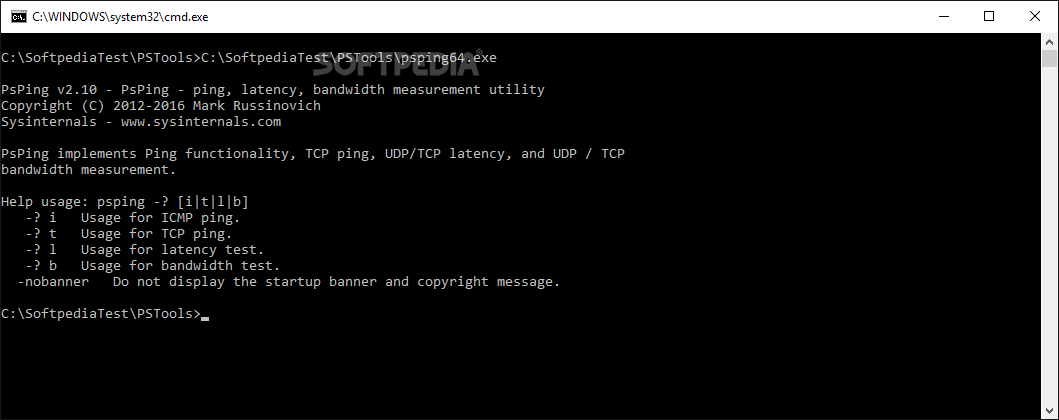
If you want to measure the network performance and find out more about connections, latency and bandwidth, you can do so via PsPing. As the name suggests, PsGetSID permits you to grab the SID for local and remote computers. PsLogList is another useful utility that lets you view and manage event log records, which can be obtained via PsService.
PsTools is a kit that packs numerous utilities that can come in handy in a wide variety of situations for system administrators and those responsible with the network security.
What's new in PsTools 2.5:
- This update to PsTools, a suite of programs for interacting with local or remote Windows systems, fixes command-line argument processing issues in several tools.
PsTools 2.5
 Softpedia Editor's Pick
add to watchlist
add to download basket
send us an update
REPORT
Softpedia Editor's Pick
add to watchlist
add to download basket
send us an update
REPORT
- PRICE: Free
- runs on:
-
Windows 11
Windows Server 2019
Windows Server 2016
Windows 10 32/64 bit
Windows Server 2012 R2
Windows Server 2012
Windows 8 32/64 bit - file size:
- 3.5 MB
- filename:
- PSTools.zip
- main category:
- System
- developer:
- visit homepage
Zoom Client

IrfanView

Windows Sandbox Launcher

Microsoft Teams

4k Video Downloader

7-Zip

Bitdefender Antivirus Free

Context Menu Manager

calibre

ShareX

- Context Menu Manager
- calibre
- ShareX
- Zoom Client
- IrfanView
- Windows Sandbox Launcher
- Microsoft Teams
- 4k Video Downloader
- 7-Zip
- Bitdefender Antivirus Free
