Softpedia
 

WINDOWS CATEGORIES:


GLOBAL PAGES >>
SOFTPEDIA REVIEWS >>
MEET THE EDITORS >>

WEEK'S BEST

  • DAEMON Tools Pro (...
  • FlashFXP [ DISCOUN...
  • PowerISO 4.9
  • WebcamMax [DISCOUN...
  • Zemana AntiLogger ...
  • System Mechanic Pr...
  • Glary Utilities Pr...
  • All My Movies [DIS...
  • Ad-Aware Internet ...
  • Atlantis Word Proc...
  • Home > Windows > PORTABLE SOFTWARE > System > System Info
     Report malware

    Portable System Nucleus 2.3.2

    download button

    Downloads: 14,057  Tell us about an update
    User Rating:
    Rated by:
    Good (3.2/5)
    15 user(s)
    Developer:

    License / Price:

    Size / OS:

    Last Updated:

    Category:

    Freeware / $0
    2.9 MB / Windows XP / Vista / 7
    [view history]
    C: \ PORTABLE SOFTWARE \ System \ System Info

     Read user reviews (2)  Send to friend   Follow (1 user)

    Portable System Nucleus description

    Manage your system with this tool.

    Portable System Nucleus is the portable version of System Nucleus developed to be able to run from a USB flash drive or any other portable device.

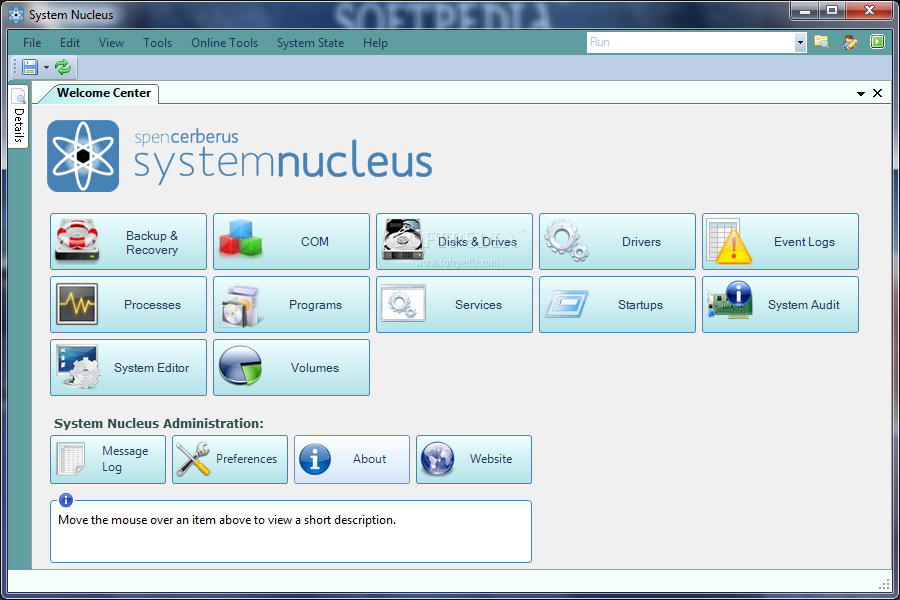
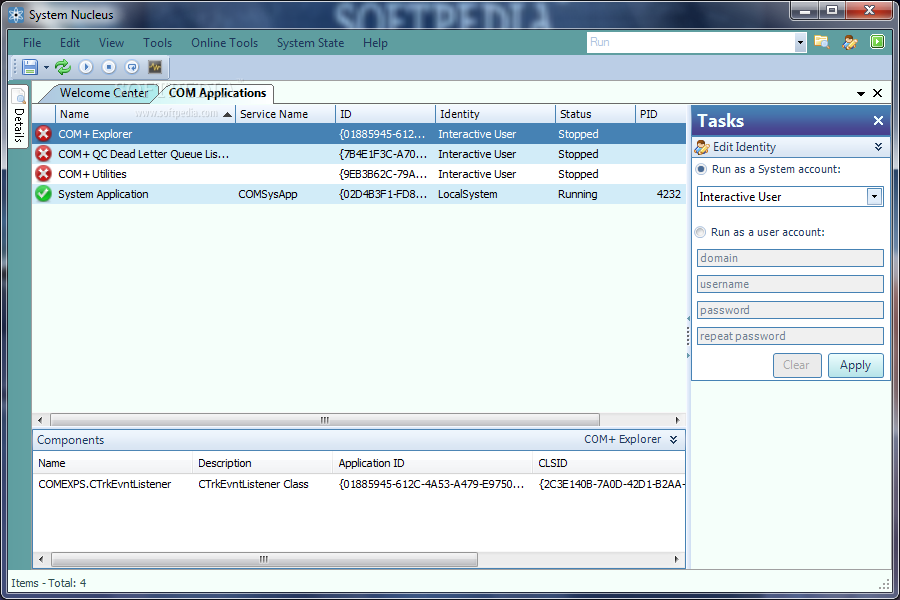
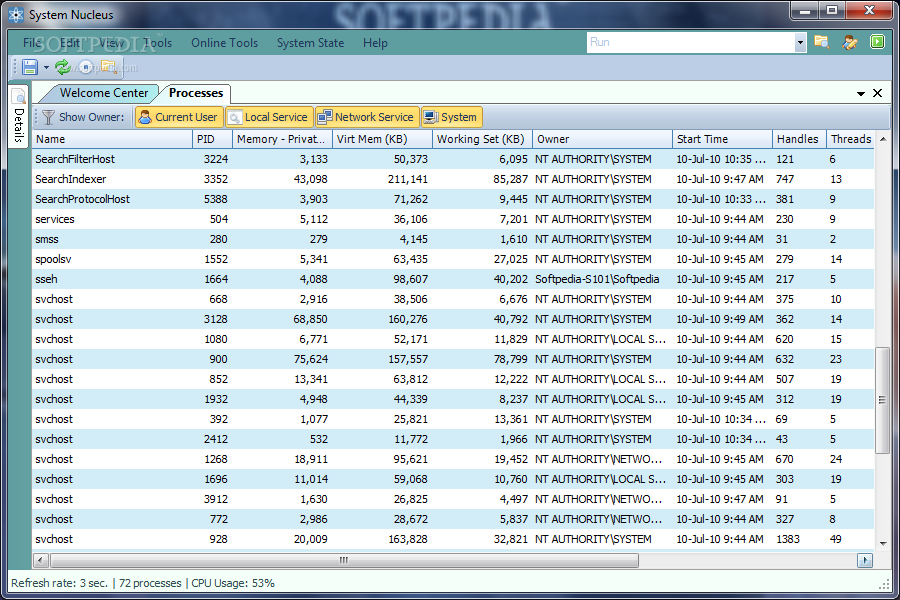
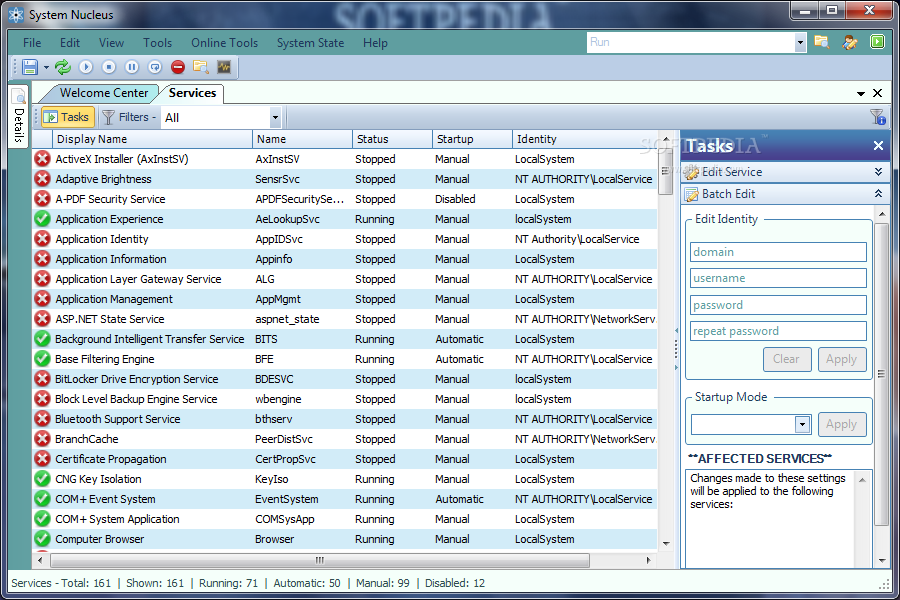
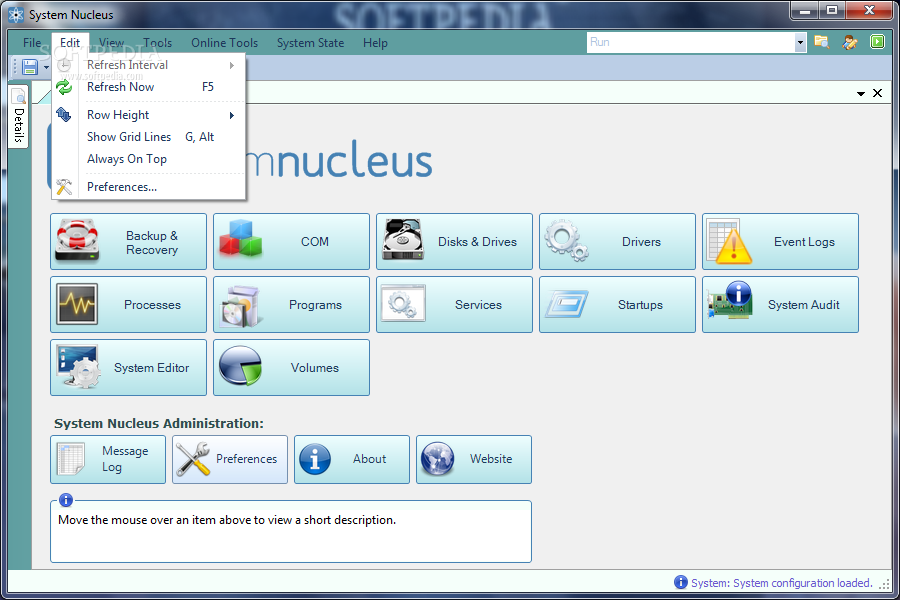
    System Nucleus is a powerful application designed to help you view, edit and manage system resources and settings, consolidating functionality that normally requires numerous tools into a single interface designed to make these tasks easier than ever.

    An emphasis has been placed on batch processing, filtering, and easy visual identification of items using distinctive icons.

    Want to stop 2 processes at once? You can do that. Need to uninstall 5 applications? You can do that too. Want to view the process information for a running service, generate a detailed audit of a machine's hardware, software & settings, optimize network performance, and disable those annoying programs that start every time you login, all from one tool? With System Nucleus, you can do all of that and much, much more.

    Here are some key features of "Portable System Nucleus":

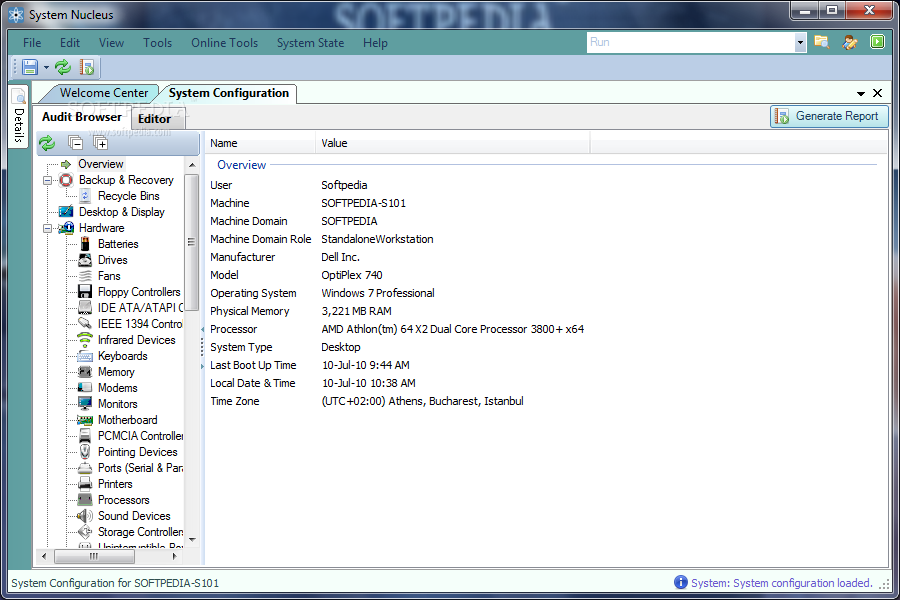
    · System Audit - detailed report of what's on & in your computer, and home its all configured. Generate & save an HTML version, ideal for tracking changes over time and providing diagnostic information to technical support.
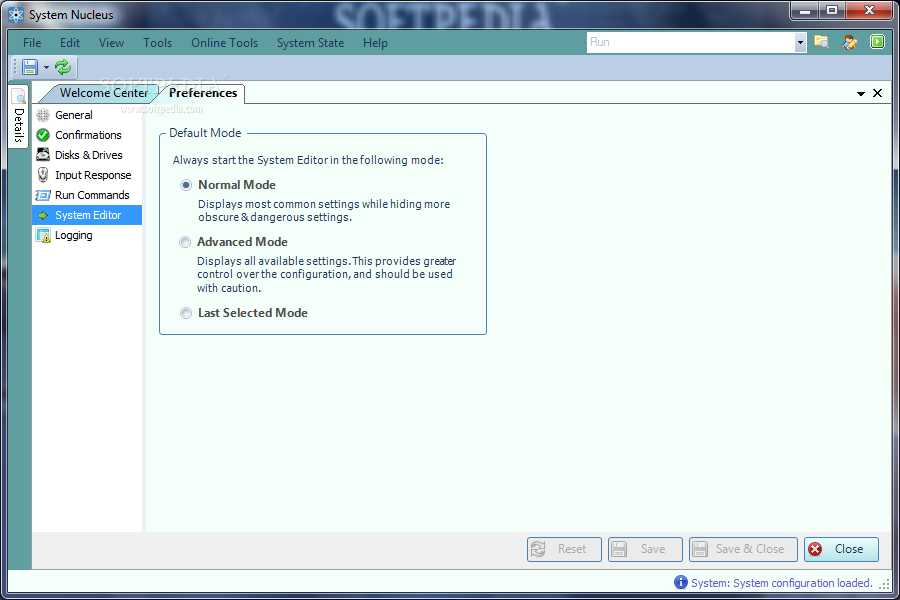
    · System Editor - configure thousands of settings from a single, easy to use & navigate interface. Includes QuickFix functionality for addressing common concerns, such as resolving network connectivity issues & optimizing performance. The Standard Mode provides easy access to the most popular settings, while the Advanced Mode exposes a highly granular view for precise tweaking.
    · Startup Manager - see everything that runs & loads when your computer is started and when someone logs in. Delete those you don't need, disable those you aren't sure about or don't want to load temporarily, and enable items previously disabled.
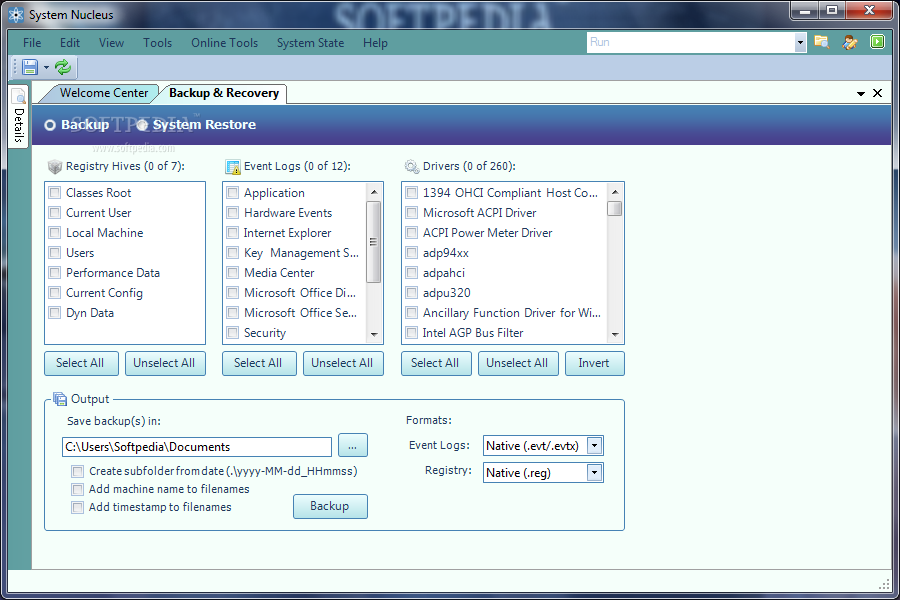
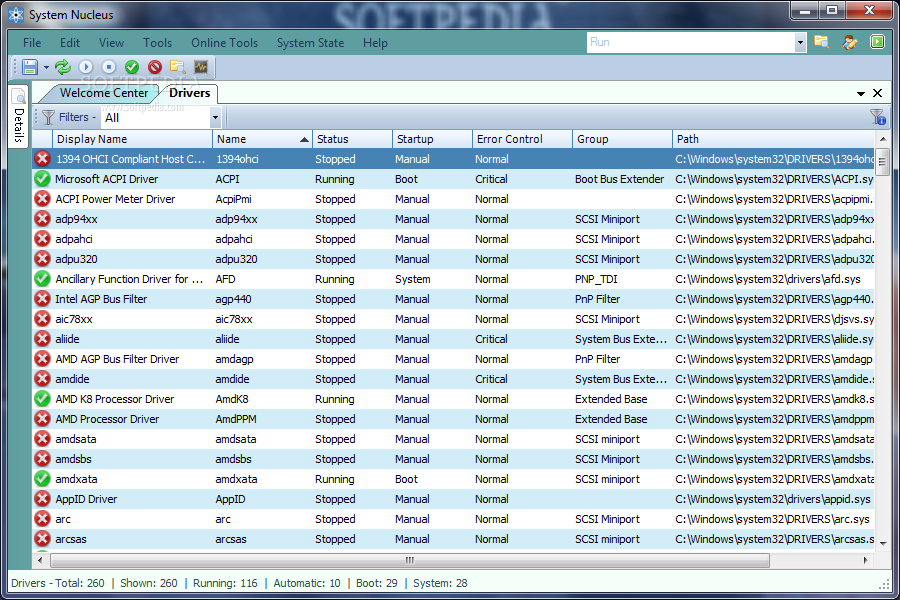
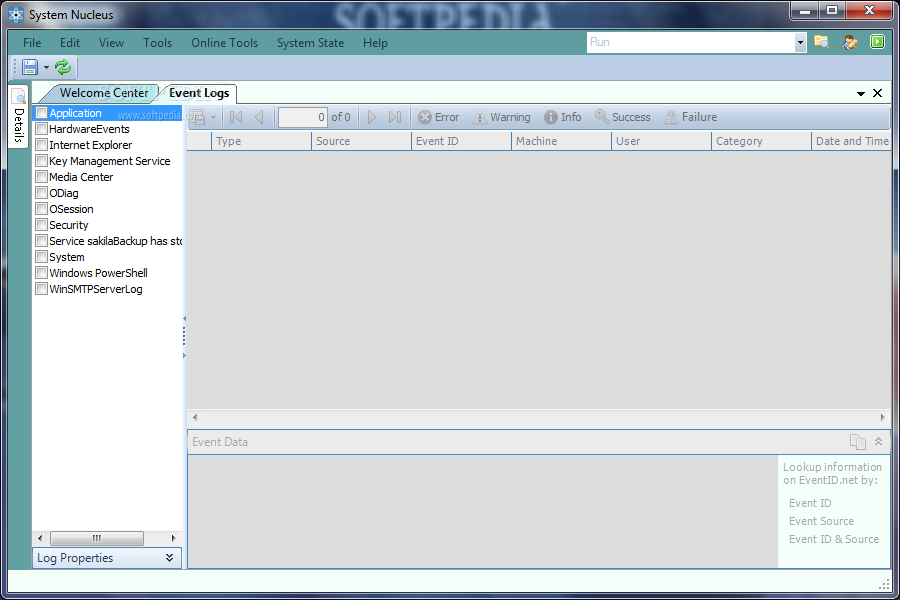
    · Backup & Recovery - its always a good idea to backup your current configuration before making changes just in case something goes wrong. Backup your selection of registry hives, event logs, and drivers, or create a System Restore Point. Is your computer not functioning properly? Restore a previously created Restore Point to put your computer's configuration back where it was before you started having problems.
    · Windows Application Menu - shortcuts to over 100 applications & tools included with Windows, many of which are not accessible via the Start Menu. Automatically determines which programs are on your system and displays only those shortcuts, organized into 5 categories: Administrative Tools, Network, Security, System, and Diagnostic & Repair.
    · System Tray Menu - optionally display an icon in the system tray that provides quick access to numerous tools and applications, a Run command prompt, system information, and environment settings, as well as the main System Nucleus interface.
    · Program Manager - view detailed information on installed programs, modify & uninstall applications, and delete old install entries. Edit program info such as support links & contact details.
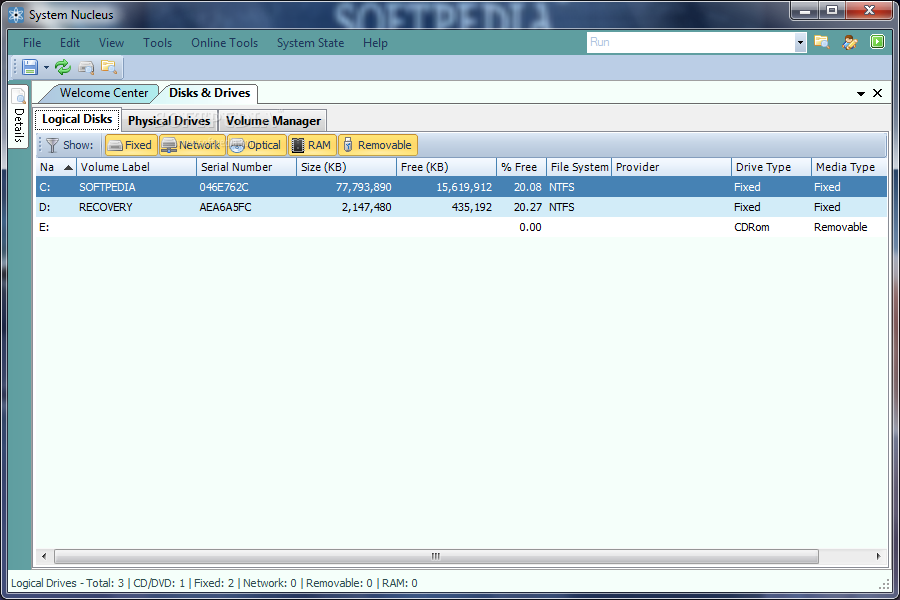
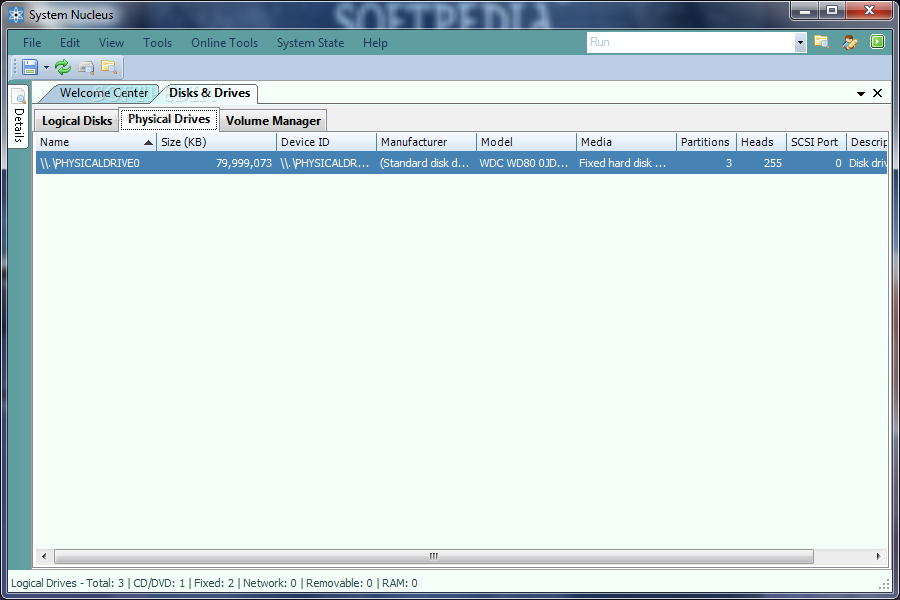
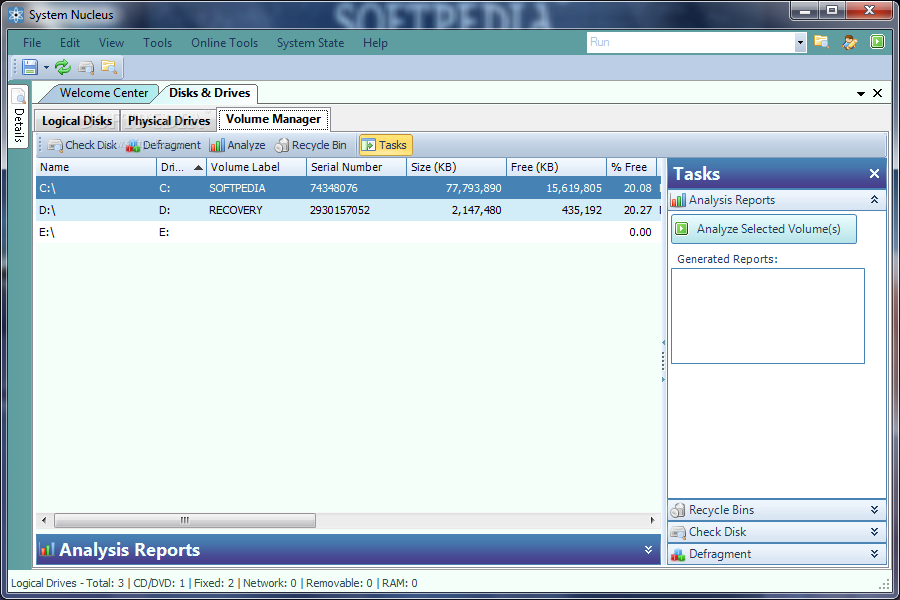
    · Disks & Drives - create detailed, graphical analysis reports on storage volumes, check disks & defragment.
    · Detailed Information - view & edit properties of the selected item in the Detail panel, with links to additional online resources. Dock the Details on the left or right, set it to auto hide, and access it easily from the right-click context menu.
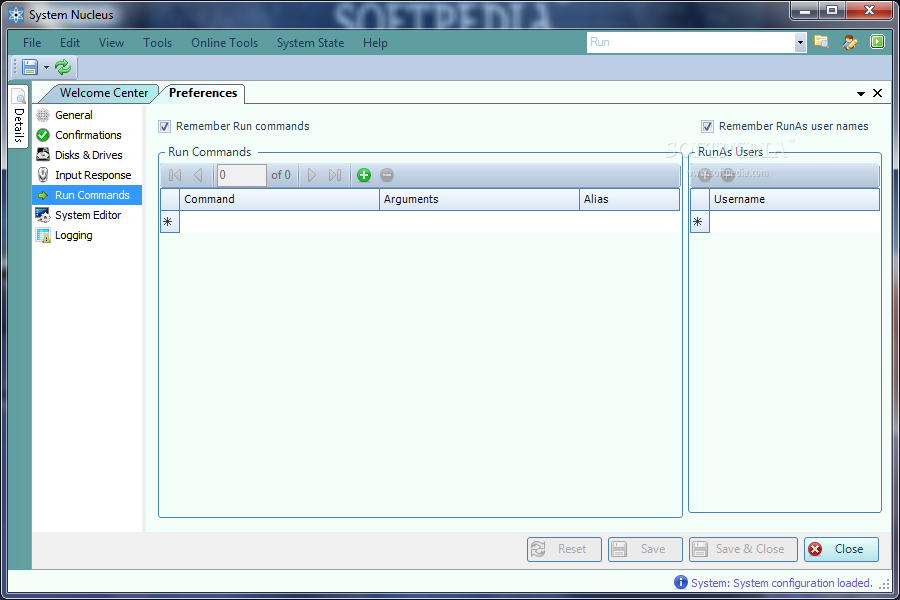
    · Smart Run - store run commands between sessions, browse for executable, integrated RunAs option with option to save usernames, and create your own shortcut aliases to frequently entered commands. Always visible in the main menu bar & system tray menu for quick, easy access.
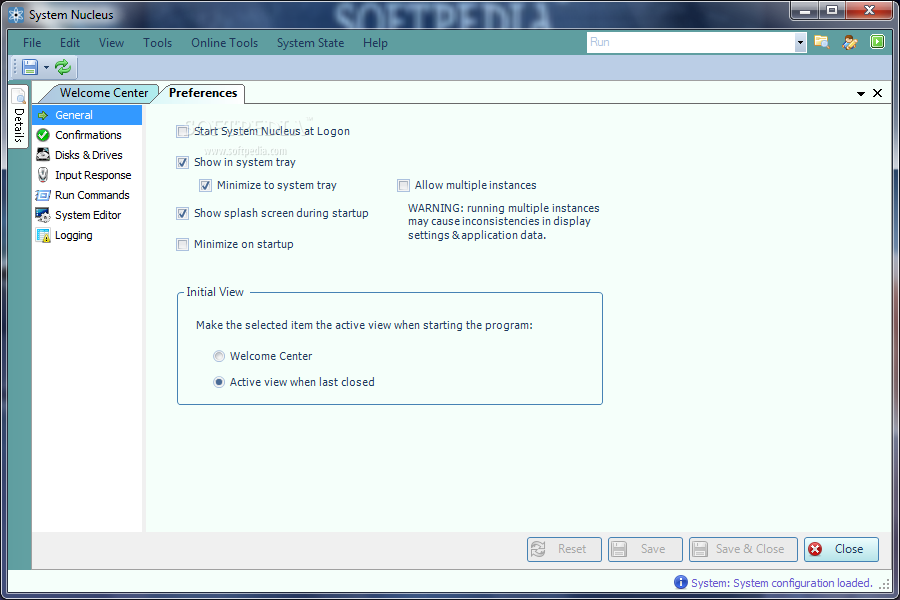
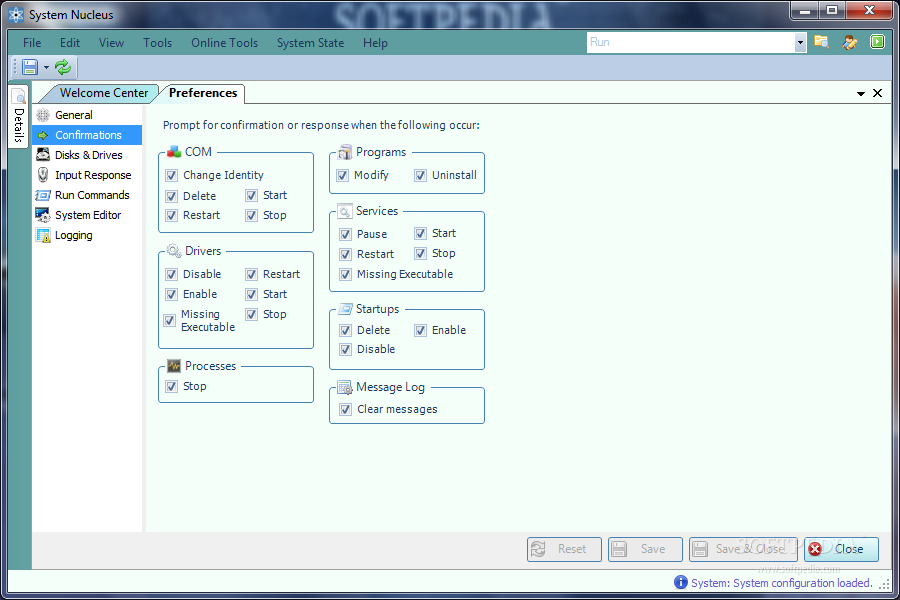
    · Customizable, SetOnce Interface - select how much or how little information is displayed, reorder & resize columns, apply filters & sorting, choose what actions require confirmation, arrange & auto hide panels, and never have to do it twice. Your customized interface is maintained so next time you start System Nucleus it looks the same as when it was closed.

    Requirements:

    · Microsoft .NET Framework 3.5

    What's New in This Release: [ read full changelog ]

    · Added WMI checkpoints & repair options if needed at start up
    · Added shortcuts to over 30 additional Windows applications in Windows 7
    · Added support for additional languages during installation
    · Mouse over log message in status bar now shows ToolTip containing complete message text
    · Services: description of options displayed as ToolTips when hovered over in Task Pane
    · Services: Added functionality to create a new service
    · Improved performance when loading Views
    · FIX: Error could occur if selected service were removed by another process during refresh
    · FIX: Main window would flicker when restored from system tray
    · FIX: Properties for selected Service were not being cleared when Servce was deleted
    · FIX: Service deletions were not being logged
    · FIX: an error may occur in the Inventory if a category has no available data to display
    · FIX: When main interface is disabled while system tray menu is displayed, an attempt to configure settings for disabled controls could occur, resulting in an error
    · FIX: ...

     Softpedia guarantees that Portable System Nucleus 2.3.2 is 100% CLEAN, which means it does not contain any form of malware, including spyware, viruses, trojans and backdoors. [read more >]


    TAGS:

    view system resources | manage system resources | application uninstaller | view | organize | edit


    HTML code for linking to this page:


    Go to top

    WindowsGamesDriversMacLinuxScriptsMobileHandheldNews

    SUBMIT PROGRAM   |   ADVERTISE   |   GET HELP   |   SEND US FEEDBACK   |   RSS FEEDS   |   UPDATE YOUR SOFTWARE   |   ROMANIAN FORUM