
A simple-to-use program which displays a list of all Windows updates (Service Packs and Hotfixes), and lets you uninstall them or generate reports. #Windows update #Windows update list #Update list #Update #Hotfix #List

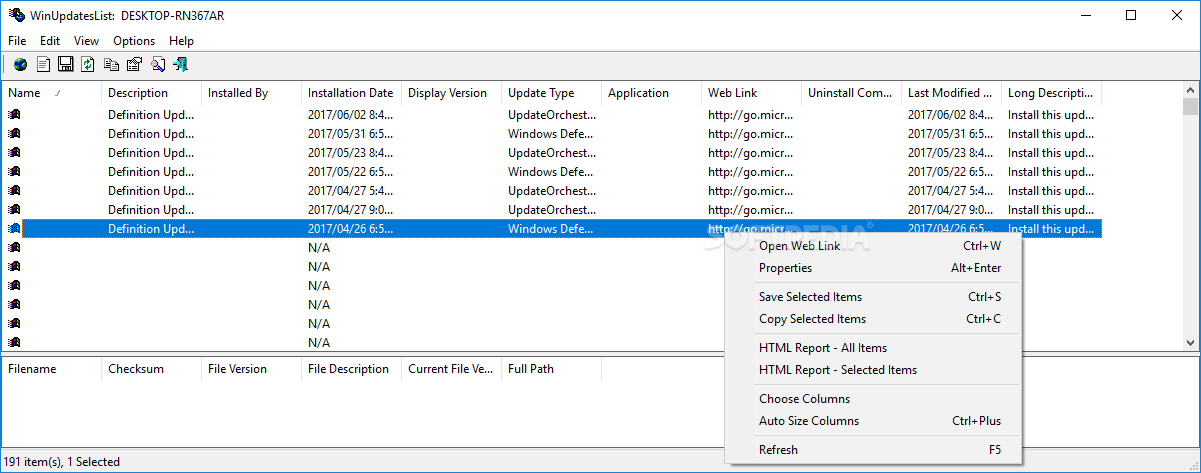
WinUpdatesList is a straightforward piece of software that shows all Windows updates and lets you uninstall any of them. For example, you can use it if you suspect a particular update to cause issues to your computer, such as slowing it down or making it pop up errors.
The installation procedure is rapid and does not need special attention. Once it's done, you can view a list of all Windows updates, which is automatically loaded at startup.
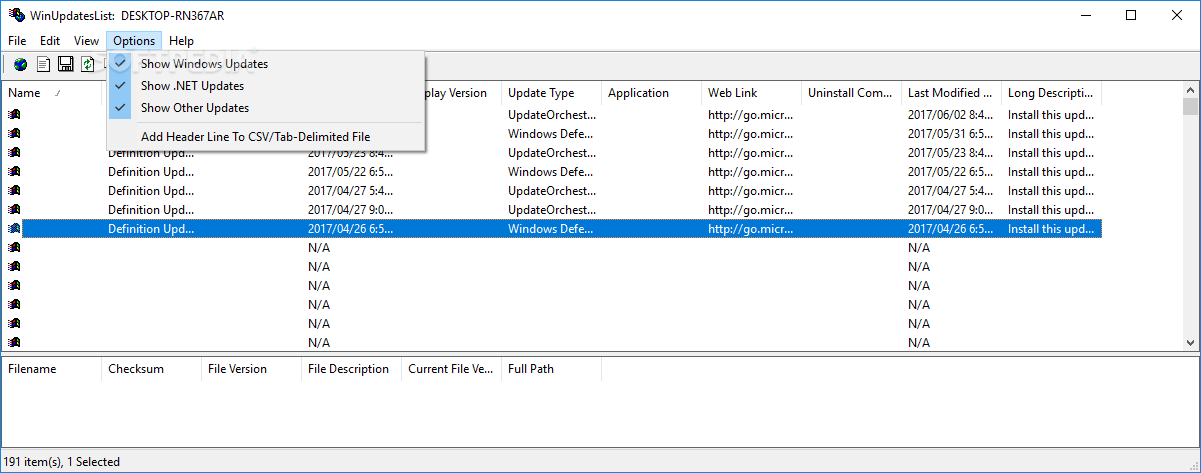
WinUpdatesList provides plenty of details. If you select a particular update, you can view its correspondent files on the bottom part of the screen, along with their checksum, file version and description, current file version and full path.
Double-clicking an update brings up a secondary panel with its name, description, user who installed it, installation date, display version, update type, application, web link, uninstall command, last modified time, and long description.
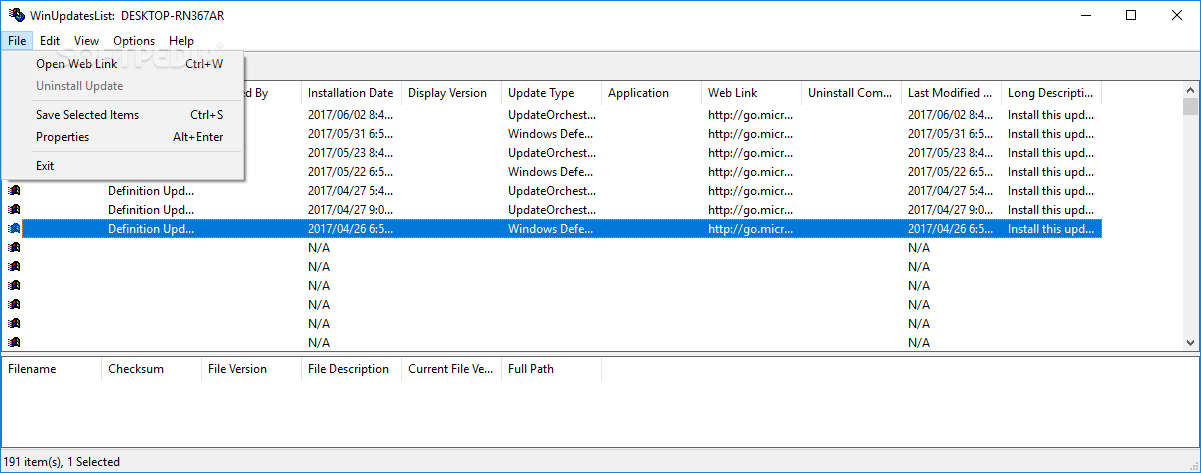
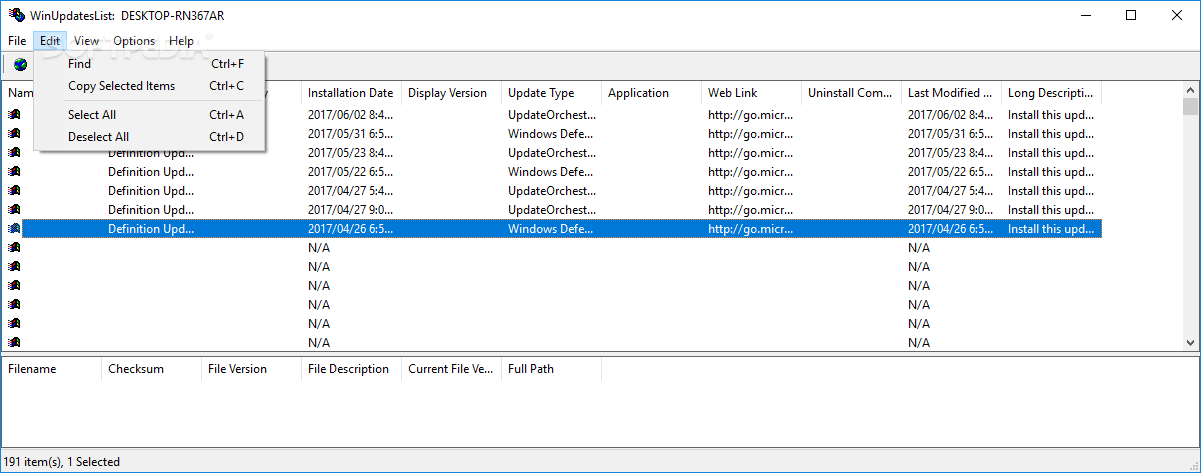
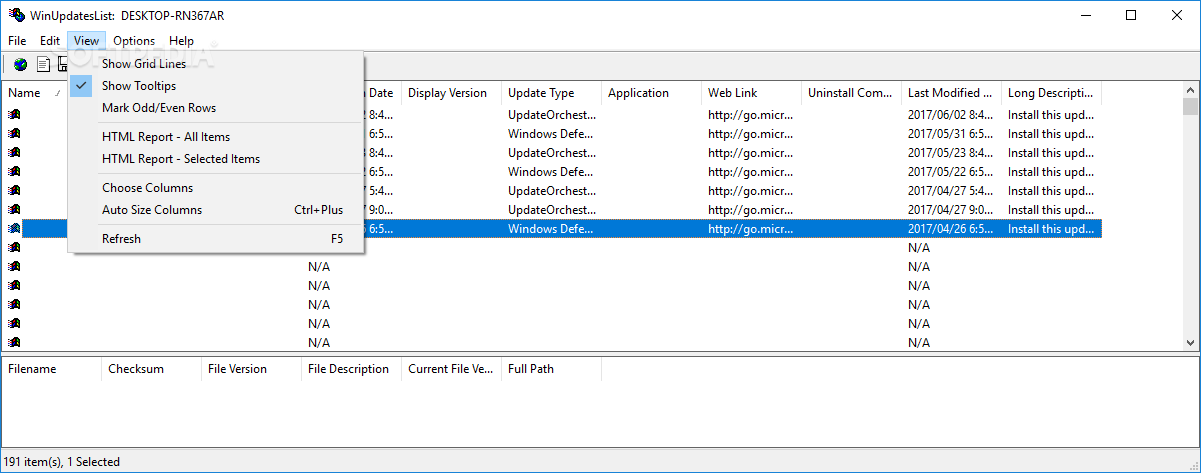
It is possible to uninstall an update immediately, from the File menu. You can save the selected or all items to an external file (TXT, HTM, HTML, XML or CSV format) after choosing the columns, use a search function when having large amounts of data at hand, add a header line to a CSV file, as well as hide the Windows, .NET or other updates from the list.
WinUpdatesList uses a minimum amount of CPU and RAM, thus it doesn't put a strain on the computer's resources. It has a good response time and swiftly uninstalls a Windows update, without causing any issues in the process. No error dialogs have occurred in our evaluation, and the tool did not hang or crash. Unfortunately, WinUpdatesList has not been updated for a long time, and it doesn't work properly on newer OS platforms.
What's new in WinUpdatesList 1.33:
- Fixed issue: The 'Installation Date' column displayed the time in GMT instead of local time.
WinUpdatesList 1.33
add to watchlist add to download basket send us an update REPORT- runs on:
- Windows All
- file size:
- 127 KB
- filename:
- wul_setup.exe
- main category:
- System
- developer:
- visit homepage
Bitdefender Antivirus Free

Windows Sandbox Launcher

Microsoft Teams

IrfanView

calibre

7-Zip

Zoom Client

Context Menu Manager

ShareX

4k Video Downloader

- Context Menu Manager
- ShareX
- 4k Video Downloader
- Bitdefender Antivirus Free
- Windows Sandbox Launcher
- Microsoft Teams
- IrfanView
- calibre
- 7-Zip
- Zoom Client
