
Plug in your gamepad and configure controls to emulate keyboard and mouse while saving configurations for preferred games or different consoles. #Simulate keystroke #Gamepad keystroke #Mouse emulator #Gamepad #Emulate #Keystroke

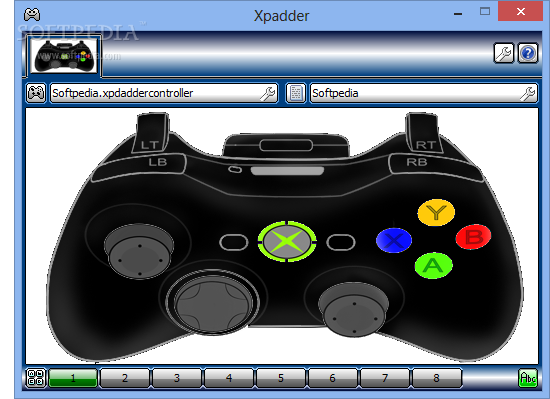
If you’re addicted to consoles, but your favorite games have little or no support for controllers, Xpadder is one of the best solutions to this problem. This awesome utility is able to simulate the mouse and keyboard in almost any game while allowing you to fully customize the functionality of the console.
Note: The last freeware version (5.3) was released in 2008. Newer versions are available from the developer's site only, for $9.99.
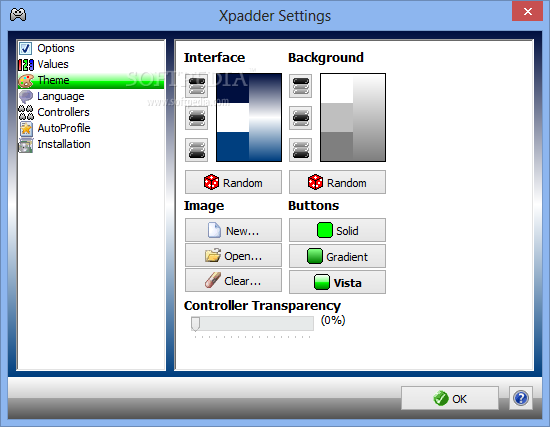
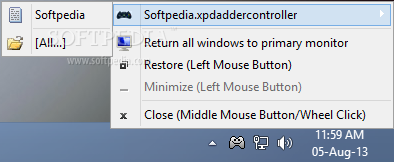
Xpadder doesn’t need installation and leaves no traces in your computer registry. When you run it for the first time, it prompts you to choose the folder for saving the profiles and places a desktop shortcut for easy access.
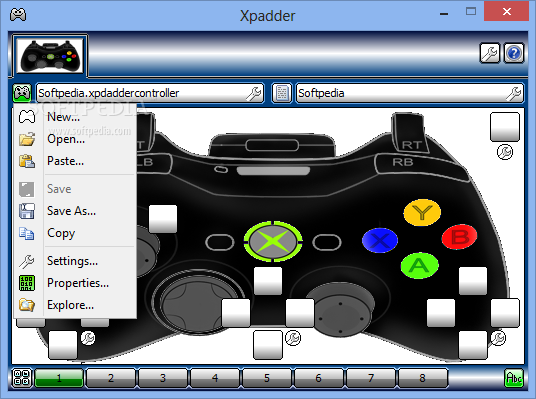
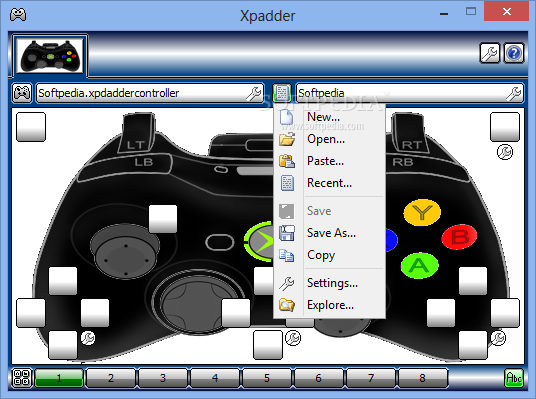
Xpadder is able to read a decent amount of controllers and to assign the most popular key combinations and mouse gestures. It features a turbo mode and can configure no less than eight sets of controls in each profile.
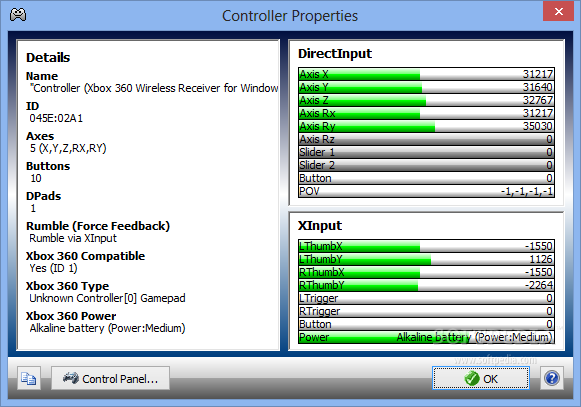
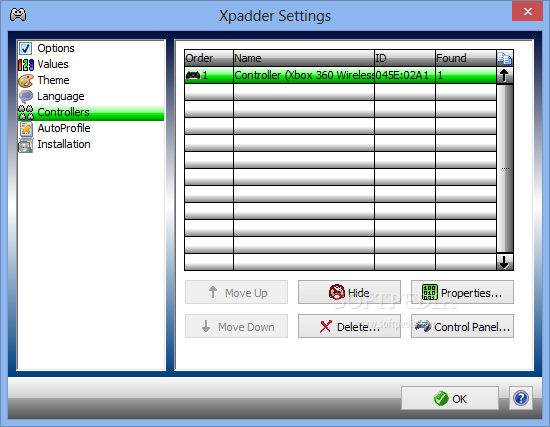
The application automatically detects when you connect a controller and once the connection is established, the configuration is at your fingertips. You can save different profiles for each of the games you plan on playing or for each of the consoles you own.
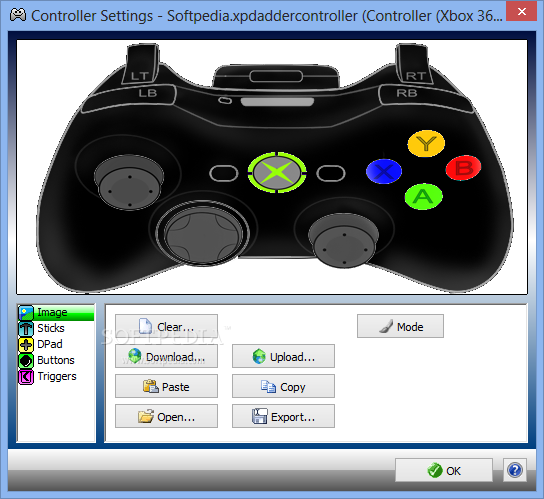
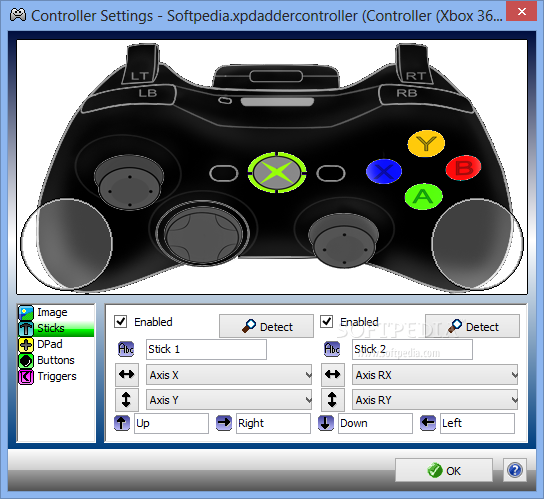
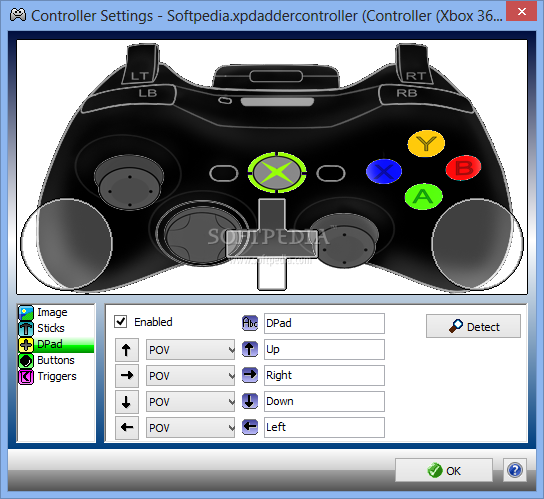
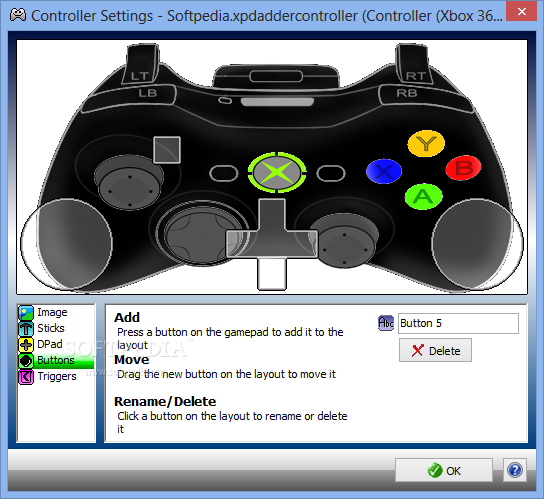
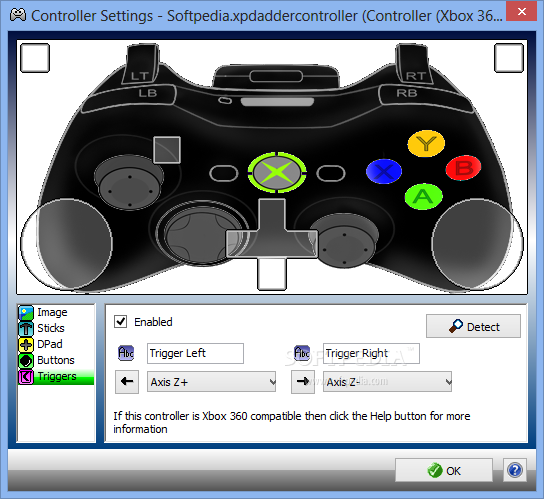
Setting up a profile is not rocket science. You can assign it an image (generally, of the controller model or of the game – templates are available on the developer’s website), followed by placing the sticks, additional buttons, and triggers, then press ‘Finish’.
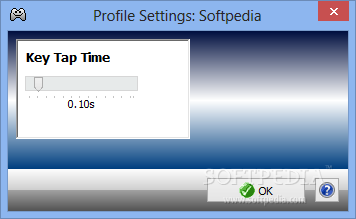
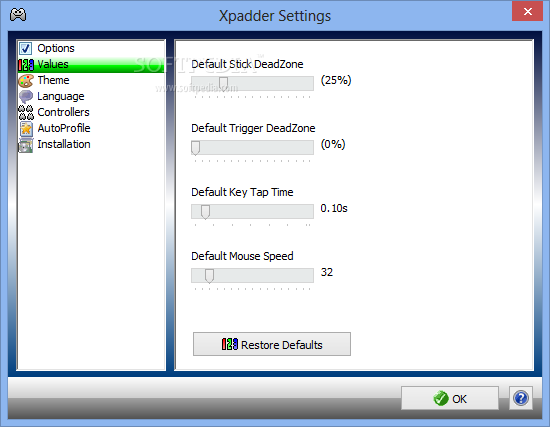
The next step is to assign keyboard or mouse shortcuts to each of the sticks/buttons. You can use virtually any hotkey you wish and enable Turbo mode for key pressing. When configuring Mouse Options, you can customize the emulation speed and perform little tests just to make sure it’s set to the right sensitivity.
Once the configuration is done properly, you can fully enjoy the advantages of consoles in a game that normally does not support controllers. The only games that cannot be used in harmony with Xpadder are the ones that use GameGuard (an anti-cheating rootkit).
Taking everything into consideration, we can say that Xpadder is a must have in order to be on the safe side when you just can't decide if your gaming performance is maximized when using a gamepad or the standard mouse and keyboard. It's easy to use and configure, making for a neat utility overall.
What's new in Xpadder 5.3:
- Improved main controller image display (now 2.6x faster)
- Improved Controller Settings window image display (now 3.3x faster)
- Improved profile file size (blank profile down from 1416 bytes to 146 bytes)
- Improved subwindow graphics scanline access (faster display)
Xpadder 5.7 / 5.3
add to watchlist add to download basket send us an update REPORT- runs on:
-
Windows 2003
Windows Vista
Windows XP
Windows 2K - file size:
- 26 MB
- filename:
- xpadder_5.3.exe
- main category:
- System
- developer:
- visit homepage
4k Video Downloader

Zoom Client

Microsoft Teams

calibre

IrfanView

7-Zip

Context Menu Manager

Windows Sandbox Launcher

Bitdefender Antivirus Free

ShareX

- Windows Sandbox Launcher
- Bitdefender Antivirus Free
- ShareX
- 4k Video Downloader
- Zoom Client
- Microsoft Teams
- calibre
- IrfanView
- 7-Zip
- Context Menu Manager