
Use flash memory to increase system responsiveness, speed up your applications and gather statistics on what programs you use and how often. #Smart cache #ReadyBoost feature #USB drive #Smart cache #ReadyBoost #Performance
One of the biggest bottlenecks of a computer consists of the programs running in the background and stored temporary files. By using apps that are intended to help you speed up a slow PC, you can improve application responsiveness effortlessly.
With the help of eBoostr you are able to add more RAM memory in order to decrease loading times and improve the overall performance of your computer.
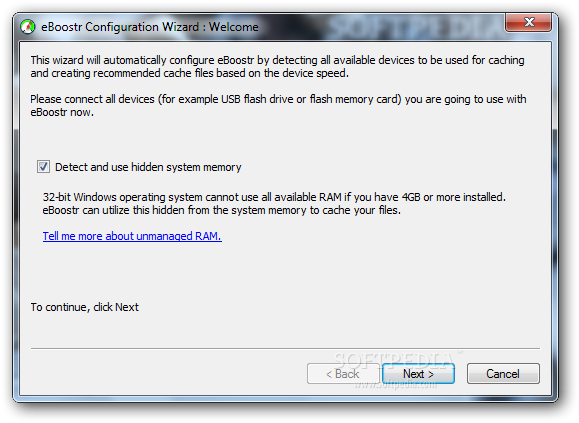
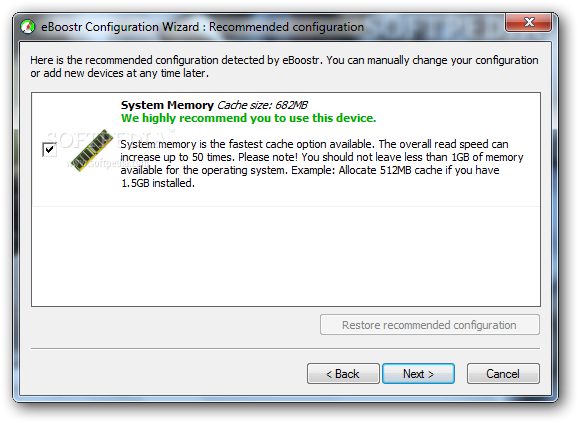
The program features a user-friendly interface and an intuitive auto-configuration wizard that detects all the available devices to be used for caching and creating the recommended cache files based on the device speed. Since it supports up to four devices simultaneously, you can easily track the use of applications on your system, launch your favorite applications faster and save battery power (in case you are using a laptop or a Notebook).
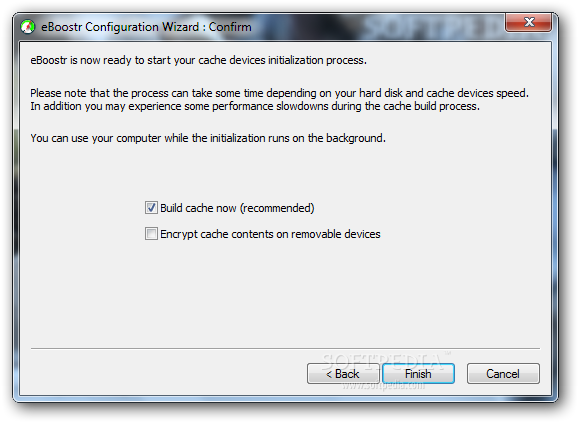
Once eBoostr is launched, it will immediately encrypt cache contents on the detected removable device, be it USB flash drive, CompactFlash, SD, MMC or xD card. During this process, you might experience some performance slowdowns, but this mostly depends on your hard disk and cache devices speed.
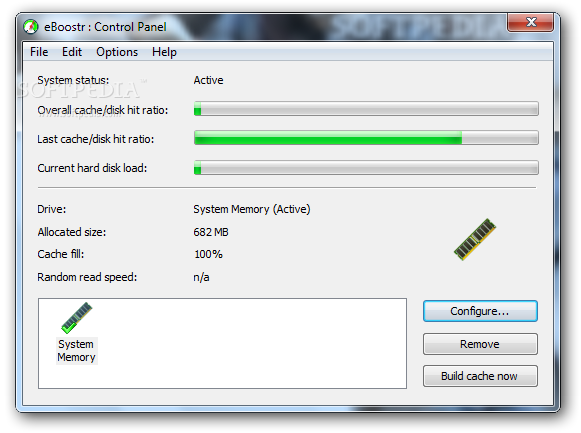
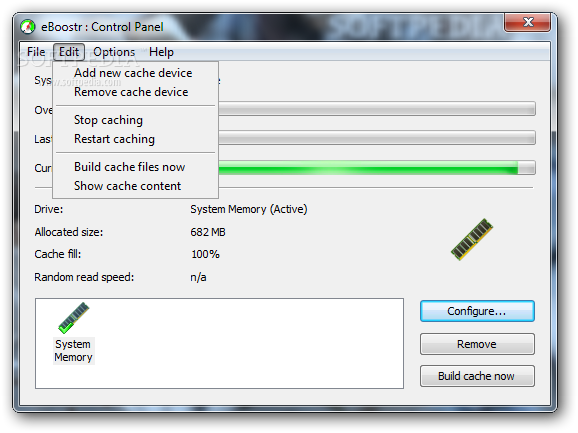
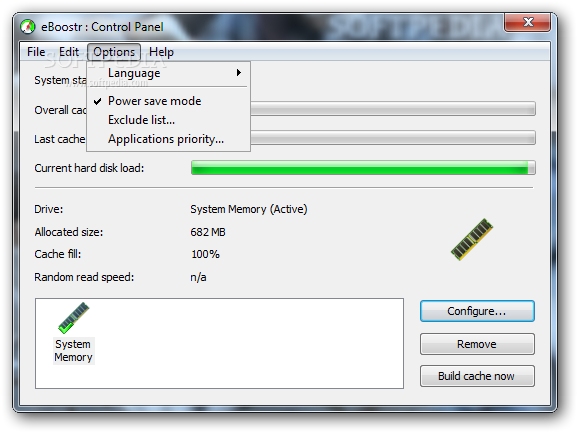
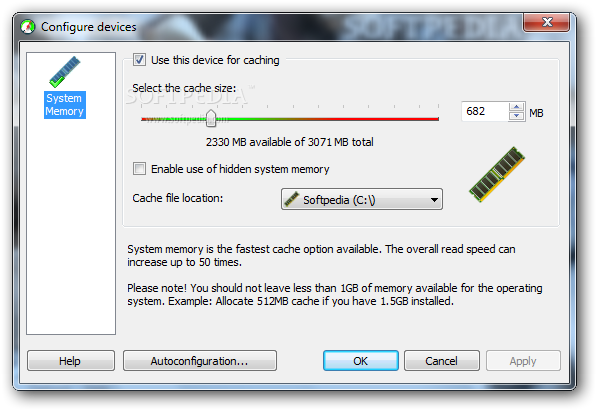
After that, you are able to view the system status, the overall cache / disk hit ratio and the current hard disk load. You can preview basic details about the current drive such as allocated size, cache fill and random read speed. The Configure button enables you to change the cache size according to you whims, set the cache file location or simply launch the wizard.
eBoostr is able to gather statistics on what applications you use on your current PC or laptop and how often, thus dedicating more resources so they can load and work faster and optimizing their performance by pre-caching their files and data.
To conclude, eBoostr proves to be a steady and reliable solution worth having when it comes to reducing Windows and applications startup time and increasing the overall performance without purchasing new hardware.
eBoostr 4.5 Build 596
add to watchlist add to download basket send us an update REPORT- runs on:
-
Windows 2008 32/64 bit
Windows 2003
Windows 7 32/64 bit
Windows Vista 32/64 bit
Windows XP - file size:
- 3.5 MB
- filename:
- eBoostr.exe
- main category:
- System
- developer:
ShareX

Context Menu Manager

7-Zip

Bitdefender Antivirus Free

Microsoft Teams

4k Video Downloader

Windows Sandbox Launcher

IrfanView

Zoom Client

calibre

- IrfanView
- Zoom Client
- calibre
- ShareX
- Context Menu Manager
- 7-Zip
- Bitdefender Antivirus Free
- Microsoft Teams
- 4k Video Downloader
- Windows Sandbox Launcher