
Manage programs, open files and folders, play PC games and surf the internet by using voice commands via this simple and straightforward application #Voice recognition #Speech command #Voice control #Voice #Recognition #Speech
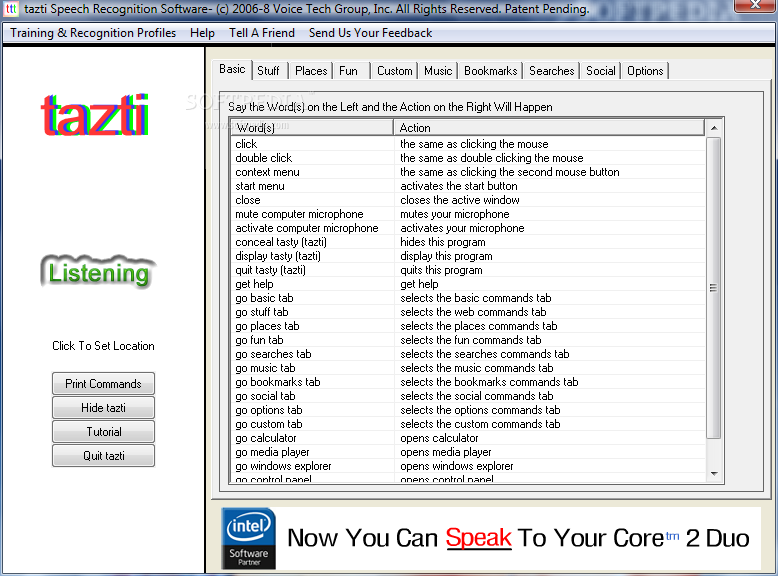
tazti is a speech recognition utility that provides you with a set of tools to manage anything on your computer, from opening files and directories to controlling applications and playing video games, using voice commands.
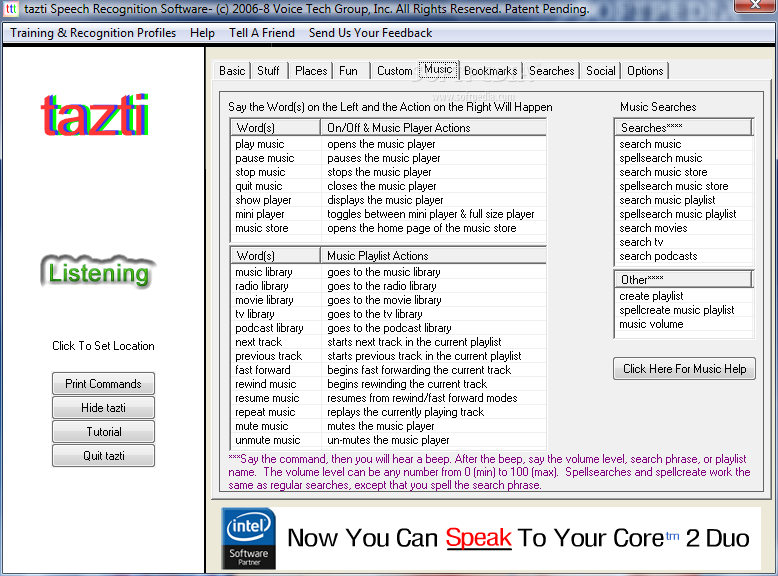
According to the developer, the app enables you to create over 300 commands and associate them with opening single files or programs as well as a sequence of apps and files. As you probably already guessed, you can edit and delete any of these commands at any time, so you can add new programs or refresh the websites or files that you regularly open via your favorite commands.
The voice commands can be customized by adding a trigger word and selecting several actions the computer is going to do automatically. For instance, you can set a trigger word that you are having a bad day and configure the system to open up funny videos or start playing your favorite TV show or artist.
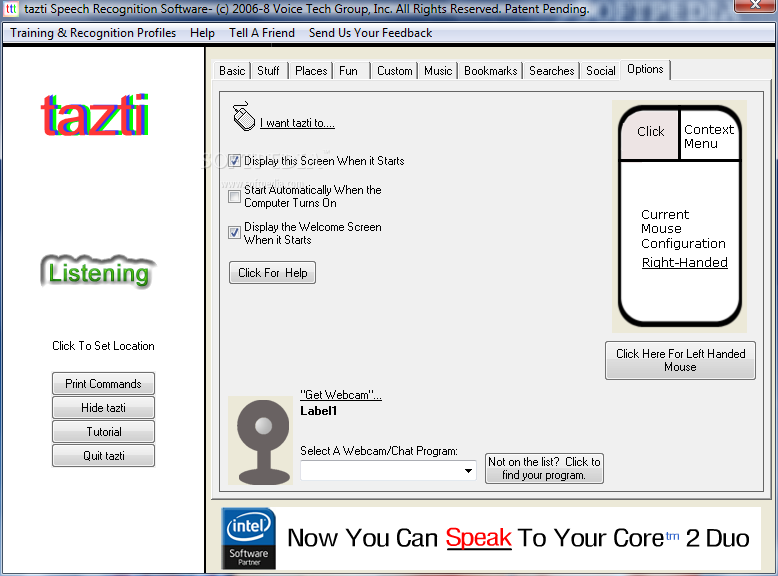
The program is as basic as it commands and it lacks advanced options by comparison with similar applications in this niche, such ass voice training or voice transcription, for example. While it does not score very well in the options category, users state that the strong point of the app is the accuracy.
System requirements
- PC with 1.2 gigahertz (GHz) or higher processor* (Intel Dual Core or Core 2 Duo family, or compatible processor recommended)
- 1 gigabyte (GB) of RAM or higher
- 1.0 gigabyte (GB) of available hard disk space*
- 800 × 600 or higher resolution video adapter and monitor
- Keyboard and Mouse or compatible pointing device
- A PC headset microphone
tazti 3.2
add to watchlist add to download basket send us an update REPORT- runs on:
-
Windows 10 32/64 bit
Windows 8 32/64 bit
Windows 7 32/64 bit
Windows Vista 32/64 bit
Windows XP - file size:
- 244 MB
- filename:
- ai_tazti.win10.dotnet4.6.1.dev.debug.zip
- main category:
- System
- developer:
- visit homepage
Microsoft Teams

IrfanView

7-Zip

Windows Sandbox Launcher

ShareX

Bitdefender Antivirus Free

4k Video Downloader

Context Menu Manager

calibre

Zoom Client

- Context Menu Manager
- calibre
- Zoom Client
- Microsoft Teams
- IrfanView
- 7-Zip
- Windows Sandbox Launcher
- ShareX
- Bitdefender Antivirus Free
- 4k Video Downloader
