
Enable or disable ActiveX components in Internet Explorer using this speedy and portable tool that lets you view and save reports. #Compatibility Manager #ActiveX Compatibility #Enable components #ActiveX #Compatibility #Manager

Geared toward advanced PC users, ActiveX Compatibility Manager is a tiny and portable application you can use to seamlessly enable and disable ActiveX objects in Internet Explorer. It features approachable options.
It's wrapped in a single .exe file that can be copied to a custom location on the disk or to a removable flash drive, in order to effortlessly run it on any machine to manage ActiveX. It doesn't need DLLs to run or create extra files on the disk without your permission. Your settings are remembered on exit.
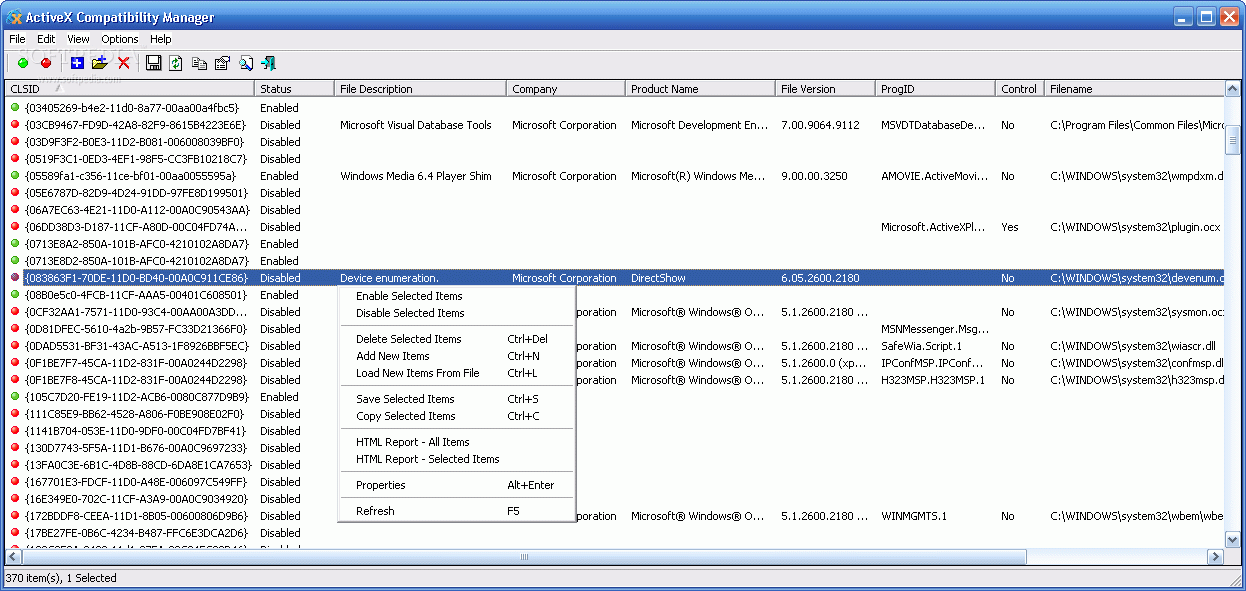
Regarding the interface, ActiveX Compatibility Manager adopts a standard window with a simple design and well-organized layout, where the information is automatically collected and revealed on startup.
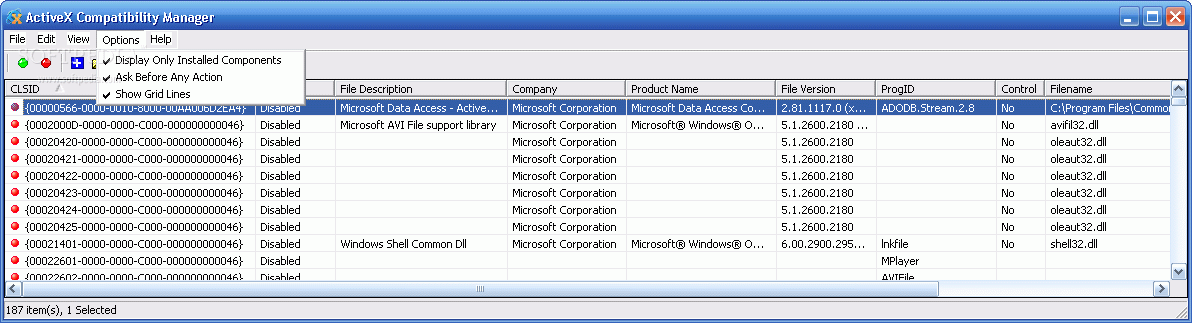
You can check out the class ID (CLSID), status, file description and version, company, product name, control status, full path and last modify date of each ActiveX item, as well as ask the utility to display only the installed components and to show grid lines.
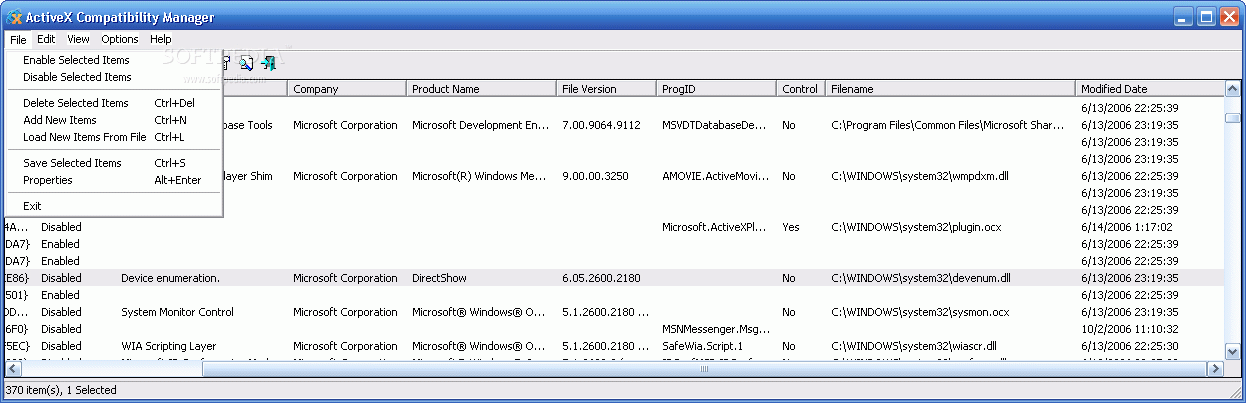
One, more or all selected entries can be controlled at the same time by opening the right-click menu, which gives you the possibility to enable, disable, delete or add new ActiveX objects by typing the CLSIDs or ProgIDs.
Plus, you can copy or export information to tab-delimited or tabular TXT, horizontal or vertical HTML, or XML format. Alternatively, you can just view the HTML report without saving files. A basic search function is put at your disposal too.
No errors were displayed in our evaluation, and ActiveX Compatibility Manager didn't freeze or crash. It had minimal impact on system performance and carried out tasks fast. Command-line arguments are supported.
Thanks to its intuitive options, the program can be used by anyone who wants to easily control ActiveX objects in Internet Explorer.
ActiveX Compatibility Manager 1.00
add to watchlist add to download basket send us an update REPORT- runs on:
- Windows All
- file size:
- 41 KB
- filename:
- acm.zip
- main category:
- Tweak
- developer:
- visit homepage
Zoom Client

4k Video Downloader

Microsoft Teams

IrfanView

7-Zip

Windows Sandbox Launcher

calibre

Context Menu Manager

ShareX

Bitdefender Antivirus Free

- Context Menu Manager
- ShareX
- Bitdefender Antivirus Free
- Zoom Client
- 4k Video Downloader
- Microsoft Teams
- IrfanView
- 7-Zip
- Windows Sandbox Launcher
- calibre
