
This tool keeps memory use in check on the system without any of the memory being pushed to the page file. This in turn keeps the system running smoother.. #Memory Cleaner #Clean Memory #Clean Task #Memory #Cleaner #Clean

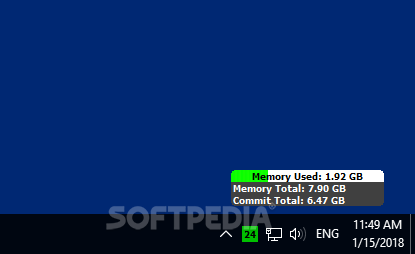
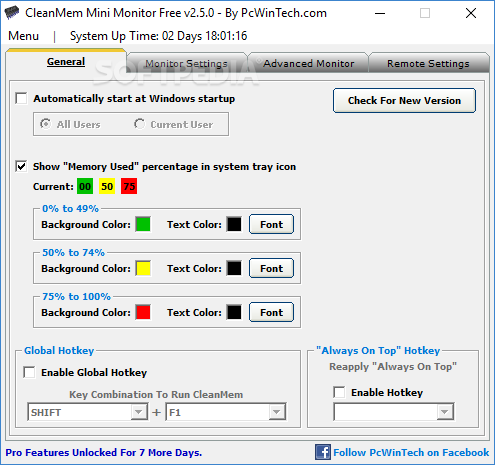
CleanMem is a tool designed to optimize the system memory when it is highly demanded. The mechanism is simple: the memory is cleared, and your computer's performance improves.
This kind of tool is highly recommended for users who have a small amount of RAM installed on their computer, making it difficult to simultaneously handle multiple processes.
The GUI is standard, but the program can be difficult to use by beginners (especially if they are not familiarized with scripts).
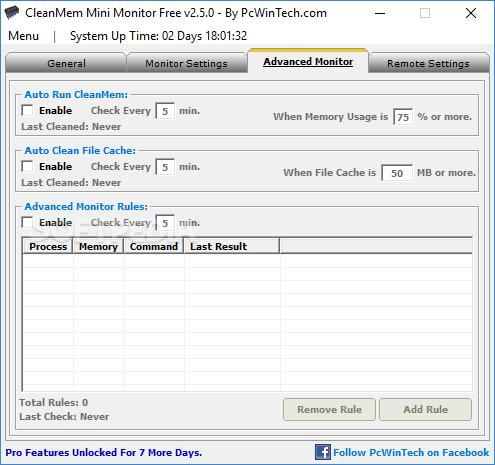
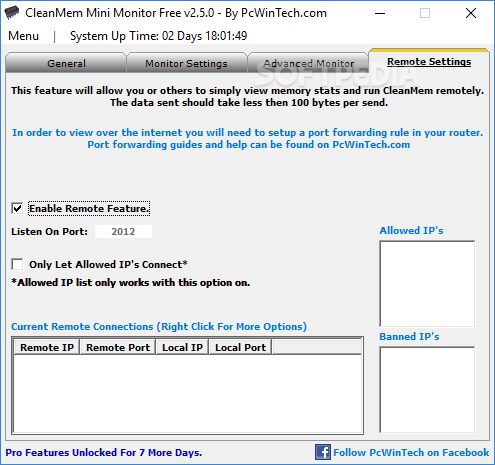
How does it work? In the Advanced Monitor section found in CleanMem Mini Monitor you can enable CleanMem to automatically run every given number of minutes, when memory usage surpasses a certain level (a similar option can also be enabled to automatically clean file cache).
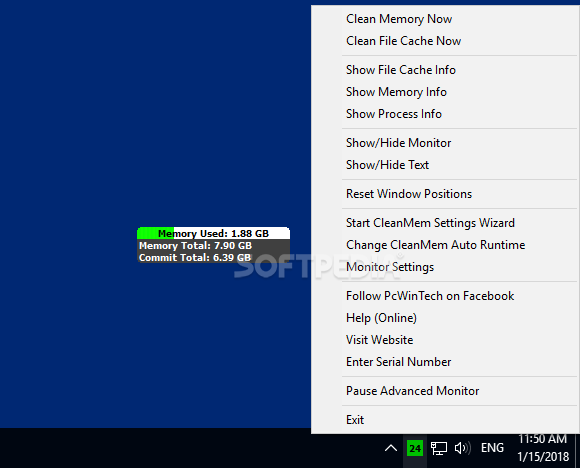
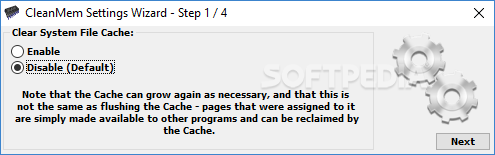
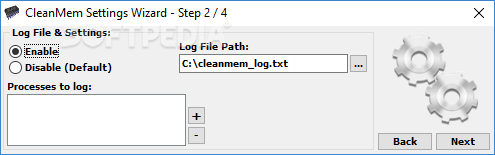
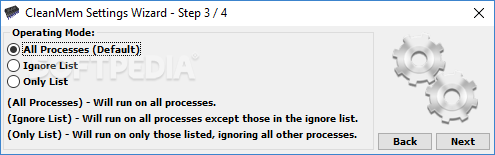
If you access CleanMem Settings, you can enable or disable the system file cache clearance and log files creation, and select operating mode (all processes, ignore list, or only list).
You can install and edit a task scheduler, a feature that lets you create and manage common tasks, but also connect to another computer.
For example, if you want to create a basic task, you have to select the event or time that triggers it (e.g. daily, when a specific event is logged), as well the task you want it to perform (start a program, send an e-mail or display a message). But there are also more advanced and detailed options (when you create a task that's not basic).
The bottom line is that CleanMem is clearly an effective tool for clearing system memory, but also a thorough task scheduler.
What's new in CleanMem 2.5.0:
- Multiple code changes and improvements.
CleanMem 2.5.0
add to watchlist add to download basket send us an update REPORT- runs on:
-
Windows 10 32/64 bit
Windows 2008
Windows 2003
Windows 8 32/64 bit
Windows 7 32/64 bit
Windows Vista 32/64 bit
Windows XP 32/64 bit
Windows 2K - file size:
- 3.2 MB
- filename:
- cleanmem_setup.exe


- main category:
- Tweak
- developer:
- visit homepage
Windows Sandbox Launcher

4k Video Downloader

ShareX

7-Zip

Microsoft Teams

Zoom Client

IrfanView

Context Menu Manager

calibre

Bitdefender Antivirus Free

- Context Menu Manager
- calibre
- Bitdefender Antivirus Free
- Windows Sandbox Launcher
- 4k Video Downloader
- ShareX
- 7-Zip
- Microsoft Teams
- Zoom Client
- IrfanView
