
Tests the Random Access Memory (RAM) on your computer and make sure that it works without errors and at maximum performance via this tool. #Memory test #Memory diagnostic #RAM test #RAM #Test #Diagnostic

Computers encase many vital components that work together to ensure your experience is the best you can get. Th only problem is that once one of them collapses, your entire system is put to a halt. The first signals consist of BSODs (Blue Screen of Death) that keep popping out at random times. This is the time for a RAM (Random Access Memory) test.
There are quiet a few software solutions out there that come in very handy when in need of a good memory tester. Amongst them, Microsoft Windows Memory Diagnostic is a rather old application but that can't be a problem since the testing methods remain the same and the tool truly works properly no matter what type of RAM you possess.
Other similar software from the same Softpedia category comprises MemTest, Memscope or Memtest86+; however, Windows Memory Diagnostic, although its title is a bit false in its statement (the tool has nothing to do with the OS, being able to smoothly boot on various systems that don't have Windows installed), is as efficient as it could possibly be.
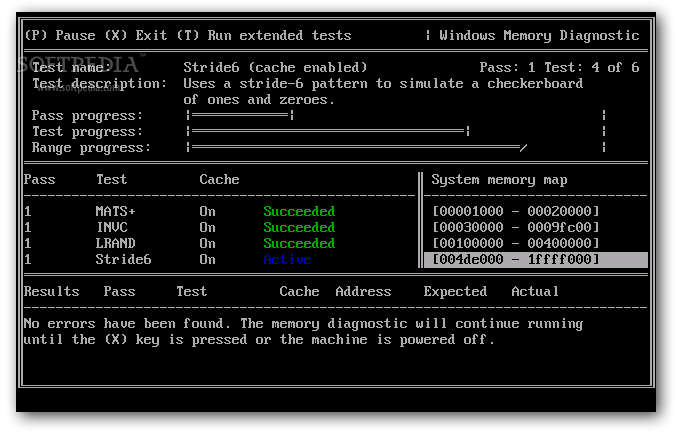
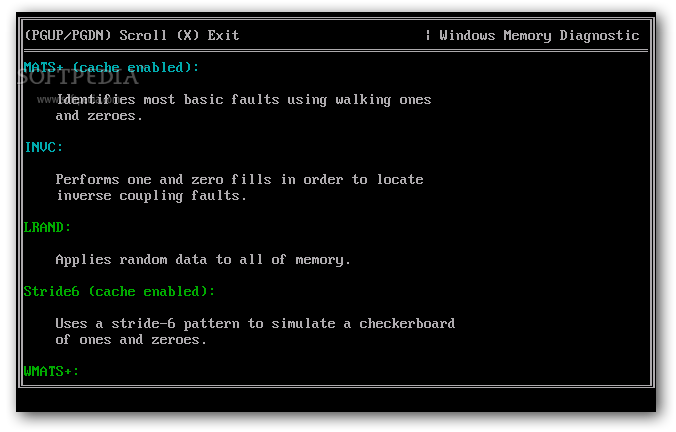
The Windows utility helps you quickly and easily create your bootable floppy or save the ISO image file to your system for later burning on CD or creation of bootable USB flash drive. Either way, Windows Memory Diagnostic fires up automatically, testing your system memory from the get-go. The default settings run six standard tests with infinite passes. The application only stops when you ask for it by pressing the `X` key.
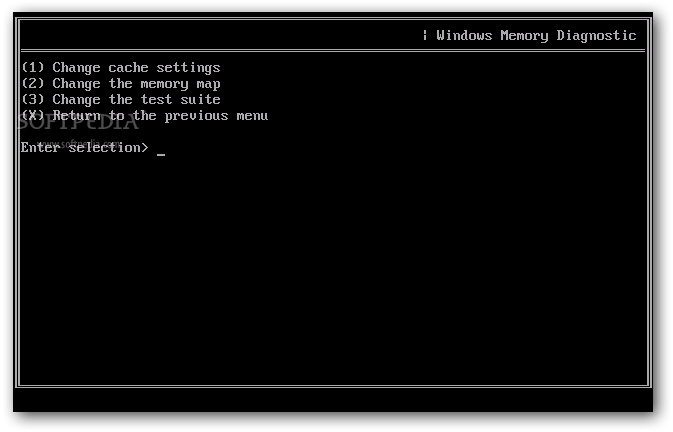
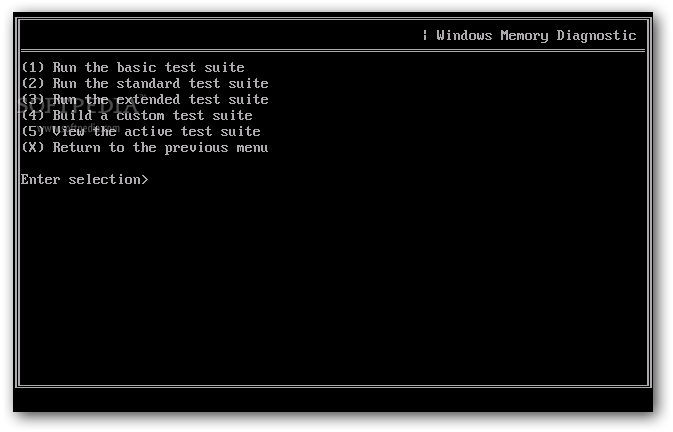
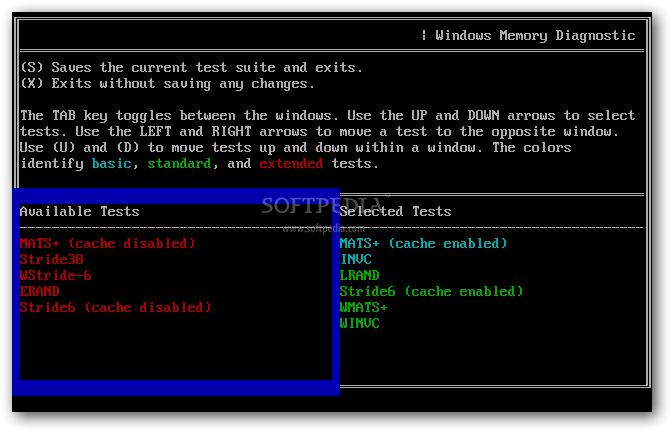
The standard test suite includes the MATS+ (cache enabled), INVC, LRAND, Stride6 (cache enabled), WMATS+ and WINVC tests, while the extended collection adds the MATS+ (cache disabled), Stride38, WStride-6, ERAND and Stride6 (cache disabled) tests. You can also configure which tests to run by pausing the process with the `P` key and then accessing the advanced menu by hitting the `M` key.
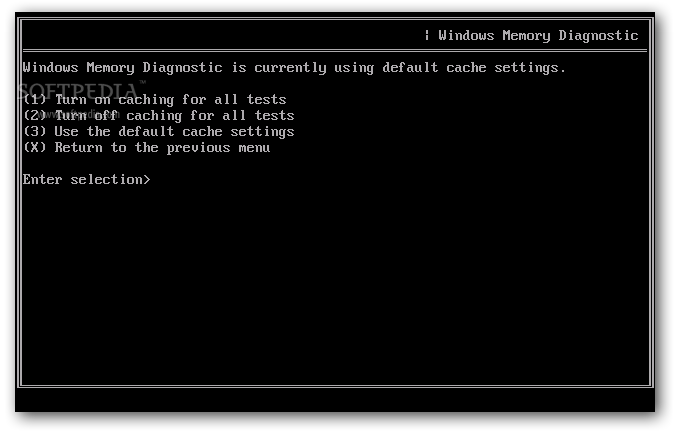
The Advanced Options menu brings settings for cache, memory map and test suite. You are able to turn caching on / off for all the tests, choose between the standard or extended E-820-based memory map and build a custom test suite. Once you have everything set up, you may want to unpause the process by pushing the `C` key.
Bottom line is that Windows Memory Diagnostic is indeed a very helpful application that relies on sturdy tests to put your system memory to work and check for eventual errors. While the standard test suite may be more than enough for most cases, the extended version surely doesn't let any flaw pass as OK and ensures you that your RAM is in its best shape or not.
Microsoft Windows Memory Diagnostic 0.4 Beta
 Softpedia Editor's Pick
add to watchlist
add to download basket
send us an update
REPORT
Softpedia Editor's Pick
add to watchlist
add to download basket
send us an update
REPORT
- runs on:
- Windows All
- file size:
- 639 KB
- filename:
- mtinst.exe


- main category:
- Tweak
- developer:
- visit homepage
Microsoft Teams

Zoom Client

IrfanView

4k Video Downloader

7-Zip

Bitdefender Antivirus Free

calibre

Windows Sandbox Launcher

ShareX

Context Menu Manager

- Windows Sandbox Launcher
- ShareX
- Context Menu Manager
- Microsoft Teams
- Zoom Client
- IrfanView
- 4k Video Downloader
- 7-Zip
- Bitdefender Antivirus Free
- calibre