
A startup management tool that enables you to quickly remove unneeded startup items and monitors the system for new apps set to launch with Windows. #Startup Manager #Boost Startup #Delay Startup #Launch #Startup #Delay

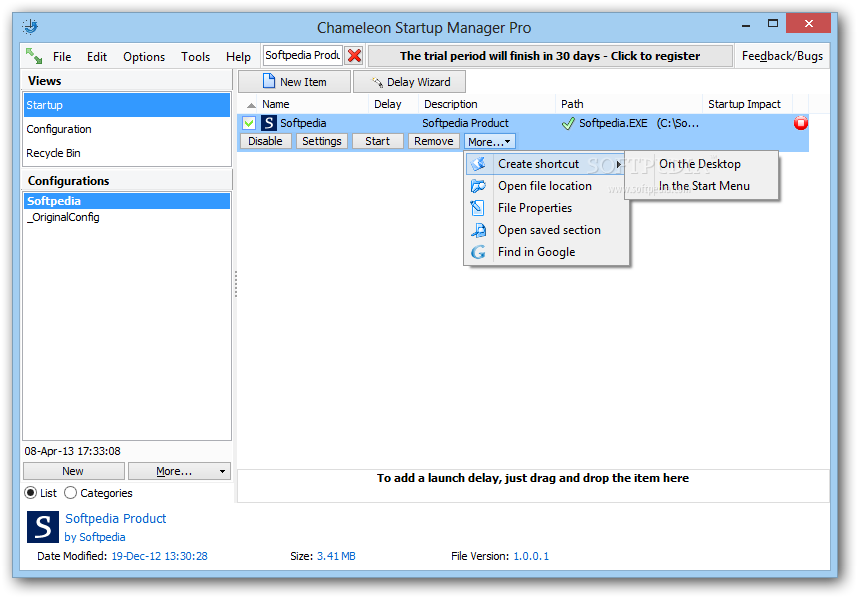
Chameleon Startup Manager Pro is a feature-rich software application that you can use to manage programs which automatically run at system startup, as the name implies, in order to speed up the OS boot.
During the installation procedure, the utility offers to create a system restore point, in case Windows starts experiencing issues after you make the adjustments.
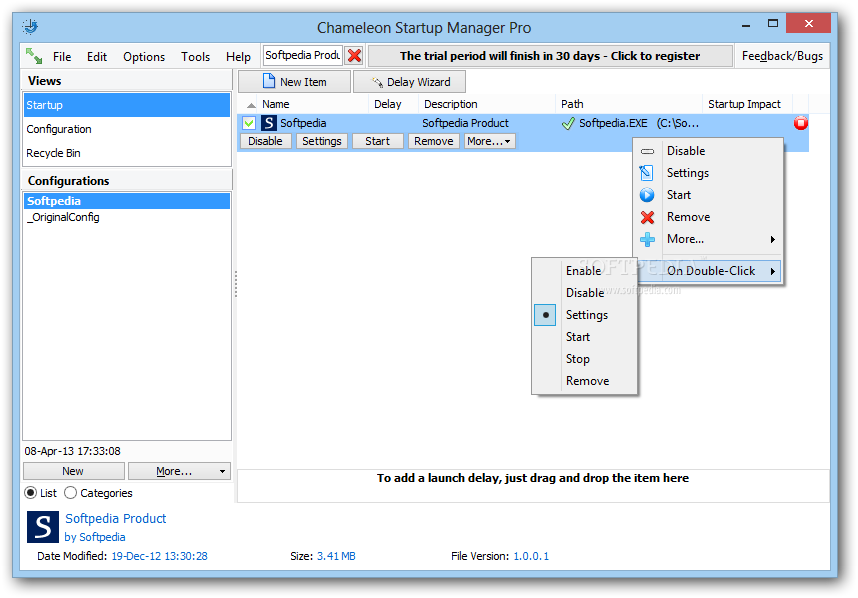
Upon deployment a list of all autorun apps is automatically shown in the main window. You can view their name, delay time, description, path and startup impact.
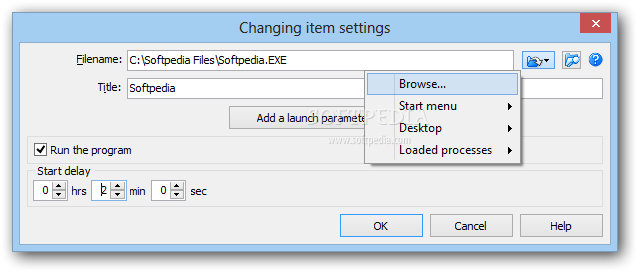
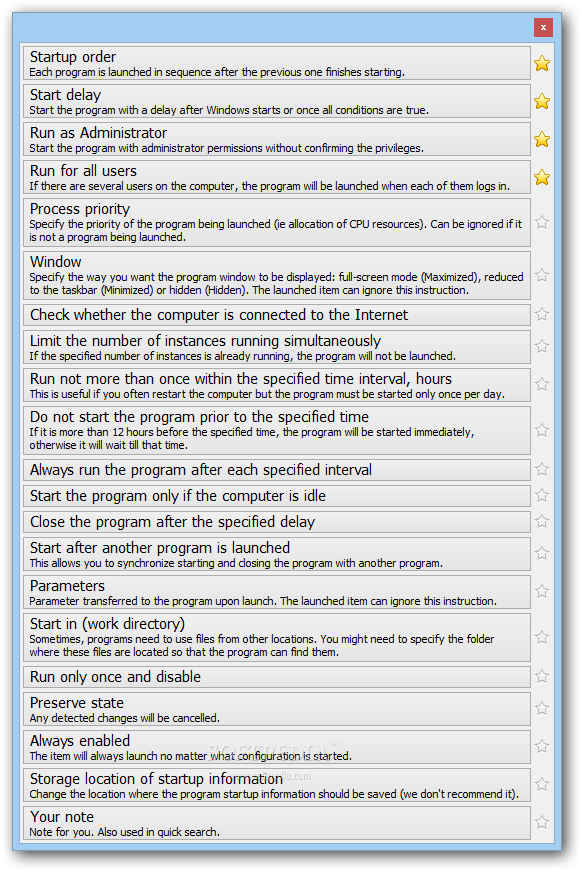
By selecting an item from the list you may disable its autorun sequence, create a delay time, apply the administrator running option, as well as input command lines.
Moreover, you can create a startup order, as well as add a new item to the list, open its location in Explorer, create a shortcut and place it on the desktop, view its properties, and look up the respective item on Google.
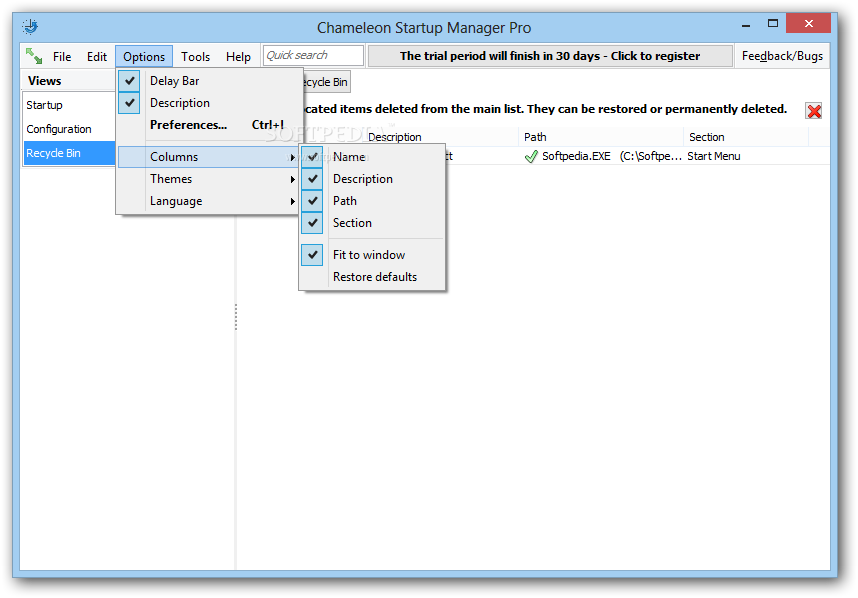
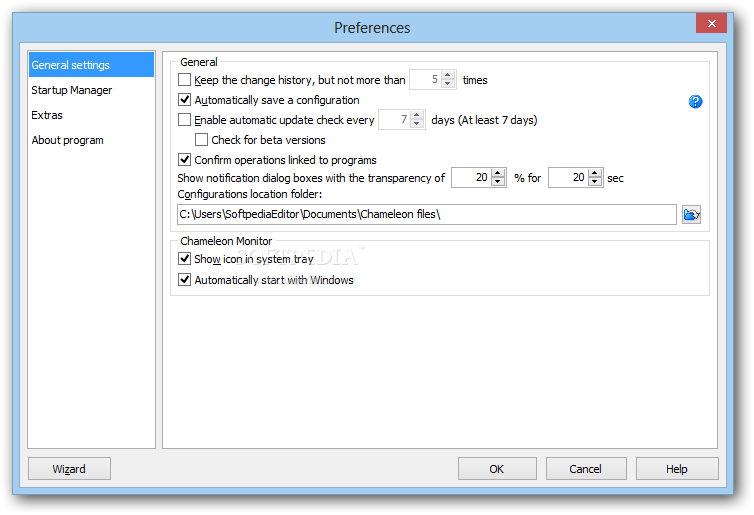
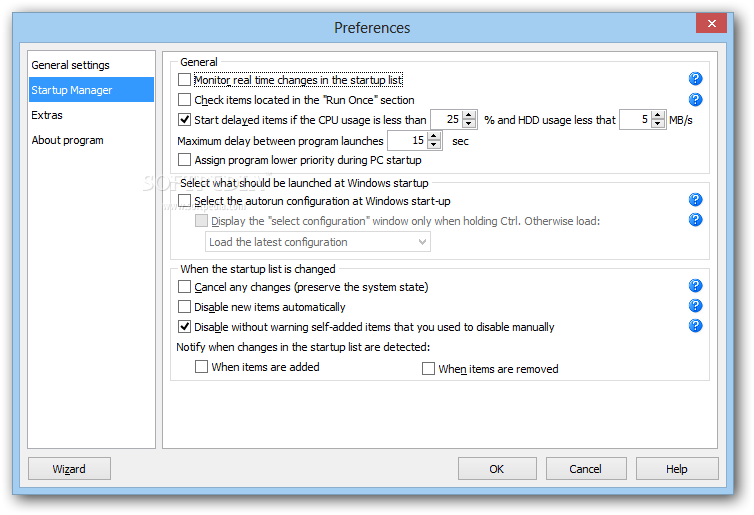
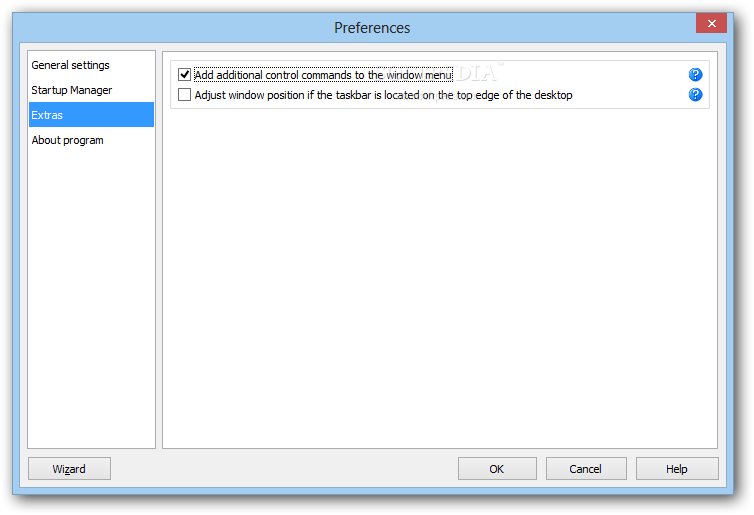
You can build a new configuration list, apply it on the fly and save it to file (SUM3 format), as well as access the Preferences panel to modify several settings. For instance, you can make the app monitor real-time changes in the start list, disable new items automatically, keep the change history and enable automatic updates, in addition to customizing the columns, theme and language.
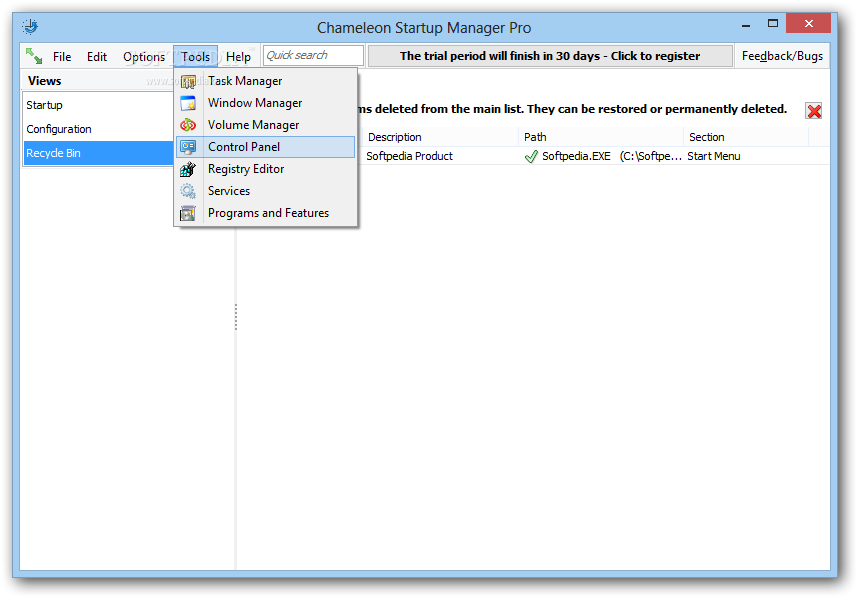
Chameleon Startup Manager Pro also provides a quick search function, which is useful when dealing with numerous autorun utilities, along with immediate access to some system areas, such as Task Manager, Control Panel, Registry Editor, Services, Programs and Features.
We have noticed a minimal CPU and system memory usage during Chameleon Startup Manager Pro's runtime. It is very responsive to commands and works smoothly. We have not experienced any difficulties in our tests, since the program did not hang, crash or show error notifications. Thanks to its impressive features, Chameleon Startup Manager Pro should satisfy advanced users.
Chameleon Startup Manager Pro 4.0.0.914
add to watchlist add to download basket send us an update REPORT- runs on:
-
Windows 10 32/64 bit
Windows 2008
Windows 2003
Windows 8 32/64 bit
Windows 7 32/64 bit
Windows Vista 32/64 bit
Windows XP 32/64 bit - file size:
- 3.9 MB
- main category:
- Tweak
- developer:
- visit homepage
ShareX

4k Video Downloader

7-Zip

calibre

Bitdefender Antivirus Free

Windows Sandbox Launcher

Zoom Client

Microsoft Teams

IrfanView

Context Menu Manager

- Microsoft Teams
- IrfanView
- Context Menu Manager
- ShareX
- 4k Video Downloader
- 7-Zip
- calibre
- Bitdefender Antivirus Free
- Windows Sandbox Launcher
- Zoom Client