
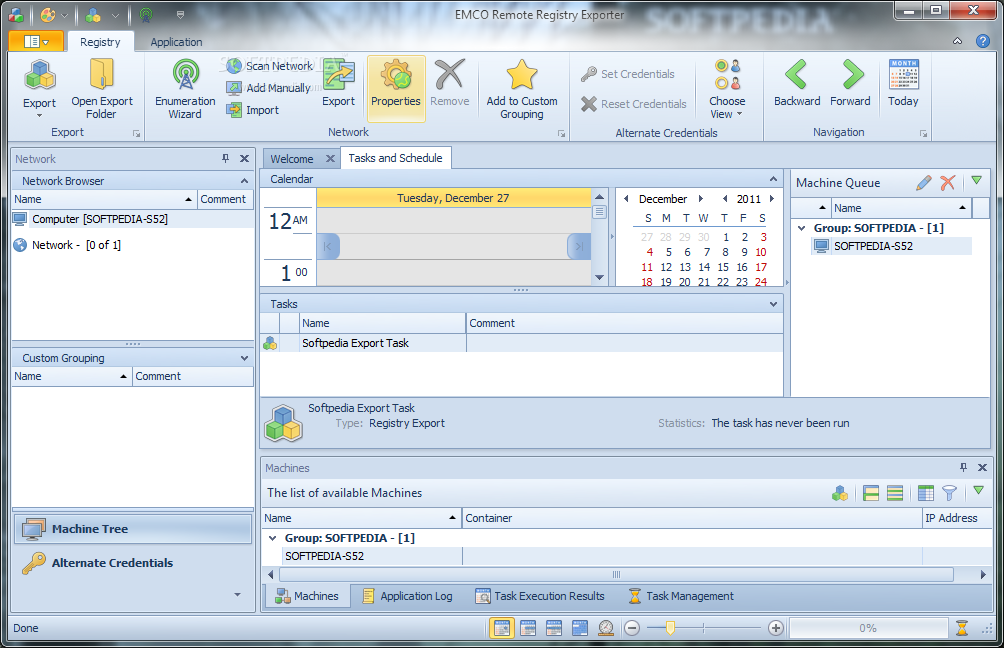
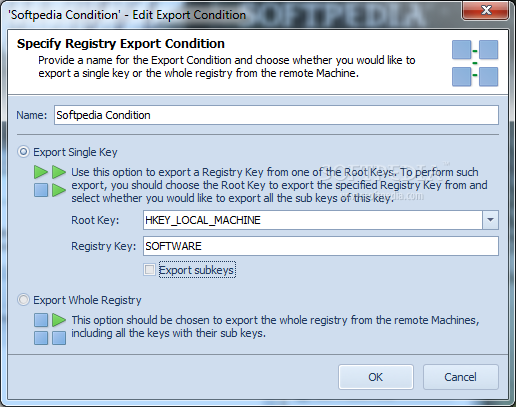
EMCO Remote Registry Exporter, created by is a simple and useful tool; not only for large scale networks but also for small home networks. This tool will help you to monitor different registry keys and their values on not just a single machine rather for different machines on your network.
Using Remote Registry Exporter you can save a lot of time if you need, for example, to check particular registry settings on multiple remote PCs. Instead of processing every PC individually using Regedit you can export registry keys from remote PCs in an automatic mode and then look for required registry keys in the created .reg files.
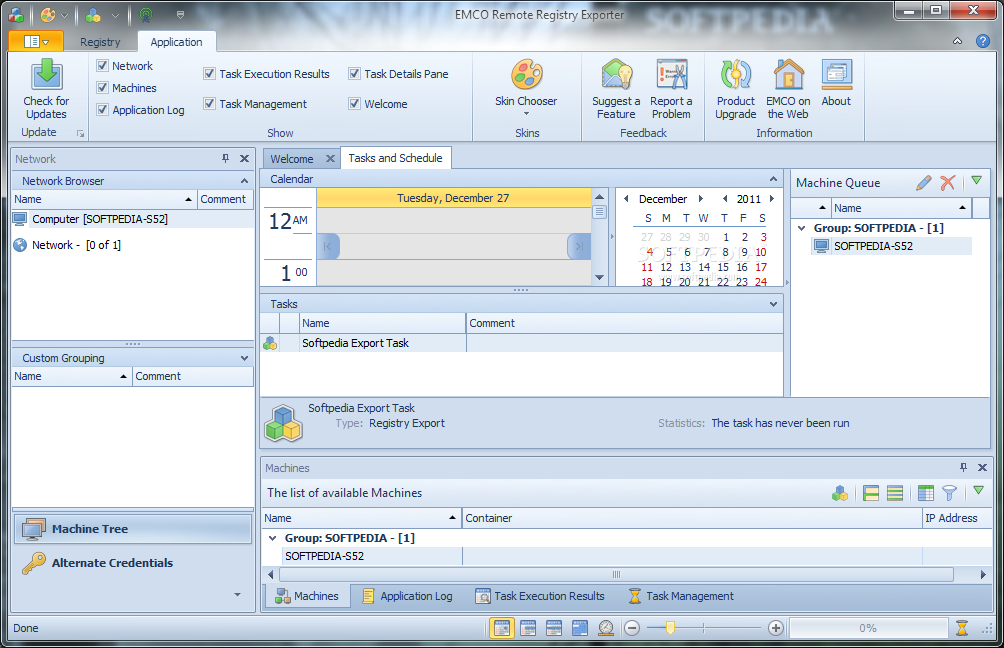
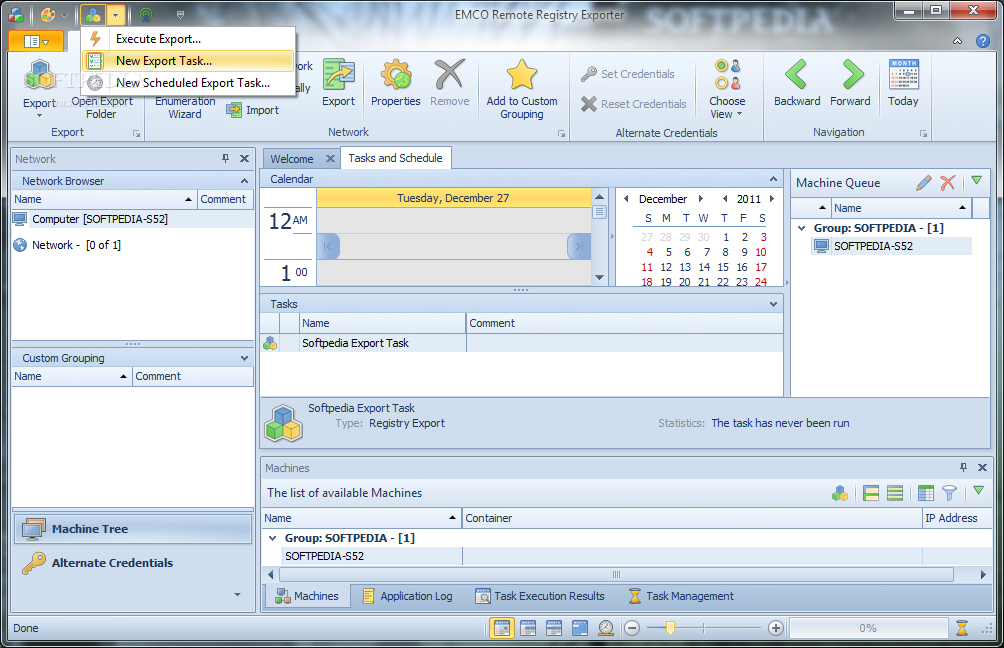
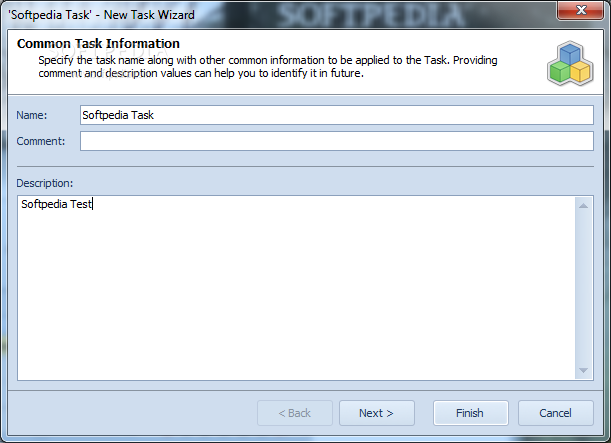
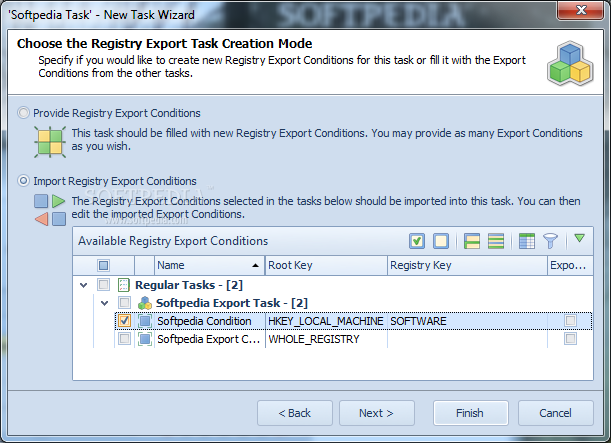
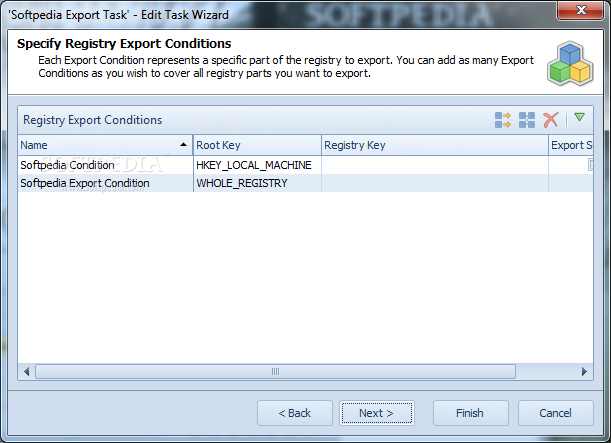
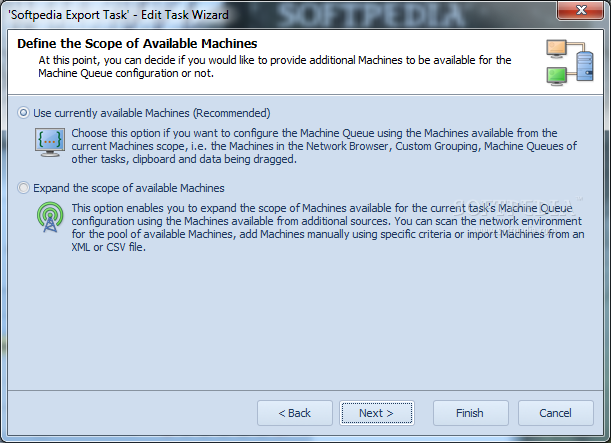
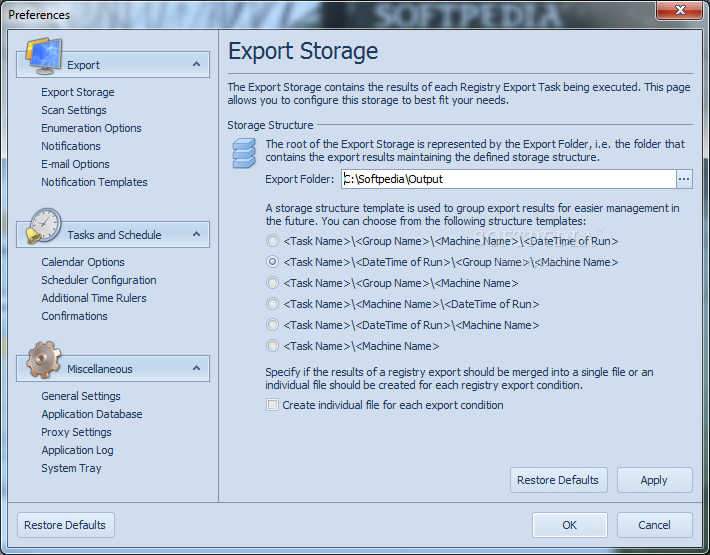
The program features a easy to understand interface that will guide you through all the required steps to export registry data. By following the wizard you can configure registry keys to be exported in scope of remote operation and select PCs to export data from.
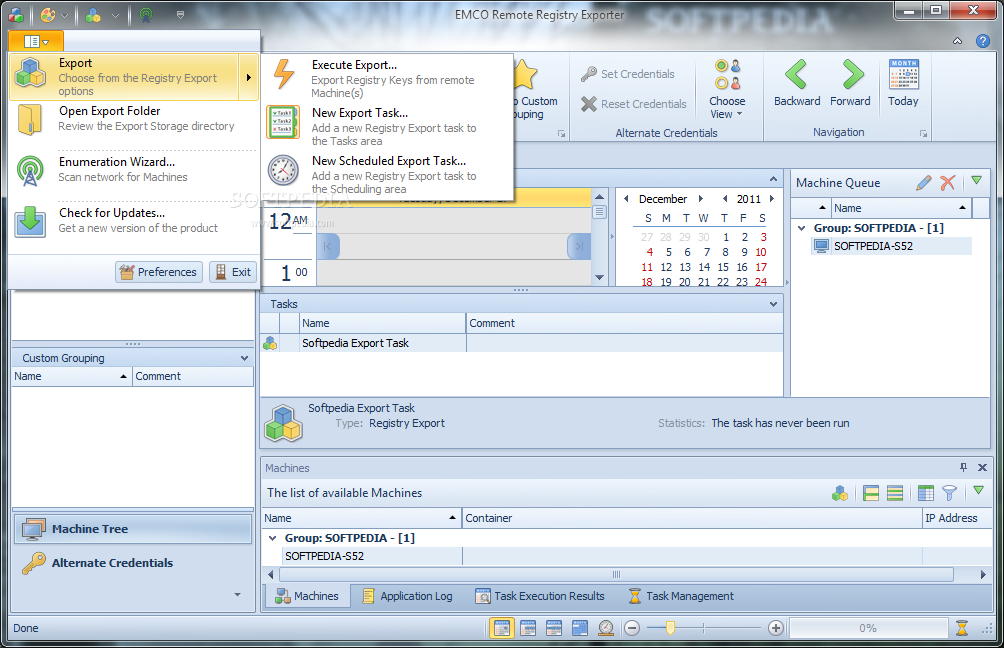
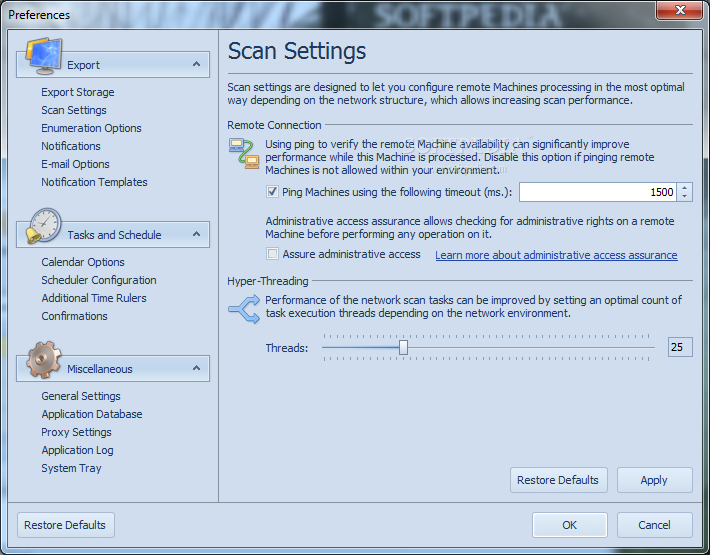
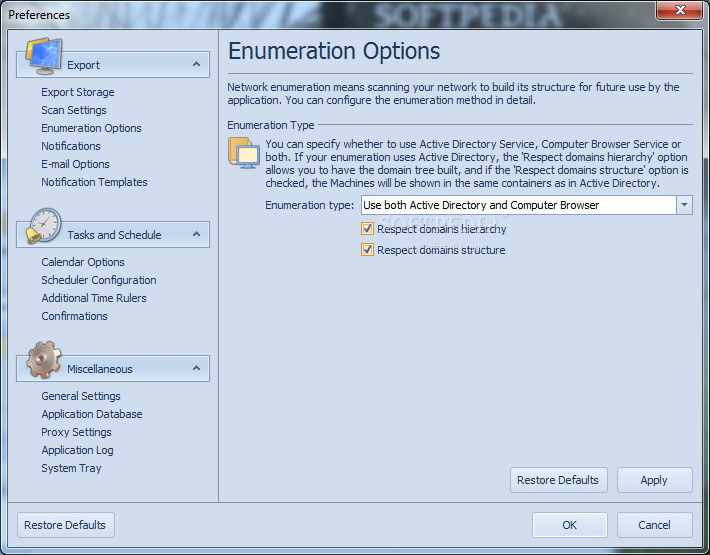
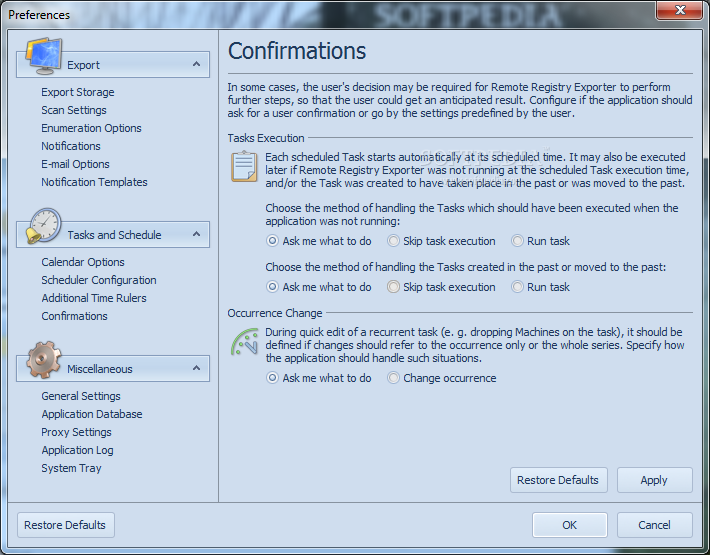
Remote Registry Exporter can automatically scan network to detect available PCs in the Active Directory and Workgroups, so you can select target PCs easily. When remote operation is configured you can launch it immediately, save it as a task for quick execution at any time or schedule it for an automatic execution on schedule.
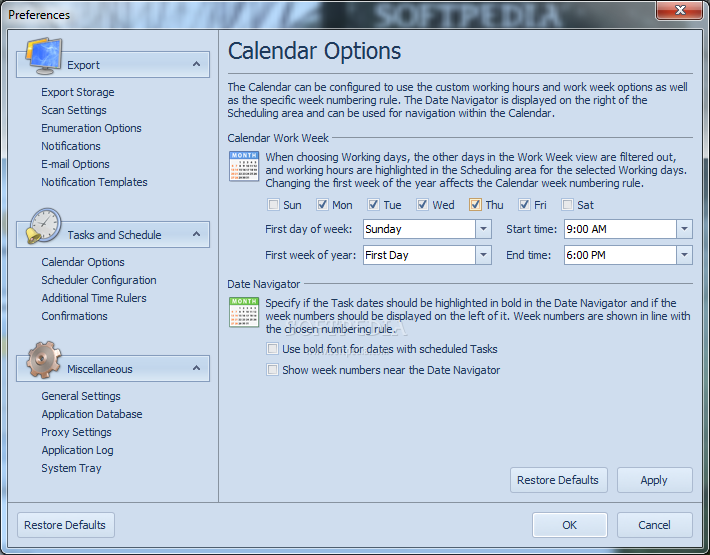
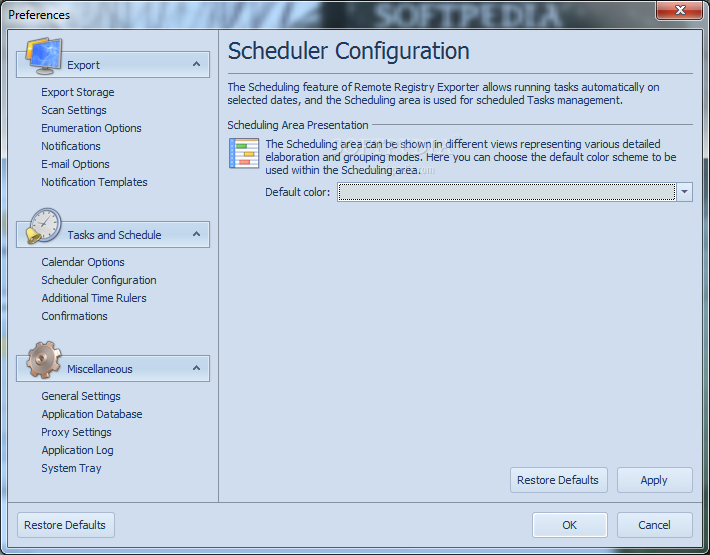
Scheduled registry export tasks are automatically executed by the application on the defined date and time. You can configure any task for a one-time or recurrent execution. All scheduled tasks are displayed on the calendar view that is similar to Microsoft Outlook calendar, so you can check execution results for any task and manage it easily.
System requirements
- 1 GHz Intel Pentium processor minimum (2 GHz Intel Pentium processor recommended)
- Minimum 512MB of RAM (1GB of RAM recommended)
- Minimum 250MB of free disk space (500MB of free disk space recommended)
- Administrative rights on the local computer
- Microsoft .NET Framework 3.5 SP1 or above
- Enabled NetBIOS over TCP/IP
Filed under
What's new in EMCO Remote Registry Exporter 2.3.0 Build 3452:
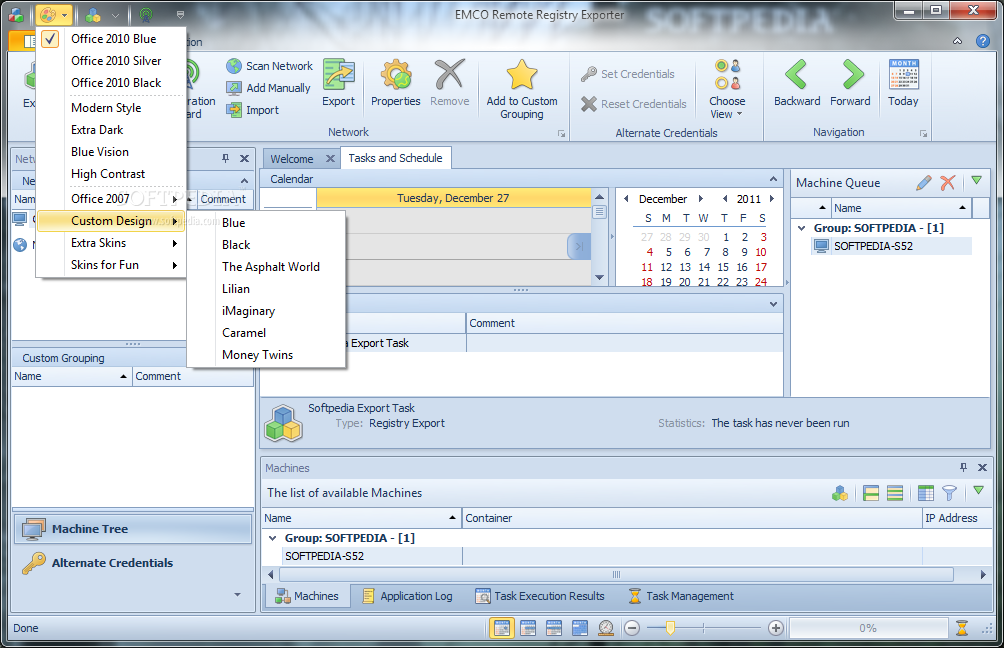
- New Office 2013 UI skin:
- A new UI skin has been added that has a style similar to that of Microsoft Office 2013 and was inspired by the concepts of the flat UI introduced in Window 8.
- New and improved features:
- Latest version:
EMCO Remote Registry Exporter 2.3.0 Build 3452
- runs on:
-
Windows 2008 R2
Windows 2008 32/64 bit
Windows 2003
Windows 7 32/64 bit
Windows Vista 32/64 bit
Windows XP 32/64 bit
Windows 2K - file size:
- 47.1 MB
- filename:
- RemoteRegistryExporterSetup.exe
- main category:
- Tweak
- developer:
- visit homepage
Windows Sandbox Launcher

Zoom Client

Context Menu Manager

Microsoft Teams

7-Zip

Bitdefender Antivirus Free

ShareX

calibre

IrfanView

4k Video Downloader

- calibre
- IrfanView
- 4k Video Downloader
- Windows Sandbox Launcher
- Zoom Client
- Context Menu Manager
- Microsoft Teams
- 7-Zip
- Bitdefender Antivirus Free
- ShareX