
Search and clean the Windows registry, manage installed applications and running services, erase unnecessary files, and apply system tweaks. #Registry cleaner #Registry searcher #Registry tweak #Registry #Tweaker #Optimization


Maintenance tools are a must have nowadays, getting into account how easy operating systems could breakdown due to a variety of reasons, however it's still hard to choose one that really does its job well.
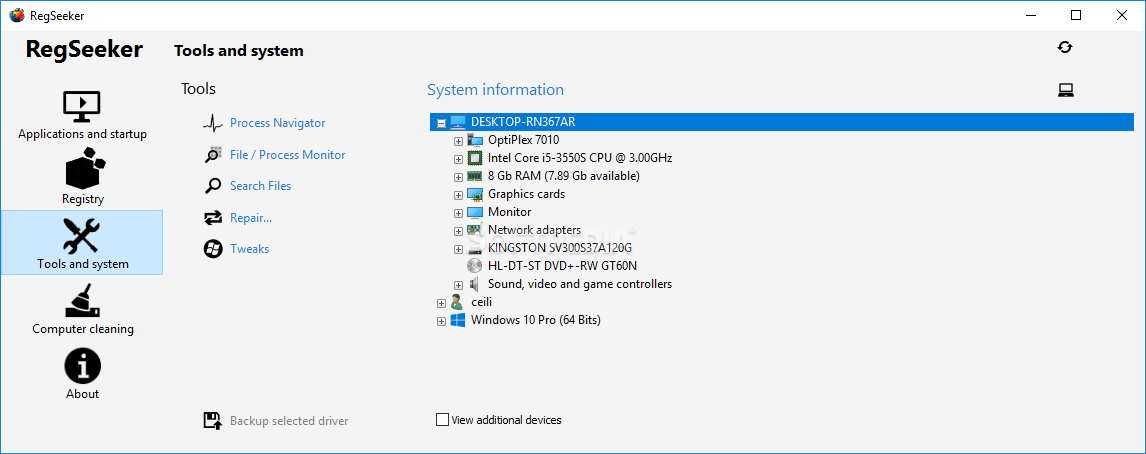
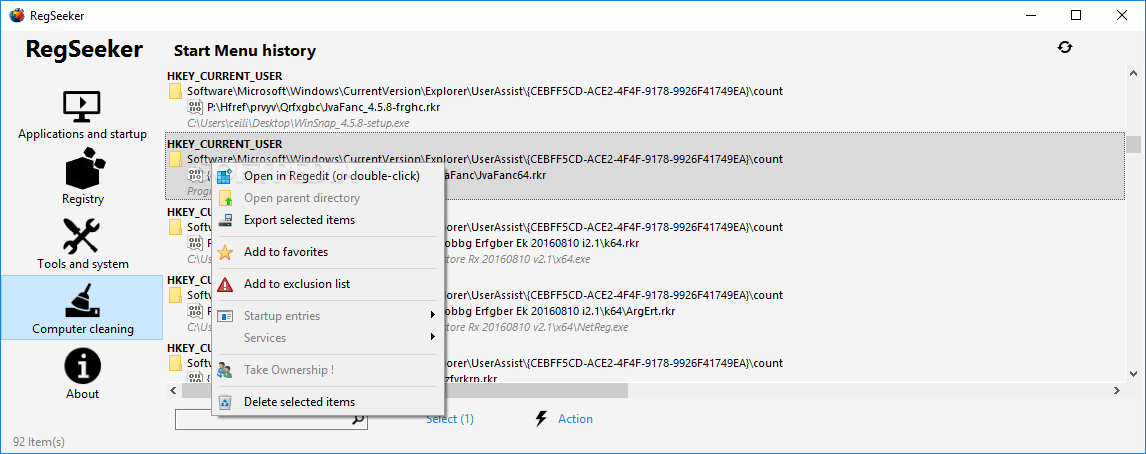
RegSeeker is the kind of tool that can help you deal with Windows Registry errors, basically the main things that slow down the operating system. Since it's a pretty old application, the interface isn't the most appealing one, but it still helps the utility serve its purpose.
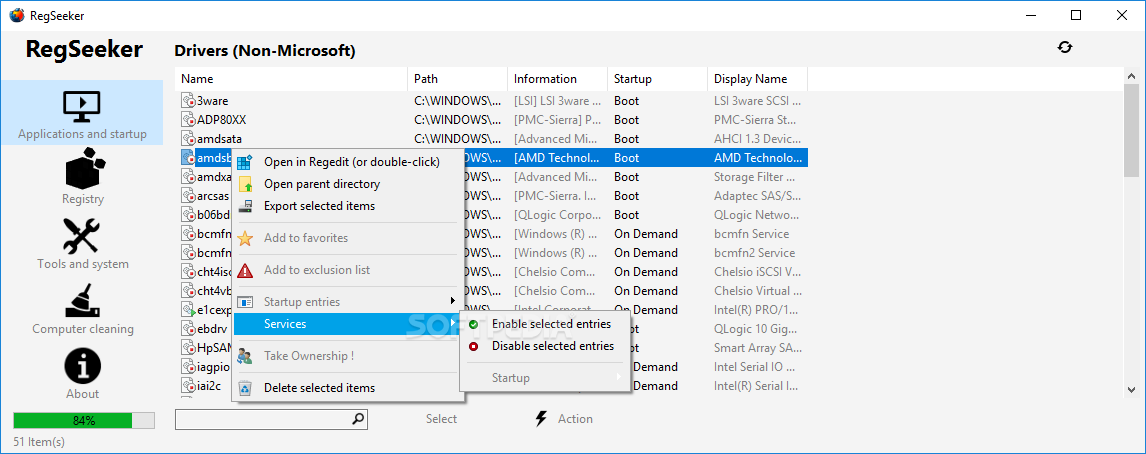
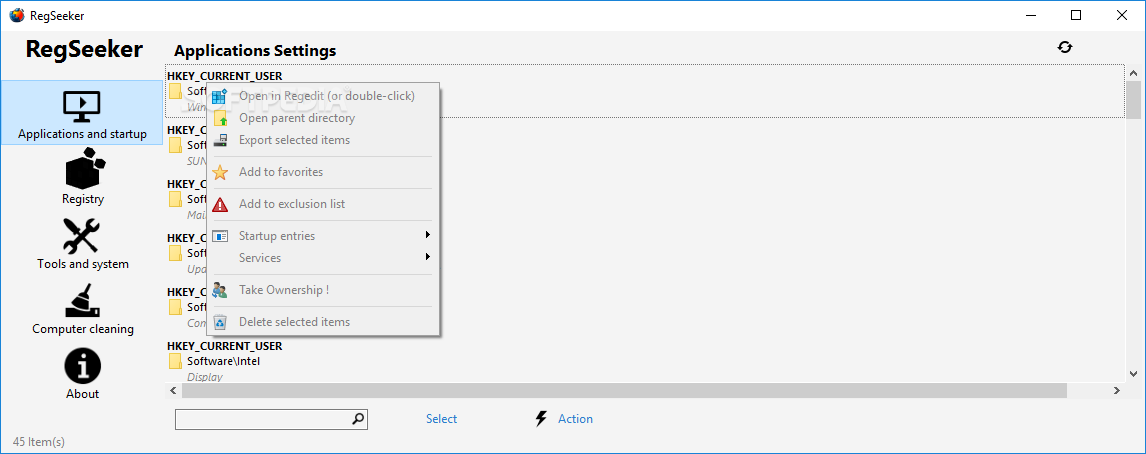
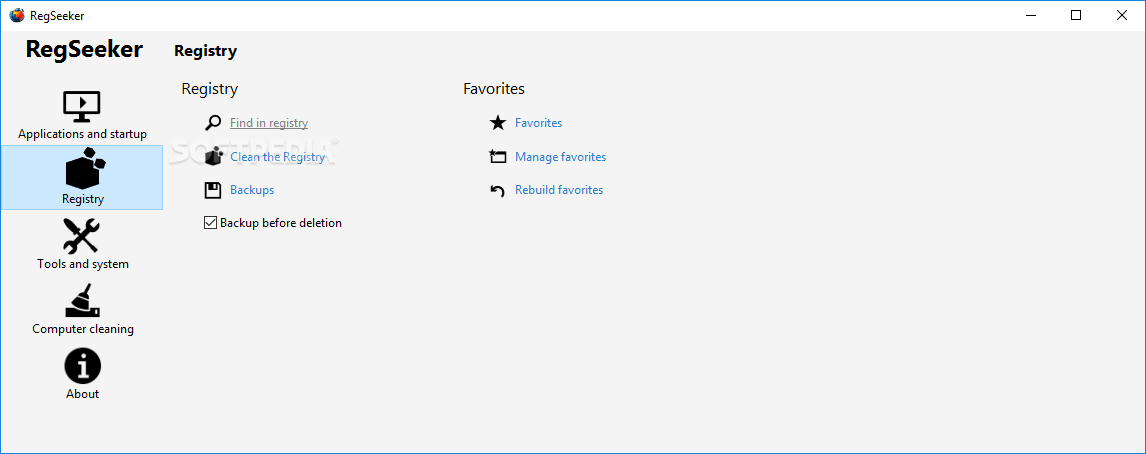
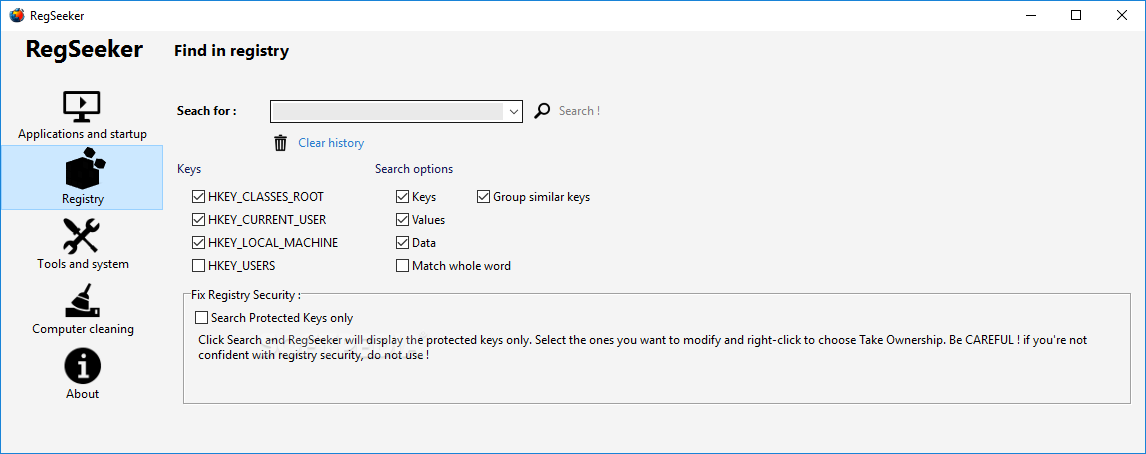
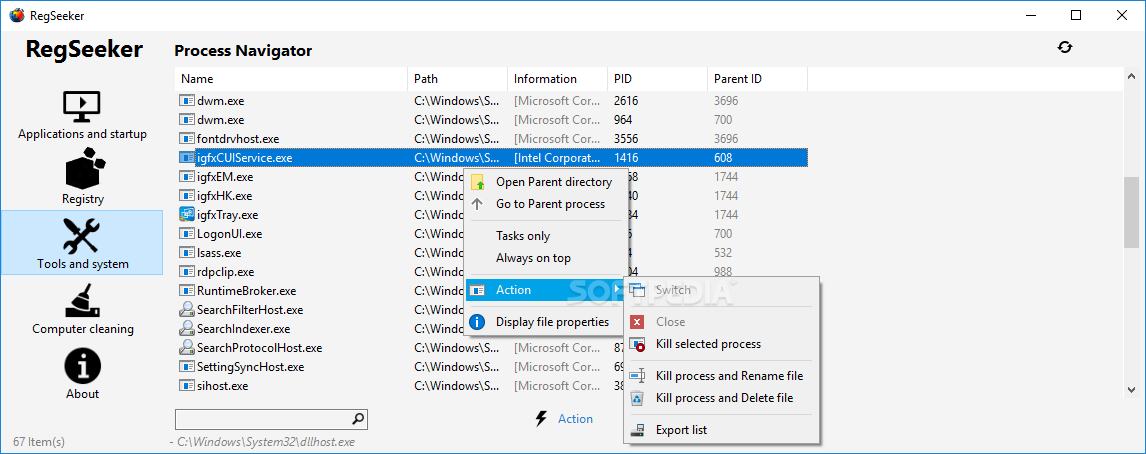
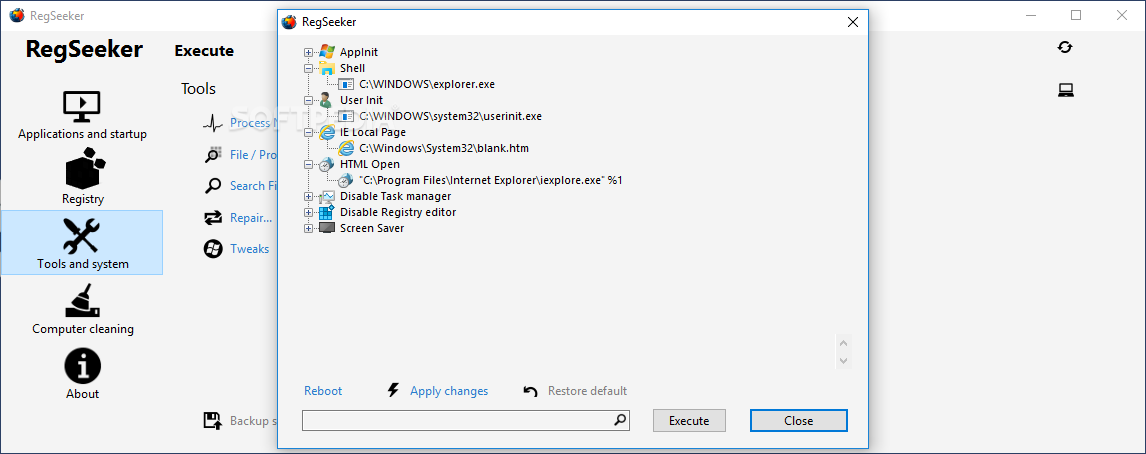
You can search the registry for a certain key, manage installed application or startup entries, organize your favorites, clean the registry or play a little bit with backups and so on.
Cleaning the registry, however, needs a lot of time because the scanning process can take quite a few minutes. Not to mention that the resource usage on our testing machine was a little bit steep during the whole procedure.
Although the application has a backup function when cleaning the registry, it's recommended that you create a system restore point before loading it because there were lots of cases when the operating system became nonfunctional due to some missing registry keys.
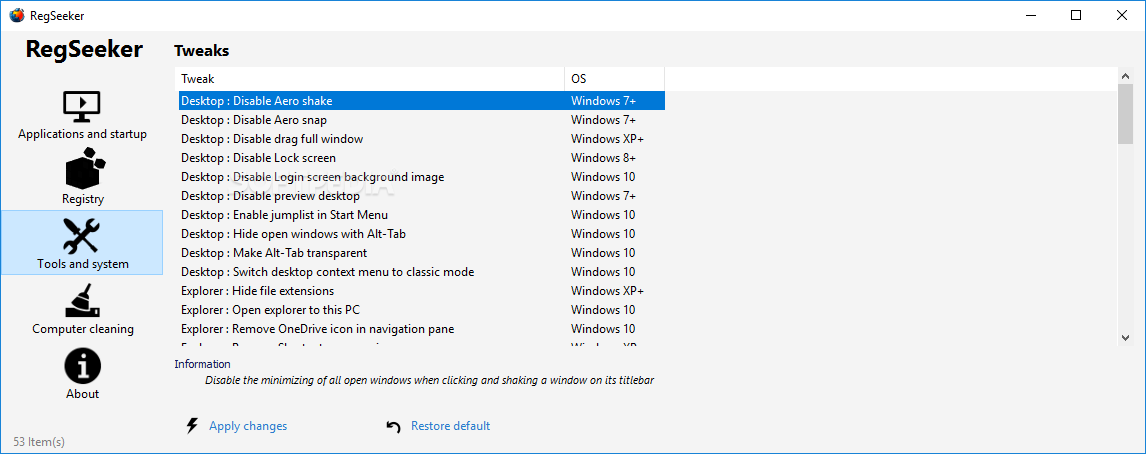
Apart from managing the registry, RegSeeker comes with a handy 'Tweaks' section that enables you to apply font smoothing, tinker with the context menu, add fading effects and animations to menus as well as other similar customizations.
RegSeeker remains a handy tool for Windows users and can prove of great help for quickly scanning and fixing registry errors. Also, the solid feature pack that accompanies the registry management functions increases the value of this software.
What's new in RegSeeker 4.7 Build 364018:
- NEW : Junk files results display with easier selection for deletion
- NEW : Office 2016 product key support
- Fixes deleting some registry keys
- Other several fixes and optimizations
RegSeeker 4.7 Build 364018
add to watchlist add to download basket send us an update REPORT- runs on:
-
Windows 10 32/64 bit
Windows 8 32/64 bit
Windows 7 32/64 bit
Windows Vista 32/64 bit
Windows XP 32/64 bit - file size:
- 1003 KB
- filename:
- RegSeeker47.zip



- main category:
- Tweak
- developer:
- visit homepage
Context Menu Manager

IrfanView

Windows Sandbox Launcher

Zoom Client

Bitdefender Antivirus Free

calibre

ShareX

4k Video Downloader

7-Zip

Microsoft Teams

- 4k Video Downloader
- 7-Zip
- Microsoft Teams
- Context Menu Manager
- IrfanView
- Windows Sandbox Launcher
- Zoom Client
- Bitdefender Antivirus Free
- calibre
- ShareX