Softpedia
 

WINDOWS CATEGORIES:


GLOBAL PAGES >>
SOFTPEDIA REVIEWS >>
MEET THE EDITORS >>
WEEK'S BEST
  • Bitdefender Total ...
  • Hard Disk Sentinel...
  • FlashFXP [DISCOUNT...
  • Ocster Backup Pro ...
  • Kaspersky Internet...
  • DVDFab DVD Copy [D...
  • Avast! Internet Se...
  • Avira Internet Sec...
  • Webroot SecureAnyw...
  • McAfee Total Prote...
  • Home > Windows > Tweak > System Tweak
     Report malware

    Advanced PC Optimizer 3.0

    download button buy button

    Downloads: 2,863  Tell us about an update
    User Rating:
    Rated by:
    Very Good (4.1/5)
    11 user(s)
    Developer:

    License / Price:

    Size / OS:

    Last Updated:

    Category:

    Trial / $19.95 USD buy button
    4.2 MB / Windows All
    [view history]
    C: \ Tweak \ System Tweak

     Read user reviews (1)  Send to friend   Follow (0 users)

    Advanced PC Optimizer description

    Keep your system running smoothly, speedily, and error free

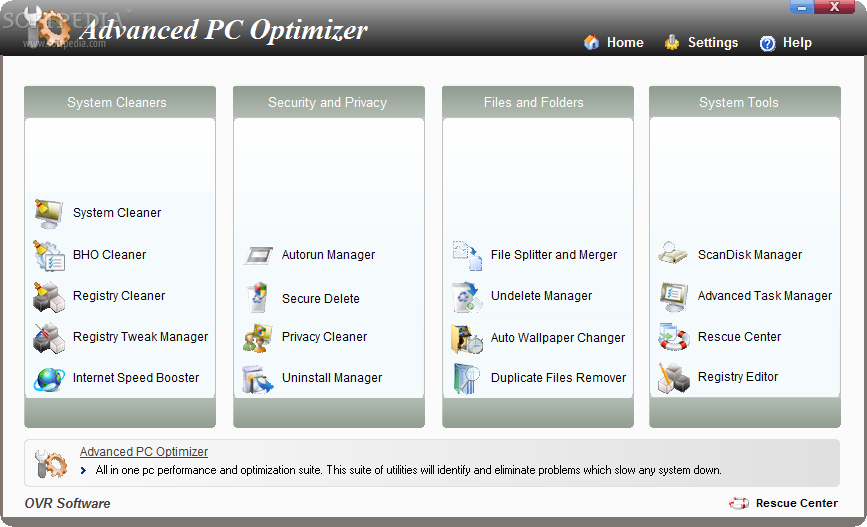
    Advanced PC Optimizer is a powerful and complex optimization software for home or office use. This suite of utilities will identify and eliminate problems which slow any system down. It corrects problems in many areas of your computer including hard disks, memory, registry and more. This gives your PC the boost it needs.

    Advanced PC Optimizer includes many optimization tools like registry cleaner, junk-file remover and startup cleaner. Besides giving your computer optimum performance, Advanced PC Optimizer provides security tools that every PC owner must have to keep their PC in good health. Privacy cleaner, bho manager, file and folder shredder tools gives you control of your system in a way that no other utility pack can.

    Many people are not entirely familiar with the procedures of maintenance that must be performed in order to service computer systems properly, and most system technicians will agree that the necessary tools are not included in the operating system. Advanced PC Optimizer is a complete collection of all the necessary tools to keep your system running smoothly, speedily, and error free.

    Here are some key features of "Advanced PC Optimizer":

    System Cleaner:
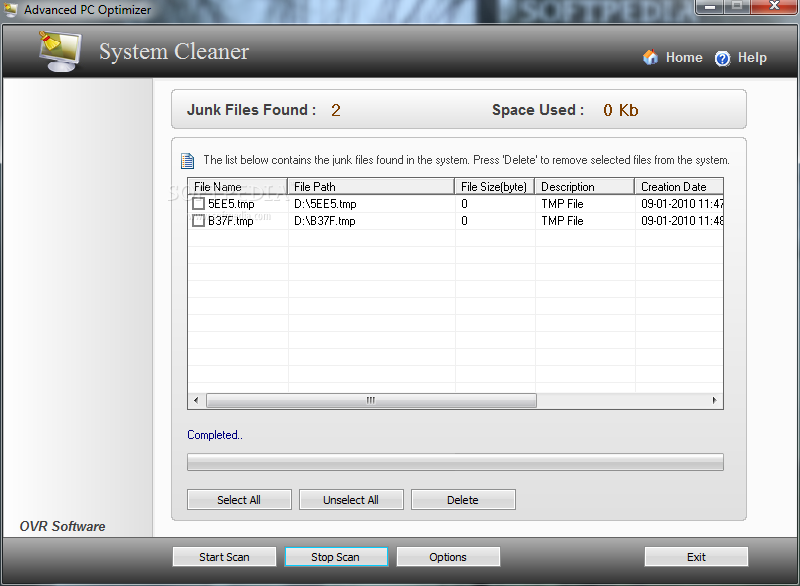
    · Windows applications create several files on your hard drive for temporarily storing the data. Everytime you run programs, install new programs, browse the Internet, check your mails, print your documents, temporarily files are created on your system. Over time, these junk and obsolete files can accumulate to megabytes of wasted hard drive space as well as turn into potential error-producing cross-linked drive references. Even just using your system normally this accumulated data tends to slow down your system. System Cleaner targets these specific types of files which are missed by common disk utilities like uninstallers, defrag, scandisk etc. System Cleaner cleans these junk files and boost your system performance.

    BHO Cleaner:
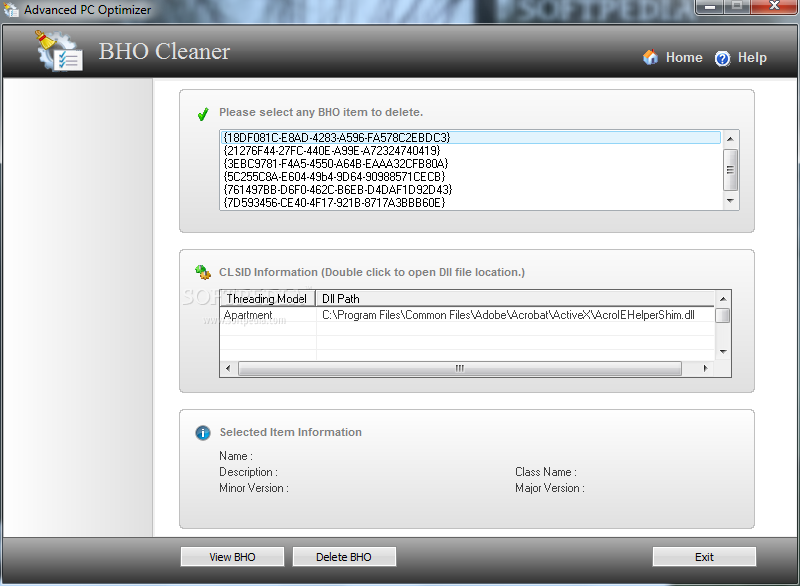
    · A BHO, or browser helper object, is a component of Microsoft's Internet Explorer web browser application. It is an add-in designed to provide or expand the functionality of the browser. There are also some BHOs which are adware or spyware, which are used to monitor the website you visit, spy on your Internet activities and other malicious actions. BHO will be loaded when you use Internet Explorer (IE). Using BHO Cleaner you can manage all BHOs installed on your system and protect your system from malicious activities. Registry Cleaner
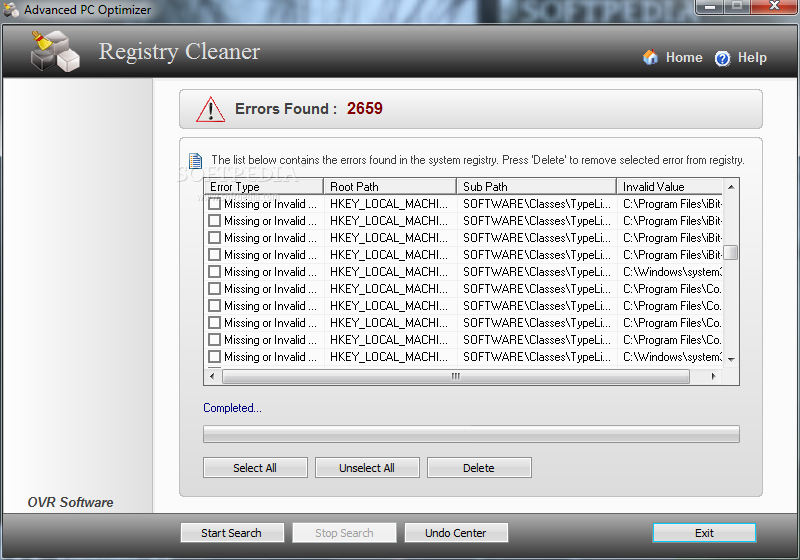
    · The Windows registry is a central hierarchical database in Windows used to store information necessary to configure the system for one or more users, applications, and hardware devices. The registry keep growing when you use Windows. This causes your computer to slow down, crash and produce errors. With the growing of the registry, it can degrade the performance of the whole system and causes many serious software problems. Registry Cleaner scans the Windows registry and finds incorrect or obsolete info in the registry. By fixing these obsolete information in Windows registry. Your system will be able to run faster and error free.

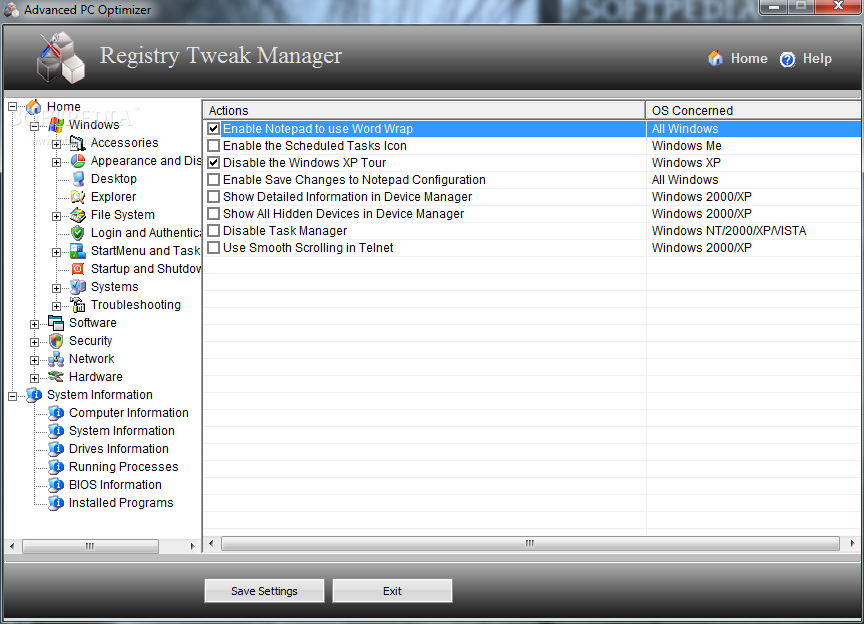
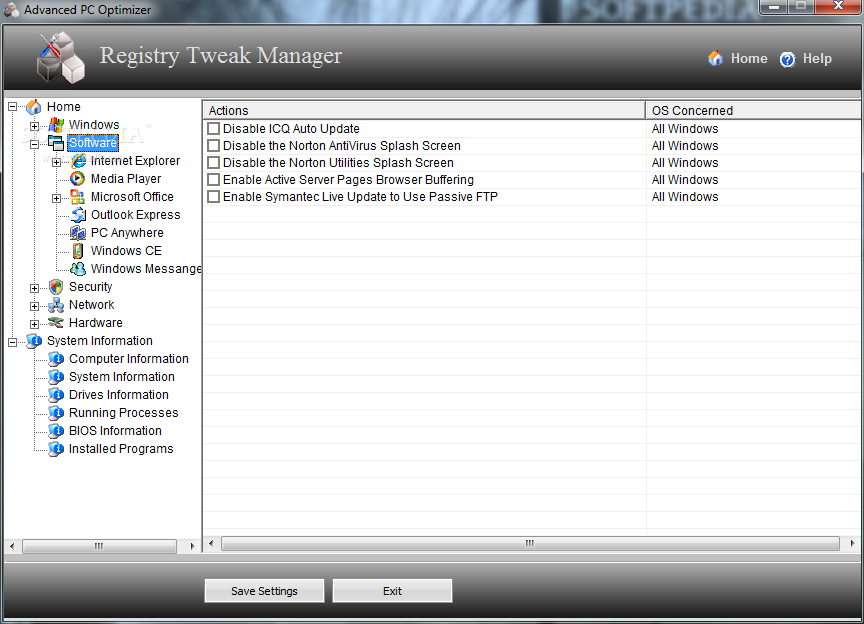
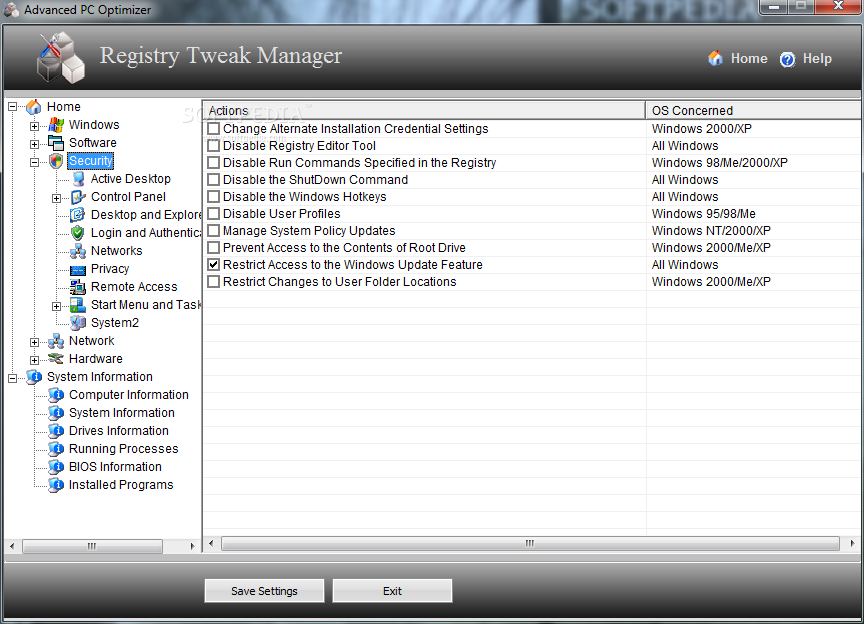
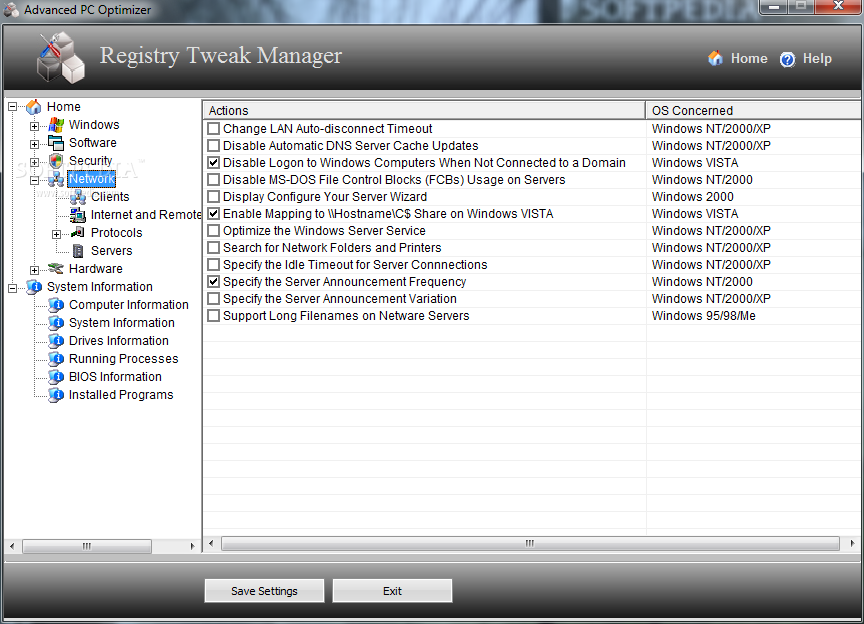
    Registry Tweak Manager:
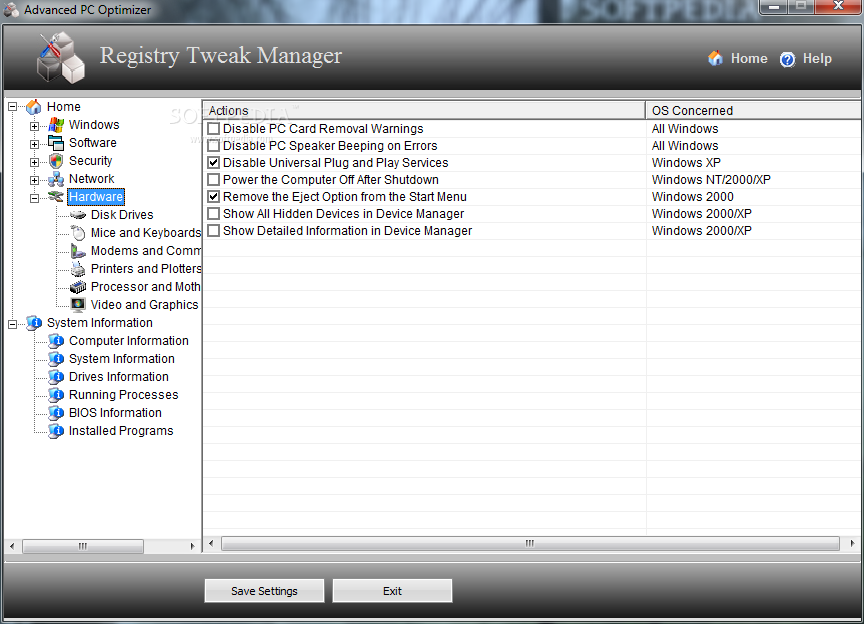
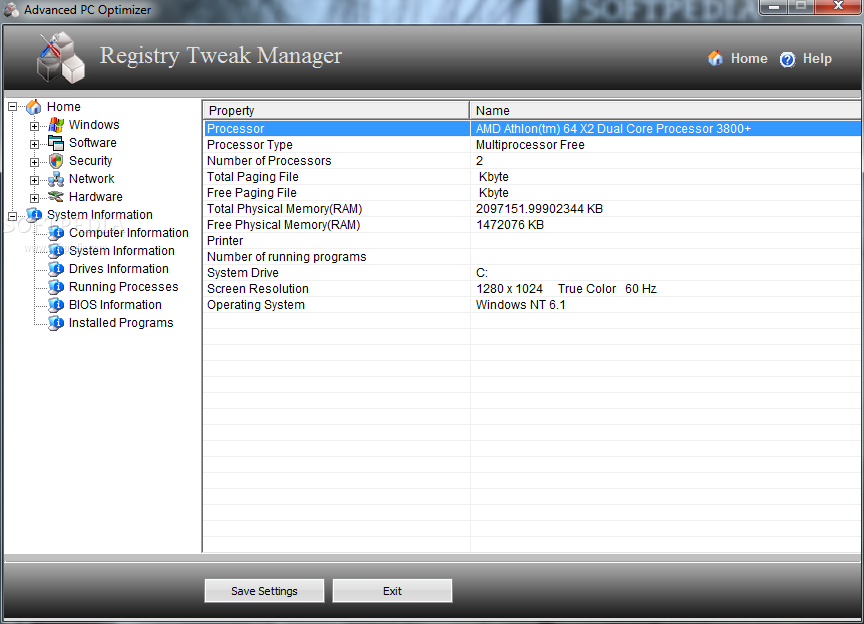
    · The Registry Tweak Manager provides an extensive range of registry tips, tricks & tweaks for optimizing, enhancing and securing the Windows operating system. The Windows registry is a central hierarchical database in Windows used to store information necessary to configure the system for one or more users, applications, and hardware devices. Here this tool usefult in control and configure the various parts of the hardware, network, software and the security sections of the computer.

    Internet Speed Booster:
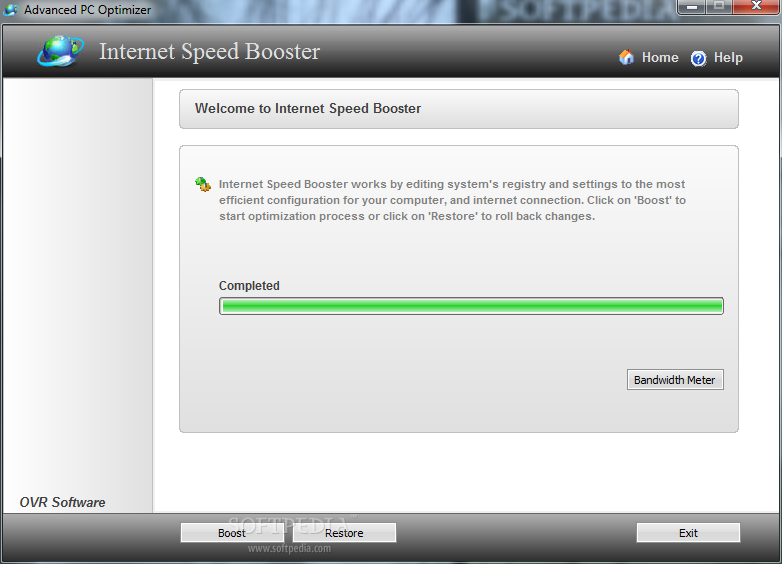
    · Internet Speed Booster helps you keep your system healthy and responsive. Internet Speed Booster works by editing system's registry and settings to the most efficient configuration for your computer and Internet connection. Internet Speed Booster optimizes the way your Windows PC can send and receive information across the Internet in real time to prevent fragmentation of data transfers.

    Autorun Manager:
    · When Windows is started or when a new user logs in certain applications are automatically started by Windows. These applications are known as Auto Run programs as they are started automatically. Windows store the location of programs to start at various locations from registry to start menu to traditional INI files. Autorun Manger enables you which programs should be started at start up. Many programs, trojans, viruses are designed to run at startup. Some are necessary and some not. With Autorun Manager program you can effectively manage which programs should be started and which not.

    Secure Delete:
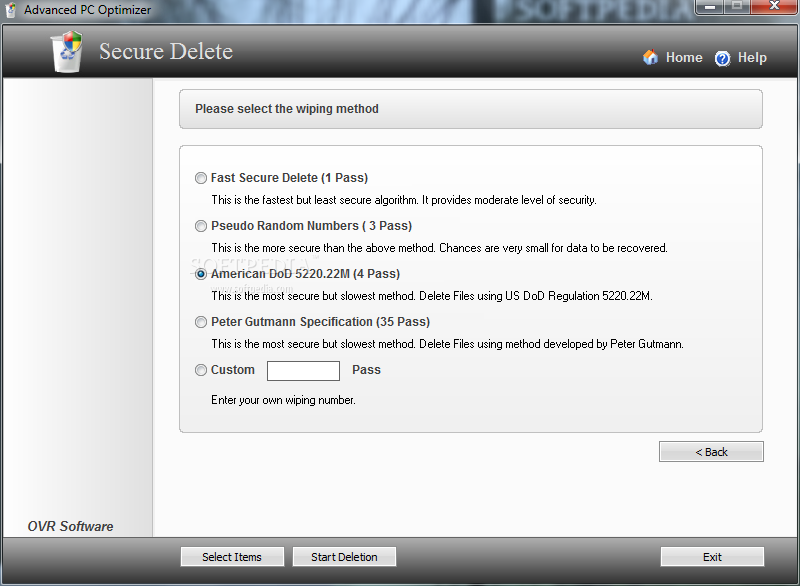
    · When you delete a file, windows does not really delete it, its entire contents are still located on hard drive. Windows simply mark the file as "deleted" in the file system. This deleted data can be easily recovered using inexpensive and easily available data recovery tools. This utility allows you to destructively delete / erase a file or folder. This is usually accomplished by overwriting the existing data on the disk or file with either random numbers or a series of zeros and ones (or some such bit patterns). This tools is useful if you want to make it difficult for people to recover deleted data from your disk.

    Privacy Cleaner:
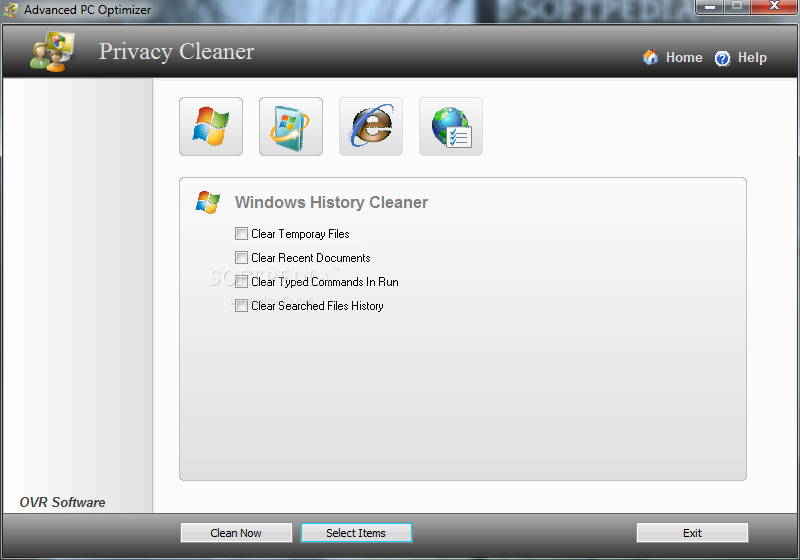
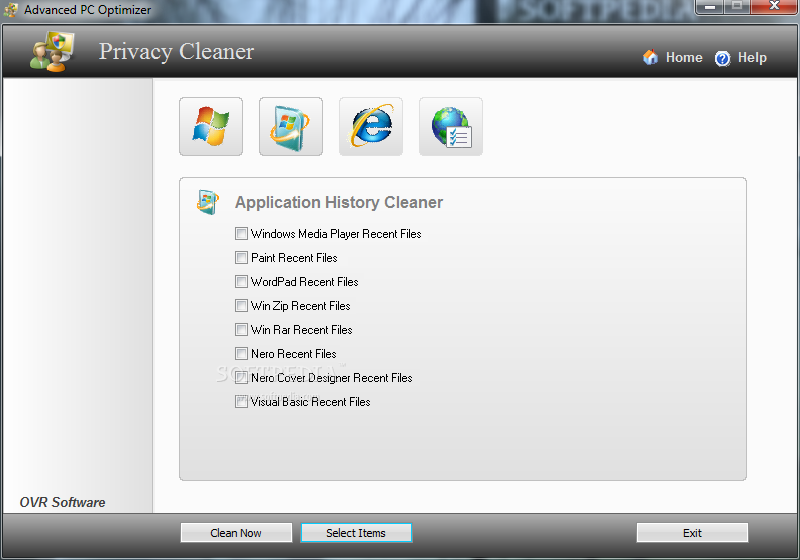
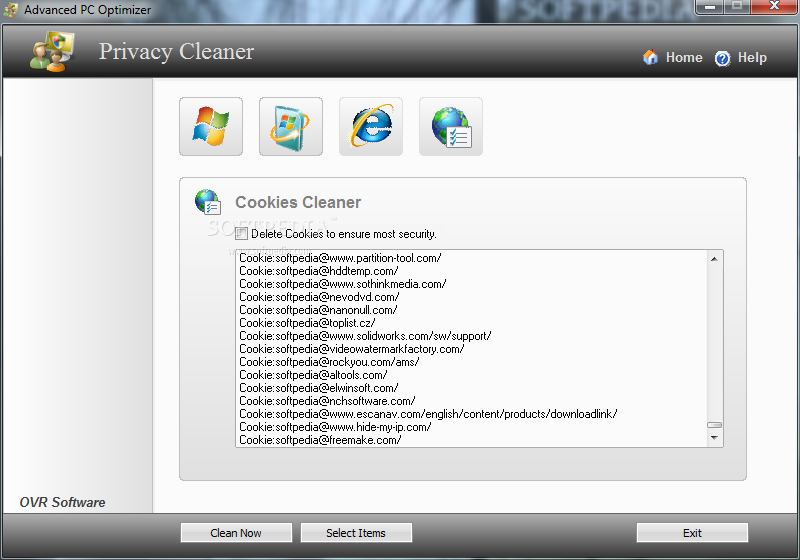
    · Privacy cleaner software enables you to delete all tracks / evidences from your system. Privacy Cleaner is customized to protect your privacy! by erasing IE cache cookies, history, typed URLs, autocomplete history, and Window's temporary folder, run history, search history, open/save history, recent documents. It also erase tracks of applications like Media Player, Office, Winzip, Winrar etc.Uninstall Manager
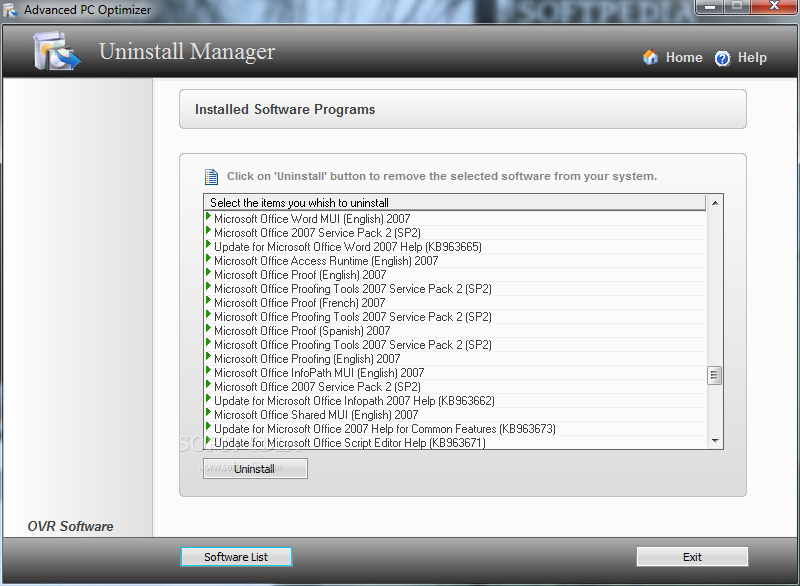
    · Removing files from your system is a lot harder than installing them. Megabytes of junk files on your hard disk waste space, slowdown your system performance. Uninstall Manager is a program designed to help you manage the software packages that are installed on your system and lets you safely remove unwanted software and return your system to its original state.

    File Splitter and Merger:
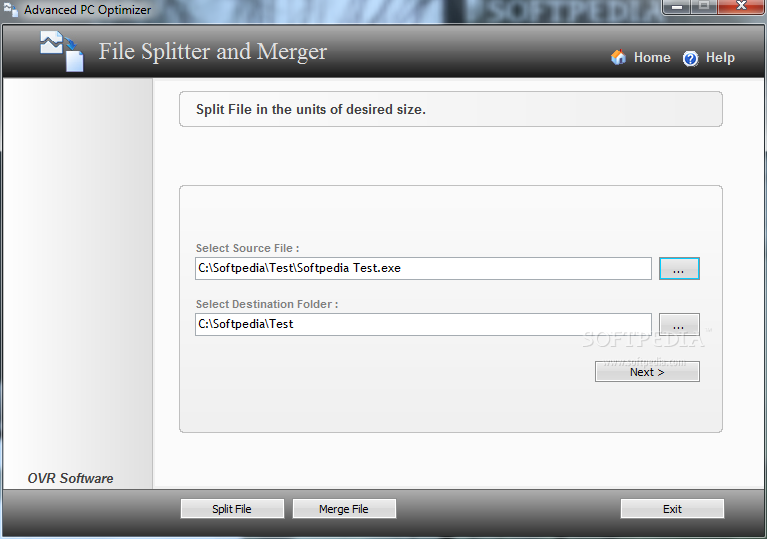
    · Many times, we want to transfer big files to other PC but they don't fit on single media. File Splitter and Merger can split any type of files into smaller pieces and merge them back to the original file. It helps you copy the split ones to floppy disk or CD/DVD or send them via e-mail. Undelete Manager
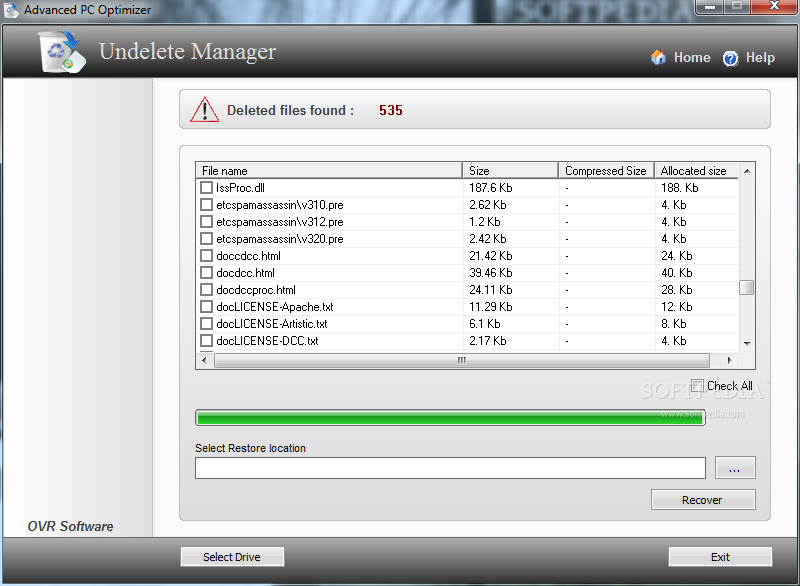
    · It is a great benefit to get back deleted files from the Recycle Bin or lost due to a formatted disk. Just select the disk that held the files and the program will recover deleted files even if they have no information contained within the file system entries. Undelete Manager uses unique modern algorithms to recover files from NTFS partition that other software either retrieves incorrectly or is unable to detect.

    Auto Wallpaper Changer:
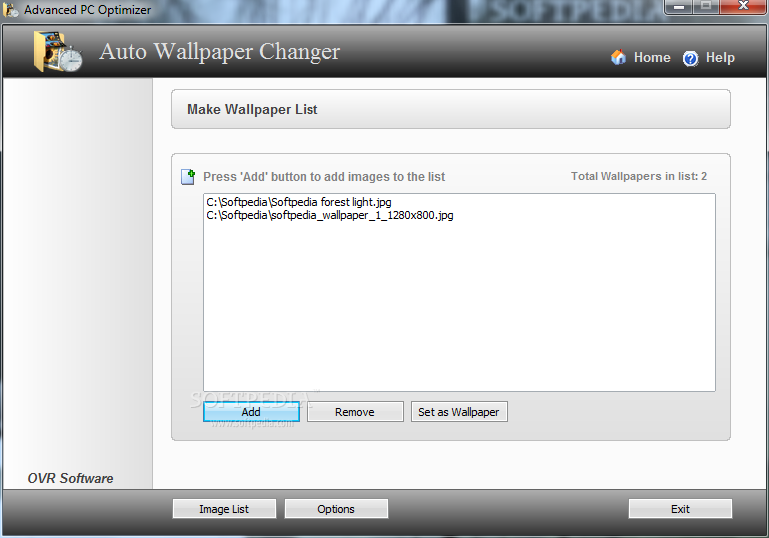
    · Auto Wallpaper Changer is a tool that allows you to automatically change the wallpaper of your Windows desktop. It automatically changes your desktop wallpaper at set intervals making sure you have always got something interesting to look at on your computer background. You can assign as many pictures as you want, it will change the wallpaper depending on the option you choose, you can choose to change the wallpaper every time you reboot the PC or wallpaper a day.

    Duplicate Files Remover:
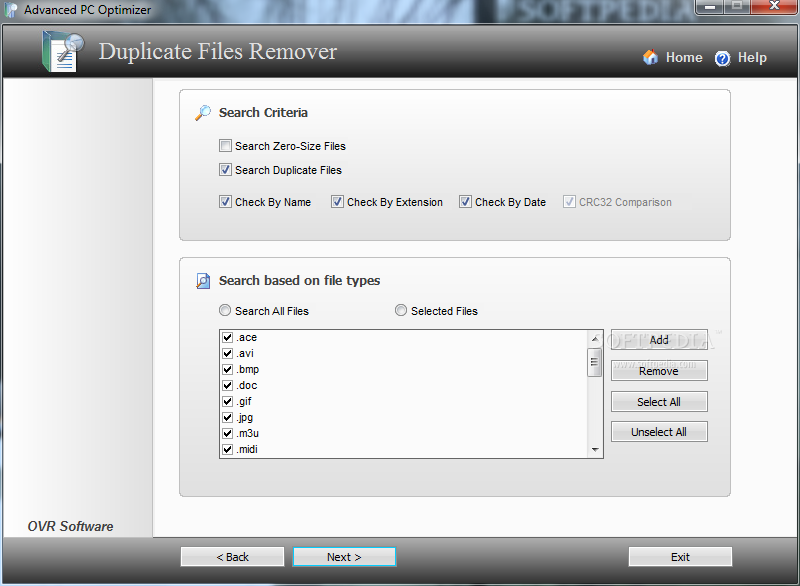
    · Daily computer activity inevitably leads to accumulating identical files on your computer, especially if you are an active PC user. Identical files not only waste your hard disk space, but also may cause system slowdowns. Duplicate Files Remover is a simple, but effective tool to locate duplicate and zero size files in your system. Duplicate Files Remover uses fast byte-to-byte and CRC32 comparison that gives you the most accurate results and searches duplicate file contents regardless of filename. You can Improve system performance by deleting these duplicate files.

    ScanDisk Manager:
    · ScanDisk Manager is one of the most useful tools bundled with Advanced PC Optimizer. Hard disk drives suffer from many types of failure - electrical, firmware, mechanical, and logical. This creates bad clusters or bad file system on your hard drive. ScanDisk Manger repair the disk surface for physical errors, bad sectors. and also repair the file system integrity of the operating system.

    Advanced Task Manager:
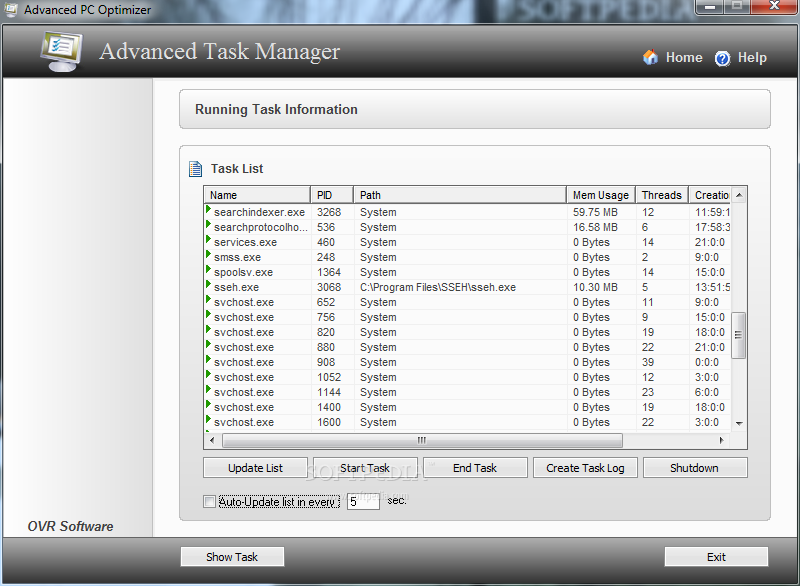
    · Advanced Task Manager is a program that focuses on displaying running processes and helping you find and stop unknown processes. Advanced Task Manager shows you exactly what is running on your computer, including the hidden processes. You can view the details of each process, including process name, path, process Id, memory usages, creation date and creation time. In addition you can start any new task, end task and make a log of running processes. Rescue Center
    · Rescue Center is a tool that allows us to create a backup of your entire system registry or just the user settings and creates a complete backup of your entire system. You can use Rescue Center to undo harmful changes to your system and restore its settings and performance. This tool is useful if you are about to make a major change to your system, such as installing a new pogram or changing your system registry.

    Registry Editor:
    · Registry Editor is an advanced tool for viewing and changing settings in your system registry which contains information about how your computer runs. Windows stores its configuration information in a database (the registry) that is organized in a tree format. Although Registry Editor enables you to inspect and modify the registry, normally you do not need to do so, and making incorrect changes can break your system. An advanced user who is prepared to both edit and restore the registry can safely use Registry Editor for such tasks as eliminating duplicate entries or deleting entries for programs that have been uninstalled or deleted.

    Requirements:

    · 32MB RAM
    · 5 Gb HDD
    · Pentium II or Higher

    Limitations:

    · 30 days trial
    · Nag screen

    What's New in This Release: [ read full changelog ]

    · Internet Speed Booster
    · Secure Delete
    · Uninstall Manager
    · Undelete Manager
    · Auto Wallpaper Changer
    · Duplicate Files Remover
    · Advanced Task Manager
    · Rescue Center

     Softpedia guarantees that Advanced PC Optimizer 3.0 is 100% CLEAN, which means it does not contain any form of malware, including spyware, viruses, trojans and backdoors. [read more >]


    TAGS:

    PC Optimizer | System Optimizer | Performance Improvement | Optimize | Optimizer | Performance

    Go to top

    WindowsGamesDriversMacLinuxScriptsMobileHandheldNews

    SUBMIT PROGRAM   |   ADVERTISE   |   GET HELP   |   SEND US FEEDBACK   |   RSS FEEDS   |   UPDATE YOUR SOFTWARE   |   ROMANIAN FORUM