
Make your PC as good as new by having junk files removed, broken registry fix and a lot more tools packed this Crap Cleaner (CCleaner). #Privacy protector #Junk cleaner #Trace cleaner #Clean #Cleaner #Eraser

IMPORTANT NOTE: The latest version of CCleaner is ad-supported, but we are also hosting a 100% clean, ad-free edition on our servers, which will auto-update to the latest version without offering to install third-party software. The ad-supported version offers Google Chrome for download and install, but it skips this offer if you already have it installed.
Like any other device, your Windows PC requires periodical maintenance to make sure it works at top performance. A cluttered system, filled with leftovers after uninstalling various applications, with broken registry entries and outdated drivers can impact the computer’s performance, not to mention that it can cause severe compatibility issues.
When it comes to PC cleaning and optimization, CCleaner is one of the most popular tools out there. This application can help you assess the health of your computer, as well as run system optimization and cleaning.
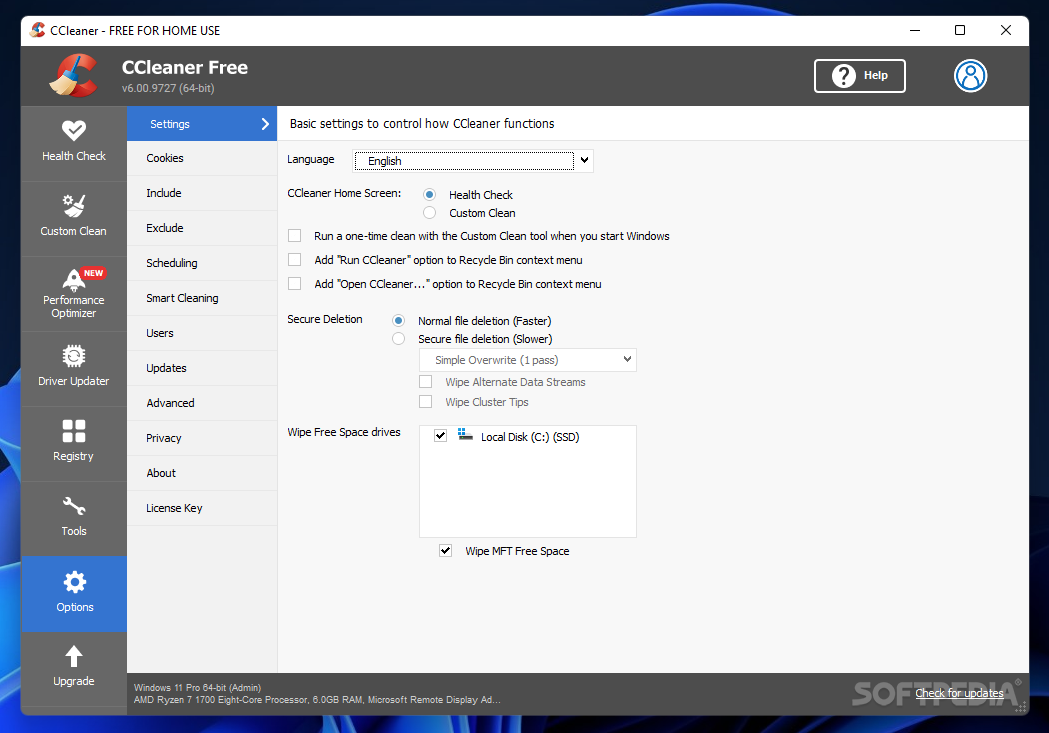
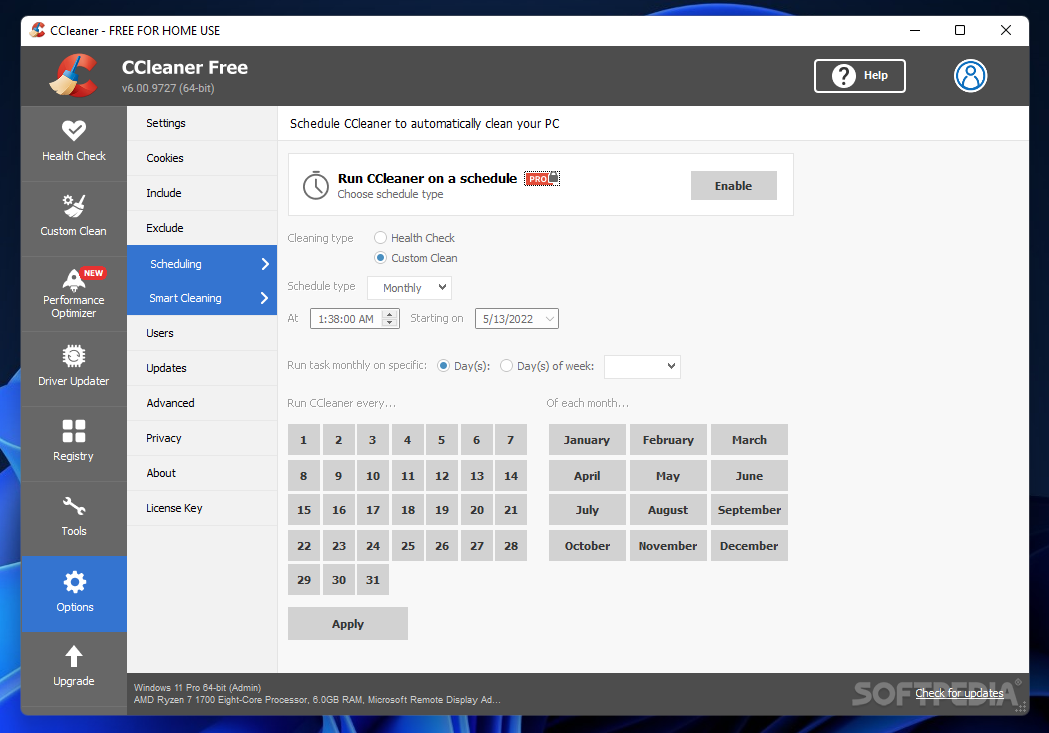
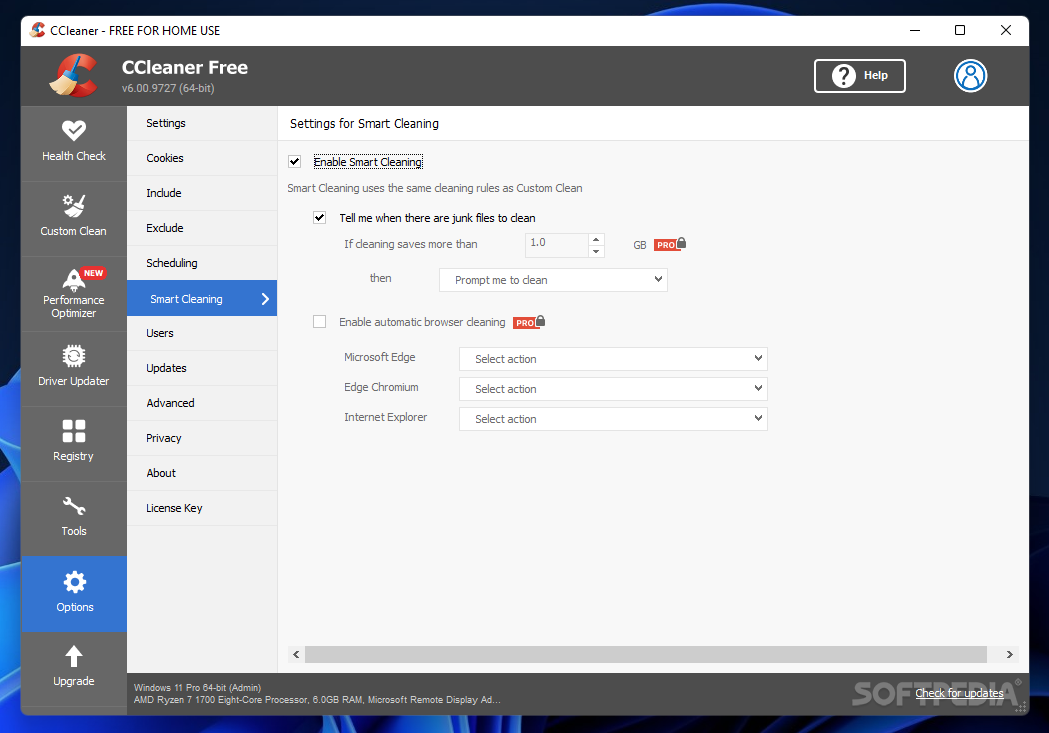
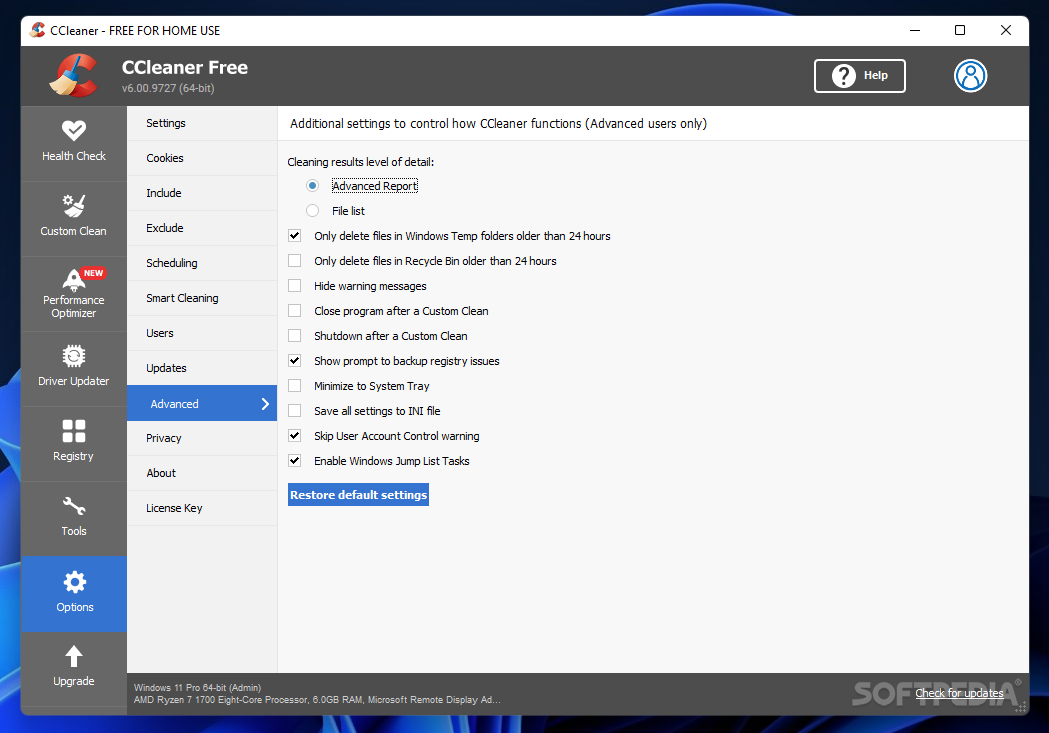
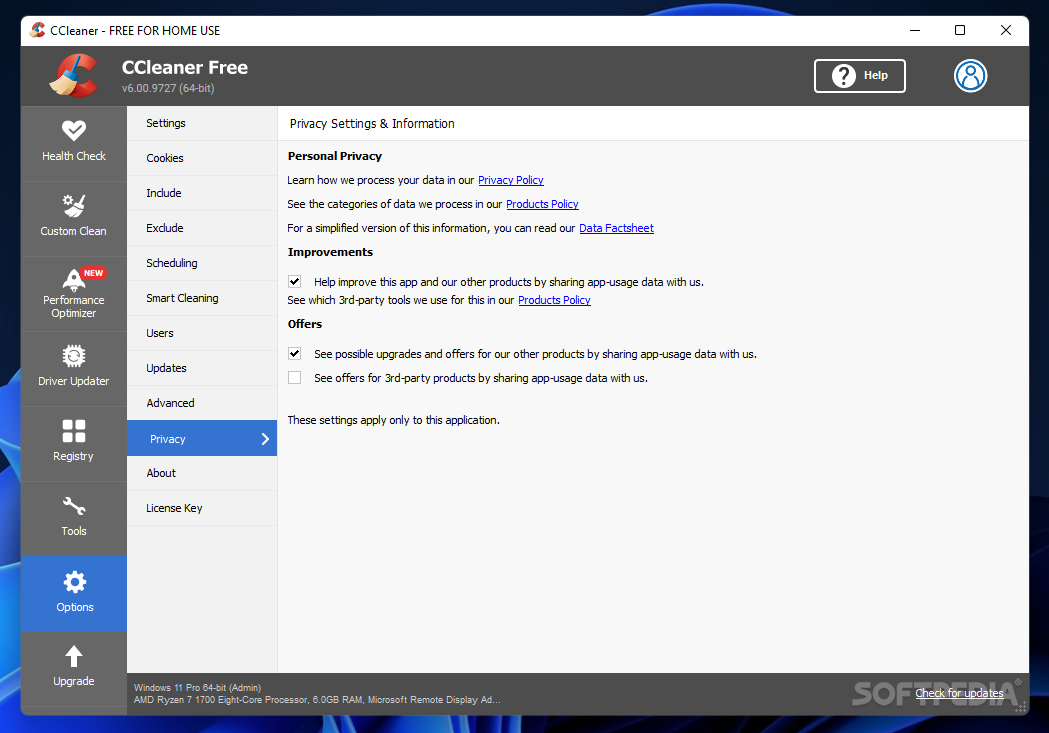
You are greeted by a well-organized interface that displays all the available tools in a side panel, while leaving enough room for handling actual options and settings.
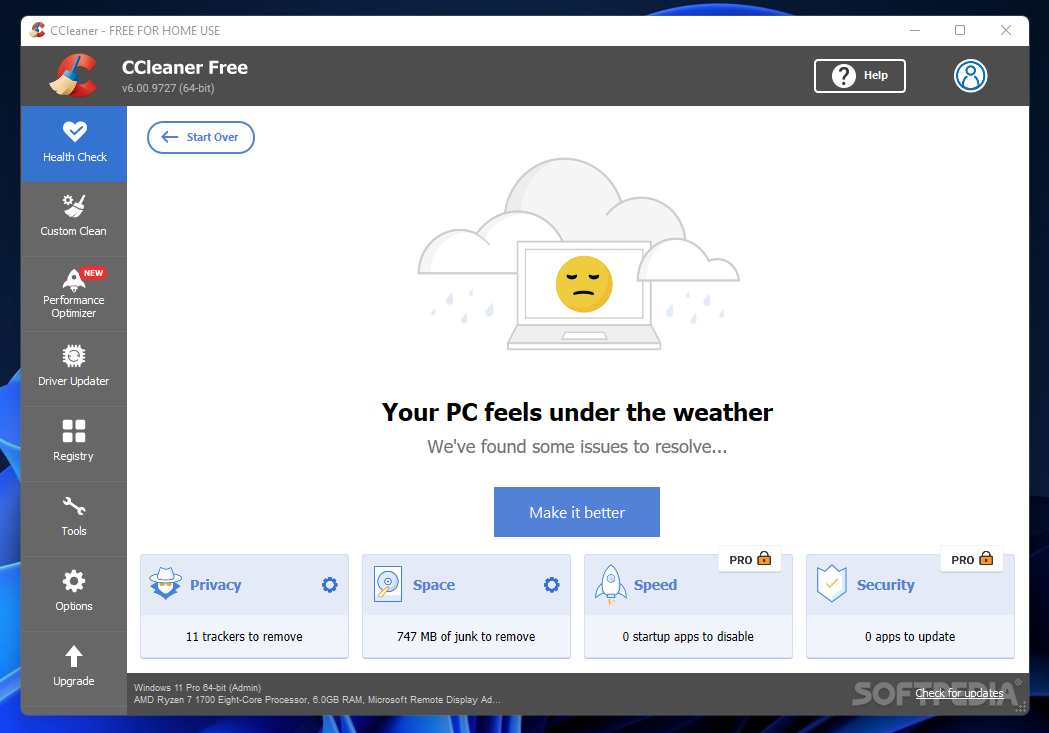
The health checker reveals the current status of your PC with regards to trackers, unnecessary and redundant data, computer speed, response time and security. With just a click, you can remove trackers to improve privacy protection and get rid of junk files.
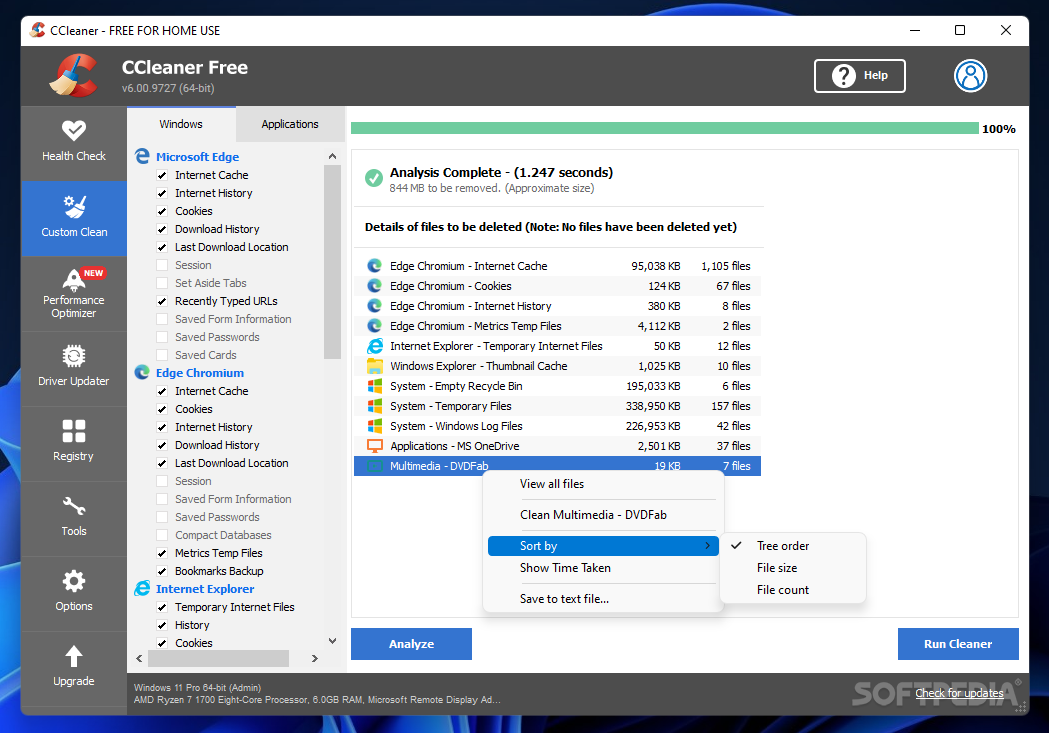
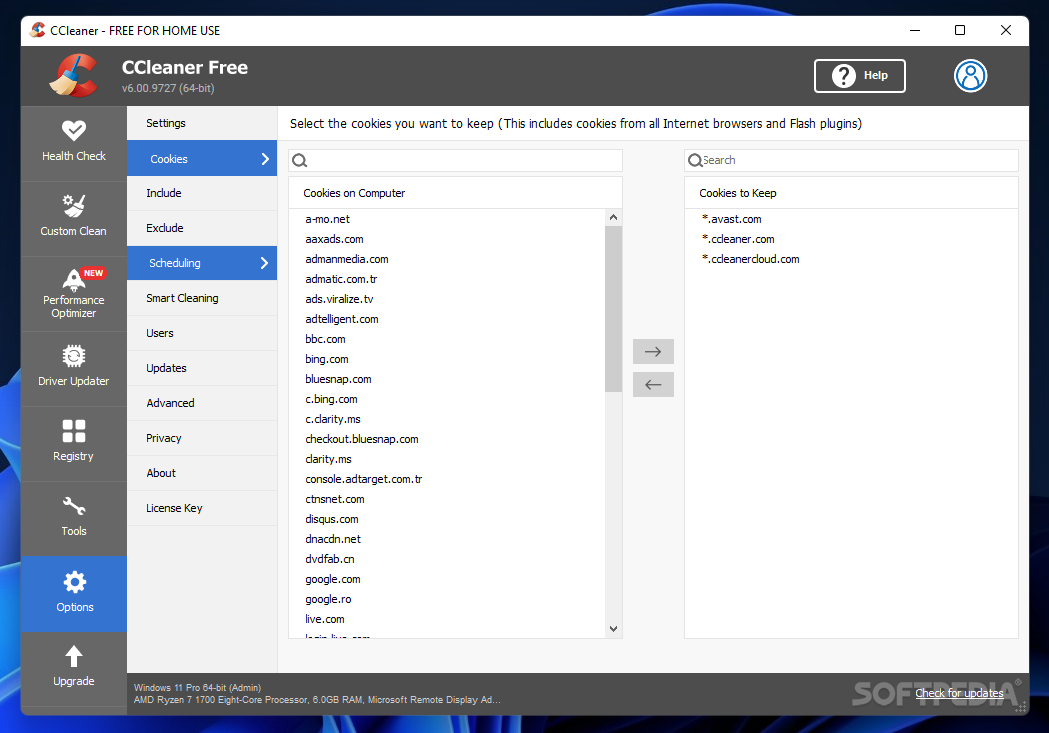
Custom cleaning is also possible. CCleaner allows you to select between Windows features and individual applications, each having its own checklist for cleaning. For instance, you can clear the Internet cache, history and cookies from various browsers, erase the download history, get rid of temporary files, memory dumps, file fragments, log files, error reports, event logs and various other such items that you don’t actually need. Even old Windows installations can be removed with CCleaner.
While you can choose the items to delete manually, CCleaner also allows you to run an analysis first, revealing what needs to be cleaned.
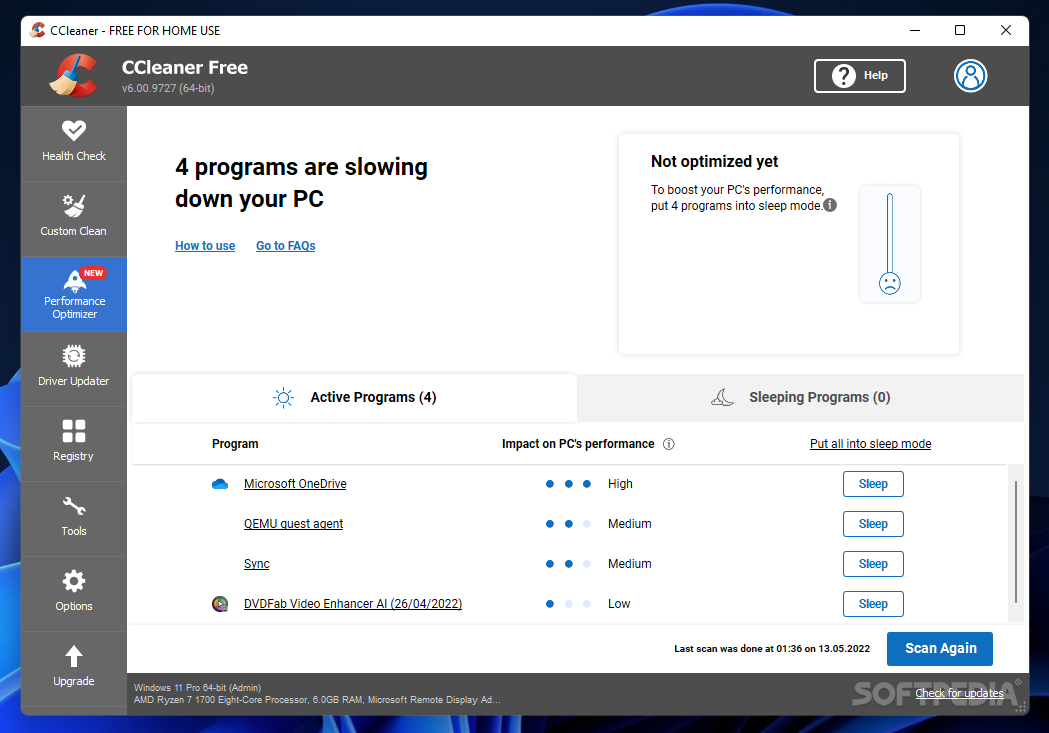
The built-in performance optimizer reveals the programs and elements that make your PC run slowly. CCleaner displays programs that are currently active and have an impact on the PC’s performance. At this point, you can put those programs in “sleep” mode too boost your PC’s performance. This operation can be reverted anytime, should you need those applications to run normally.
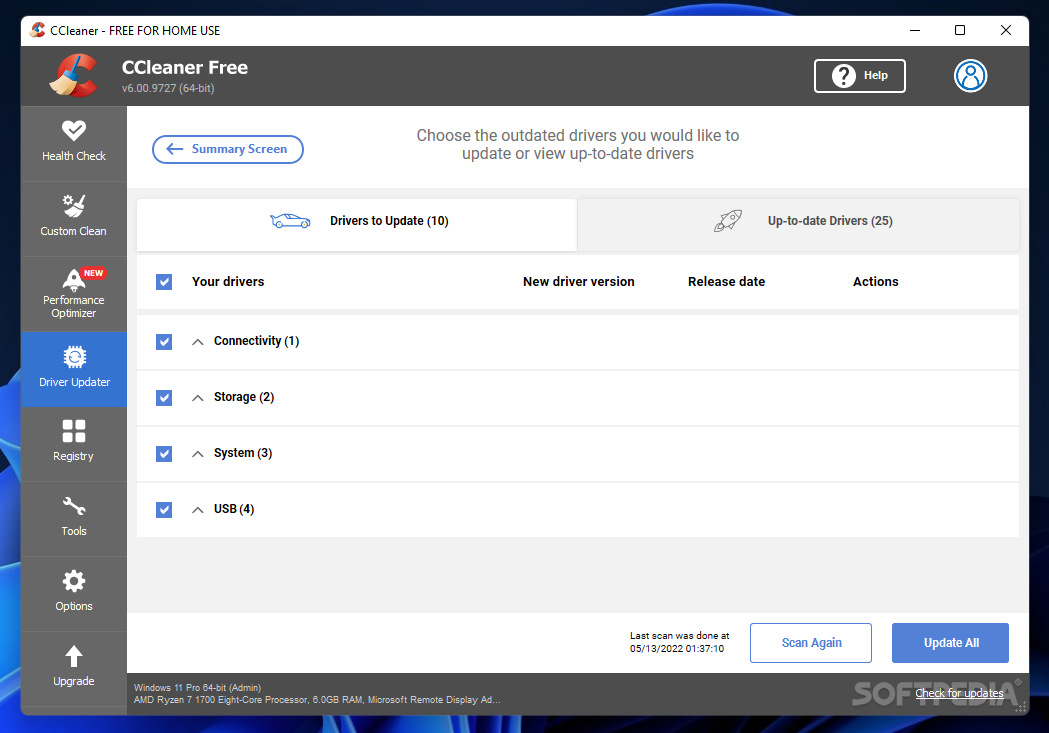
Keeping drivers updated is part of the maintenance tasks you should perform on a regular basis. Outdated drivers can make hardware device unresponsive and open up the gate to vulnerabilities. Making sure you have the latest versions installed is quite important.
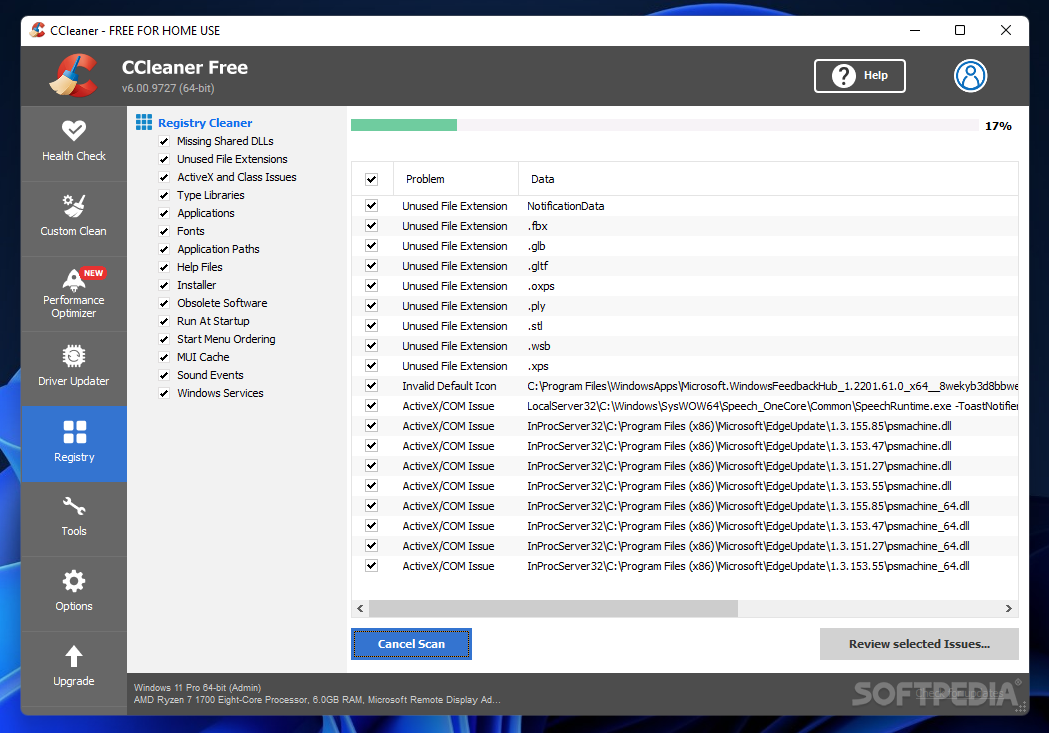
Last but not least, the registry cleaner can help you identify problems in the sysrtem’s registry and fix them as soon as possible. It analyzes missing shared DLLs, unused file extensions, ActiveX and class issues, obsolete software, and many more areas.
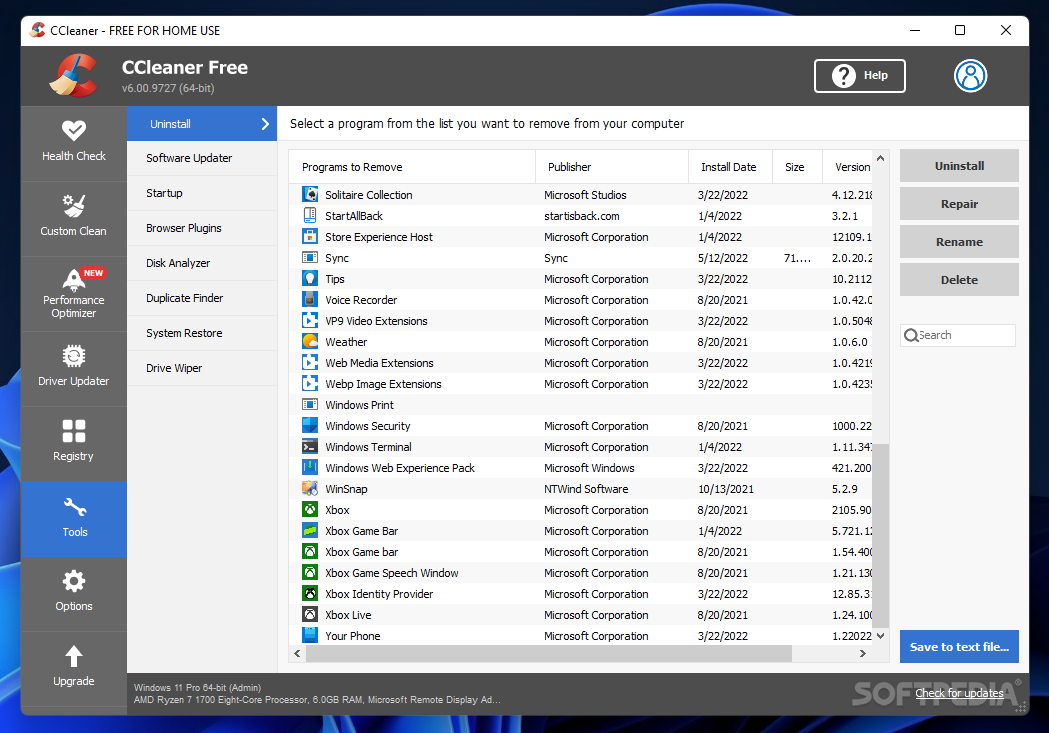
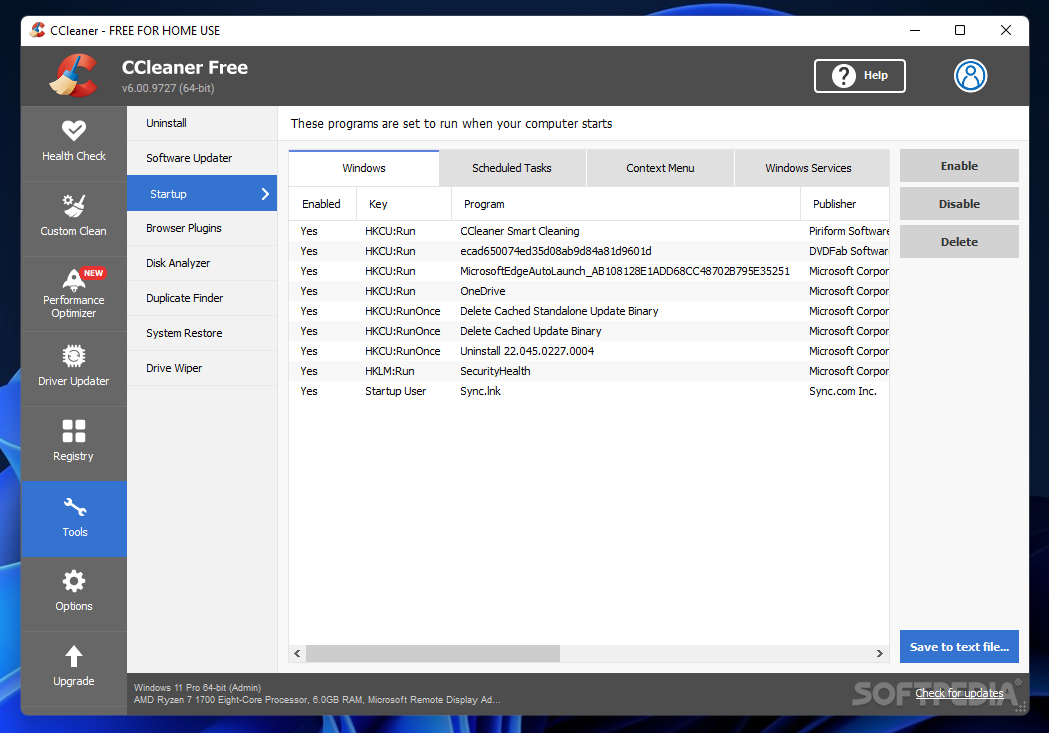
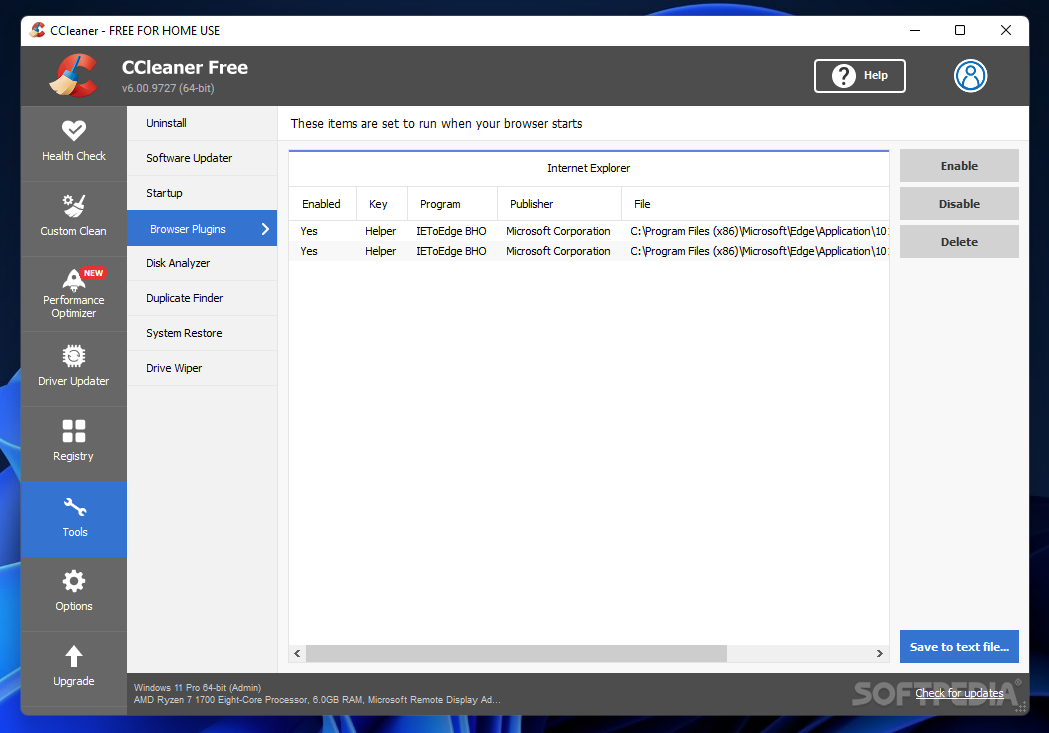
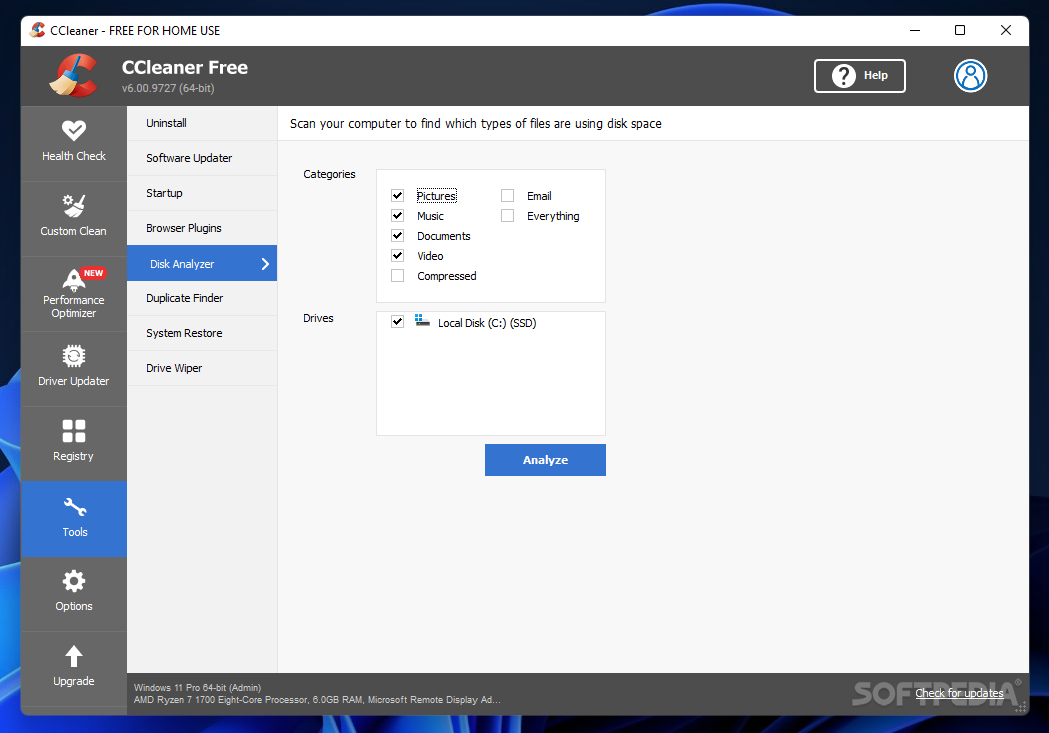
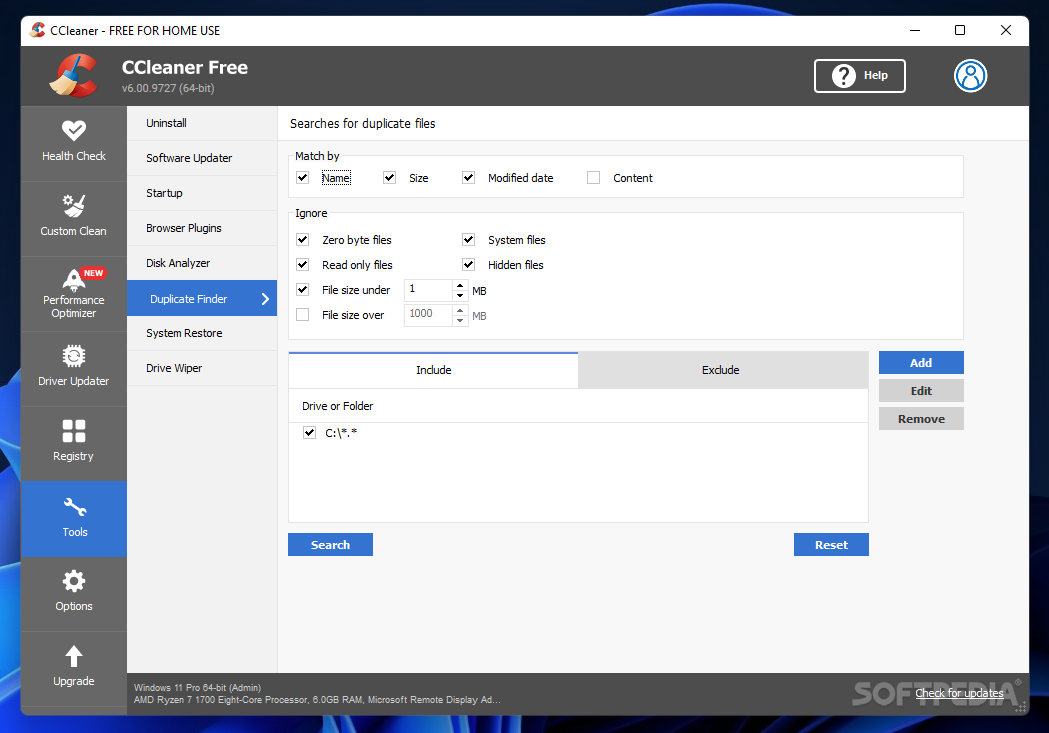
The assortment of tools in CCleaner also includes a software uninstaller and an updater, a startup manager, a disk space analyzer, a duplicate finder and a drive wiper. In other words, it brings to the table an all-in-one toolbox for cleaning your PC and make sure it runs at top performance.
With a very good response time and a fast-scanning engine, CCleaner is one of the top system cleaning solutions out there, and for a good reason. It bundles all the tools you need to enhance the performance of your PC. Thanks to its smart algorithms, it gets the job done quickly but without putting a strain on the system resources.
Download Hubs
CCleaner is part of these download collections: Cookies Cleaner, Disk Cleaners, Temp Cleaner, File Shredder
What's new in CCleaner 6.23.11010 Ad-supported:
- Taking the hassle out of PC maintenance:
- New Cloud Drive Cleaner (Beta) is now available to all paid users. It helps find and remove redundant files, freeing up storage space and organizing Google Drive.
- We've enhanced Performance Optimizer to only display programs installed under the currently logged-in user, as well as excluding essential programs like antivirus that should not be deactivated.
CCleaner 6.23.11010 Ad-supported / 5.84.9143 Clean
 Softpedia Editor's Pick
add to watchlist
add to download basket
send us an update
REPORT
Softpedia Editor's Pick
add to watchlist
add to download basket
send us an update
REPORT
- portable version
- CCleaner Portable
- runs on:
-
Windows 11
Windows 10 32/64 bit
Windows 8 32/64 bit
Windows 7 32/64 bit - file size:
- 79.8 MB
- filename:
- ccsetup584_slim.exe
- main category:
- Tweak
- developer:
- visit homepage
Microsoft Teams

IrfanView

Context Menu Manager

7-Zip

ShareX

calibre

Bitdefender Antivirus Free

Windows Sandbox Launcher

Zoom Client

4k Video Downloader

- Windows Sandbox Launcher
- Zoom Client
- 4k Video Downloader
- Microsoft Teams
- IrfanView
- Context Menu Manager
- 7-Zip
- ShareX
- calibre
- Bitdefender Antivirus Free