
Quickly and effortlessly repair commonly found issues with the computer pertaining to Windows Explorer, Internet connectivity, Windows Media, and others. #Repair Windows #System Tweak #Fix Windows #Repair #Fix #Optimize

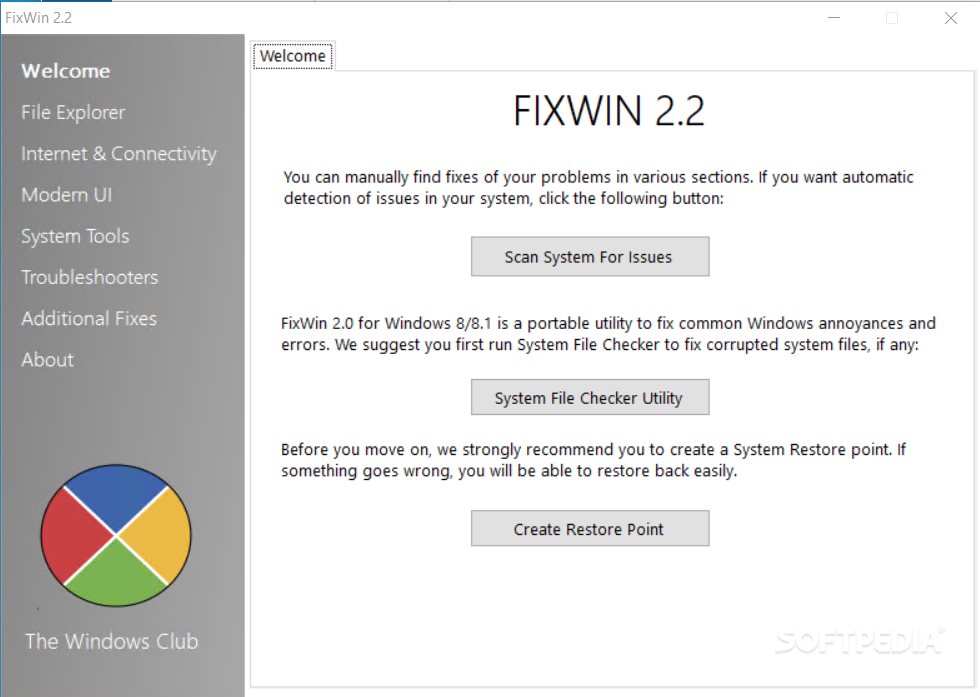
FixWin is a feather-light and portable software utility made to fix common operating system issues, such as those affecting Windows Explorer, Internet Explorer or Windows Media Player. It provides immediate access to its repairing modules, thus sparing users of this problematic and time-consuming process.
There is no setup pack involved, so you can save the program files to any part of the hard disk and just click the executable to launch FixWin, as well as copy it to a pen drive or other removable storage unit, in order to directly launch it on any PC and fix its issues.
Worth mentioning is that, unlike many installers, this portable app does not alter Windows registry settings or create additional objects on the disk, leaving it clean after removing FixWin.
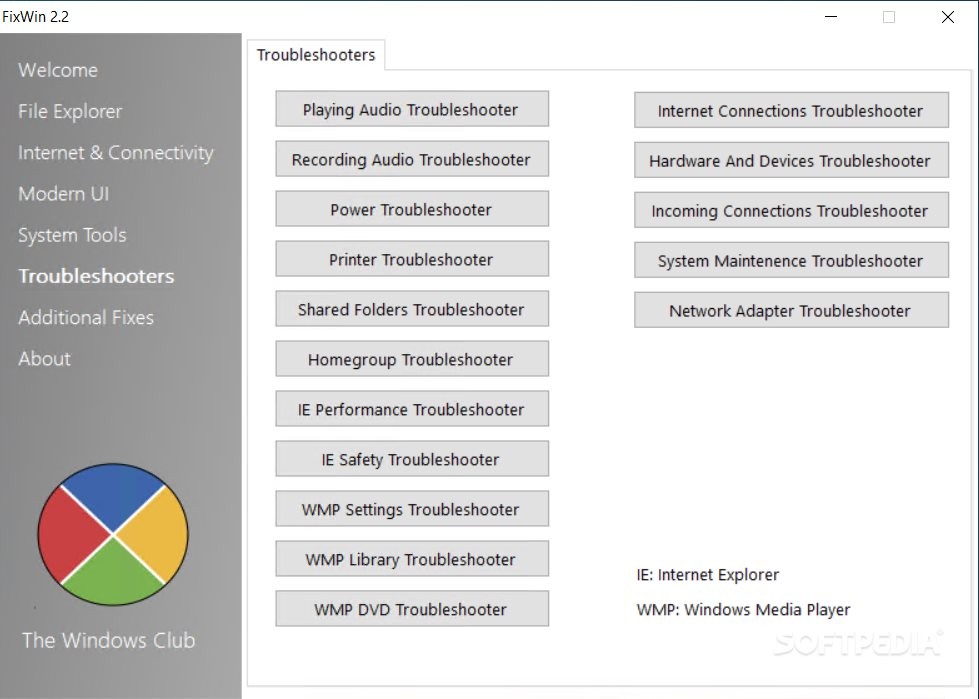
Made from a regular window with all components neatly organized in separate tabs, the interface is user-friendly and lets you dive into the configuration process immediately.
Before processing with any tasks, it is recommended to create a system restore point to be able to revert OS changes after encountering potential Windows stability issues. FixWin provides a button to quickly do this.
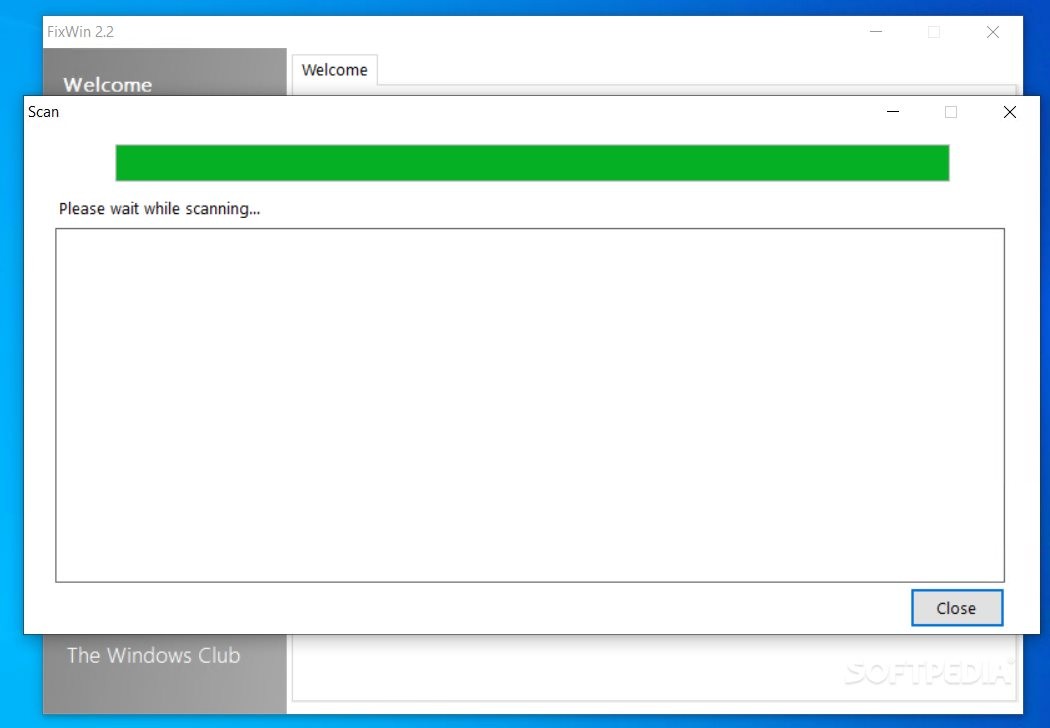
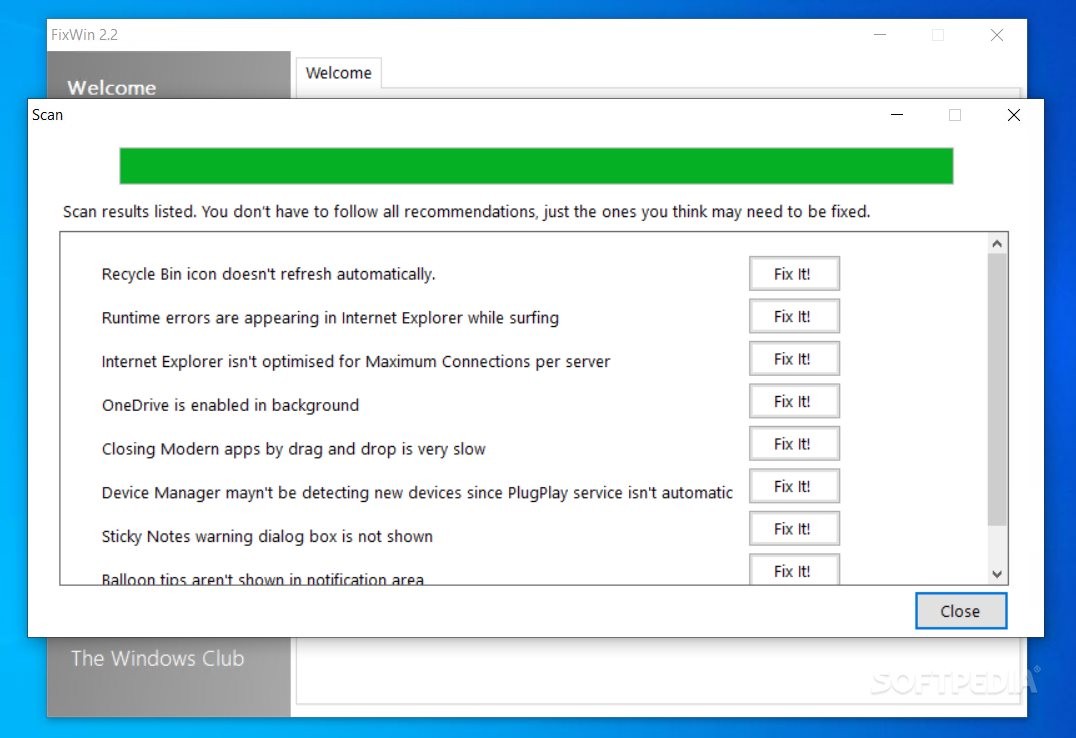
An initial system scan can be taken to get an assessment of the current situation concerning possible errors on the drive. This operation may last a while, depending on the size of your disk.
As previously mentioned, all modules are grouped into separate areas for easy access. For example, when it comes to Windows Explorer, you can restore the Recycle Bin icon to the desktop or "Folder Options" if they're missing, as well as resolve non-working thumbnails and unrecognizable CD or DVD drives.
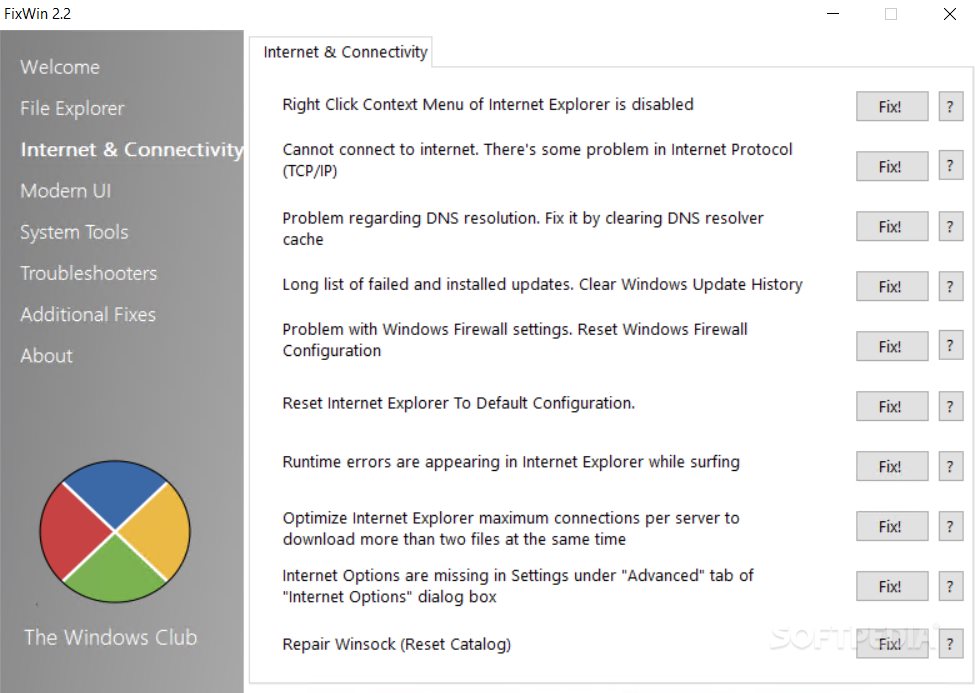
Common network connectivity problems can be fixed in regard to blurry text or font style for source window in Internet Explorer 8, enabling the right-click menu in IE, resetting the TCP/IP to default, or fixing runtime error dialogs that appear when surfing IE, among others.
Windows Media issues focus on the app's inability to start due to the "An internal application error has occurred" error message, to correctly display slideshows, to correctly use the Compositing Mixer tool, or if automatic Windows Updates do not work for it, to name some examples.
Reparations for system tools revolve around Task Manager, Command Prompt, Registry Editor, MMC Snap-ins, Windows Search, System Restore, Device Manager, Windows Defender, Action Center, Windows Security Center, and the "Turn Windows Features On or Off" dialog box. Additional fixes are available too, such as enabling the hibernate or hybrid sleep feature, as well as restoring the Windows Sidebar Gadgets or Aero Snap.
No error dialogs popped up in our tests, and FixWin did not hang or crash. As expected, it has minimal impact on computer performance, so it does not hog CPU and RAM. Bottom line is that FixWin can be quite handy for repairing commonly found Windows issues, and it is especially designed for inexperienced users who want to get their computer up and running again in no time.
What's new in FixWin 2.2:
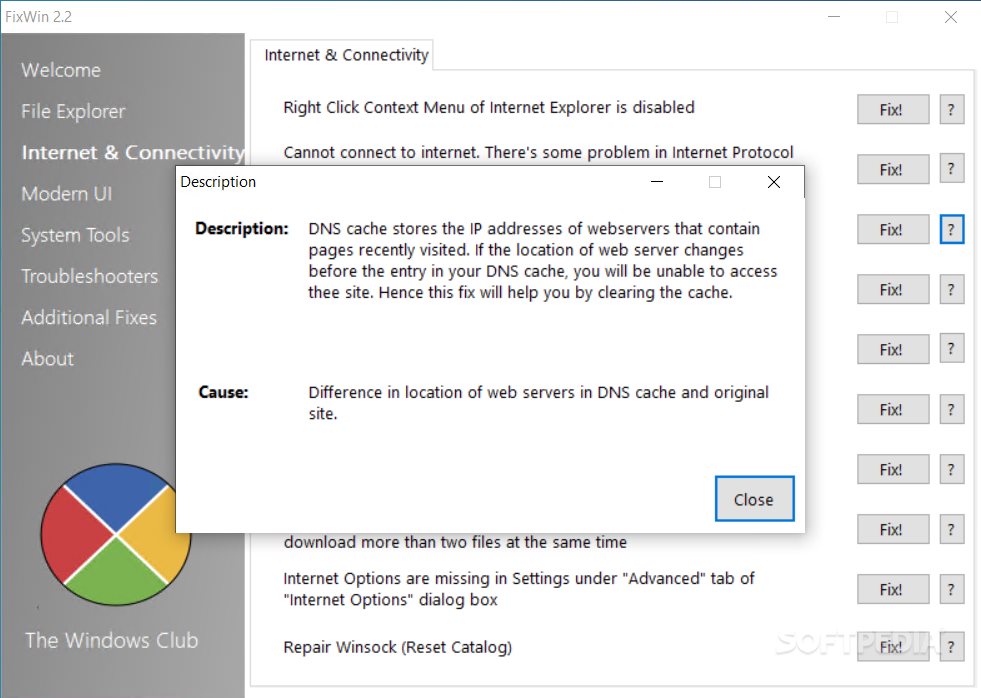
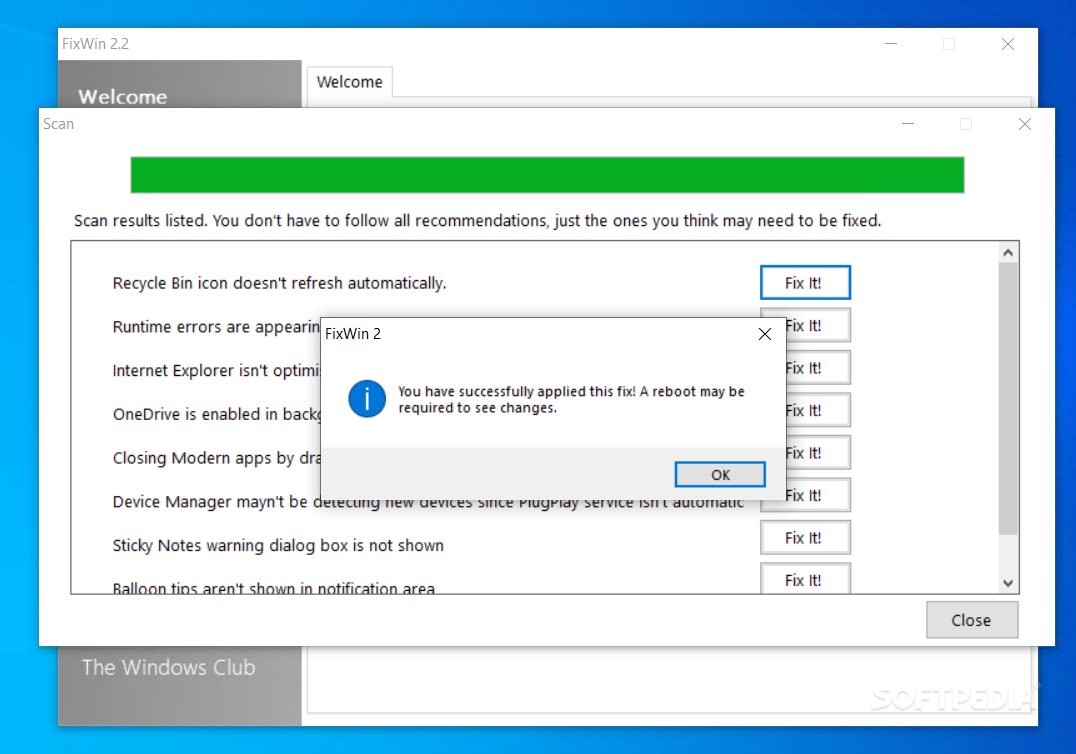
- FixWin 2.2 adds a Scanning feature. It can scan for problems and list possible problems with fixes. You don't have to follow all recommendations, just the one's you think may need to be fixed. A description box appears before every fix. Having problem understanding a fix? FixWin 2.2 has buttons before every fix clicking which will show the cause and description of the fix.
FixWin 2.2
add to watchlist add to download basket send us an update REPORT- PRICE: Free
- runs on:
-
Windows 10 32/64 bit
Windows 8 32/64 bit
Windows 7 32/64 bit
Windows Vista 32/64 bit - file size:
- 153 KB
- filename:
- fixwin2.zip
- main category:
- Tweak
- developer:
- visit homepage
calibre

Windows Sandbox Launcher

ShareX

Microsoft Teams

Context Menu Manager

4k Video Downloader

Bitdefender Antivirus Free

7-Zip

Zoom Client

IrfanView

- 7-Zip
- Zoom Client
- IrfanView
- calibre
- Windows Sandbox Launcher
- ShareX
- Microsoft Teams
- Context Menu Manager
- 4k Video Downloader
- Bitdefender Antivirus Free