
Boost your computer's speed and performance quickly and easily by allocating higher CPU resources to active games or applications. #Optimize computer #Computer optimizer #Benchmark CPU #Optimizer #Boost #CPU

Squeezing every drop of performance out of your computer is only possible if you turn to an advanced software solution able to assist you in this regard and, nowadays, there are quite a few such utilities to be found out there.
This is the case of PCBoost, a very simple application that was designed for a simple purpose: help users boost computer performance quickly and easily.
And although you may be tricked into believing that you're dealing with an extraordinary tool when first looking at its professional interface, just spend a minute to see what it's up to.
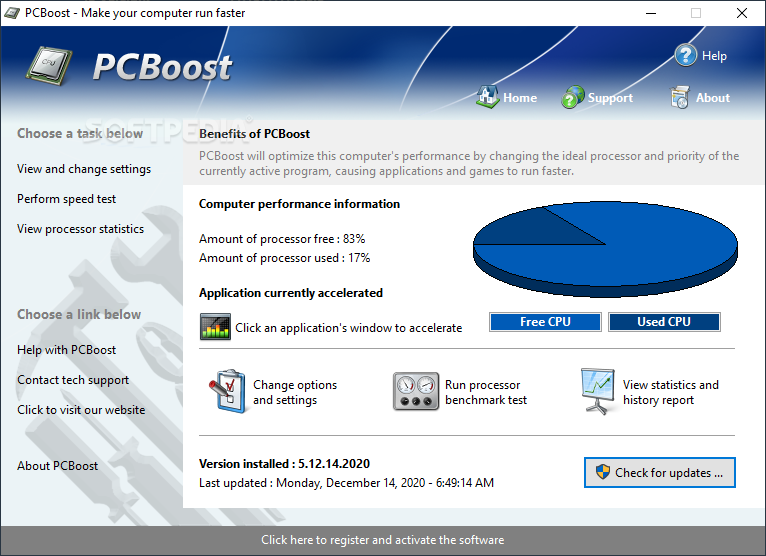
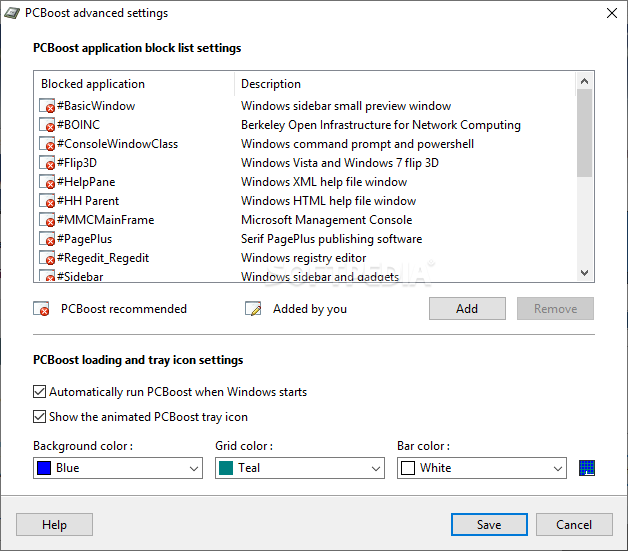
The main window presents a detailed graph with the CPU usage and it also reveals the name of the application that is currently being accelerated. It gives access to three different menus, namely options and settings, processor benchmark test and statistics and history report.
Unfortunately, PCBoost isn't able to do any wonders on your computer, while the way it tries to improve performance is actually quite basic and you could even do it manually straight from within Windows.
PCBoost switches running processes priority between High and Realtime, depending on the active window at a given time, so you may even end up with a slower machine in case something goes wrong.
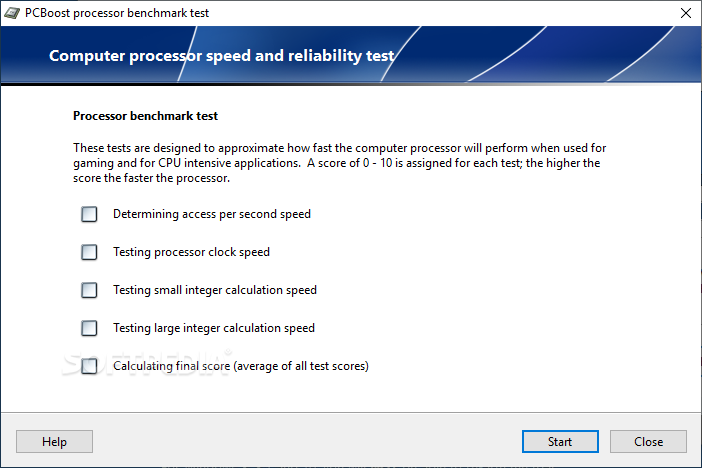
There's also a processor benchmark test that tries to determine access per second speed, clock speed, small and large integer calculation speed, all designed to help you determine how fast your processor really is.
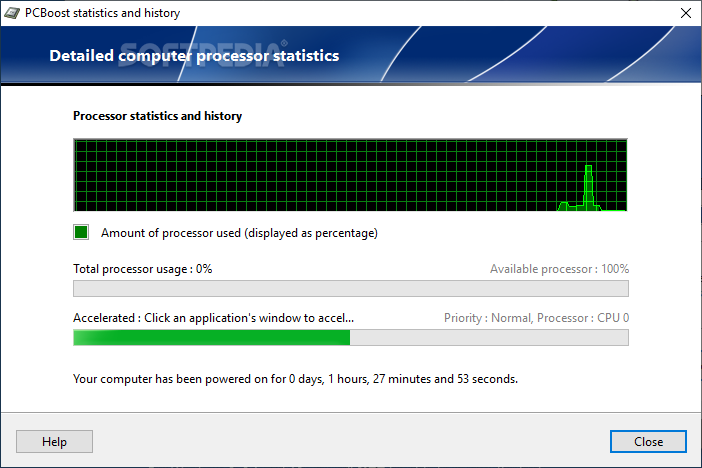
On the other hand, the PCBoost statistics and history shows you the total processor usage and the available processor, as well as the currently accelerated window and its priority.
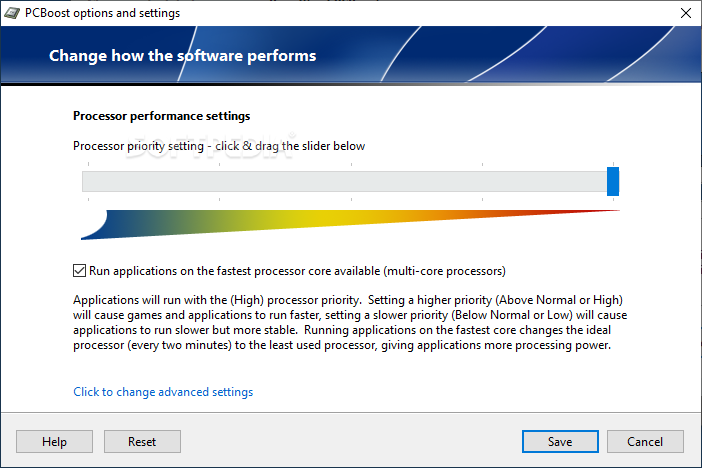
The ability to set the applications run on the fastest processor core available is quite welcomed for multi-core CPU systems. The cores are automatically changed every 2 minutes so the load is balanced.
All things considered, PCBoost can prove to be useful but it is not guaranteed that you will obtain better performance using it.
What's new in PCBoost 5.3.7.2022:
- Fixed false positive virus warnings the installer and application would present with some antivirus software.
PCBoost 5.3.7.2022
add to watchlist add to download basket send us an update REPORT- runs on:
-
Windows 11
Windows 10 32/64 bit
Windows Server 2012
Windows 2008 32/64 bit
Windows 2003
Windows 8 32/64 bit
Windows 7 32/64 bit
Windows Vista 32/64 bit
Windows XP 32/64 bit - file size:
- 7.2 MB
- main category:
- Tweak
- developer:
- visit homepage
Zoom Client

ShareX

4k Video Downloader

IrfanView

calibre

Bitdefender Antivirus Free

Context Menu Manager

Windows Sandbox Launcher

7-Zip

Microsoft Teams

- Windows Sandbox Launcher
- 7-Zip
- Microsoft Teams
- Zoom Client
- ShareX
- 4k Video Downloader
- IrfanView
- calibre
- Bitdefender Antivirus Free
- Context Menu Manager