
Remove trialware, adware and other unwanted objects that are likely to slow down and make your computer sluggish using this application. #Toolbar remover #Ad cleaner #Remove service #Cleaner #Remover #Optimizer

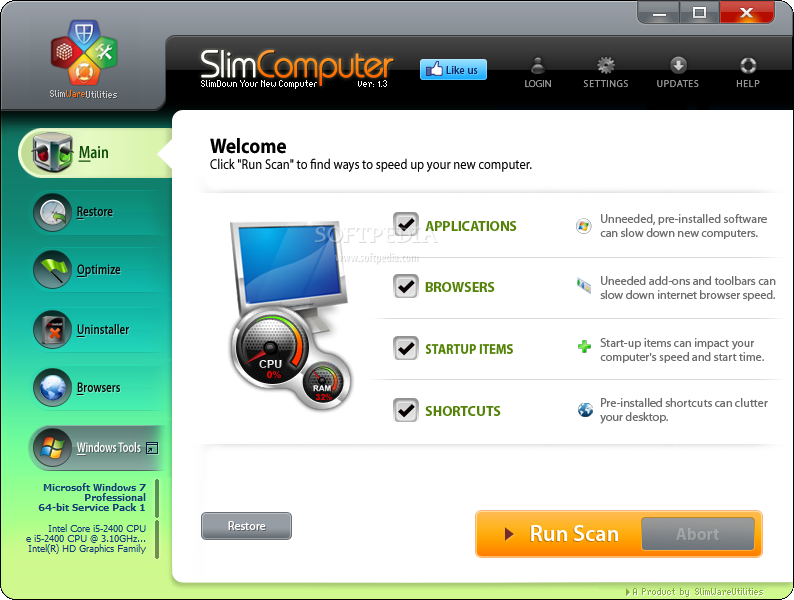
SlimComputer is a software solution which focuses on optimizing your system, by removing unwanted data. It can be handled by users of any experience level.
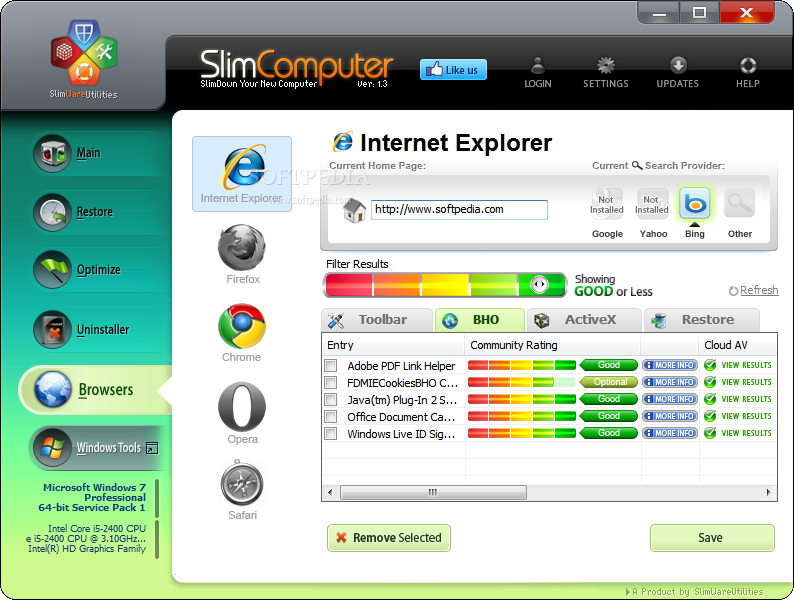
The interface of the application is based on a clean and intuitive layout where you can run a scan on unneeded software, browsers and startup items which slow the computer, Internet browser speed and system boot time, as well as on the shortcuts which are cluttered on the desktop.
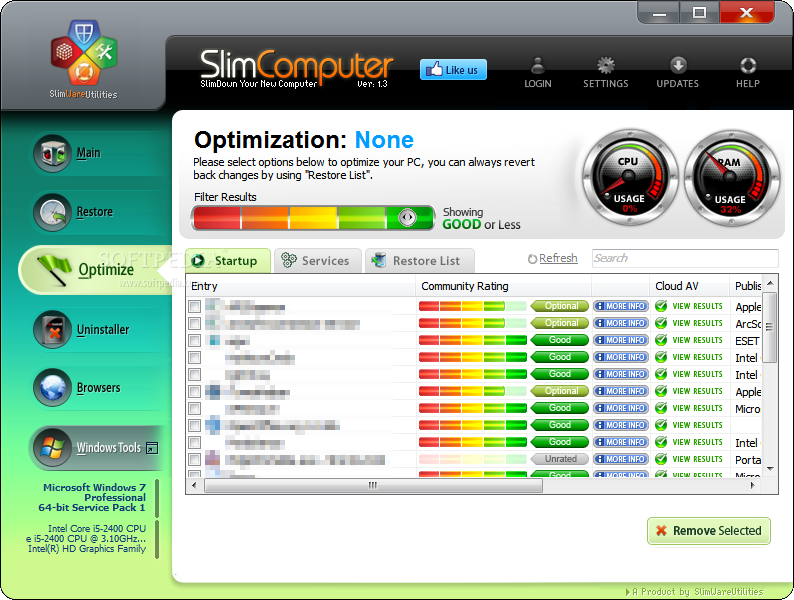
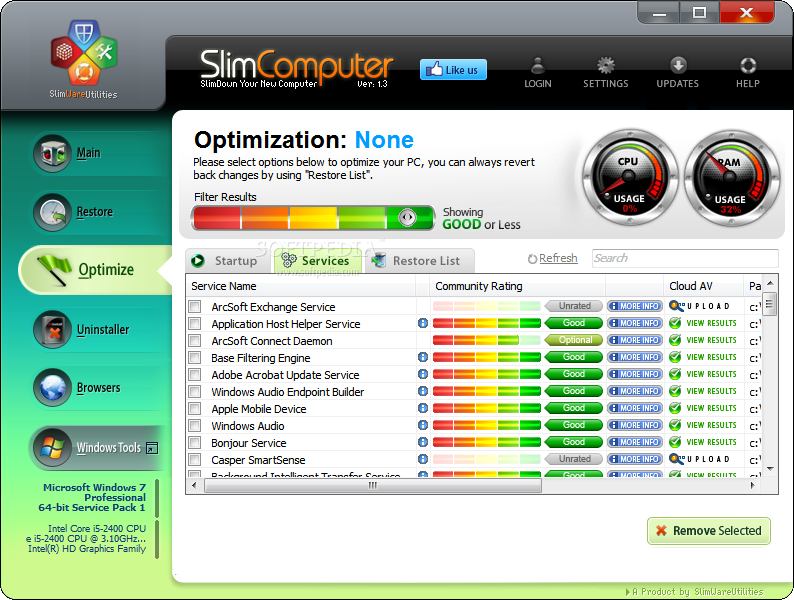
Optimizing the system is possible through disabling applications and services which automatically run at system startup; you can check out a list of these items, along with their community rating, location and publisher. Plus, you can use a search function and restore items to their previous state.
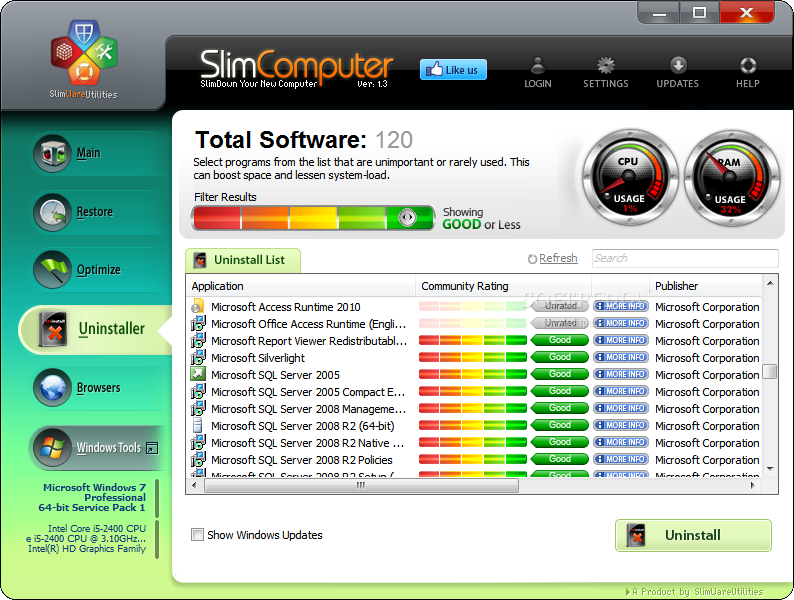
SlimComputer also supports a feature that allows you to uninstall programs from the computer, including Windows updates. Once again, you can use a search function to locate items easily.
Last but not least, the program allows you to remove web browsers extensions and plugins which are frequently installed without your consent, thus preventing a fast online navigation. SlimComputer supports Internet Explorer, Firefox, Chrome, Opera and Safari. Moreover, you can change the homepage and search provider.
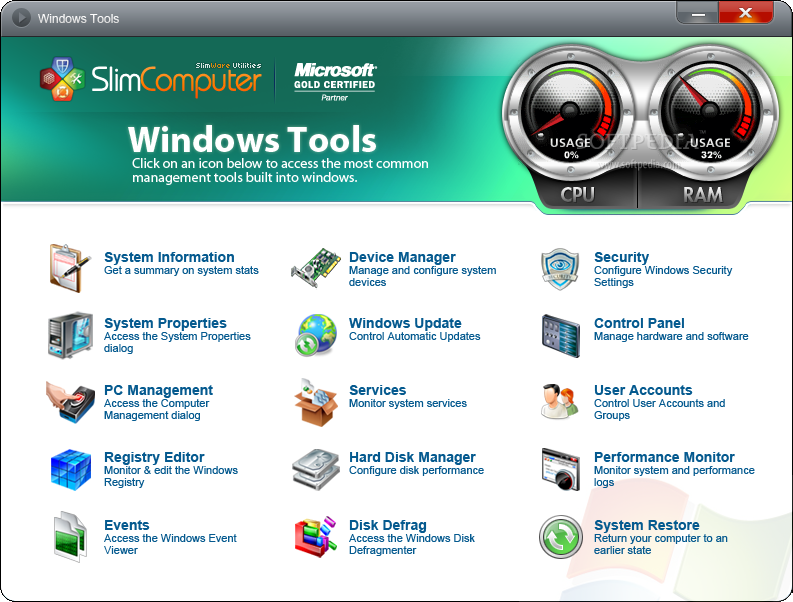
The last tab of SlimComputer provides easy access to some important functions built into Windows, such as System Information, PC Management, Registry Editor, Device Manager, Windows Updates, Control Panel, User Account, Disk Defrag and System Restore. You can view the current CPU and memory usage of your computer.
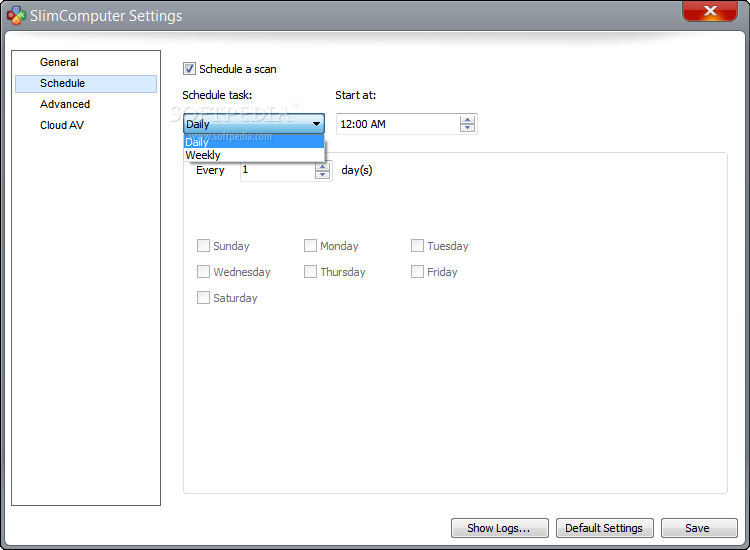
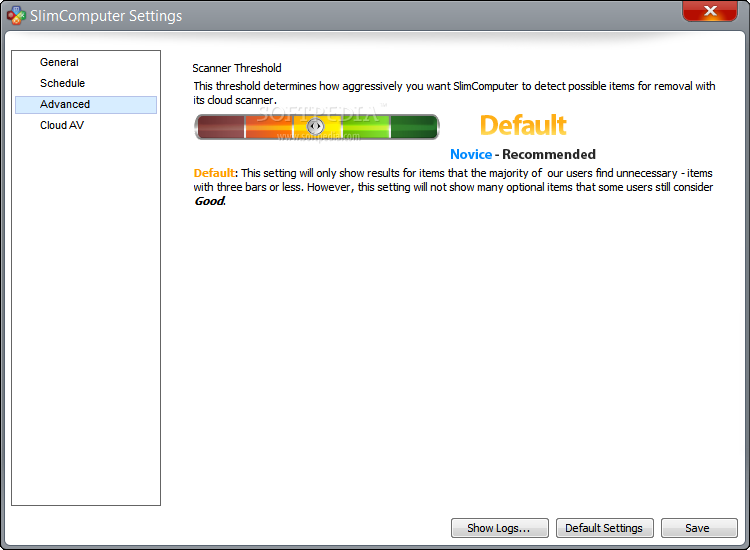
From the 'Settings' screen, you may configure the program's behavior, such as making it automatically run at system startup, aside from enabling logs and creating a portable version of SlimComputer. It is also possible to schedule recurring scanning/cleaning tasks and to adjust the scanner threshold (detects potential items for removal).
The application requires a low-to-moderate amount of CPU and system memory, takes reasonable time to complete a scan and clean job, and includes user documentation. We have not come across any problems yet rich features, SlimComputer should please both first-time and advanced users.
SlimComputer 1.1.4130
add to watchlist add to download basket send us an update REPORT- runs on:
-
Windows 10 32/64 bit
Windows 8 32/64 bit
Windows 7 32/64 bit
Windows Vista 32/64 bit
Windows XP
Windows 2K - file size:
- 3.5 MB
- filename:
- slimcomputer-setup.exe


- main category:
- Tweak
- developer:
- visit homepage
Microsoft Teams

IrfanView

7-Zip

Windows Sandbox Launcher

4k Video Downloader

ShareX

calibre

Context Menu Manager

Bitdefender Antivirus Free

Zoom Client

- Context Menu Manager
- Bitdefender Antivirus Free
- Zoom Client
- Microsoft Teams
- IrfanView
- 7-Zip
- Windows Sandbox Launcher
- 4k Video Downloader
- ShareX
- calibre
