
Allows one to view and manage all the programs that start automatically.. #Startup manager #Onboot manager #Startup check #Startup #Start-up #Registry

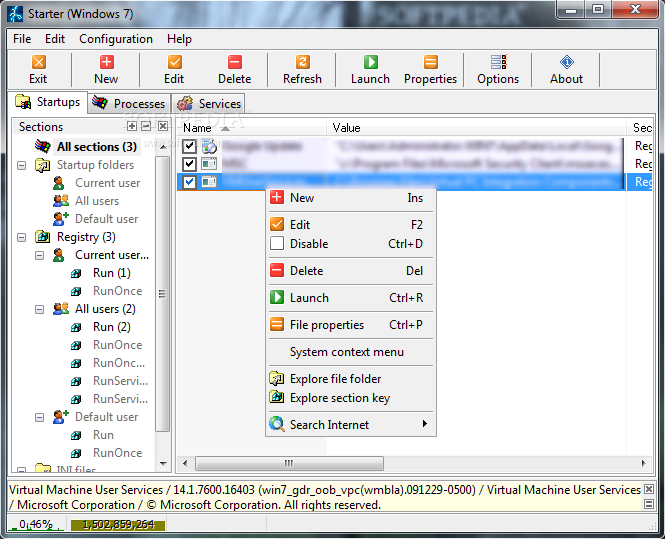
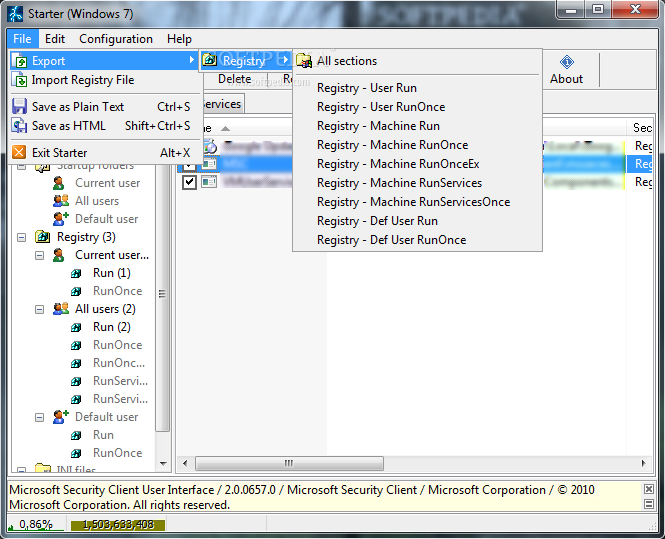
Starter is a nifty application that performs a simple, but essential task: that of monitoring and managing startup items. It lists all the entries that load on boot and allows you to remove the ones that are not necessary and clog up the system.
Starter has an awesome advantage over similar applications: it lists startup items by user, thus enabling you to decide what loads on boot for each of the accounts you have created on your computer. As a secondary goal, Starter was also designed to facilitate to offer you the possibility to control running processes and services.
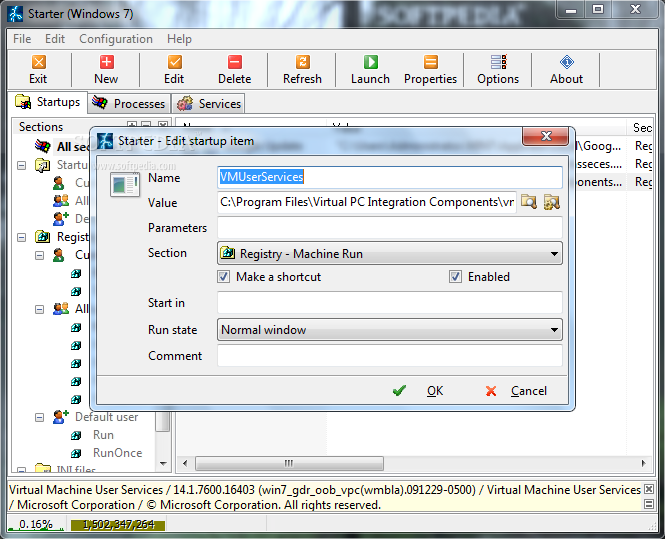
The user interface is extremely intuitive and user-friendly. All of the items are listed in a large area, from where you can remove or add new entries. Disabling a startup item is done at the click of a button, as well as editing and accessing file properties.
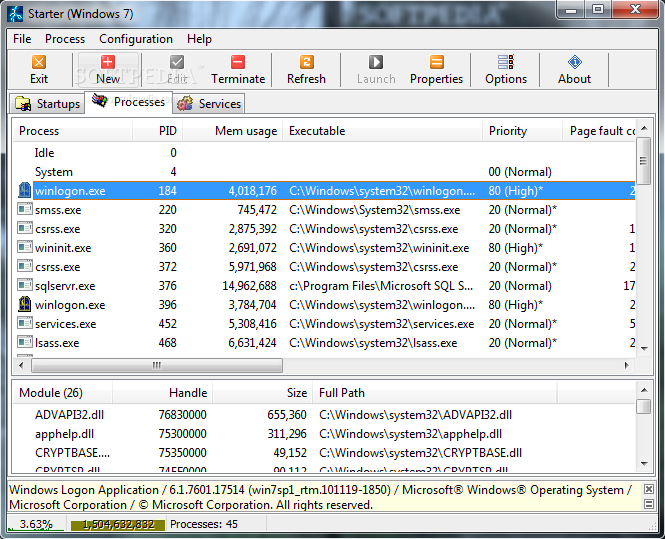
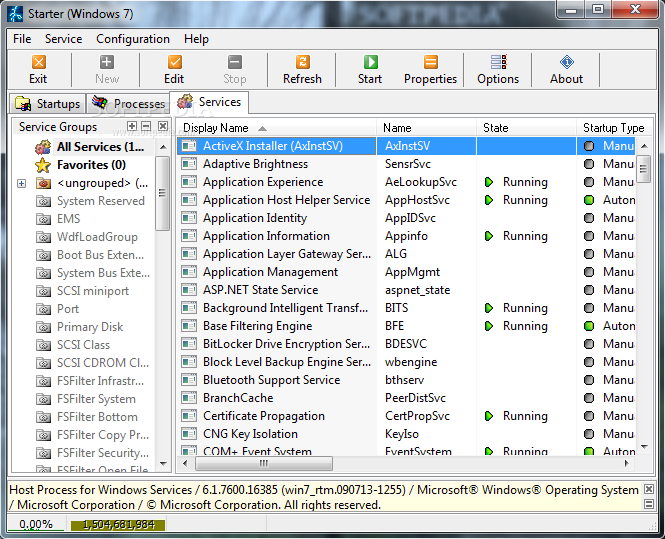
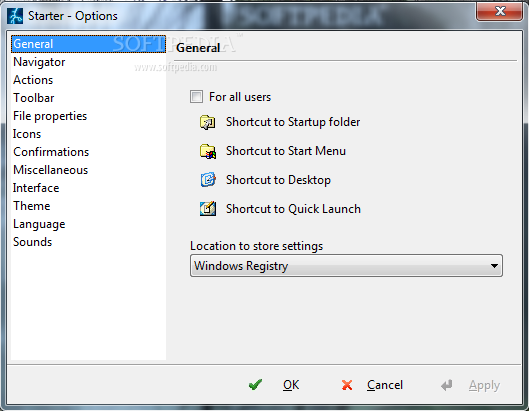
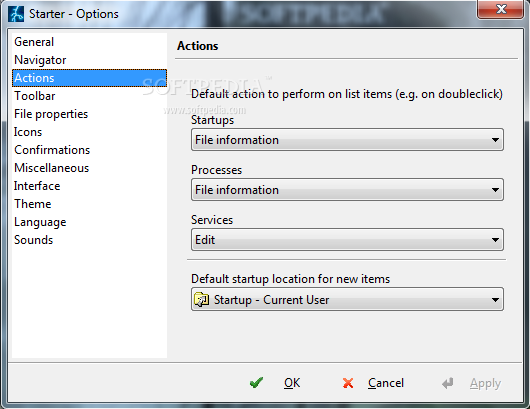
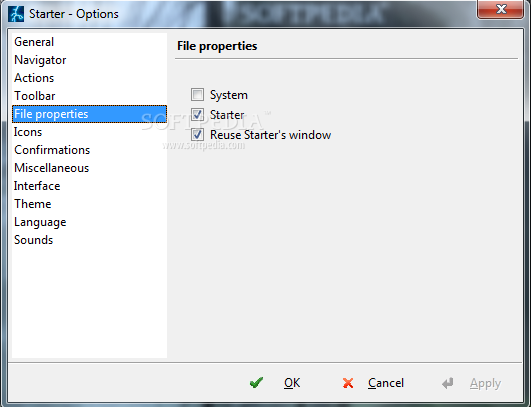
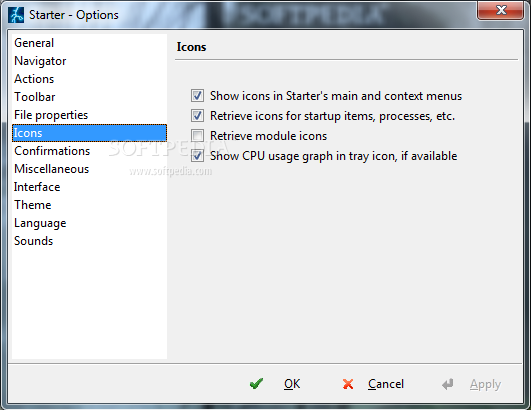
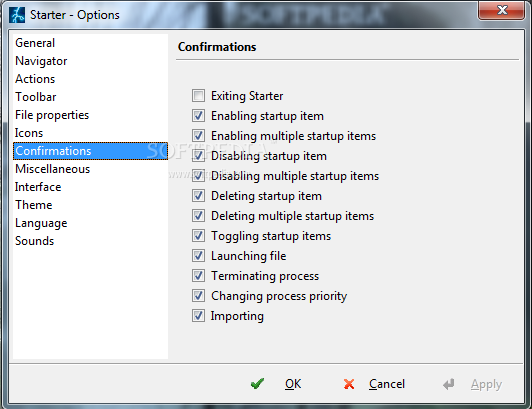
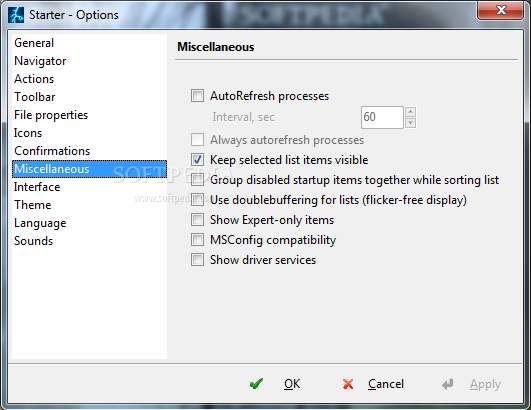
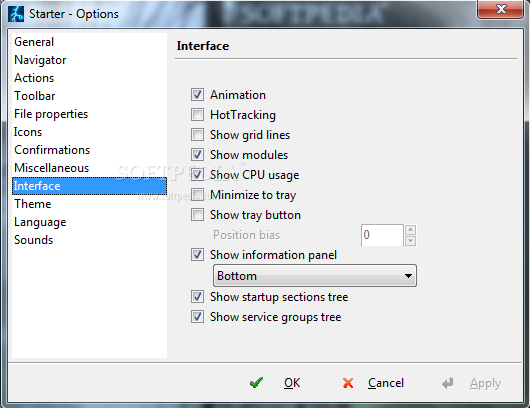
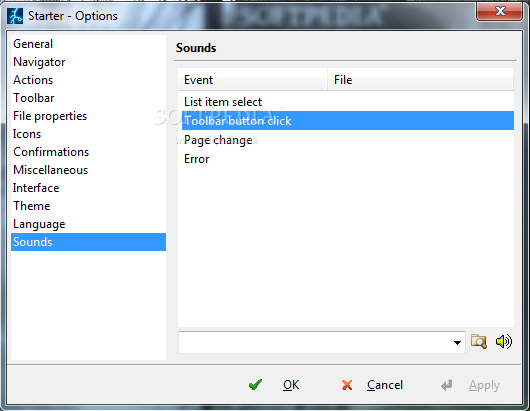
In the Processes section, you can choose to terminate or assign a priority level to any of the running processes, while the next tab shows active services. Starter’s behaviour can be tweaked from the Options menu, where there are possibilities to configure appearance and language.
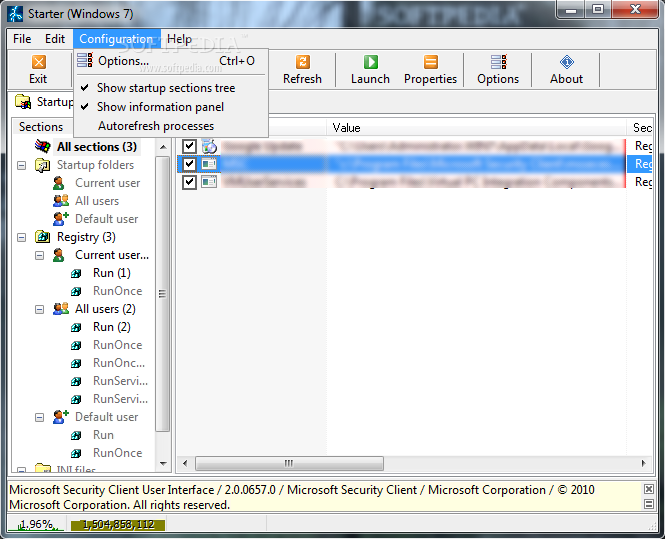
An added bonus is Starter’s ability to show memory / CPU usage and statistics at all times. This is accomplished by a toolbar that resides at the bottom of the main window, but it can easily be removed from the Configuration window if it bothers you.
In conclusion, Starter is very reliable and user-friendly. It acts light on system resources and successfully fulfils its main purpose: to enable you to manage the items that load during system startup and to choose which ones preserve their spot and which are out the door.
Download Hubs
Starter is part of these download collections: Startup Manager
What's new in Starter 5.6.2.9:
- Enhanced Windows Vista compatibility.
- Fixed too aggressive settings saving while swithing between main tabs (Startups,
- Processes, Services).
- System memory graph was limited to 2 GB. Fixed.
Starter 5.6.2.9
 Softpedia Editor's Pick
add to watchlist
add to download basket
send us an update
REPORT
Softpedia Editor's Pick
add to watchlist
add to download basket
send us an update
REPORT
- portable version
- Portable Starter
- runs on:
- Windows All
- file size:
- 664 KB
- filename:
- StarterSetup.zip
- main category:
- Tweak
- developer:
- visit homepage
Microsoft Teams

ShareX

Context Menu Manager

Windows Sandbox Launcher

4k Video Downloader

IrfanView

7-Zip

Zoom Client

calibre

Bitdefender Antivirus Free

- Zoom Client
- calibre
- Bitdefender Antivirus Free
- Microsoft Teams
- ShareX
- Context Menu Manager
- Windows Sandbox Launcher
- 4k Video Downloader
- IrfanView
- 7-Zip