
Keep your PC healthy and free of any dangerous files with this 2 in 1 application that will help you execute maintenance tasks and remove any potentially dangerous elements that might be lurking on your machine. #Computer Optimization #System Optimizer #Startup Manager #Optimizer #Scanner #Cleaner

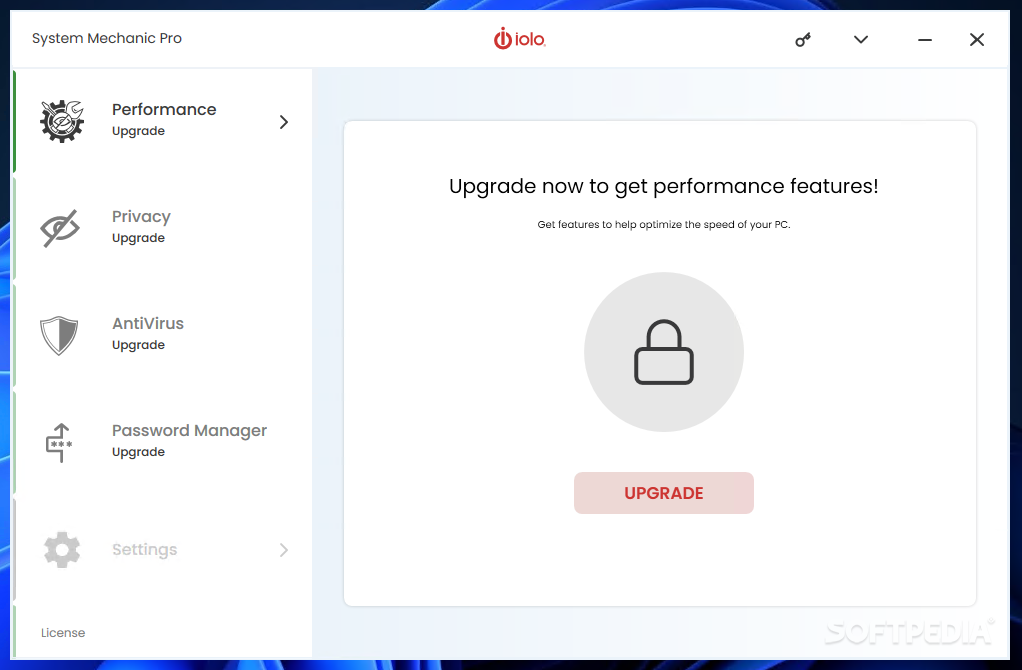
System Mechanic Pro, as the name suggests, is an application that should aid any user in fixing or conducting maintenance on whatever machine is currently used. It's a one-stop-shop for repairs, malware removal, and overall system performance improvement. Options are clearly labeled and accurately categorized, so you won't be lost at any given moment. In fact, you might just feel relieved because this program incorporates so many useful cleanup features.
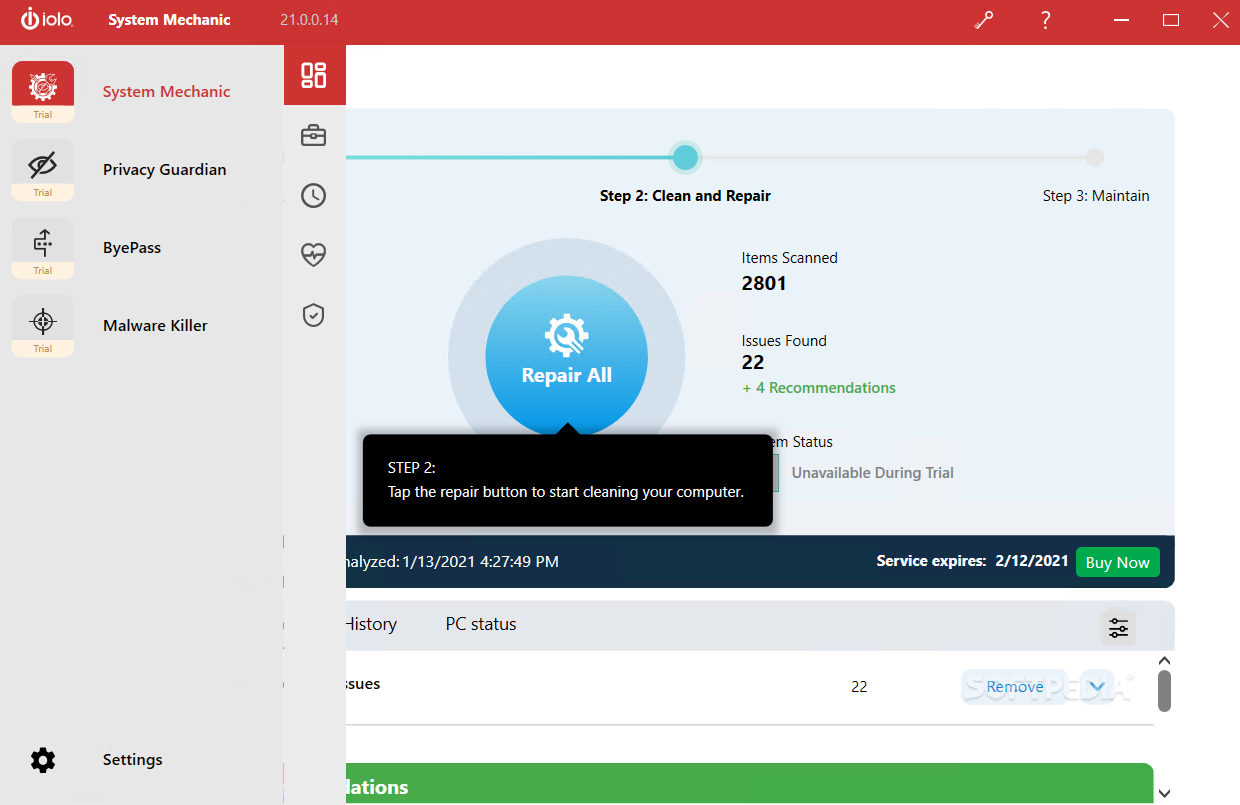
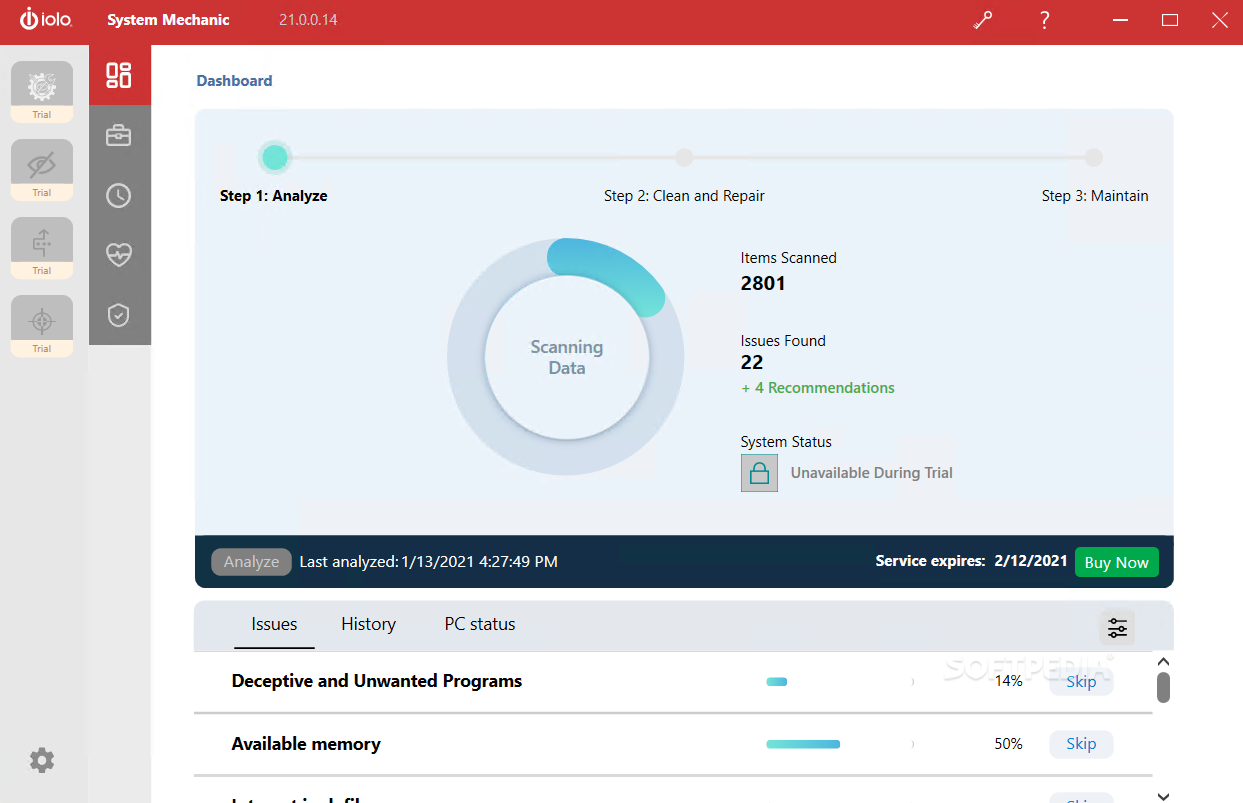
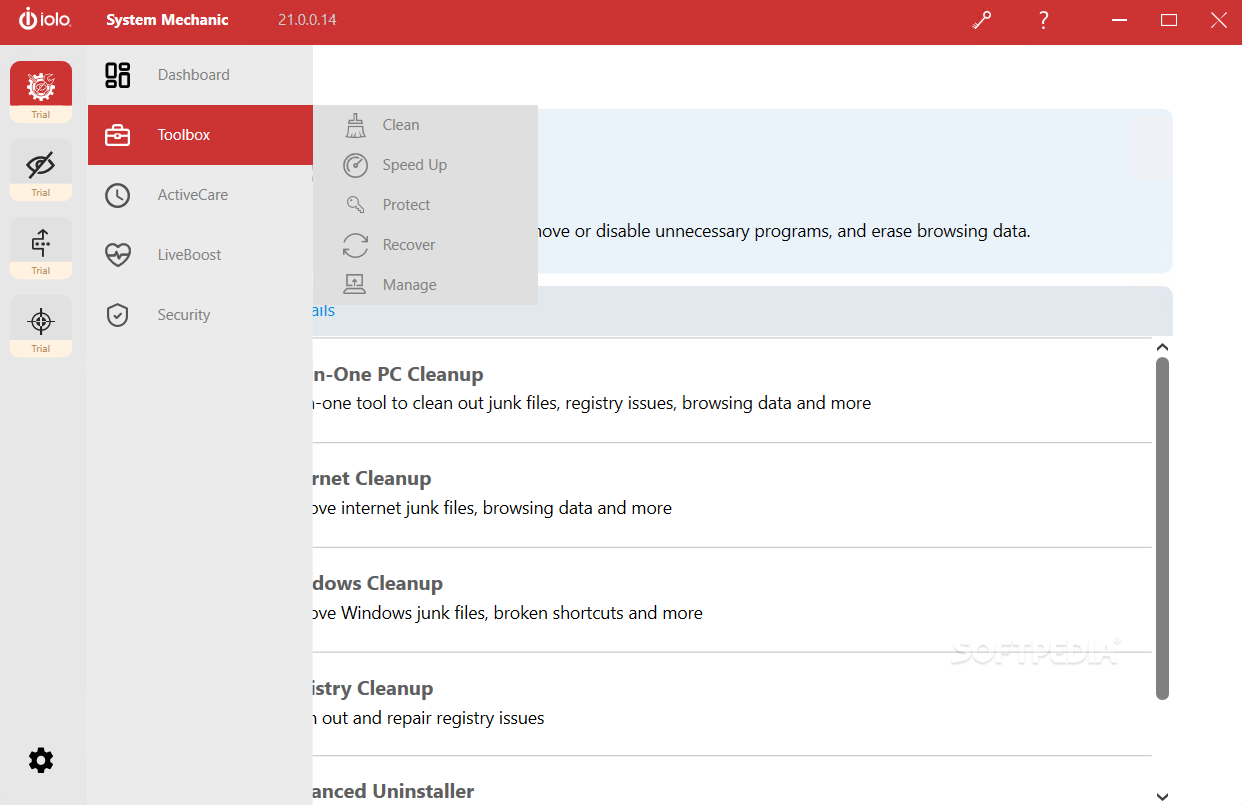
Seeing as this particular application has many sides to it, the first and most prominent has to do with cleaning or conducting maintenance on your PC. This particular category includes a junk-cleaning feature and a speed-up utility. One can also recover or manage certain files on that particular machine. All these tools will probably prove useful on a daily basis, depending on how often you do take the time to clean and clear your PC of junk files.
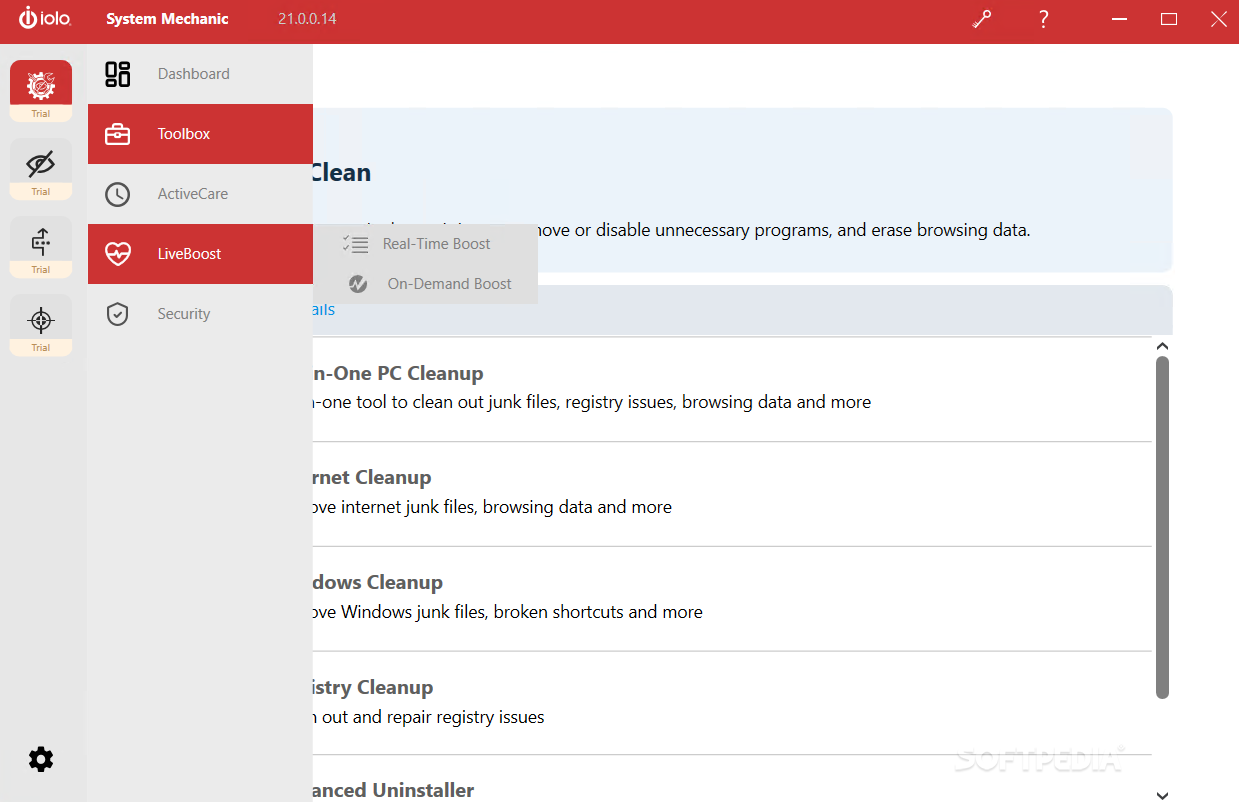
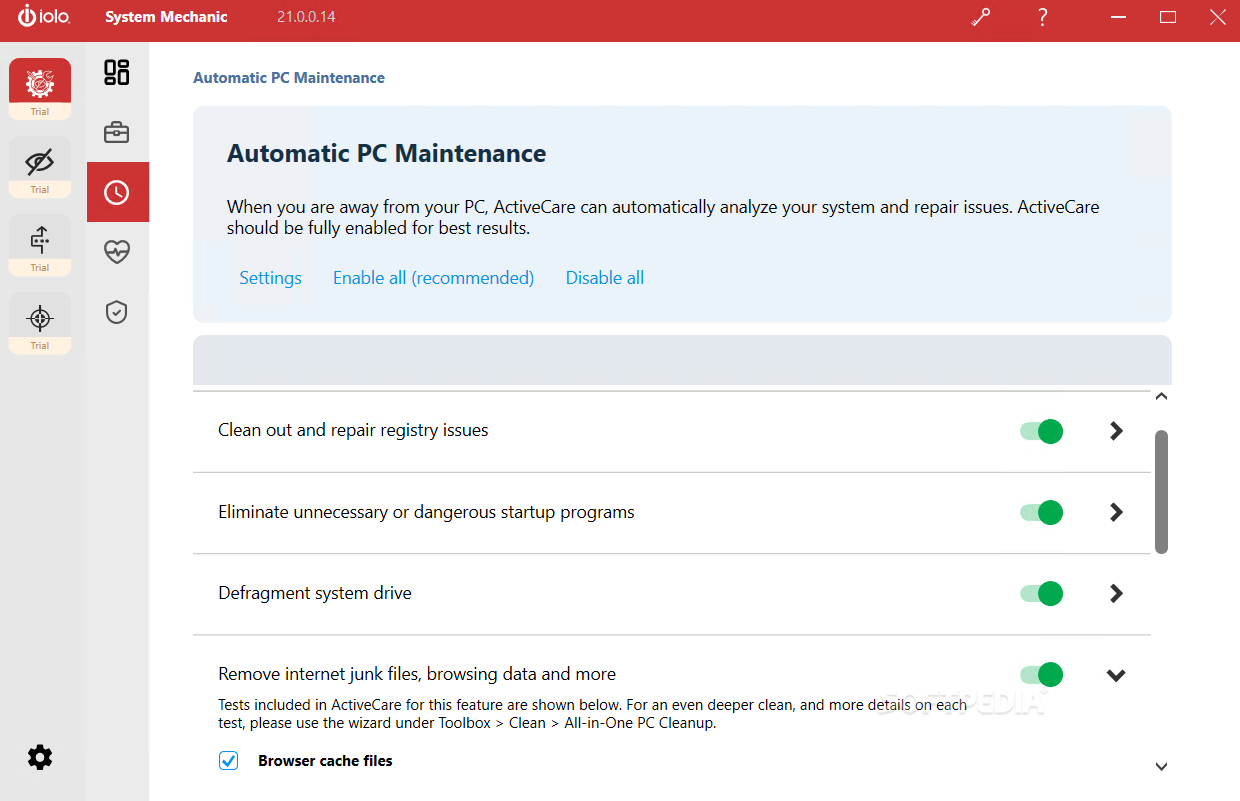
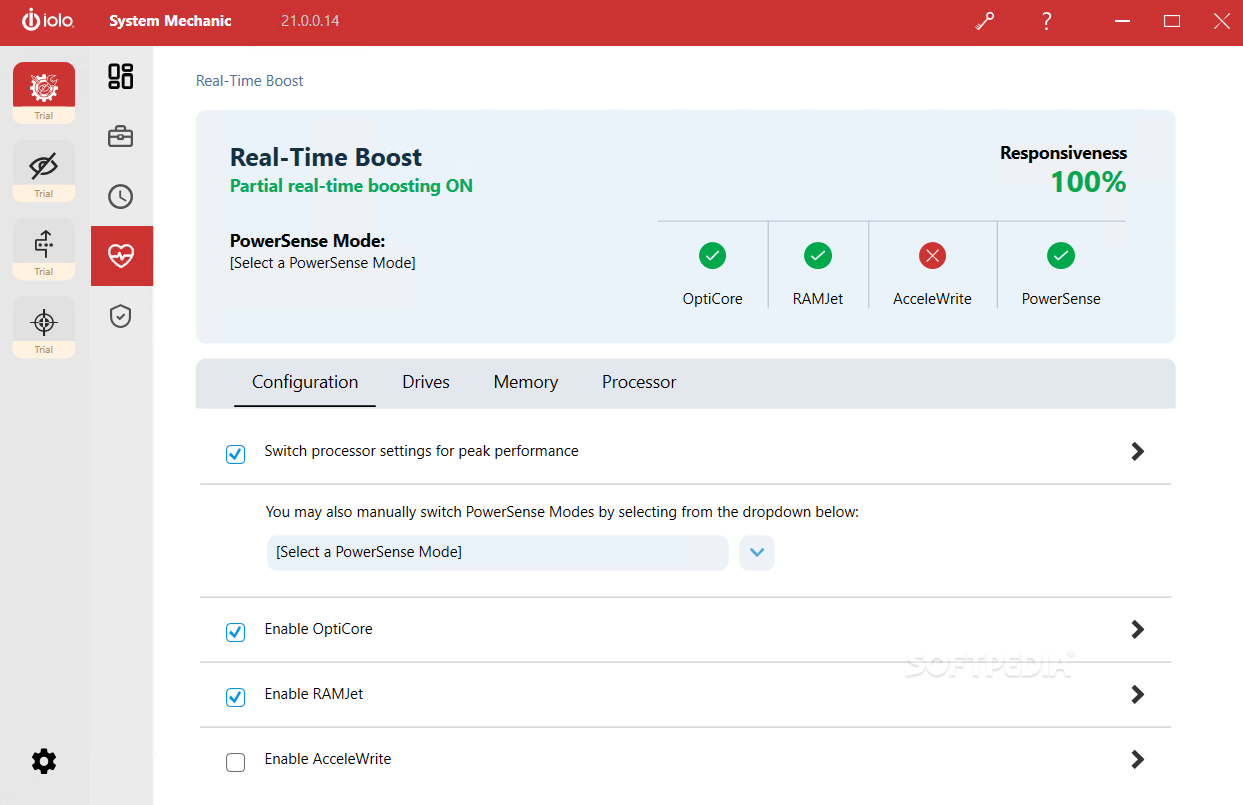
Automatic PC maintenance is also a possibility for those who don't want to waste time on executing the whole process manually. Real-Time Boost is yet another feature meant to help any user gain more resources by clearing and cleaning a PC's memory and optimizing its CPU's cores. This last feature is dedicated to people such as gamers or programmers who need every ounce of power they can get when executing resource-consuming applications.
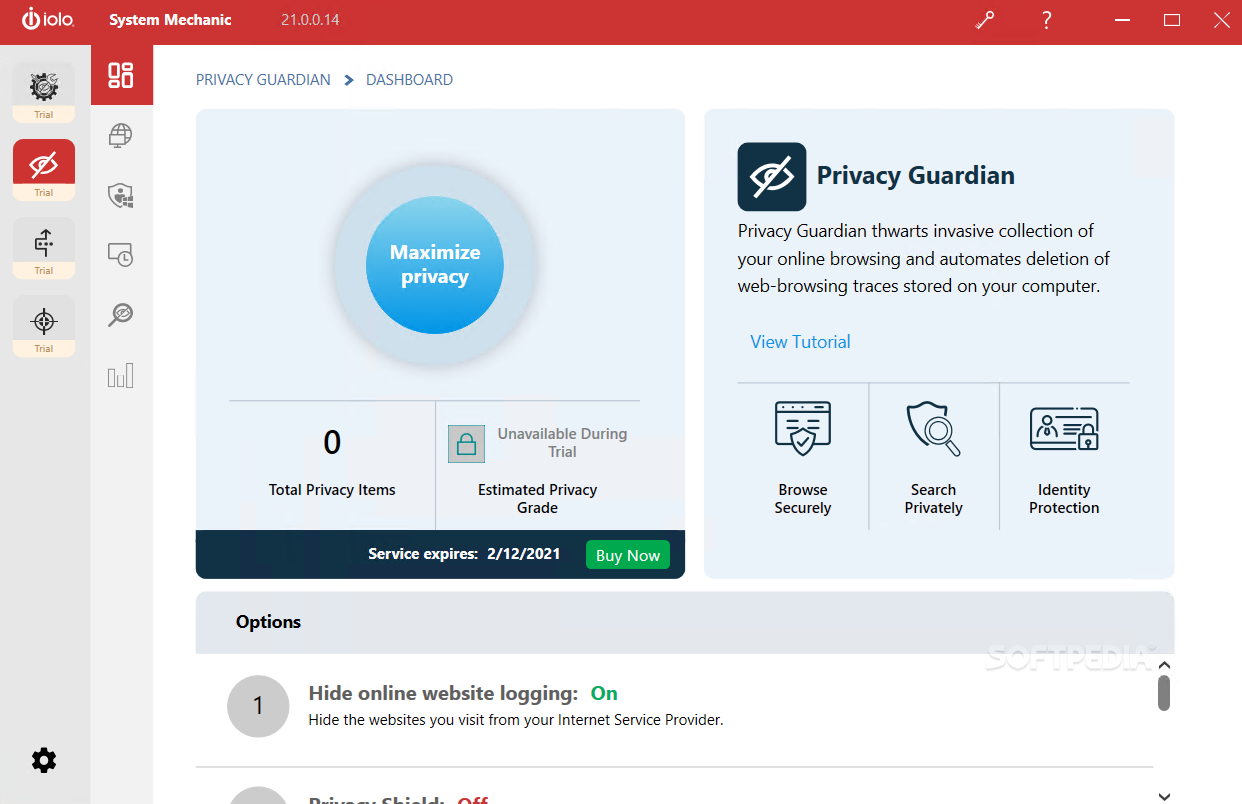
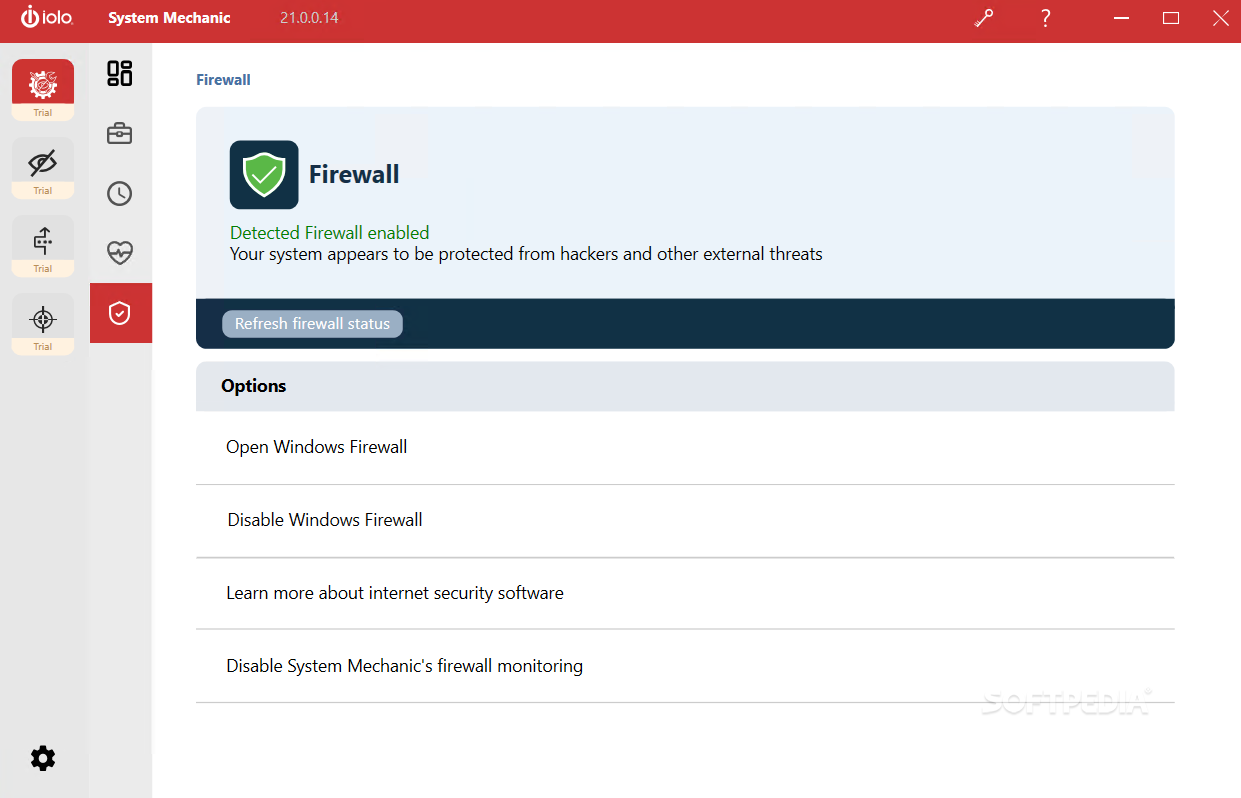
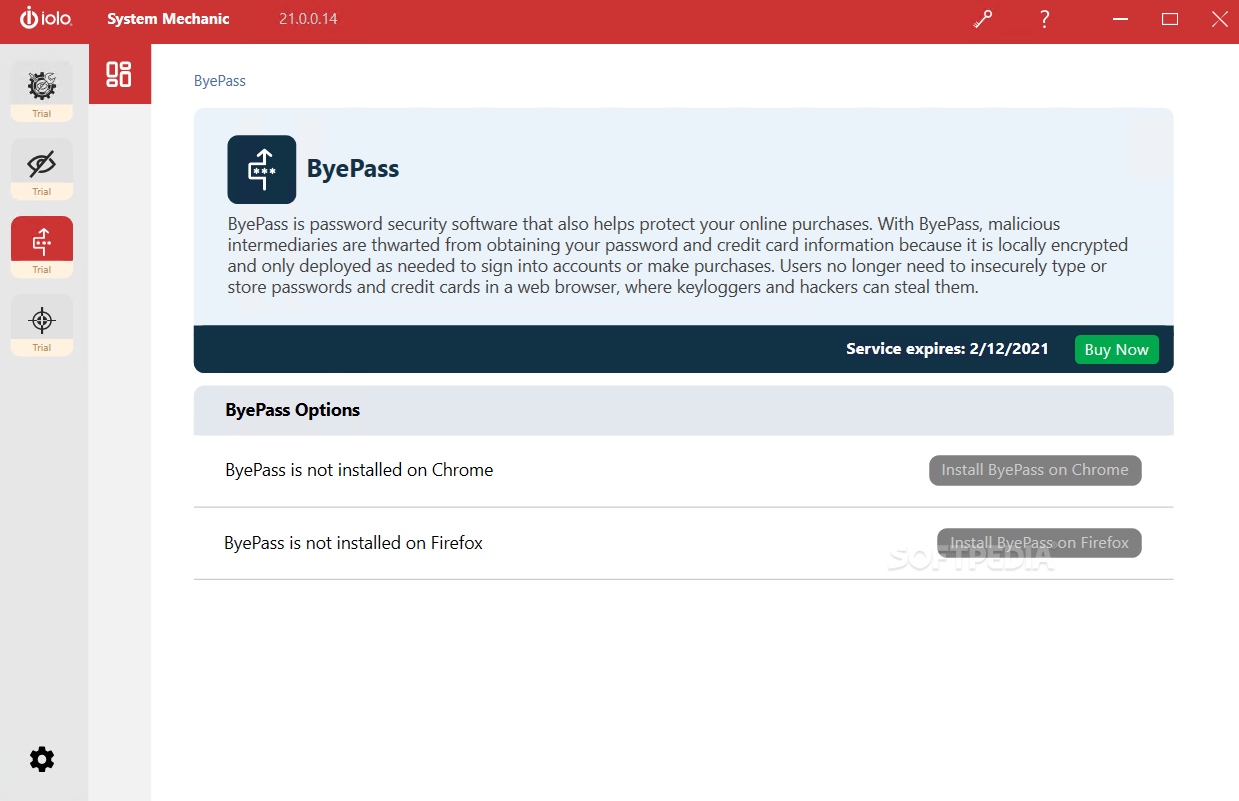
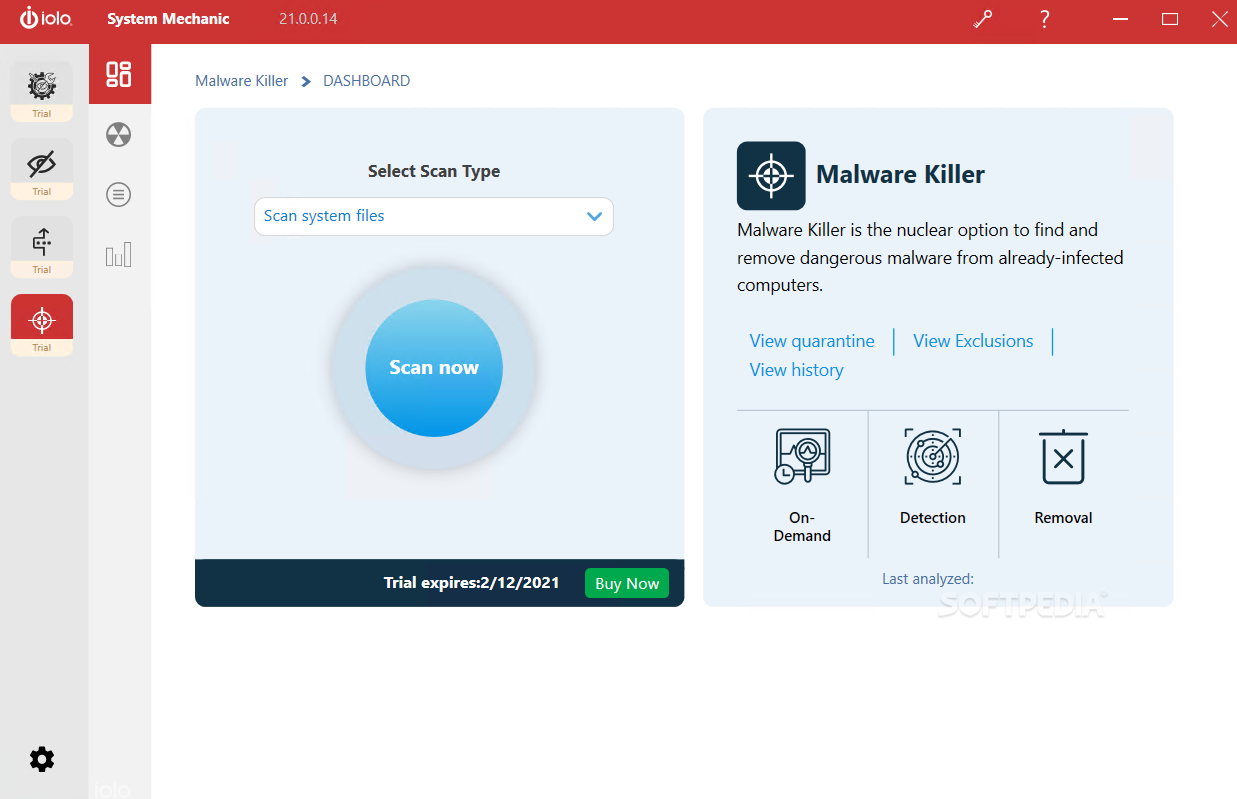
Seeing as the most important features in this app have to do with maintenance, next up is the security system which includes a Firewall, a Privacy Guardian, and Malware Killer. With these three components, one will complete the maintenance side with a security-related one. It's hard to believe that a user might still need to employ another application to complete the experience offered by System Mechanic Pro.
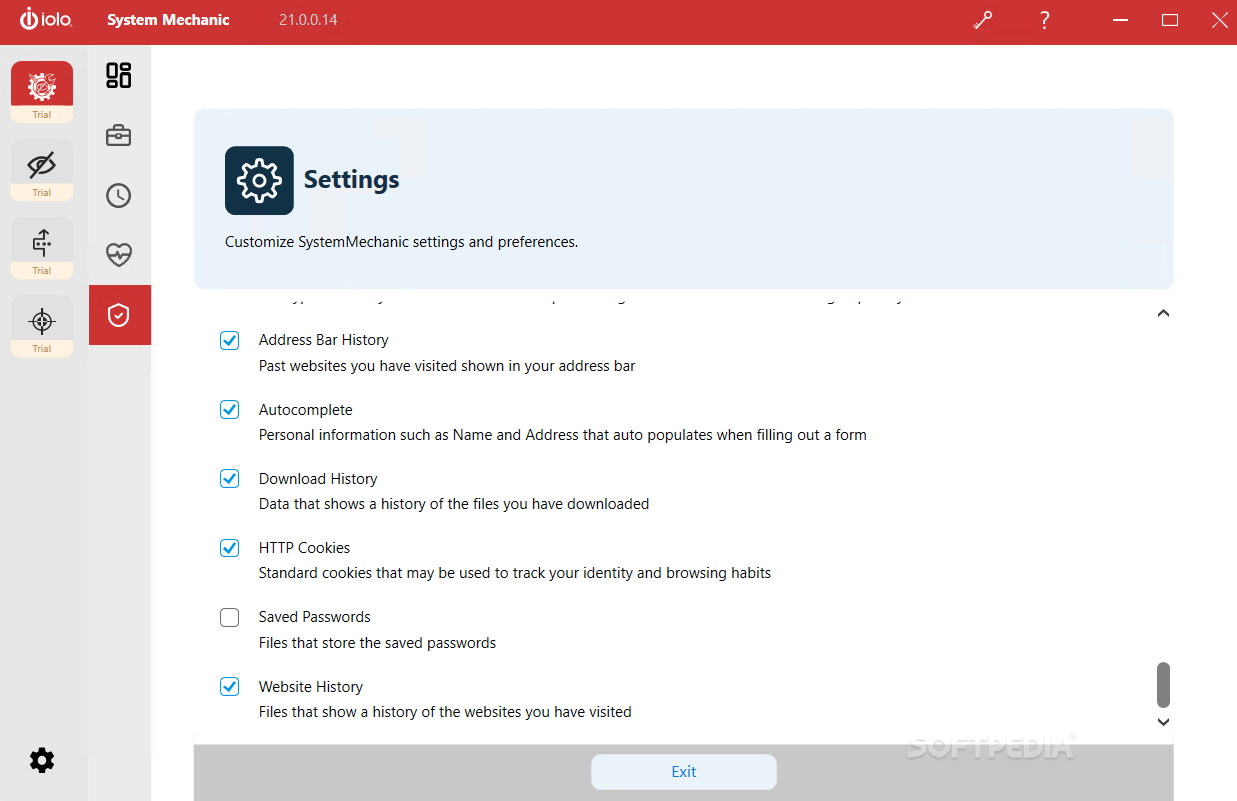
Taking care of your privacy is becoming an important issue nowadays. With the use of a dynamic and adjustable firewall, you'll be able to tweak the limits to what can be accessed by your computer on the internet. Your privacy will not have to suffer with features that allow you to avoid being tracked while browsing the web. Ultimately, if unfortunately, you encounter malware, you can scan, quarantine, and eliminate the threat with the same application.
With System Mechanic Pro, the bottom line is that you get a complete protection package. It offers a suite of utilities to clean and maintain your machine while also offering strong support for removing any threats you might have already encountered. With an automatic malware database that updates itself often, you won't have to worry about catching up to current standards either.
System Mechanic Pro 23.7.2.70
 Softpedia Editor's Pick
add to watchlist
add to download basket
send us an update
REPORT
Softpedia Editor's Pick
add to watchlist
add to download basket
send us an update
REPORT
- runs on:
-
Windows 11
Windows 10 32/64 bit
Windows 8 32/64 bit
Windows 7 32/64 bit - file size:
- 56.2 MB
- filename:
- SystemMechanic_PRO.exe
- main category:
- Tweak
- developer:
- visit homepage
ShareX

7-Zip

Windows Sandbox Launcher

Context Menu Manager

IrfanView

Microsoft Teams

4k Video Downloader

Bitdefender Antivirus Free

calibre

Zoom Client

- Bitdefender Antivirus Free
- calibre
- Zoom Client
- ShareX
- 7-Zip
- Windows Sandbox Launcher
- Context Menu Manager
- IrfanView
- Microsoft Teams
- 4k Video Downloader