
Tweak the appearance, performance and security of your computer by using this easy-to-use, yet powerful and feature-packed software solution. #Windows Tweaker #System Tweaker #Tweak Windows #Tweak #Tweaker #Optimize

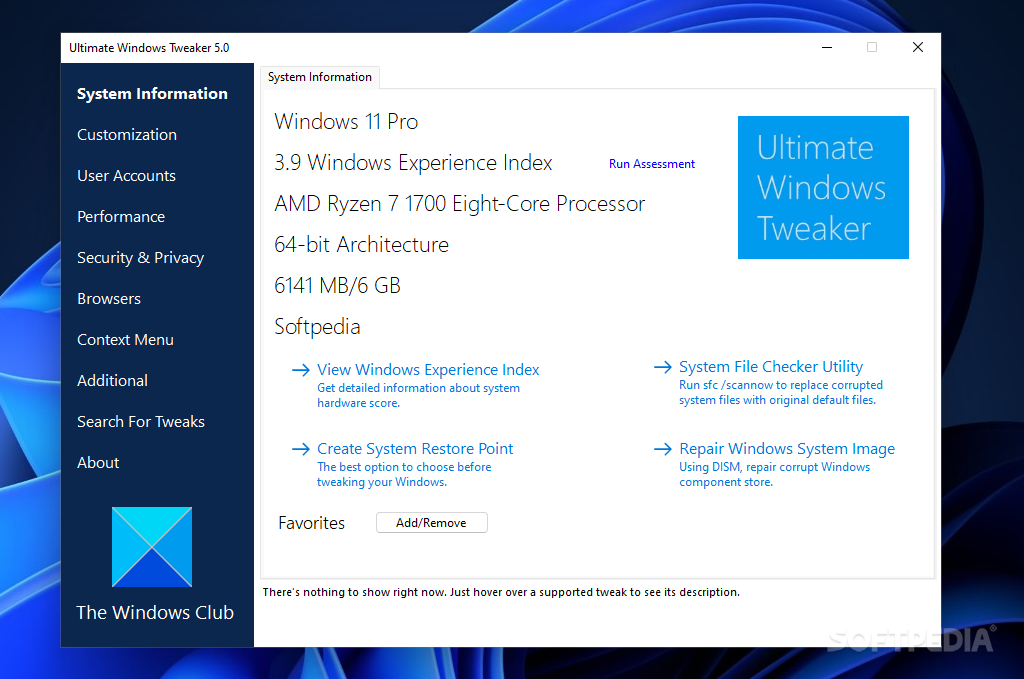
Note: The newest version of Ultimate Windows Tweaker (v5) is available only for Windows 11. For older versions of Windows you should download UWT v4 (Windows 10), UWT v3 (Windows 8) or UWT v2 (Windows 7 and Vista), which are also available on this page.
Ultimate Windows Tweaker is a tiny software which allows you to customize your operating system. This is a portable product, since it doesn't require installation and leaves your Windows registry keys intact. You can place Ultimate Windows Tweaker on an external device and run it on any computer.
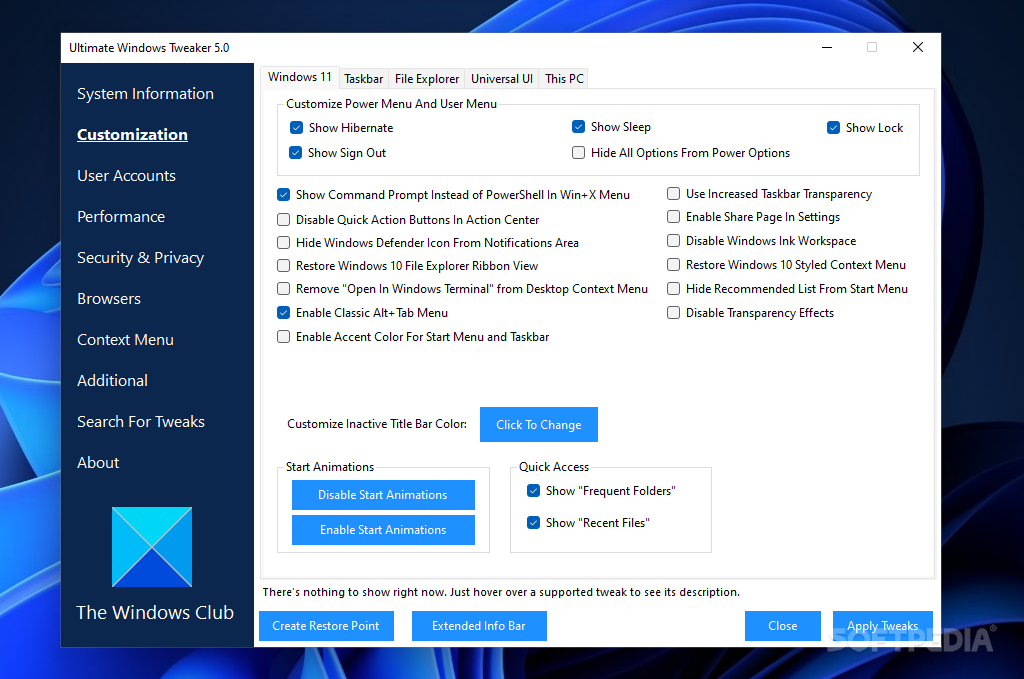
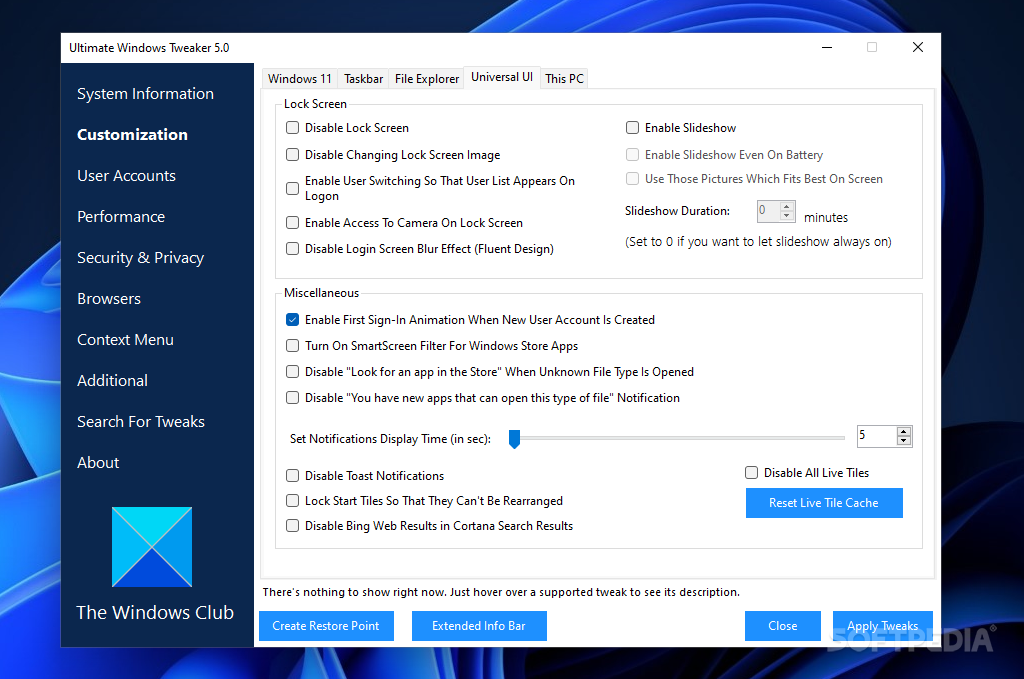
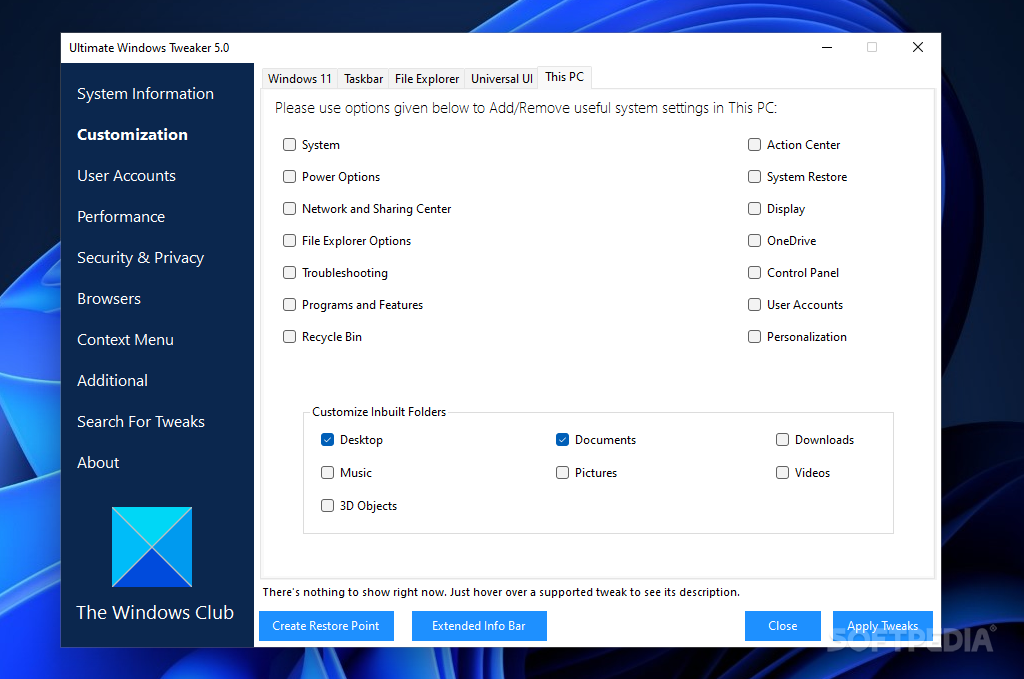
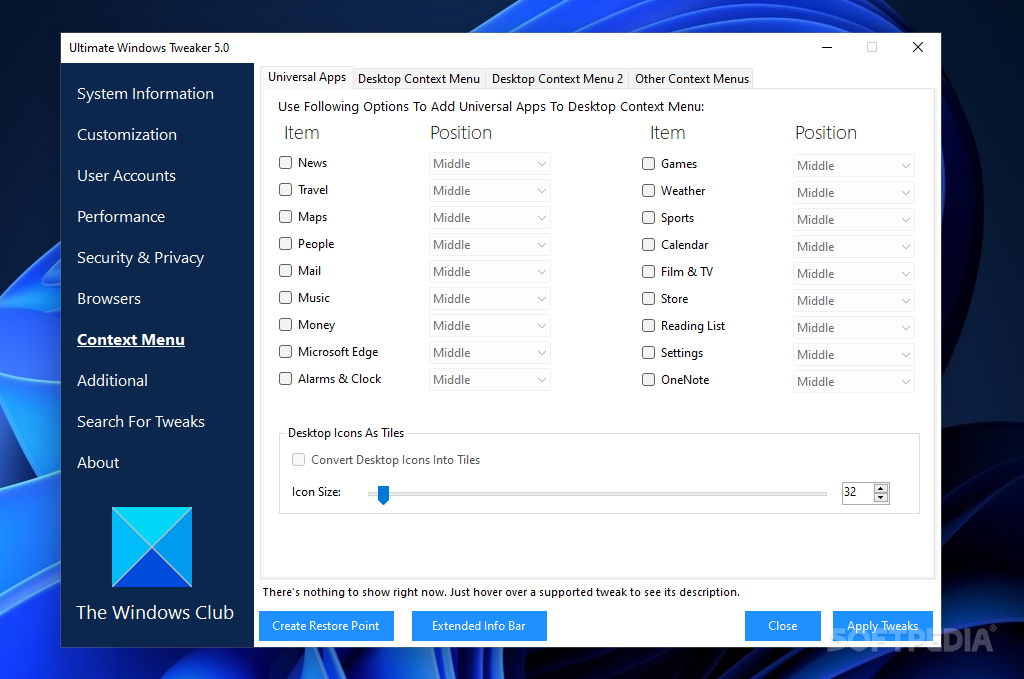
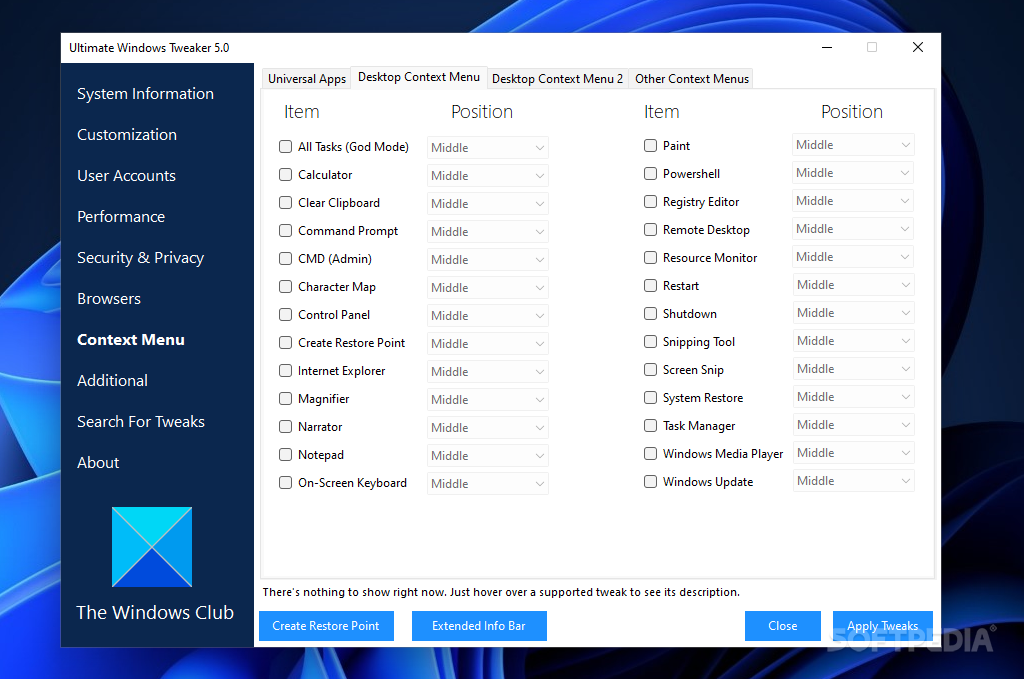
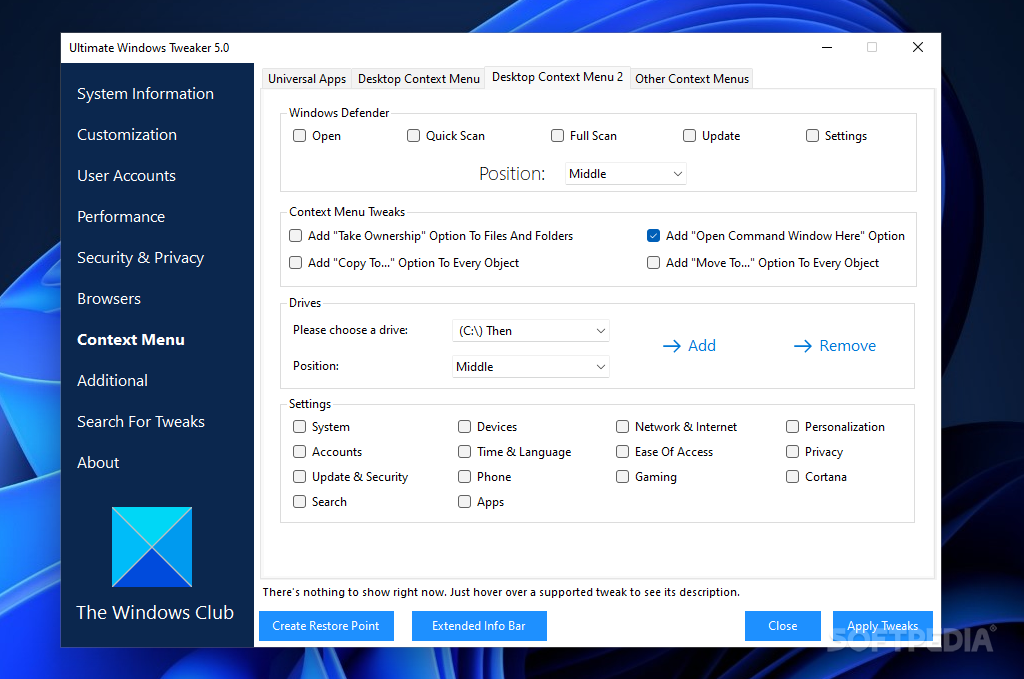
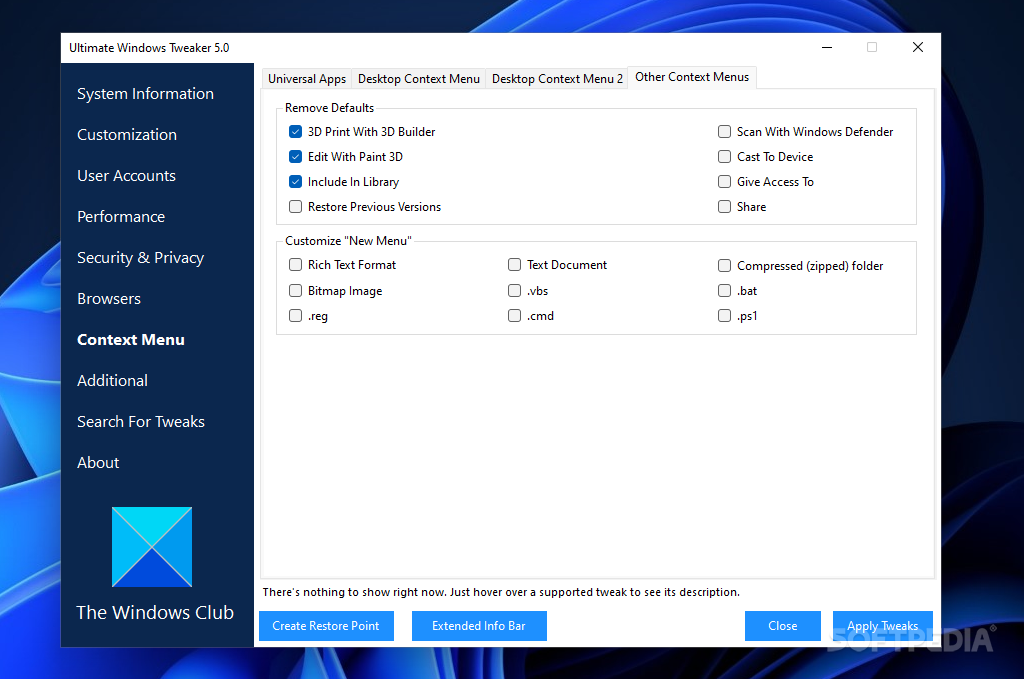
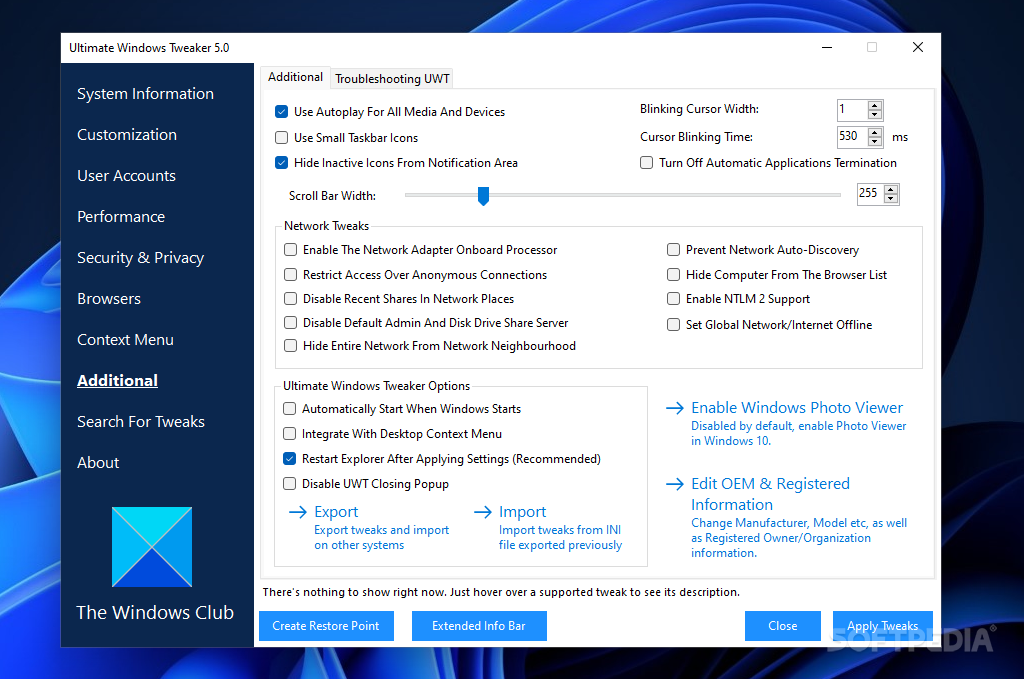
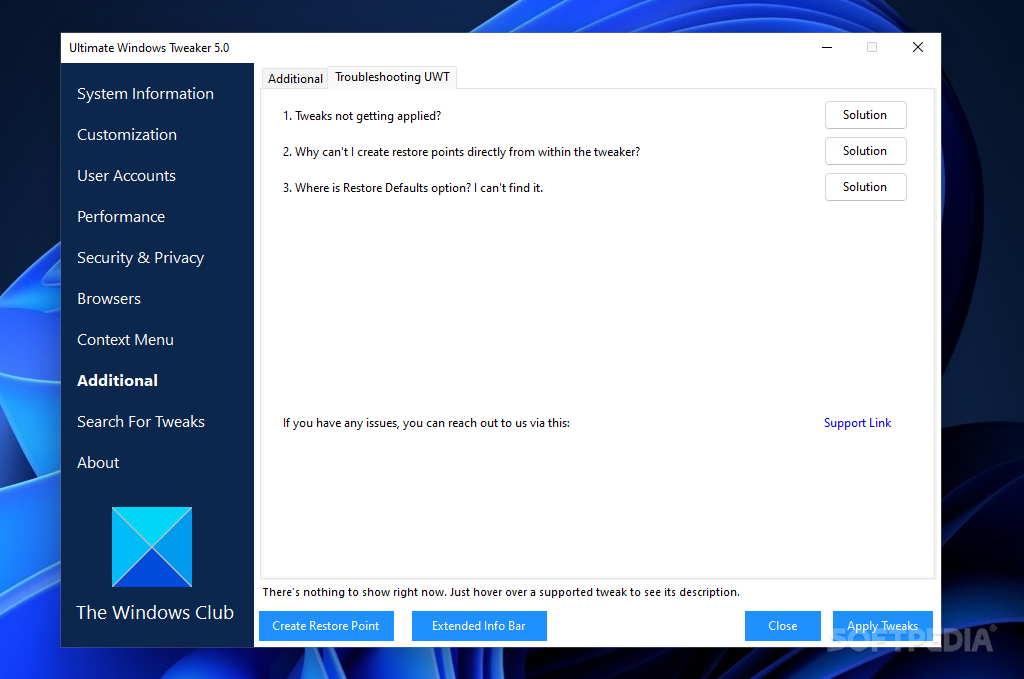
The user interface of the program consists of a plain and simple window in which you can access options that revolve around personalization, user account, system performance, security settings, network tweaks, Internet Explorer, and others.
In the first tab you can view system information on your computer (Windows edition, system and computer user, name and domain settings).
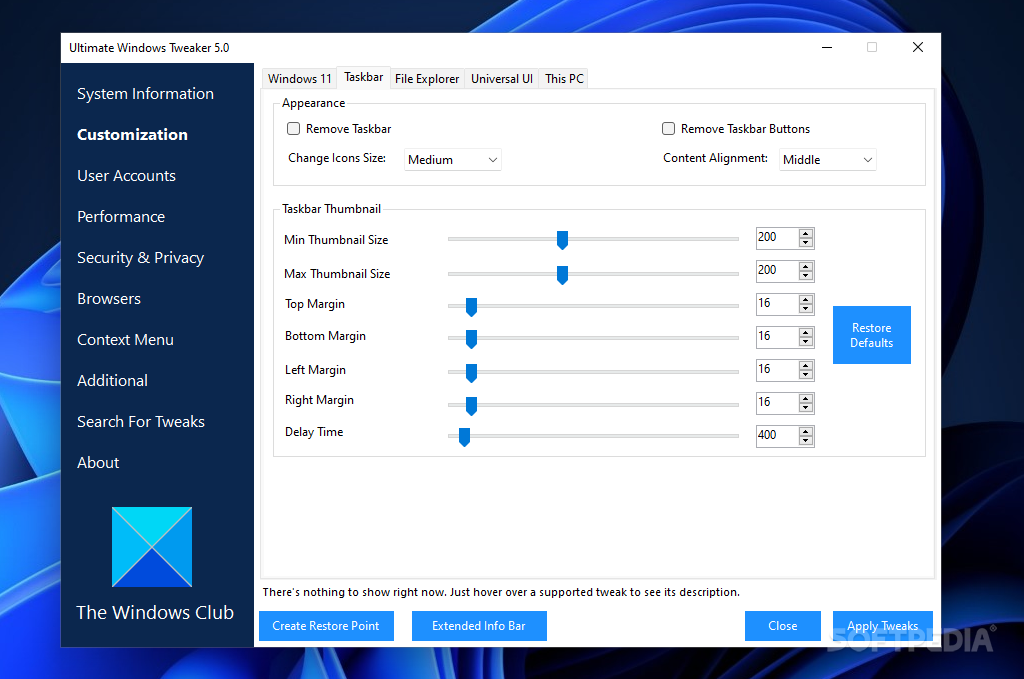
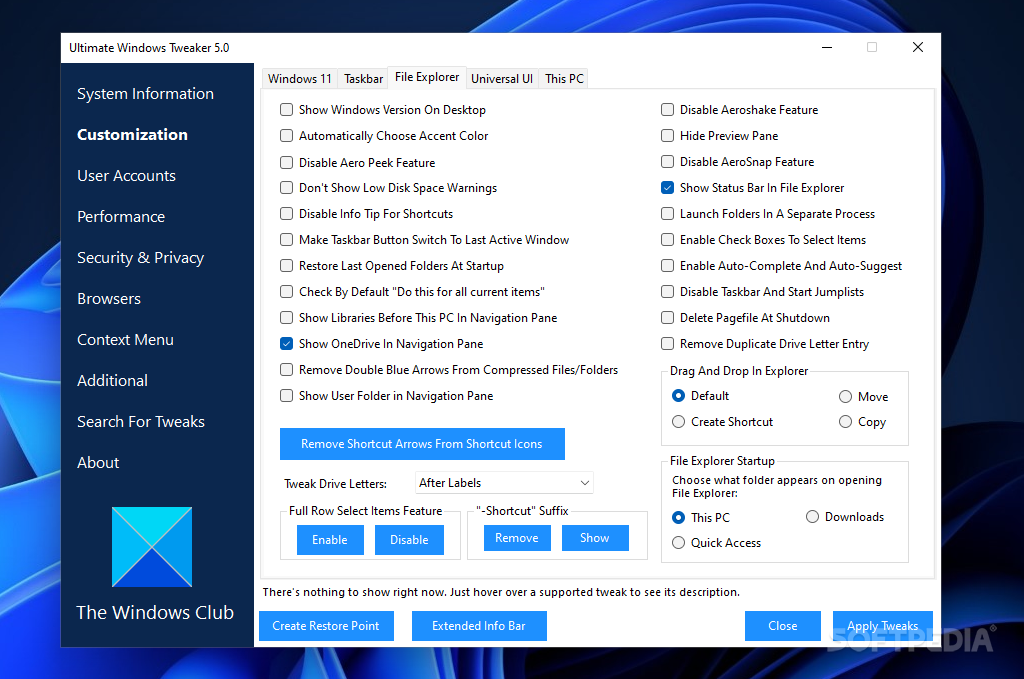
Before making any changes, it is highly recommended you create a checkpoint. You can configure Windows Explorer (e.g. disable full row select items), the start menu (e.g. disable context menus) and the taskbar appearance (e.g. disable balloon tips).
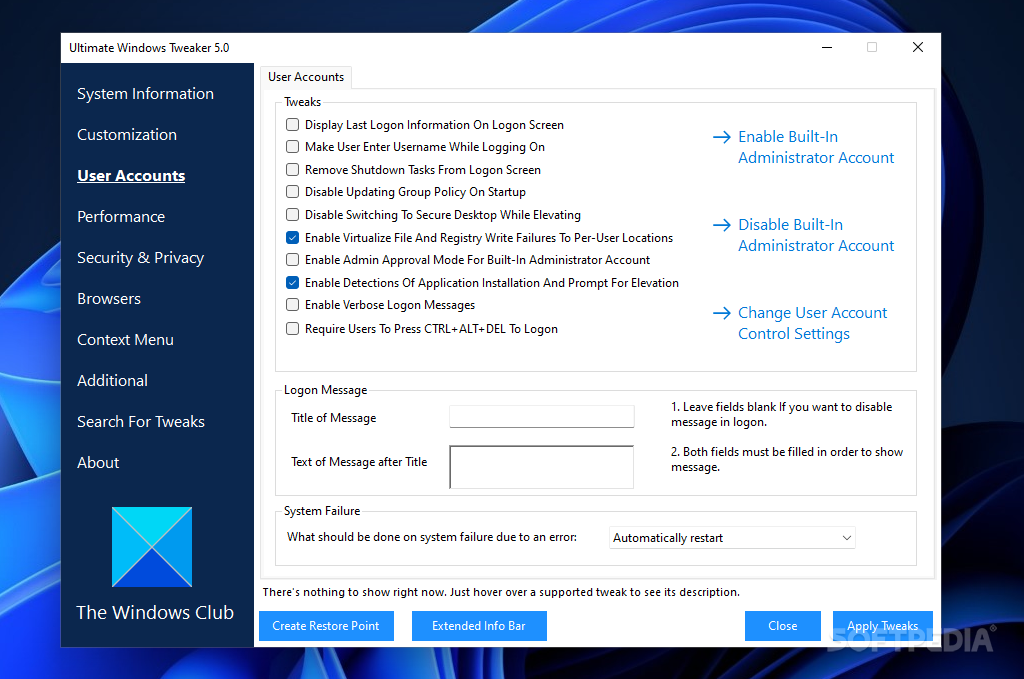
You can also make welcome screen tweaks (e.g. enable verbose status message) and change options in User Account Control (e.g. enable admin approval mode for the built-in administrator account).
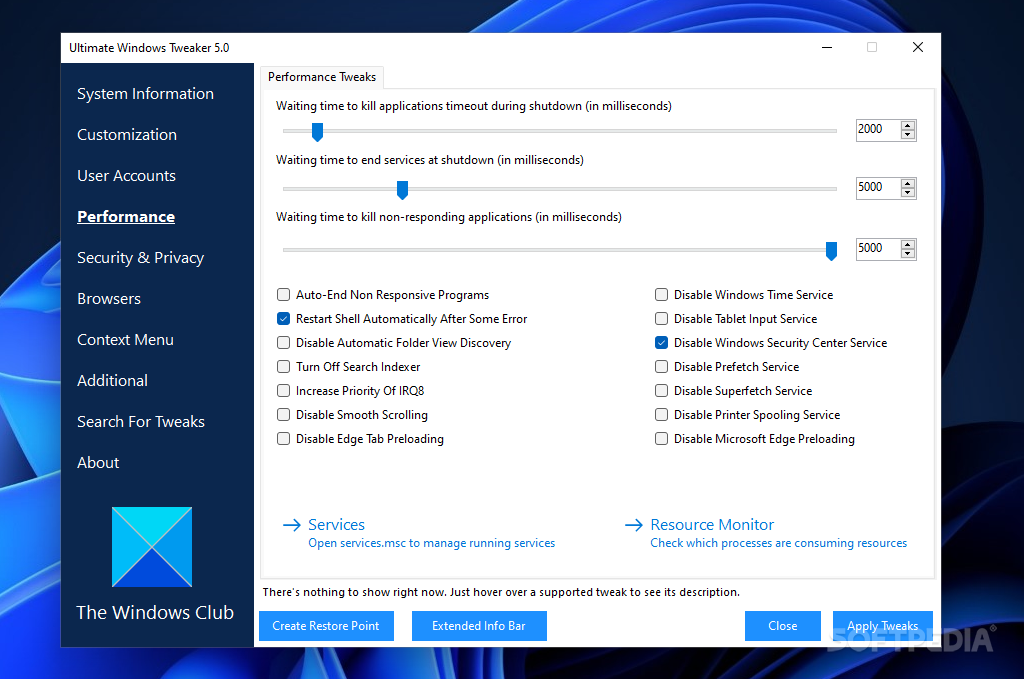
You can adjust the waiting time to end services at the shutdown process, to kill non-responding applications and to stop applications timeout during shutdown, as well as make system performance tweaks (e.g. auto-end non-responding applications) and service optimizations (e.g. disable Superfetch).
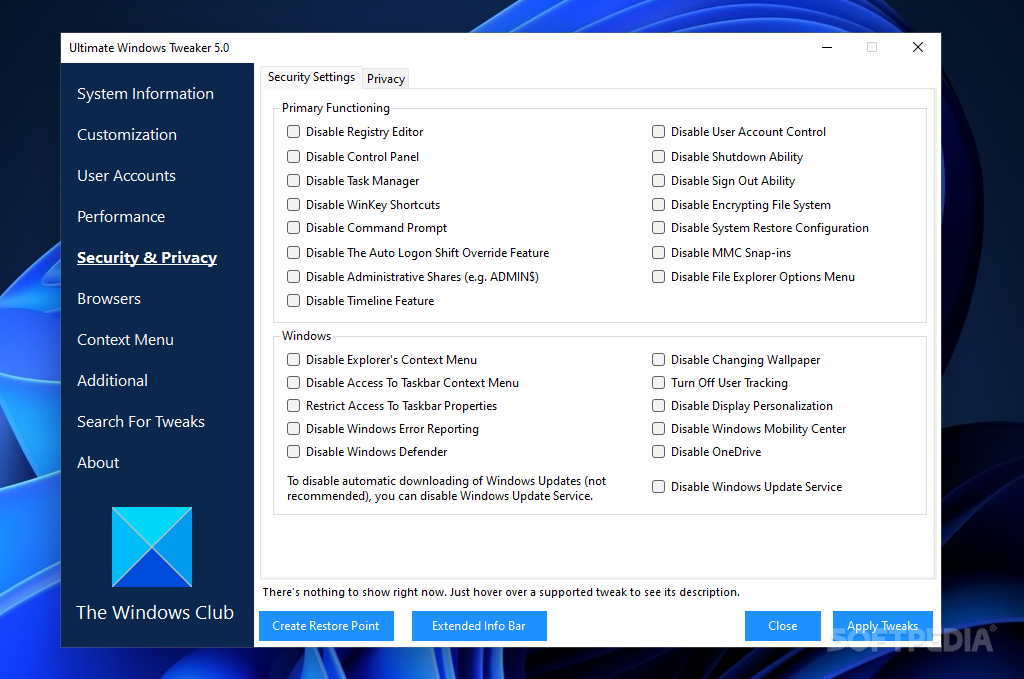
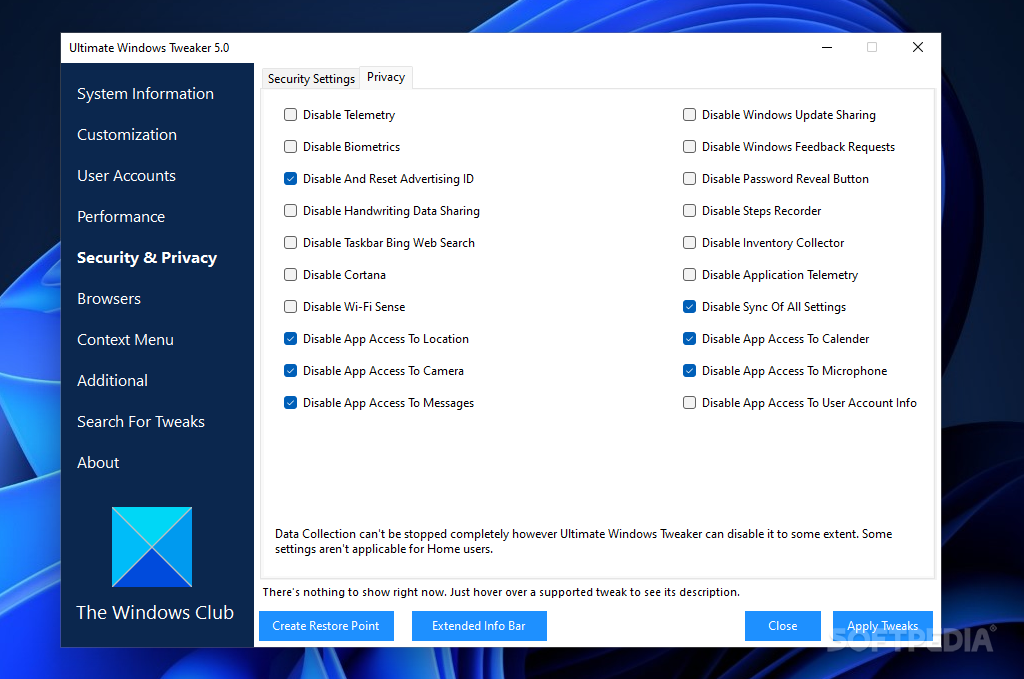
You can make administrative restrictions (e.g. disable Registry Editor ), Windows Explorer restrictions (e.g. disable Folder Options), Windows apps' restrictions (e.g. disable Windows Media Center) and configure Windows Update settings (e.g. disable all Windows Updates).
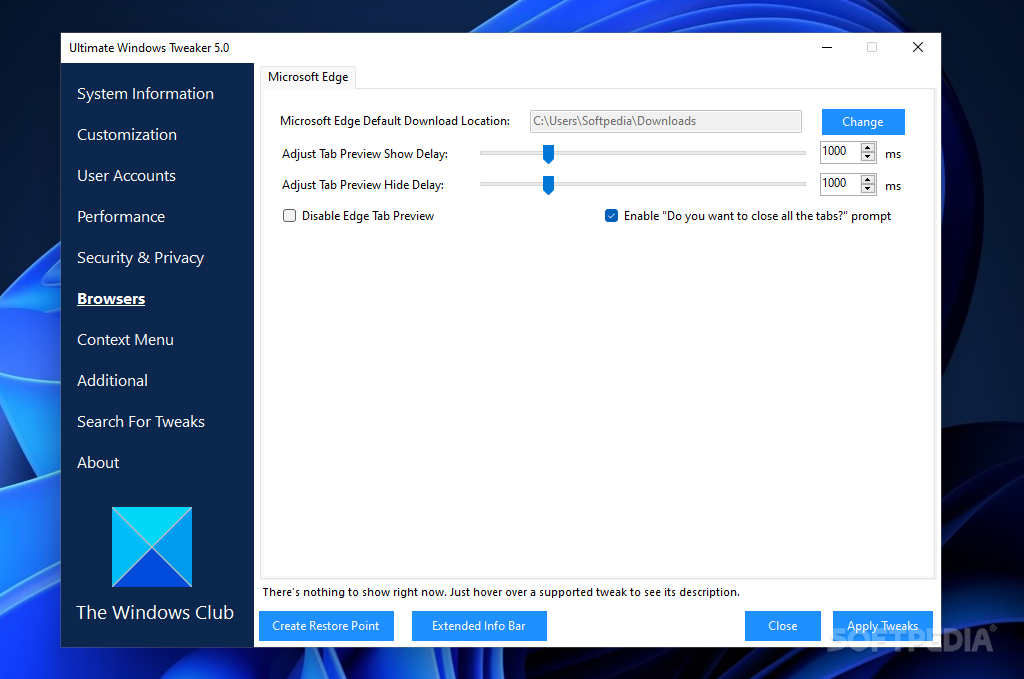
Moreover, you can configure the network security (e.g. hide your server or workstation from the general browser list), bandwidth optimization, tab settings and advanced configuration in Internet Explorer, disable hibernation, set Windows registration information, and more.
The program uses a low amount of system resources and you can reset settings to default at any time. There is no help file available, but Ultimate Windows Tweaker is very easy to work with.
Ultimate Windows Tweaker 5.1.0.0
add to watchlist add to download basket send us an update REPORT- PRICE: Free
- runs on:
-
Windows 11
Windows 10 32/64 bit
Windows 8 32/64 bit
Windows 7 32/64 bit
Windows Vista 32/64 bit - file size:
- 219 KB
- filename:
- UWT5.zip
- main category:
- Tweak
- developer:
- visit homepage
Microsoft Teams

calibre

Context Menu Manager

IrfanView

7-Zip

4k Video Downloader

Zoom Client

ShareX

Windows Sandbox Launcher

Bitdefender Antivirus Free

- ShareX
- Windows Sandbox Launcher
- Bitdefender Antivirus Free
- Microsoft Teams
- calibre
- Context Menu Manager
- IrfanView
- 7-Zip
- 4k Video Downloader
- Zoom Client