
Scan your computer for errors and corrupted files, optimize your system by repairing all issues and keep your PC in top shape at all times. #System Repair #Registry Cleaner #Change Permission #Optimize #Repair #Restore

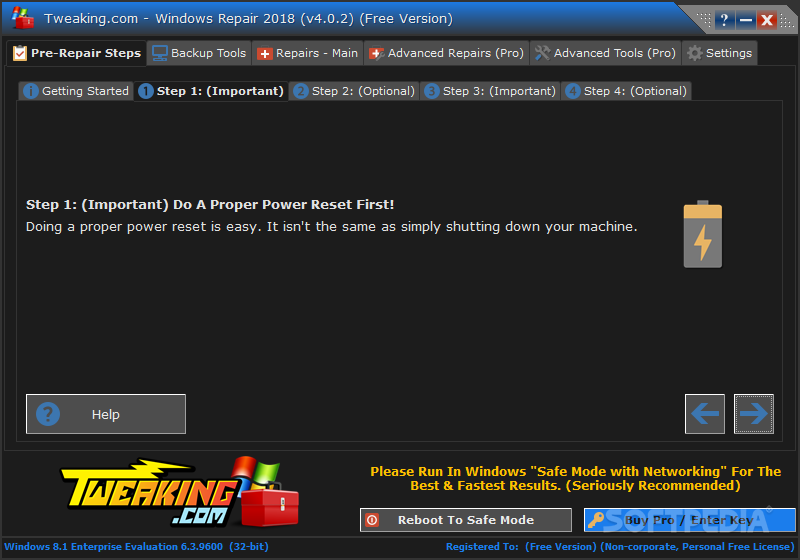
If you're trying to solve some Windows problems and you could not find a tool that works, Windows Repair might have what it takes to do the job. The application has been developed to solve some common Windows problems, but the way it does it is really unique.
To make sure users are on the safe side all the time, the program has been developed as a wizard, so users just need to follow some steps to repair the Windows errors.
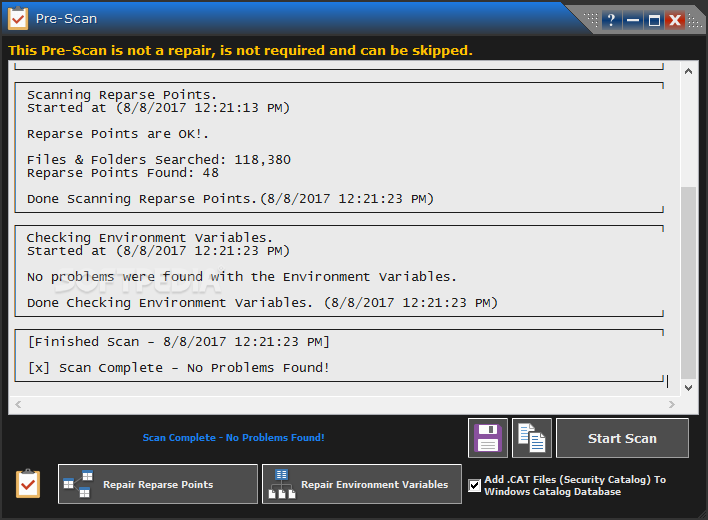
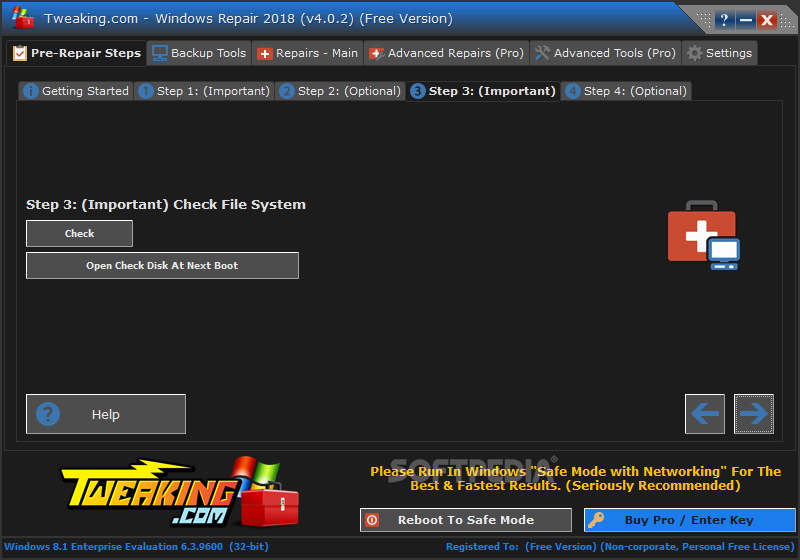
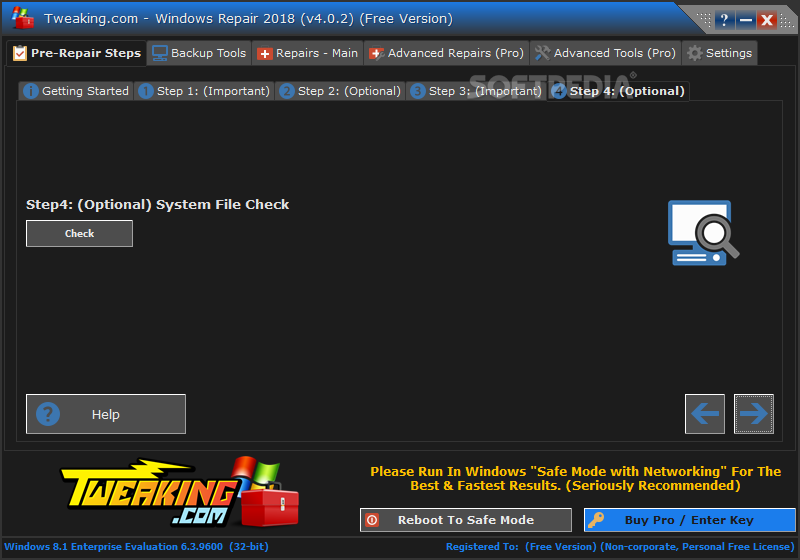
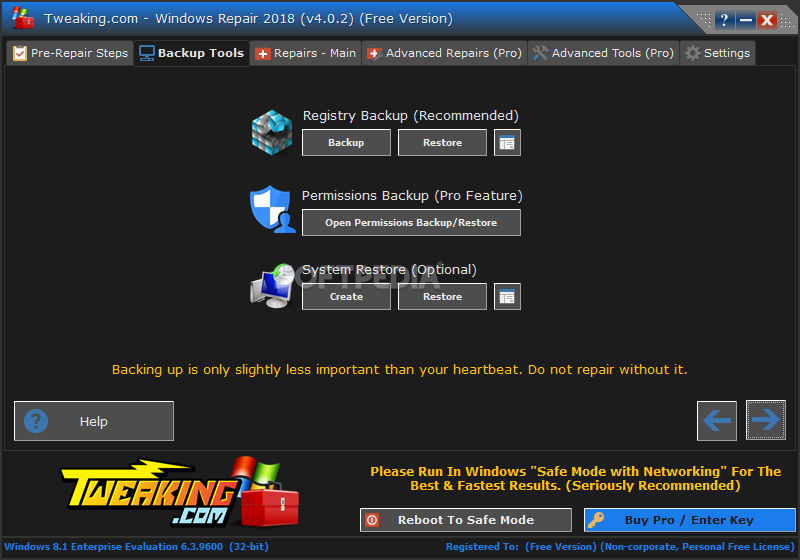
Only that four of the five steps included in the app are actually designed to prepare you for the repairing process, so each time you're advised to either clean your system in case any infection exists on the local disks, check file system or create a backup.
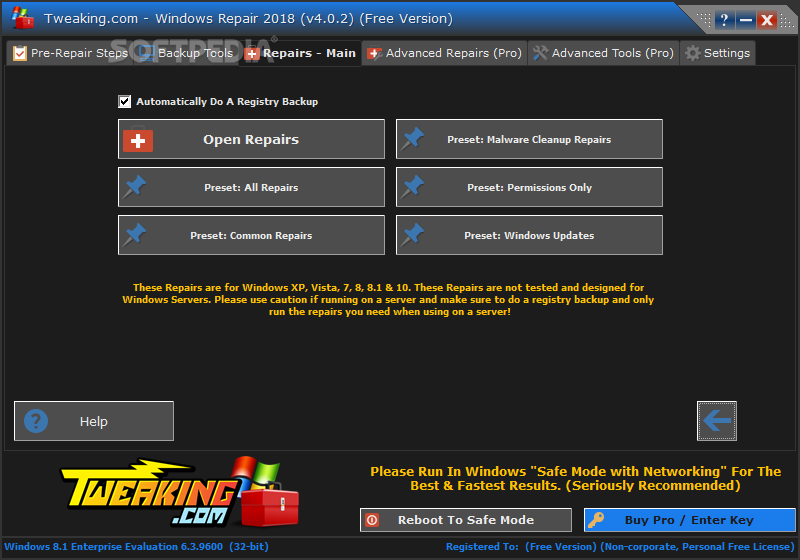
The last and the most important step provides a total of three Windows repair modes, namely basic, advanced and custom.
While the basic mode runs only basic repair options and the advanced one comes with more complicated utilities, the custom version lets you pick exactly the things you need to fix.
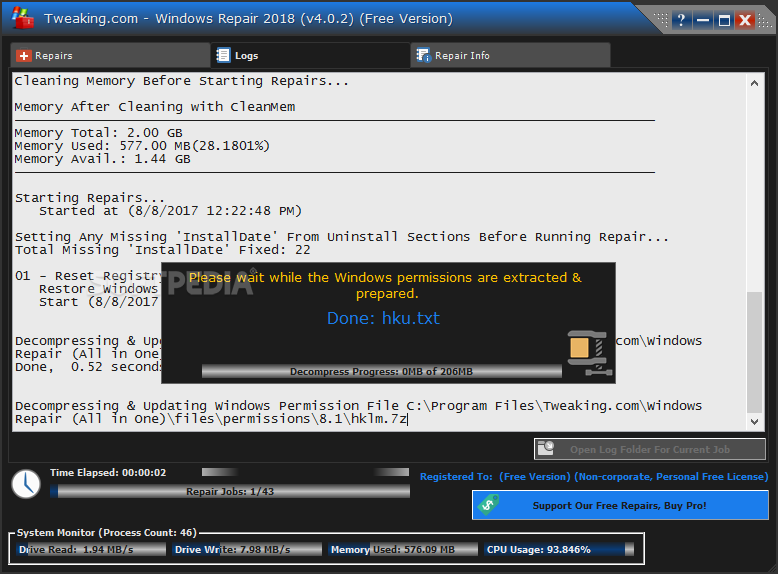
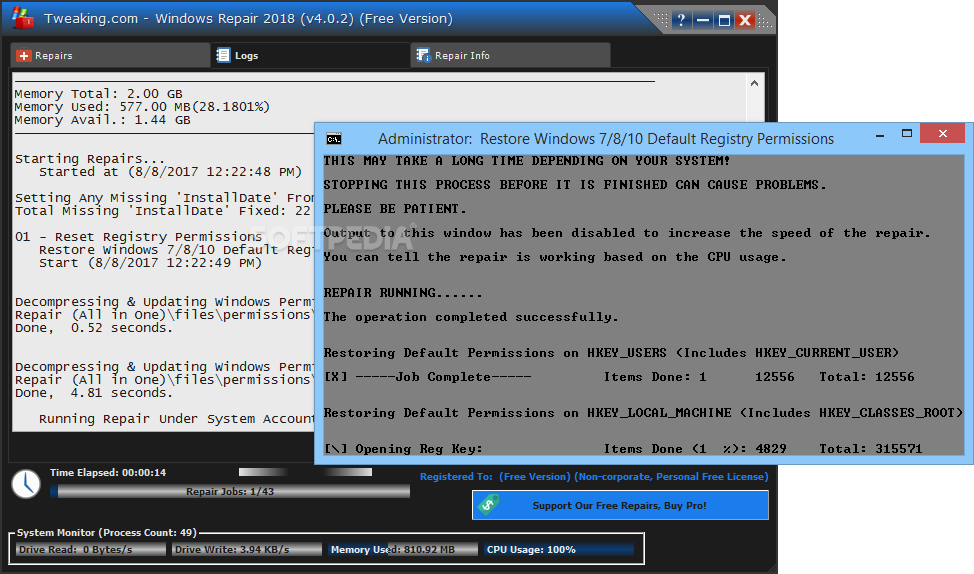
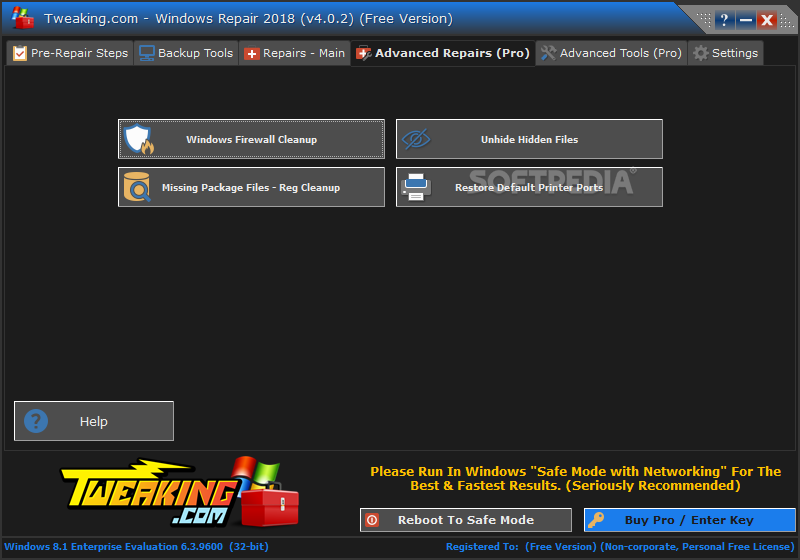
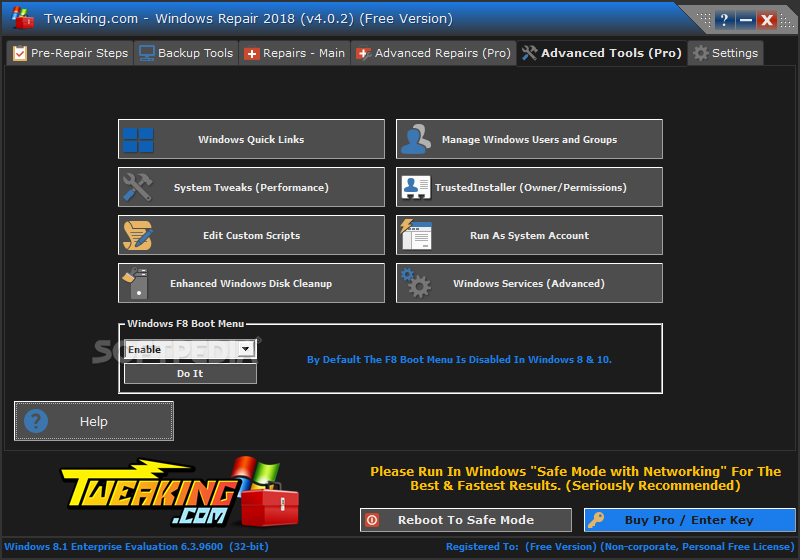
For example, you're allowed to reset registry and file permissions, repair Windows Firewall, Internet Explorer and the HOSTS file, fix icons, proxy settings, Windows Updates and Windows Sidebar, remove temporary files, unhide non-system files, register system files or set Windows services to default startup.
Although it may sound like a waste of time, it's crucial to create a backup before attempting to fix certain errors, just to be sure no harm could be done to your system.
Simply put, Windows Repair is an easy to use and effective utility that serves its purpose in a way that makes it appropriate for all types of users.
What's new in Windows Repair 2021 (4.14.0):
- Updated default registry and file permissions for Windows 10 and 11 as of June 1st, 2023.
Windows Repair 2021 (4.14.0)
add to watchlist add to download basket send us an update REPORT- portable version
- Portable Windows Repair
- runs on:
-
Windows 11
Windows 10 32/64 bit
Windows 8 32/64 bit
Windows 7 32/64 bit
Windows Vista 32/64 bit
Windows XP 32/64 bit - file size:
- 55.4 MB
- filename:
- tweaking.com_windows_repair_aio_setup.exe

- main category:
- Tweak
- developer:
- visit homepage
ShareX

Zoom Client

Context Menu Manager

calibre

IrfanView

7-Zip

4k Video Downloader

Bitdefender Antivirus Free

Microsoft Teams

Windows Sandbox Launcher

- Bitdefender Antivirus Free
- Microsoft Teams
- Windows Sandbox Launcher
- ShareX
- Zoom Client
- Context Menu Manager
- calibre
- IrfanView
- 7-Zip
- 4k Video Downloader