Softpedia
 

WINDOWS CATEGORIES:


GLOBAL PAGES >>
SOFTPEDIA REVIEWS >>
MEET THE EDITORS >>

WEEK'S BEST

  • DAEMON Tools Pro (...
  • FlashFXP [ DISCOUN...
  • PowerISO 4.9
  • WebcamMax [DISCOUN...
  • Zemana AntiLogger ...
  • System Mechanic Pr...
  • Glary Utilities Pr...
  • All My Movies [DIS...
  • Ad-Aware Internet ...
  • Atlantis Word Proc...
  • Home > Windows > Tweak > System Tweak
     Report malware

    WinUtilities Professional Edition 10.41

    Softpedia Pick Award
    download button

    Part of the System Tweak download hub (+3 others)
    Downloads: 137,307  View global page  Tell us about an update
    User Rating:
    Rated by:
    Very Good (4.3/5)
    337 user(s)
    Developer:

    License / Price:

    Size / OS:

    Last Updated:

    Category:

    Ad-supported / USD 49.99 buy button
    6.7 MB / Windows All
    [view history]
    C: \ Tweak \ System Tweak

     Read user reviews (12)  Send to friend   Follow (9 users)

    EDITOR'S RATING

    Softpedia Editor's Review for WinUtilities Professional Edition

    A collection of tools to optimize your system performance

    Written by Bogdan Popa on November 2nd, 2011

    Optimizing system performance should be done by every beginner or power user out there and although it’s sometimes harder than initially thought, there are a lot of software solutions there to help you in this regard.

    WinUtilities Professional Edition is one of the best tools of its kind and seems to include exactly the things you’ll need when trying to clean up the computer and optimize it for the best performance.

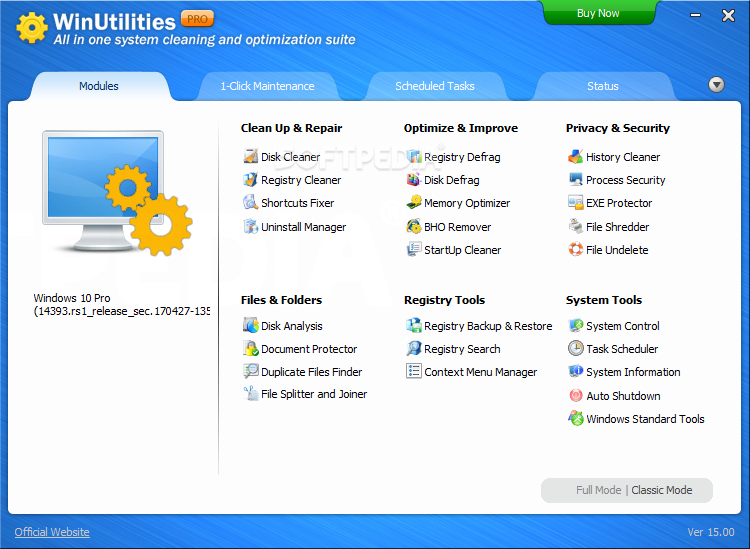
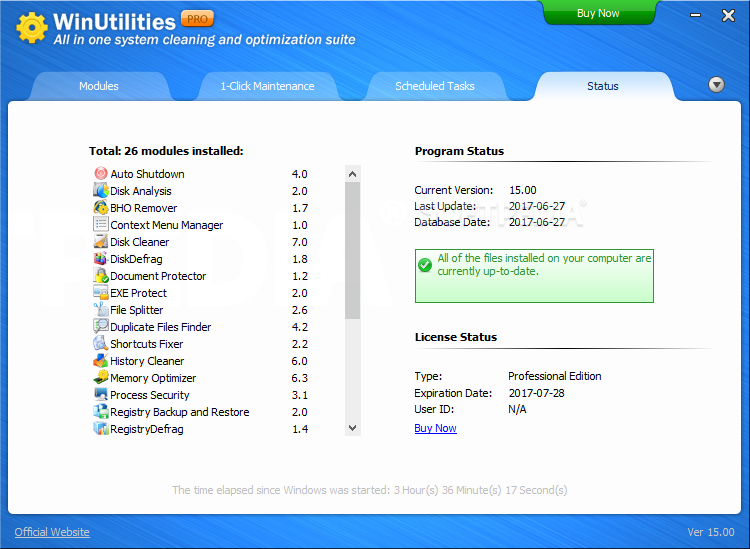
    The application has an impressive interface, with every feature nicely organized in the main window.

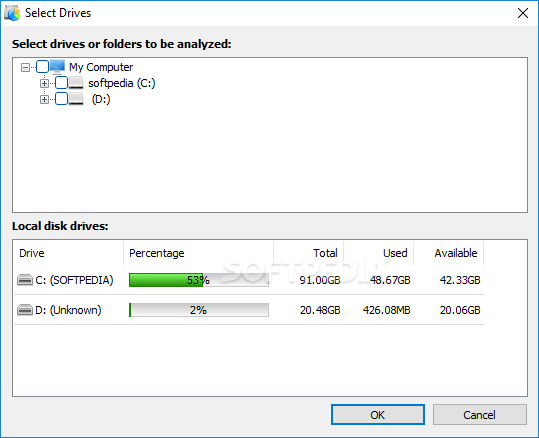
    Clicking on each of them opens a new window in which you’re prompted to select the drives or the elements you wish to be scanned either for fixing issues or for improving certain settings.

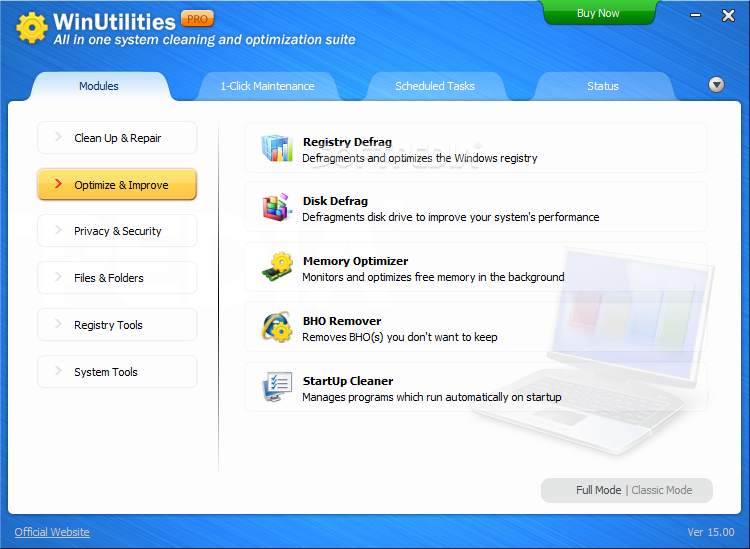
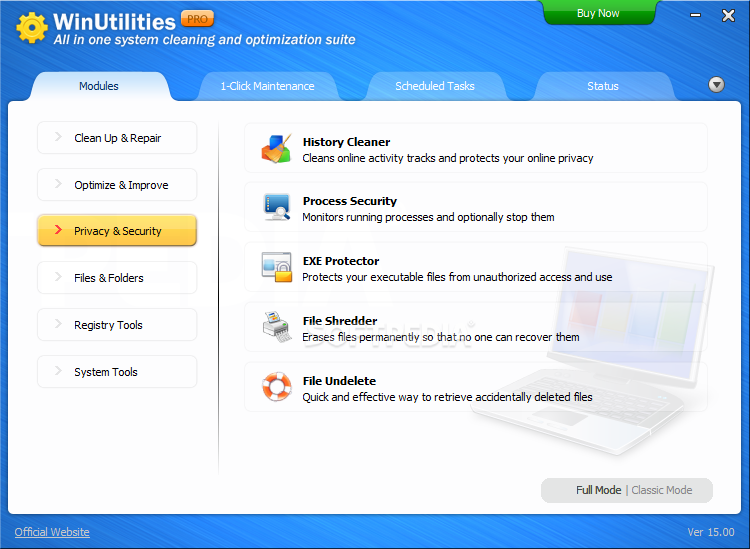
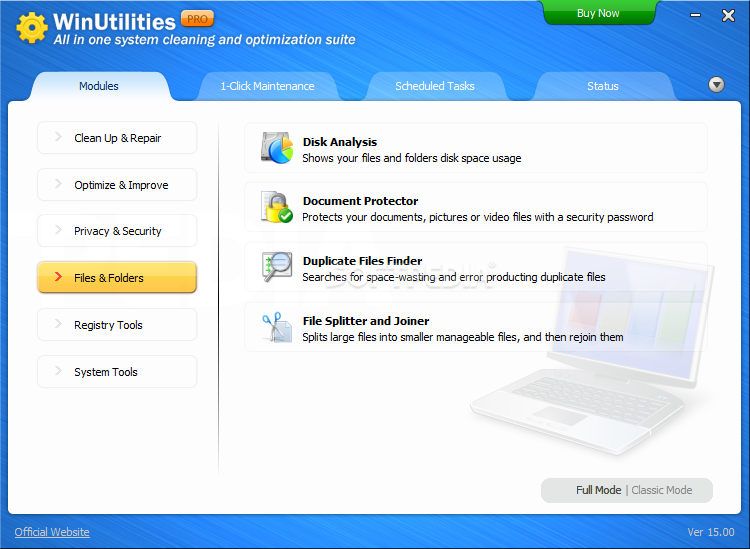
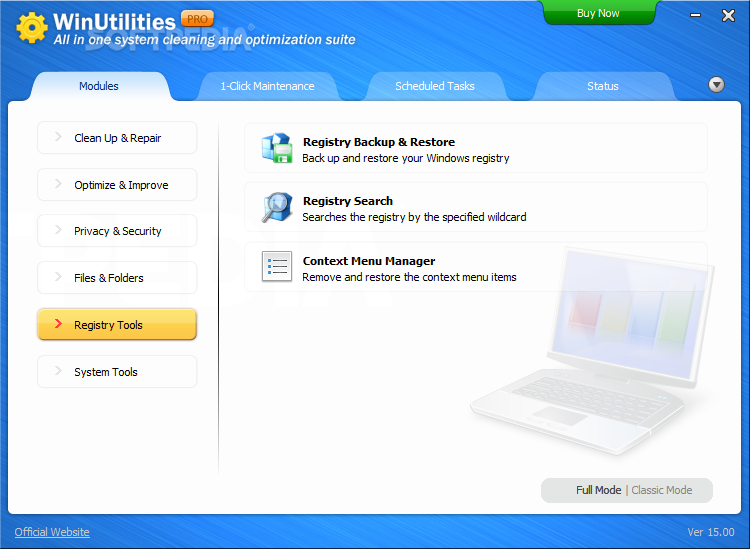
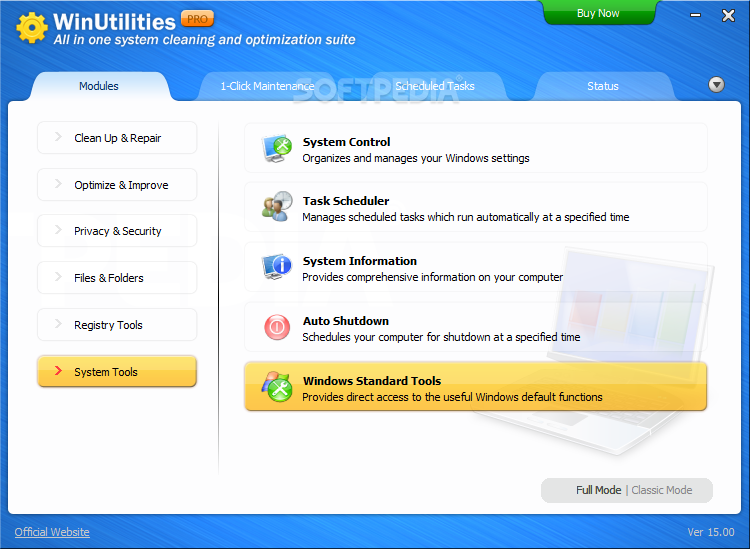
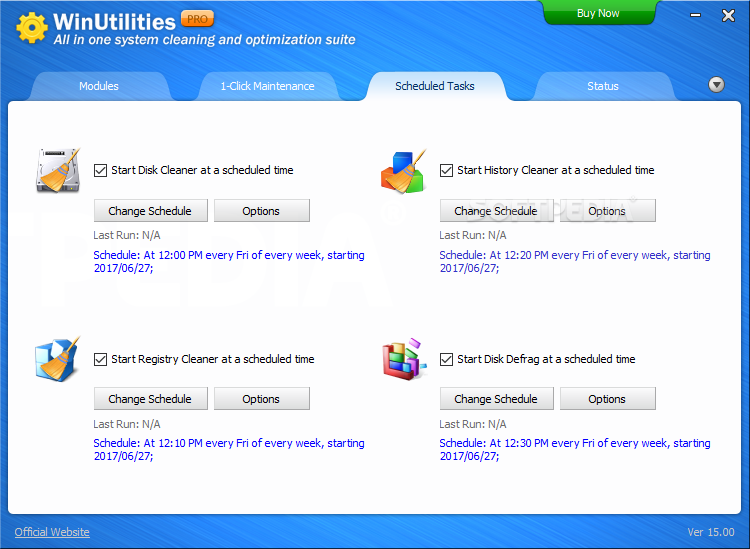
    Besides the main cleaning and repairing operations, WinUtilities Professional Edition is also capable of optimizing the system for performance, enhancing privacy and security, controlling windows and folders, working with the Windows registry and scheduling tasks.

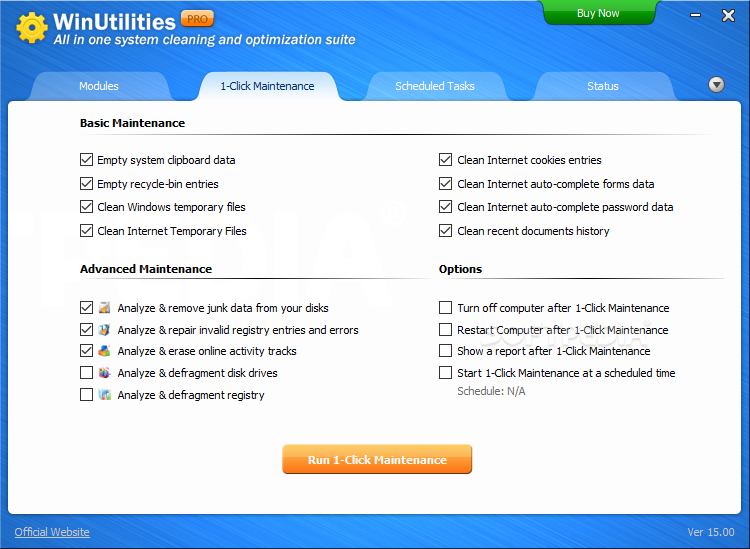
    One of the most useful features in the whole package is called 1-Click Maintenance and includes most of the enhancements that can be done on your computer, such as cleaning Internet cookies or temporary files, Recycle Bin entries, removing junk data and fixing invalid registry entries.

    It took less than a minute during our test and leaving the placebo effect aside, it seems like our testing machine is indeed faster now.

    All things considered, WinUtilities Professional Edition is one of the greatest tools to optimize and clean the computer and don’t be scared of its price, it’s just the money you have to spend to be sure everything’s right on your machine.


    Read an in-depth analysis in our professional review for WinUtilities Professional Edition

    WinUtilities Professional Edition description

    Here are some key features of "WinUtilities Professional Edition":

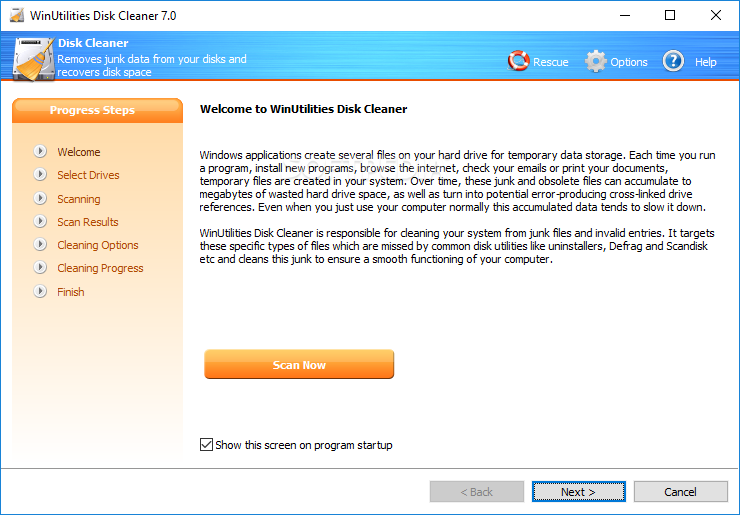
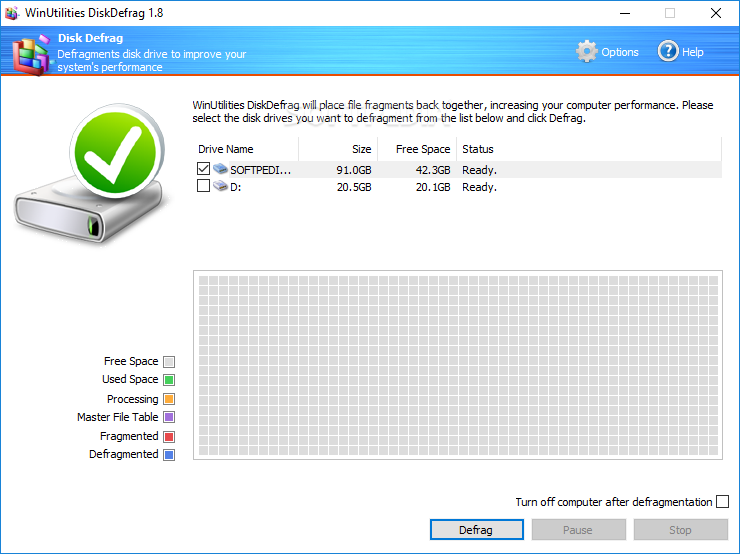
    · Disk Cleaner - Cleans disks from information that clogs your system and reduces the performance of your computer.
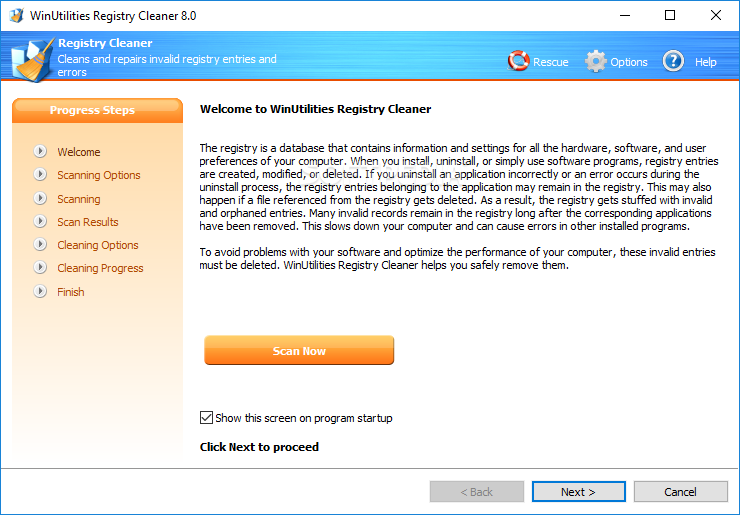
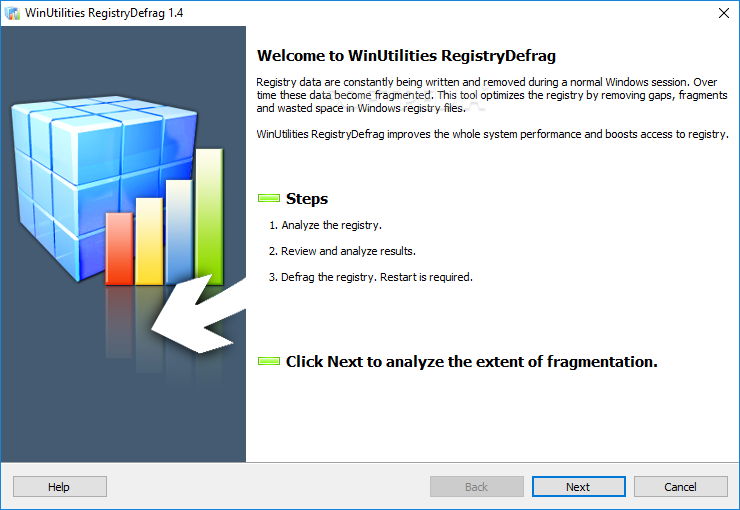
    · Registry Cleaner - Scans the Windows registry and finds incorrect or obsolete information in the Windows Registry.
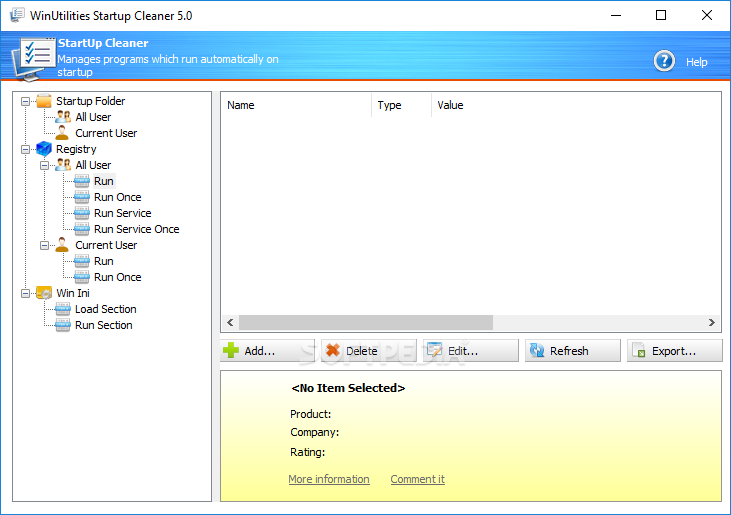
    · Startup Cleaner - Helps you to easily manage program execution at windows startup.
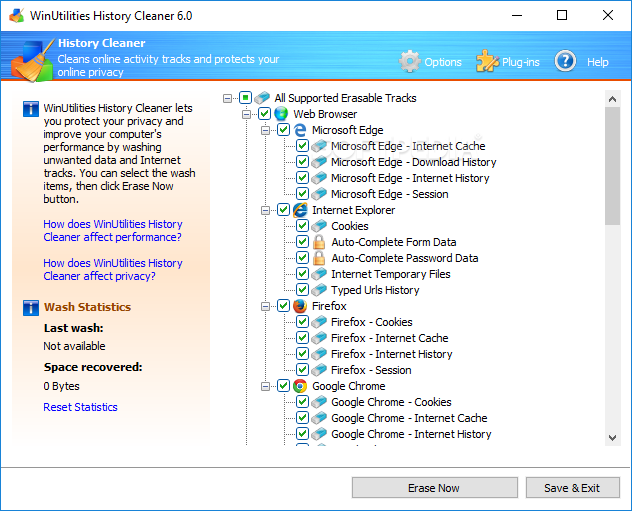
    · History Cleaner - Erases all traces of activity on your computer, save spaces and protect your privacy.
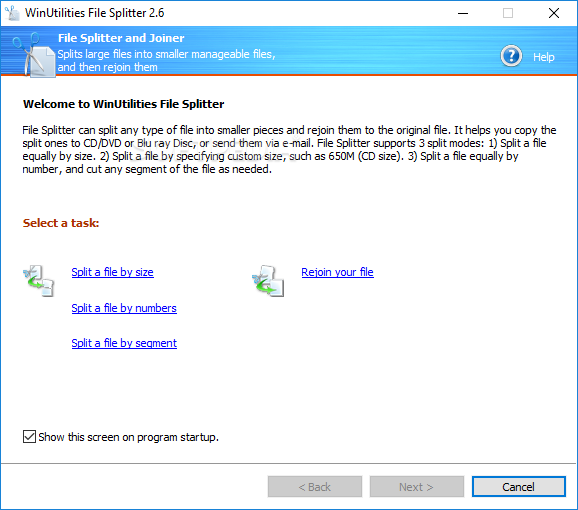
    · File Splitter - Splits any type of file into smaller pieces and rejoin them to the original file.
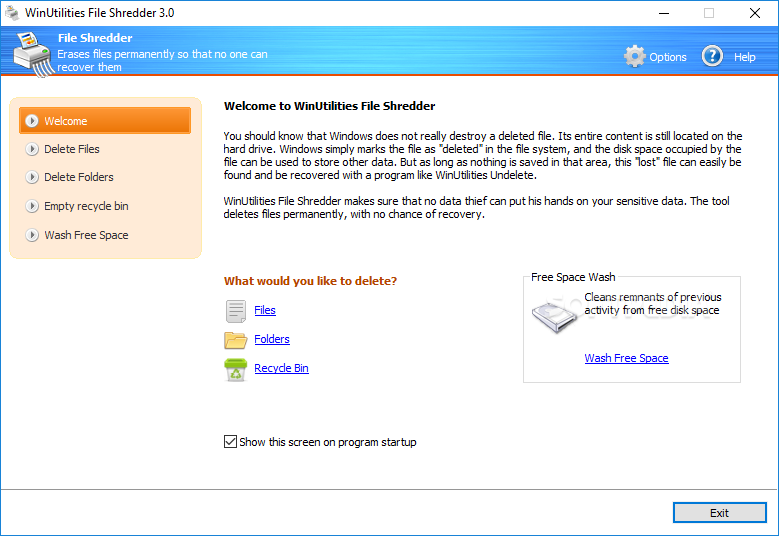
    · File Shredder - Erases files and make sure that no data thief can get his hands on your sensitive data.
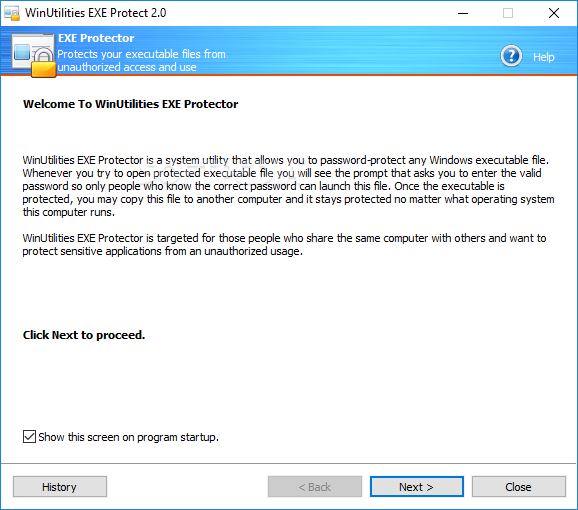
    · EXE Protector - Protects any Windows executable file with a secure password.
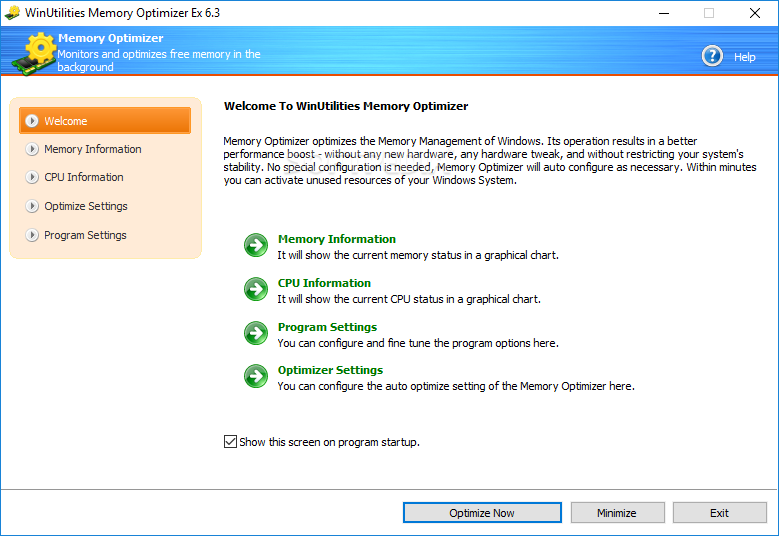
    · Memory Optimizer - Optimizes the Memory Management of Windows. No special configuration is needed, Memory Optimizer will auto configure itself.
    · Duplicate Files Finder - Helps you to free disk space by finding and removing duplicate files from your system.
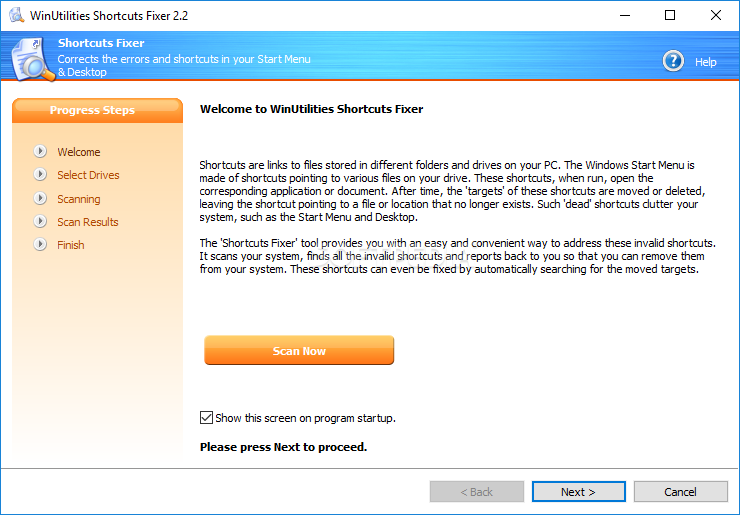
    · Shortcuts Fixer - Provides you with an easy way to address the invalid shortcuts and reports back to you so that you can remove it from your system.
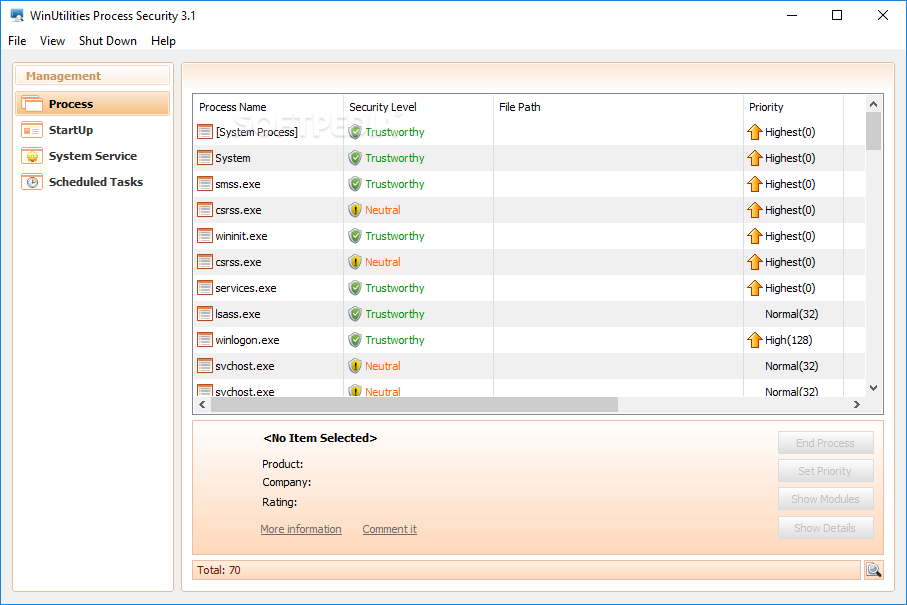
    · Process Manager - Allows you to check your system's performance and manage the running processes.
    · Uninstall Manager - Manages the programs installed on your system and uninstall unneeded software.
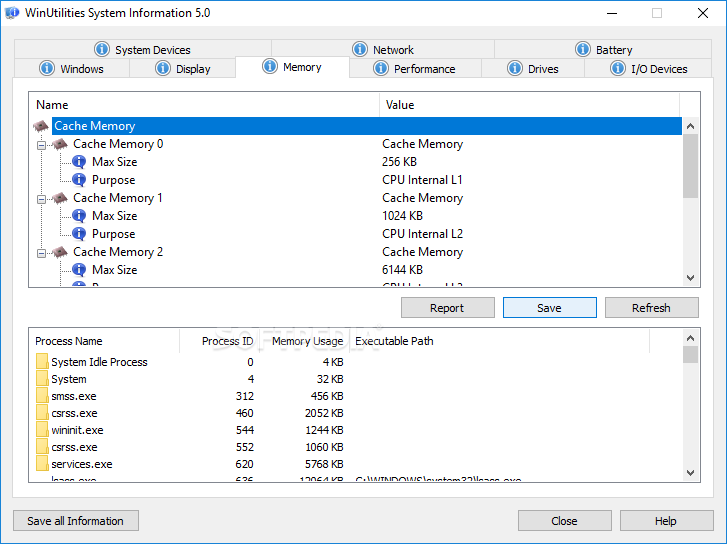
    · System Information - Shows you the detailed information for your computer hardware and software.
    · Registry Backup&Restore - Back up and restore the Windows Registry.
    · Registry Search - Searchs the Windows Registry by a specific wildcard. then you can delete or export them.
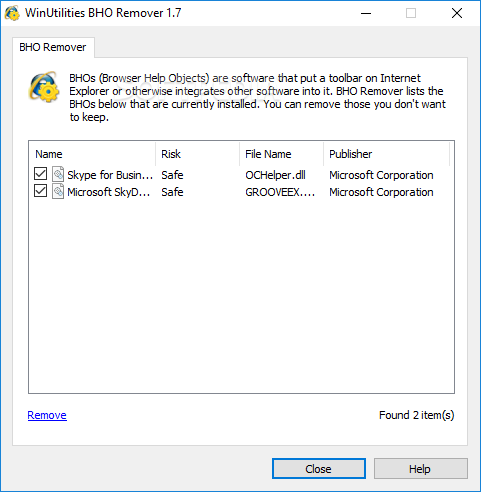
    · BHO Remover - Manages the BHOs that are currently installed.
    · Auto Shutdown - Schedules your computer for log off, stand by, hibernate, or shutdown at a specific time.
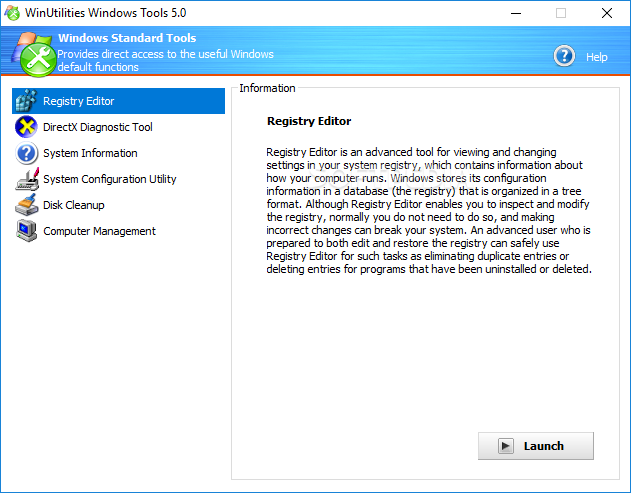
    · Windows Tools - Provides you an easy way to launch the utilities build in Windows.
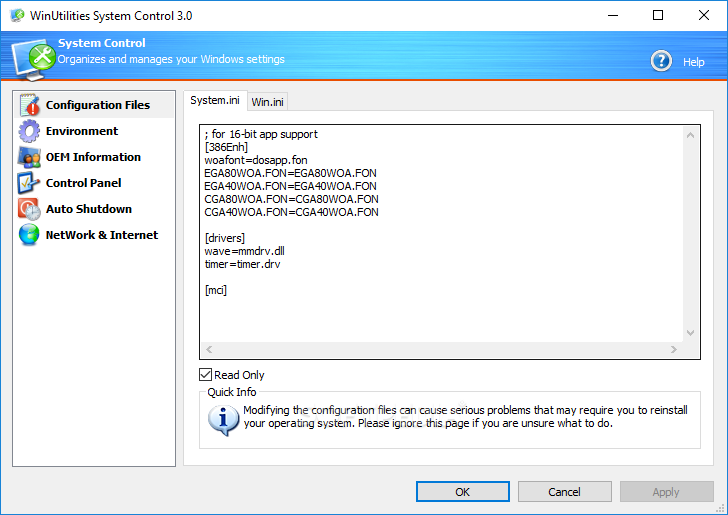
    · System Control - Organizes and manage your Windows Settings
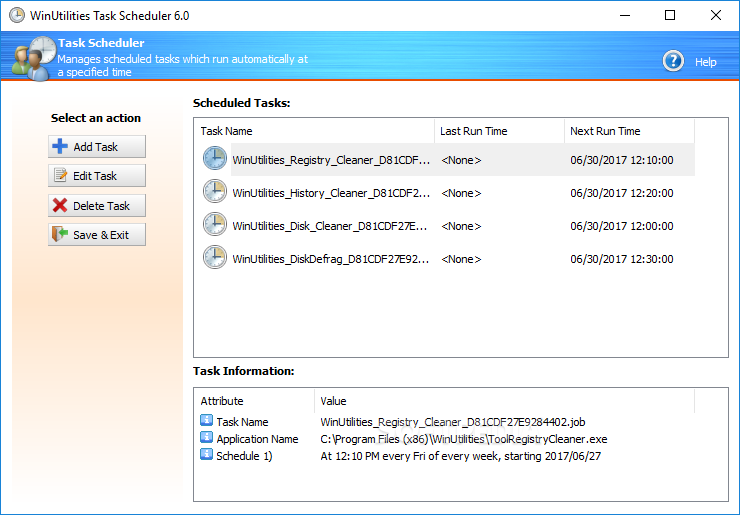
    · Task Scheduler - Configures the cleaning tasks that take place automatically.

    Requirements:

    · CPU: 133MHZ
    · RAM: 32MB
    · Disk space: 15MB

    Limitations:

    · 31 days trial
    · Nag screen

    What's New in This Release: [ read full changelog ]

    · Improved language package
    · Updated database
    · Improved process security module

    Users are advised to pay attention while installing this ad-supported application:

    · Offers to change the homepage for web browsers installed in the system
    · Offers to change the default search engine for web browsers installed in the system
    · Offers to install ASK Toolbar that the program does not require to fully function


    TAGS:

    optimize performance | manage cookies | memory optimizer | optimizer | optimize | manage


    HTML code for linking to this page:


    Go to top

    WindowsGamesDriversMacLinuxScriptsMobileHandheldNews

    SUBMIT PROGRAM   |   ADVERTISE   |   GET HELP   |   SEND US FEEDBACK   |   RSS FEEDS   |   UPDATE YOUR SOFTWARE   |   ROMANIAN FORUM