
Powerful yet easy-to-use uninstaller that works with system images and creates a snapshot of the drive before the installation and another one after it is complete. #Uninstall tool #Delete utility #Uninstall program #Uninstall #Delete #Erase
At first glance, removing installed applications is an effortless task, but, if you're only relying on the Windows built-in function or the program's own uninstaller, you're in for a surprise because most utilities and games you install will create more than a simple folder in 'Program Files.'
The more software you add and improperly remove, the registry and other areas of your system can become clogged with unnecessary remnants.
A specialized tool is necessary if you want to obliterate any trace of the software you no longer need. Such an application is ZSoft Uninstaller, a powerful removal utility. It will install in a jiffy so you can get to work in a matter of seconds.
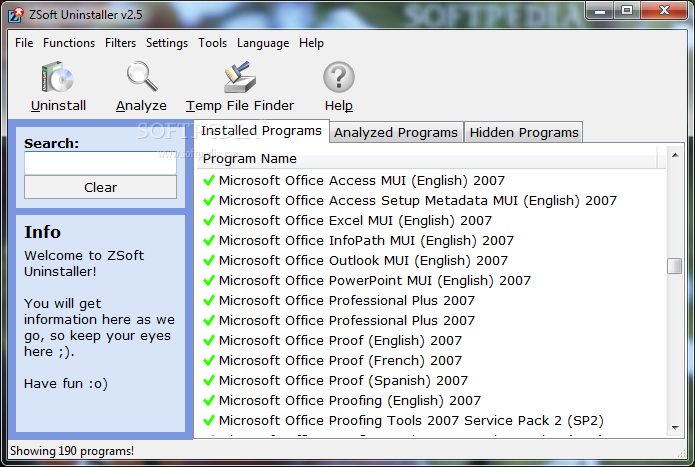
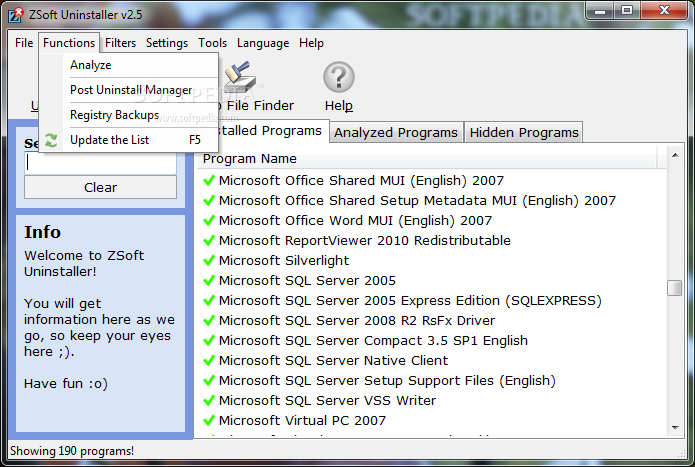
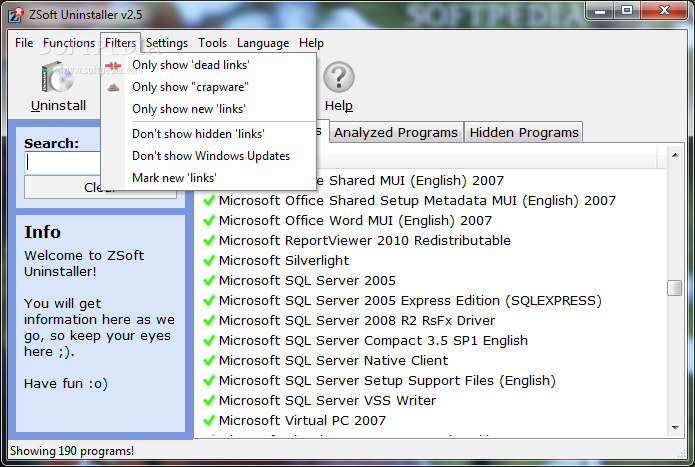
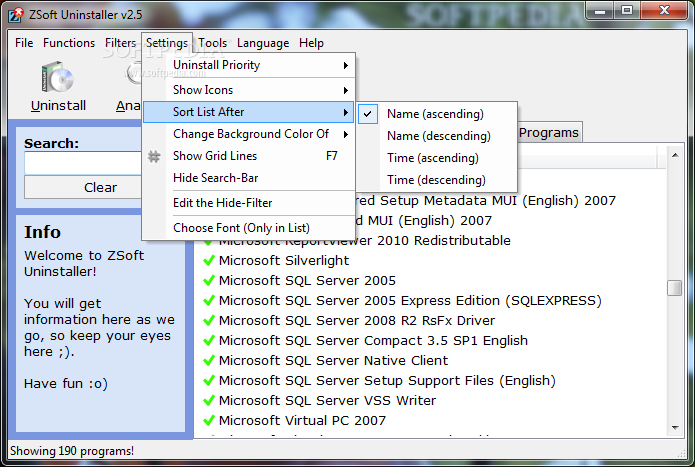
Right off the bat you'll surely notice the simple and easy-to-use interface that has all the functions at hand for quick access.
The installed programs are listed in alphabetical order and right-clicking on any entry will bring up the options for viewing detailed information and uninstalling it. The applications can also be hidden from the current view or simply deleted from it.
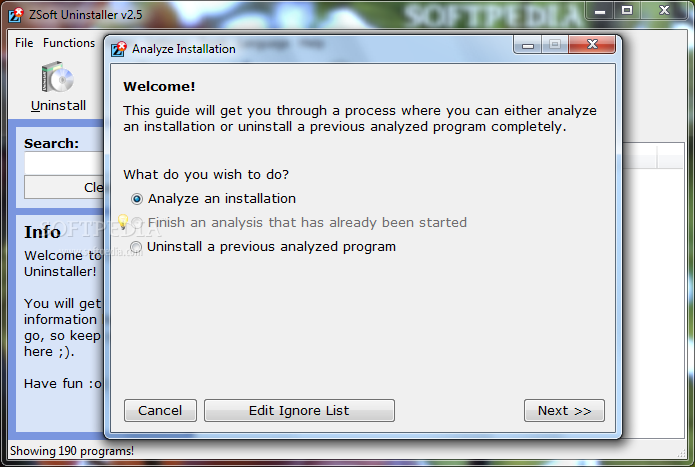
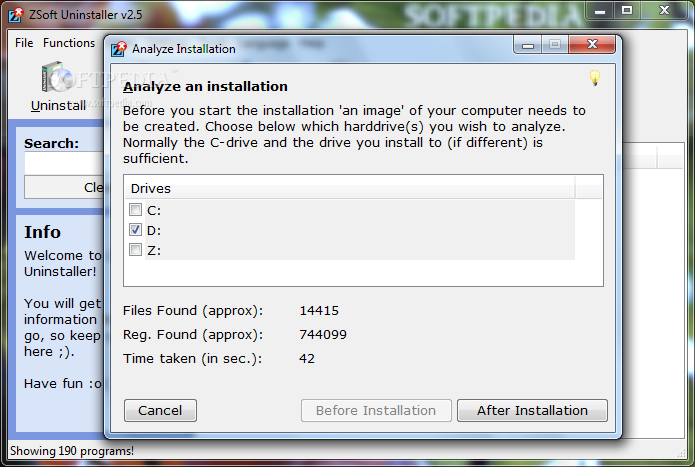
The great thing about ZSoft Uninstaller is that it uses system images. What it actually does is create a snapshot of the drive before the installation and another one after it is complete. Removing the app consists of comparing the two images and erasing or undoing any changes that occurred in-between. Please note that this tool wipes out all the modifications, so do not forget to make the image as soon as the installation of the new software completes.
Making these snapshots involves the use of the 'Analyze' function. Clicking the dedicated button opens a wizard that will guide you through the whole process. As soon as the image is created, you can find it in the 'Analyzed Programs' tab and it will be used when you wish to get rid of that particular program.
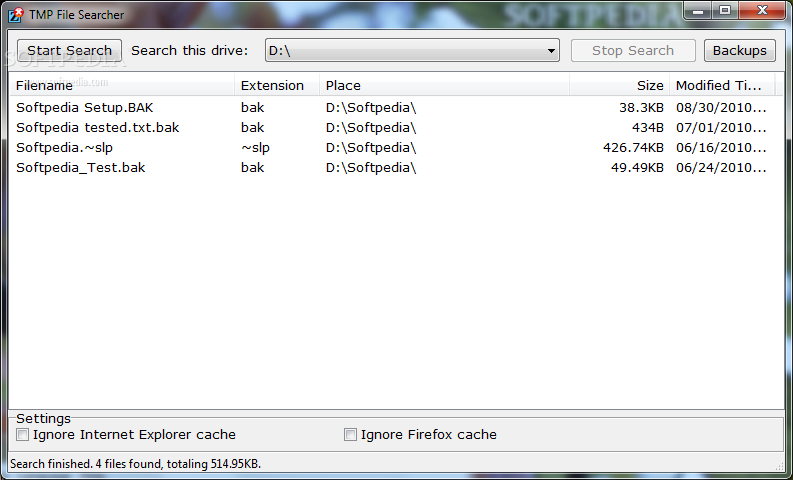
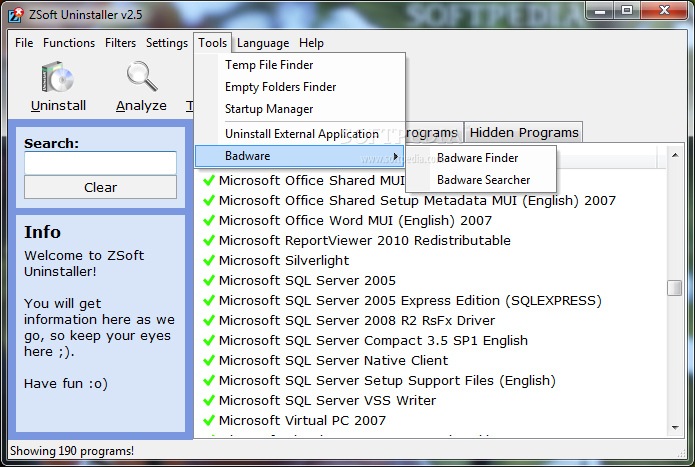
An extra tool (and a very useful one) ZSoft Uninstaller comes with is a temp file remover. This function will help you select and scan any drive to discover temporary and obsolete data. You can exclude the Internet Explorer and Firefox caches from the search. As soon as the scan is complete, simply select and right-click the items to delete or back up.
Pretty easy-to-use and with a handy addition, namely the temporary file eraser, ZSoft Uninstaller is surely a keeper because it will help keep a computer clean by completely removing all remnants of any software you install.
What's new in ZSoft Uninstaller 2.5:
- New tool: Empty folder finder
- New tool: Startup Manager
- New tool: Post Uninstaller (replaces the 'I think this is the folder' thing)
- Automatic backup of installation-logs to 'LogBackups' folder
ZSoft Uninstaller 2.5
add to watchlist add to download basket send us an update REPORT- runs on:
-
Windows 7
Windows Vista
Windows XP - file size:
- 1.2 MB
- filename:
- ZSoft_Uninstaller_2.5.exe
- main category:
- Tweak
- developer:
- visit homepage
7-Zip

Bitdefender Antivirus Free

Microsoft Teams

Windows Sandbox Launcher

Zoom Client

ShareX

4k Video Downloader

IrfanView

Context Menu Manager

calibre

- IrfanView
- Context Menu Manager
- calibre
- 7-Zip
- Bitdefender Antivirus Free
- Microsoft Teams
- Windows Sandbox Launcher
- Zoom Client
- ShareX
- 4k Video Downloader