
Put your video card under the scope to get any details you need and run various demos to see how it performs under pressure with this application #CPU analysis #GPU Burner #GPU Viewer #GPU #Graphic card #OpenGL
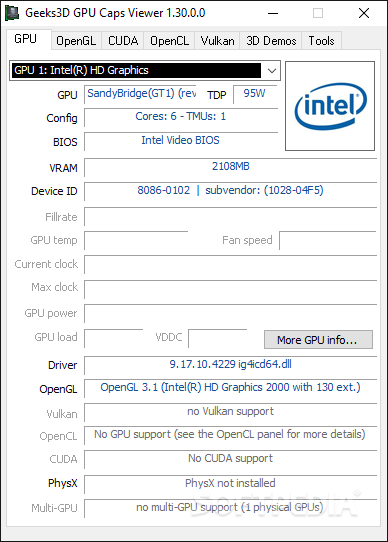
Most modern video games feature astonishing visuals which eat up a lot of your video card's resources. This does not only apply to games, specialized applications also making use of GPU. You can get details about the video card installed on your computer through tools integrated in your operating system. However, using tools such as GPU Caps Viewer you can even put it to various tests.
It does not take a lot of time to go through the setup process, in a matter of minutes the interface being brought up at your request. This sports a classic look so that it does not overwhelm you with unnecessary visual elements, which is just right for an application with the main purpose being to offer info.
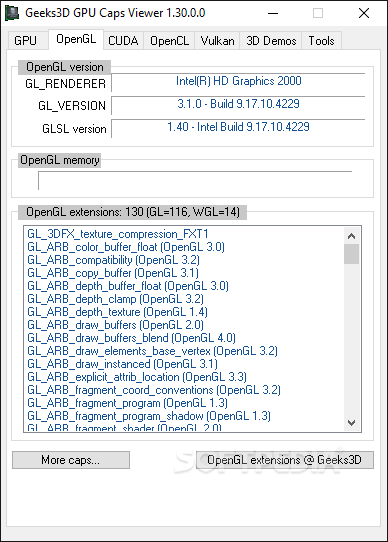
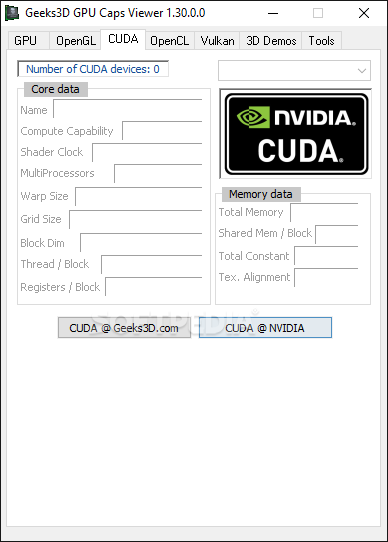
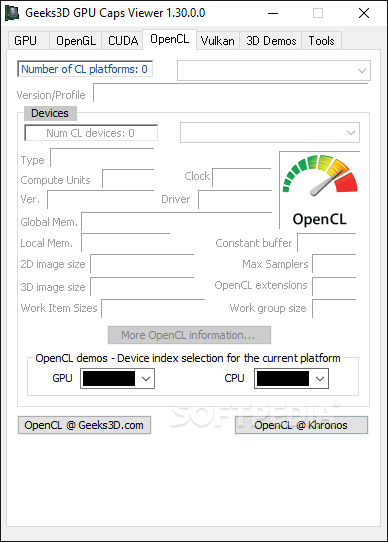
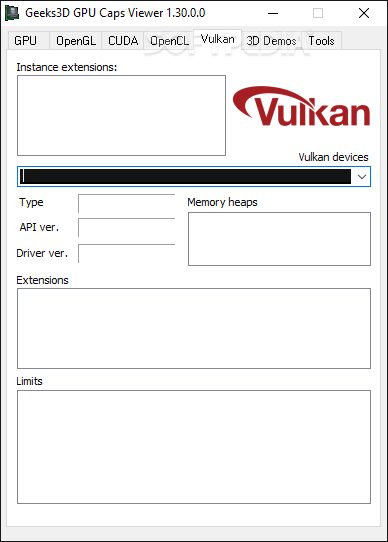
Your installed video card is automatically detected as soon as the application is launched. All available details are displayed and you can switch through several tabs, depending on what interests you. As such, you can analyze GPU, OpenGL, CUDA, OpenCL info, each in dedicated tabs.
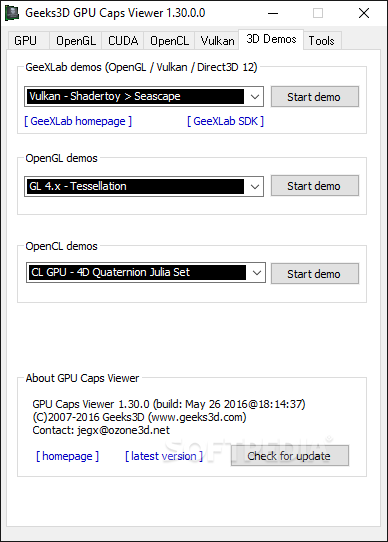
At the bottom of the main window, you have the possibility to run several test cases, regardless of the tab you currently have opened. You can run OpenGL and OpenCL demos, each with several different presets for each installed driver. Choosing to launch a demo lets you set resolution as well as the level of Multisample anti-aliasing to get an idea of how well your video card performs under pressure.
You can view a breathtaking amount of info, ranging from and not limited to GPU, Meme size, GPU load, Max clock, VDDC, when it comes to GPU, OpenGL memory and extensions for OpenGL, various core and memory data if CUDA is available, compute units, constant buffer, max samplers, clock in the OpenCL tab.
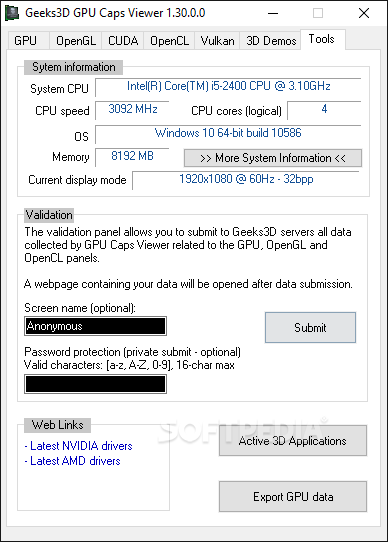
Accessing the Tools tab lets you view thorough system CPU related info, as well as display mode and total memory installed. There are also links that redirect you to web pages for the latest NVIDIA or AMD drivers to keep your device running smooth.
Last but not least, you can submit your info on the Geeks3D servers to compare with others or to view later on. Moreover, all data can be exported to a TXT or XML file, which comes in handy for testing and comparison purposes.
Taking everything into consideration, we can say that GPU Caps Viewer is a handy utility, especially for test cases. The level of detail provided is staggering, with the possibility to also perform tests, save results and even compare with a large community. It's definitely a must for enthusiasts.
Download Hubs
GPU Caps Viewer is part of these download collections: GPU Managers
What's new in GPU Caps Viewer 1.63.0.0:
- Added support of NVIDIA GeForce RTX 4070 SUPER, RTX 4070 Ti SUPER and RTX 4080 SUPER.
- Added support of AMD Radeon RX 7600 XT.
- Added detection of Intel Arc A580 and Moore Threads MTT S80.
- Fixed a crash in Vulkan initialization (reading of the driver ID / VK_KHR_driver_properties).
GPU Caps Viewer 1.63.0.0
add to watchlist add to download basket send us an update REPORT- PRICE: Free
- portable version
- Portable GPU Caps Viewer
- runs on:
-
Windows 11
Windows 10 32/64 bit
Windows 8 32/64 bit
Windows 7 32/64 bit
Windows Vista 32/64 bit
Windows XP 32/64 bit - file size:
- 11.9 MB
- filename:
- GPU_Caps_Viewer_Setup_v1.63.0.0.exe
- main category:
- Tweak
- developer:
- visit homepage
Context Menu Manager

ShareX

Windows Sandbox Launcher

Microsoft Teams

calibre

4k Video Downloader

Zoom Client

Bitdefender Antivirus Free

IrfanView

7-Zip

- Bitdefender Antivirus Free
- IrfanView
- 7-Zip
- Context Menu Manager
- ShareX
- Windows Sandbox Launcher
- Microsoft Teams
- calibre
- 4k Video Downloader
- Zoom Client