
A professional program that helps you perform advanced searches within a website, intranet or local system by indexing data with the aid of a configuration wizard. #Search engine #Document indexer #Search intranet #Search #Engine #Intranet

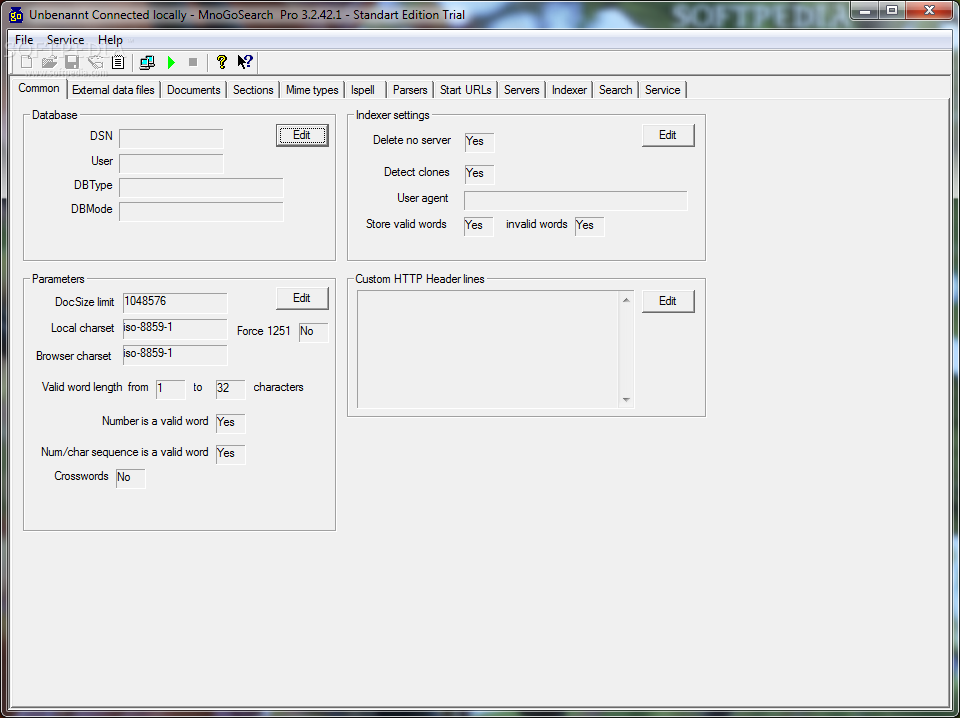
mnoGoSearch Pro Standard is an advanced software application that helps you index websites and make use of an advanced search engine for quickly finding data within a website, intranet or local system.
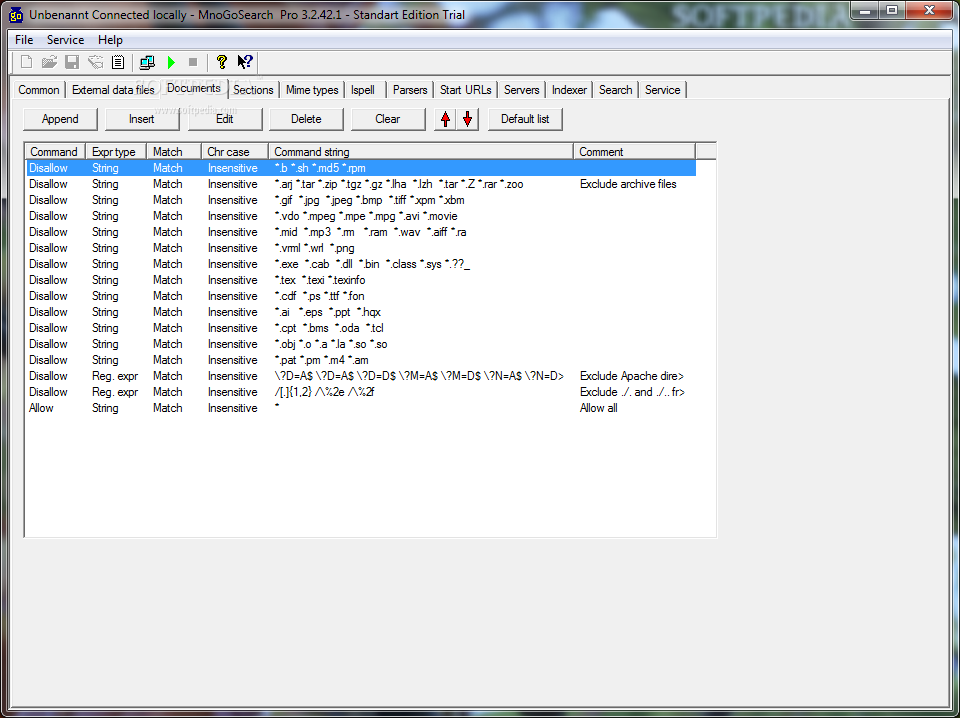
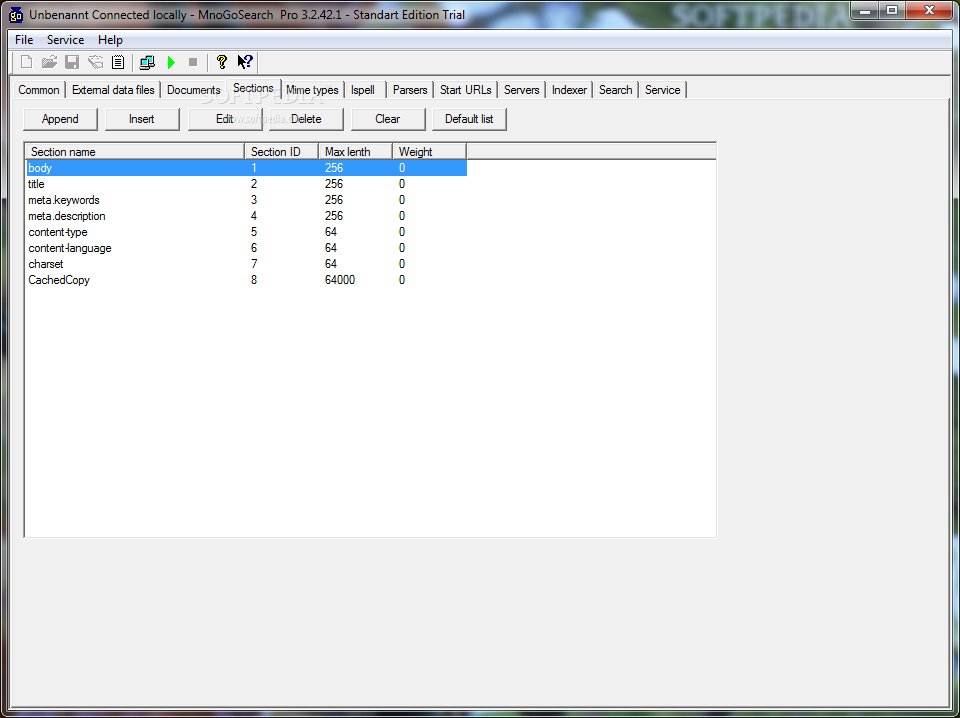
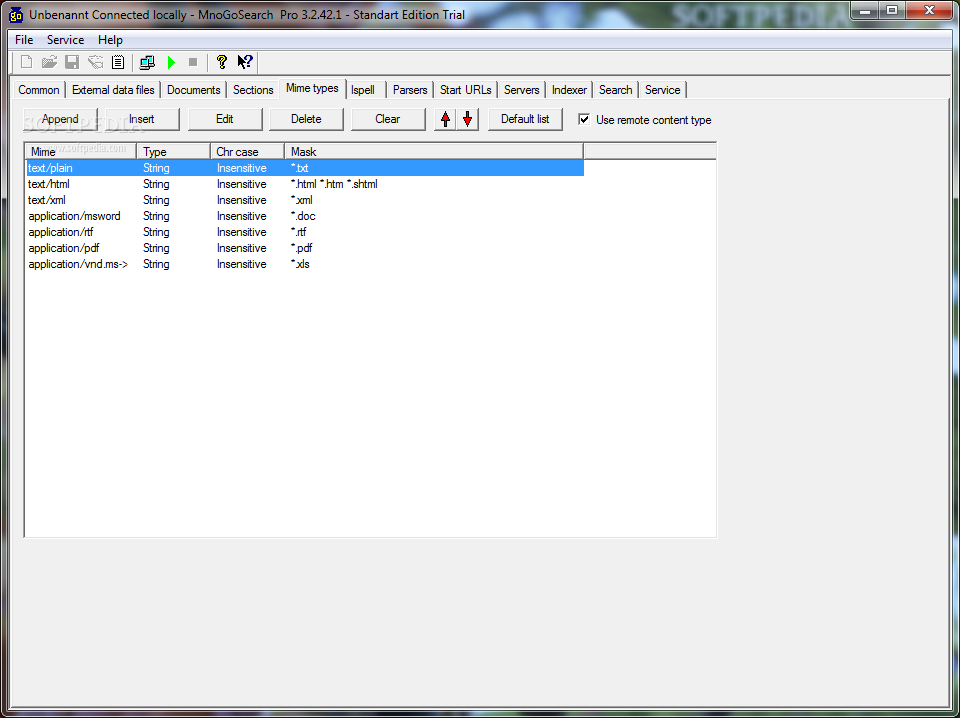
The utility is able to read the documents you specify and store information about the words it finds in tables in SQL database. You can specify the types of documents to index, location of documents (e.g. website, directory on server) and set up the level of importance of various document properties.
The GUI looks a bit overwhelming at a first glance but this is only because the application comes with an impressive pack of configuration settings. There’s also support for a help manual that gives you detailed information about the program’s capabilities.
In case you don’t know where to get started, you can use the built-in wizard that helps you carry out the configuration process using the step-by-step approach.
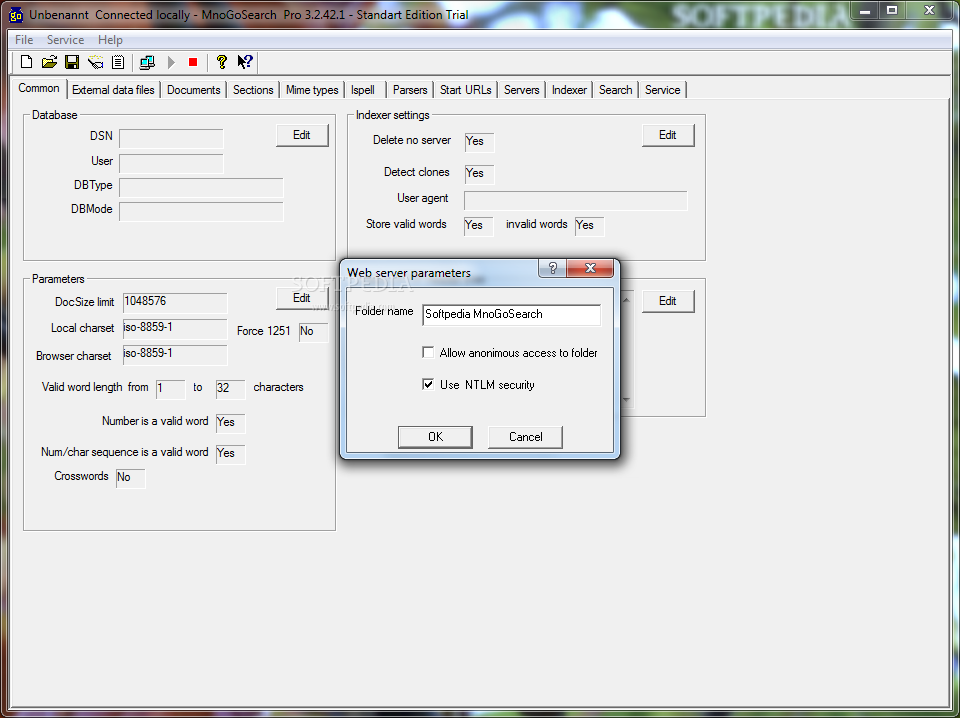
mnoGoSearch Pro Standard gives you the possibility to select the DSN you want to use for storing indexer data, create database tables and test them, upload data from your Ispell files to database tables, enter the location of documents that you want to index, as well as work with several search templates that define the way search results are displayed.
What’s more, you can configure servers that you want to index, index documents on a remote computer in your Local Area Network, save copies of indexed documents and their HTTP headers on the local system, and import servers from a plain text file format.
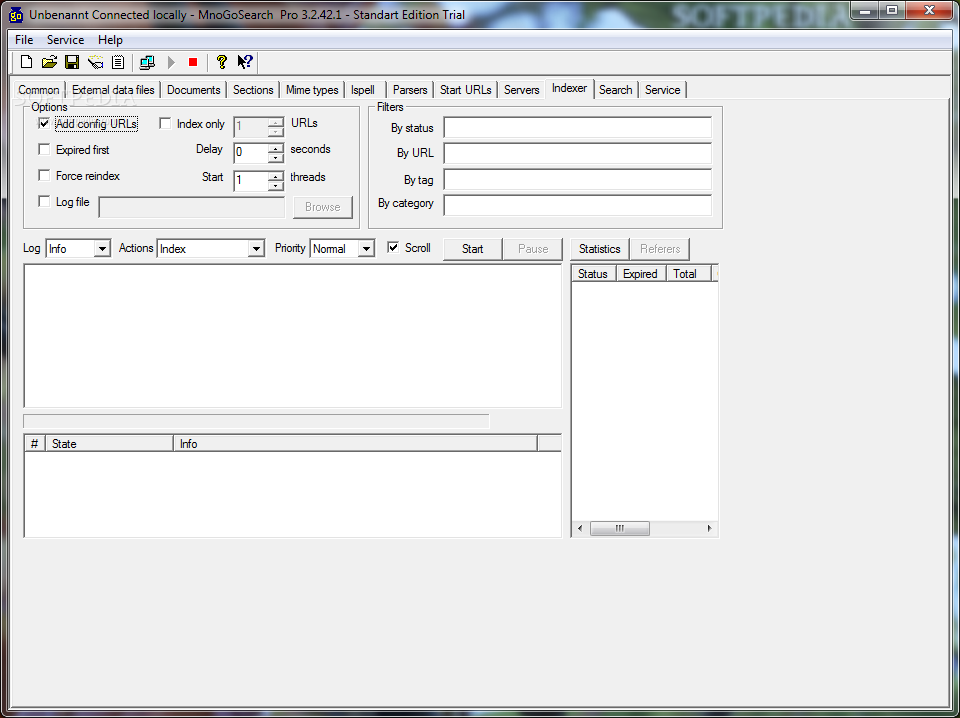
The application allows you to alter the indexing process by starting with expired documents, indexing all documents regardless if they are expired or not, specifying the log file location, limiting the number of URLs to be indexed, and entering the delay in seconds between indexing each document and number of threads to use.
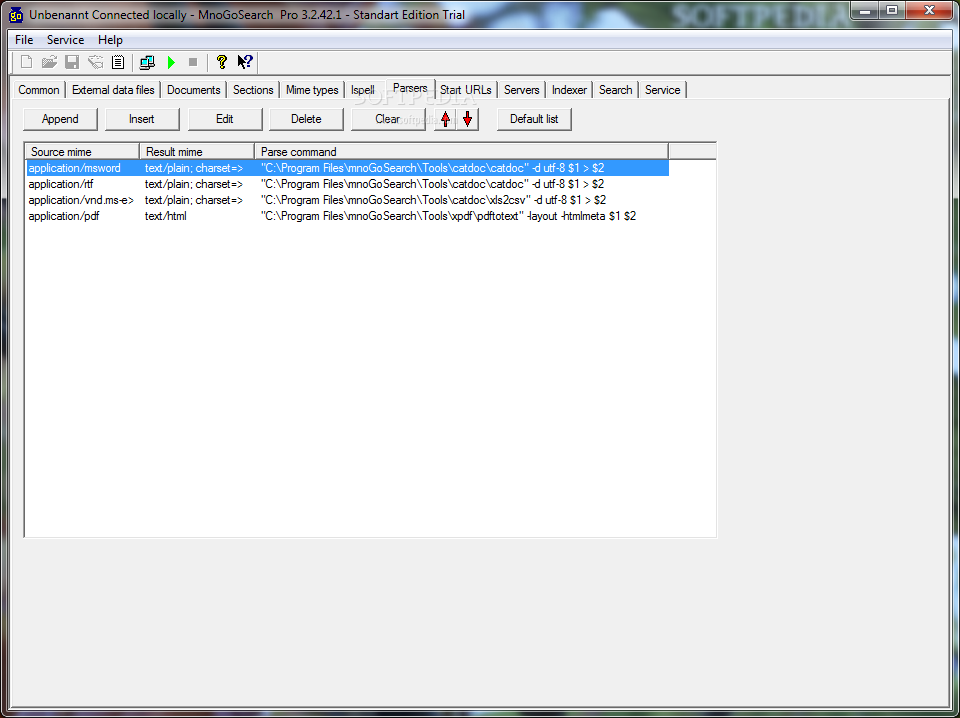
Last but not least, you can check out statistics, including document status, number of expired and indexed documents and comments (describing each status), search for COM objects, specify aliases, use external parsers to index various file types, add tags, and create categories.
MnoGoSearch Pro Standard comes with a comprehensive suite of features for helping you process a huge amount of data and is suitable especially for large websites. It also offers support for the NT service for scheduling indexations and carrying it out remote administration options. However, the user interface cannot be described as highly intuitive so you may need to invest extra time and effort into tweaking the entire process.
What's new in mnoGoSearch Pro Standard 3.2.42.1:
- Minor indexing performance improvements were done.
- "Indexer is selecting wrong Content-Type" was fixed.
- "Clear database limitations do not work: error ORA-01795" was fixed.
- "-Ewordstat: incorrect unicode sequence" was fixed.
mnoGoSearch Pro Standard 3.2.42.1
add to watchlist add to download basket send us an update REPORT- runs on:
- Windows All
- file size:
- 2.6 MB
- filename:
- wmnogo32421prost-trial.zip
- main category:
- UNIX
- developer:
Windows Sandbox Launcher

IrfanView

Zoom Client

Bitdefender Antivirus Free

ShareX

4k Video Downloader

7-Zip

Microsoft Teams

Context Menu Manager

calibre

- Microsoft Teams
- Context Menu Manager
- calibre
- Windows Sandbox Launcher
- IrfanView
- Zoom Client
- Bitdefender Antivirus Free
- ShareX
- 4k Video Downloader
- 7-Zip