
Easily track the status of your graphic card and keep an eye on the used memory and its temperature in order to avoid overheating. #GPU gadget #Monitor GPU #GPU monitor #GPU #Gadget #Monitor

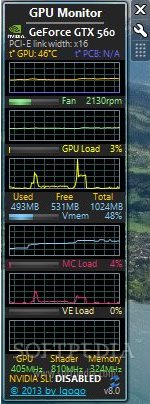
Long gone is the time of desktop gadgets, those little, yet handy desktop apps back in the days of Windows 7. However, everyone remembers how comfortable and easy to use they were, providing information at a glance about the computer, while not really interfering with one’s work. GPU Monitor is one relevant example, delivering a small tool that can keep an eye on the system’s video card and providing various statistics on the desktop.
What impresses most in GPU Monitor is the amount of information it provides in such a compact GUI. As you can imagine, it features the classic look of a gadget, with small graphs and statistical data about the GPU. Everything from the fan and GPU load to memory and temperature is revealed for you to keep an eye on at all times.
The gadget includes graphical representations to allow the real-time monitoring of the video card. It might be much easier for you to have a look at a graph to see the peaks in the evolution of parameters such as temperature, GPU load, used and free memory and so on.
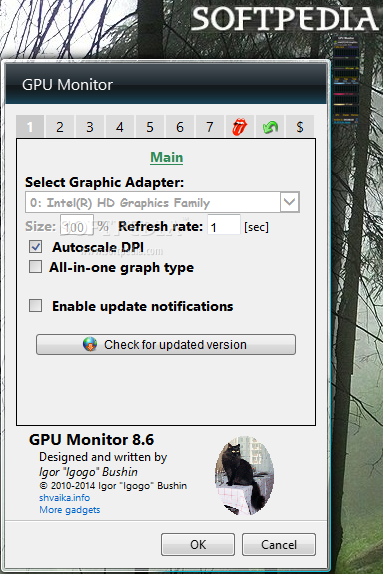
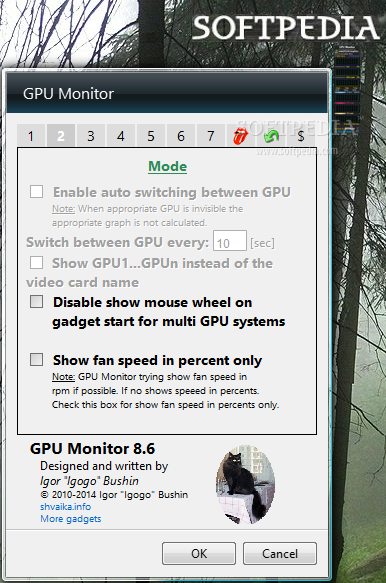
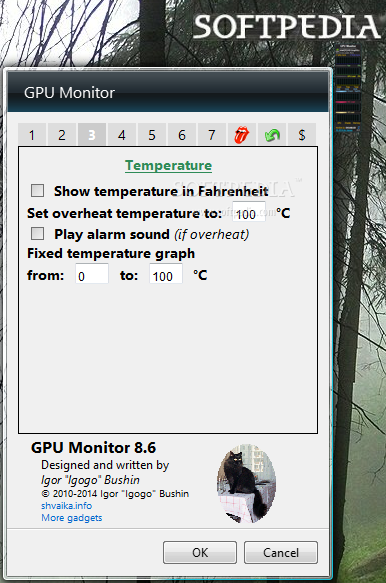
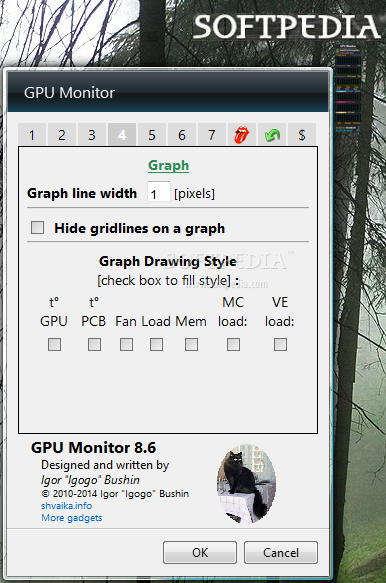
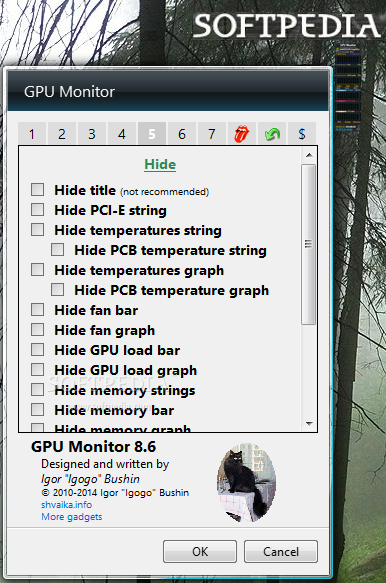
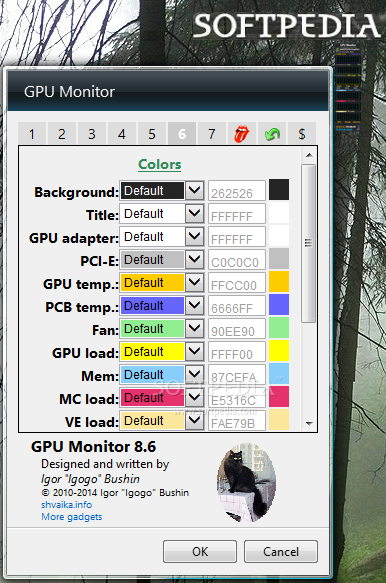
Configuring the behavior of the gadget is done via the “Options” menu, which delivers a wide and quite impressive array of settings.
You start by choosing the graphic adapter to use, setting the refresh rate, the window size, the unit of the fan speed and the temperature. Also, you can set the alarm sound, the temperature graph style and ranges, as well as other settings related to the gadget’s appearance, colors and logging options.
Being a sidebar gadget, GPU Monitor natively works on Windows Vista and 7 only. However, there are ways to allow the usage of gadgets on newer versions of Windows as well. Its advantages of a gadget are mainly related to low resource usage, ease of use and the amount of information available, so give it a try if you want a one-click video card monitoring tool.
Download Hubs
GPU Monitor is part of these download collections: Bandwidth Managers, GPU Managers
What's new in GPU Monitor 12.9:
- Added Romanian translation by Tudor Sprinceana. (Released at 07/10/2023).
GPU Monitor 12.9
add to watchlist add to download basket send us an update REPORT- runs on:
-
Windows 11
Windows 10 32/64 bit
Windows 8 32/64 bit
Windows 7 32/64 bit
Windows Vista 32/64 bit - file size:
- 340 KB
- filename:
- GPUMonitor.zip
- main category:
- Windows Widgets
- developer:
- visit homepage
7-Zip

IrfanView

calibre

Zoom Client

Windows Sandbox Launcher

ShareX

Context Menu Manager

4k Video Downloader

Microsoft Teams

Bitdefender Antivirus Free

- 4k Video Downloader
- Microsoft Teams
- Bitdefender Antivirus Free
- 7-Zip
- IrfanView
- calibre
- Zoom Client
- Windows Sandbox Launcher
- ShareX
- Context Menu Manager