
Professional utility that provides tools for warping and morphing pictures to create high-quality animations, featuring image and video adjustments #Image morph #Morph creator #Image warp #Morph #Warp #Animation


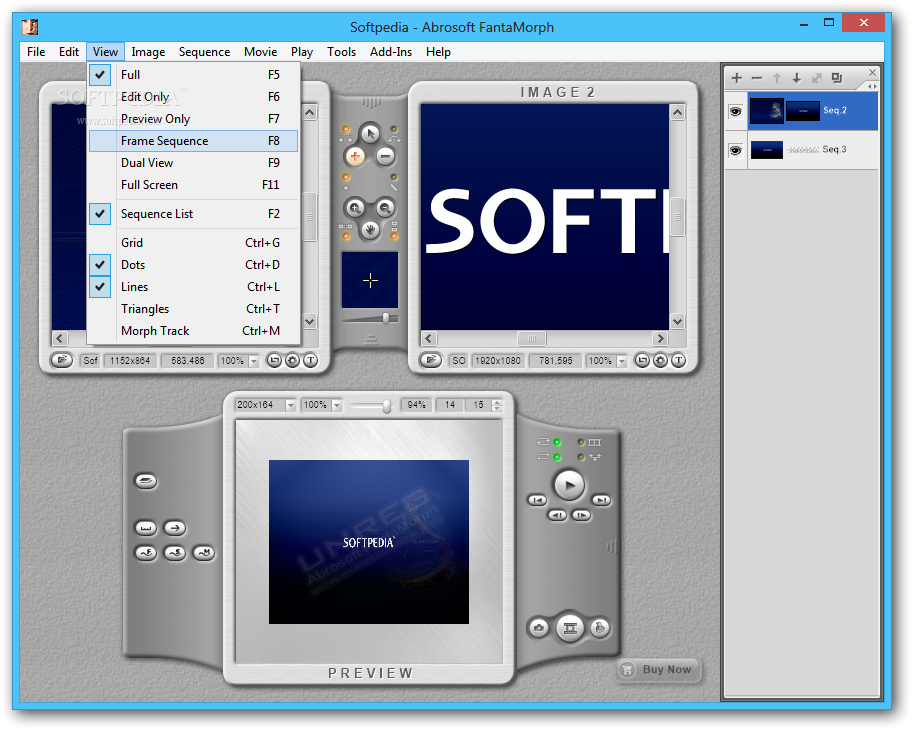
Abrosoft FantaMorph Pro is a professional application designed to help users morph images and create complex animation effects. It bundles a powerful set of features that primarily cater to experienced users.
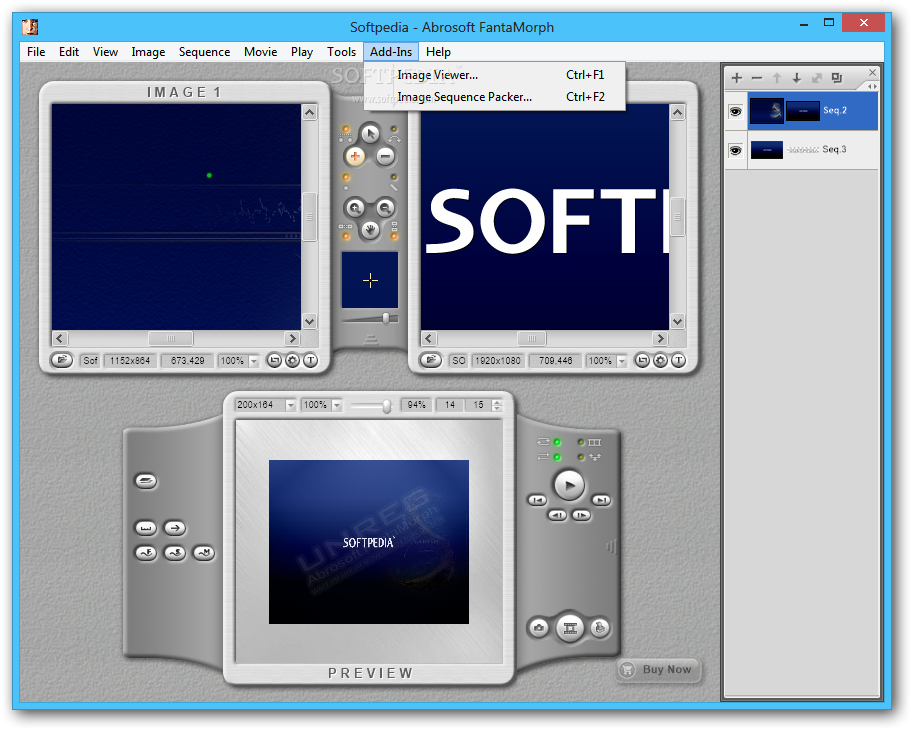
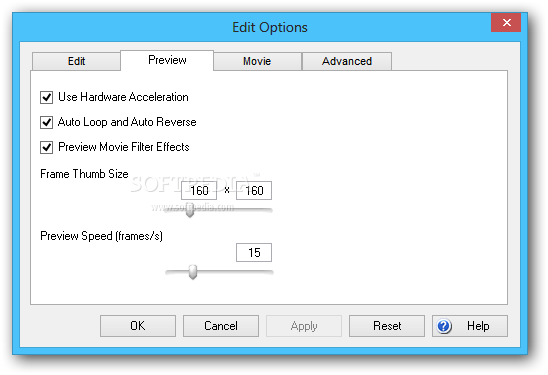
At startup, the tool performs morphing capacity diagnostics to test your system's hardware acceleration support and find out the total display frame and time, average of frames, and morph speed rate.
Aside from morphing two pictures, Abrosoft FantaMorph Pro allows you to create warp movies from a single images, as well as morph multiple images into a sequence, or in different layers simultaneously.
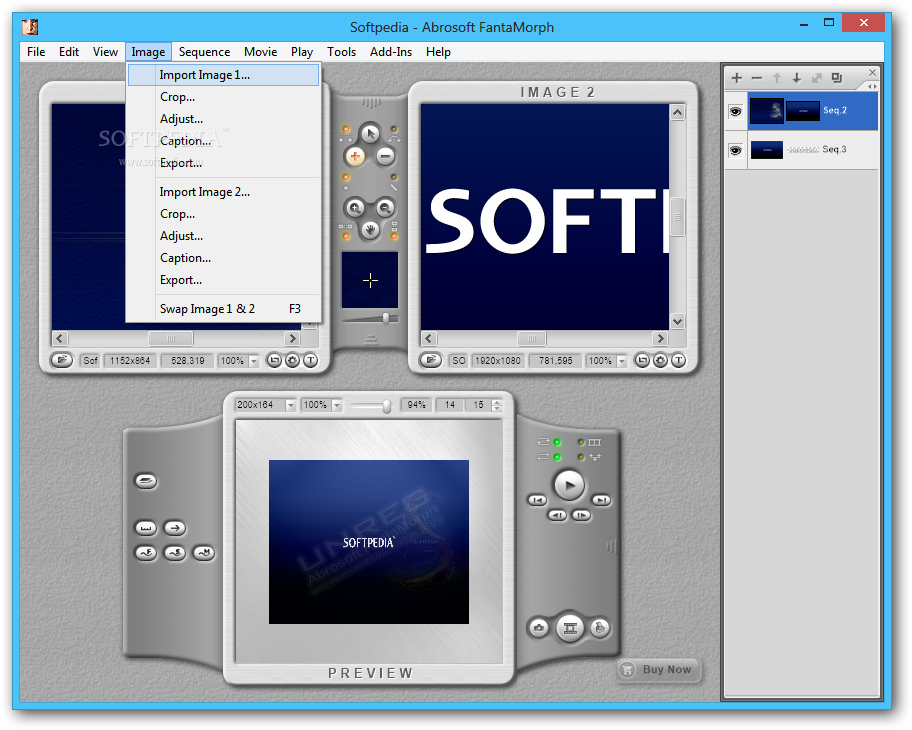
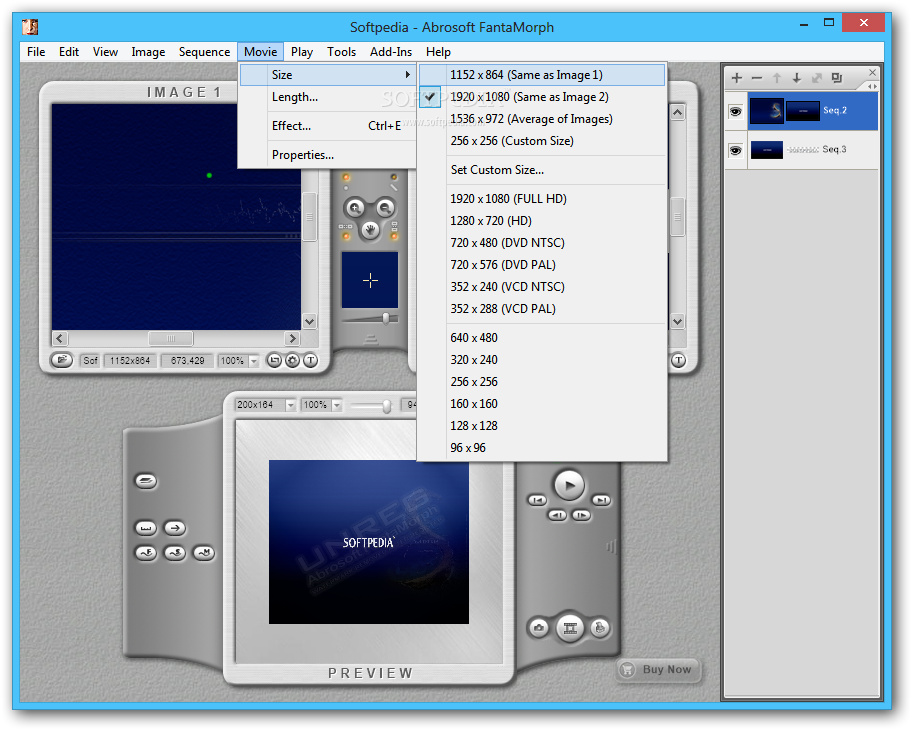
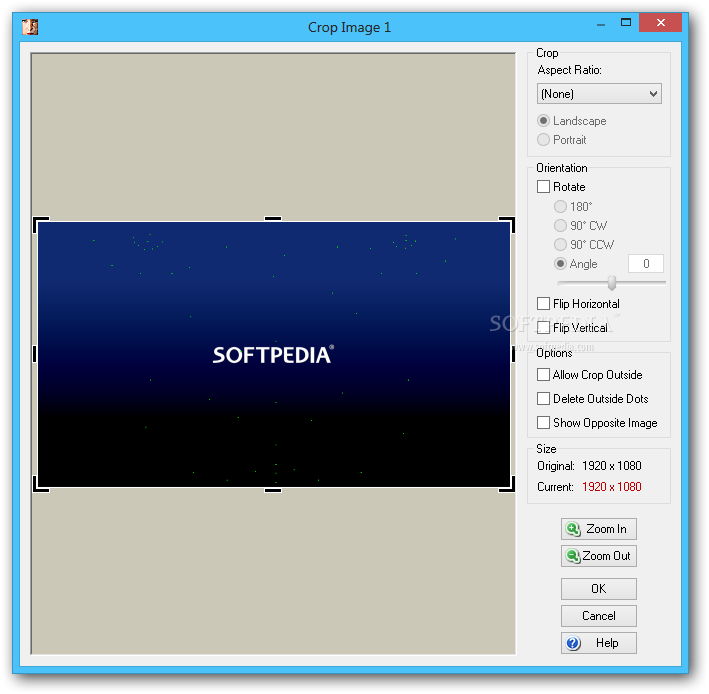
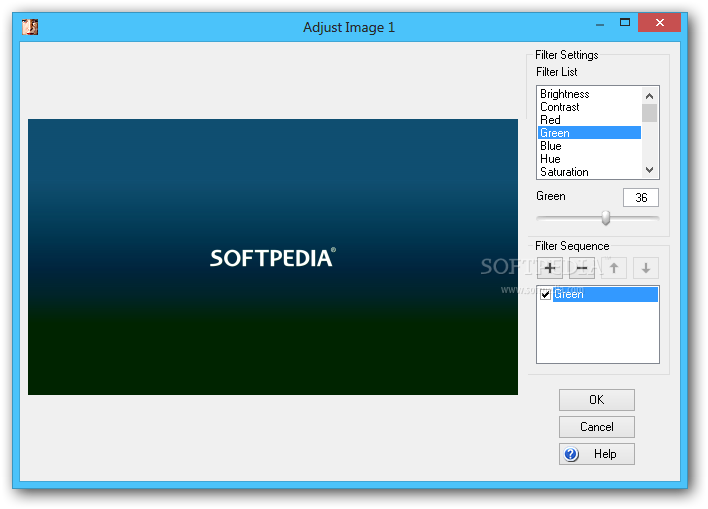
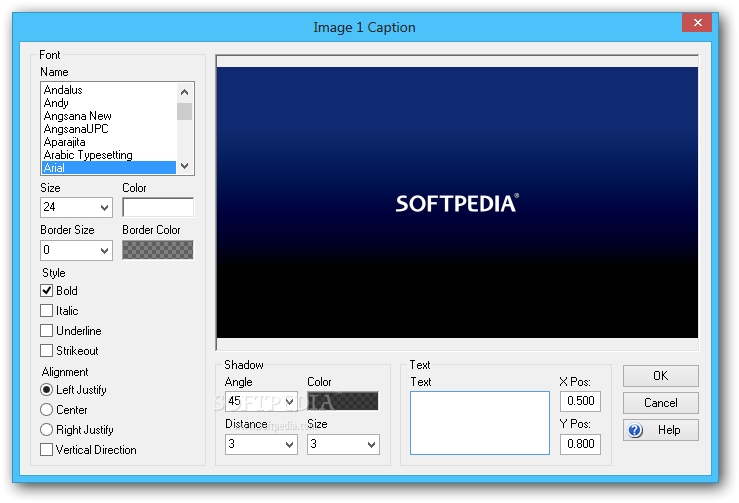
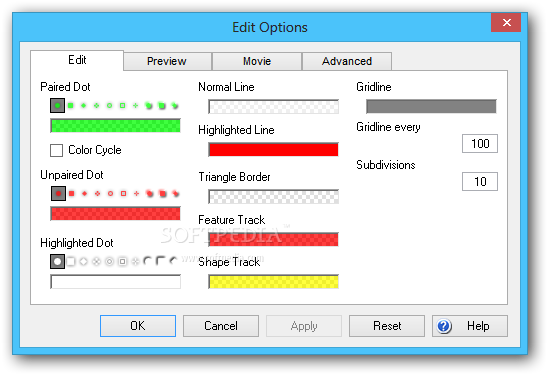
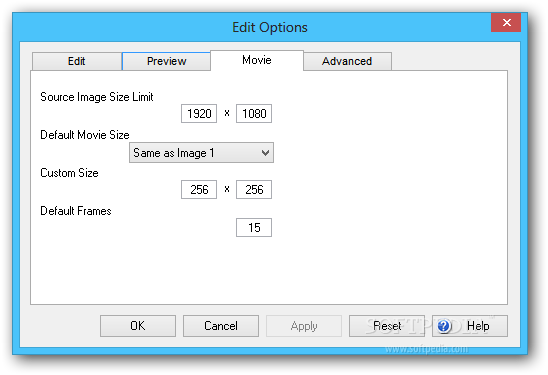
It is possible to make image adjustments, such as cropping, brightness, contrast, saturation, hue, and other filters, as well as to specify the movie size and length. Plus, you can apply video effects (e.g. background color, lighting, sound), filters and captions.
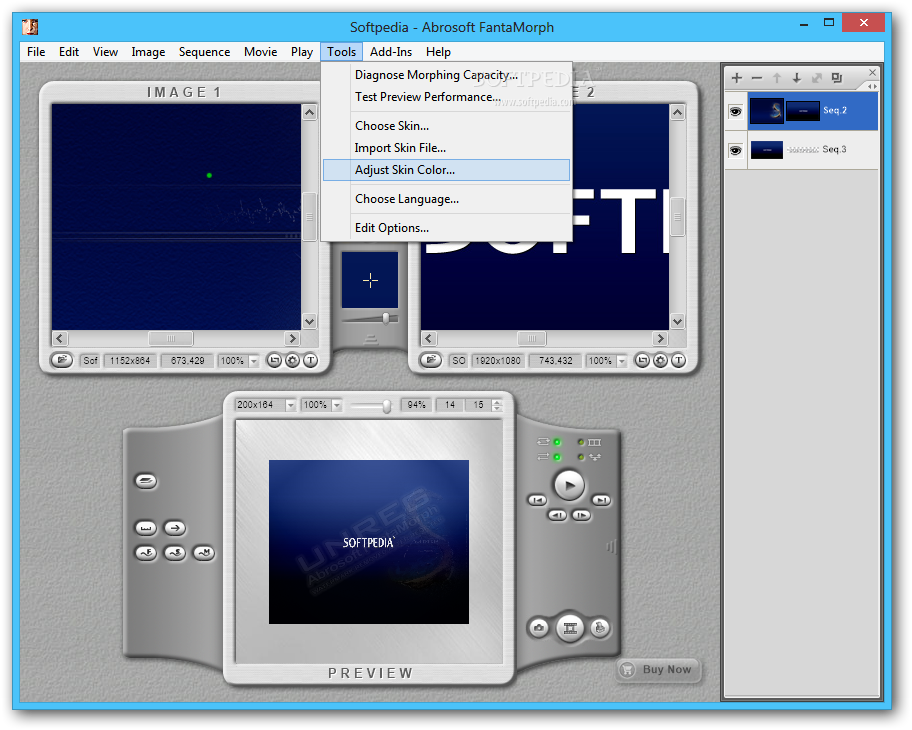
In order to morph or warp pictures with high precision, you are supplied with tools for locating key face features (several preset faces are included). Other features provided by Abrosoft FantaMorph Pro include sequence tweaks, skin file imports, skin color adjustments, and many others.
The comprehensive utility uses pretty low CPU and RAM, so it doesn't burden computer performance. We have not come across any issues in our tests, since the program did not freeze, crash or show error messages.
Another edition of Abrosoft FantaMorph is standard, but it features less options. For example, it does not support dual view mode, filters, captions, or movie effects. For enhanced functionality, you can check out Abrosoft FantaMorph Deluxe, as it supports AVI 32-bit exports, face extractor and locator, and more.
Abrosoft FantaMorph Pro 5.4.8
 Softpedia Editor's Pick
add to watchlist
add to download basket
send us an update
REPORT
Softpedia Editor's Pick
add to watchlist
add to download basket
send us an update
REPORT
- runs on:
- Windows All
- file size:
- 7.1 MB
- filename:
- FantaMorphSetup.exe





- main category:
- Multimedia
- developer:
- visit homepage
Context Menu Manager

Bitdefender Antivirus Free

calibre

Windows Sandbox Launcher

4k Video Downloader

ShareX

IrfanView

Zoom Client

Microsoft Teams

7-Zip

- Zoom Client
- Microsoft Teams
- 7-Zip
- Context Menu Manager
- Bitdefender Antivirus Free
- calibre
- Windows Sandbox Launcher
- 4k Video Downloader
- ShareX
- IrfanView