
Back up your files, protect them with a password, choose one of the five available encryption modes, send e-mail reports and much more #Backup solution #Back-up solution #Backup copy #Backup #Back-up #Solution
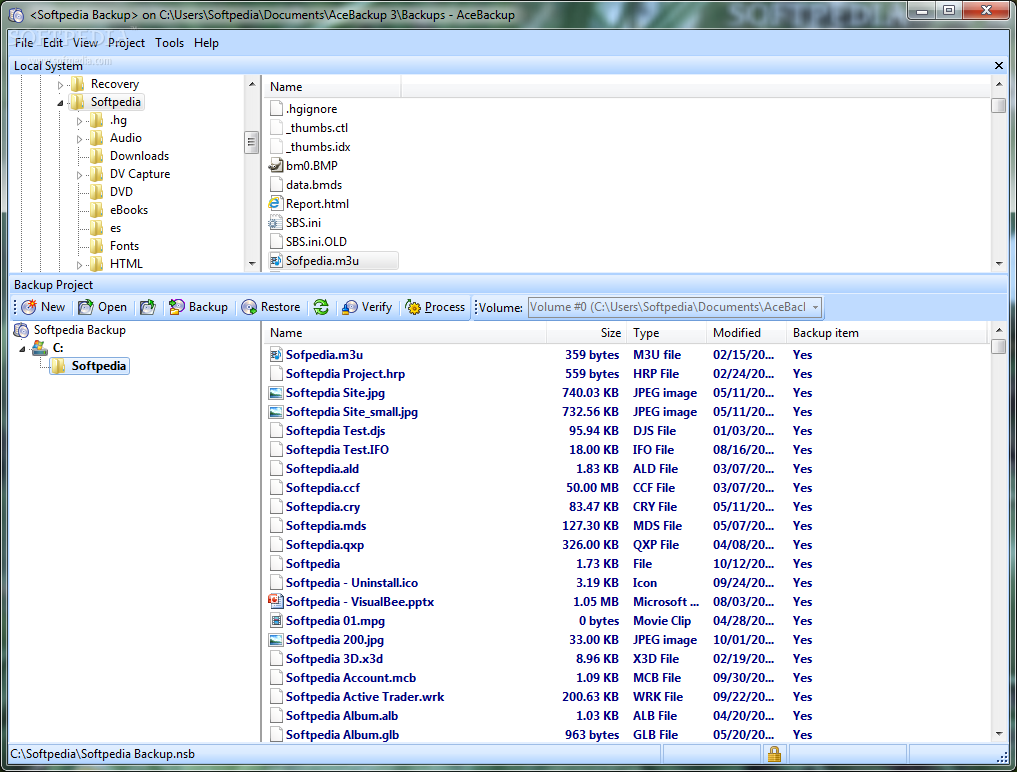
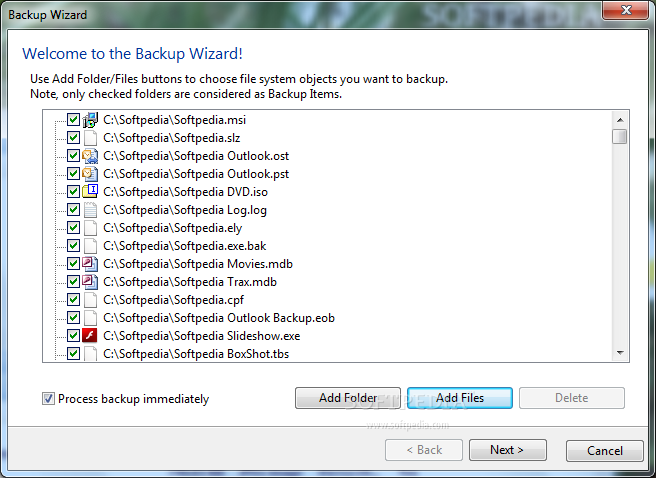
AceBackup is a software tool that allows you to back up your private data in a safe way and store it on FTP servers, local storage devices such as hard drives, floppies, JAZZ or MO disks, LAN folders or any other writable devices, as well as on CDs and DVDs with only a few mouse clicks.
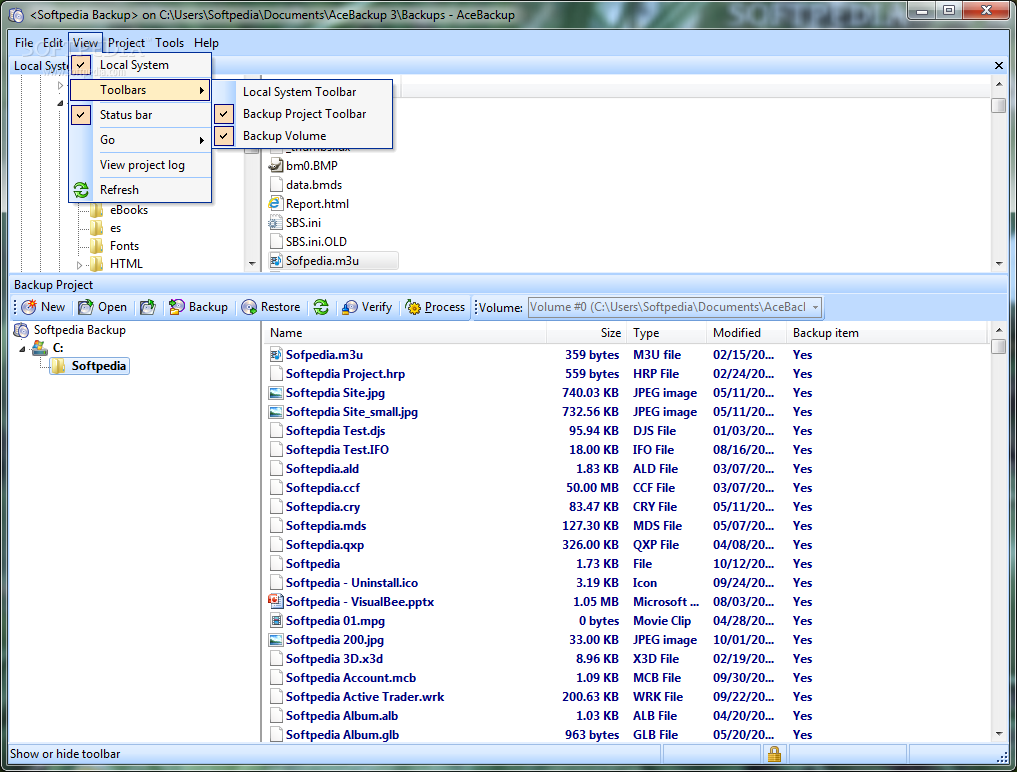
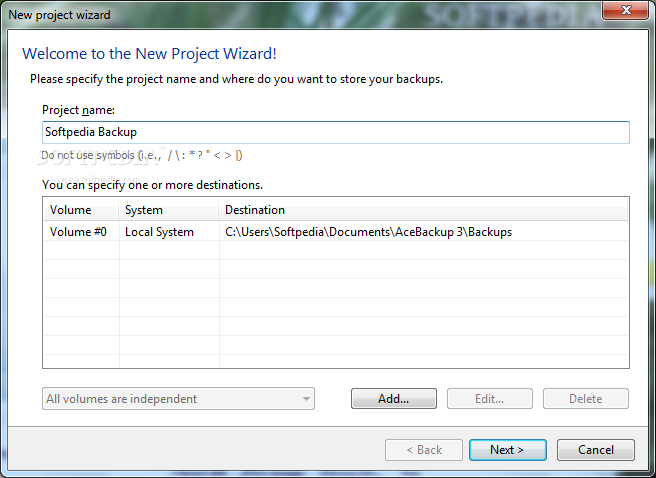
The application is wrapped in a clean and straightforward interface with intuitive settings. Even though it comes with a wide range of customizable options, the guiding wizard makes sure it can be handled by any type of users, even those less experienced with such programs.
It gives you the possibility to choose one of the five available built-in themes to transform the layout into something that suits your mood better.
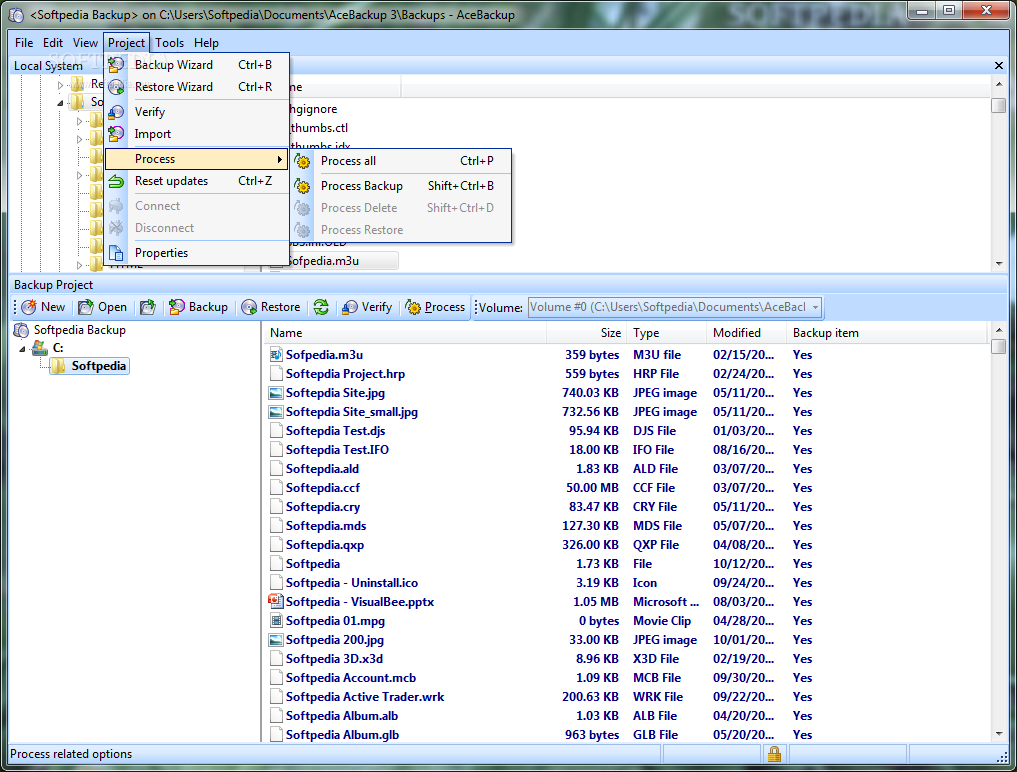
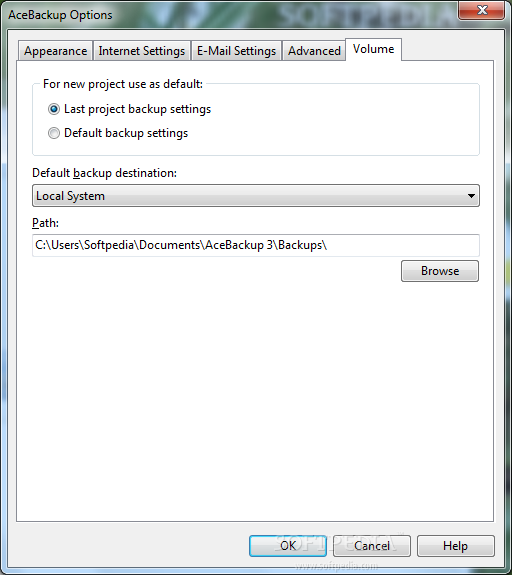
In order to back up your files, you need to create a new project and pick the location for storing your backups. Multiple destination paths can be included, while multiple versions of the same file can be copied.
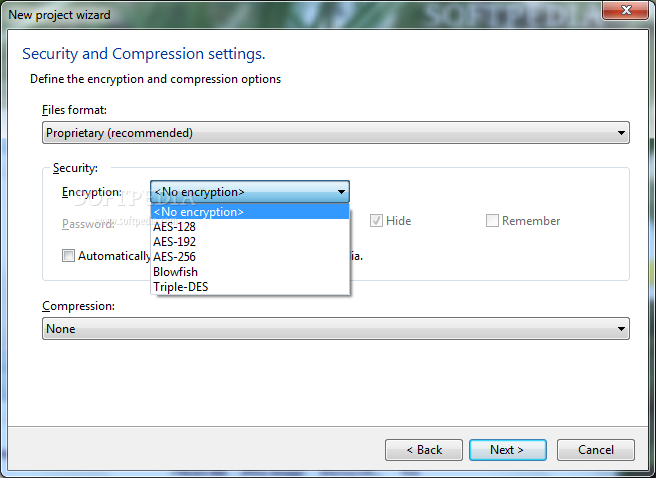
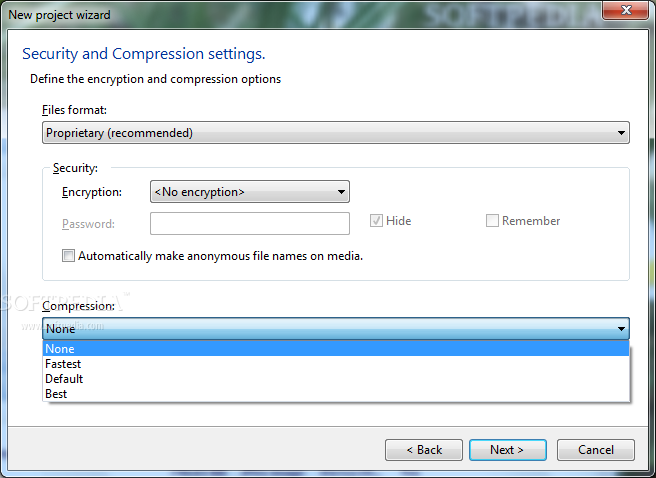
AceBackup is capable of password-protecting backup files by either preserving their original extension or by creating new files with the proprietary format. The encryption algorithm can be selected between AES-256, Blowfish, Triple-DES and others. Anonymous file names can be created too.
Additional features
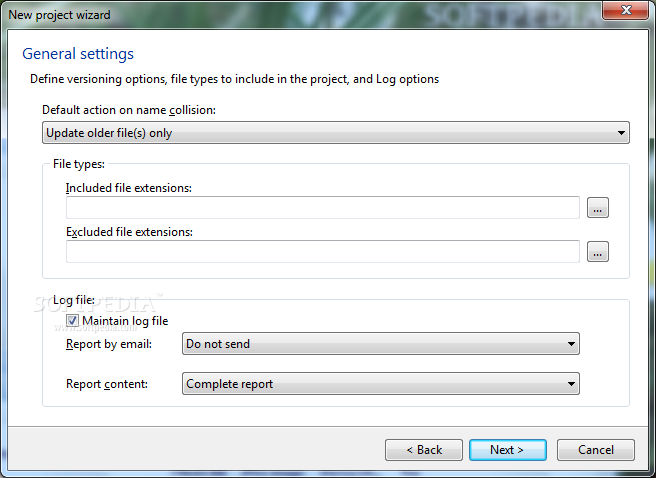
Backup filters enable you to eliminate names with certain file extensions or to store files with the requested formats.
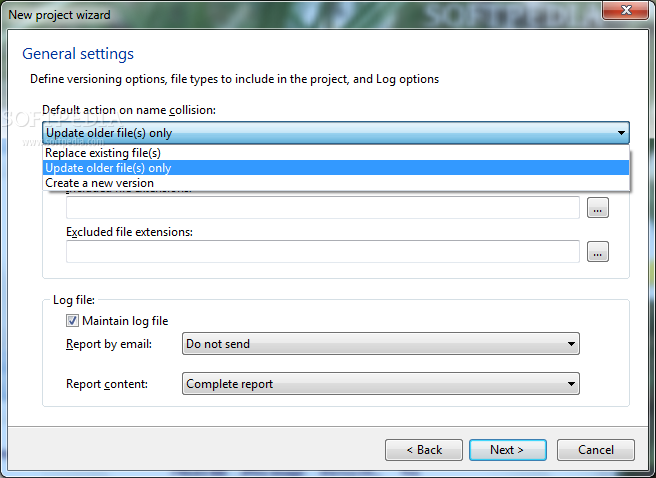
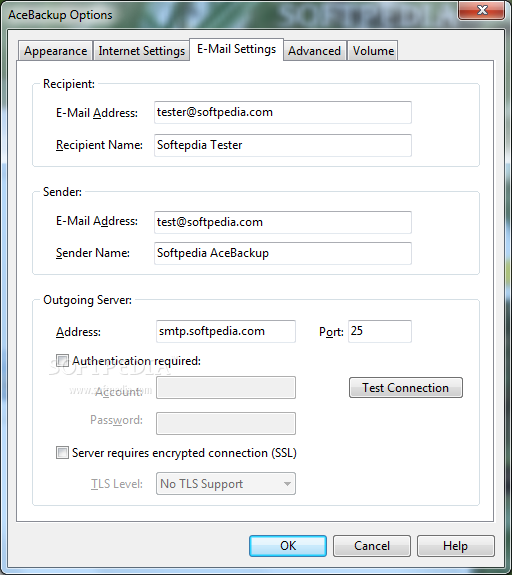
When encountering files with the same name, the program can be asked to update the older files only, replace the existing ones, or create new versions. Once the task is complete, a report can be automatically sent via e-mail.
To sum it up, AceBackup proves to be an intuitive application that, although it comes with a wide range of features, it can be used even by beginners who want to run backup jobs.
What's new in AceBackup 3.0.2.0:
- Custom translations can now be integrated into the user interface.
- Support of SSL/TLS for sending emails.
- Support of command line parameter update“; Format: AceBackup.exe -update "".
- A number of other small issues was fixed.
AceBackup 3.0.2.0
add to watchlist add to download basket send us an update REPORT- runs on:
- Windows All
- file size:
- 4.5 MB

- main category:
- System
- developer:
- visit homepage
Context Menu Manager

Microsoft Teams

ShareX

Bitdefender Antivirus Free

calibre

Windows Sandbox Launcher

Zoom Client

4k Video Downloader

7-Zip

IrfanView

- 4k Video Downloader
- 7-Zip
- IrfanView
- Context Menu Manager
- Microsoft Teams
- ShareX
- Bitdefender Antivirus Free
- calibre
- Windows Sandbox Launcher
- Zoom Client