
Advanced software application that helps you stream data to web servers and convert clips to AVI or MPEG file format, while offering support for remote access #Broadcast video #Web camera #Video capture #Broadcast #Capture #Webcam
Note: The application is officially discontinued, so it will not receive any further updates. It also cannot be purchased anymore. However, you can still download and install the last released version from Softpedia.
Webcam recording software applications come in all shapes and sizes. Some are designed with one specific purpose in mind, and others are developed as multipurpose software.
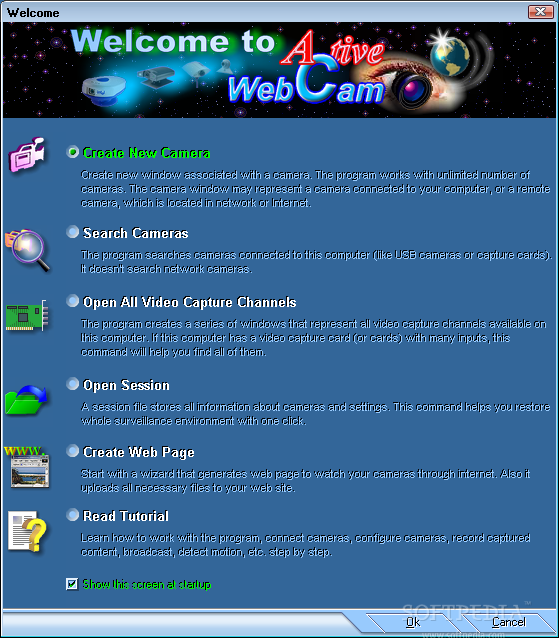
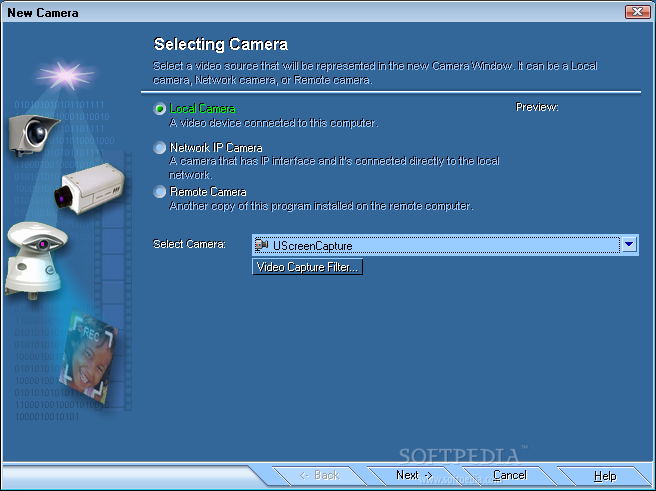
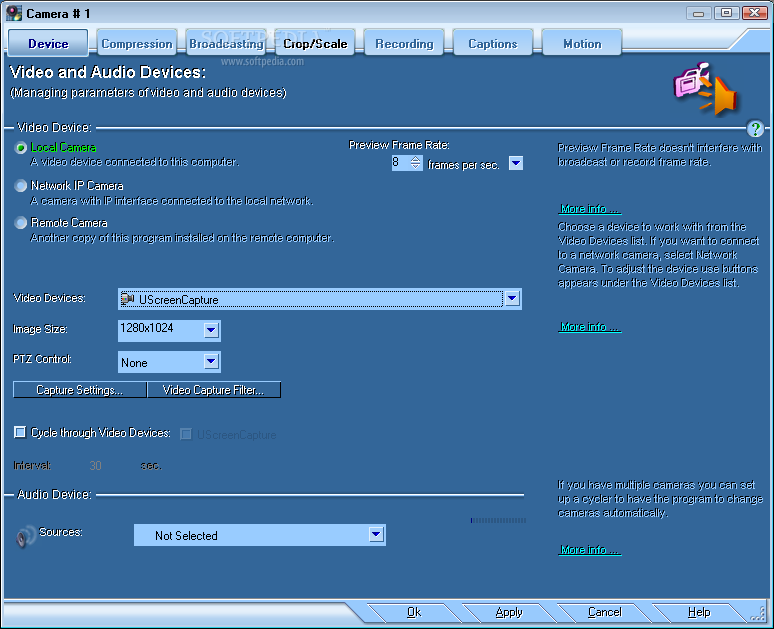
Active WebCam is designed as a complete app that is able to record and broadcast videos, from pretty much all kind of video devices (analog cameras, TV-boards, network cameras, USB cameras, camcorders, etc.).
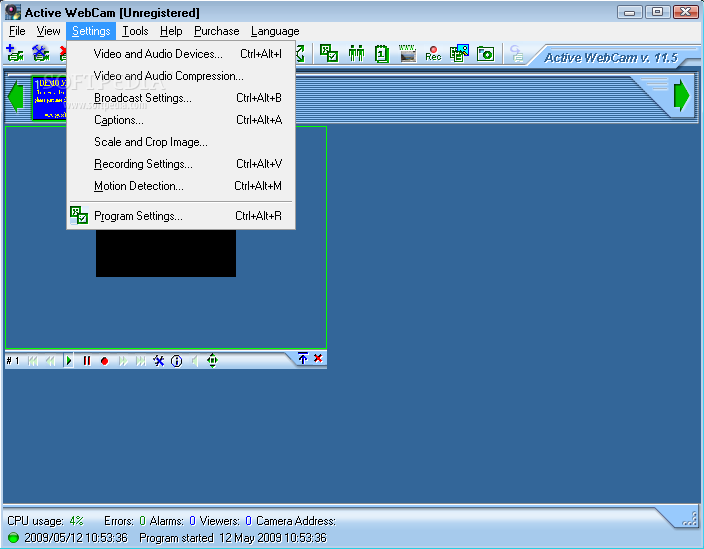
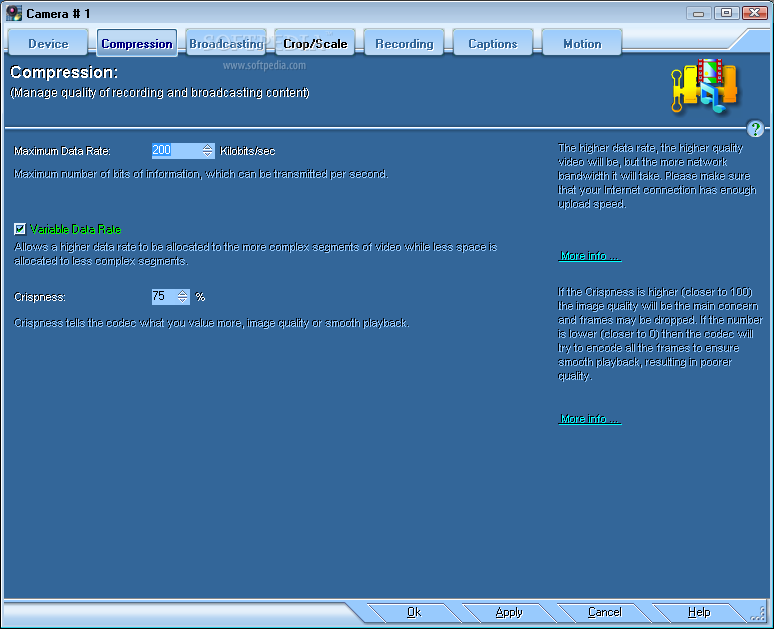
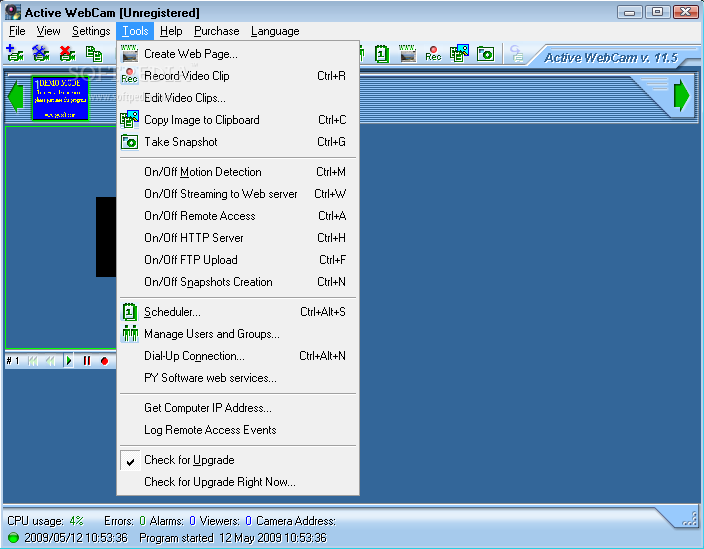
First of all, you have to know that the user interface of the program is very easy to use and displays all the most important options in the main window.
It also offers the possibility to control and preview your camera from the main window, select the camera you want to use from the thumbnail camera bar, and of course, view the current state of the device.
More than that, Active WebCam comes with a couple of other features that are supposed to make the user really stick to the software program.
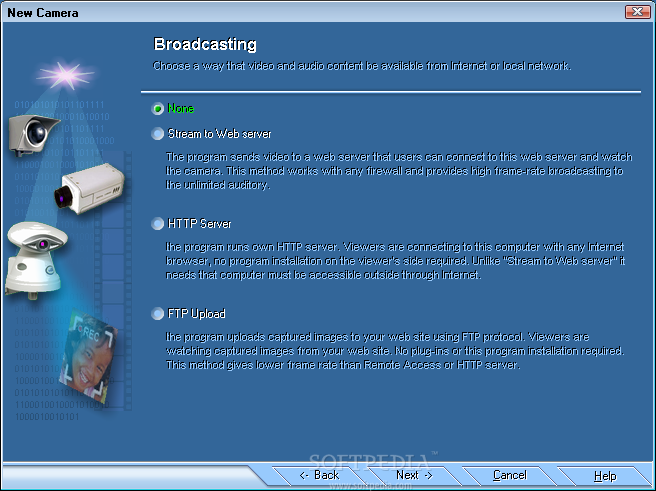
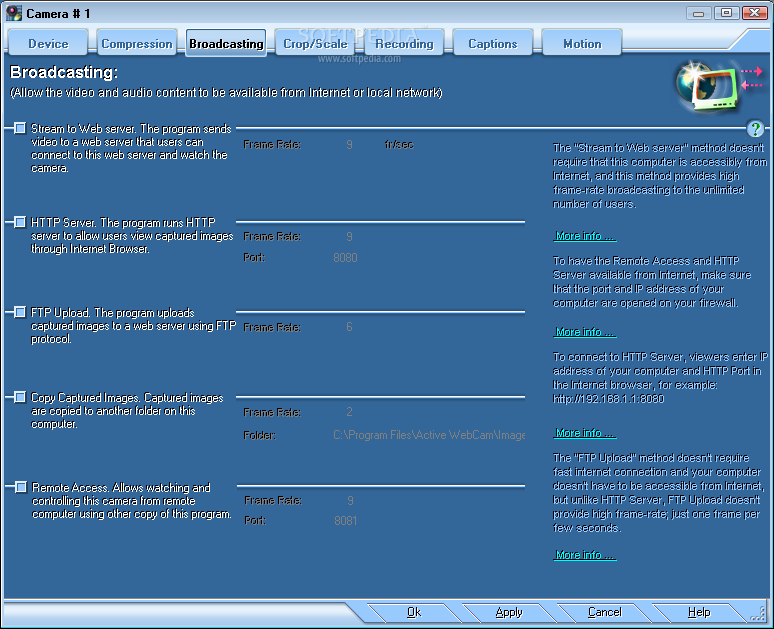
For example, the utility is able to stream your recording to a web server. Basically, the program sends the recorded video and audio to the developer's web server. Thus, the video stream can be accessed from any location in the world through a web browser.
Remote Access is also made available, so that you can access your broadcasting video from any other computer. However, you do require another copy of Active WebCam on your remote computer in order to have the access you want.
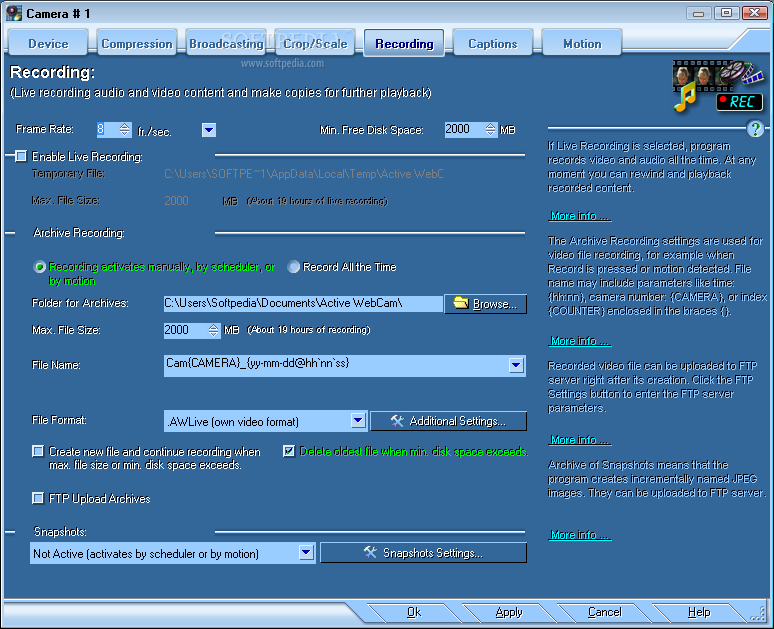
More than that, if you want to upload your captured data to your website, then you can use the FTP upload method. Another feature that might come in handy is video conversion. So if you're unsatisfied with the AWLive format, you can choose to convert your videos to AVIs or MPEG with just a couple of mouse clicks.
It is worth mentioning that various video editing options are also present in the program, and, if you want to capture an image, then you can also take quick snapshots.
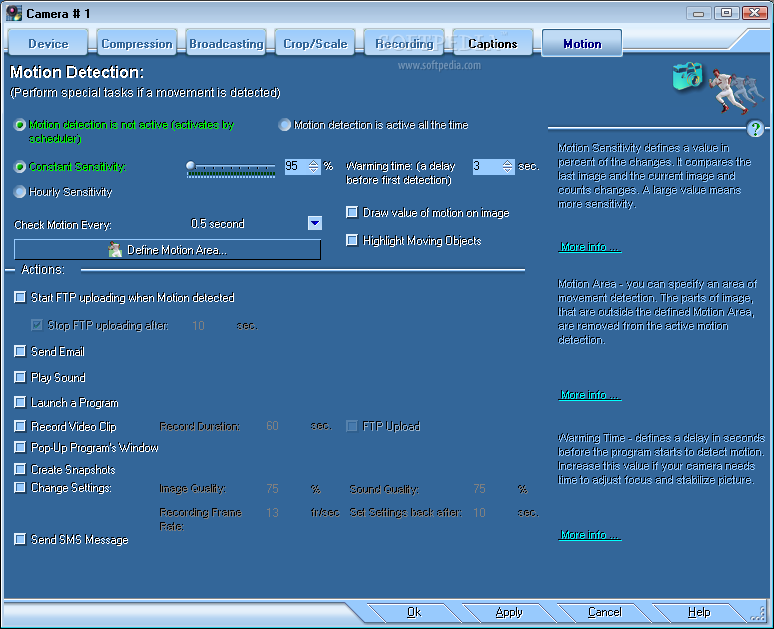
Active WebCam can be an excellent solution if you want to record videos or use it as a surveillance application for different environments.
Download Hubs
Active WebCam is part of these download collections: Webcam Recorder
What's new in Active WebCam 11.6:
- New version designed for Windows 7
Active WebCam 11.6
add to watchlist add to download basket send us an update REPORT- runs on:
-
Windows 10 32/64 bit
Windows 2003
Windows 8
Windows 7
Windows Vista
Windows XP
Windows 2K - file size:
- 11.6 MB
- filename:
- AWC-PYS.exe
- main category:
- Internet
- developer:
- visit homepage
Microsoft Teams

Zoom Client

calibre

ShareX

7-Zip

Bitdefender Antivirus Free

IrfanView

4k Video Downloader

Windows Sandbox Launcher

Context Menu Manager

- 4k Video Downloader
- Windows Sandbox Launcher
- Context Menu Manager
- Microsoft Teams
- Zoom Client
- calibre
- ShareX
- 7-Zip
- Bitdefender Antivirus Free
- IrfanView