
A powerful bootloader/modification tool that enables you to run multiple operating systems on the same computer, as well as reset the BCD configuration or recreate and repair boot files. #Bootloader modifier #Mbr backup #Restore boot sector #Bootloader #Modifier #Customizer

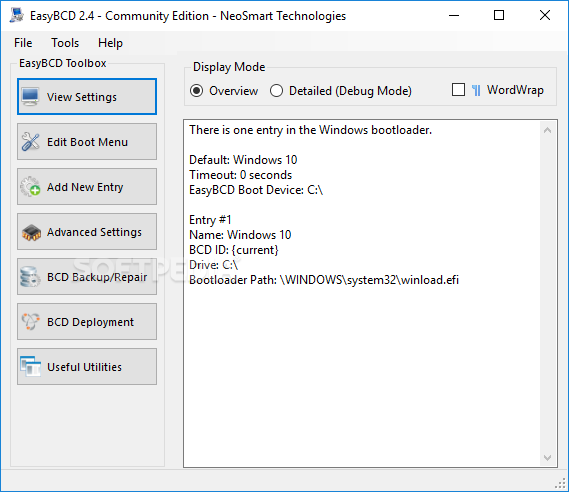
EasyBCD Community Edition allows you to create a multiboot environment in order to run multiple operating systems on the same computer.
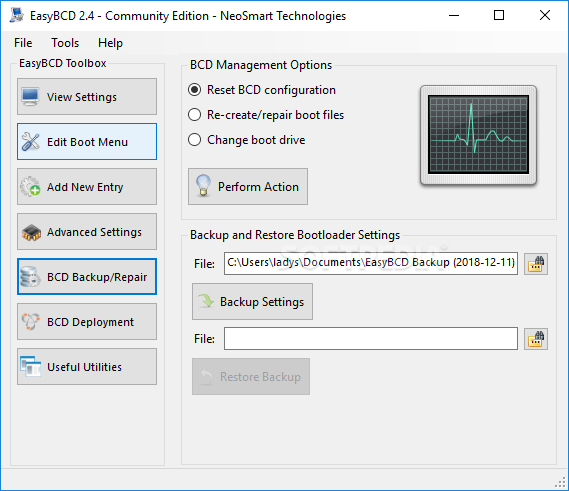
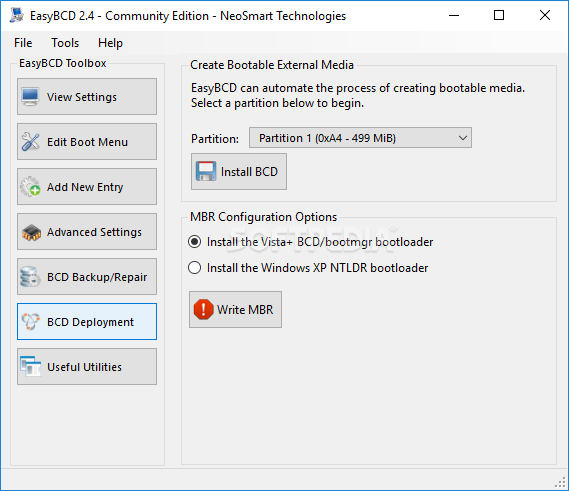
The application also features BCD (Boot Configuration Data) Backup/Repair utilities that provide users with the possibility to reset the BCD configuration or recreate and repair boot files.
The software features a well-organized interface, as each function gets its own section. You can get an overview of the current settings on your computer, the installed OSes and their order. Changing their names and their position in the list is as easy as pressing two buttons.
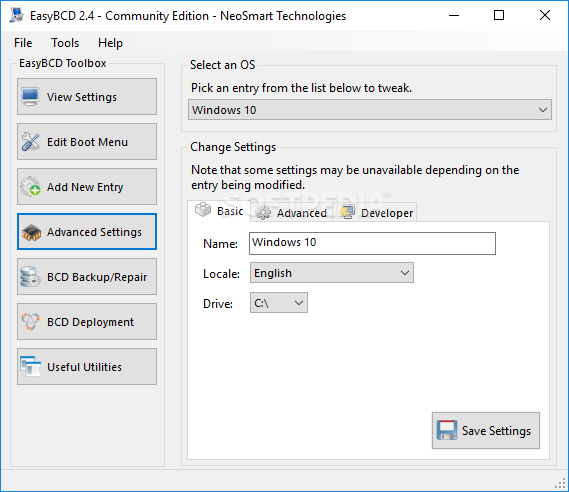
When it comes to tweaking the current boot entries, you can change the Safe Mode type or you can limit Windows to use only a certain number of CPUs. You can choose to run the OS in Kernel-Debug Mode or in SOS/Verbose-Boot Mode.
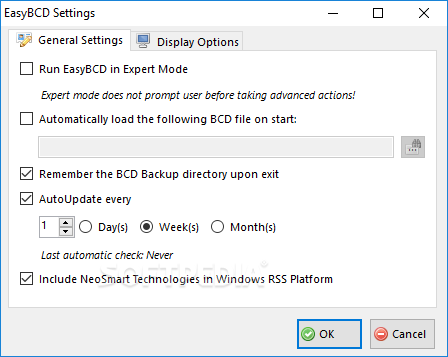
EasyBCD Community Edition allows you to adjust the time that needs to pass until the default OS is booted (after a given number of seconds) or you can disable this timeout completely and set it to wait for user input.
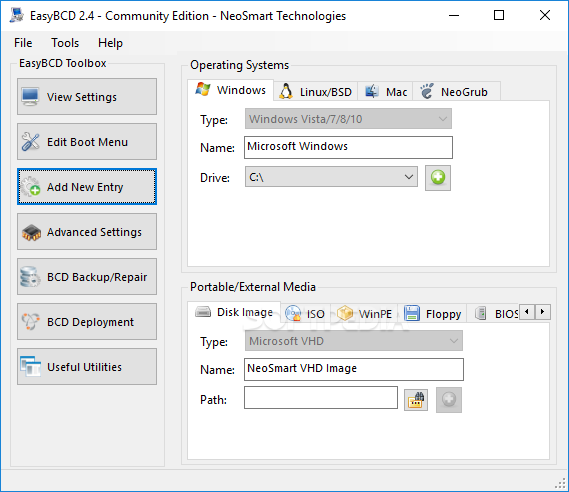
New boot entries can be added (of Windows, Linux, or Mac) from any external devices, while you also have the option of creating a bootable media from a certain partition. Experts can rely on this utility to reset the BCD of your PC, re-create or repair boot files, and change the boot drive.
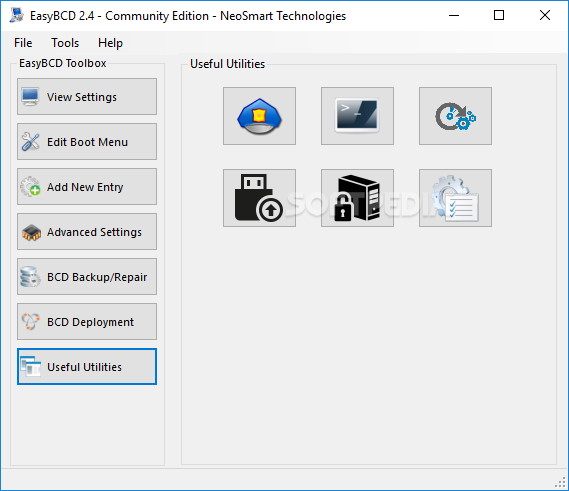
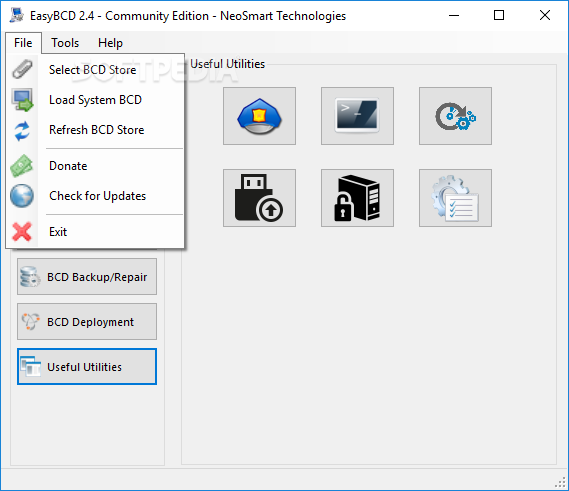
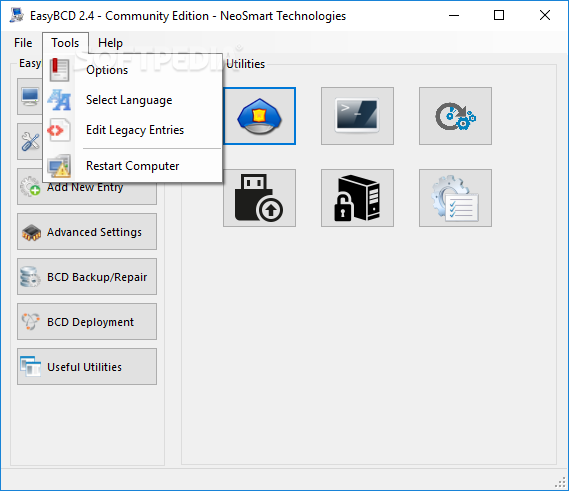
The Useful Utilities section displays several options, but most of them load Windows' standard tools, such as Control Panel, System Restore or System Information, thus bundling multiple management options in a single, clean instance.
To summarize, EasyBCD Community Edition lets users take full control over the computer's boot menu and customize a bunch of boot options. It can be successfully used to repair Windows installations and to back up the bootloader.
What's new in EasyBCD 2.4.0.237:
- [EBCD-562] - Fixedbcdboot paramters in RepairBootDrive call
- [EBCD-566] - Fixed:/NLT crashes on malformed XML translation files
- [EBCD-578] - Fixedpartitions with 64-bit extensions are not supported
- [EBCD-564] - FixedDetect <= Windows 7 and disable metro bootloader to prevent hidden boot menu
EasyBCD 2.4.0.237
 Softpedia Editor's Pick
add to watchlist
add to download basket
send us an update
REPORT
Softpedia Editor's Pick
add to watchlist
add to download basket
send us an update
REPORT
- runs on:
-
Windows 10 32/64 bit
Windows 8 32/64 bit
Windows 7 32/64 bit
Windows Vista 32/64 bit
Windows XP 32/64 bit - file size:
- 2.2 MB
- filename:
- EasyBCD2.4.exe

- main category:
- System
- developer:
- visit homepage
Context Menu Manager

7-Zip

IrfanView

Microsoft Teams

calibre

Zoom Client

Windows Sandbox Launcher

Bitdefender Antivirus Free

4k Video Downloader

ShareX

- Bitdefender Antivirus Free
- 4k Video Downloader
- ShareX
- Context Menu Manager
- 7-Zip
- IrfanView
- Microsoft Teams
- calibre
- Zoom Client
- Windows Sandbox Launcher