
Protect your files by constantly creating backups of these, also allowing the app to automate most of the process in order to waste less time. #Backup Data #Restore Data #Backup Schedule #Backup #Restore #Schedule

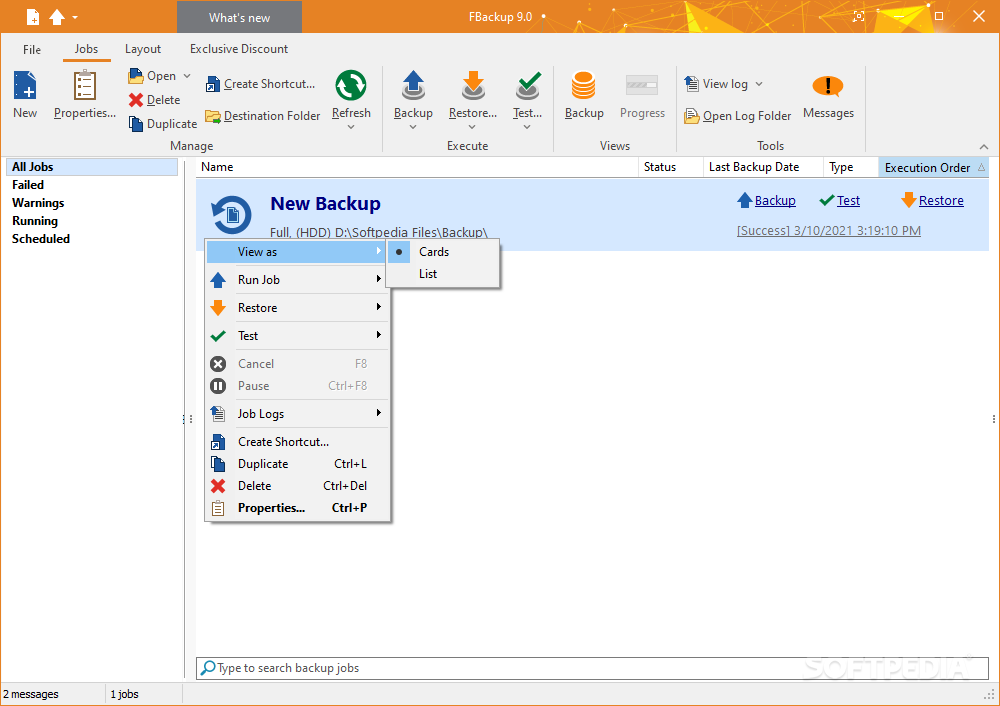
FBackup is an application that any cautious user will love to use, especially since we all know how unreliable computers can sometimes be. If you're fearing the loss of important documents, folders, or any other type of data, FBackup is the right way to go in creating duplicates of those elements for safekeeping. If one is to add the perk of having automatic backups done from time to time and simultaneous storage to a preset location, then the system is complete and functional.
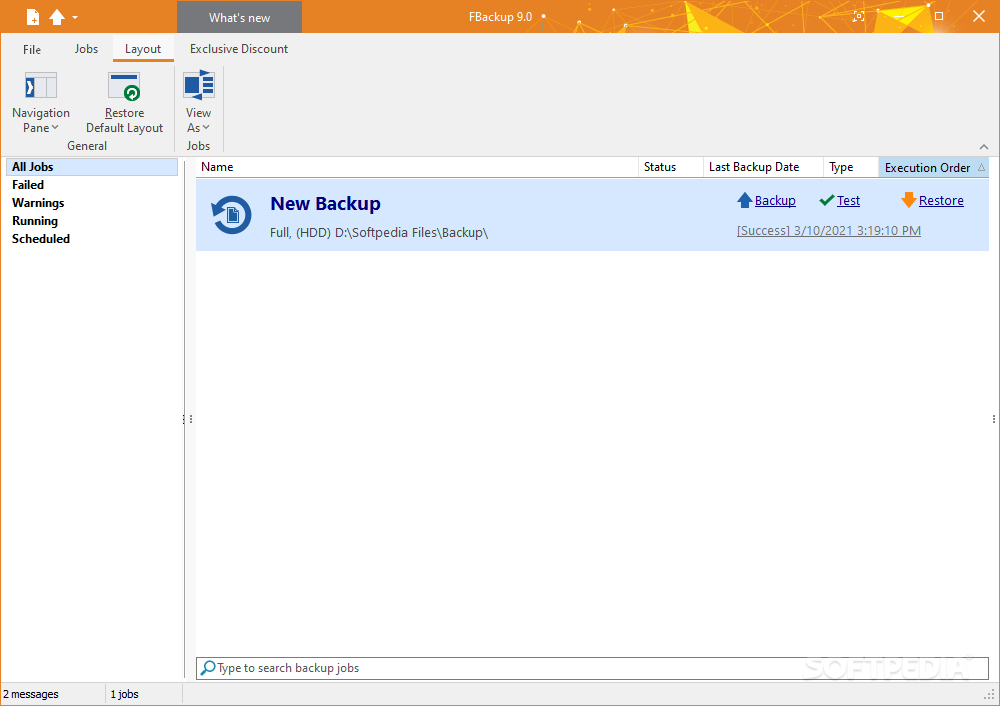
Don't worry if you think this application will have a complex interface. Although there are many options to choose from, all of them are positioned accordingly, in areas where you'd find it normal to access these. The interface will seem rather familiar, especially since it takes after the more recent renditions of the Office Suite apps. That is not necessarily a bad thing, a tad unoriginal, but helpful in the end for the more inexperienced users.
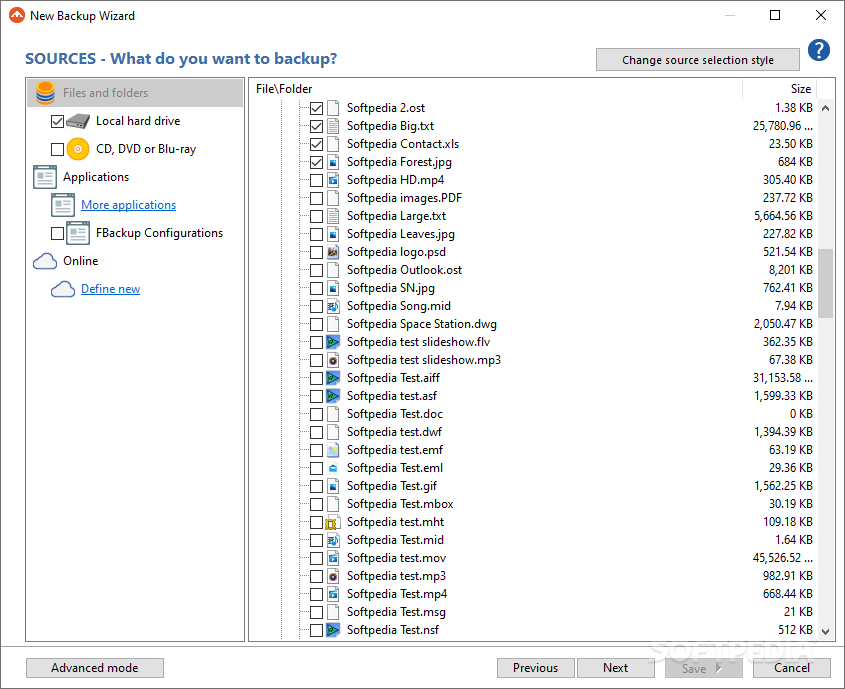
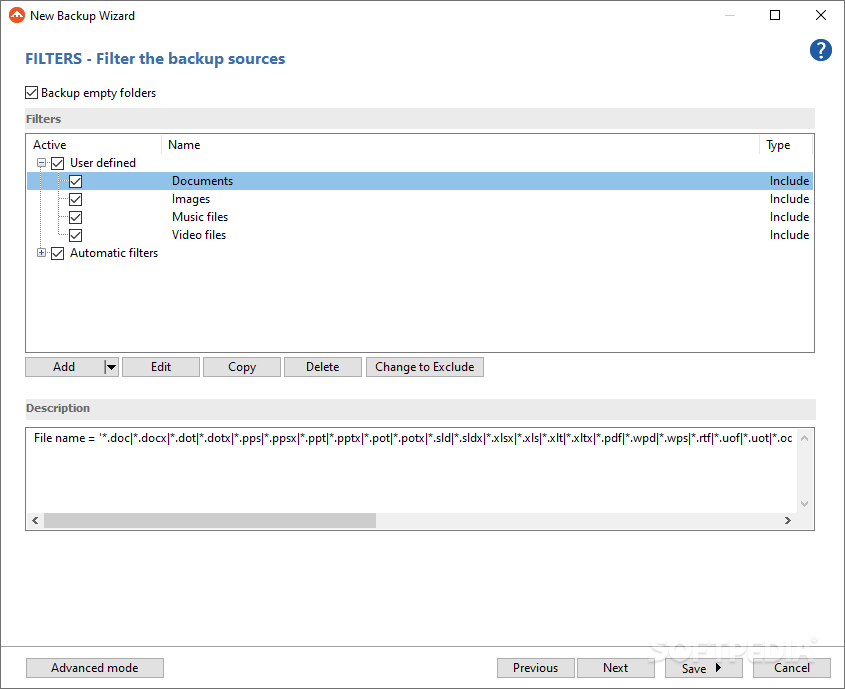
All executed actions or the ones that are to happen at a later time are shown as jobs. These jobs can include many particular activities, all backup-related. Create a backup file, and choose what to include in it. Make sure you also choose how the duplicate will look. Will it be compressed or an identical copy? Restore created backups, but not before testing for any particular issues that might have appeared especially if you've moved the file itself from one storage media to another.
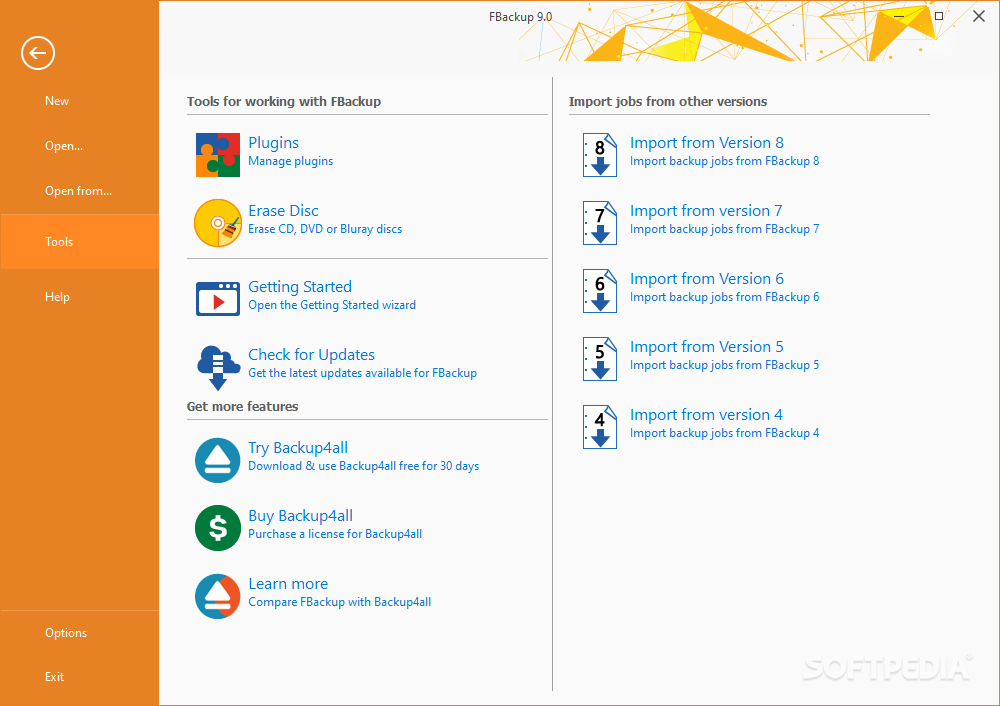
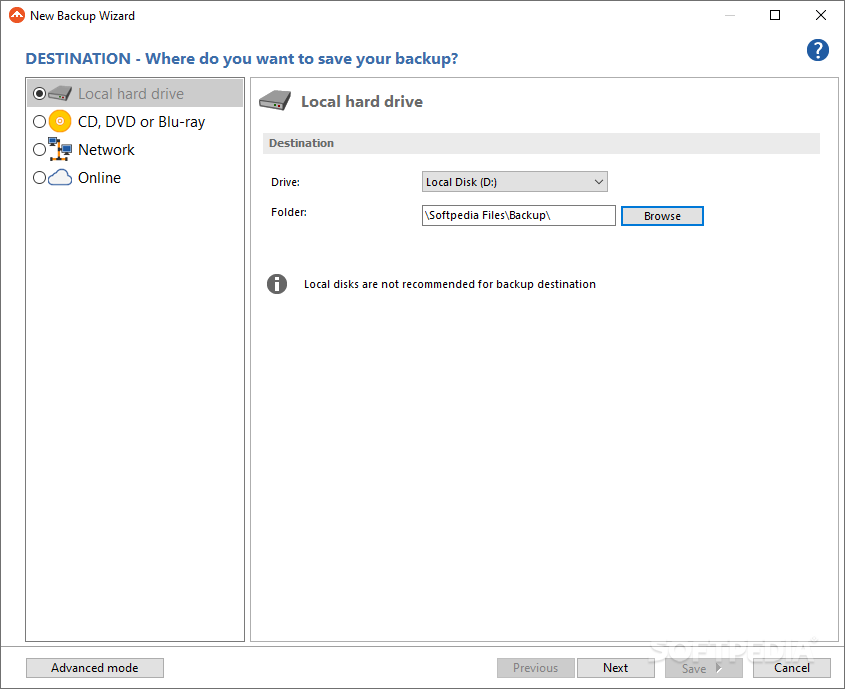
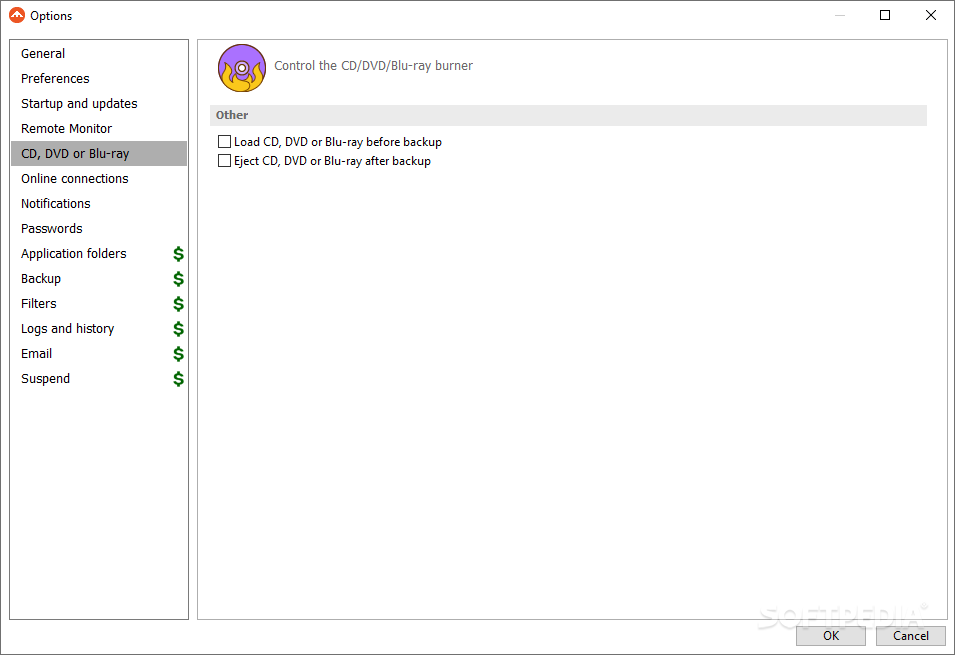
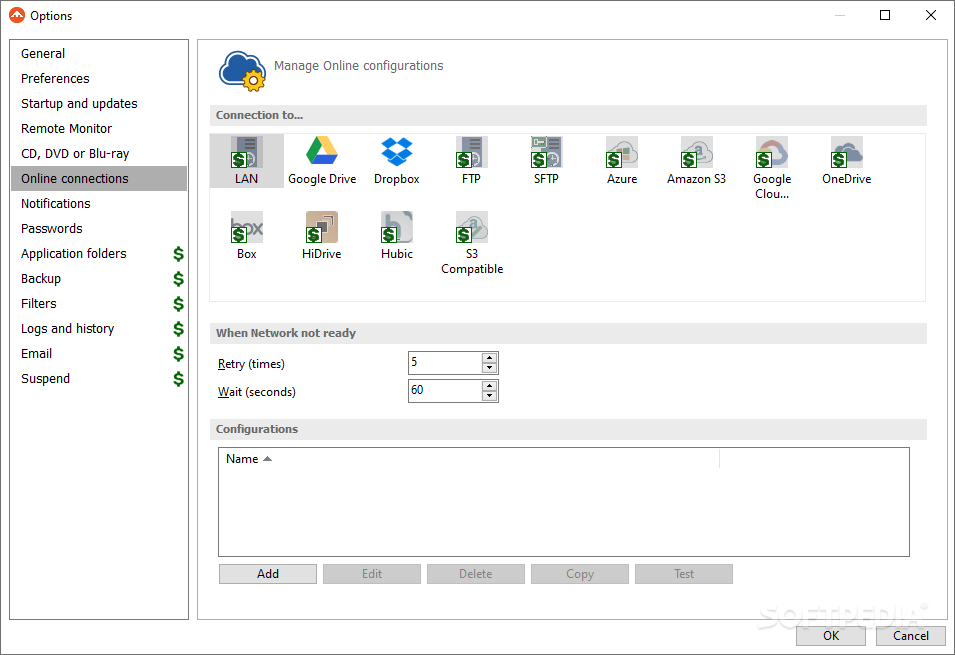
The application also recommends other similar software products you might want to work with. You can import jobs from previous versions of the same app, which is a nice feature, especially if you're slow to upgrade all the time. As far as saving locations are concerned for your backups, you can start with a local area such as an extra HDD or a USB stick, continue with smaller storage media solutions like CDs, DVDs, and Blu-ray discs, or opt for much reliable and modern solutions such as Network-specific areas or cloud storage.
FBackup is an application that manages to offer individuals a complete backup package for unforeseen situations that could end up turning your day upside down. If you're trying to avoid such scenarios, your files should be safe with the use of this particular program.
FBackup 9.9 Build 869
add to watchlist add to download basket send us an update REPORT- runs on:
-
Windows 11
Windows Server 2022
Windows Server 2019
Windows Server 2016
Windows 10 32/64 bit
Windows Server 2012 R2
Windows Server 2012
Windows 2008 R2
Windows 2008 32/64 bit
Windows 2003
Windows 8 32/64 bit
Windows 7 32/64 bit
Windows Vista 32/64 bit - file size:
- 99.7 MB
- filename:
- fbsetup-full.exe

- main category:
- System
- developer:
- visit homepage
ShareX

Bitdefender Antivirus Free

Windows Sandbox Launcher

4k Video Downloader

calibre

7-Zip

IrfanView

Zoom Client

Context Menu Manager

Microsoft Teams

- Zoom Client
- Context Menu Manager
- Microsoft Teams
- ShareX
- Bitdefender Antivirus Free
- Windows Sandbox Launcher
- 4k Video Downloader
- calibre
- 7-Zip
- IrfanView