
Enhance the speed at which you download files and cleverly manage them with the help of this powerful and practical software application #Download manager #Download file #Resume download #Downloader #Transfer #Resume

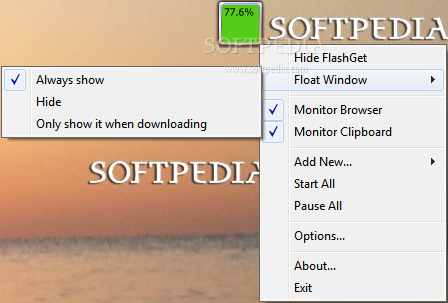
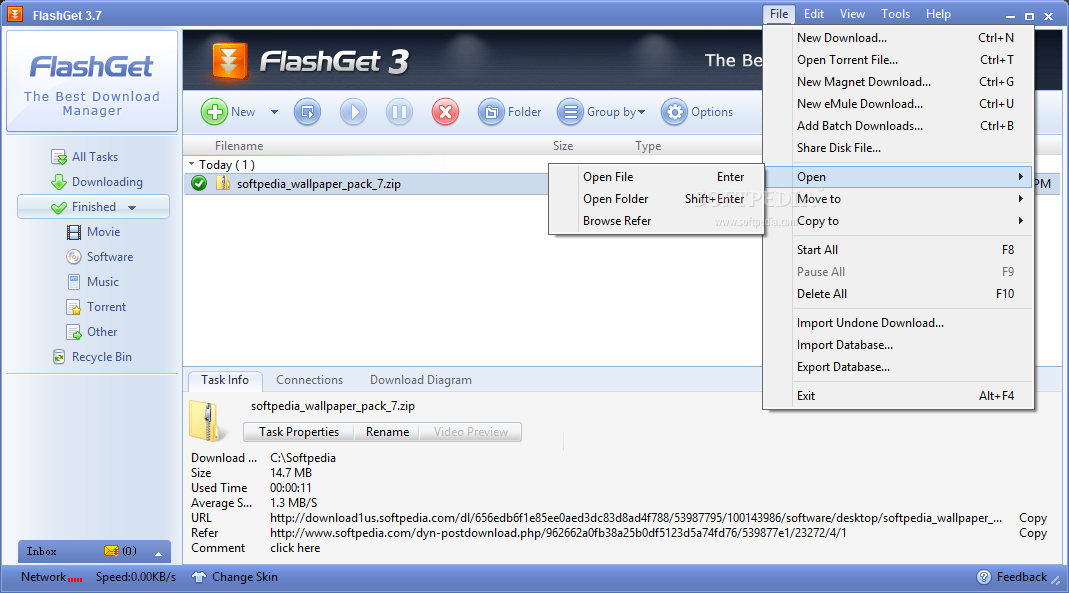
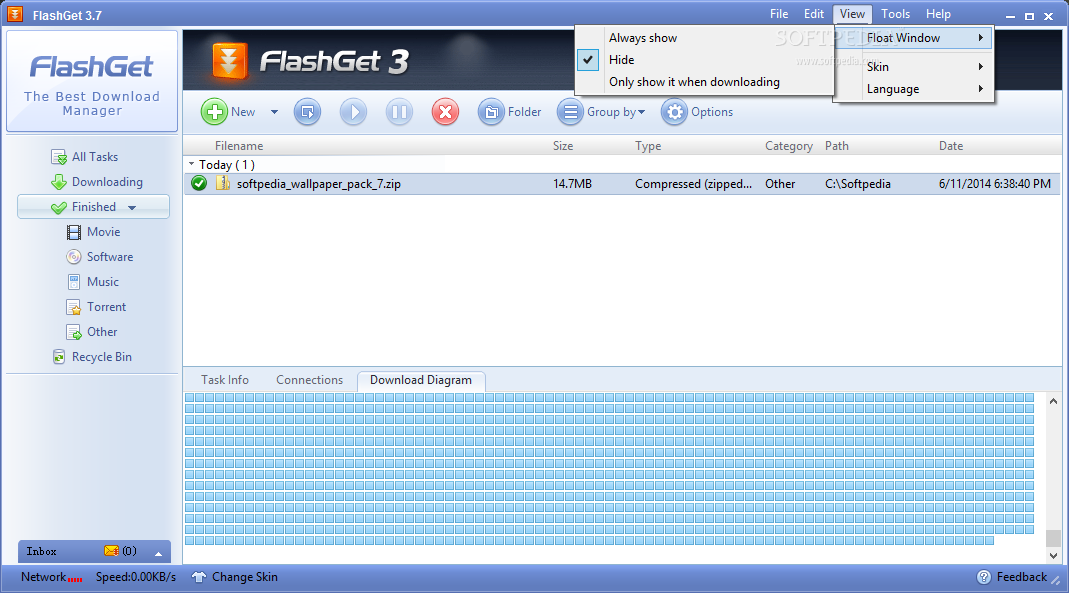
FlashGet is a download manager featuring support for most popular web browsers out there as well as a wide array of tools supposed to make your life a bit easier when downloading files. FlashGet is one of the big guys on the market, with an impressive history and, more importantly, a huge number of users that have confirmed its efficiency.
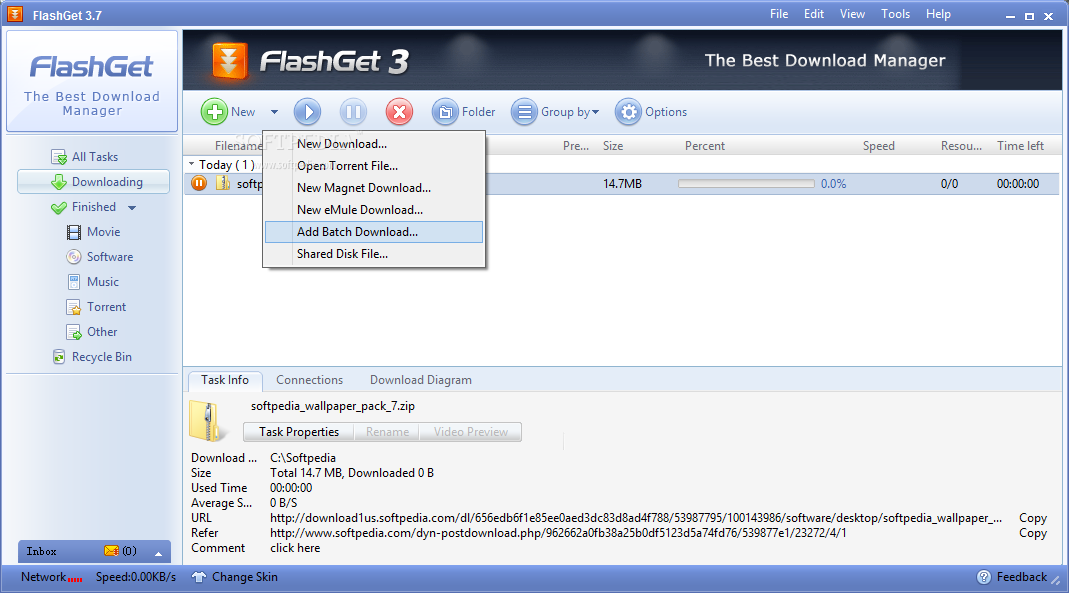
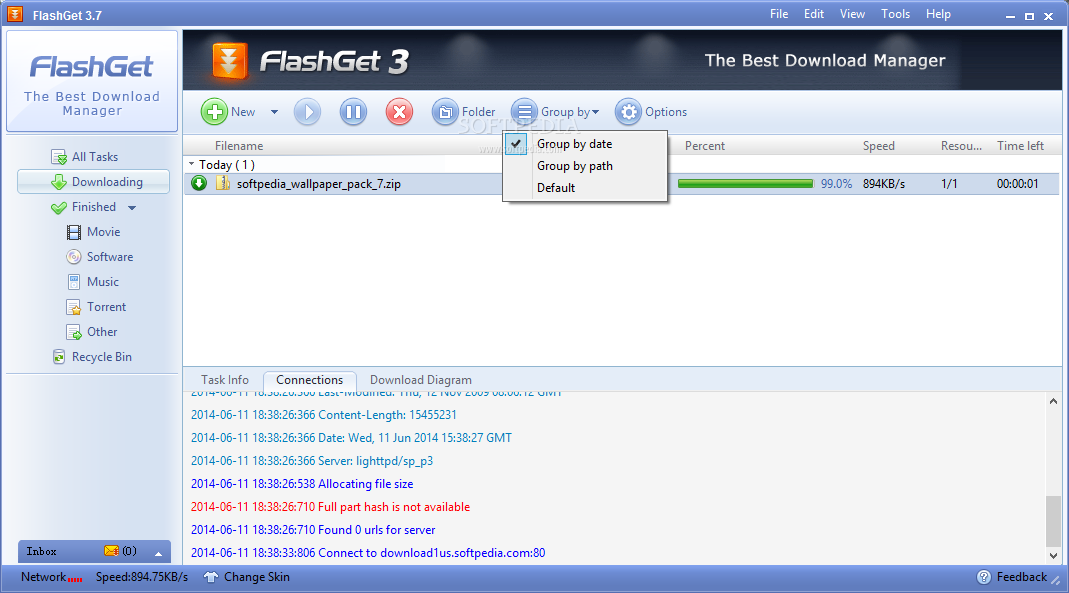
FlashGet accelerates your downloads using its implemented technologies, lending a helping hand to users that have unstable and/or slow Internet connections. The utility can also integrate into your browser and take control over the files you attempt to download while surfing the web.
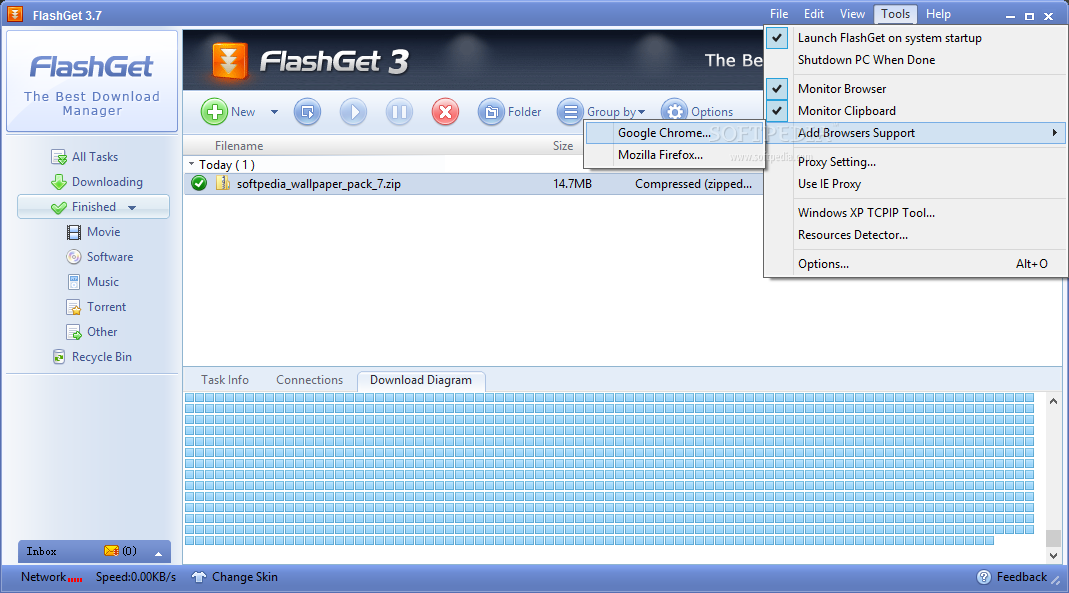
We've tested FlashGet with Firefox, as the download manager automatically installed a dedicated extension to handle downloads and everything worked like a charm.
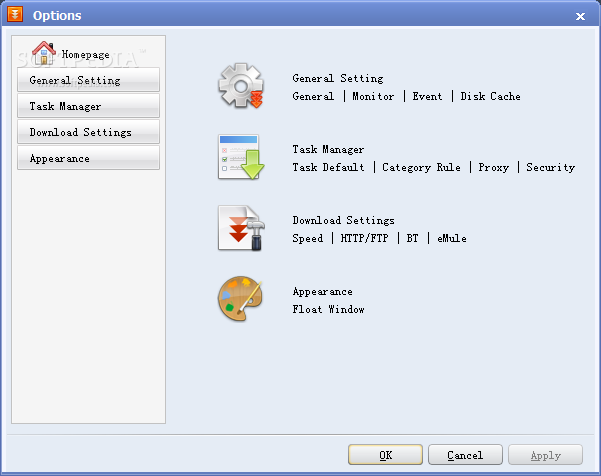
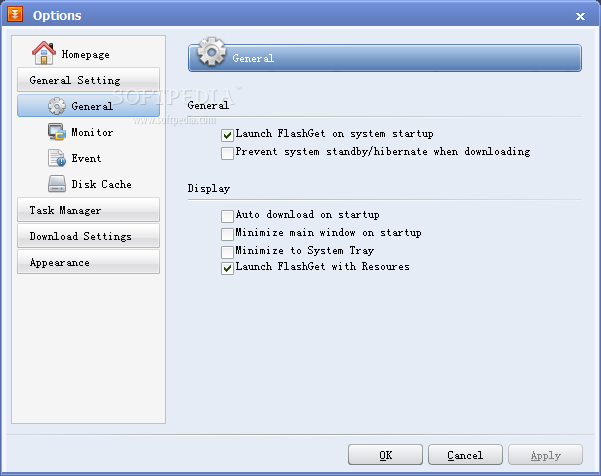
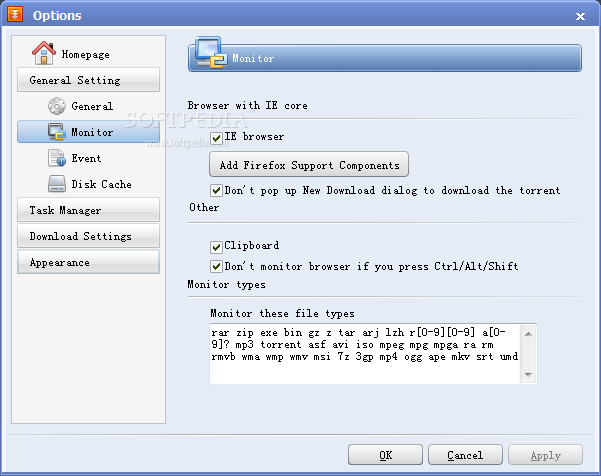
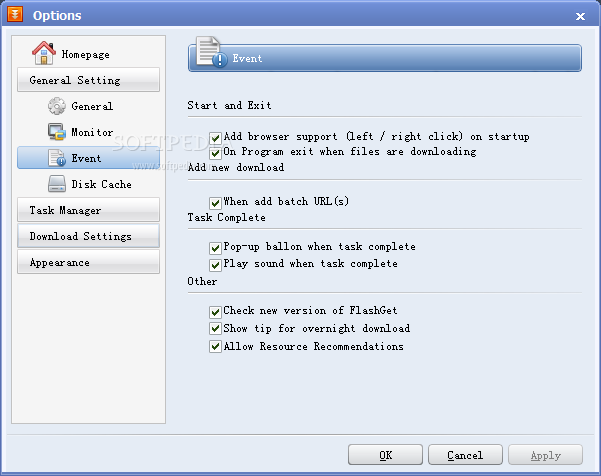
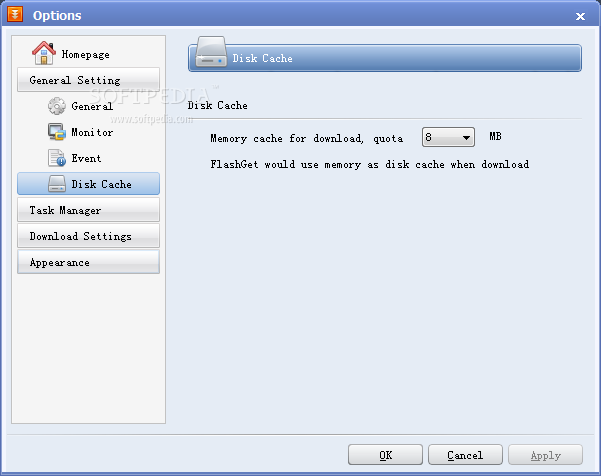
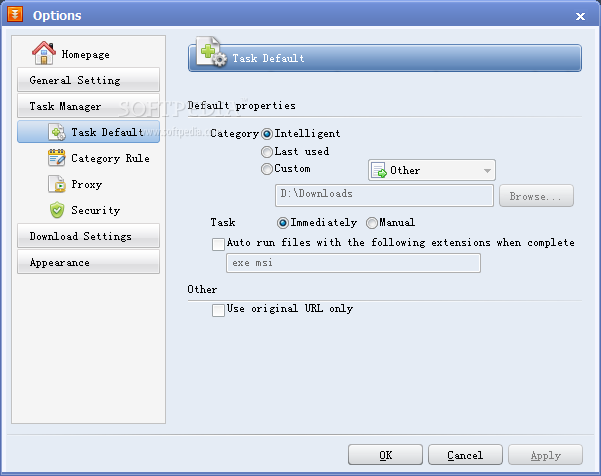
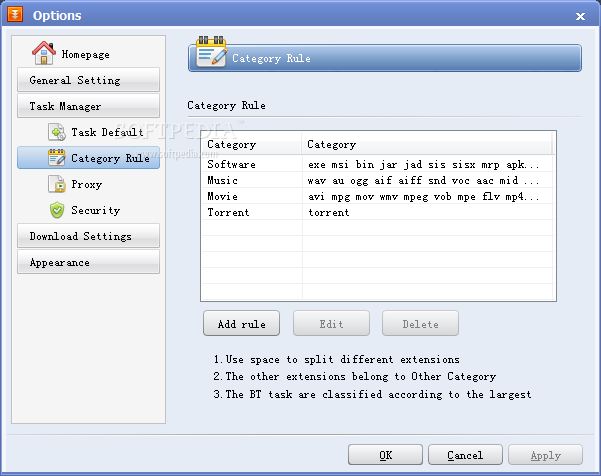
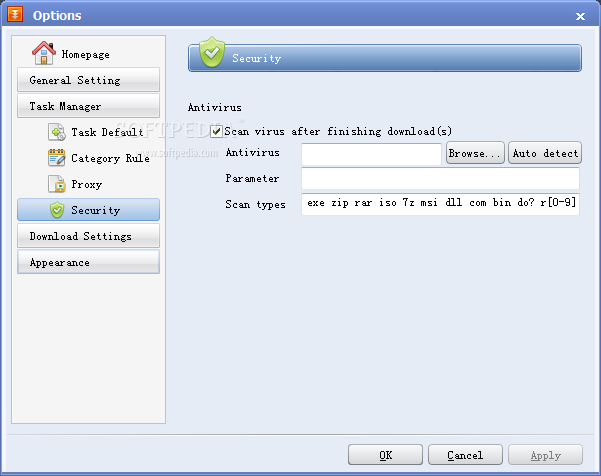
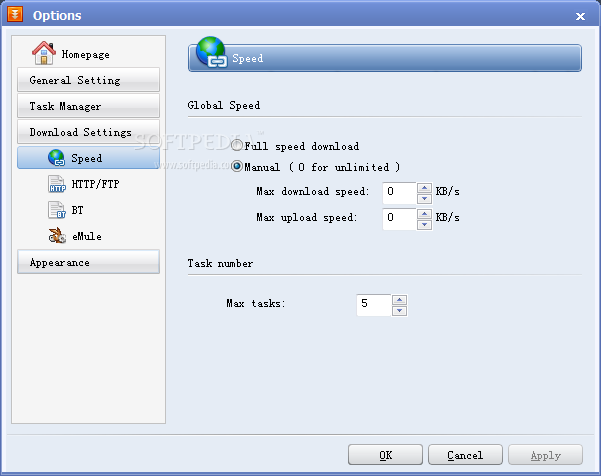
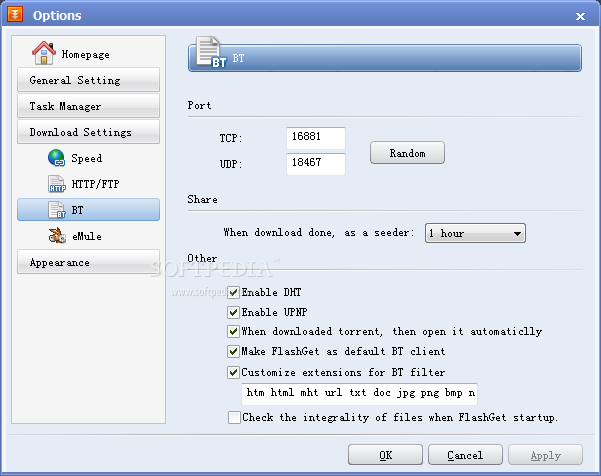
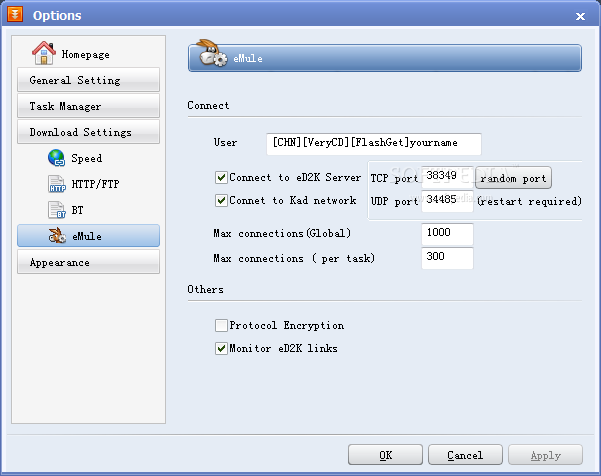
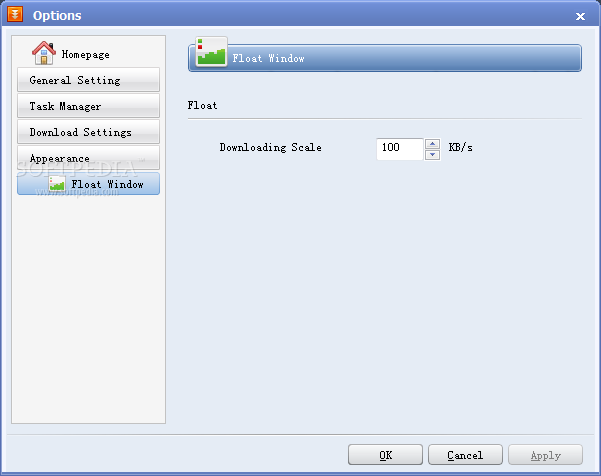
Although the interface is surprisingly good, the 'Settings' window instantly generates wrinkles on your face. The choice of font is not the most fortunate because it is hard for anyone to read the available options. The lack of an intuitive GUI takes this specific window deeper into oblivion as the sections from the left side of the window do not look like they're holding any items other than 'General Settings', 'Task Manager', 'Download Settings' or 'Appearance'.
The best thing about FlashGet is actually the way it works. It's incredibly fast and works pretty simple. Every time you right click a link that leads to a downloadable file, FlashGet comes into play and takes over. This way, you don't even need dedicated extensions in your browser, you can simply use this download manager to be up and running.
Overall, FlashGet is a must have, no matter how fast your Internet connection actually is. The application surely packs enough features to make it fun to work with for all users. Even though it's not the best looking of its kind, amount of potential behind the interface leaves nothing more to be desired.
Download Hubs
FlashGet is part of these download collections: Download Manager, Download Accelerators
FlashGet 3.7.0.1195
 Softpedia Editor's Pick
add to watchlist
add to download basket
send us an update
REPORT
Softpedia Editor's Pick
add to watchlist
add to download basket
send us an update
REPORT
- PRICE: Free
- runs on:
- Windows All
- file size:
- 7.7 MB
- filename:
- flashgetv2.zip

- main category:
- Internet
- developer:
- visit homepage
Microsoft Teams

calibre

Context Menu Manager

IrfanView

Windows Sandbox Launcher

Zoom Client

4k Video Downloader

7-Zip

ShareX

Bitdefender Antivirus Free

- 7-Zip
- ShareX
- Bitdefender Antivirus Free
- Microsoft Teams
- calibre
- Context Menu Manager
- IrfanView
- Windows Sandbox Launcher
- Zoom Client
- 4k Video Downloader