
Plan and manage your projects with the help of this streamlined and useful application that enables you to keep track of various tasks, resources and charts #Manage Project #Project Planner #Plan Project #Planner #Diagram #Skill

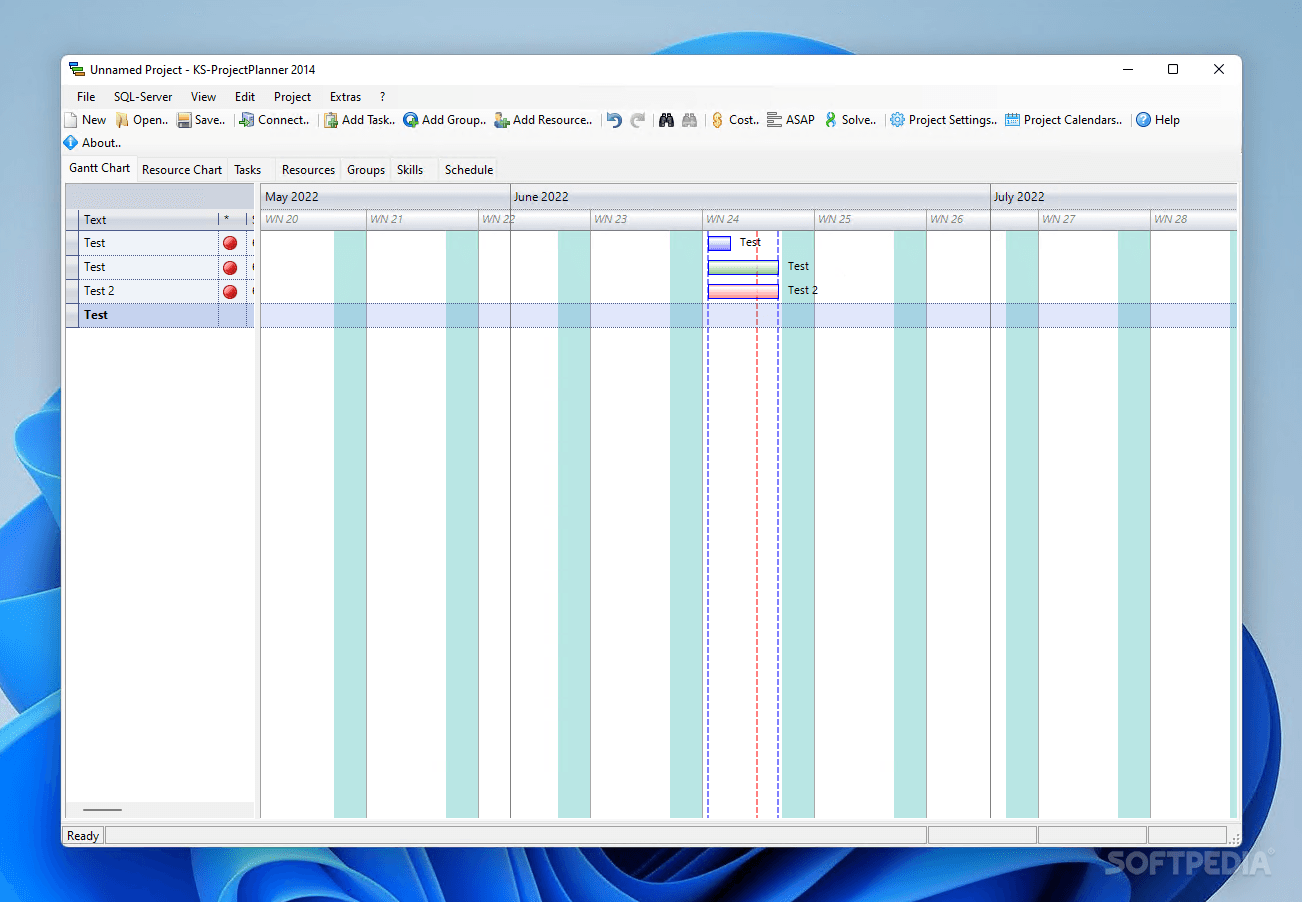
KS-ProjectPlanner is a powerful project management application that enables you to intelligently organize and prioritize tasks in order to become more efficient. Making use of Gantt diagrams, it allows resource planning and collaboration that can make a team improve the workflow productivity.
The intuitive interface provides convenient and fast access to all its options, enabling project managers to create schedules, organize resources and monitor the overall task evolution. Its ultimate goal is to offer an comprehensive analysis of the project plan and get an overview of the work breakdown structure of the project.
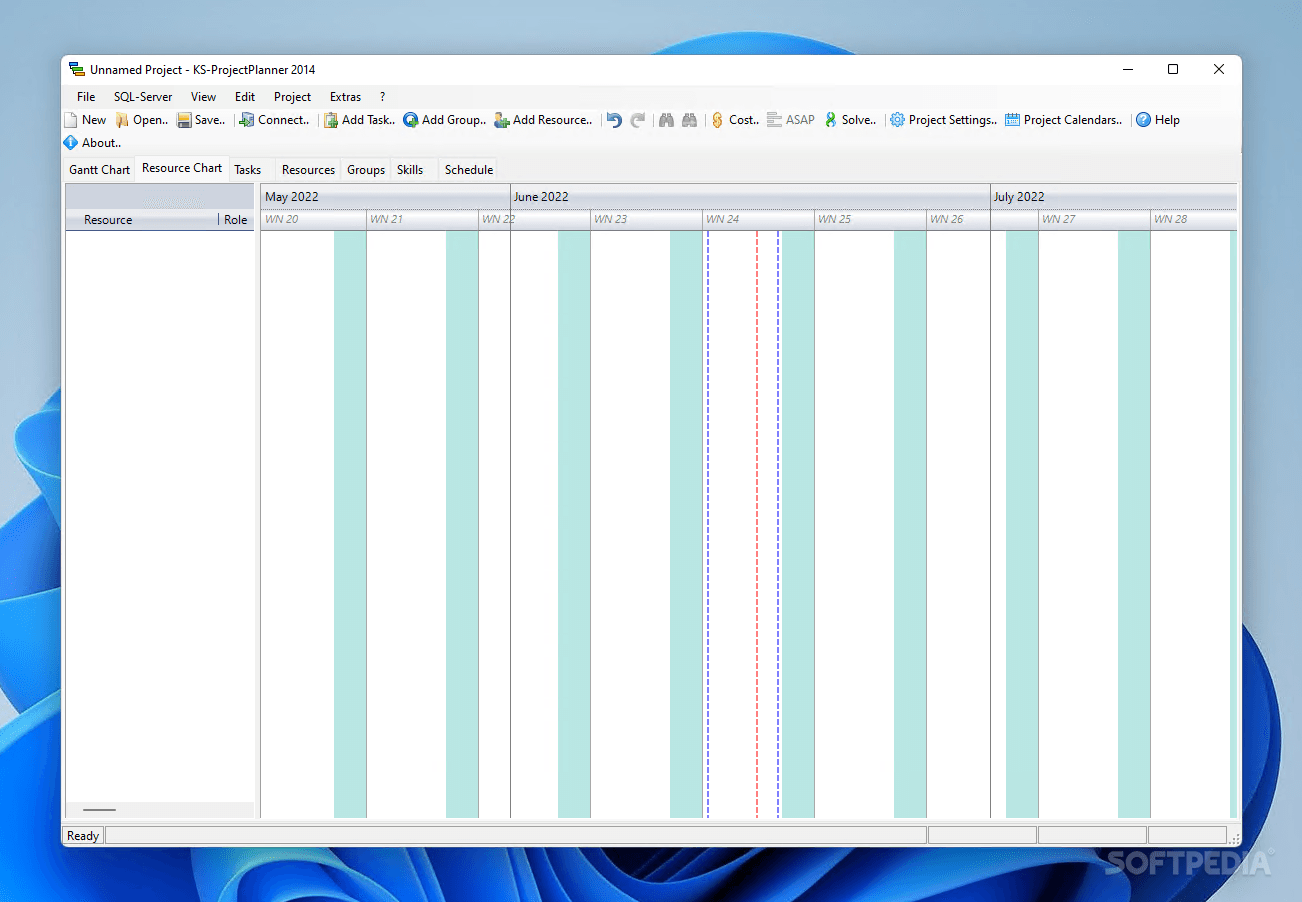
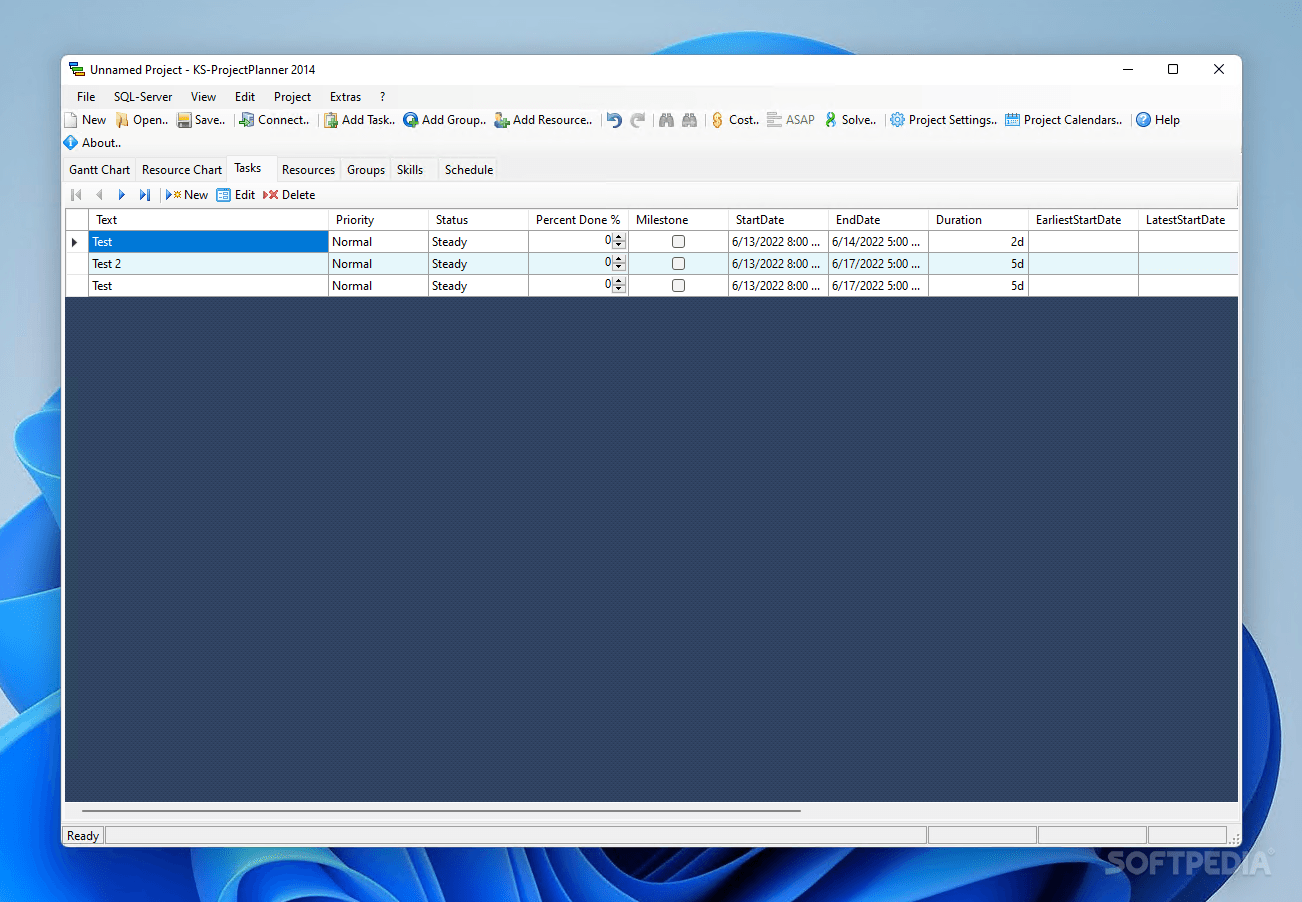
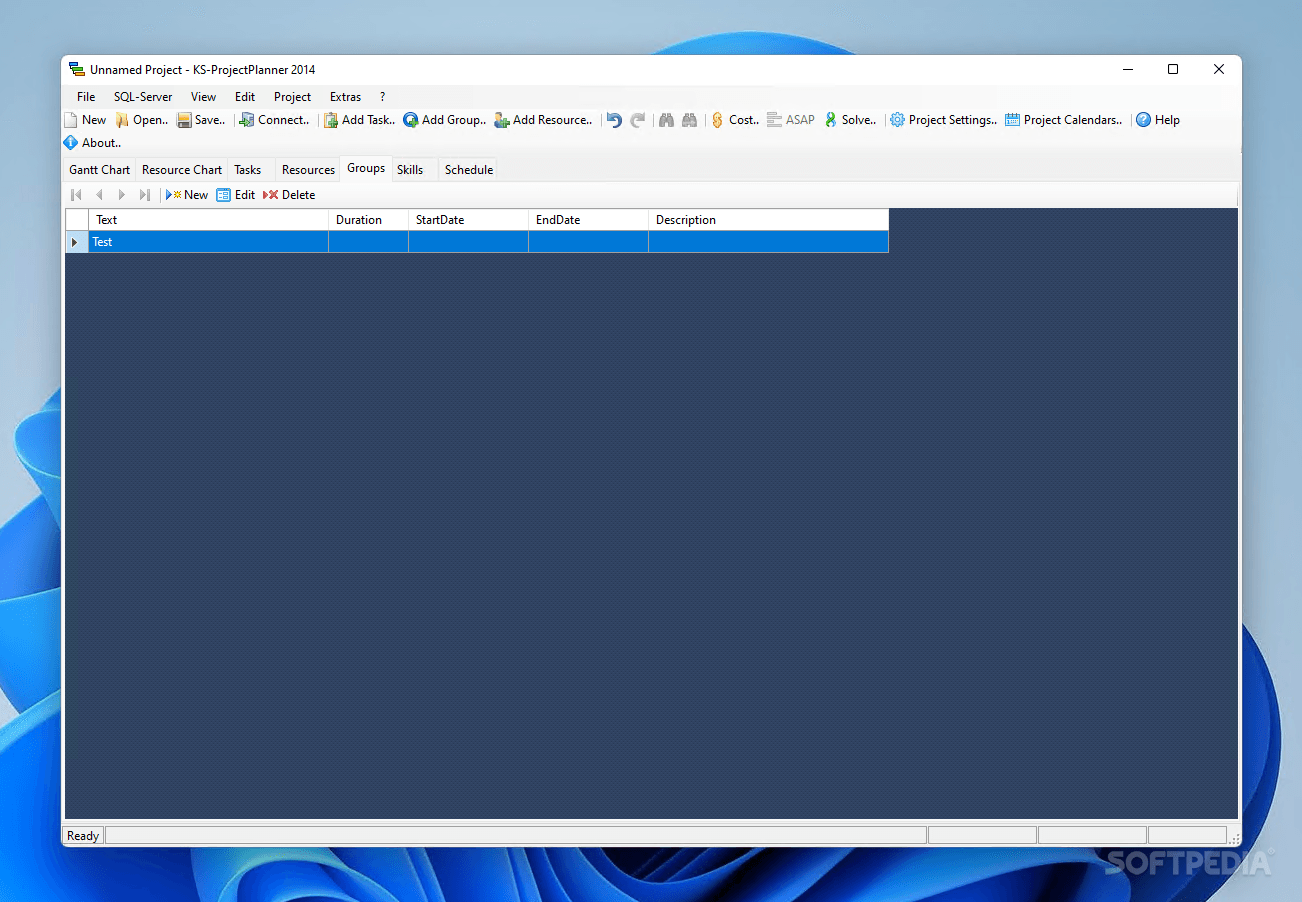
The integrated Gantt Chart can be easily populated with new tasks, which can be correlated to human, machine, material or financial resources. Tasks can be prioritized and assigned a custom deadline, with the possibility to monitor the work progress at all times. Also, you can create groups that allow you to manage workload and enhance productivity.
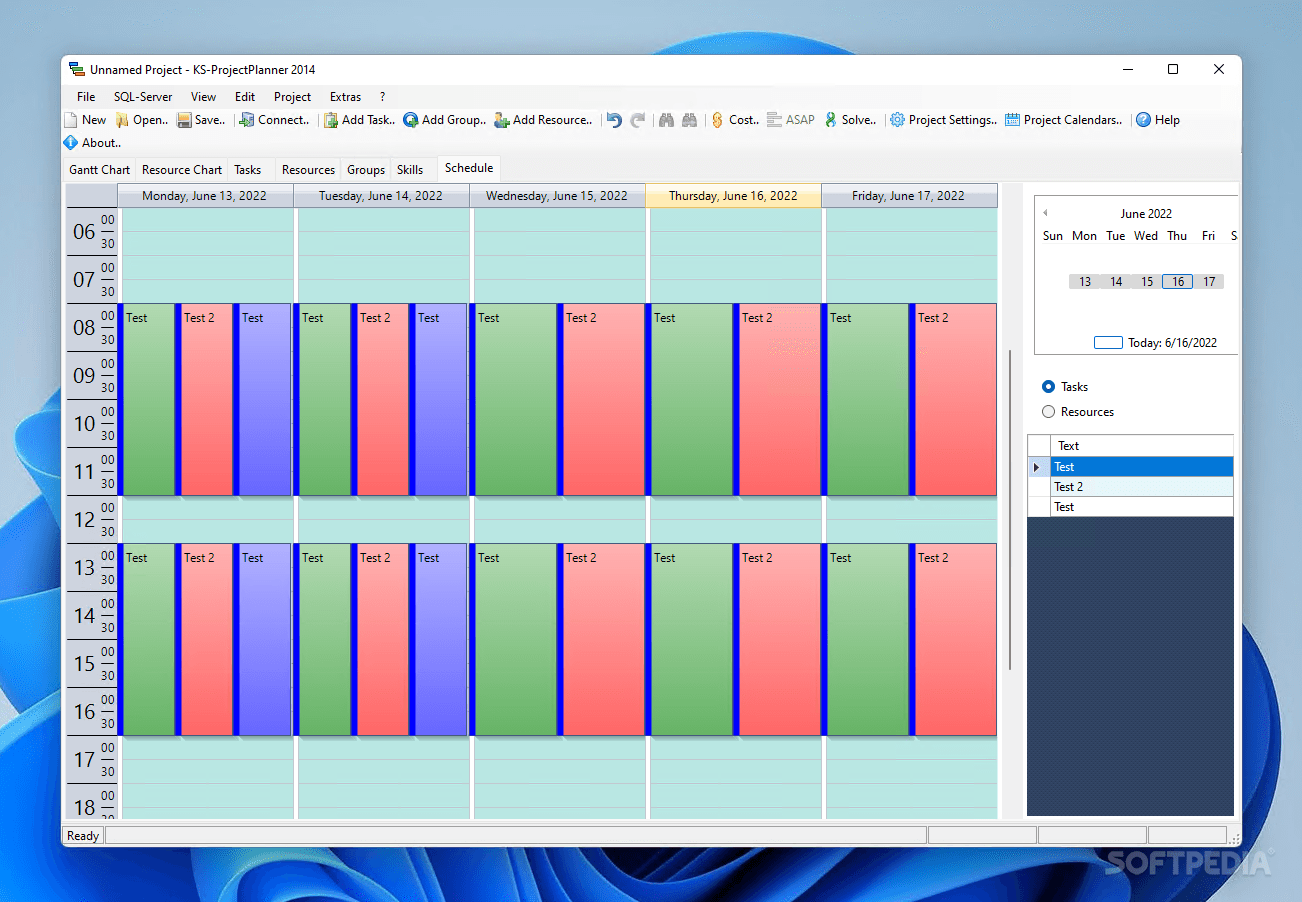
KS-ProjectPlanner automatically generates a color-coded schedule and calendar that illustrates all the tasks, along with their duration, description and the resources they depend on. This can help project managers efficiently organize workload and delegate subalterns in managing tasks that must be completed each day.
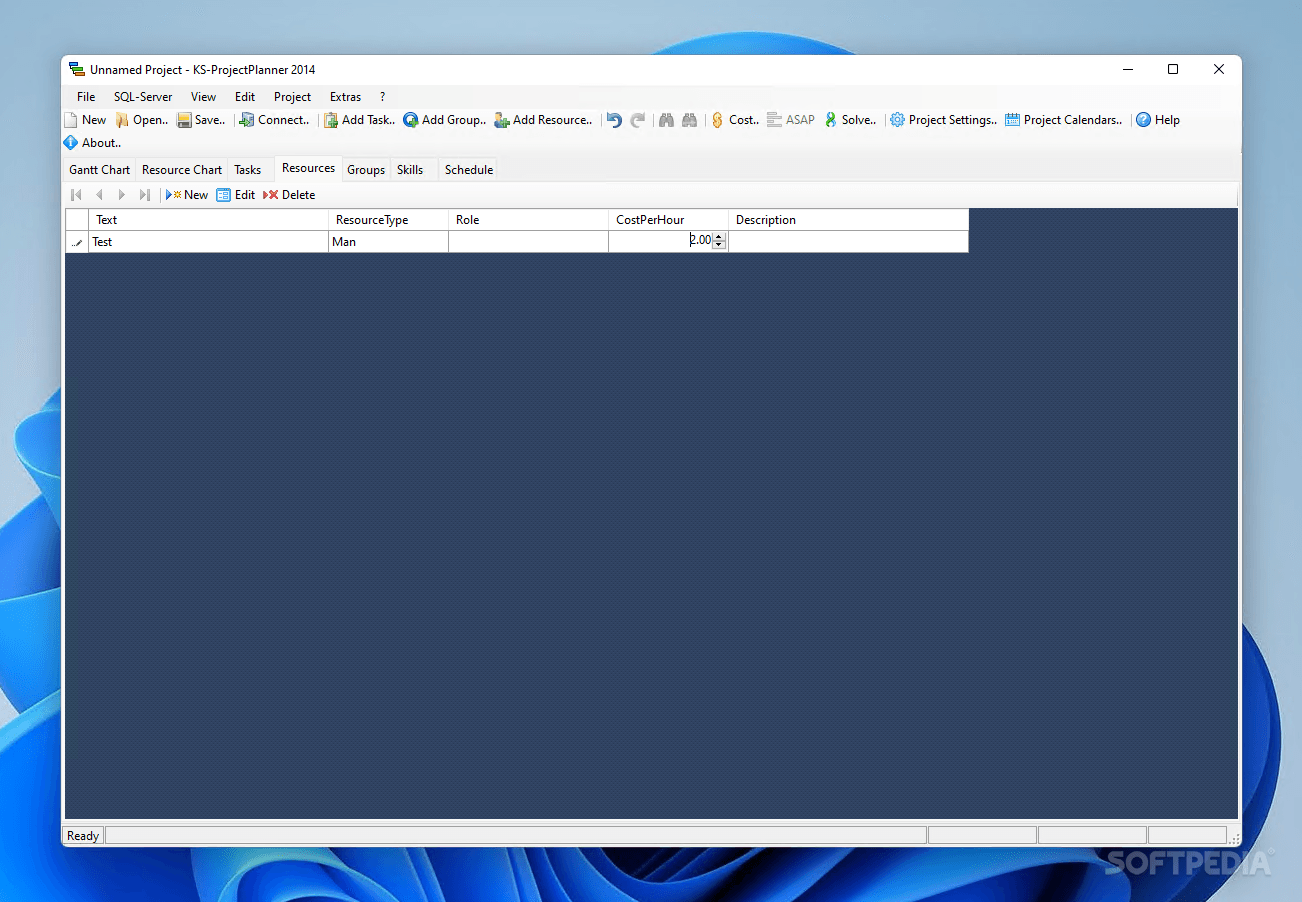
The application can keep track of the resource costs, providing options for automatically calculating the total financial value of the project.
KS-ProjectPlanner works with SQL Server, which allows multi-user and multi-project management. It is a real asset for project managers that know how to take advantage of its full potential, enabling them to plan all the project details ahead and get a visual, interactive representation of relationships between all activities.
What's new in KS-ProjectPlanner 2014 4.0.5:
- Improved GUI, DotNet Framework 4, optimized for Win8
KS-ProjectPlanner 2014 4.0.5
add to watchlist add to download basket send us an update REPORT- PRICE: Free
- runs on:
-
Windows 11
Windows 10 32/64 bit
Windows 8 32/64 bit
Windows 7 32/64 bit
Windows Vista 32/64 bit
Windows XP 32/64 bit - file size:
- 1.2 MB
- filename:
- ProjectPlanner_Setup.exe
- main category:
- Office tools
- developer:
- visit homepage
ShareX

Windows Sandbox Launcher

Context Menu Manager

7-Zip

calibre

4k Video Downloader

Bitdefender Antivirus Free

IrfanView

Microsoft Teams

Zoom Client

- IrfanView
- Microsoft Teams
- Zoom Client
- ShareX
- Windows Sandbox Launcher
- Context Menu Manager
- 7-Zip
- calibre
- 4k Video Downloader
- Bitdefender Antivirus Free