

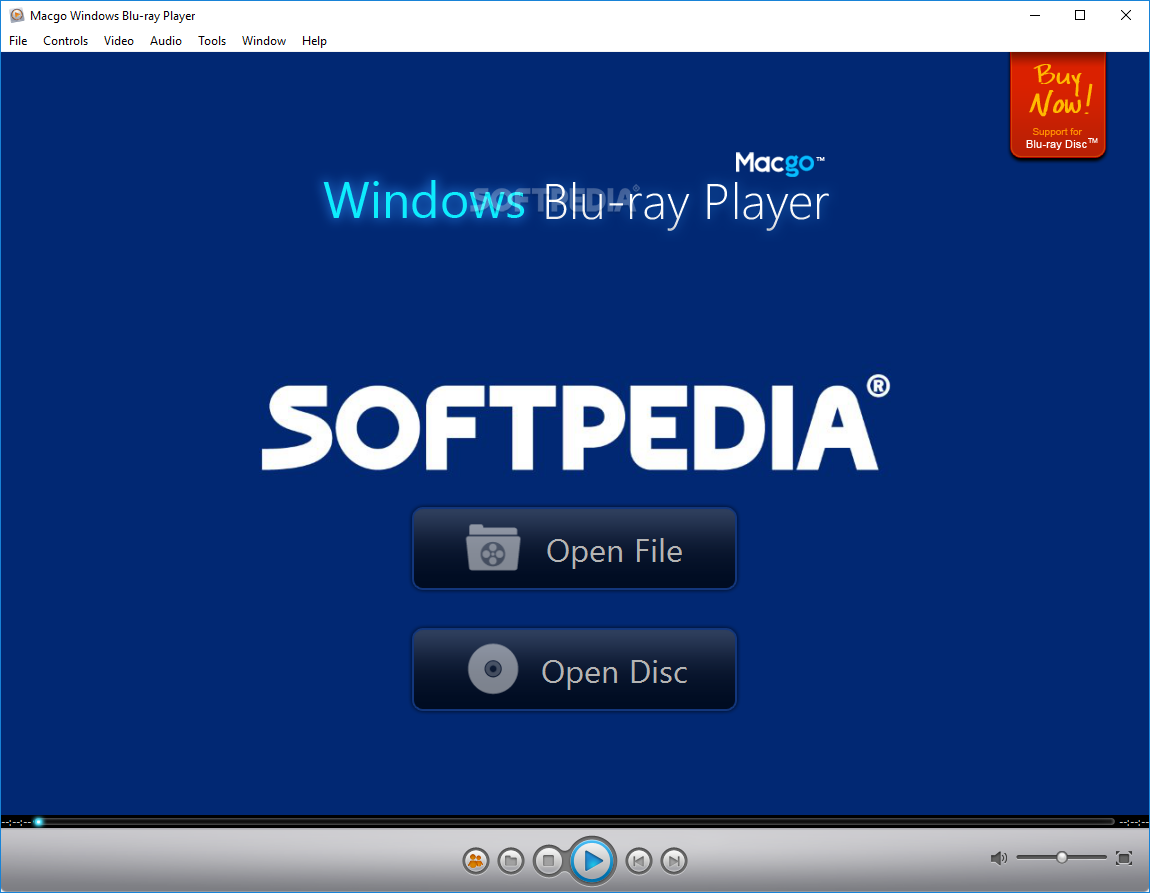
Macgo Blu-ray Player is a software application designed to help users check out the contents of Blu-ray movies, video and audio files, as well as images.
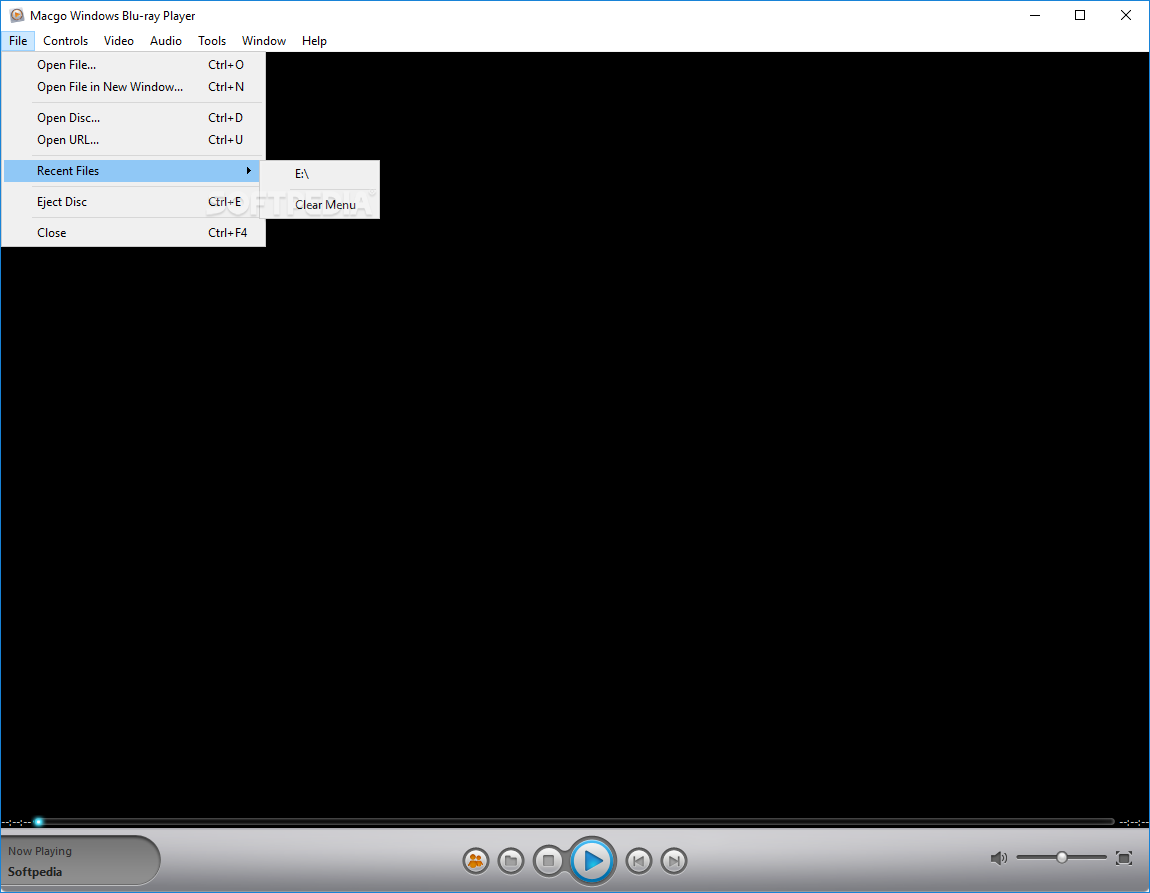
It sports a clean and straightforward interface that gives users the possibility to add files to the list by simply dragging and dropping them into the primary panel, or using the built-in browse function.
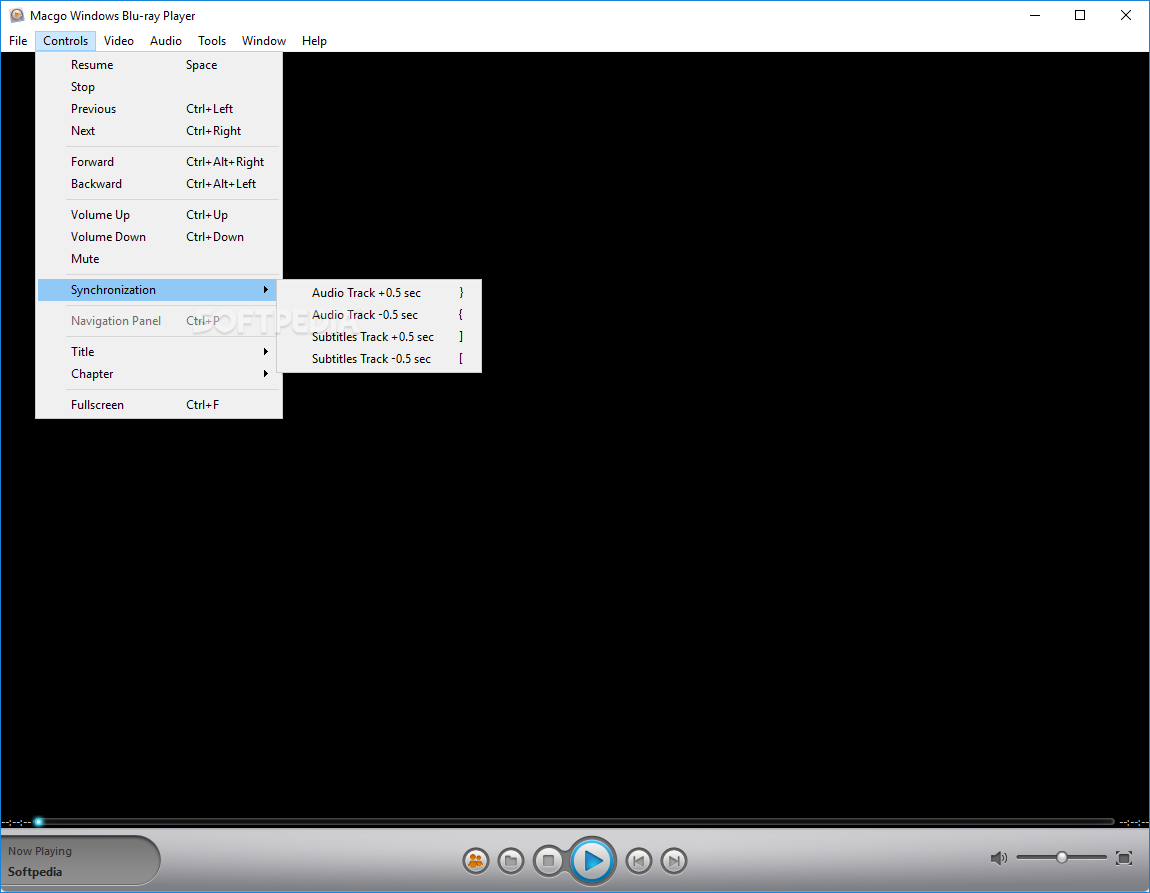
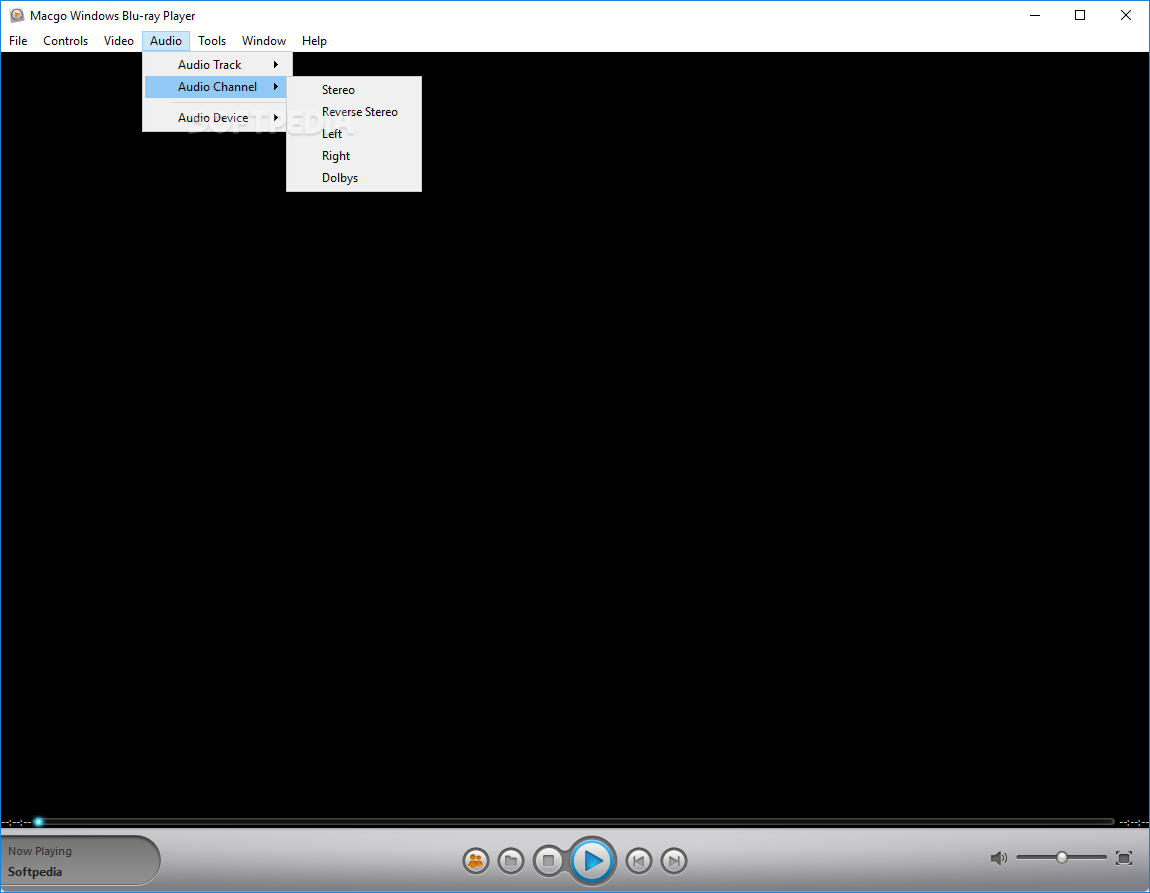
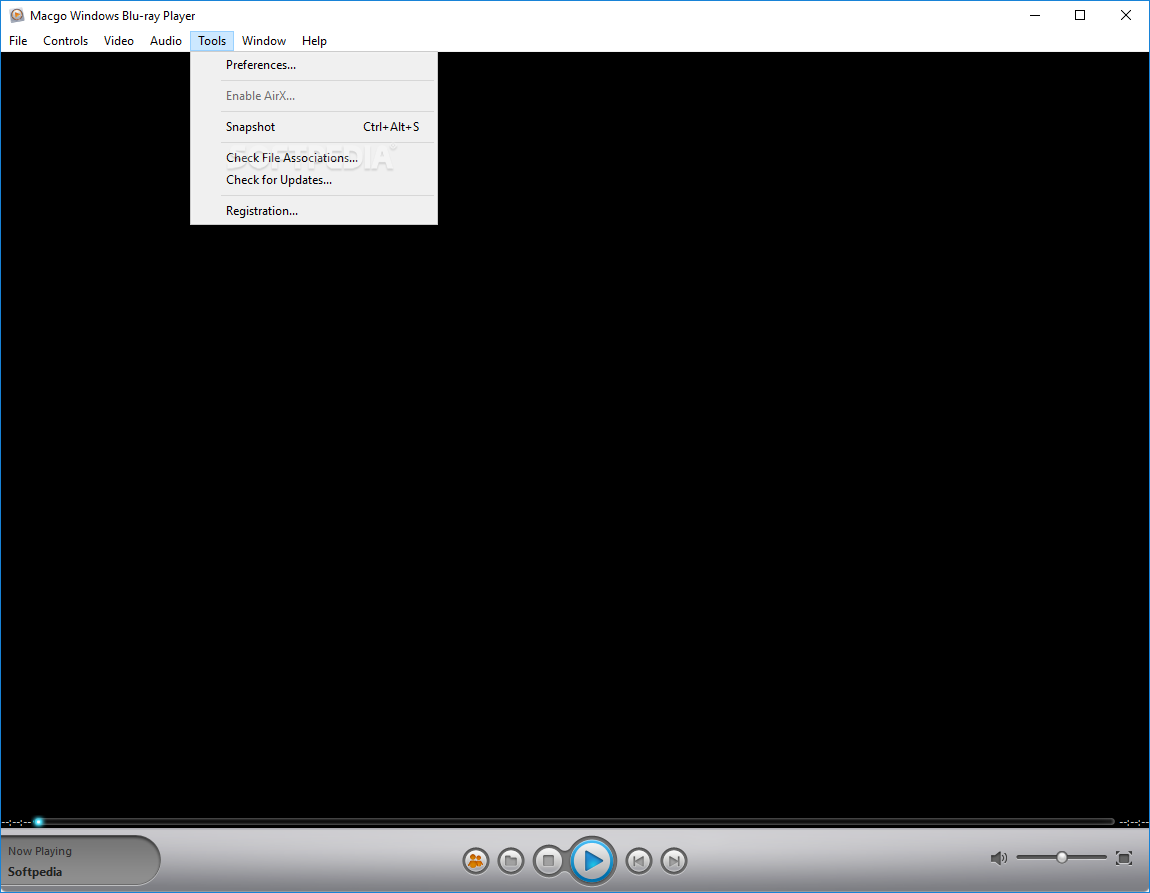
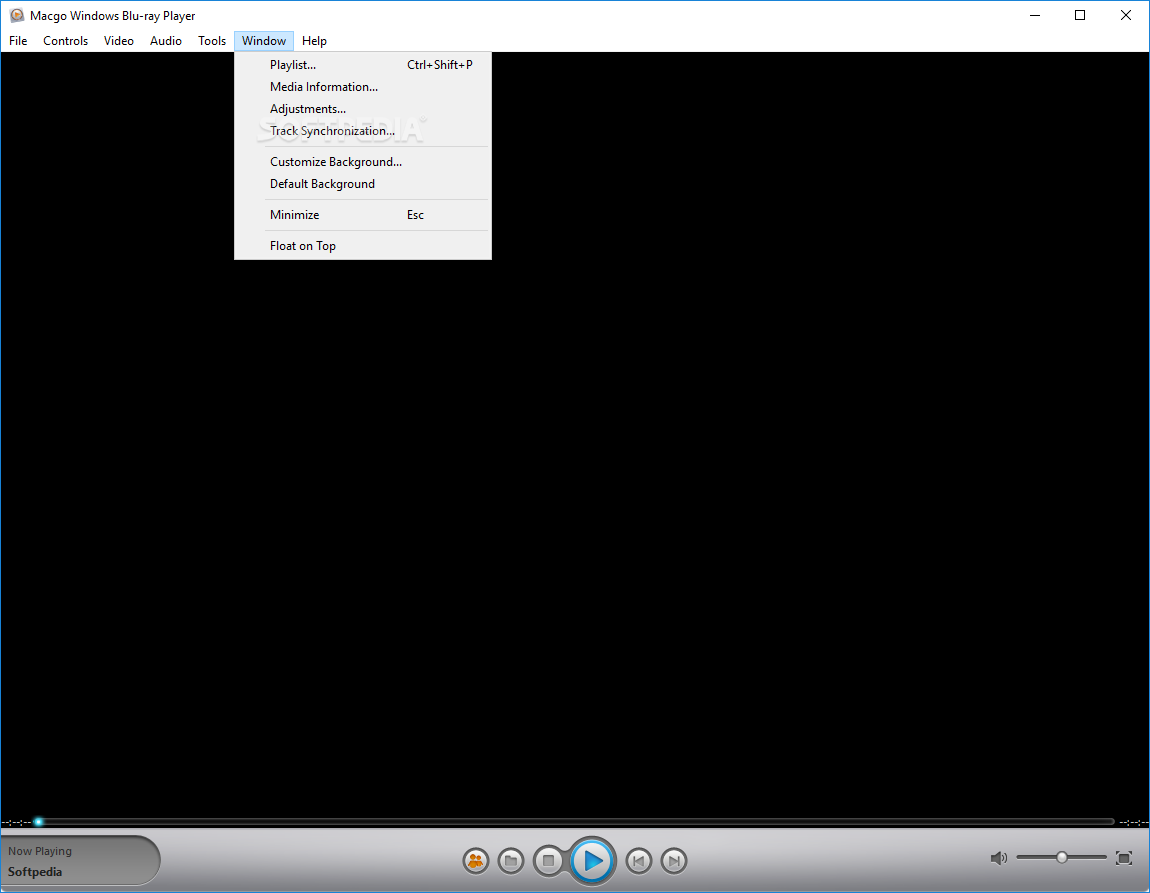
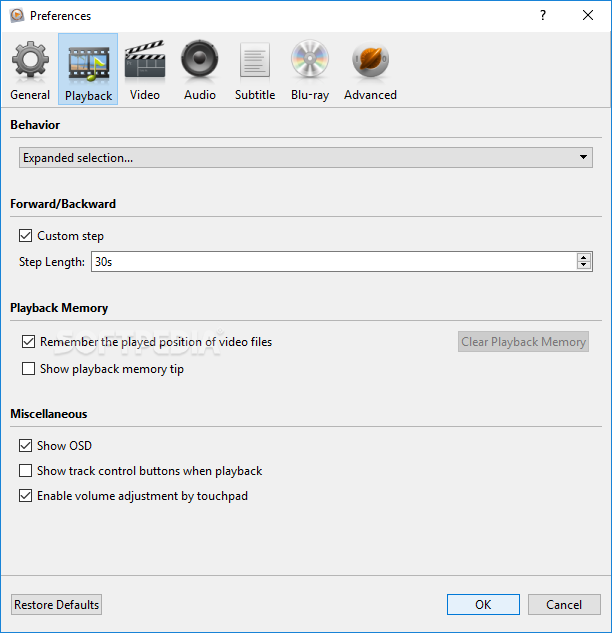
Macgo Blu-ray Player allows users to play, pause, or stop the current selection, go to the previous or next item, adjust the volume, go to a specific title or chapter, open a subtitle file, switch to a full screen mode, and take snapshots.
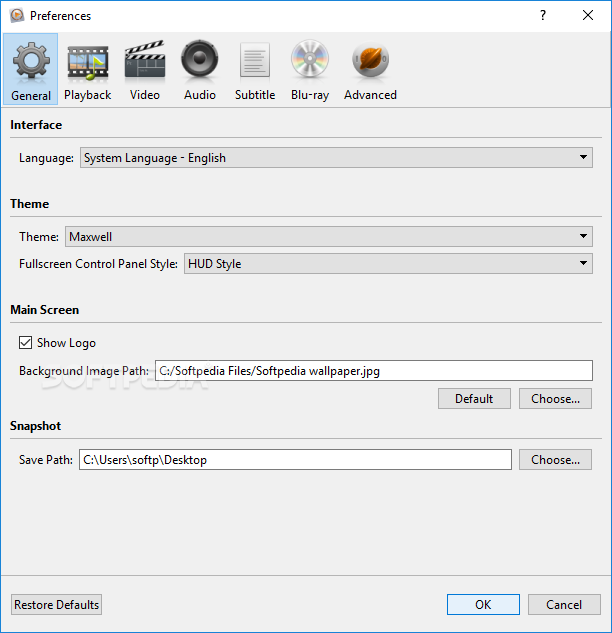
Other important options worth mentioning enable you to specify the saving directory for the taken snapshots, create a logo image by uploading a local file (PNG, JPG, BMP), as well as add multiple files to the list and select the one to be played.
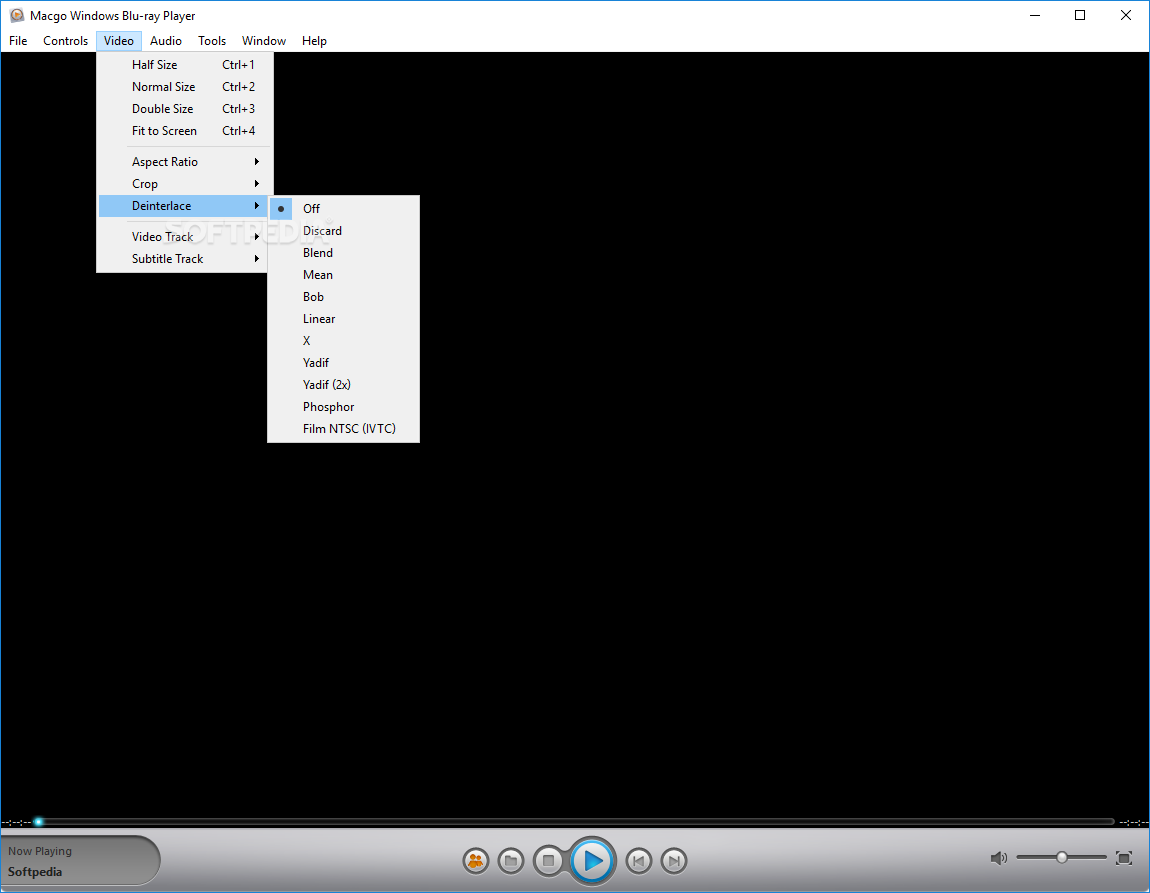
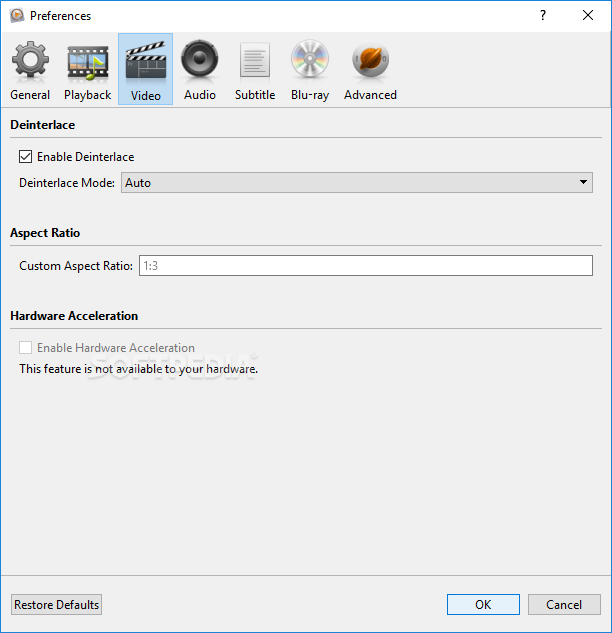
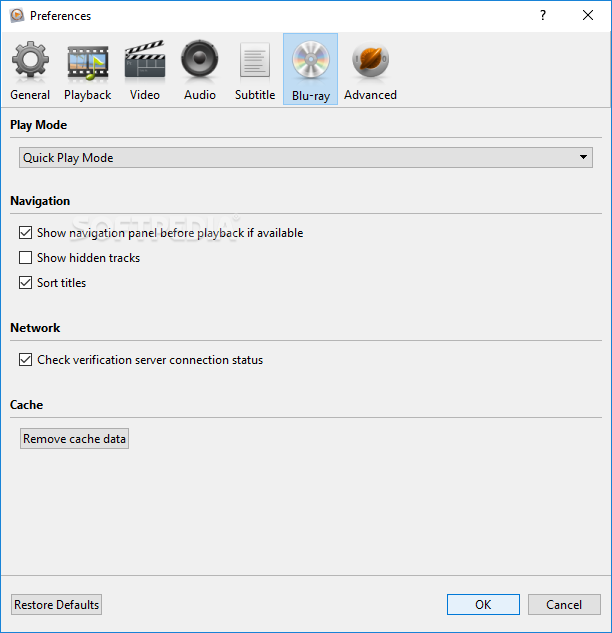
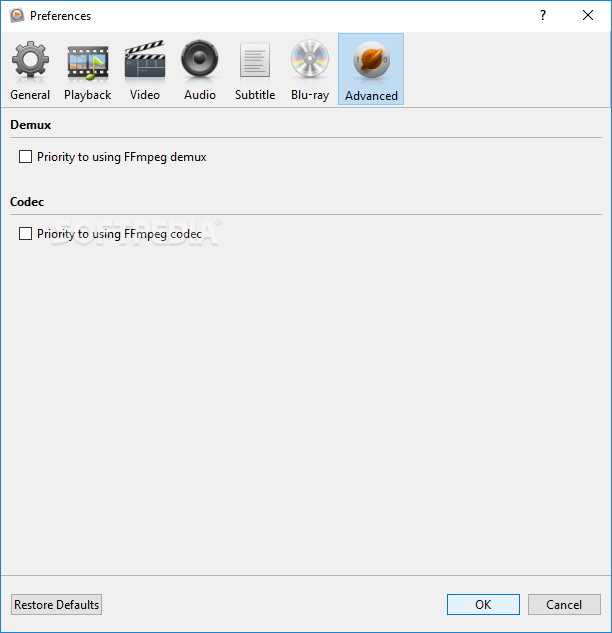
You can enable the auto play mode when inserting a disc, apply deinterlacing effects, as well as customize the subtitles in terms of font, size, colour, and alignment.
The program offers support for a wide range of files, such as MOV, MKV, AVI, FLV, WMV, MP4, MPEG, RMVB, MP3, WMA, AAC, AC3, and others.
During our testing we have noticed that the tool offers very good video and image quality, and without errors throughout the entire process.
All things considered, Macgo Blu-ray Player offers an intuitive environment for helping users play video files and open Blu-ray movies. Thanks to its intuitive layout, it is suitable for both beginners and professionals.
Filed under
- Latest version:
Macgo Windows Blu-ray Player 2.17.4.3899
- runs on:
-
Windows 10
Windows 8 32/64 bit
Windows 7 32/64 bit
Windows Vista 32/64 bit
Windows XP - file size:
- 35.8 MB


- main category:
- Multimedia
- developer:
- visit homepage
IrfanView

Microsoft Teams

calibre

Context Menu Manager

7-Zip

ShareX

Zoom Client

Windows Sandbox Launcher

Bitdefender Antivirus Free

4k Video Downloader

- Windows Sandbox Launcher
- Bitdefender Antivirus Free
- 4k Video Downloader
- IrfanView
- Microsoft Teams
- calibre
- Context Menu Manager
- 7-Zip
- ShareX
- Zoom Client