
Prevent malicious infiltrations from damaging your system by keeping track of their activity and having them blocked using this practical application. #Malware cleaner #Secure cleaner #Kernel manager #Malware #Malware #Cleaner
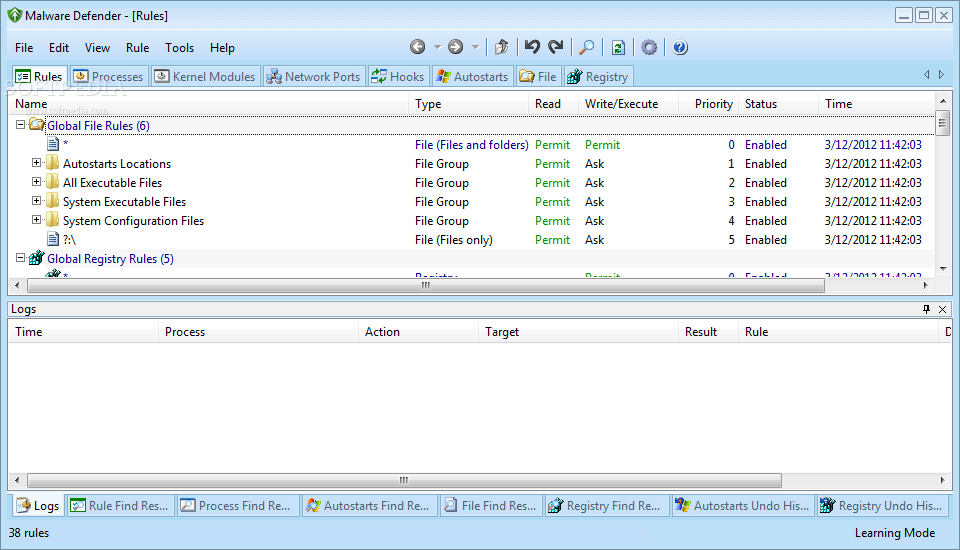
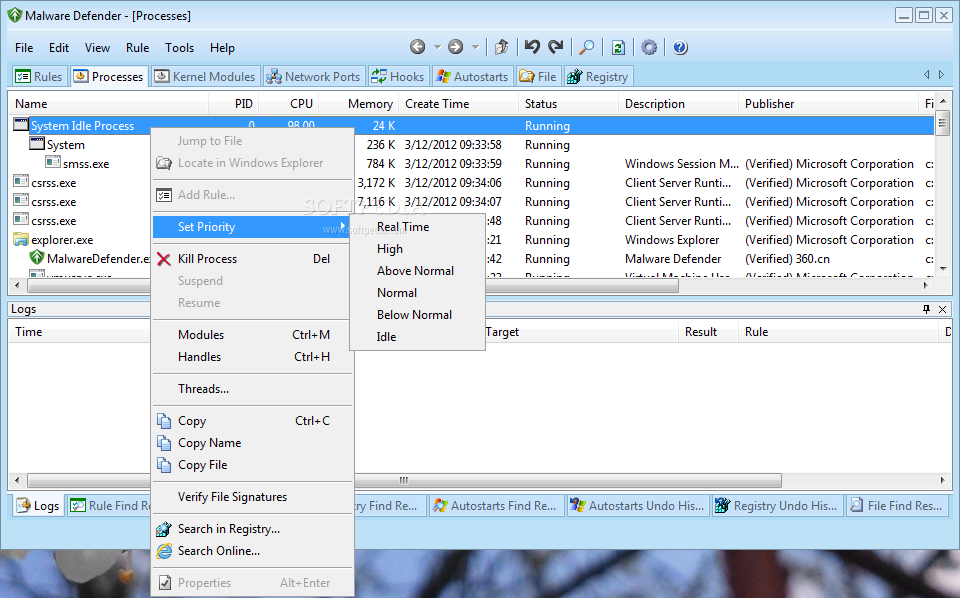
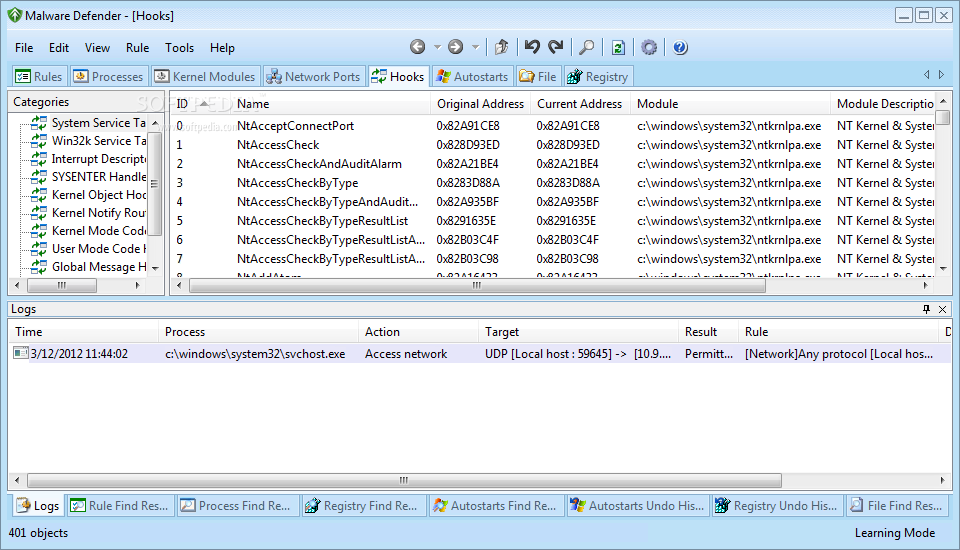
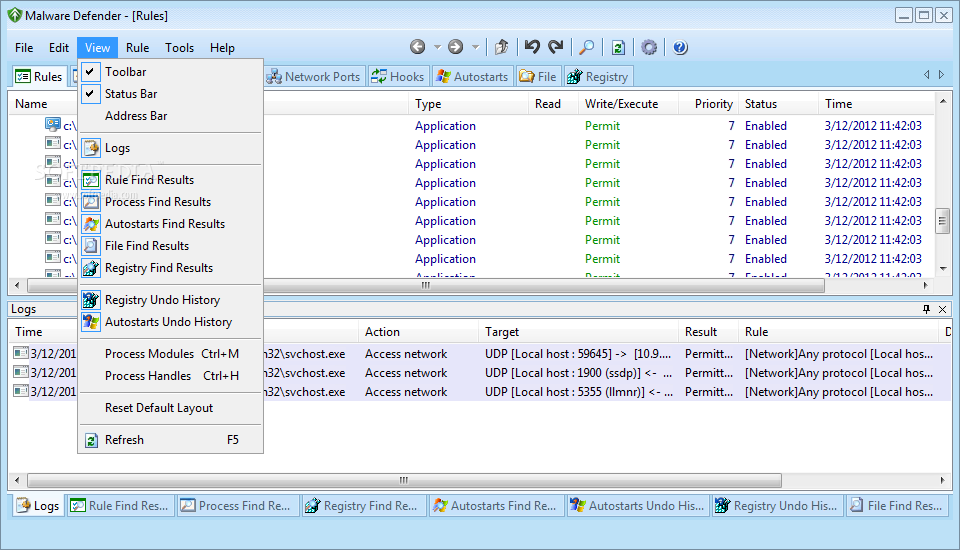
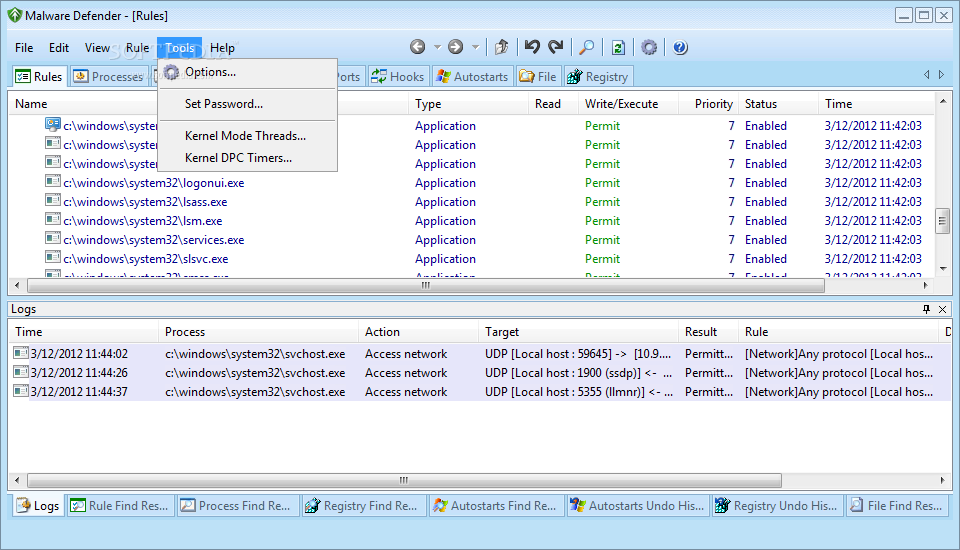
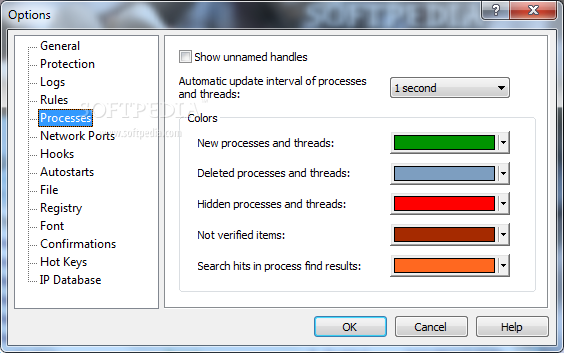
Malware Defender is an intrusion detection tool that allows you to prevent viruses or other applications from making dangerous changes to your system. It is designed to permanently monitor the running programs and processes in order to notify you of any changes that might require your attention.
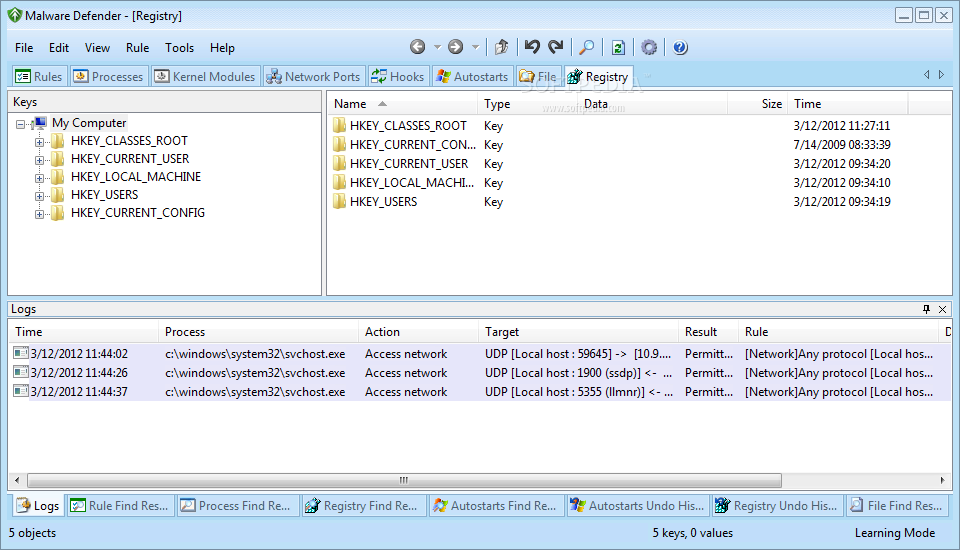
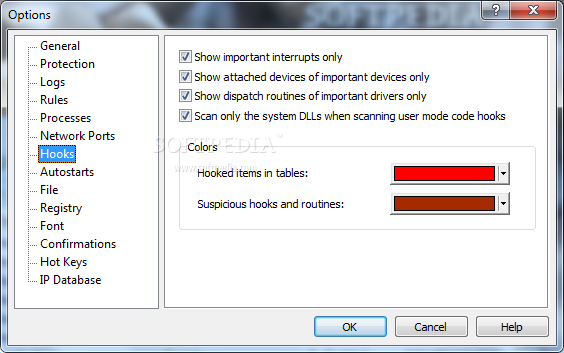
The intrusion detectors have different features from the antivirus products since they detect the suspicious behavior and not infected files. These actions might include adding a program to the startup list or changing the parameters of a certain application, such as stopping the antivirus components.
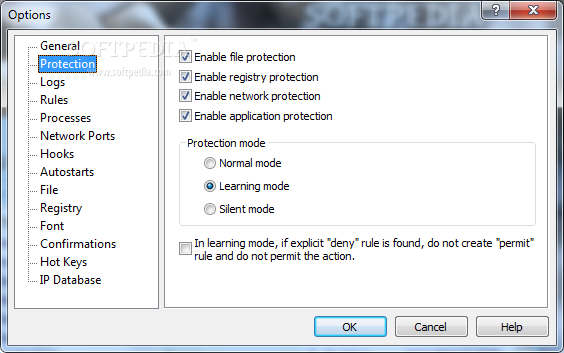
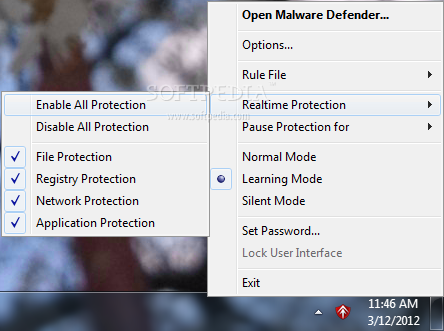
This tool can help you notice the changes and prevent the ones that can compromise the computer security. When you install the application it is switched automatically to learning mode in order to create the rules for the running software components. That is why it is recommended to install it right after scanning your computer for viruses or installing a clean operating system.
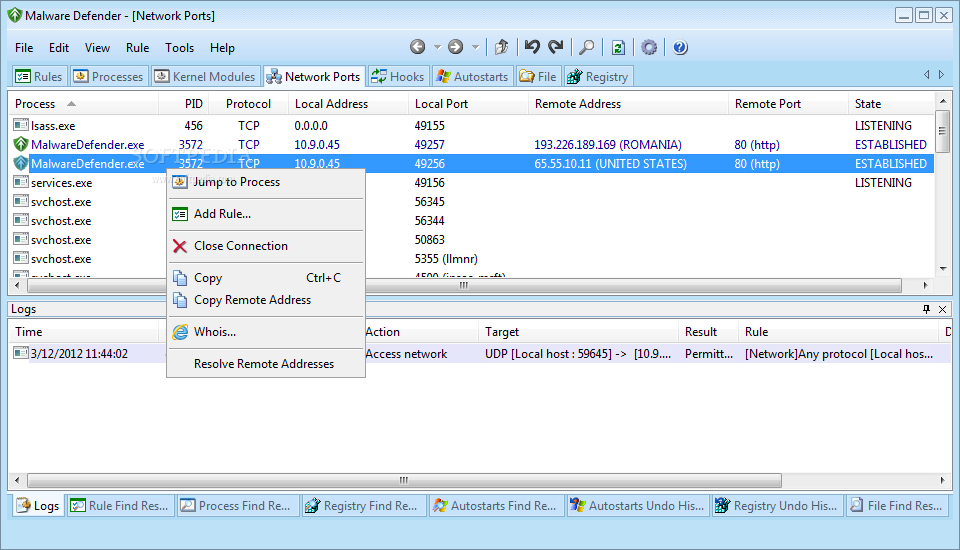
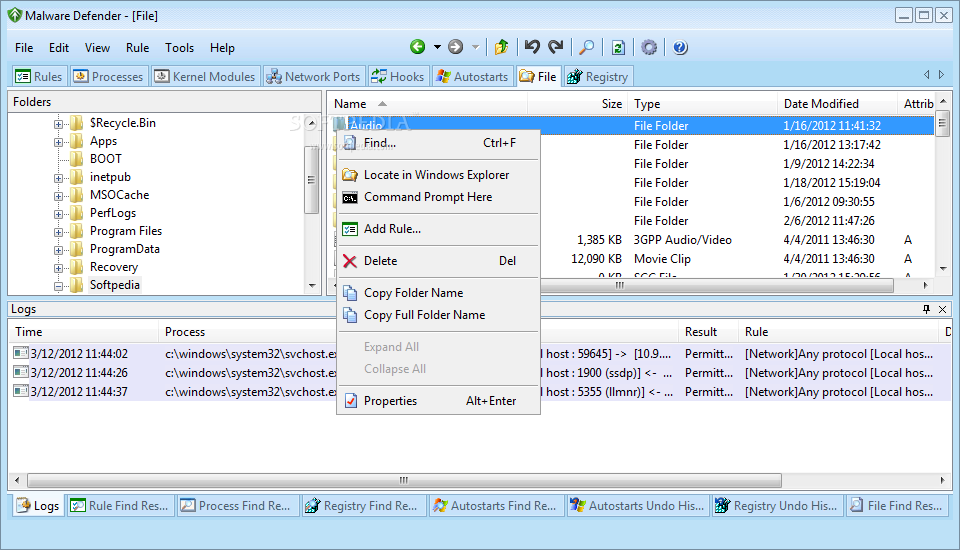
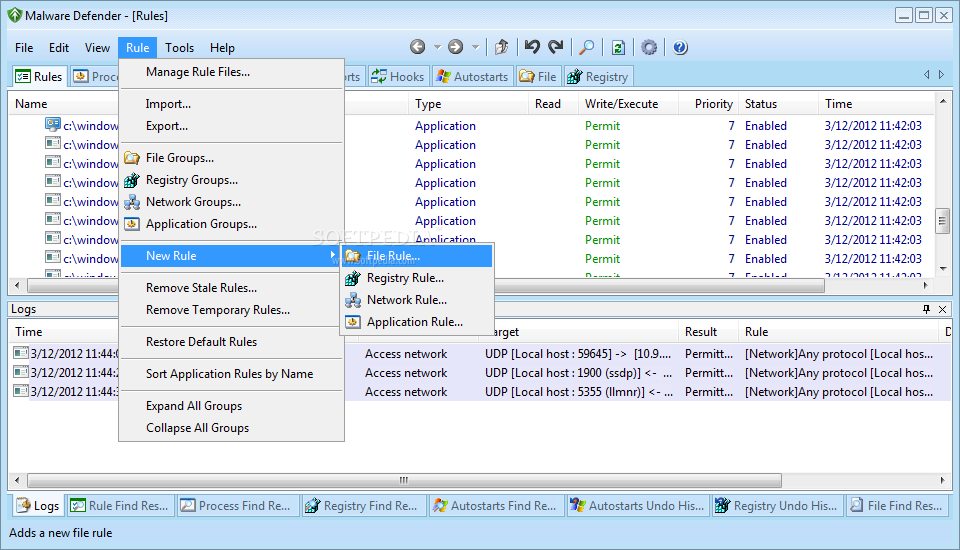
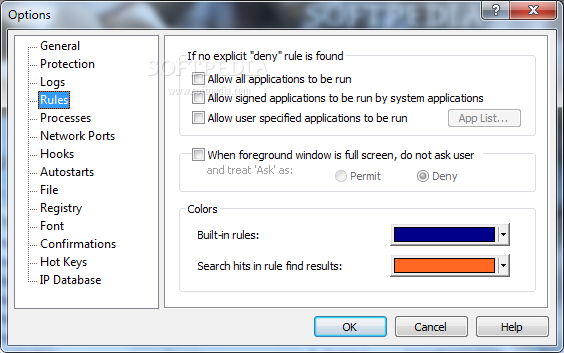
You can also create rules manually by selecting a program or a process and changing the permissions according to your trust level. The rules include complex parameters that enable you to restrict the network access and its ability to create new threads.
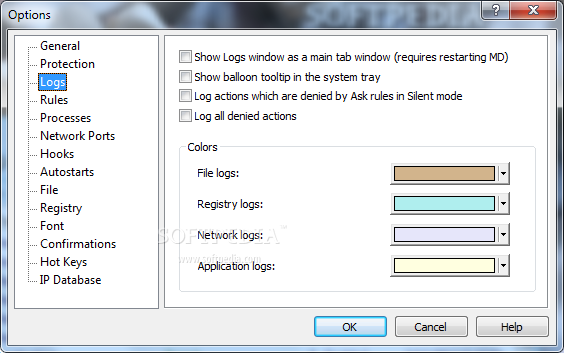
If you are not sure about a certain component you can create a rule and log all the activity for a certain time interval. You can specify the logged events in order to make an informed decision when you add it to the list of trusted applications.
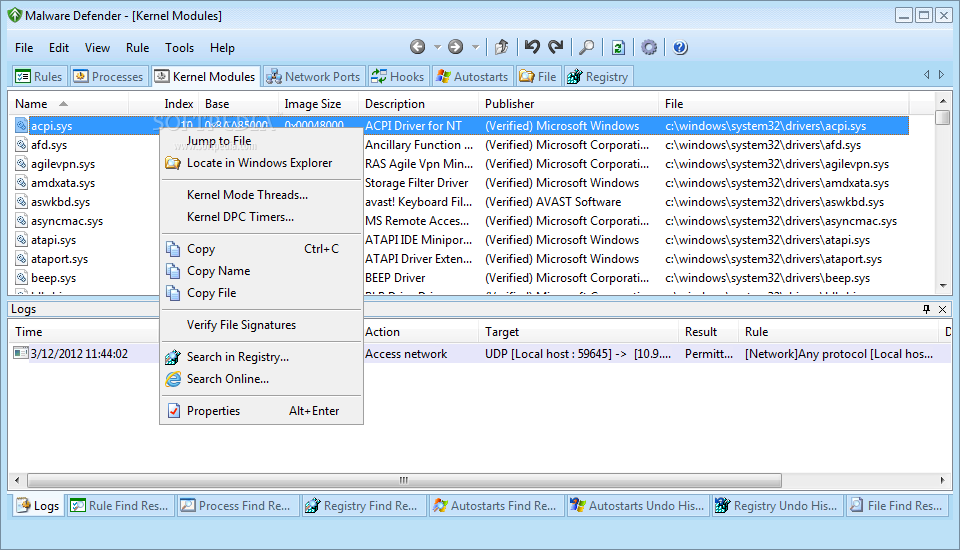
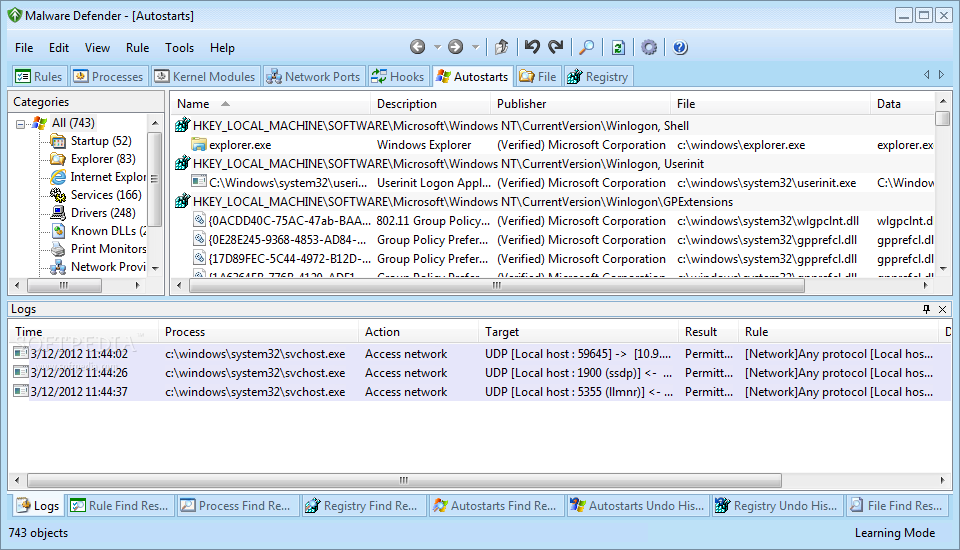
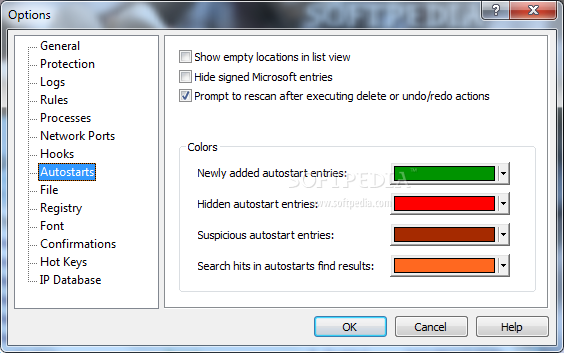
This tool is also able to identify the startup items and to make changes in order to remove the ones that are not required. This section can be difficult to explore for a casual user since it includes very detailed information about DLL files, drivers and other components initialized during the startup.
Overall, Malware Defender is a valuable tool for permanently monitoring the changes in the running programs. Although its complexity might be scary at first, the learning mode and its ability to verify certain software publishers make it a good choice even for average users.
What's new in Malware Defender 2.8.0.0001:
- Kernel blocking access COM interface
- The kernel to intercept access to the Service Manager
- The interception process added to the JOB object
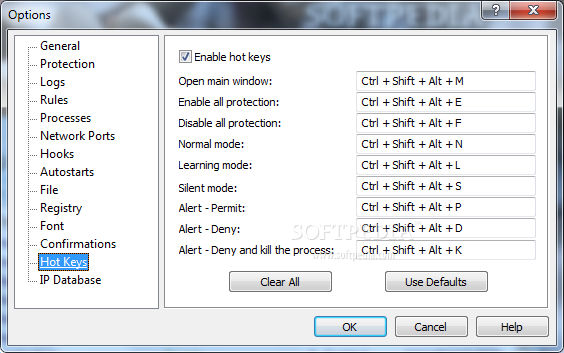
- Interception by registering hotkeys to record keystrokes
Malware Defender 2.8.0.0001
add to watchlist add to download basket send us an update REPORT- runs on:
-
Windows 2008
Windows 2003
Windows 7
Windows Vista
Windows XP
Windows 2K - file size:
- 1.9 MB
- filename:
- md_setup_en.exe



- main category:
- Security
- developer:
- visit homepage
Context Menu Manager

ShareX

Bitdefender Antivirus Free

4k Video Downloader

7-Zip

Windows Sandbox Launcher

calibre

IrfanView

Microsoft Teams

Zoom Client

- IrfanView
- Microsoft Teams
- Zoom Client
- Context Menu Manager
- ShareX
- Bitdefender Antivirus Free
- 4k Video Downloader
- 7-Zip
- Windows Sandbox Launcher
- calibre