
Powerful disc authoring tool with hidden talents for home entertainment, such as photo editing, video capturing, and sound recording #Burning Software #DVD Burner #Design Cover #Nero #Burn #Burner

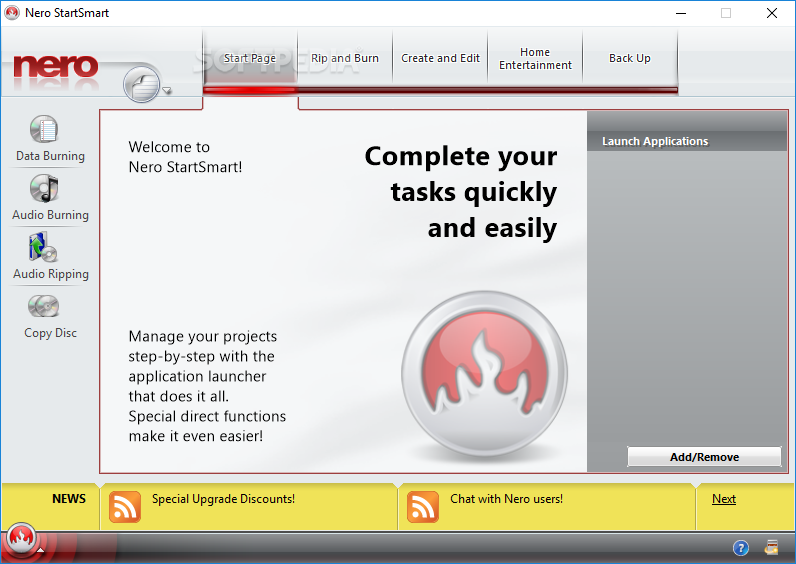
When it comes to burning discs, the software market is filled with numerous types of dedicated applications so that even beginners can easily create their video or data CDs and DVDs. Such a tool is Nero 8 Ultra Edition, which combines its user-friendly interface with complex features and functions.
Although it's no longer being developed, this older edition of Nero can be still used with confidence, thanks to its compatibility with the newest Windows editions, not to mention its wide range of intuitive options and configuration settings.
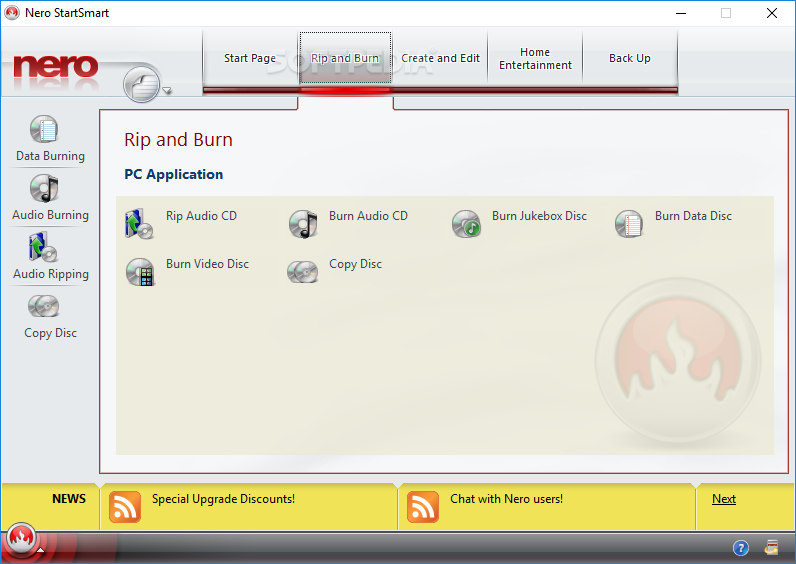
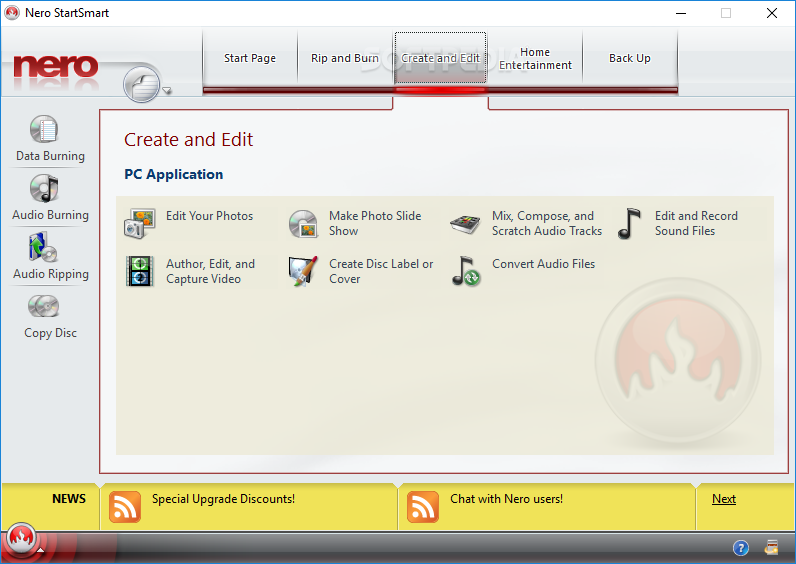
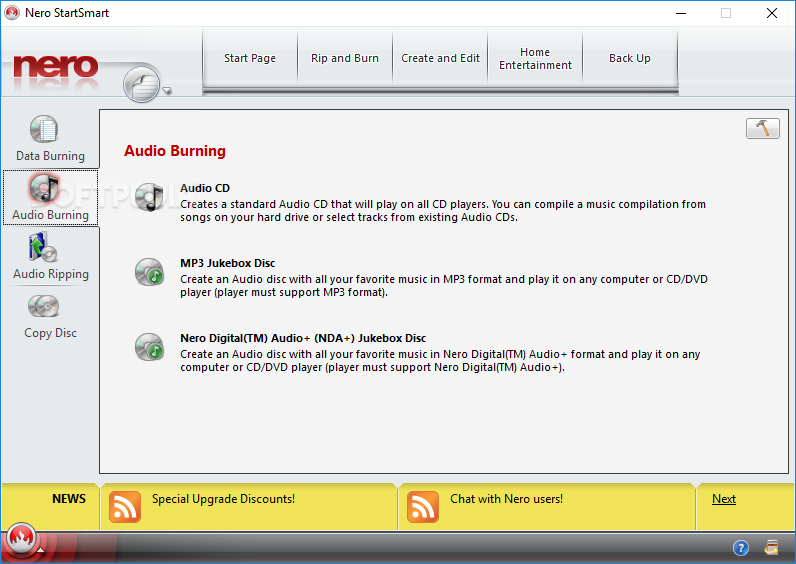
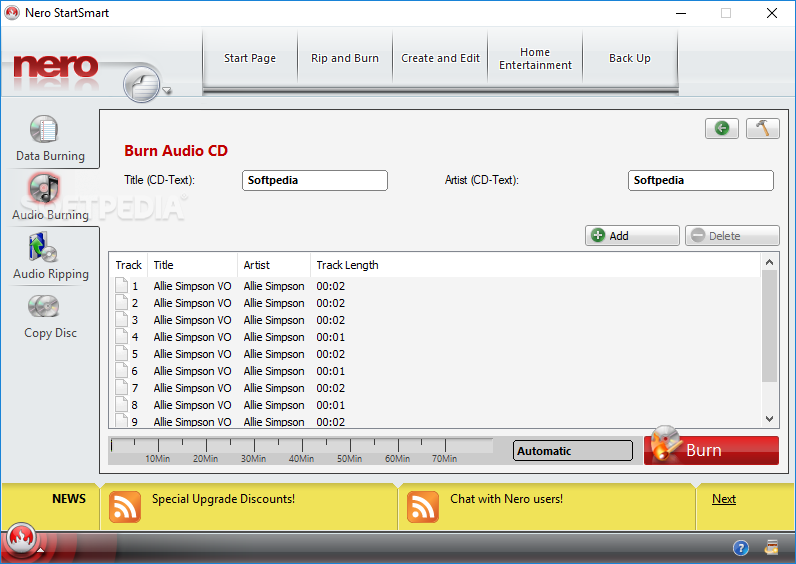
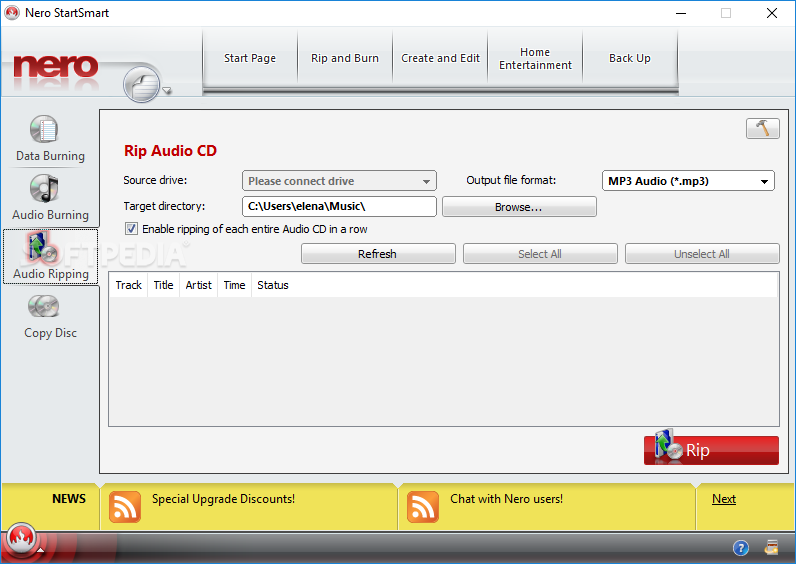
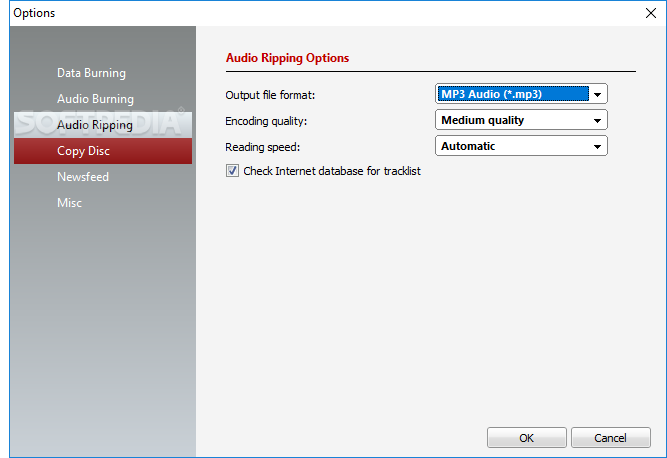
The main menu of Nero StartSmart gives an overview of the data and audio burning features, which are the highlights of the application in addition to audio ripping and disc copying. However, Nero has numerous other, seemingly unrelated talents that can be seen here, such as photo editing, slideshows, audio track mixing, composing and scratching, sound editing and recording, video authoring, or editing and capturing.
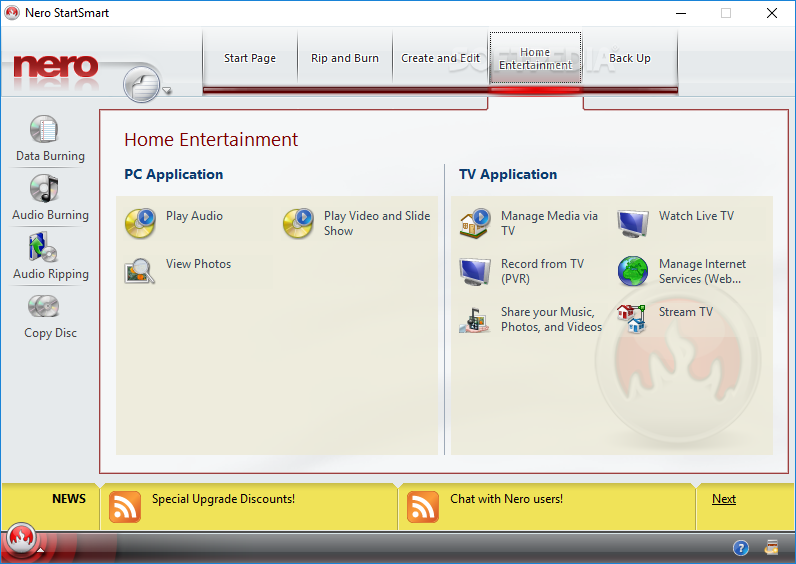
A special section of Nero 8 Ultra Edition is dedicated to home entertainment, allowing users to seamlessly play audio, video and slideshows, enjoy photos, manage media via the TV, record footage from TV using PVR, sharing media, watching live TV, managing Internet services, and streaming TV. All of this can be done without resorting to external programs.
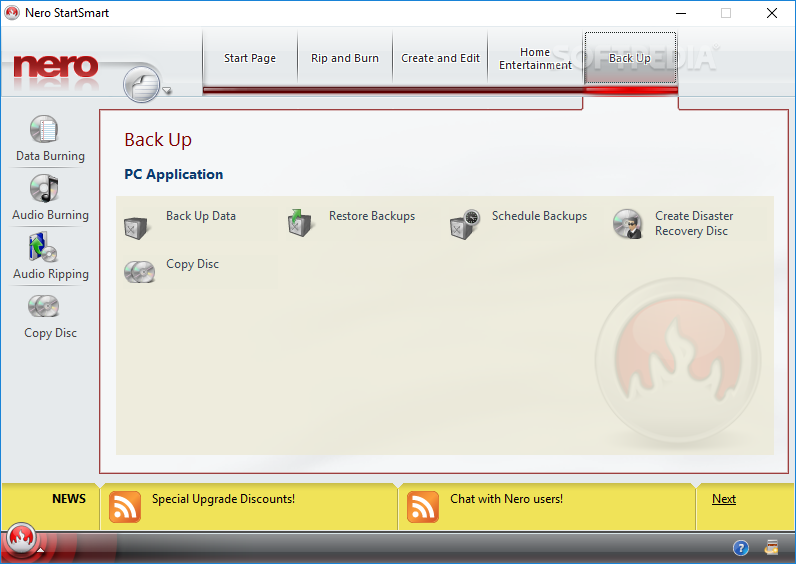
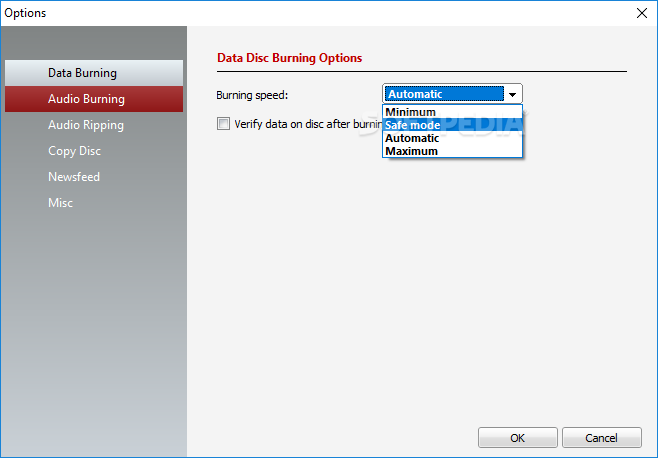
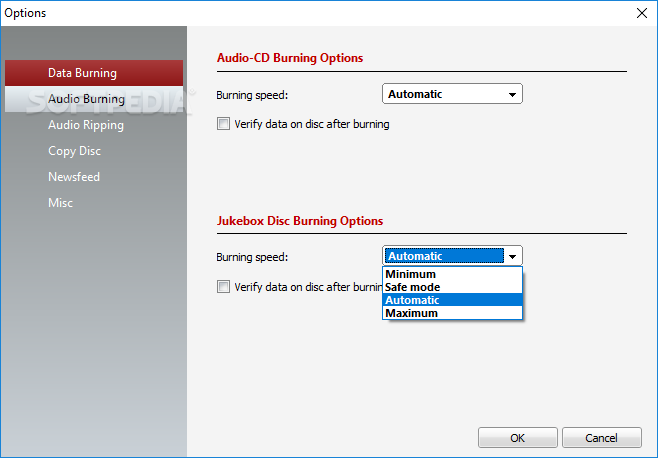
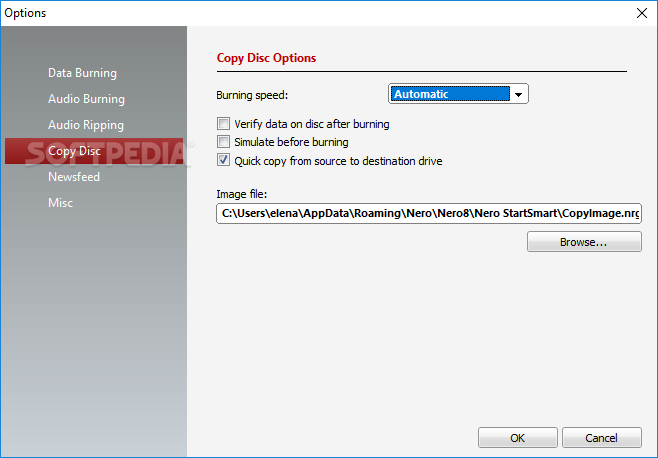
As far as disc burning is concerned, Nero makes it possible to create backup and recovery discs, design cover art, control the burning speed (depending on the performance of the target device that will be used for playing the disc), verify data integrity on successful burning tasks, and run simulations to make sure that no errors will occur during burning, which would render the disc useless.
Nero 8 functions as efficiently as all products in the Nero series, meaning the RAM and CPU usage level might occasionally peak, which is normal for a disc authoring application. The response time was good in our tests, and there are plenty of options available to keep you glued to your computer for quite a while.
Taking all of this into consideration, we can safely say Nero 8 Ultra Edition is an efficient and reliable piece of software, which is well-deserving of all the attention it has been given over the years. It's no longer available for purchase and for download from the official website, but you can still get it from Softpedia and activate the full version if you have a serial number.
Nero 8.3.20.0
 Softpedia Editor's Pick
add to watchlist
add to download basket
send us an update
REPORT
Softpedia Editor's Pick
add to watchlist
add to download basket
send us an update
REPORT
- runs on:
-
Windows 10 32/64 bit
Windows 8 32/64 bit
Windows 7 32/64 bit
Windows Vista 32/64 bit
Windows XP 32/64 bit
Windows 2K - file size:
- 185 MB
- filename:
- Nero-8.3.2.1_eng_trial.exe

- main category:
- CD / DVD / Blu-ray Tools
- developer:
- visit homepage
Bitdefender Antivirus Free

IrfanView

ShareX

Microsoft Teams

Zoom Client

calibre

7-Zip

Context Menu Manager

Windows Sandbox Launcher

4k Video Downloader

- Context Menu Manager
- Windows Sandbox Launcher
- 4k Video Downloader
- Bitdefender Antivirus Free
- IrfanView
- ShareX
- Microsoft Teams
- Zoom Client
- calibre
- 7-Zip
